Best Remotion API Tools in 2026

In this article▾
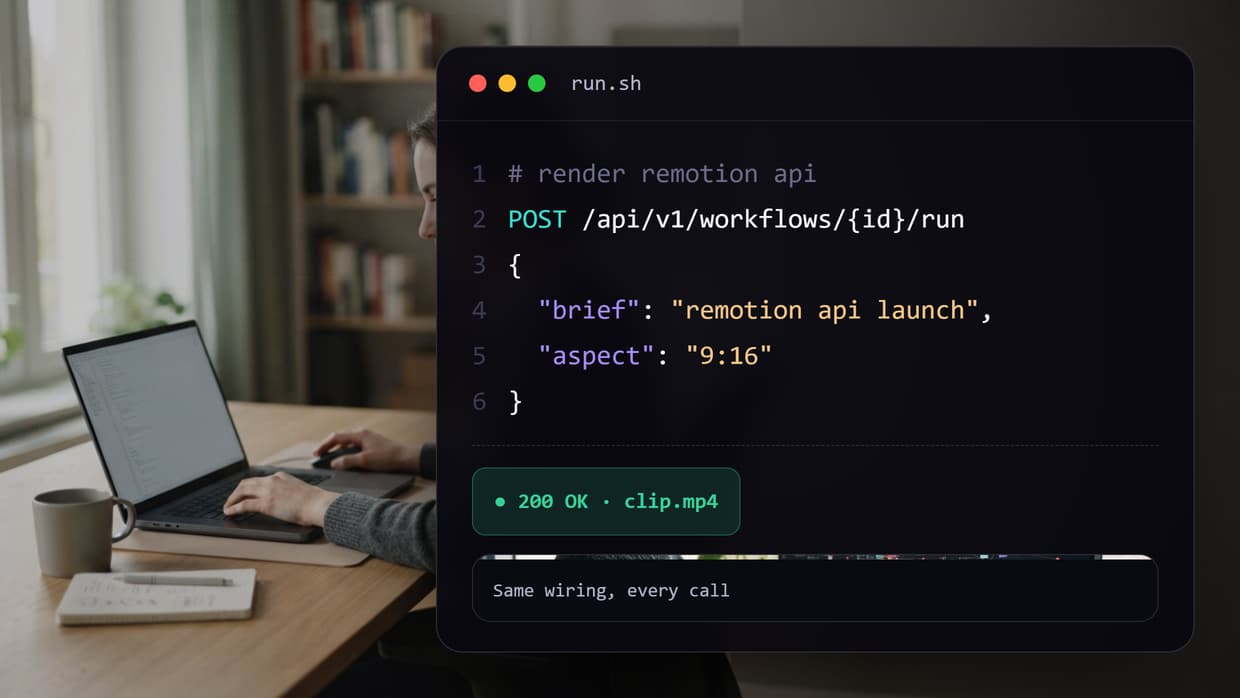
Remotion renders real MP4 files from React components, but the framework itself is a library, not an endpoint you can POST to. Getting a Remotion project into production means picking a render API: the official Lambda deployment, a managed video API that replaces the React layer, or a pipeline platform like Wireflow that exposes a whole multi-model video chain as one REST call. This guide ranks the eight strongest Remotion API tools in 2026 by how much infrastructure they ask you to own and how predictable their render costs are.
Quick Summary
- Wireflow - Node-based AI video pipeline exposed as one REST endpoint (Best Overall)
- Remotion Lambda - Official distributed renderer inside your own AWS account (Best for Existing Remotion Projects)
- Shotstack - Managed JSON timeline rendering with webhooks (Best Managed Render API)
- Creatomate - Template-driven rendering with a visual editor (Best for Template Automation)
- JSON2Video - Declarative JSON scenes with bundled voices (Best Budget HD Rendering)
- Revideo - Open-source TypeScript video framework, now the engine behind Midrender (Best Open-Source Framework)
- Motion Canvas - Code-driven animation with a real-time editor (Best for Explainers)
- Rendi - FFmpeg as a hosted API for the final encode step (Best Raw Render Layer)
How These Tools Were Ranked
Three criteria set the order: how much infrastructure you run yourself, whether render cost is predictable before you ship, and how cleanly the tool handles audio, fonts, and asset versioning. Tools that hand you a render endpoint on day one rank above tools that hand you a deployment guide. For the non-API tradeoffs, see the wider Remotion alternatives breakdown.
Build this in Wireflow
Make the same kind of asset on a canvas you control, with a free account and no credit card.
1. Wireflow
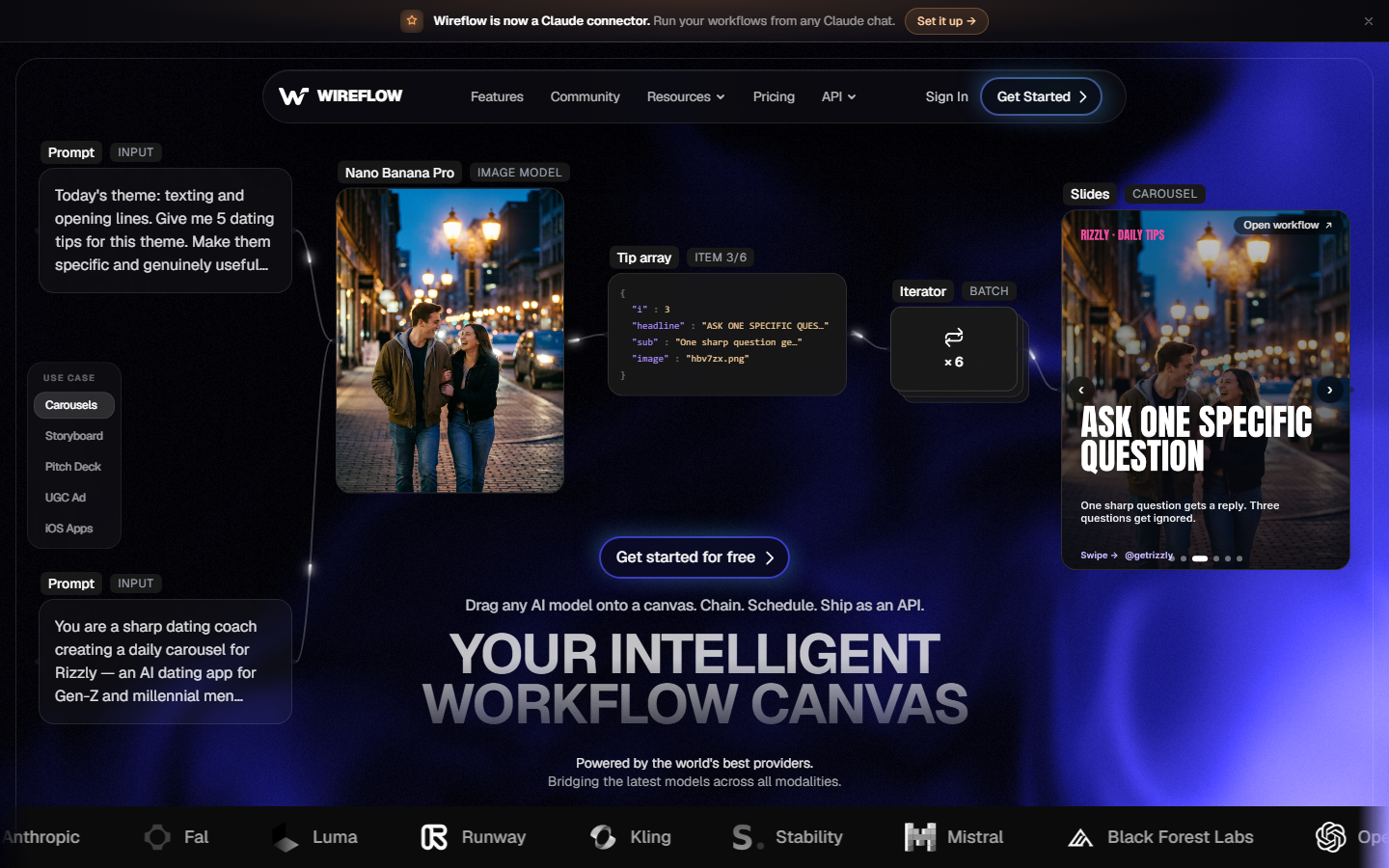
Wireflow is a node-based canvas where each step of a video job is a node: generate a shot, synthesise a voiceover, stitch clips, burn captions, encode the output. You build and test the chain visually, then trigger it from one video generation API call and receive a finished file. No Lambda function to deploy, no bundler to configure, no ffmpeg build to pin.
The difference from Remotion is scope. Remotion composes a timeline you already authored in React; this covers the steps before the timeline exists, chaining image, video, and speech models in the same run. Billing is usage-based rather than per-seat, which keeps budgeting simple for teams running programmatic video generation at volume.
Key strengths: One endpoint for the whole pipeline, multi-model chaining, visual debugging, no render infrastructure to own.
2. Remotion Lambda
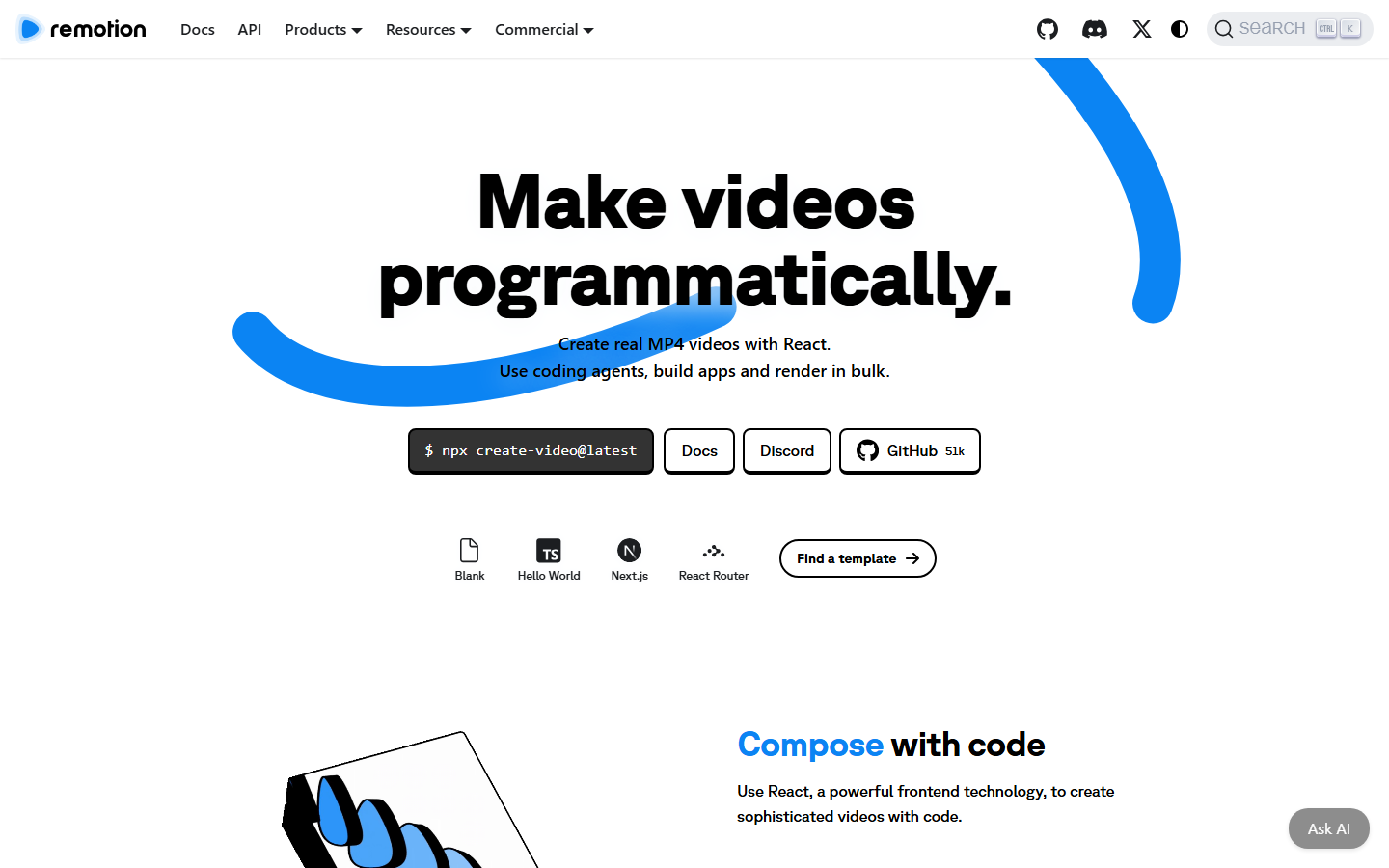
Remotion ships its own distributed renderer, Remotion Lambda, plus a Cloud Run variant for teams on Google Cloud. You deploy a function and a site bundle into your own account, then call renderMediaOnLambda() to fan a composition out across many concurrent invocations. If your compositions are already React, this is the fastest path to an API.
The tradeoff is that you own the infrastructure: cold starts, per-region concurrency quotas, bundle redeploys on every asset change, and ffmpeg differences between local and Lambda all become your problem. Remotion is also free for individuals and small teams but requires a paid company licence above a small headcount, so check the terms first. Teams wanting React authoring without the AWS account usually look at Remotion without self-hosting.
Key strengths: Native to Remotion, genuinely parallel rendering, full React control, no third-party render vendor.
3. Shotstack
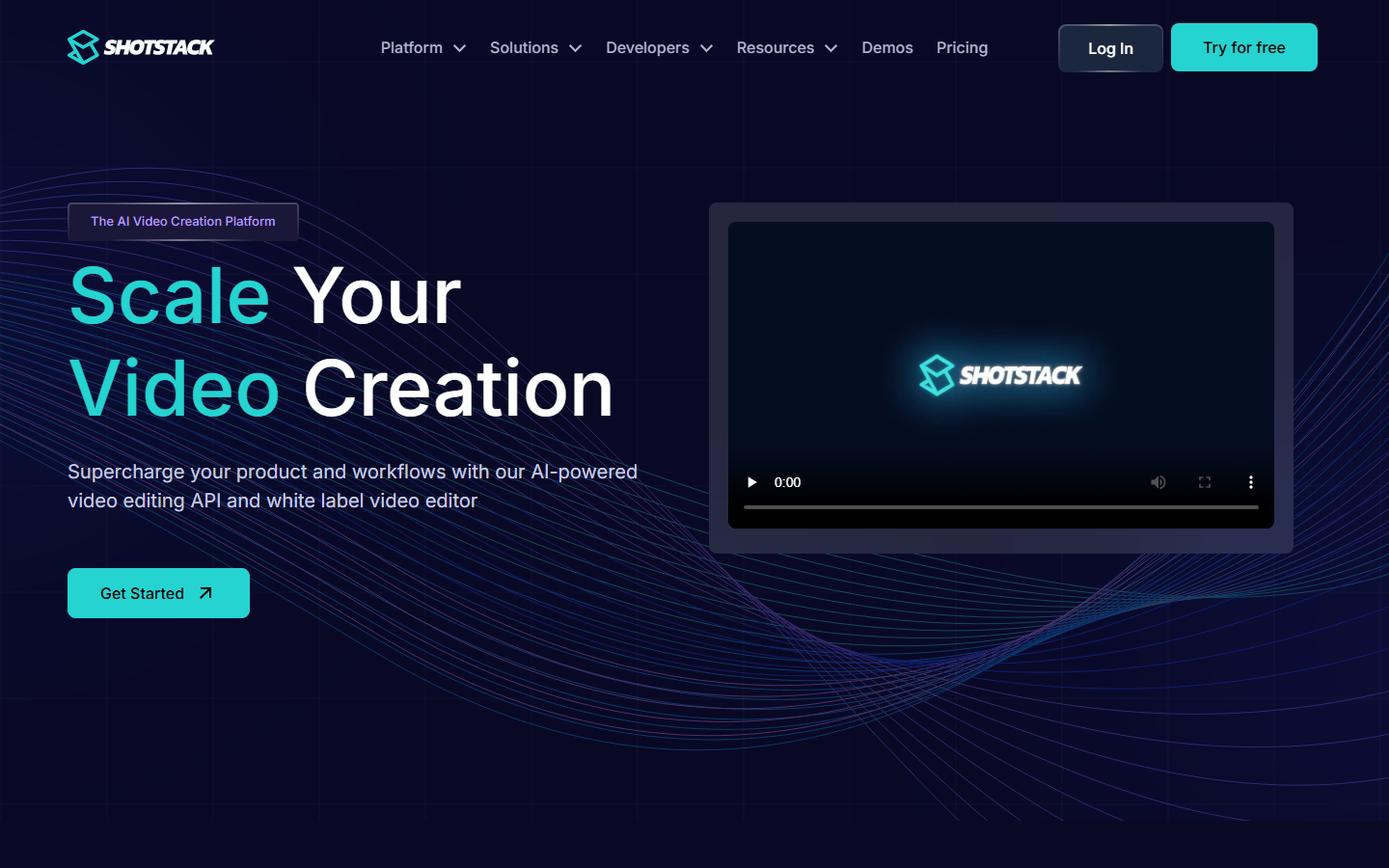
Shotstack replaces the React layer with a JSON timeline. You describe tracks, clips, in and out points, transitions, and overlays, POST the document to the render endpoint, and get a webhook when the MP4 is ready. Nothing runs in your account.
Because the schema mirrors conventional editing concepts, porting a composition is mostly flattening your component tree into tracks. Pricing is tiered by resolution, so a job that is affordable at 720p can cost several times more at 4K. It suits the same work as a general video assembly API.
Key strengths: Mature JSON schema, async rendering with webhooks, embeddable white-label editor, strong docs.
4. Creatomate
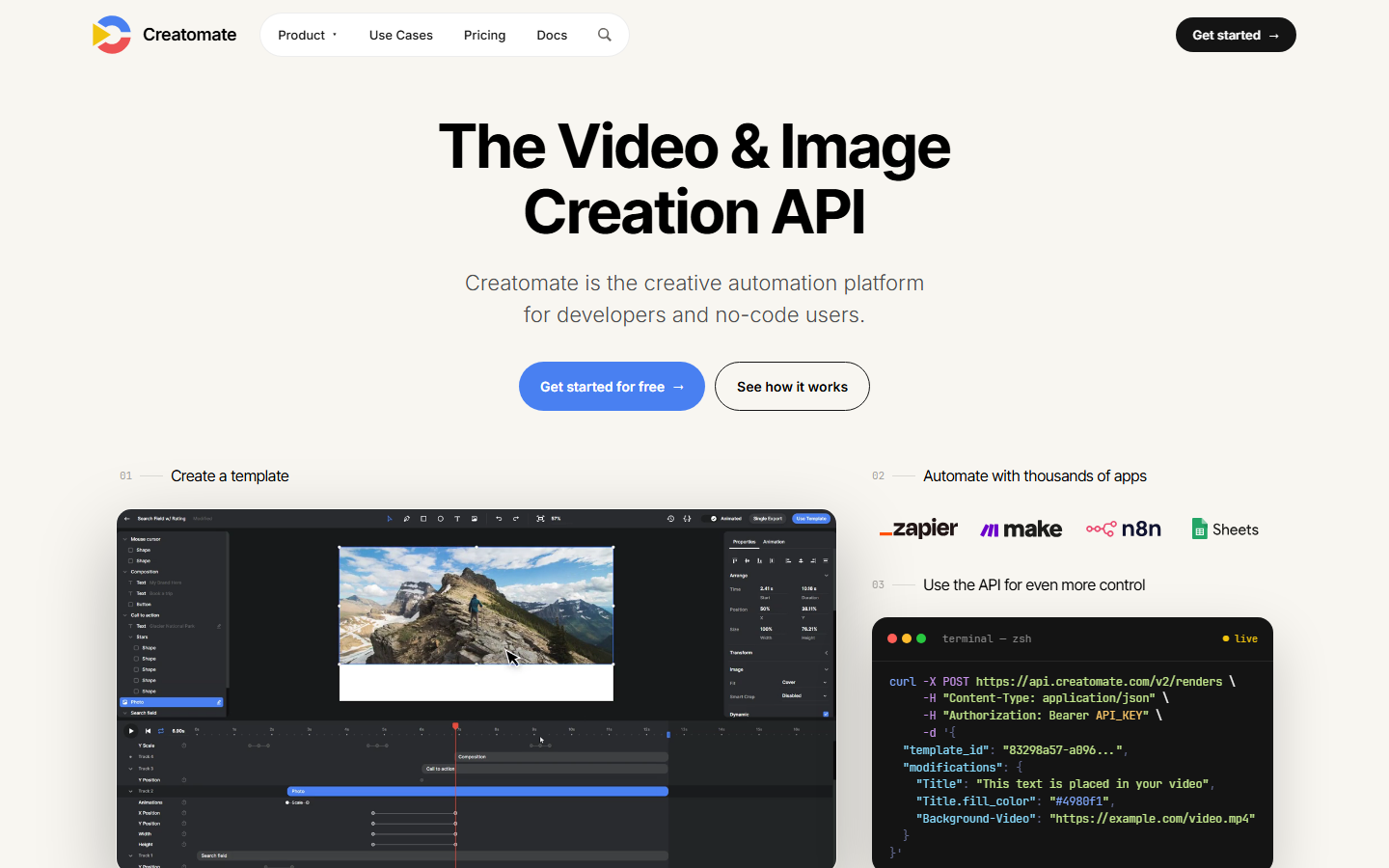
Creatomate is built around templates. You design a composition once in a browser editor with placeholder layers, then call the API with a JSON payload that fills them. It is the closest managed analogue to a parameterised Remotion composition.
This fits high-volume variation work: localised ad sets, personalised onboarding clips, listing videos per SKU. It fits poorly when every video needs different structure rather than different content, because the template is the ceiling. Teams already doing batch generation know the pattern.
Key strengths: Visual template editor, high-volume variation rendering, direct automation-tool integrations.
5. JSON2Video
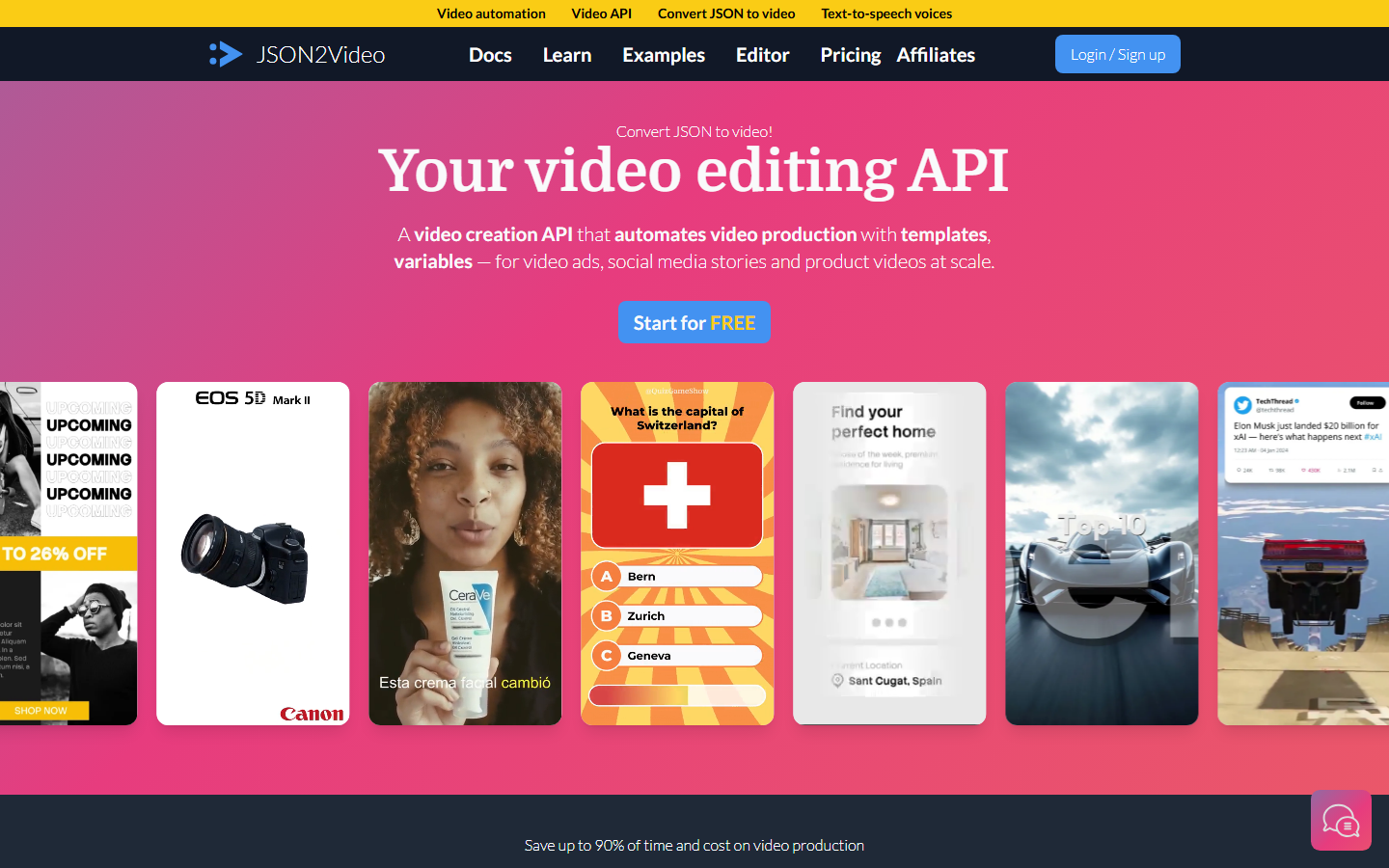
JSON2Video takes the declarative route: scenes are JSON objects holding text, image, video, and shape elements that auto-size to the frame. One call in, one MP4 out, with no bundle to deploy.
Its distinguishing feature is bundled text-to-speech, so narration needs no separate voice vendor. Published pricing at the time of writing puts it among the cheaper options for sustained full-HD output, which is the same calculation behind any usage-based API pricing decision.
Key strengths: Simple declarative schema, bundled AI voices, competitive per-minute HD cost.
6. Revideo
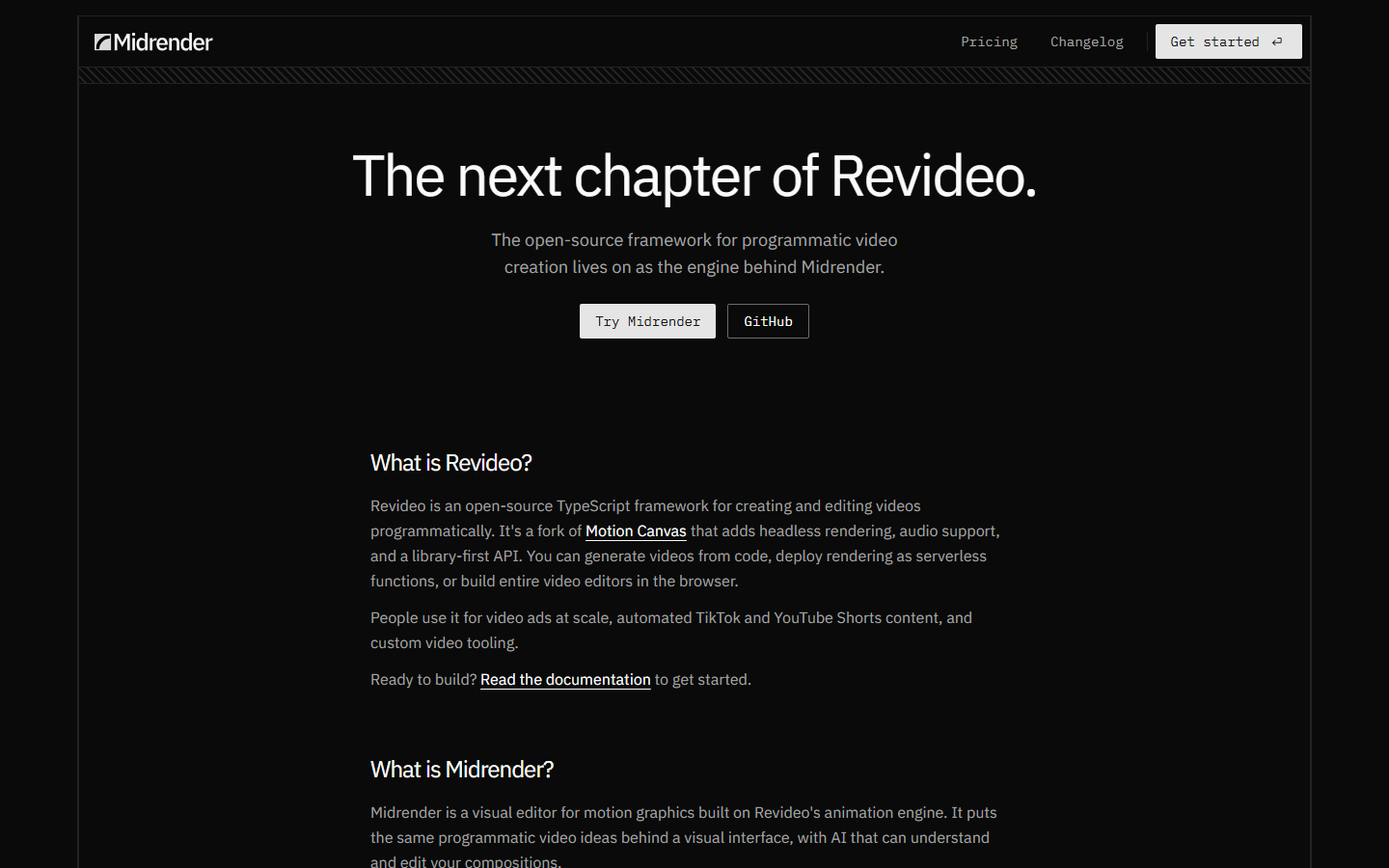
Revideo is the open-source TypeScript framework closest in spirit to Remotion. Forked from Motion Canvas, it adds headless rendering, audio support, and a library-first API, and it now runs as the engine behind the Midrender editor rather than as a standalone product push.
For code-defined video without React it is the strongest open-source option: render from a serverless function, or build an in-browser editor on the same engine. Because it is a framework and not a service, you still supply the render host, which is the operational bill you were trying to escape. It suits teams wanting a headless workflow platform they control.
Key strengths: Open source, headless rendering, real audio support, embeddable editor path.
7. Motion Canvas
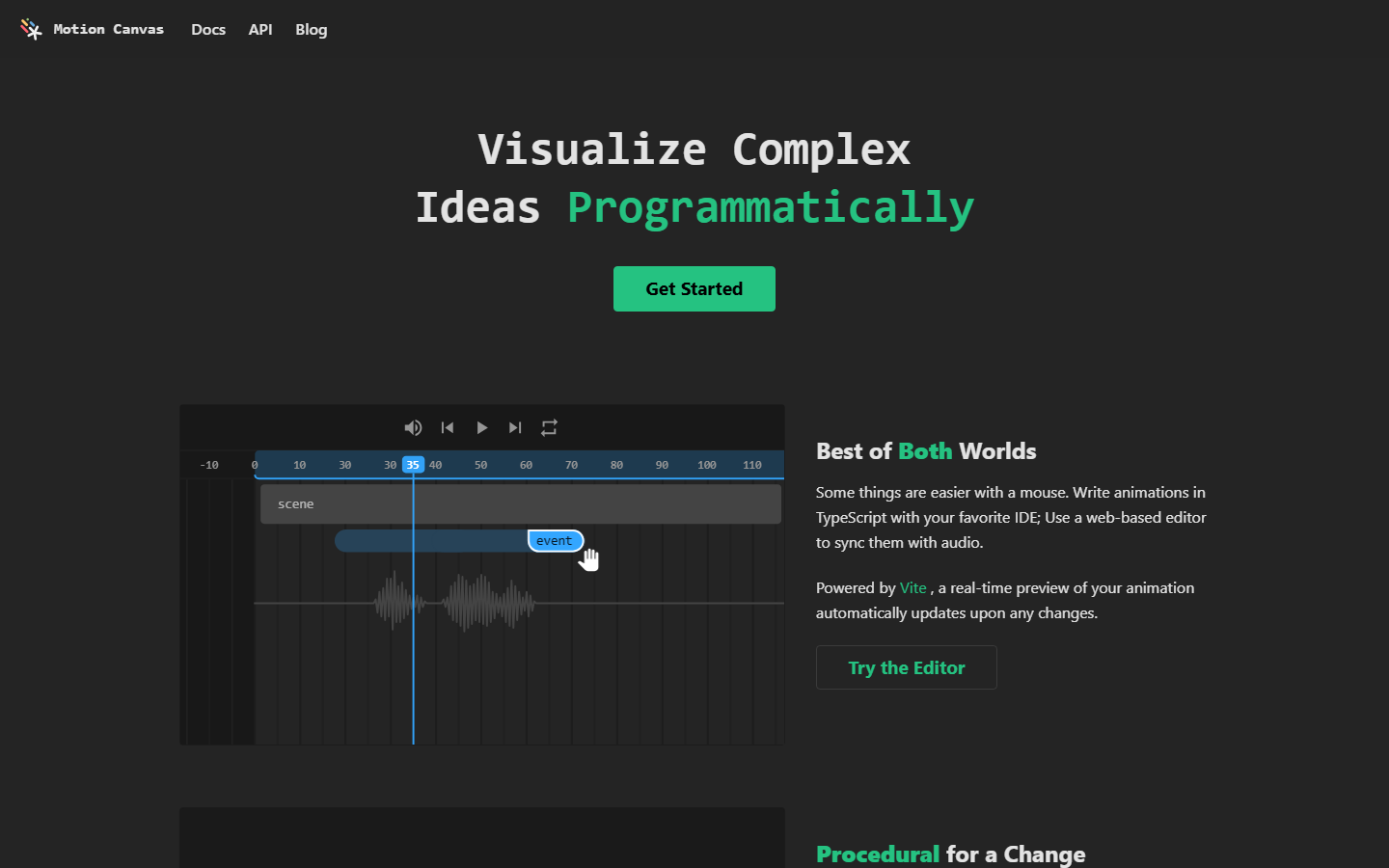
Motion Canvas animates through TypeScript generator functions and a scene graph, paired with a real-time editor for syncing to audio. It was built for explanatory video and technical visualisation, not ad variations.
Its API is procedural rather than declarative, which reads naturally for sequencing but gives you less of a render service. Export is oriented around the editor, so automating it means wiring your own job runner, like any headless video editor for automation setup.
Key strengths: Excellent tweening model, real-time preview, strong fit for diagrams and explainers.
8. Rendi
Rendi is not a composition tool. It is hosted FFmpeg: send commands and input files, get processed media back. That makes it the missing render layer under any framework above.
The common pattern is to compose elsewhere and use it for concatenation, transcoding, and audio muxing so you never install FFmpeg in your own runtime. It pairs naturally with a multi-shot stitching step in a larger pipeline.
Key strengths: Direct FFmpeg access, no local install, predictable per-job behaviour.
Comparison Table
| Tool | Type | You host the renderer | Audio built in | Best for |
|---|---|---|---|---|
| Wireflow | Pipeline platform | No | Yes | End-to-end AI video via one API |
| Remotion Lambda | Self-deployed renderer | Yes (your AWS) | Yes | Existing React compositions |
| Shotstack | Managed render API | No | Yes | JSON timeline rendering |
| Creatomate | Template API | No | Yes | High-volume variations |
| JSON2Video | Declarative API | No | Yes (TTS bundled) | Low-cost HD output |
| Revideo | Open-source framework | Yes | Yes | Code-defined video without React |
| Motion Canvas | Open-source framework | Yes | Partial | Explainers and visualisations |
| Rendi | FFmpeg API | No | Yes | Encoding and stitching layer |
Cost behaviour splits the list more cleanly than features do. Self-hosted options look free until you price cold starts and engineering time; managed options bill per render or per minute, which is easier to forecast against a published price list.
How to Choose
Start from what you already have. If a Remotion codebase exists and the team is comfortable with AWS, Lambda is the shortest path and nothing here beats it for control. Otherwise, ask whether your videos are compositions you author or pipelines you assemble; the second group is better served by a platform that already chains generation, narration, and encoding, the way teams building creative workflow automations stitch several services into one run.
Two factors decide more migrations than raw render speed: asset versioning, because any tool needing a bundle redeploy to change a font will slow a marketing team down, and concurrency under load, because a renderer that is fast for one job and queues at fifty is a different product in production than in a demo. Compare options side by side on the Remotion alternative page.
Try it yourself: open this video pipeline workflow in Wireflow and watch the brief-to-composed-video chain run with real outputs at every node.
FAQ
Does Remotion have an official hosted API? No. Remotion provides Remotion Lambda and a Cloud Run variant, but both deploy into your own cloud account. There is no Remotion-operated rendering service, which is why hosted alternatives exist.
Can I call Remotion from a normal server instead of Lambda?
Yes. The @remotion/renderer package renders server-side on any Node host with Chrome available. It is simpler to reason about than Lambda, but it does not parallelise across machines by itself.
What is the cheapest way to render Remotion video at scale? It depends on utilisation. Lambda is cheap at bursty, low volume because idle capacity costs nothing. At sustained volume a flat per-minute managed API usually wins once engineering time is counted.
Do these APIs support audio and voiceover? Most do. JSON2Video bundles text-to-speech, Shotstack and Creatomate accept audio tracks you supply, and pipeline platforms can generate narration as a step. Motion Canvas expects you to bring your own audio.
Which option works best with coding agents? Code-first frameworks are easiest for agents to edit because the composition is source code. Teams running that pattern should read the notes on Remotion for coding agents.
How hard is it to migrate off Remotion? Structure ports more easily than styling. Timelines, sequences, and durations map cleanly onto JSON schemas, while custom React animation logic usually has to be rebuilt. Budget the rewrite per component, not per project.
Conclusion
The right Remotion API tool depends less on render quality, which is broadly comparable here, than on where you want the operational burden to sit. Remotion Lambda gives maximum control at the price of owning AWS infrastructure; Shotstack, Creatomate, and JSON2Video trade React flexibility for a render endpoint that just works; Revideo and Motion Canvas keep the code-first model for teams happy to host it. Wireflow sits at the other end, covering generation through final encode as one callable pipeline, the right shape when video is a product feature rather than a one-off project. Pick the tool matching the infrastructure you want to maintain in twelve months, and compare the video assembly options first.

Co-Founder & Operations at Wireflow
Runs client operations and content strategy at Wireflow. Works directly with creative teams and agencies to build production AI workflows.
- Content Strategy
- Client Operations
Get unlimited ad creatives today.
One call to see if we are a fit and scope the first ad. If it fits, your first batch lands inside week one.