Best Remotion Without Self-Hosting Tools in 2026

In this article▾
Remotion is a powerful way to build videos in React, but running it in production means managing Lambda functions, Docker images, GPU capacity, and render queues yourself. If you want programmatic, template-driven video without that operational load, a hosted rendering service is the faster path, and Wireflow lets you chain video models and render steps through an API without touching any infrastructure. This guide ranks eight tools that give you Remotion-style automated video, or a managed Remotion render, so you never have to run the servers. If you would rather not run a render farm at all, see our Remotion alternative that generates the footage.
Developers reach for these platforms because self-hosting Remotion has real hidden costs: cold starts on Lambda, per-region concurrency limits, ffmpeg version drift, and the on-call burden when a render silently fails at 2 a.m. A hosted video API for agents removes that entire layer, so your team ships video features instead of maintaining render clusters.
If you are pricing a hosted render API, Shotstack's per-minute render pricing is a useful benchmark for what rendering alone costs at your volume.
Quick Summary: 8 Best Remotion Without Self-Hosting Tools
- Wireflow: Best overall; API-first video pipelines with no infrastructure
- Remotion Lambda (Remotion Cloud): Best for pure Remotion teams who want managed rendering
- Shotstack: Best JSON video-editing API for developers
- Creatomate: Best template-based automation for marketing video
- JSON2Video: Best budget JSON-to-video API
- Plainly: Best for After Effects template rendering at scale
- Editframe: Best lightweight programmatic video API
- Bannerbear: Best for auto-generated social and banner video
1. Wireflow
For teams that want Remotion-style automation without writing render code at all, Wireflow is the strongest option for Remotion without self-hosting. Instead of maintaining a render farm, you connect input, model, and composition nodes on a visual canvas, then call the whole pipeline through a single endpoint.
The code-to-video guide explains how the composition and rendering steps fit together.
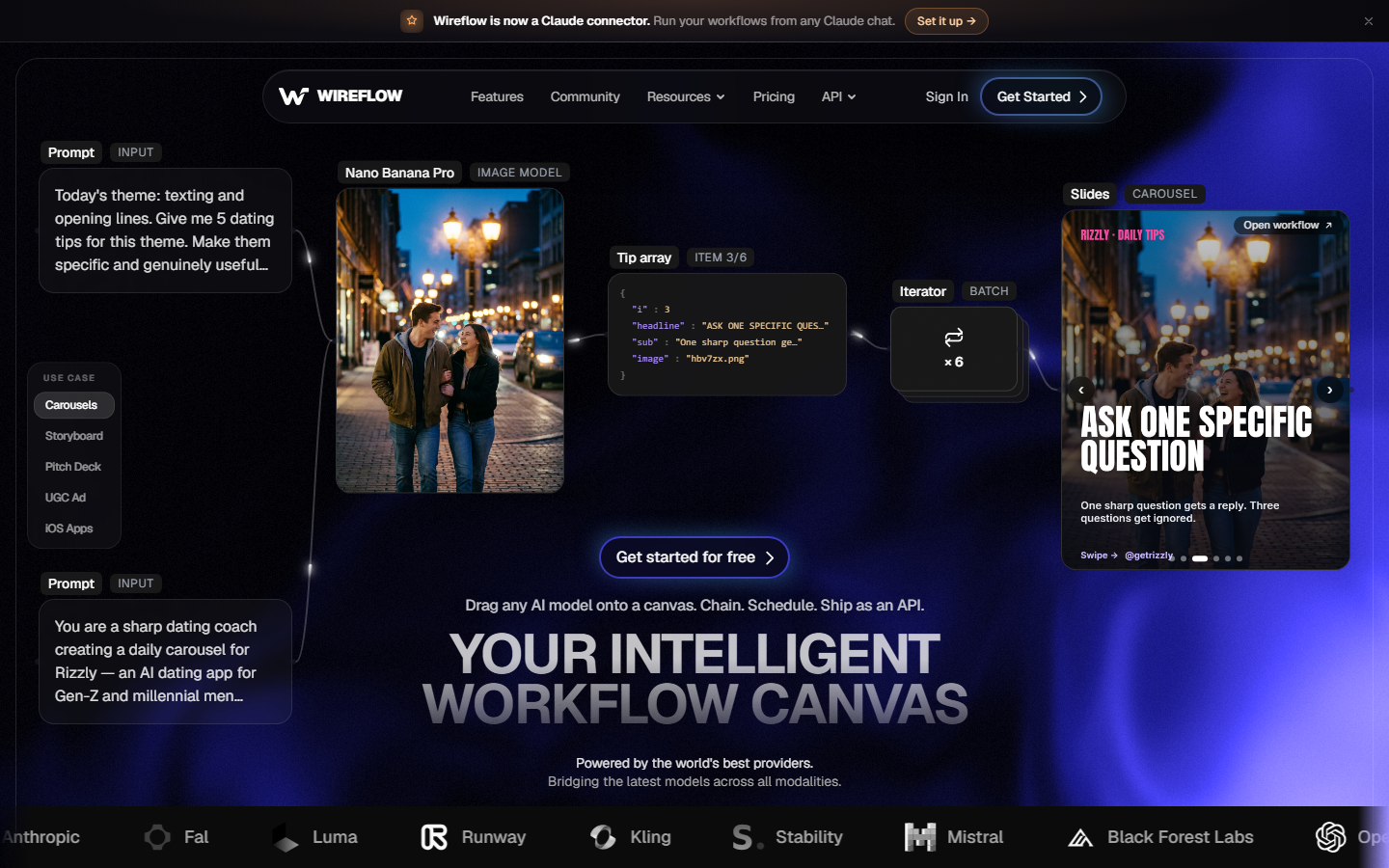
What sets Wireflow apart is that it treats video as one step in a larger AI pipeline rather than a standalone render job. You can generate a scene, add captions, and stitch clips in the same programmatic video generation platform, which means no glue code between separate services. Pricing is credit-based and scales with usage, so small teams are not paying for idle Lambda capacity. The tradeoff is that it is a hosted platform, so teams needing full control of the render binary may still prefer raw Remotion.
Build this in Wireflow
Make the same kind of asset on a canvas you control, with a free account and no credit card.
2. Remotion Lambda (Remotion Cloud)
If your codebase is already built on Remotion, the official managed render path is the most direct way to drop self-hosting. Remotion's own cloud rendering runs your compositions on AWS Lambda so you keep the React-based authoring model without owning the servers. You can read the details on Remotion's site.
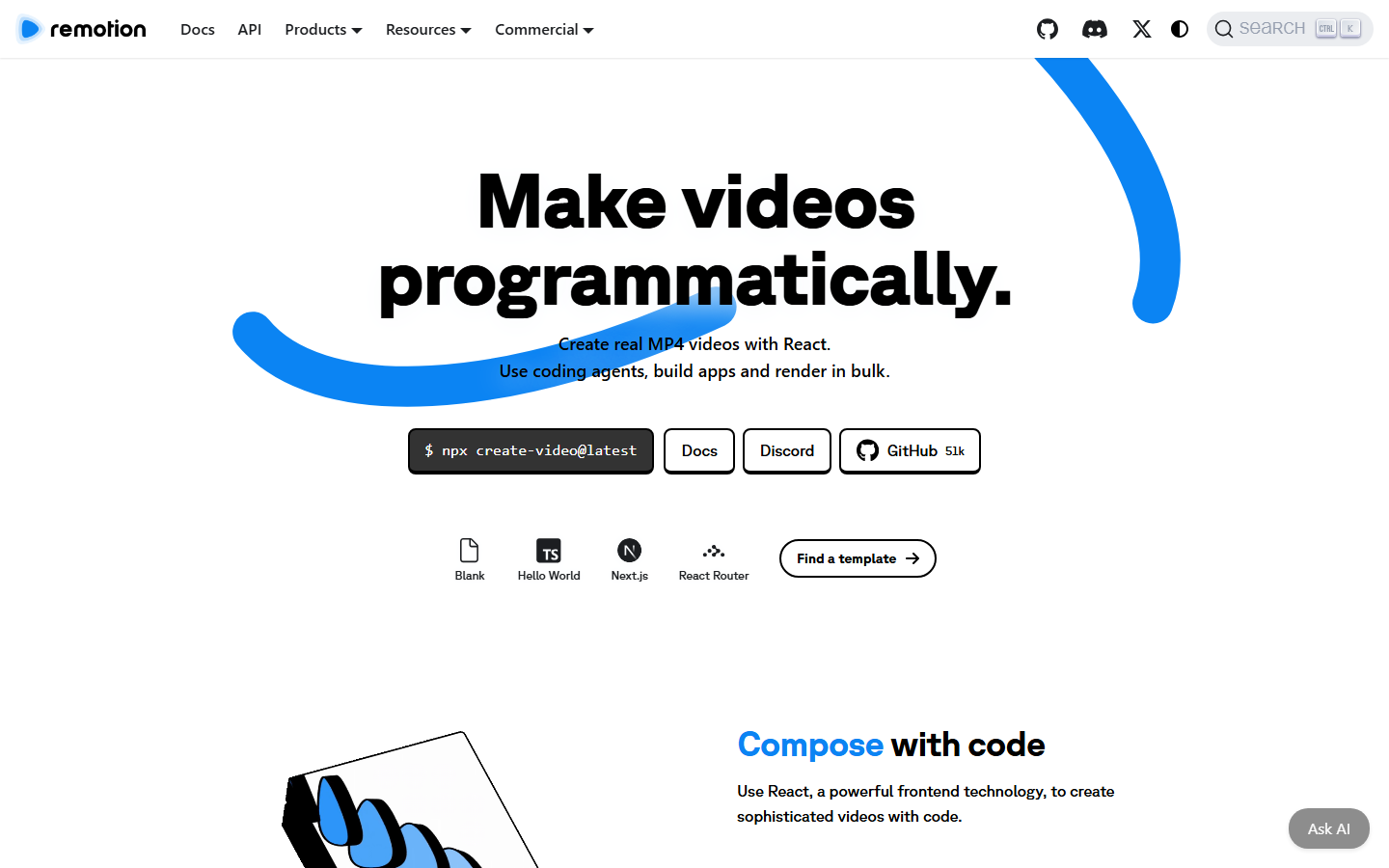
The catch is that "managed" here still means you deploy and monitor the Lambda function in your own AWS account, so you own concurrency limits and cold-start tuning. For teams that would rather skip AWS entirely, a video API for coding agents abstracts the cloud account away. Remotion Lambda remains the best fit when your team wants to keep authoring in React and accepts light AWS operations.
3. Shotstack
Shotstack is a mature JSON-driven video editing API built for developers who want to describe a timeline and get back a rendered MP4. You send a JSON edit describing clips, transitions, and audio, and their cloud handles the render. Their platform is documented at Shotstack.
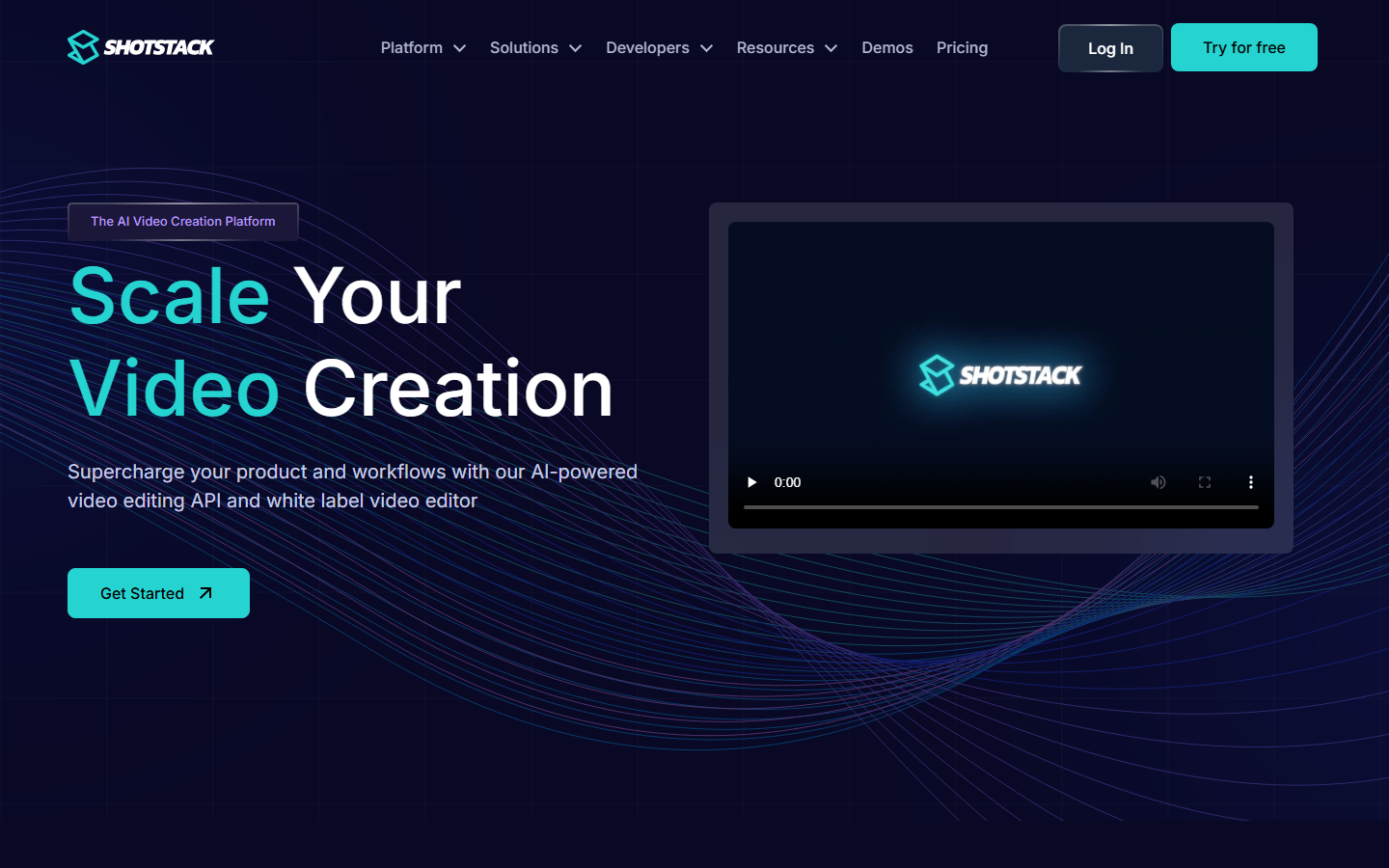
Compared to Remotion, Shotstack trades React components for a declarative JSON schema, which is easier for backend teams but less flexible for complex component-driven layouts. It pairs well with an AI video pipeline when you need to feed generated assets into a templated edit. Shotstack is a solid choice for straightforward, timeline-based automation at predictable per-render pricing.
4. Creatomate
Creatomate focuses on template-based video and image automation, aimed at marketing and product teams that need thousands of variations from one design. You build a template in their editor, then populate it through the API. See their product at Creatomate.
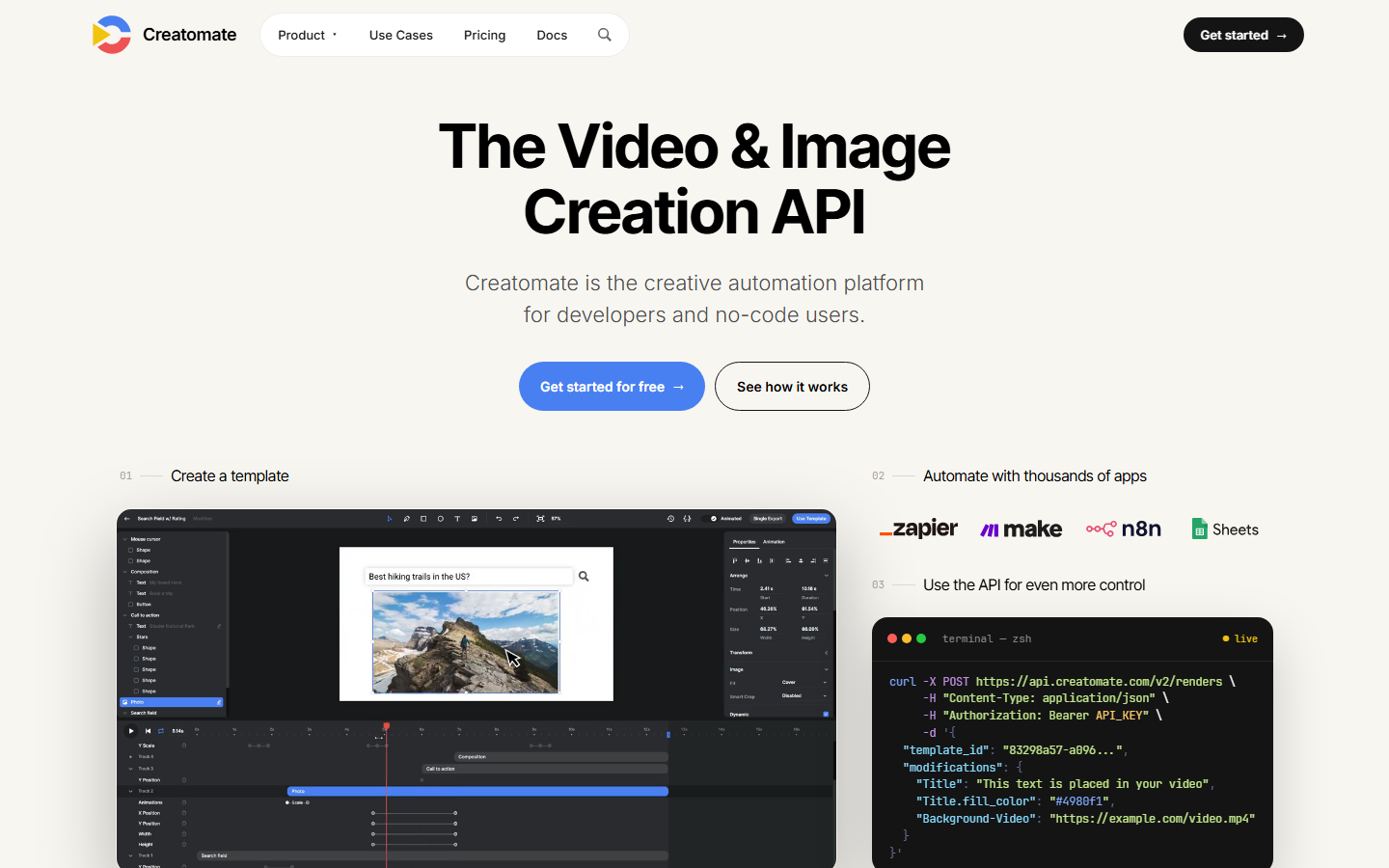
The strength is speed to first render: non-developers can design templates while engineers wire up the data feed. It overlaps with reusable AI templates as a concept, but Creatomate stays focused on rendering rather than broader model chaining. Choose it when marketing owns the creative and engineering just needs a reliable render endpoint.
5. JSON2Video
JSON2Video is a budget-friendly API that turns a JSON scene description into a finished video, positioning itself as a lower-cost alternative to heavier platforms. It supports text, images, audio, and basic transitions through a single request. Their site is JSON2Video.
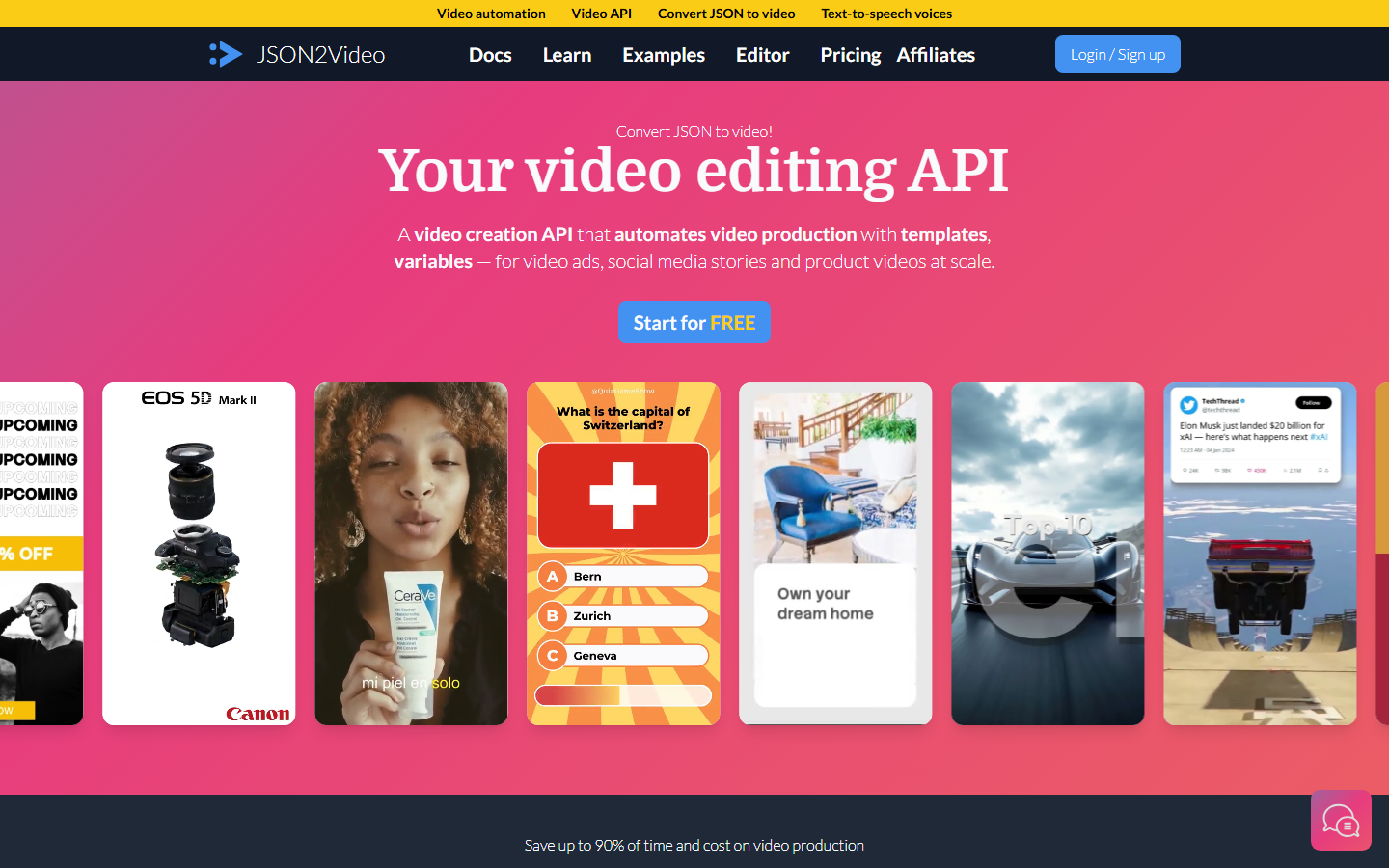
It is a good fit for high-volume, simple videos where cost per render matters more than advanced compositing. Teams that outgrow its editing depth often move to a JSON2Video alternative with deeper model chaining. JSON2Video earns its place for lean teams that need many short videos without a big rendering bill.
6. Plainly
Plainly specializes in rendering Adobe After Effects templates in the cloud, which is valuable for teams with existing motion-graphics assets. You upload an AEP project, map the dynamic layers, and render variations through the API. Their platform lives at Plainly.
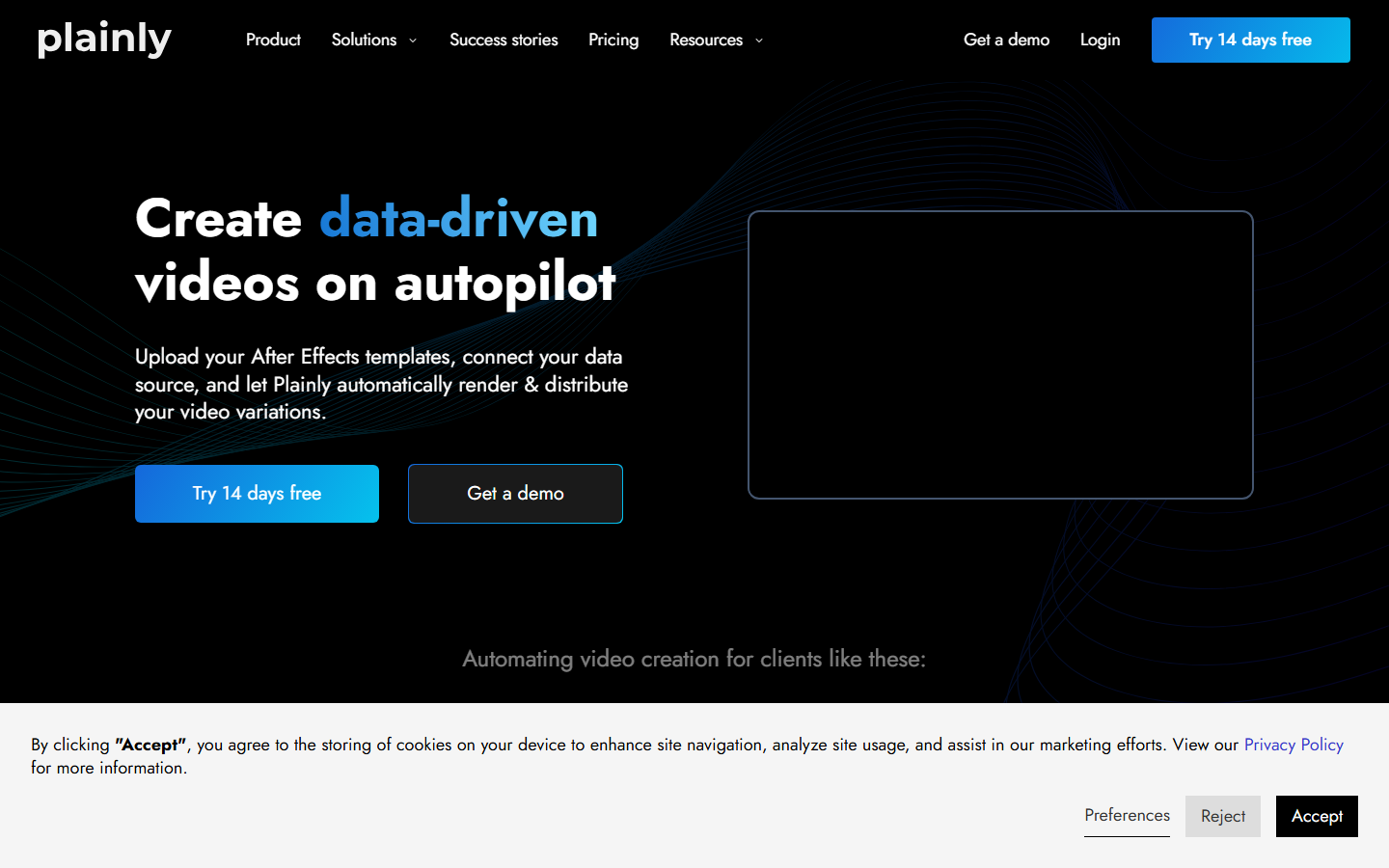
This is the closest fit for design teams already invested in After Effects who do not want to rebuild everything in code. For teams standardizing on a broader canvas, AI pipeline automation can orchestrate the render alongside other steps. Plainly is the right tool when your creative pipeline is AE-first and you just need it in the cloud.
7. Editframe
Editframe offers a lightweight programmatic video API aimed at developers who want to compose clips, text, and audio with a simple SDK. It keeps the surface area small so you can ship a video feature quickly. Their documentation is at Editframe.
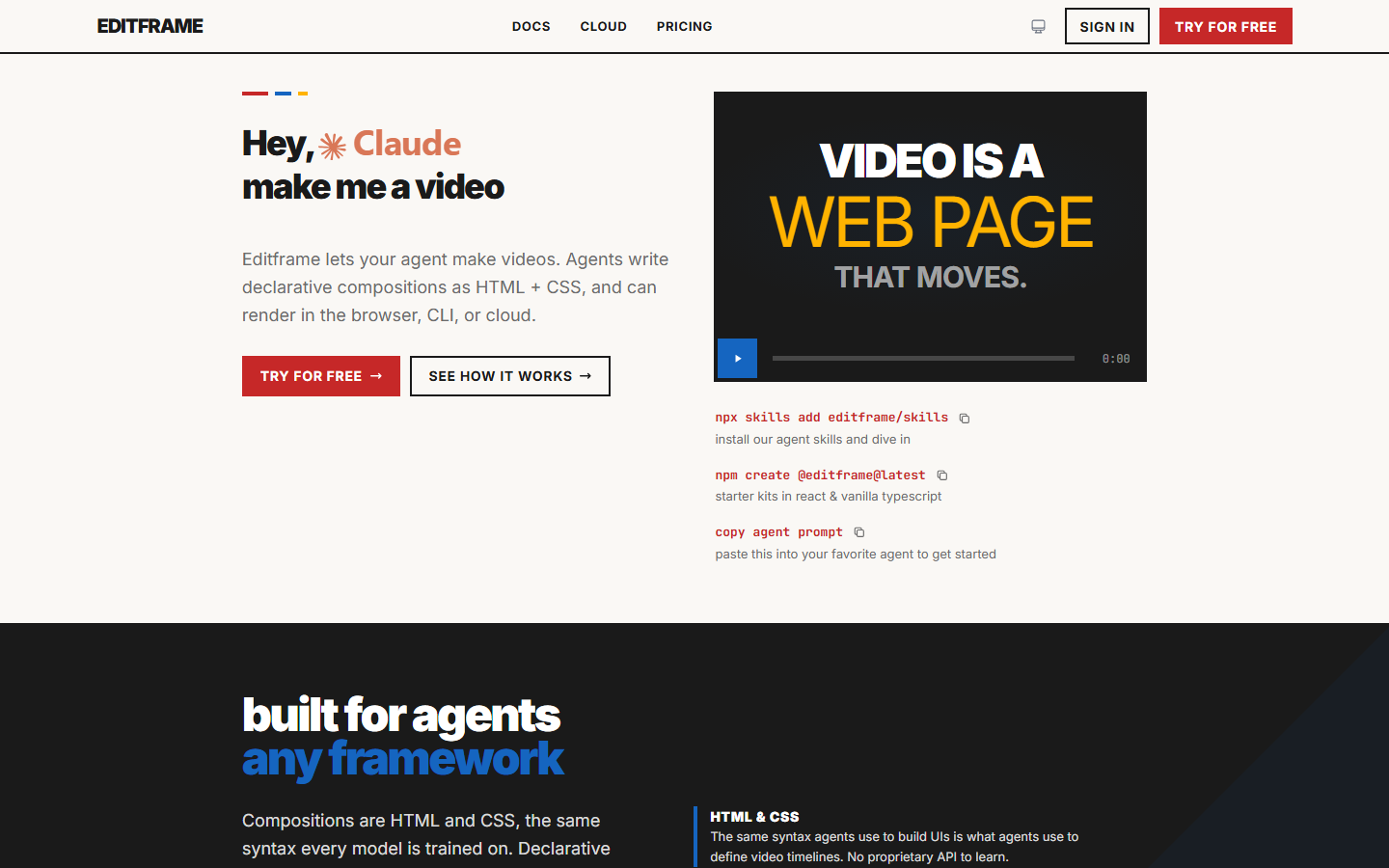
Its minimalism is both the appeal and the limit: you get fast integration but fewer advanced compositing features than Remotion or Shotstack. It fits neatly into a creative workflow automation setup where video is one modest step. Editframe suits early-stage products that need programmatic video without a steep learning curve.
8. Bannerbear
Bannerbear started as an image-generation API and expanded into short-form and social video, making it strong for auto-generated marketing assets. You define a template and generate branded images or videos on demand. Their site is Bannerbear.
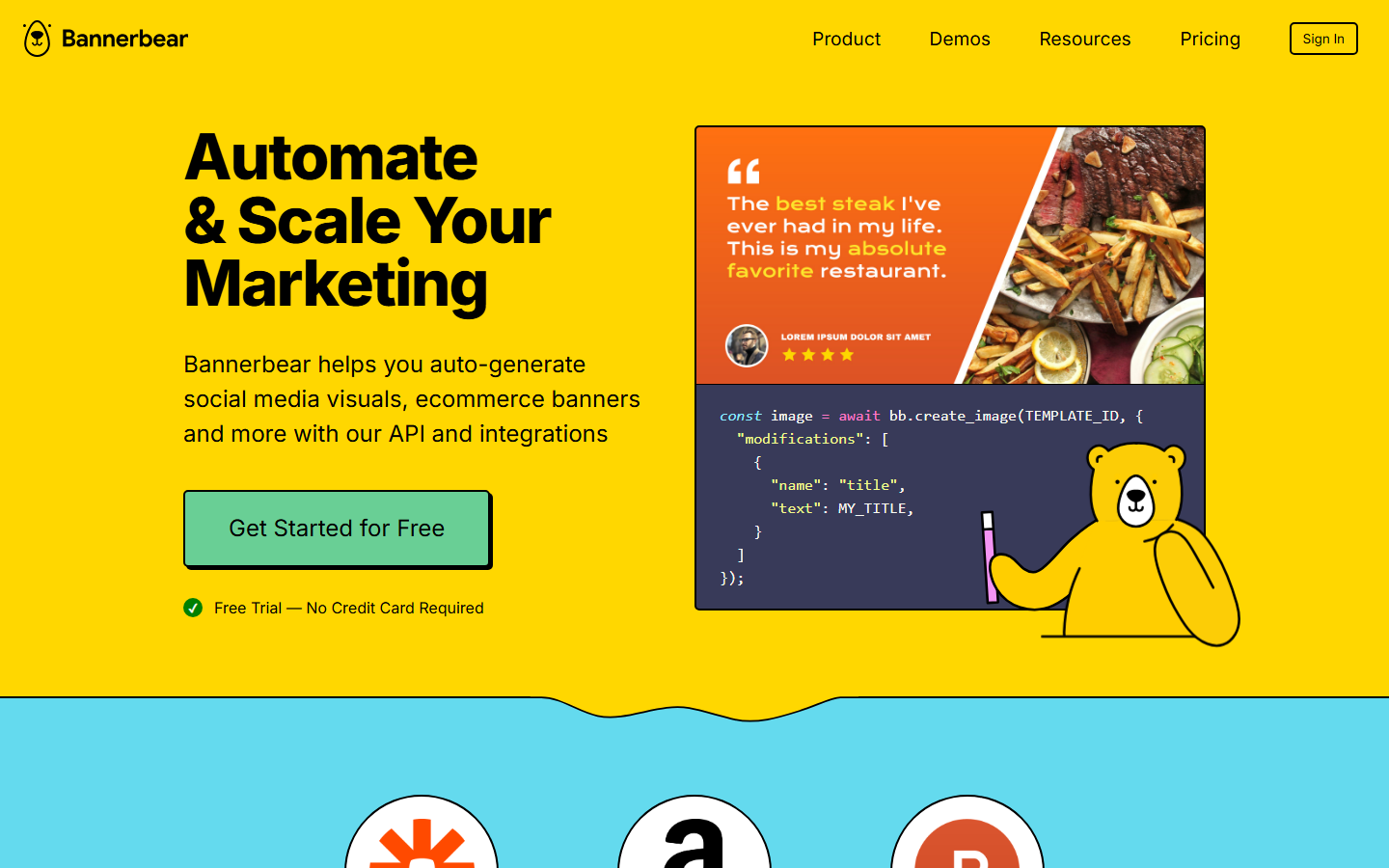
It is best for repetitive, template-locked outputs like social cards and simple promo clips rather than complex narrative video. Teams that want both stills and clips from one place can compare it against a full no-code AI with API access platform. Bannerbear is the pick when your video needs are light and your image automation needs are heavy.
How to Choose the Right Tool
Match the tool to how your team already works. If you are committed to React and the Remotion authoring model, managed Remotion rendering keeps your code intact; if you want to skip infrastructure entirely, a headless AI workflow platform removes both the render servers and the glue code. Backend teams comfortable with JSON tend to prefer Shotstack or JSON2Video, while marketing-led teams get more from template tools like Creatomate, Plainly, and Bannerbear.
Comparison Table
The table below summarizes how these tools differ on their core model and ideal user, which mirrors the tradeoffs covered on the best AI video generators of 2026 roundup.
| Tool | Model | Best For | Self-Hosting Required |
|---|---|---|---|
| Wireflow | Visual pipeline + API | End-to-end AI video automation | No |
| Remotion Lambda | React components on AWS | Existing Remotion codebases | Partial (your AWS) |
| Shotstack | JSON timeline API | Backend developers | No |
| Creatomate | Template automation | Marketing variations | No |
| JSON2Video | JSON-to-video API | High-volume simple video | No |
| Plainly | After Effects rendering | AE-based design teams | No |
| Editframe | Lightweight SDK | Quick integrations | No |
| Bannerbear | Template image + video | Social and banner assets | No |
Conclusion
Moving off self-hosted Remotion is mostly a question of how much control you need versus how much operational load you want to carry. For teams that want the React authoring model, managed Remotion rendering is the natural step; for teams that would rather describe a pipeline once and call it forever, Wireflow combines video rendering with model chaining so there is no infrastructure to run at all. Start with the tool that matches your current stack, and you can migrate later as your volume grows.
Try it yourself: Open this workflow in Wireflow - a scene-brief-to-captioned-MP4 pipeline pre-configured with the exact nodes discussed above, ready to run.
Frequently Asked Questions
What does "Remotion without self-hosting" mean? It means generating programmatic video using Remotion or a Remotion-style workflow while a hosted service handles the actual rendering, so you do not run Lambda functions, Docker containers, or GPU servers yourself.
Can I use Remotion without AWS Lambda? Yes. You can use Remotion's managed cloud rendering, or switch to an API-first platform that renders video for you without any AWS account, depending on how tied you are to the Remotion codebase.
Which tool is best for developers who want full code control? Remotion Lambda keeps the React component model, so developers who want to define every frame in code usually prefer it, accepting some light AWS operations in exchange for that control.
What is the cheapest option for high-volume video? JSON2Video is typically the most budget-friendly for large batches of simple videos, while template tools like Creatomate and Bannerbear are efficient for repetitive branded assets.
Do these tools support captions and audio? Most of them do. Shotstack, Creatomate, and pipeline platforms support captions, background audio, and transitions, though the exact controls vary by service.
How is a pipeline platform different from a render API? A render API takes a description and returns a video, while a pipeline platform chains generation, editing, and rendering steps together, so you can go from a prompt or data source to a finished clip in one call.
Is self-hosted Remotion ever the better choice? Yes, when you need complete control of the render environment, custom ffmpeg builds, or on-prem data handling, self-hosting can be worth the operational cost for larger engineering teams.
How do I migrate from self-hosted Remotion? Start by moving one composition to a hosted renderer, compare output and cost, then port templates incrementally rather than switching everything at once.

Co-Founder & Operations at Wireflow
Runs client operations and content strategy at Wireflow. Works directly with creative teams and agencies to build production AI workflows.
- Content Strategy
- Client Operations
Ask Claude for your next ad.
Connect once. Ask any time.
- No credit card
- You keep the rights to what you make
- Cancel anytime