Features
Headless Video Editor for Automation
A headless video editor is one your code calls instead of clicking through a timeline.
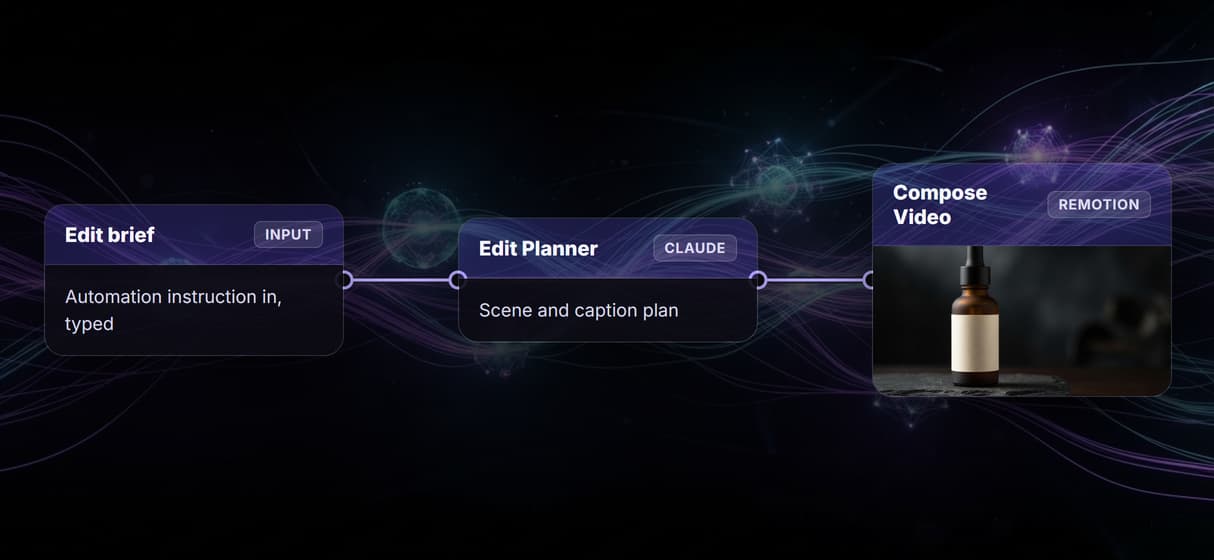
On Wireflow, the edit is a published node graph, reachable over REST or MCP: an edit brief goes in, Claude plans the scenes, three frames render, and a Remotion Compose Video node wires them into the final cut.
Free to build · no credit card · Read the agent docs · See how it works ↓
 Andrew Adams · Co-Founder & Operations at Wireflow ·
How to Use Headless Video Editor for Automation
Steps to get you started in Wireflow.
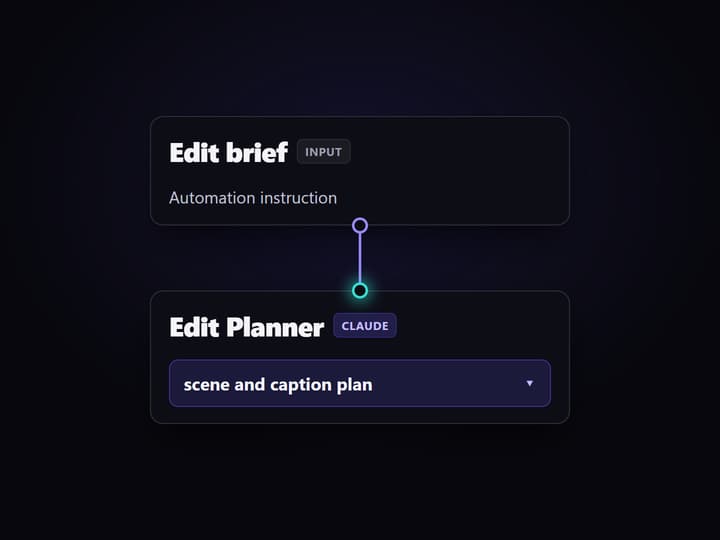
Send the edit brief
Call the workflow over REST or MCP and set the Edit brief input. Claude uses it to plan the scenes, captions, and pacing for the clip.
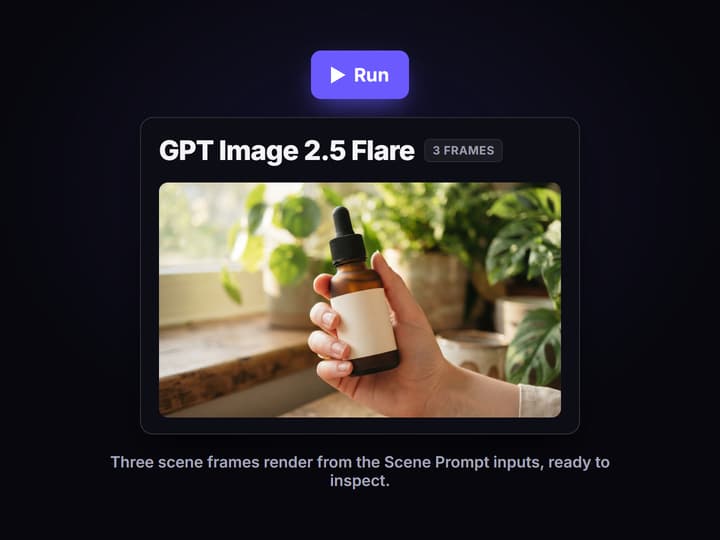
Render and review frames
Run the non-video nodes. The three GPT Image 2.5 Flare nodes render three scene frames from the Scene Prompt inputs so you can inspect each shot.
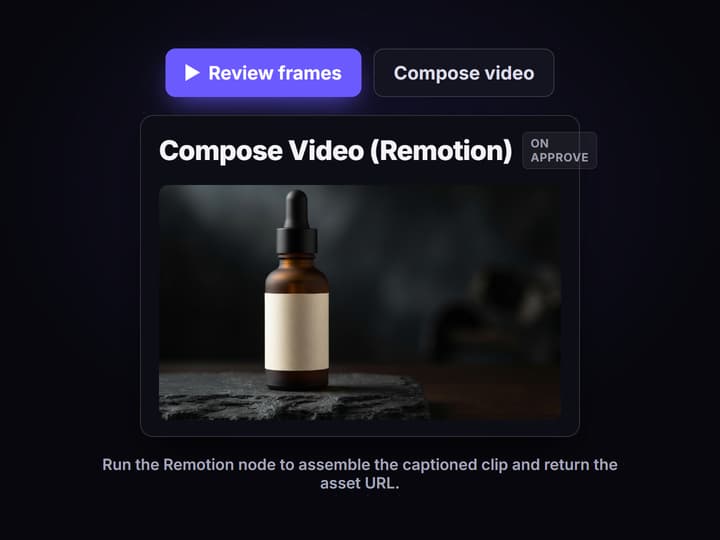
Compose the final cut
Only when the frames are approved, run the Remotion Compose Video node to assemble the captioned clip and return the asset URL.
The editor is a graph your code can call
The published flow on this page is a real headless video editor, not a mockup. An Edit brief input carries the automation instruction, an Edit Planner node running Claude turns that brief into a short scene and caption plan, and three GPT Image 2.5 Flare render nodes produce the scene frames. A Remotion Compose Video node sits at the end, wired to the plan and all three frames, ready to assemble the final captioned clip.
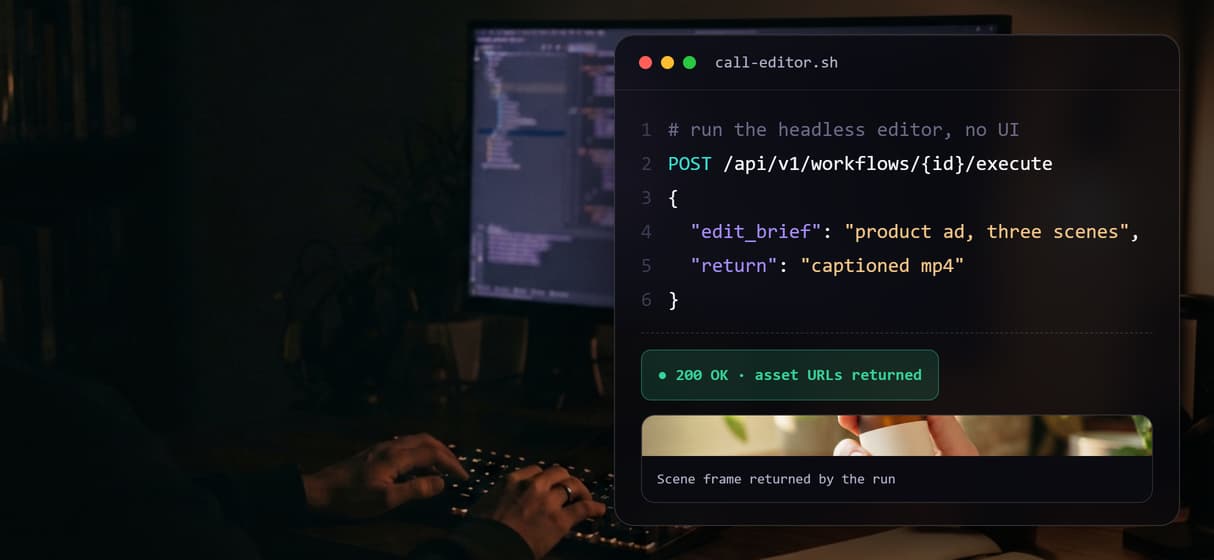
Because it is a published Wireflow workflow, the whole thing is both a REST endpoint and an MCP tool. A backend job or an agent sends the typed brief, runs the graph, and gets asset URLs back, the same callable pattern behind a node based AI platform with an API. Nothing is hidden inside a black box render service you cannot see, and the creative judgment on what gets published still stays with you.
What the flow proves
Edit brief is the input
One Edit brief text node carries the automation instruction, so a pipeline changes the ask without touching the graph.
Claude plans the edit
The Edit Planner runs Claude on the brief to plan the scenes and captions before any frame renders.
Prompts are inputs
Three Scene Prompt inputs feed the render nodes, so each shot is editable instead of buried inside one call.
Frames render separately
Three GPT Image 2.5 Flare nodes render three scene frames, each a confirmed image output you can inspect.
Remotion is the compose step
A Remotion Compose Video node is wired to assemble the three frames into one clip, staged but not auto-run.
Callable over REST and MCP
The published workflow is a REST endpoint and an MCP tool, so agents and backends run the editor headlessly.
Why edits as data are safer to automate
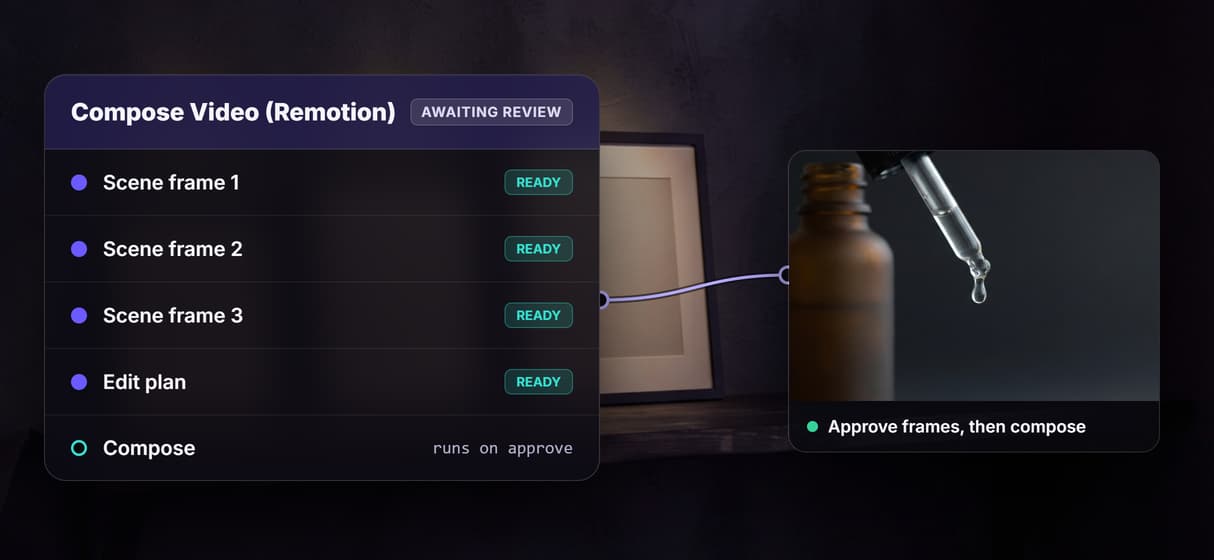
A single render call gives an automation too much room to fail silently. This graph forces the work into checkpoints you can read: the brief, the Claude edit plan, three scene prompts, three rendered frames, and only then the compose step. If scene two misses the shot, you fix that prompt rather than throwing away the whole run and paying for another blind render.
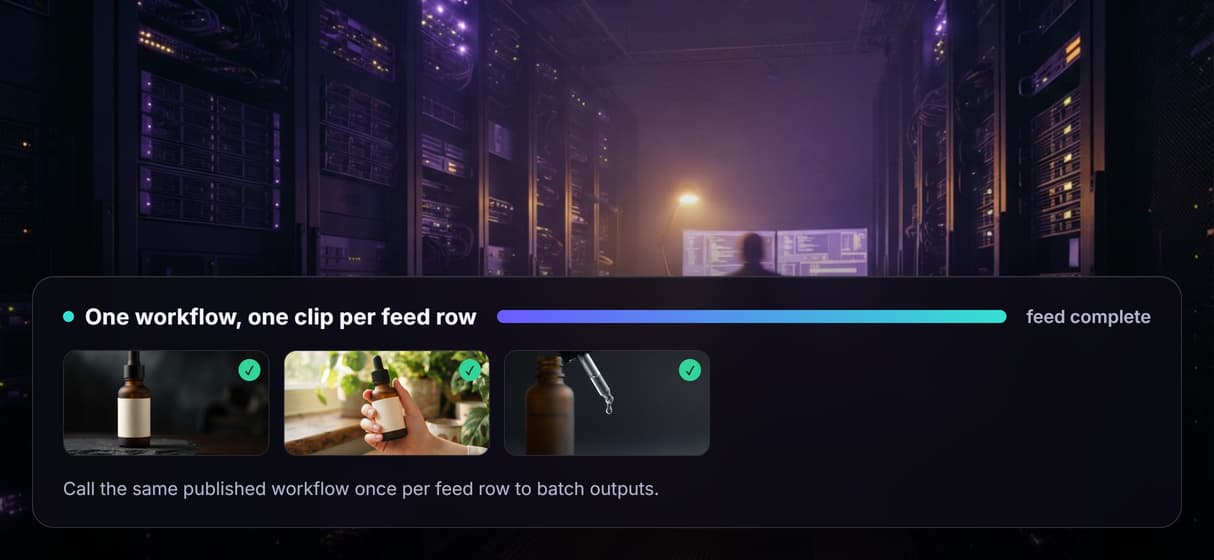
That is the production pattern behind automated video editing: the same published workflow can be called once per row of a feed to batch outputs, and agents can call it as a tool while your team still sees every step. It sits between an n8n or MCP video automation setup and a full chain of AI models over an API: enough structure to review, enough automation to scale.
What this headless editor is not
Wireflow is the production and rendering layer, not a frame-accurate desktop NLE. There is no manual timeline scrubber, no keyframe curves, and no multi-track drag-and-drop trimming. Edits are expressed as graph inputs and node wiring, so if your work is a one-off cut that needs hands-on trimming of existing footage, a traditional editor is the better tool.
It is also honest about the compose step: the Remotion node is present and intentionally left unexecuted, so the page does not claim a finished video already exists. You get a callable editor, real scene frames, and a graph you can inspect, not a magic one-click film. If you want the broader landscape first, compare Make.com video automation approaches, then open the flow and read the actual graph.
More Than Just Headless Video Editor for Automation
The edit is an inspectable graph
Brief, Claude edit plan, three scene renders, and the compose step live in one inspectable workflow API graph you can diff and version.
Call the editor with no UI
Every published Wireflow flow is a REST endpoint and an MCP tool, so a hosted video API for agents drives the editor headlessly.
Batch one workflow over a feed
Call the same published workflow once per row of a CSV or content feed, the batch pattern behind a video API for coding agents.
Review frames before you compose
Claude plans scenes and GPT Image 2.5 Flare renders three frames you approve before the video assembly API step spends render credits.
Nothing to self-host
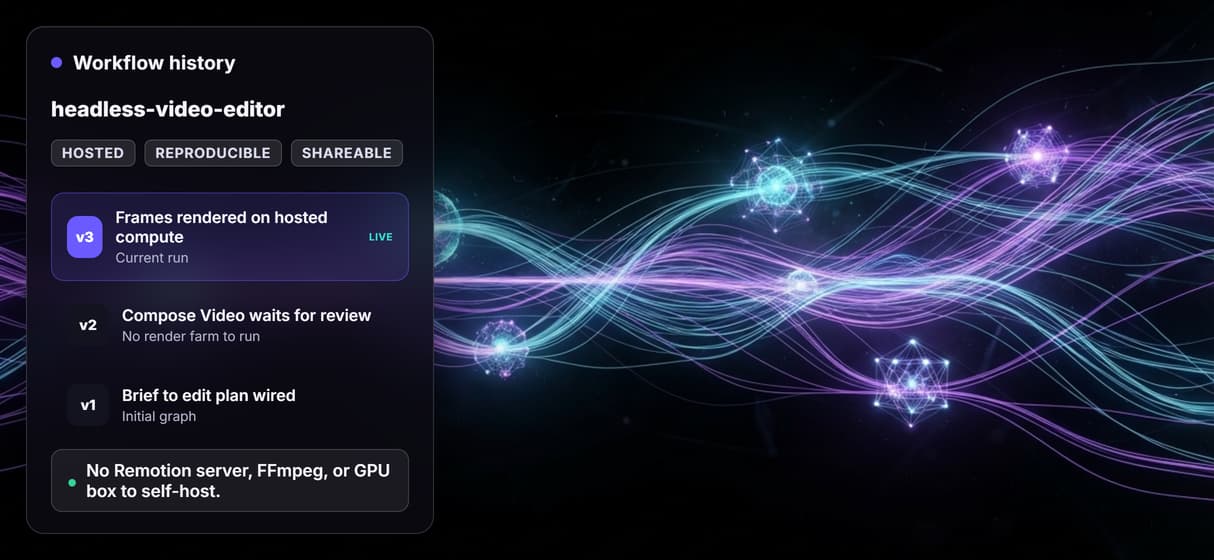
Rendering runs on hosted compute, so a video creation and editing API means no Remotion render farm, FFmpeg, or GPU ops. Teams that already use Remotion can render Remotion video without a Lambda setup.
Headless video editor for automation Workflows
No Code Required
API & Batch Processing
FAQs
It is a video editor with no timeline UI that code, an agent, or a workflow calls directly to produce a clip. On Wireflow the editor is a published node graph you invoke over REST or MCP.
Discover related AI tools
- AI Pipeline Automation
- AI Workflow Templates
- AI Video Pipeline: Build One on a Node Canvas
- Batch AI Generation: Many Assets, One Run
- AI Model Chaining
- AI Asset Pipeline
- AI Workflow Builder
- AI Content Generation API
- AI Workflow API
- AI Orchestration API
- Headless AI Workflow Platform
- Krea AI API Alternative: Image and Video From One REST Endpoint
More From Wireflow
Written by
Andrew Adams · Co-Founder & Operations at Wireflow
Runs client operations and content strategy at Wireflow. Works directly with creative teams and agencies to build production AI workflows.
Call the video editor from your automation
The flow on this page is published and already ran its non-video nodes. Read how Wireflow workflows are called as REST endpoints and MCP tools, then open the flow to inspect the exact editing graph.