Best Headless Video Editor for Automation Tools in 2026

In this article▾
AI video automation needs a headless video editor that automation tools call by API, and Wireflow turns any single request into a finished, rendered video.
A headless video editor renders finished video from code or an API call instead of a timeline you drag clips across, which is exactly what automation tools need to produce clips at scale. Wireflow chains multiple AI models into reusable pipelines that any script, agent, or automation platform can trigger over REST, so a single request turns a data payload into a rendered video. This guide ranks the eight strongest headless video editors available right now, with pricing, real strengths, and the automation use case each one fits best.
For every JSON2Video plan and pack converted into a cost per finished minute, see our guide to JSON2Video pricing.
Quick Summary
- Wireflow - Best overall (API-first visual pipeline that chains AI models and rendering)
- Shotstack - Best for high-volume cloud rendering
- Creatomate - Best for templated video with a visual editor plus API
- Remotion - Best code-first control using React components
- JSON2Video - Best budget JSON-driven rendering API
- Editframe - Best developer experience with a TypeScript SDK
- Plainly - Best for After Effects template automation
- Bannerbear - Best for simple templated video and image at once
What Makes a Video Editor Headless
A traditional editor puts a human in front of a timeline. A headless editor removes the interface entirely and exposes rendering as a service, so the "editor" is really an endpoint your code calls. You describe the video as structured data, a template plus variables, or component code, and the platform returns a finished file. This is the model behind every programmatic video generation platform built for scale.
For automation specifically, three properties matter most: a stable API contract, predictable render times, and the ability to feed dynamic inputs like text, images, and audio from upstream steps. Tools that also expose a video assembly API let you stitch generated clips into one deliverable without downloading and re-uploading intermediate files. The eight platforms below all clear that bar, but they solve it in very different ways.
Build this in Wireflow
Make the same kind of asset on a canvas you control, with a free account and no credit card.
1. Wireflow
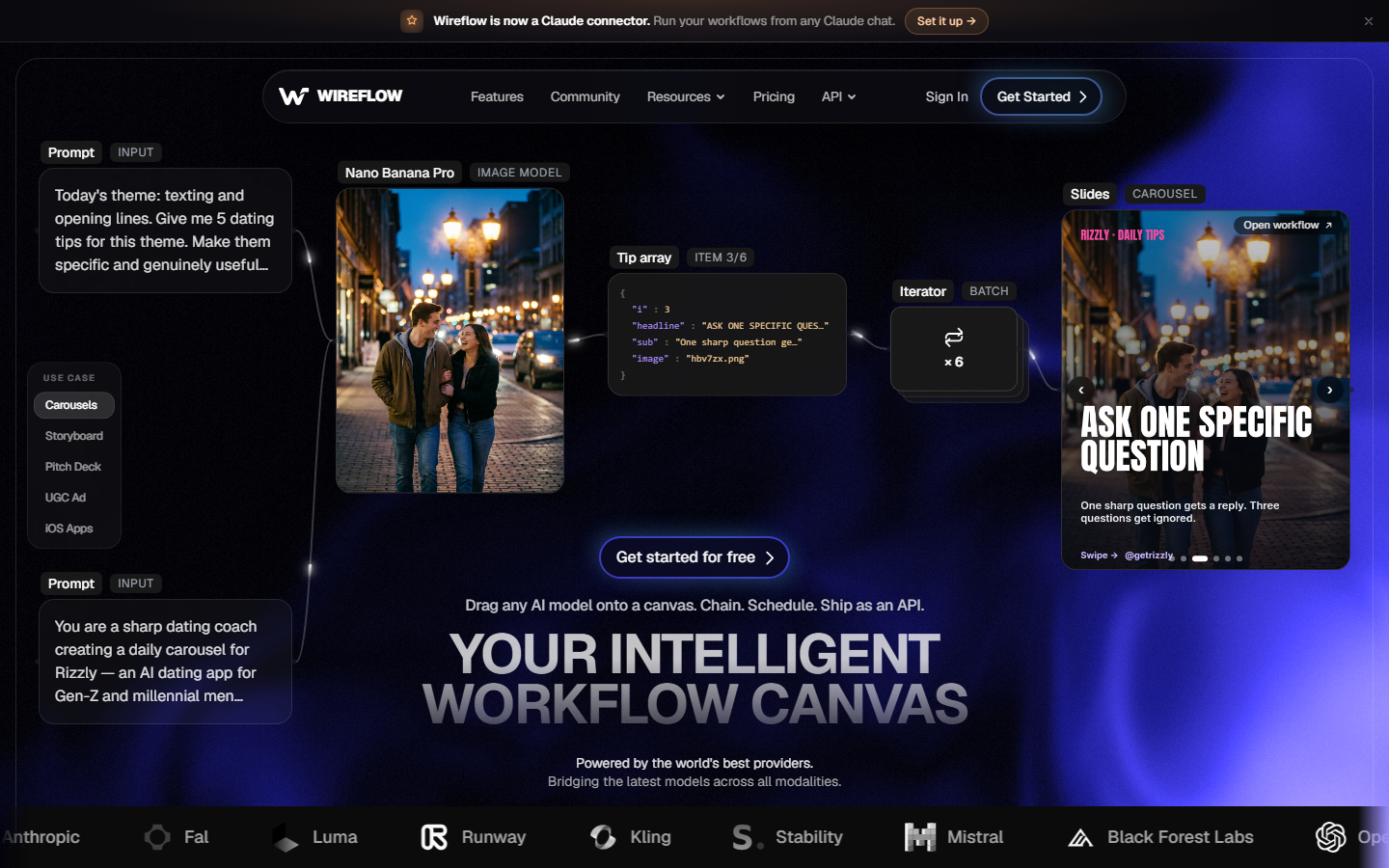
Wireflow is a visual node-based canvas where you connect 100+ AI models, image generation, video synthesis, audio, and upscaling, into a workflow. The difference from a pure rendering API is that Wireflow handles both the creative generation and the assembly in one place, and every workflow you build automatically becomes a REST endpoint and an MCP tool that agents or scripts can call.
That composability is what makes it a strong fit for automation. Instead of wiring a separate model API for each step, you build the AI video workflow once on the canvas and trigger it with a single request. A pipeline might generate a keyframe, animate it into a clip, add a voiceover, and assemble the final cut, all defined visually and run headlessly.
Because you can chain multiple AI models in one run, teams use Wireflow to replace the custom glue code that a raw video editing API integration usually requires. The tradeoff is that it is opinionated toward AI-generated media rather than editing pre-shot footage frame by frame.
Pricing: Free tier available. Pay-per-generation on higher tiers.
Best for: Teams that want one API-triggered pipeline to both generate and assemble video.
2. Shotstack
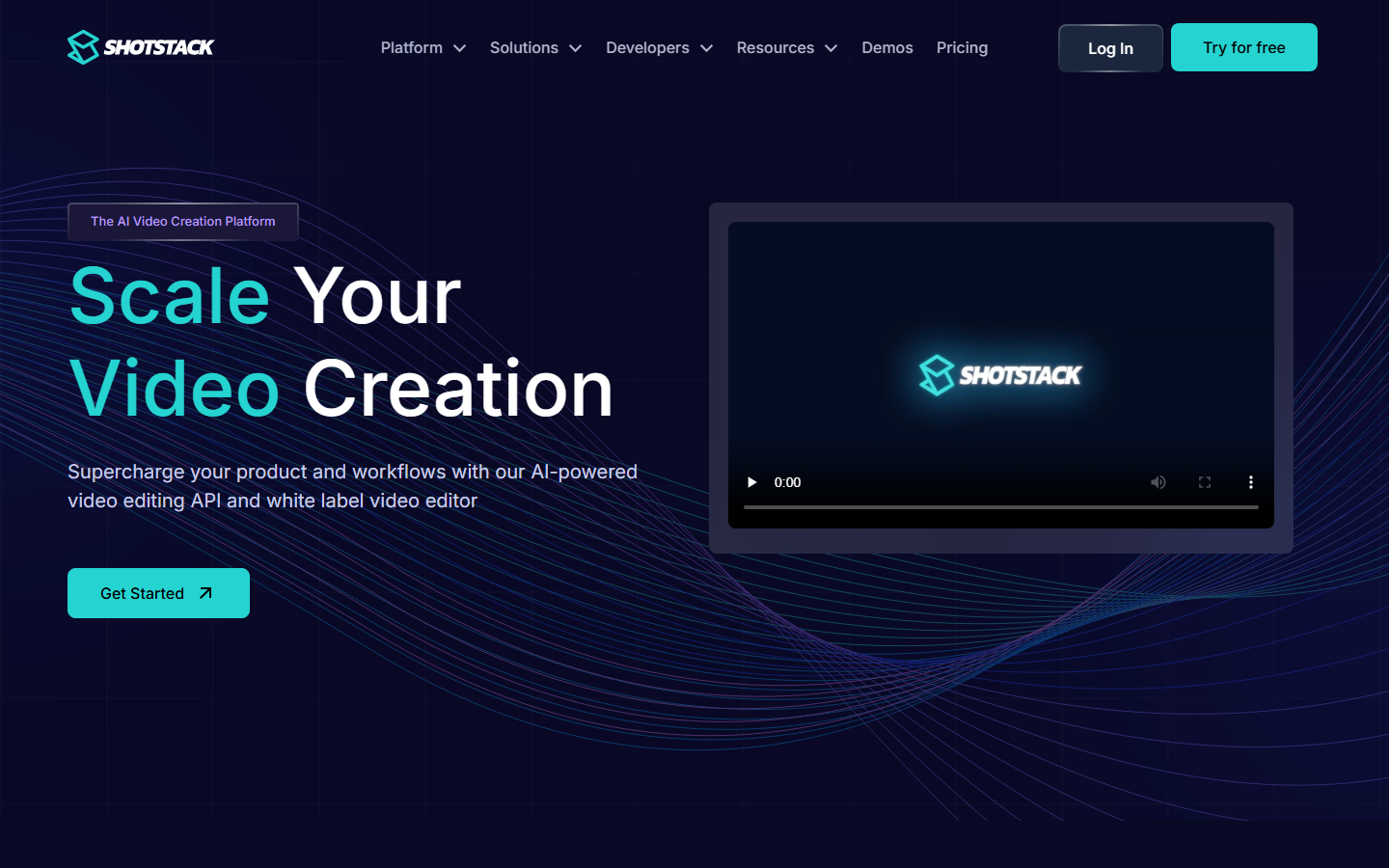
Shotstack is a cloud-based video editing API built for developers who need to render at volume. You define a composition as JSON, describing the timeline, clips, transitions, overlays, and audio, then send it to the API and Shotstack renders it on its own infrastructure and serves the output from a CDN. It scales to thousands of renders without you managing any servers.
Shotstack is frequently compared to templated platforms, and the Creatomate vs Shotstack breakdown shows the split clearly: Shotstack leans toward raw programmatic control, while template tools lean toward reusable designs. If your automation already produces structured data and you want infrastructure-grade rendering, Shotstack is a natural pick.
Pricing: Free sandbox tier. Paid plans scale by rendering minutes.
Best for: High-volume, JSON-driven rendering where you control the timeline in code.
3. Creatomate
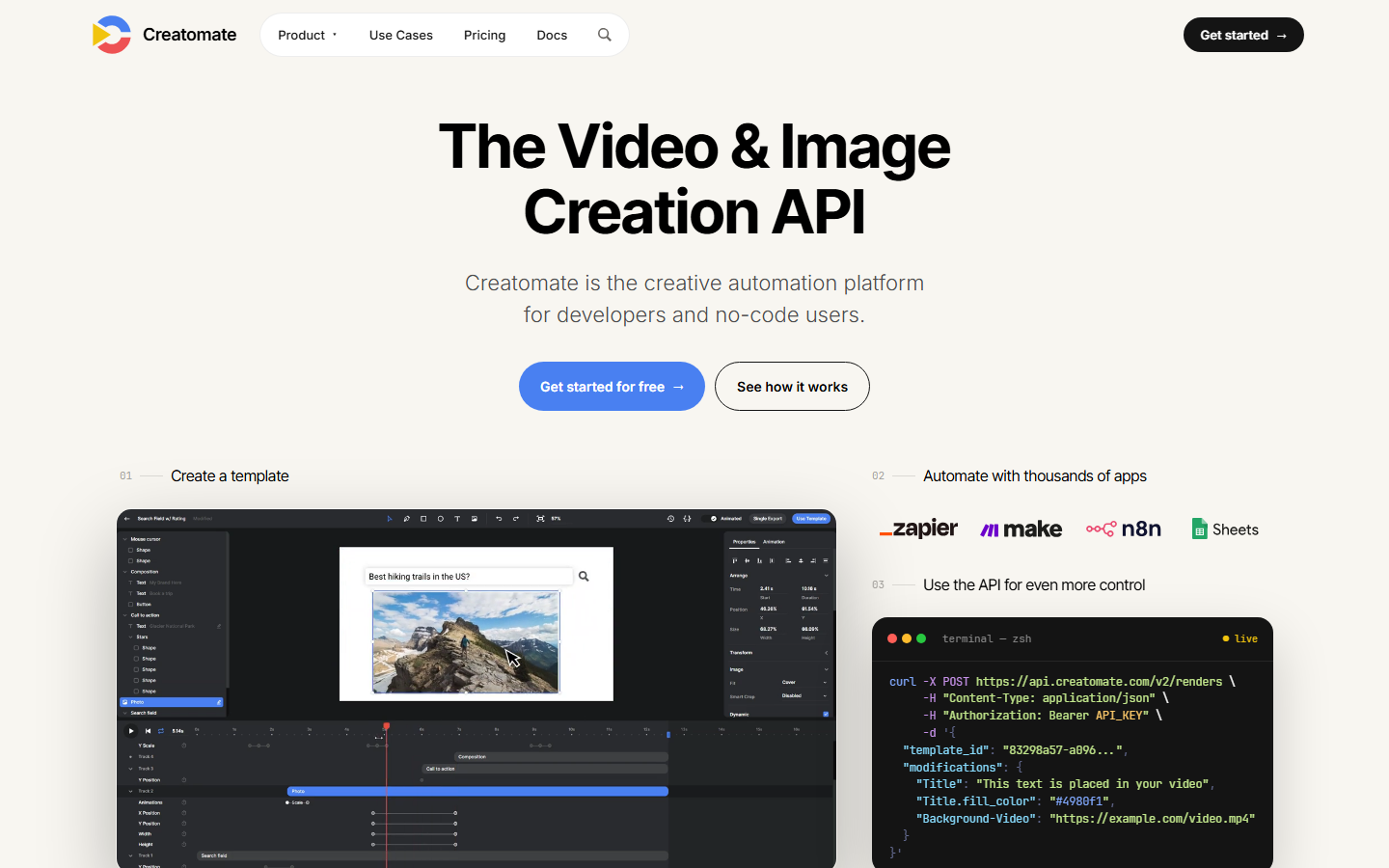
Creatomate sits between no-code tools and developer APIs. You design a template in a visual editor, then render variations by passing variables through a REST API, which makes personalized and data-driven video practical without hand-coding every composition. It also integrates cleanly with automation platforms like Make and Zapier.
The template model is its main strength and its main limit, which is why teams that outgrow fixed layouts often look at Creatomate alternatives for more open-ended generation. For marketing automation at moderate volume, though, the visual-template-plus-API approach is hard to beat.
Pricing: Free plan with watermark. Paid plans start around $41/month.
Best for: Marketing teams rendering personalized video from templates.
4. Remotion
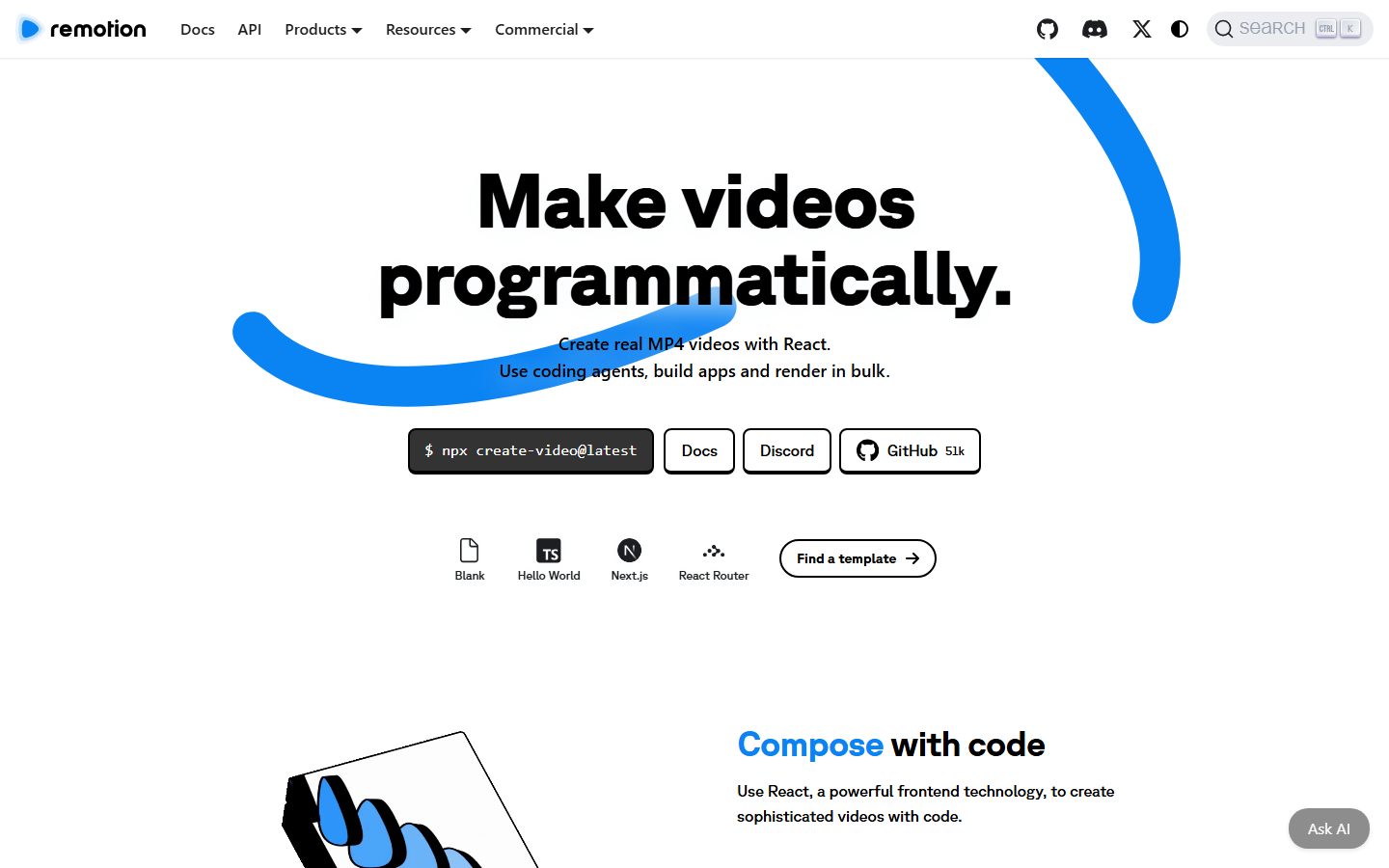
Remotion lets you build videos as React components, then renders them with a headless Chrome browser. If your team already writes web code, the learning curve is gentle and the control is total: anything you can express in the DOM, you can animate and render. It is the most flexible option for bespoke, data-bound video.
The catch is infrastructure. Remotion does not host rendering for you, so you run it yourself or deploy to Lambda, and there is a license fee for larger companies. Teams that want the component model without the ops burden often research Remotion without self-hosting options to offload the render farm.
Pricing: Free for individuals and small teams. Company license required above three employees.
Best for: Developer teams that want full code control and can manage render infrastructure.
If an assistant is writing the composition, compare Remotion tools for coding agents.
5. JSON2Video
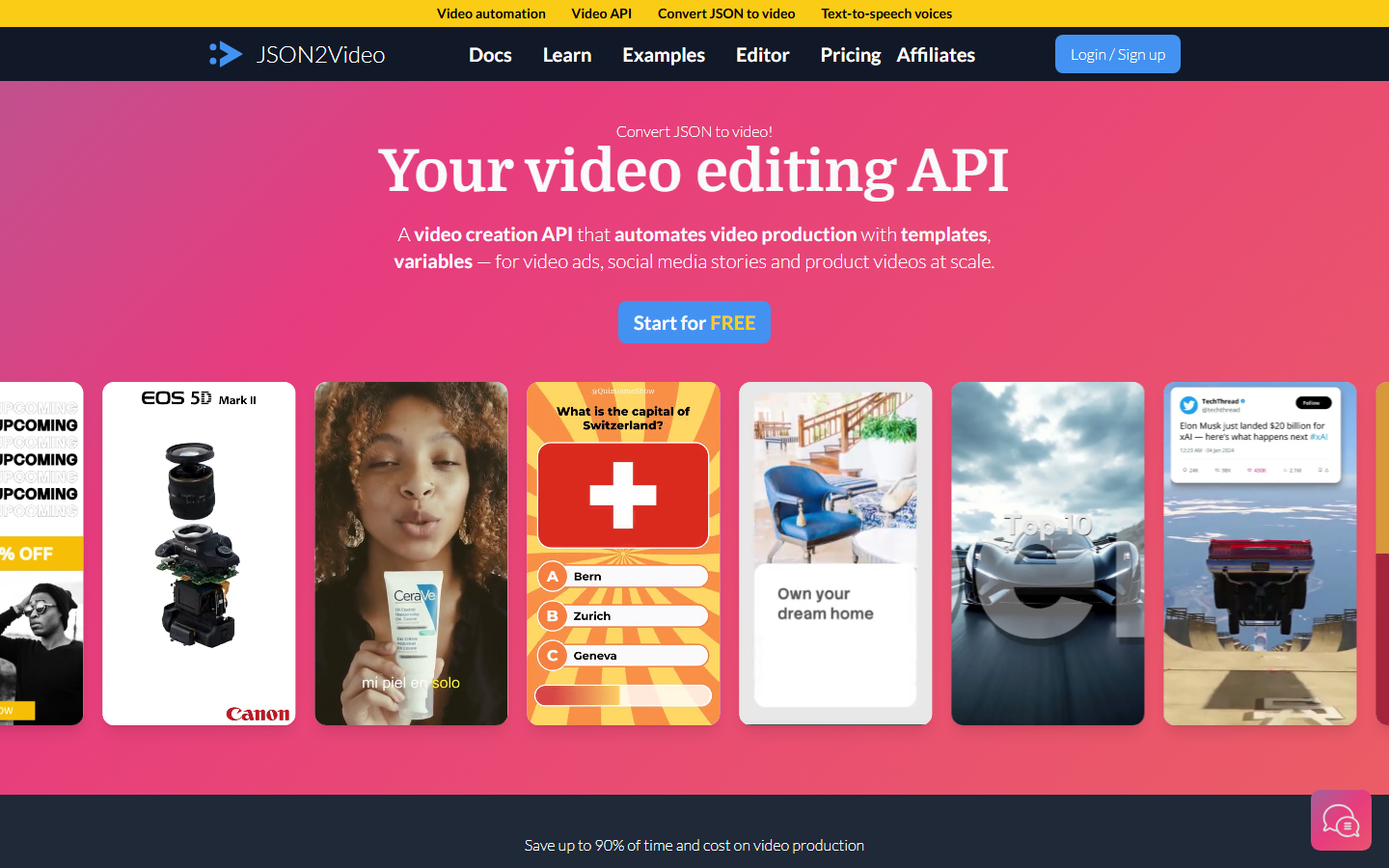
JSON2Video is a straightforward, budget-friendly rendering API. You send a JSON document describing scenes, elements, and timing, and it returns a rendered video. It covers the common automation needs, text overlays, images, audio, subtitles, and transitions, without the pricing weight of the larger platforms.
It is a practical default for small automations and side projects, though heavier pipelines sometimes weigh JSON2Video alternatives when they need more advanced compositing or higher concurrency. For simple, high-frequency renders on a tight budget, it does the job.
Pricing: Free tier with limits. Paid plans start around $20/month.
Best for: Cost-sensitive automations that need reliable JSON-to-video rendering.
6. Editframe
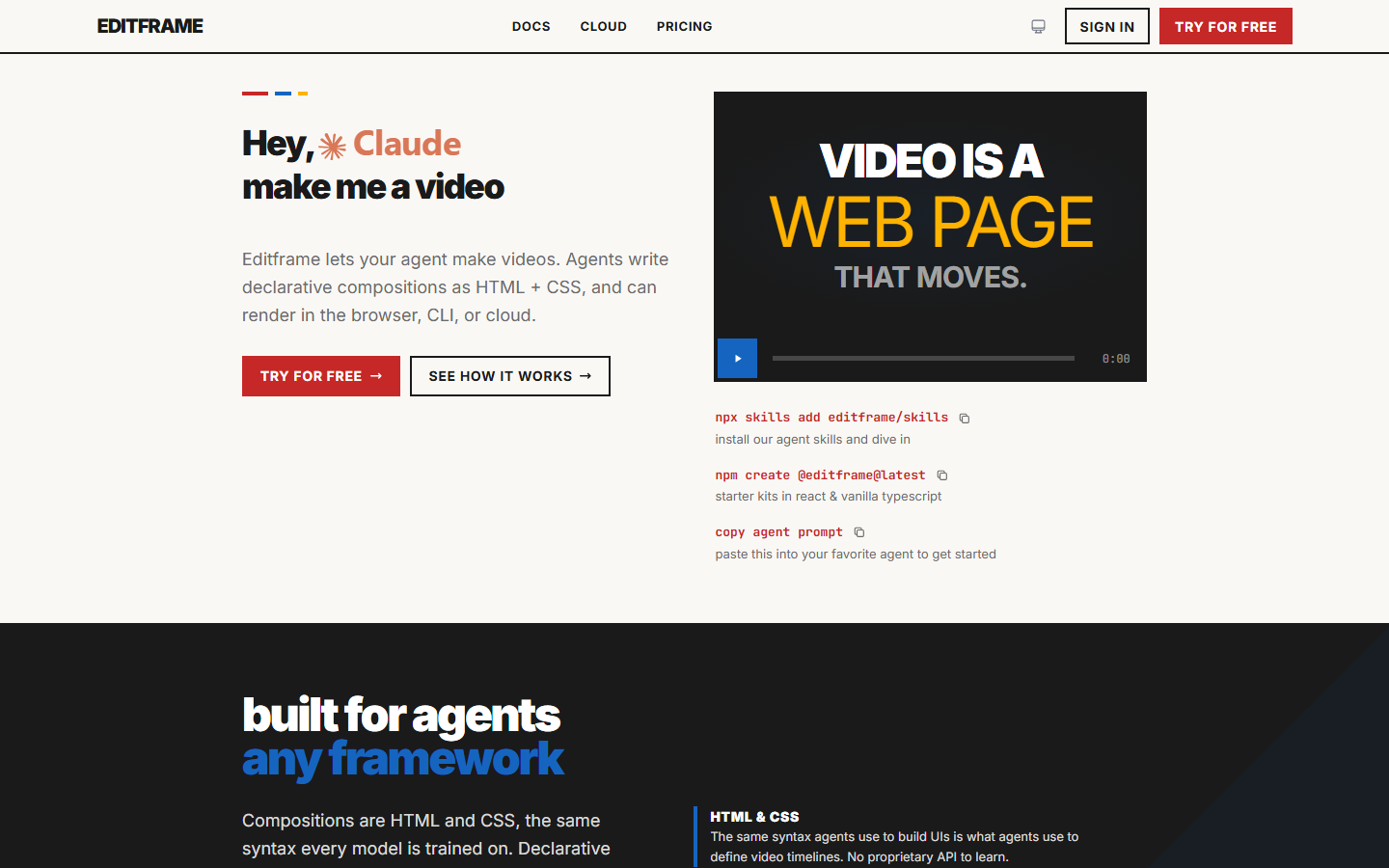
Editframe focuses on developer experience. It ships a typed SDK so you compose video in code with autocomplete and clear primitives for layers, timing, and effects, which reduces the trial-and-error of hand-writing large JSON payloads. The abstraction sits closer to how developers think about building UI.
If you are comparing SDK-first tools, the wider video creation and editing API landscape shows how much the developer ergonomics vary between vendors. Editframe's bet is that a good SDK beats a raw API for teams building serious automation.
Pricing: Usage-based with a free tier for testing.
Best for: Developers who prefer a typed SDK over raw JSON payloads.
7. Plainly
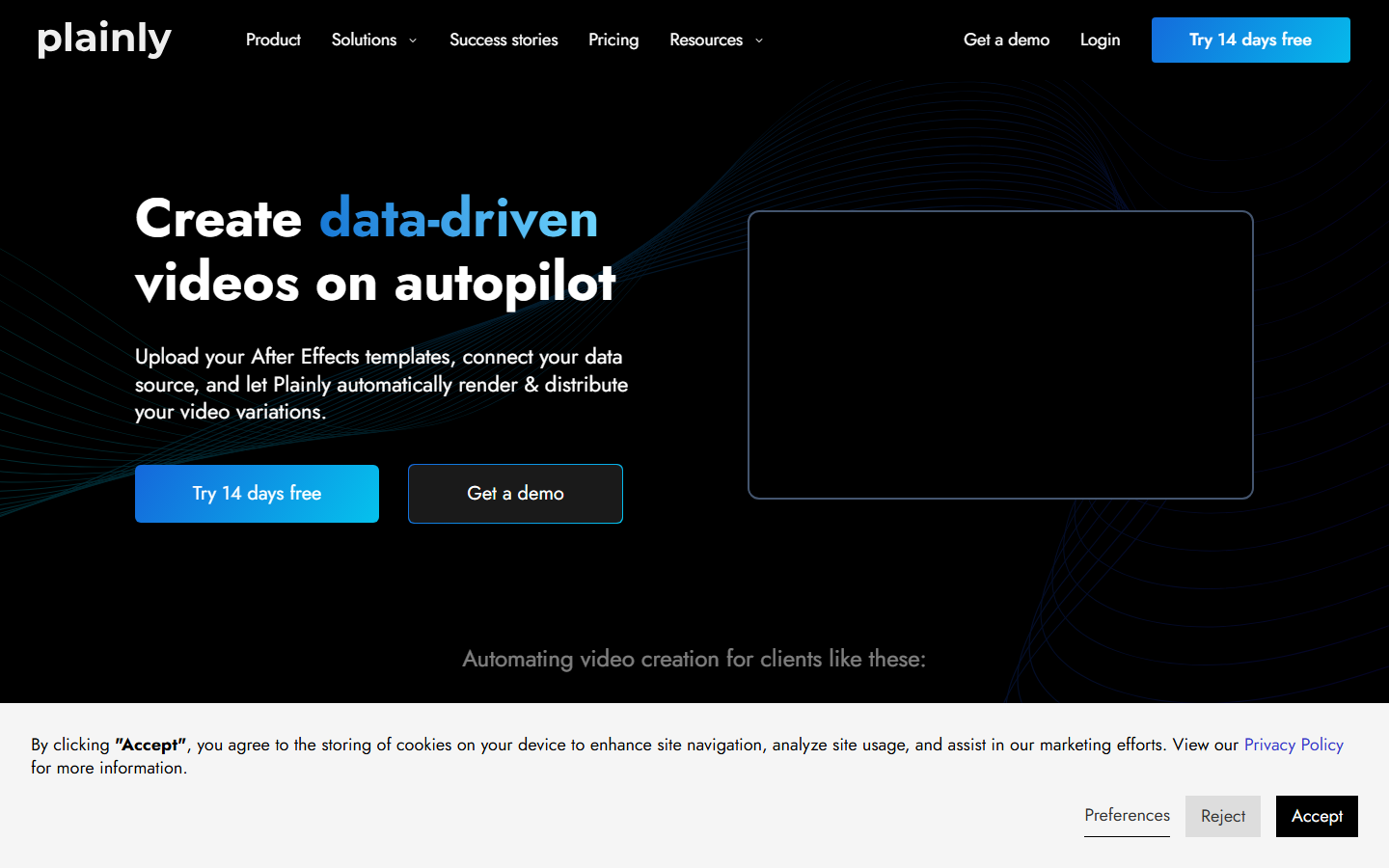
Plainly automates After Effects. You upload an existing .aep project, map its dynamic layers to variables, and render personalized variations through the API. For teams with polished motion-graphics templates already built by designers, this preserves that quality while making it programmatic.
This approach shines when your brand look lives in After Effects and you need to produce many multi-shot video variations from one master. It is less suited to fully generative pipelines, since the creative ceiling is whatever the template allows.
Pricing: Paid plans start around $79/month. Free trial available.
Best for: Studios automating rendering from existing After Effects templates.
8. Bannerbear
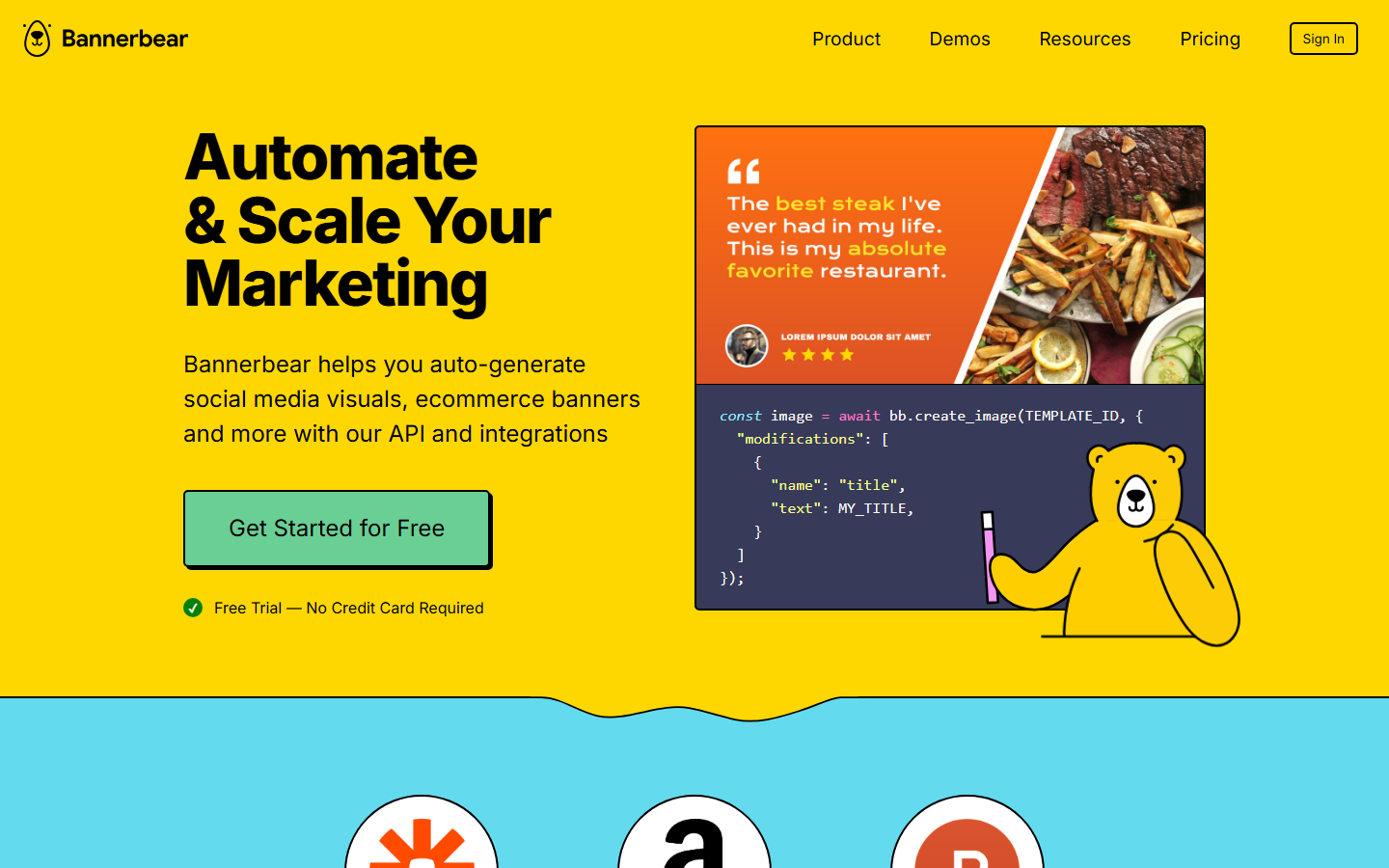
Bannerbear generates both images and short videos from templates via a single API, which is handy when an automation needs a matching image and video pair from the same data. It integrates with no-code platforms and covers social-format video well, so a content pipeline can produce a thumbnail and a clip in one flow.
Its video features are simpler than the dedicated video APIs, so teams building complex sequences often pair it with a video API for coding agents for the heavier work. For lightweight, templated social media assets, Bannerbear is fast and reliable.
Pricing: Paid plans start around $49/month. Free trial available.
Best for: Automations that need templated images and simple videos from one API.
Comparison Table
| Tool | Model | Best for | Hosted rendering | Starting price |
|---|---|---|---|---|
| Wireflow | Visual node pipeline + API/MCP | Generate and assemble in one run | Yes | Free tier |
| Shotstack | JSON timeline API | High-volume cloud rendering | Yes | Free sandbox |
| Creatomate | Visual template + API | Personalized templated video | Yes | ~$41/mo |
| Remotion | React components | Full code control | Self-host / Lambda | Free (license above 3) |
| JSON2Video | JSON document API | Budget rendering | Yes | ~$20/mo |
| Editframe | Typed SDK | Developer ergonomics | Yes | Free tier |
| Plainly | After Effects automation | Template-quality renders | Yes | ~$79/mo |
| Bannerbear | Templated media API | Images + simple video | Yes | ~$49/mo |
Which one wins depends on where your automation starts. If your upstream steps already emit a clean JSON timeline, a hosted video API for agents like Shotstack or JSON2Video maps directly onto that data. If your pipeline needs to generate the media itself, a canvas that chains models end to end saves you from stitching several vendors together.
How to Choose
Start with the input your automation actually produces. Structured data with fixed layouts points to a template tool. Free-form creative briefs point to a generative canvas. Code-defined layouts point to Remotion or an SDK. Matching the tool to your input shape matters more than raw feature counts when you build a video generation agent that has to run unattended.
Then weigh operations. Self-hosting buys control but costs engineering time, while a hosted API trades some control for zero infrastructure. For most automation teams the deciding factor is how much of the video editing workflow the platform absorbs, since every step you do not have to code yourself is a step that cannot break in production.
Try it yourself: Open this headless video workflow in Wireflow to see a text prompt become a GPT Image 2.5 Flare still, a Gemini Omni Flash 1.1 clip, and a finished MP4 from the Video Editor node, all callable as one REST endpoint.
AI video automation: from template to finished video by API
AI video automation means a program, not a person, decides what each clip contains and when it renders. You start from a template that fixes the layout, the pacing, and the slots a video needs, then feed it the data for one specific output: a product name, a script line, a source image, a voice. The automation tool sends that payload to an endpoint, and a finished video comes back without anyone opening a timeline.
The gap most tools leave is the middle, where raw inputs become the images, voice, and motion a template expects. A headless editor that only assembles clips still needs those assets generated somewhere else first. Building the generation and the assembly into one automated video workflow closes that gap, so a single request can run the model steps and the render in order.
In practice the automation looks like one REST call per video. A script or agent triggers the pipeline with the row of data it wants rendered, the pipeline chains the model steps, and the editor stitches the result into the final file. That is what lets a large catalog become a matching set of videos on a schedule, each built from the same template but filled with its own inputs.
Frequently Asked Questions
What is a headless video editor? A headless video editor renders finished video from an API call, template, or code instead of a manual timeline interface. Automation tools use it to produce video programmatically, at scale, without a human touching an editor.
Which headless video editor is best for automation in 2026? It depends on your input. Wireflow is the strongest all-in-one option when you need to generate and assemble media in one pipeline, Shotstack leads for high-volume JSON rendering, and Remotion wins when you want full code control.
Can I call these tools from automation platforms like Make or Zapier? Yes. Most of these tools expose a REST API, and several including Creatomate and Bannerbear ship native integrations for no-code automation platforms, so you can trigger renders from an existing scenario.
Do I need to host my own render servers? Only Remotion requires you to run rendering yourself or deploy it to Lambda. The other tools listed here handle rendering on their own infrastructure and return a finished file.
What is the difference between a video API and a headless editor? The terms overlap heavily. A video API is the interface; a headless editor is the rendering engine behind it. In practice, any programmatic tool that returns a finished video without a manual timeline qualifies as both.
How do headless editors handle AI-generated media? Some, like Wireflow, generate the media as part of the pipeline by chaining image and video models. Others expect you to supply finished assets and only handle assembly, so you generate media in a separate step first.
Are these tools suitable for high-volume rendering? Yes. Shotstack, JSON2Video, and Remotion on Lambda are all built for high concurrency, and hosted platforms scale rendering without you managing capacity. Match the plan tier to your expected render minutes.
Can I edit existing footage or only generate new video? Most of these tools assemble and composite clips you supply, so you can edit existing footage by passing it as input. Fully generative canvases lean toward creating new media, though they also accept uploaded assets.
Conclusion
Headless video editing is now the default way automation tools produce video, and the right choice comes down to where your pipeline starts and how much of the work you want the platform to own. Template tools win for fixed layouts, code-first tools win for bespoke control, and a model-chaining canvas wins when you need generation and assembly in a single call. Whichever route you pick, keep the pricing and rendering-minute math in view, since at automation volume the per-render cost is what ultimately decides your margins.

Co-Founder & Operations at Wireflow
Runs client operations and content strategy at Wireflow. Works directly with creative teams and agencies to build production AI workflows.
- Content Strategy
- Client Operations
Ask Claude for your next ad.
Connect once. Ask any time.
- No credit card
- You keep the rights to what you make
- Cancel anytime