Best Creatomate Alternatives in 2026


In this article▾
- Quick Summary
- Why People Look for Creatomate Alternatives
- 1. Wireflow: Best Overall
- 2. Shotstack: Best for Pure Video Assembly via API
- 3. Bannerbear: Best for Image and Banner Automation
- 4. JSON2Video: Best for JSON-First Video Rendering
- 5. Plainly: Best for After Effects Template Automation
- 6. Placid: Best for Social Media Asset Generation
- 7. Remotion: Best for Developer-Controlled Video with React
- Comparison Table
- FAQ
- Conclusion
Creatomate carved out a niche in API-driven video and image generation, letting teams render templated media through REST calls and Zapier integrations. It works for straightforward template swaps, but teams that need multi-model pipelines, visual workflow builders, or granular rendering control often hit its ceiling. Wireflow takes a different approach: a node-based canvas where you chain AI models, video assembly, and export nodes into repeatable workflows, backed by the same kind of REST API that Creatomate users expect. This guide ranks the seven strongest Creatomate alternatives in 2026, evaluated on API flexibility, template systems, and production readiness.
Quick Summary
- Wireflow - Best Overall (visual node pipelines, multi-model chaining, REST API)
- Shotstack - Best for Pure Video Assembly via API
- Bannerbear - Best for Image and Banner Automation
- JSON2Video - Best for JSON-First Video Rendering
- Plainly - Best for After Effects Template Automation
- Placid - Best for Social Media Asset Generation
- Remotion - Best for Developer-Controlled Video with React
Why People Look for Creatomate Alternatives
Creatomate handles the basics of template-driven media rendering, but its limitations surface quickly in production. The template editor is constrained to flat layer compositions; there is no way to chain AI models, run conditional logic, or branch a pipeline based on input data. Pricing scales per render, which gets expensive at high volumes. Teams that need more than text-and-image swaps inside a template often find themselves writing custom code around Creatomate's API to fill gaps the platform does not cover natively. If you have been evaluating video creation and editing APIs, the tools below address a wider range of automation needs.
Image template APIs hit the same ceiling, which is why teams also look at a Bannerbear alternative that generates the graphic instead of filling a fixed layout.
Build this in Wireflow
Make the same kind of asset on a canvas you control, with a free account and no credit card.
1. Wireflow: Best Overall
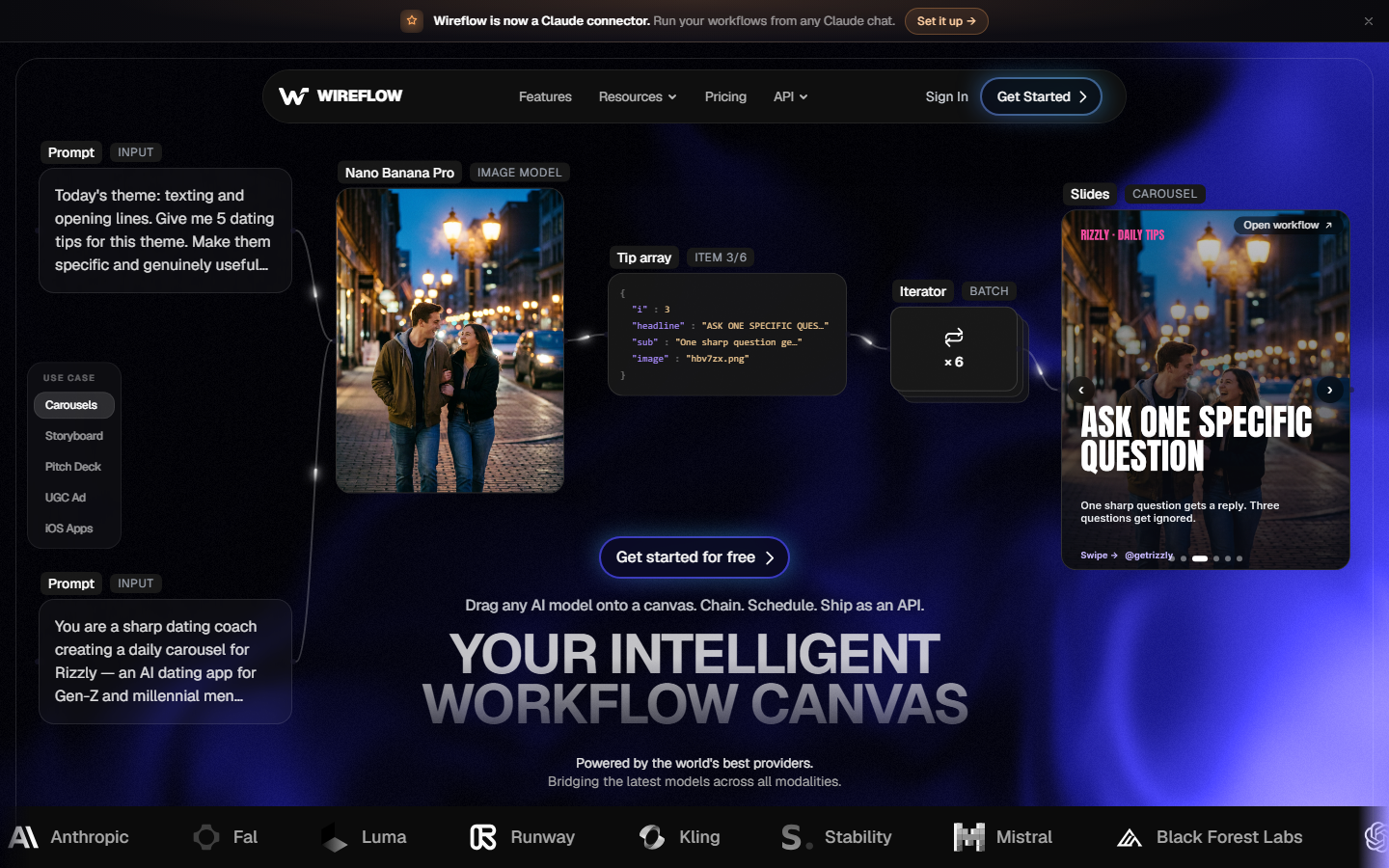
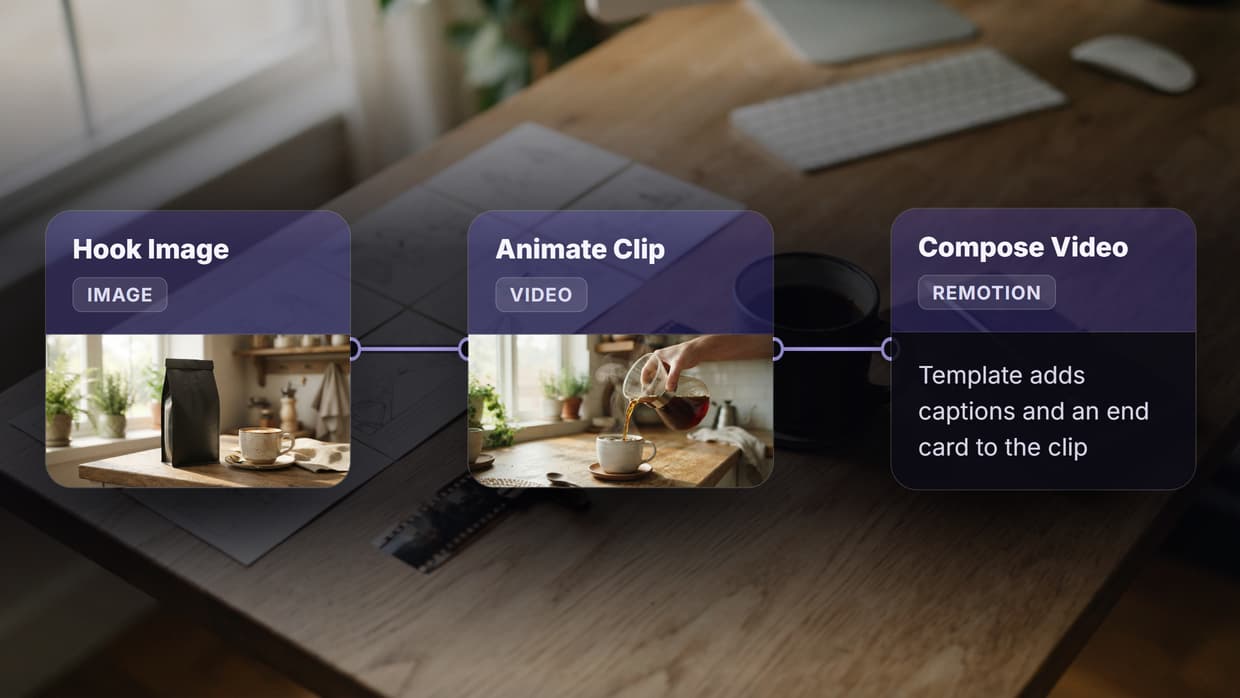
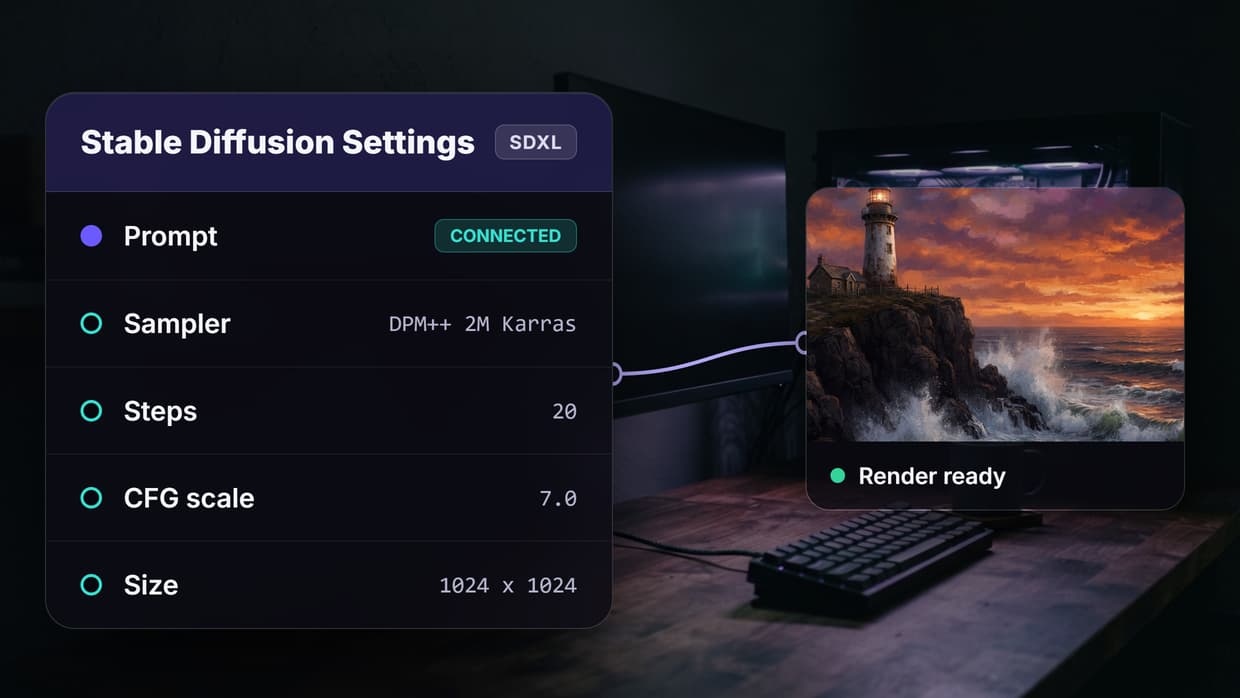
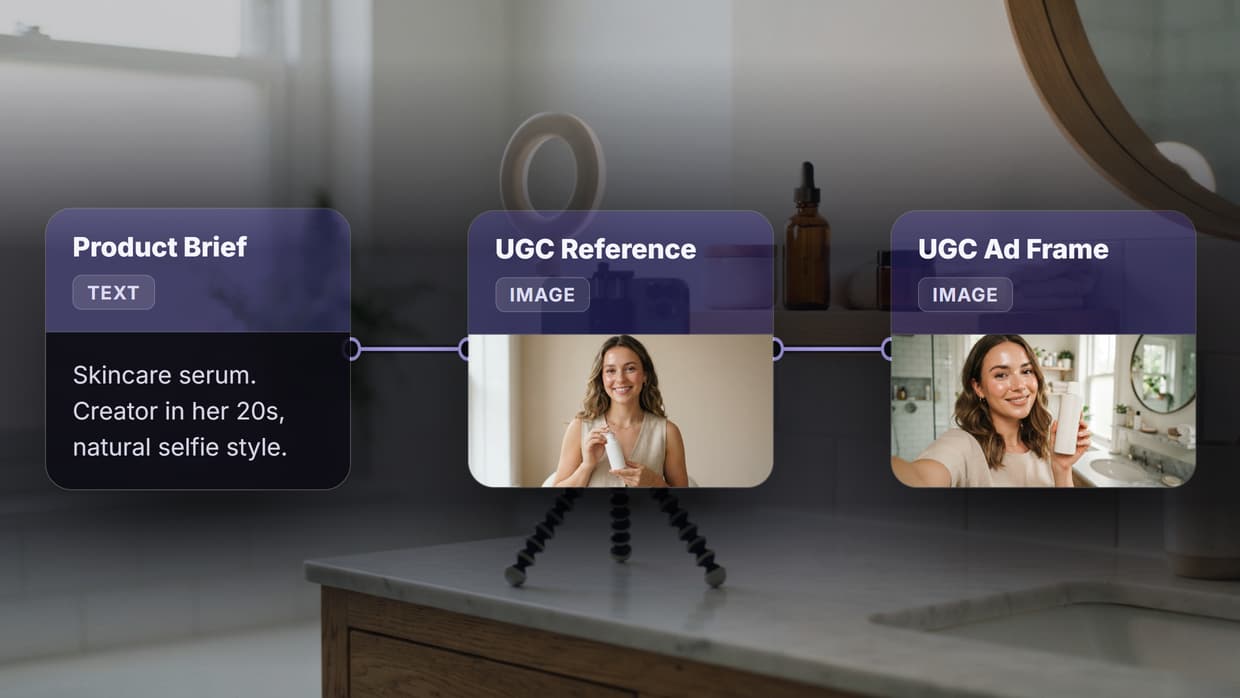
Wireflow replaces Creatomate's flat template editor with a visual node canvas where each step in your media pipeline is an explicit, configurable block. You connect an AI image generator to a background remover, feed the result into a video composition node, overlay text, and export. Every connection is visible, and the entire workflow is triggerable via REST API or scheduled runs. For a hands-on look, check out the Creatomate alternative feature page.
Where Creatomate limits you to its built-in rendering engine, Wireflow gives access to dozens of AI models (Flux 2 Pro, Recraft V4, Kling, Veo 3.1, and more) as individual nodes you can swap in and out. This matters when a client needs photorealistic product shots from one model and stylized illustrations from another in the same batch run. Batch generation is native: feed a CSV of 500 product names and get 500 rendered assets without touching the interface again.
Templates in Wireflow are full workflows, not flat compositions. You can lock certain nodes while exposing others as variables, then share the workflow with teammates or trigger it externally. This makes reusable templates far more powerful than Creatomate's layer-based approach, because the template itself can include AI processing steps, not just static overlays.
Best for: Teams automating multi-step creative pipelines that go beyond simple template rendering.
2. Shotstack: Best for Pure Video Assembly via API
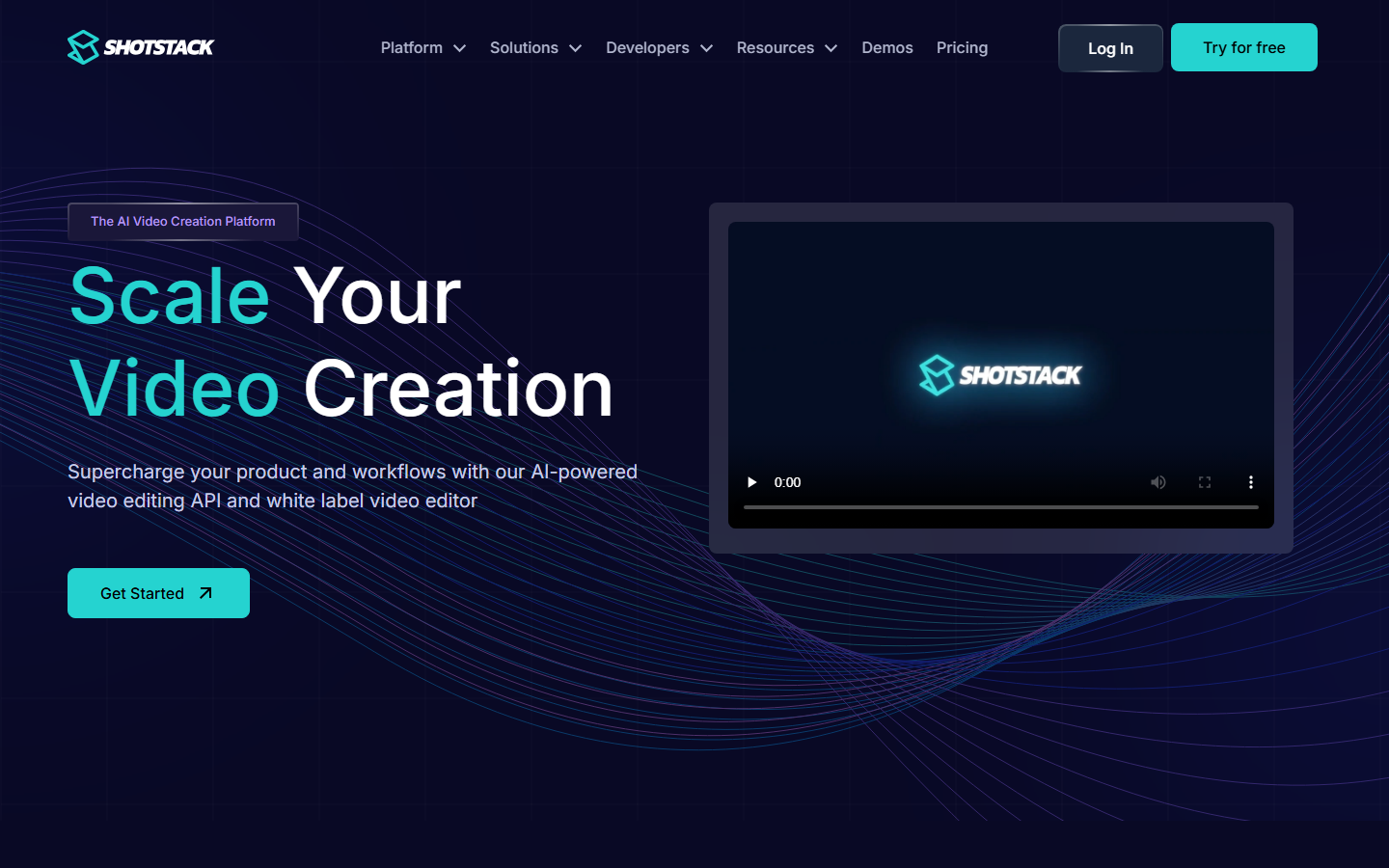
Shotstack is a cloud video editing API built for developers who want to assemble video programmatically without a GUI. You define clips, transitions, overlays, and text in JSON, send it to the API, and get a rendered MP4 back. The approach is similar to Creatomate's API, but Shotstack's timeline model is more flexible for complex multi-track compositions.
Shotstack supports merging clips, adding audio tracks, applying filters, and rendering at up to 4K. SDKs are available for Node.js, Python, Ruby, and PHP. Pricing is usage-based with a free tier for low-volume testing. The video assembly API comparison covers the technical differences in detail.
The limitation is that Shotstack is strictly a rendering engine. It does not include AI generation, image processing, or workflow orchestration. If you need to generate assets before assembling them into video, you handle that upstream.
Best for: Developers building video rendering into SaaS products who need a reliable, well-documented API.
3. Bannerbear: Best for Image and Banner Automation
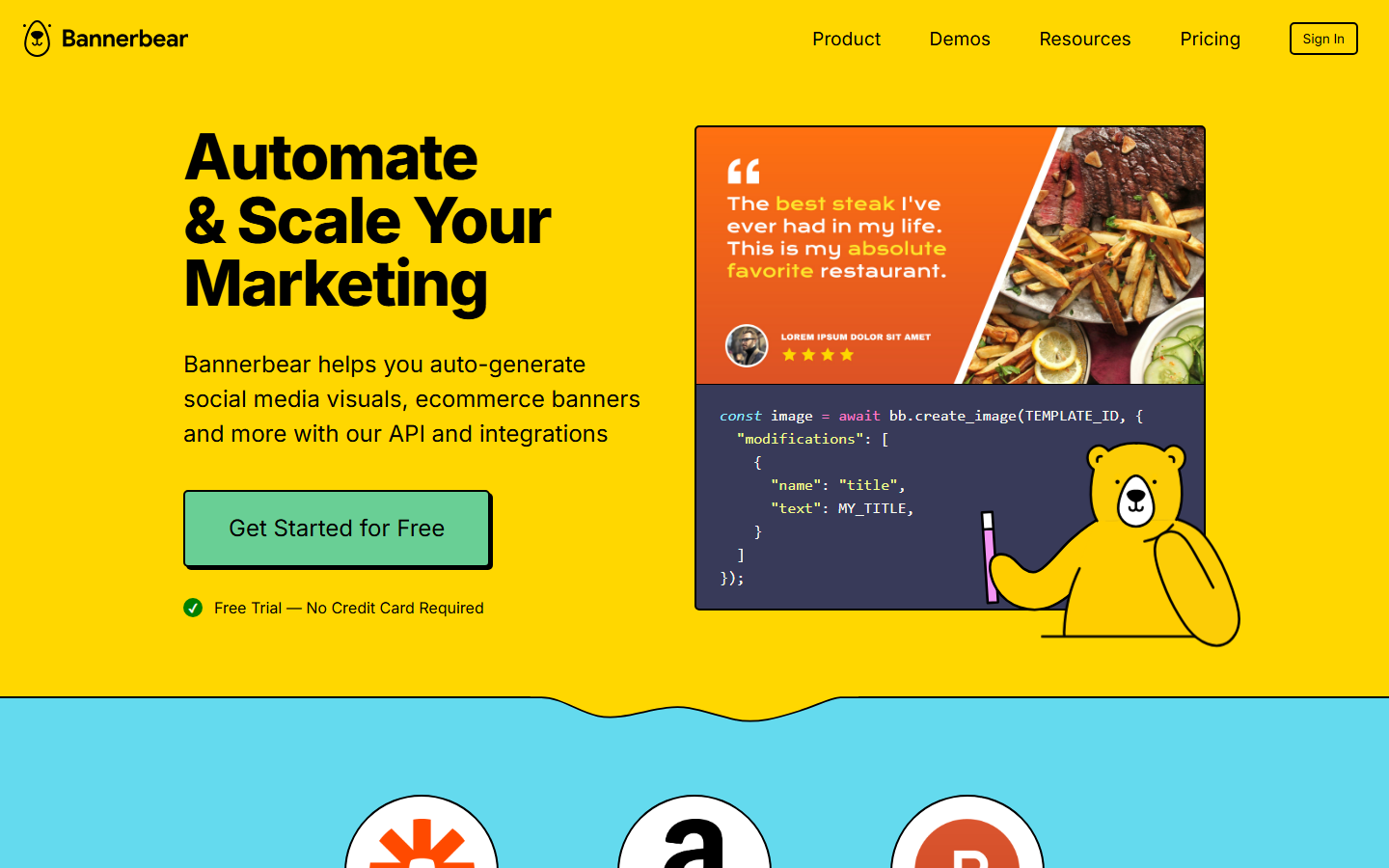
Bannerbear focuses specifically on automated image and banner generation. You design a template in their editor, define dynamic fields (text, images, colors), and call the API to generate variations at scale. It handles social media images, Open Graph cards, certificates, and similar assets well.
The template editor is more intuitive than Creatomate's for pure image work, and the integration options are broad: Zapier, Make, Airtable, and direct API. Bannerbear also supports basic video generation for simple animated content. Pricing starts at $49/month for 1,000 images. Teams evaluating programmatic image generation platforms will find Bannerbear competitive on ease of setup, though limited on video capabilities.
The tradeoff is scope. Bannerbear does not support complex video editing, AI model integration, or multi-step pipelines. It is a focused tool for image template automation, and it does that job well.
Best for: Marketing teams automating social media images, banners, and certificates at volume.
4. JSON2Video: Best for JSON-First Video Rendering
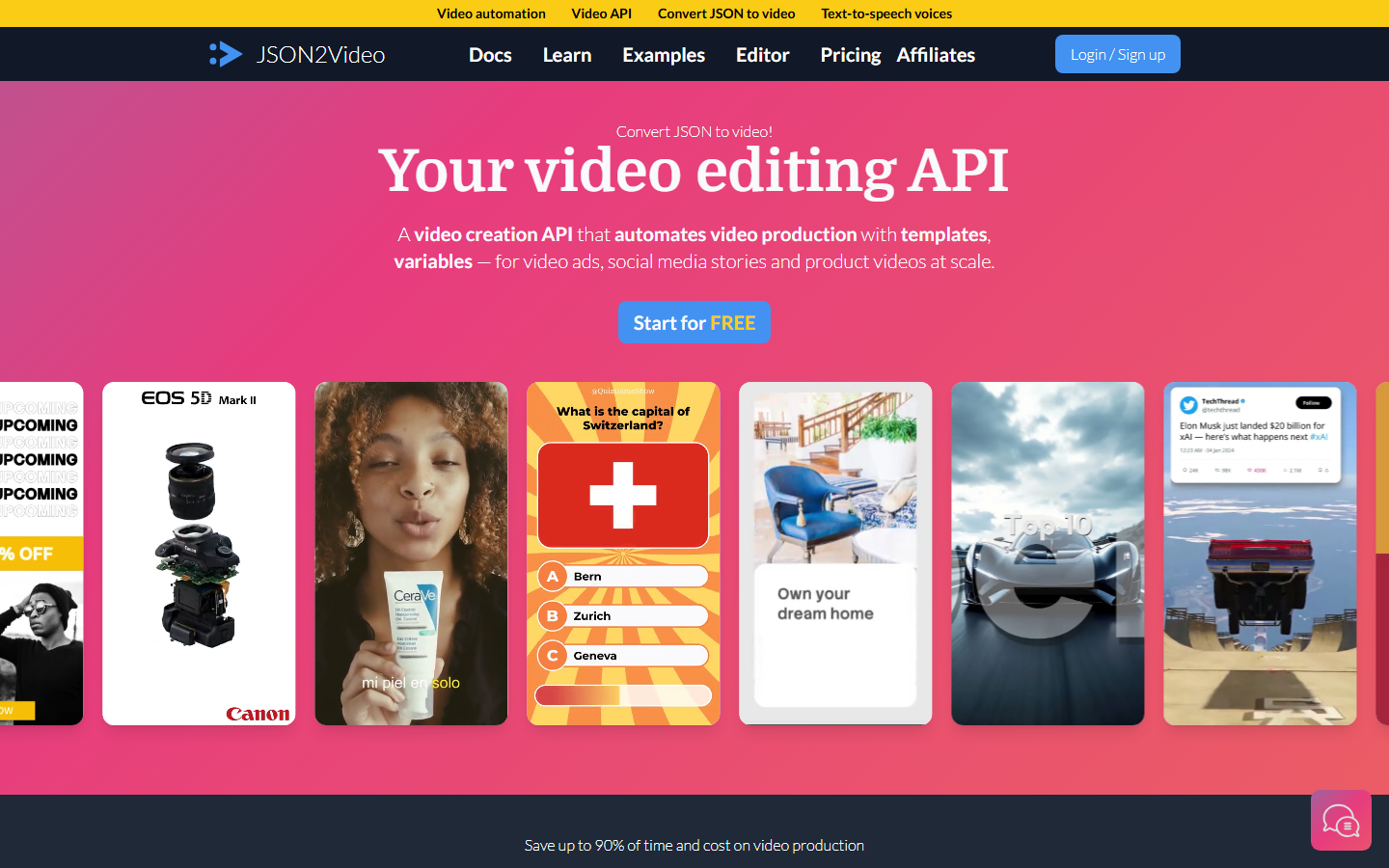
JSON2Video takes a minimal approach: you define your entire video as a JSON document and send it to the API. Scenes, clips, text overlays, transitions, and audio are all specified declaratively. The rendering happens server-side, and you get a video file back. It is the leanest option on this list for teams that want full programmatic control without a visual editor.
The JSON schema is well-documented and supports stock media integration, screen recordings, and dynamic data binding. Pricing is straightforward and render-based, starting from pay-as-you-go plans. The platform also supports webhooks for async rendering notifications. For broader context on video generation APIs, JSON2Video sits at the lightweight end of the spectrum.
JSON2Video does not include a template designer or visual editor, which means non-technical team members cannot create or modify templates without developer involvement. The tool is purely API-driven by design.
Best for: Developer teams that prefer JSON-native video definitions over visual template editors.
5. Plainly: Best for After Effects Template Automation
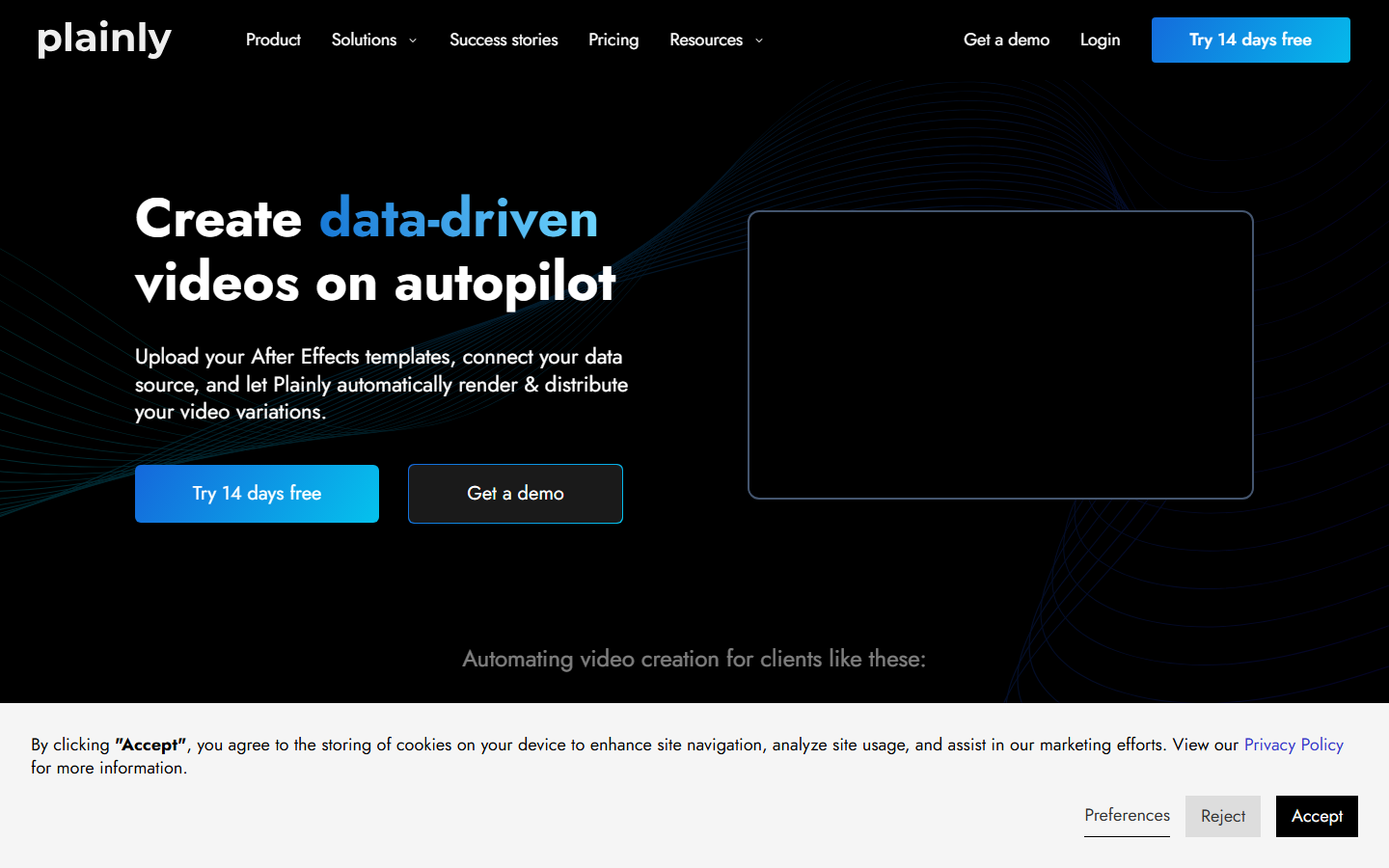
Plainly bridges Adobe After Effects and automated rendering. You design your video in After Effects, upload the project file, mark dynamic layers, and use Plainly's API to render personalized variations. This gives you the full motion graphics capability of After Effects without manually rendering each version.
For teams already invested in After Effects templates, Plainly solves a real pain point. Creatomate's built-in editor cannot match After Effects for complex animations, particle effects, or sophisticated motion design. Plainly keeps the design tool you already know and adds the automation layer on top. The platform also supports batch rendering and integrates with Zapier and Make. If you are exploring programmatic video generation platforms, Plainly is the strongest option for AE-native teams.
The dependency on After Effects is both the strength and the limitation. You need After Effects licenses and AE expertise to create templates. Rendering times are also longer than pure API solutions because the engine processes full AE compositions.
Best for: Motion designers and agencies with existing After Effects templates who need to automate rendering.
6. Placid: Best for Social Media Asset Generation

Placid automates the creation of social media images, PDF documents, and videos from templates. The visual template editor supports layers, dynamic text, and image placeholders. What sets Placid apart from Creatomate is its focus on content-driven automation: it integrates directly with RSS feeds, spreadsheets, and CMS platforms to generate assets automatically when new content is published.
The platform supports image, video, and PDF output formats. Zapier and Make integrations are available, along with a REST API for custom implementations. Pricing is based on renders per month, starting at around $29/month. Teams working on content generation APIs that need a visual layer for output formatting will find Placid useful as a downstream renderer.
Placid handles simple video (text animations, slideshows) but does not support complex video editing, multi-track compositions, or AI-powered generation. It is best suited for teams that need consistent, branded visuals produced automatically from data sources.
Best for: Content teams automating branded social media visuals tied to CMS or data feeds.
7. Remotion: Best for Developer-Controlled Video with React
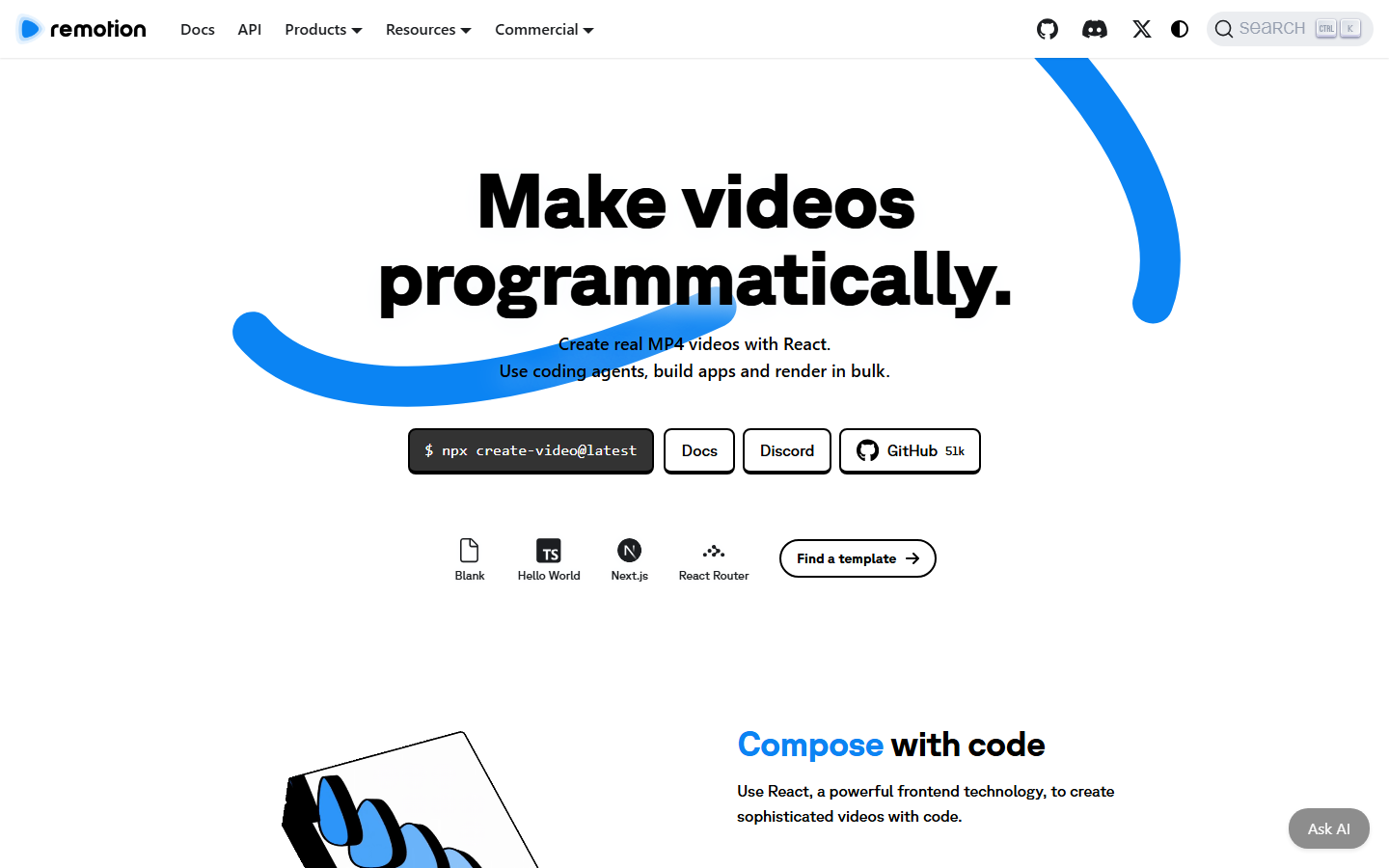
Remotion is an open-source framework for creating videos programmatically using React. You write your video as React components, define animations with JavaScript, and render to MP4. It gives developers complete control over every pixel and frame, with no template constraints.
The tradeoff is that Remotion requires real development work. There is no visual editor. Creating a video means writing JSX, managing state, and handling rendering pipelines. Remotion Cloud simplifies deployment, but authoring remains code-heavy. For teams evaluating node-based video generation tools, Remotion sits at the maximum-control, maximum-effort end of the spectrum.
Remotion is free and open source for companies under $1M revenue, paid above that. It is the only tool on this list that gives you full source-level control over the rendering pipeline.
Best for: Development teams building custom video products who want total control and are comfortable writing React.
Comparison Table
| Platform | Best For | API Access | Template Editor | AI Models | Batch Rendering | Starting Price |
|---|---|---|---|---|---|---|
| Wireflow | Multi-step pipelines | REST API | Visual node canvas | 30+ models | Yes | Free tier |
| Shotstack | Video assembly | REST API | No | No | Yes | Free tier |
| Bannerbear | Image automation | REST API | Yes (images) | No | Yes | $49/month |
| JSON2Video | JSON-native video | REST API | No | No | Yes | Pay-as-you-go |
| Plainly | After Effects automation | REST API | After Effects | No | Yes | Custom pricing |
| Placid | Social media assets | REST API | Yes | No | Yes | $29/month |
| Remotion | Code-first video | Self-hosted | Code (React) | No | Via Cloud | Free / paid |
Try it yourself: Build this workflow in Wireflow. The nodes are pre-configured to generate a scene with GPT Image 2.5 Flare, animate it with Gemini Omni Flash 1.1, and render the cut in the Video Editor.
FAQ
What is Creatomate used for? Creatomate is an API-driven platform for generating videos and images from templates. Teams use it to automate social media ads, product videos, and personalized marketing assets by swapping dynamic content via REST API or Zapier.
Is Creatomate free? Creatomate offers a free tier with limited renders. Paid plans start based on render volume. For teams with high-volume needs, usage-based pricing platforms often work out more predictably than per-render billing.
Which Creatomate alternative is best for developers? Remotion gives the most control (React-based, open source), but requires significant development effort. Shotstack and JSON2Video offer clean REST APIs without a frontend framework. Wireflow sits in between: a visual canvas backed by a full API for pipeline automation.
Can I use After Effects templates with any of these tools? Only Plainly supports native After Effects project files. The other platforms use their own template formats or JSON-based definitions.
Which alternative supports AI image and video generation? Wireflow is the only platform on this list that integrates AI generation models (Flux 2 Pro, Kling, Veo 3.1, Recraft V4, and others) directly into the video pipeline. The rest focus on template rendering without built-in AI generation.
Do these tools support batch rendering? All seven support some form of batch or bulk rendering. Wireflow handles it natively through CSV input nodes. Shotstack, Bannerbear, and JSON2Video support batch via their APIs. Plainly and Placid handle batches through integrations. Remotion supports parallel rendering through Remotion Cloud.
What is the cheapest Creatomate alternative? Remotion is free and open source for companies under $1M revenue. Wireflow and Shotstack both offer free tiers. JSON2Video has pay-as-you-go pricing that can be cheaper than Creatomate at low volumes.
Can I migrate my Creatomate templates to another platform? There is no direct migration path between these platforms. Templates are built in each tool's native format. The transition involves rebuilding templates, which is a good opportunity to rethink your pipeline structure.
Conclusion
Creatomate works for simple template-driven media automation, but the alternatives above cover substantially more ground. Shotstack and JSON2Video handle pure video assembly, Bannerbear and Placid own the image automation space, Plainly bridges After Effects into production pipelines, and Remotion gives full code-level control. Wireflow stands apart by combining visual workflow building, AI model access, and API-triggered batch rendering in a single platform. Pick the tool that matches the complexity of what you are actually building, not just the template count.

Co-Founder & Operations at Wireflow
Runs client operations and content strategy at Wireflow. Works directly with creative teams and agencies to build production AI workflows.
- Content Strategy
- Client Operations
Get unlimited ad creatives today.
One call to see if we are a fit and scope the first ad. If it fits, your first batch lands inside week one.