Creatomate vs Shotstack: Pricing, Features and API Compared

In this article▾
Creatomate vs Shotstack in 2026: we compare pricing, templates, API features and developer experience, and show where Wireflow fits as the third video API.
Choosing between Creatomate and Shotstack comes down to what you actually need from a video rendering API. Both platforms let developers generate videos programmatically, but they take different approaches to templating, pricing, and workflow flexibility. Wireflow offers a third path with visual node-based workflows and a unified API for chaining image, video, and audio models together. This guide breaks down the real differences between Creatomate and Shotstack so you can pick the right tool for your project.
Quick Summary
- Wireflow - Best overall: visual canvas with API access, multi-model chaining, usage-based pricing
- Creatomate - Best for template-driven rendering: browser-based editor, responsive templates, keyframe animation
- Shotstack - Best for high-volume rendering: cloud infrastructure, fast render times, white-label SDK
What Is Creatomate?
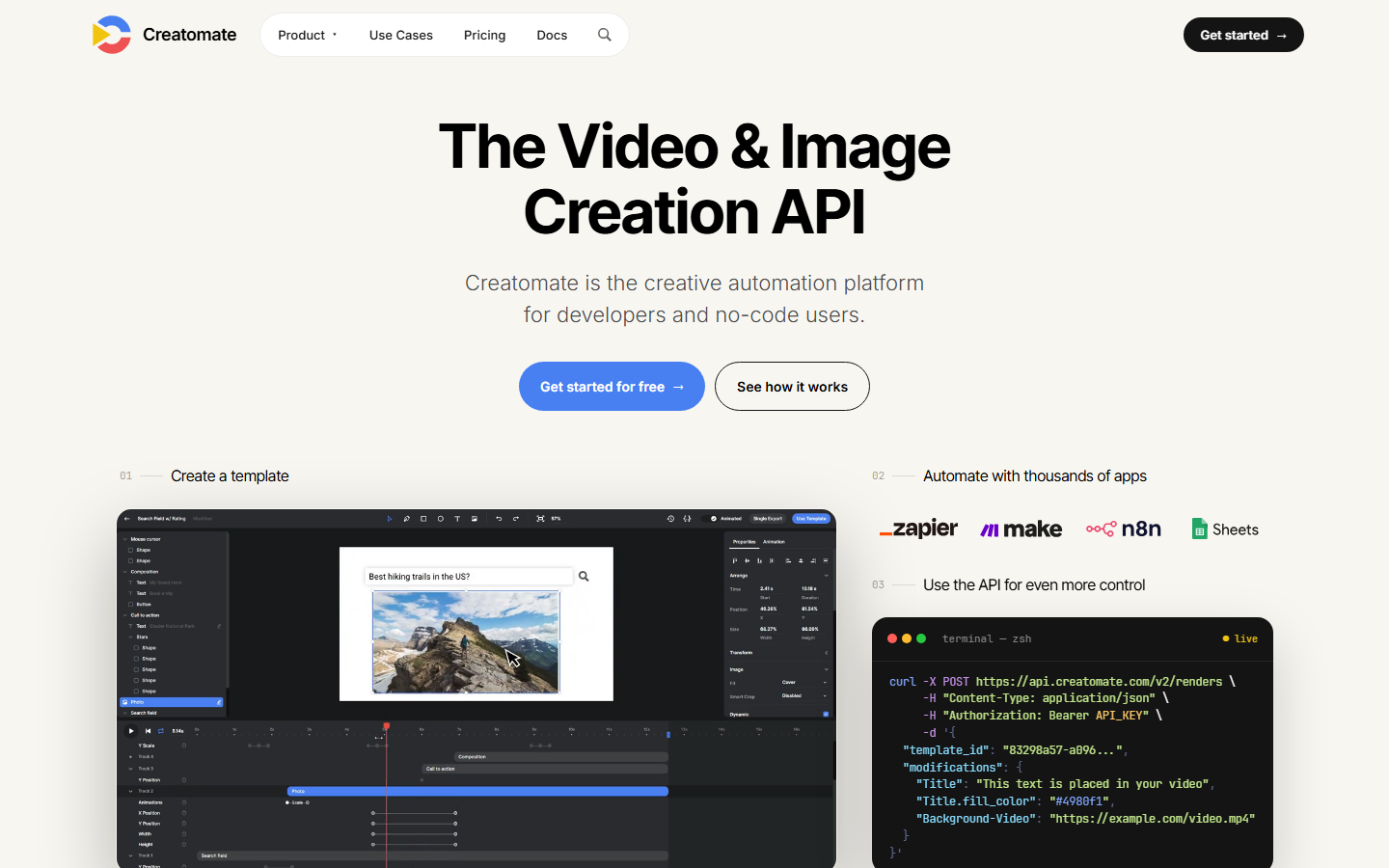
Creatomate is a cloud-based video generation API built around a browser-based template editor. Developers create templates with dynamic text, images, and video layers, then render variations through REST API calls. The platform supports keyframe animation, 3D transforms, and responsive layouts that adapt to different aspect ratios. For a deeper look at platforms in this space, see the full Creatomate alternatives roundup.
Creatomate's editor works entirely in the browser. You design templates visually, set dynamic fields, and call the API with JSON payloads to render personalized videos at scale. The platform handles fonts, transitions, and audio mixing server-side.
Strengths:
- Visual template editor with keyframe timeline
- Responsive templates that adapt to portrait, landscape, and square
- Supports overlays, masks, and compositing effects
- Node.js, Python, and PHP SDKs available
Limitations:
- No built-in AI model integration (image generation, voice synthesis, etc.)
- Template-centric workflow; less flexible for non-template use cases
- Pricing scales with render minutes, which can add up for long-form content
Build this in Wireflow
Make the same kind of asset on a canvas you control, with a free account and no credit card.
What Is Shotstack?
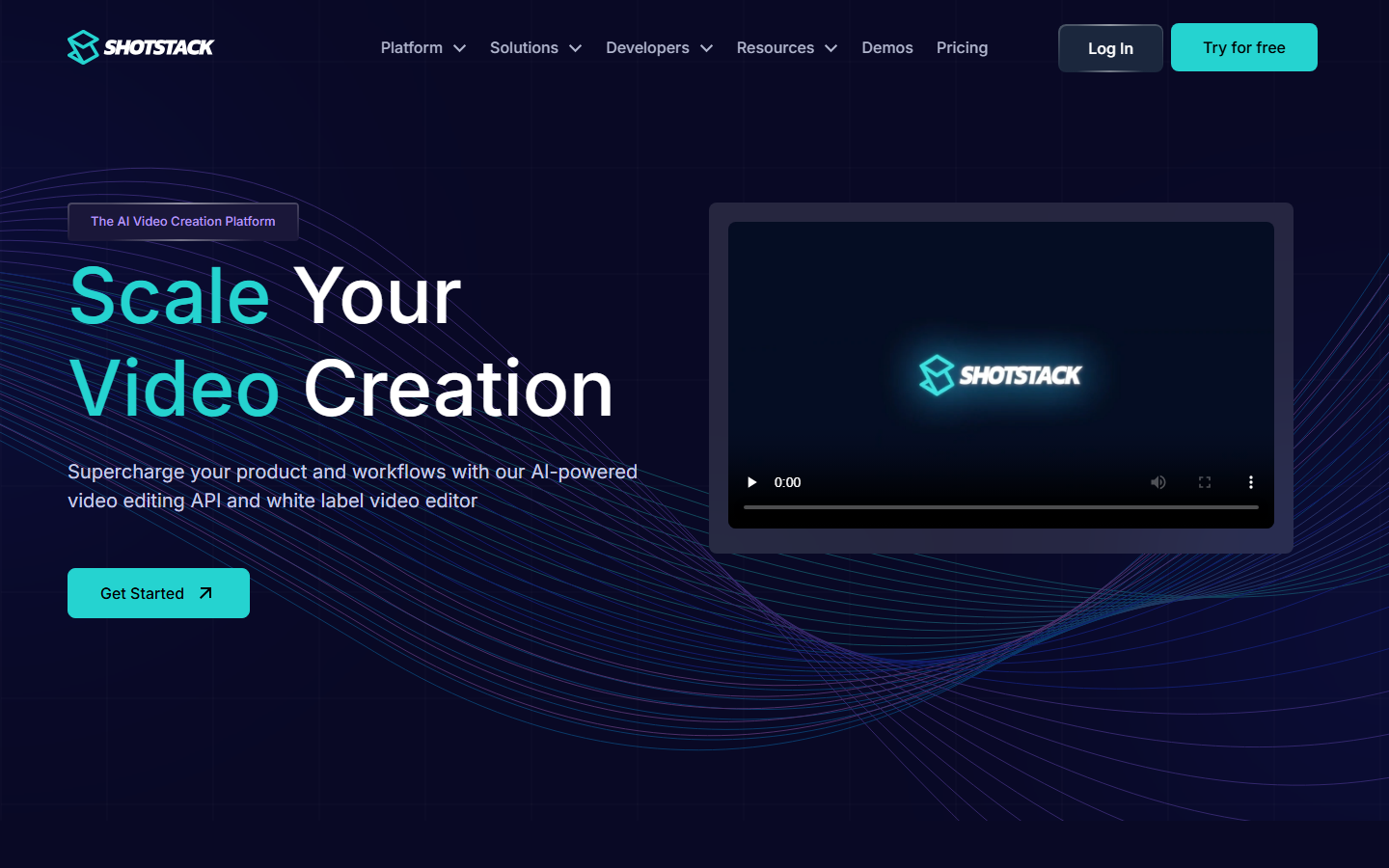
Shotstack is a cloud video editing API focused on high-throughput rendering. It processes videos on distributed infrastructure, aiming for fast turnaround even at scale. The platform uses a JSON-based timeline schema where you define clips, tracks, and transitions programmatically. If you want to explore more options in this category, check the Shotstack alternatives comparison.
Shotstack targets teams that need to render thousands of videos per day, such as real estate platforms, e-commerce stores generating product videos, or media companies automating news clips. Its API accepts a timeline JSON, renders the video in the cloud, and returns a download URL.
Strengths:
- High-volume rendering infrastructure (claims 1M+ renders per month)
- Flat-rate resolution pricing (4K costs the same as 720p)
- White-label SDK for embedding video editing into your own product
- ProRes and chroma key output support
Limitations:
- No visual template editor; everything is JSON-defined
- Limited creative effects compared to Creatomate's keyframe system
- AI features are minimal; no native model chaining or generation
How Wireflow Compares
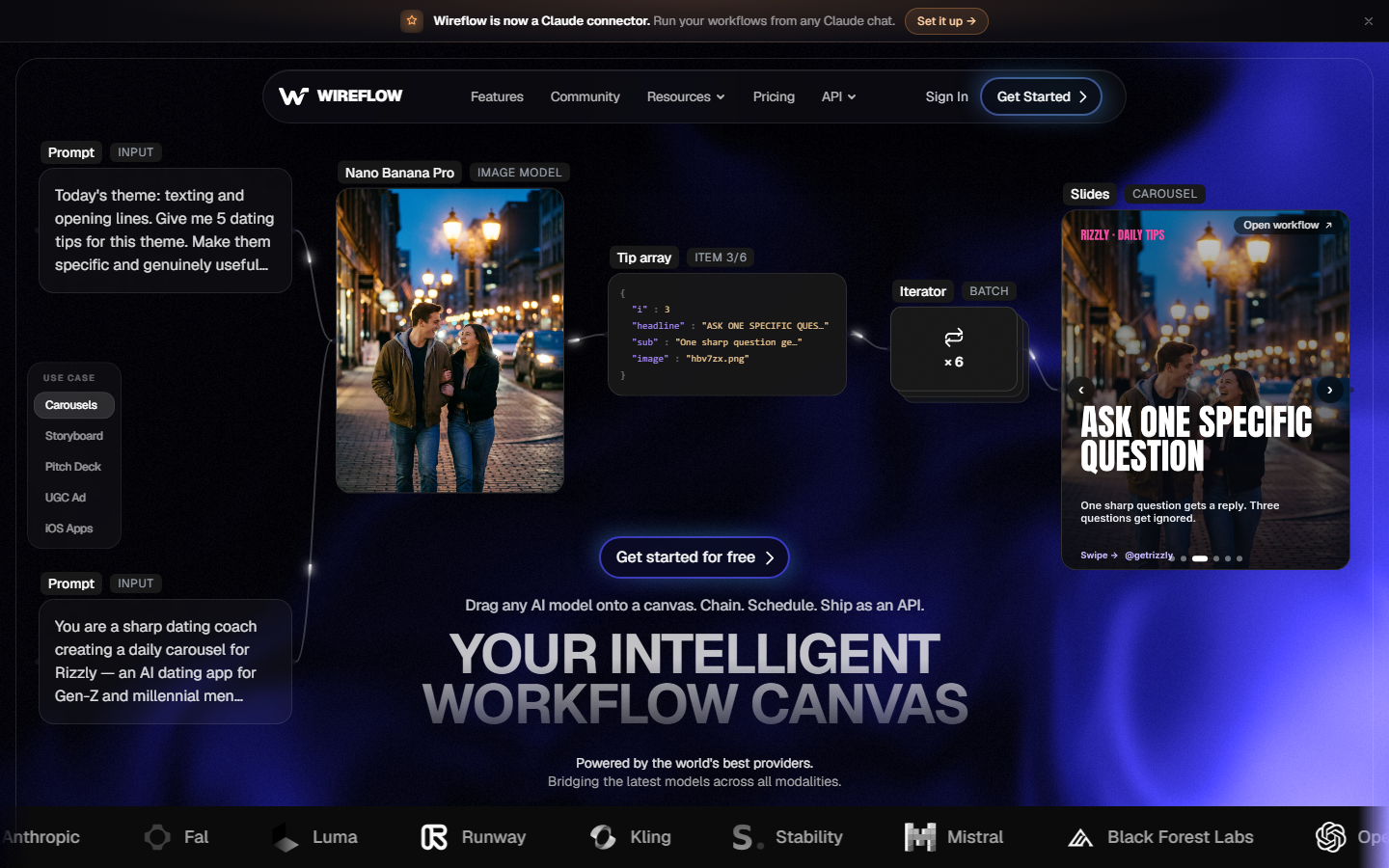
Where Creatomate and Shotstack focus specifically on video rendering, Wireflow takes a broader approach with a visual node editor that connects multiple AI models in a single workflow. You can chain image generation, video creation, voice synthesis, and post-processing steps together on one canvas, then trigger the entire pipeline through a single API call.
This matters if your use case goes beyond simple template rendering. For example, generating product images with AI, compositing them into video ads, and adding synthesized voiceovers is a multi-step pipeline that would require gluing multiple APIs together with Creatomate or Shotstack. With a node-based canvas, you build it visually and run it as one workflow.
Feature-by-Feature Comparison
| Feature | Wireflow | Creatomate | Shotstack |
|---|---|---|---|
| Visual editor | Node-based canvas | Template timeline editor | None (JSON only) |
| API access | REST + webhooks | REST API | REST API |
| AI model integration | 100+ models (image, video, audio, LLM) | None built-in | Limited |
| Template system | Reusable workflow templates | Responsive video templates | JSON timeline schemas |
| Video rendering | Via AI video models | Cloud rendering engine | Distributed cloud rendering |
| White-label | API-first, embeddable | Limited | White-label SDK |
| Pricing model | Usage-based per node execution | Per render minute | Per render minute |
| Batch processing | Native batch generation | API batching | API batching |
| Resolution pricing | Flat (model-dependent) | Varies by resolution | Flat across resolutions |
| Output formats | Depends on model (MP4, PNG, WAV, etc.) | MP4, GIF, PNG | MP4, GIF, ProRes |
Pricing Breakdown
Creatomate offers tiered plans starting with a free tier (limited to watermarked renders), then scaling through Pro and Enterprise tiers based on render minutes. At the mid-tier, expect roughly $50-80/month for moderate usage. High-volume rendering can push costs significantly higher.
Shotstack also uses a tiered model, but its key differentiator is flat-rate resolution pricing. Rendering at 4K costs the same as 720p, which benefits teams producing high-resolution content. Plans start around $25/month for the starter tier. Shotstack claims their pricing is lower than Creatomate at comparable volumes, though the exact savings depend on your render length and resolution mix.
Wireflow uses usage-based pricing where you pay per node execution rather than per render minute. This works differently from both competitors because the cost scales with workflow complexity rather than output duration. For teams running multi-step pipelines, this can be more predictable than per-minute billing.
Use Case Fit
Choose Creatomate if you need a polished template editor for producing video variations at scale. It excels at personalized marketing videos, social media content automation, and any workflow where you design once and render many variations. The responsive template system is genuinely useful for multi-platform content.
Choose Shotstack if raw rendering throughput is your priority. High-volume use cases like real estate listing videos, automated news clips, or e-commerce product videos benefit from Shotstack's distributed infrastructure and flat resolution pricing. The white-label SDK is also a strong fit for SaaS platforms that want to embed video creation and editing capabilities into their own product.
Choose Wireflow if your pipeline involves multiple AI models beyond just video rendering. If you need to generate images, run them through upscaling, composite them into video, add AI voiceovers, and deliver the result through one API call, a node-based workflow handles that without stitching separate APIs together. The visual canvas also makes it easier for non-developers to participate in pipeline design.
Integration and Developer Experience
All three platforms offer REST APIs, but the developer experience differs significantly.
Creatomate provides official SDKs for Node.js, Python, and PHP, plus a Zapier integration for no-code automations. The JSON payload structure maps closely to the visual editor, so there is minimal mental translation between designing a template and calling the API. Documentation includes interactive examples for common use cases like programmatic video generation.
Shotstack's API uses a timeline-based JSON schema that will feel familiar to developers who have worked with video editing NLEs. The learning curve is steeper if you are coming from a template-first background, but the schema gives you more granular control over timing, transitions, and layer composition. Shotstack also offers an MCP integration for connecting to LLM-powered agents.
Wireflow's API lets you trigger any workflow by ID, passing input parameters. The visual canvas acts as both the design surface and the API contract, meaning any workflow you build becomes a callable endpoint. This is particularly useful for teams that want designers and developers collaborating on the same pipeline.
Try it yourself: Build a video rendering workflow in Wireflow with pre-configured nodes for the exact setup discussed above.
Frequently Asked Questions
Is Creatomate better than Shotstack for beginners?
Creatomate is generally easier to start with because of its visual template editor. You can design videos in the browser before writing any code. Shotstack requires you to define everything in JSON from the start, which assumes more development experience.
Can I use Creatomate and Shotstack together?
Technically yes, but there is little practical reason to. Both handle video rendering, so using both adds complexity without clear benefit. If you need capabilities beyond video rendering (like AI image generation or voice synthesis), pairing either with a workflow platform that supports model chaining is more practical.
Does Shotstack support AI video generation?
Shotstack has added some AI features, but its core product is a cloud rendering engine, not an AI model platform. For native AI video generation with models like Seedance or Kling, you would need a platform with built-in model access.
Which is cheaper for high-volume video rendering?
Shotstack's flat resolution pricing makes it more cost-effective for teams rendering at 4K or higher resolutions. Creatomate's per-minute pricing can add up faster for long-form content. The comparison changes if your pipeline involves AI model calls beyond rendering, where usage-based pricing per node execution may be more efficient.
Can I white-label Creatomate or Shotstack?
Shotstack offers a white-label SDK specifically designed for embedding video editing into SaaS products. Creatomate does not have a dedicated white-label offering, though its API can be integrated into custom applications.
Do Creatomate or Shotstack support batch processing?
Both support batch rendering through their APIs. You submit multiple render jobs and receive callbacks or poll for completion. The difference is in throughput; Shotstack's infrastructure is optimized for high concurrency.
What video formats do these platforms support?
Creatomate outputs MP4, GIF, and PNG sequences. Shotstack supports MP4, GIF, and ProRes (useful for broadcast and post-production workflows). Format support is comparable for most web and social media use cases.
How do Creatomate and Shotstack compare to Wireflow?
Creatomate and Shotstack are video rendering APIs. Wireflow is a visual AI workflow platform that connects 100+ models (image, video, audio, LLM) on a node-based canvas with API access. If your pipeline stops at video rendering, either tool works. If you need to chain multiple AI steps into one pipeline, a workflow-first approach saves integration effort.

Co-Founder & Operations at Wireflow
Runs client operations and content strategy at Wireflow. Works directly with creative teams and agencies to build production AI workflows.
- Content Strategy
- Client Operations
Ask Claude for your next ad.
Connect once. Ask any time.
- No credit card
- You keep the rights to what you make
- Cancel anytime