Best Agent That Edits Video Tools in 2026

In this article▾
AI video editing agents handle cuts, captions, reformatting, and assembly without manual timeline work. Wireflow chains multiple AI models into repeatable pipelines that run via API or MCP, giving teams a programmable editing agent instead of a point-and-click tool. This guide ranks the eight strongest options available right now so you can pick the one that fits your production workflow.
Quick Summary
- Wireflow - Best overall (API-first visual pipeline builder)
- Mosaic - Best for A/B testing edits against raw footage
- OpusClip - Best for long-form repurposing to shorts
- Descript - Best for text-based editing with Underlord agent
- Captions AI - Best mobile-first social editing agent
- AutoPod - Best Premiere Pro plugin for multi-cam podcasts
- Reap - Best for fast automated clipping with REST API
- InVideo AI - Best for prompt-to-finished-video generation
1. Wireflow
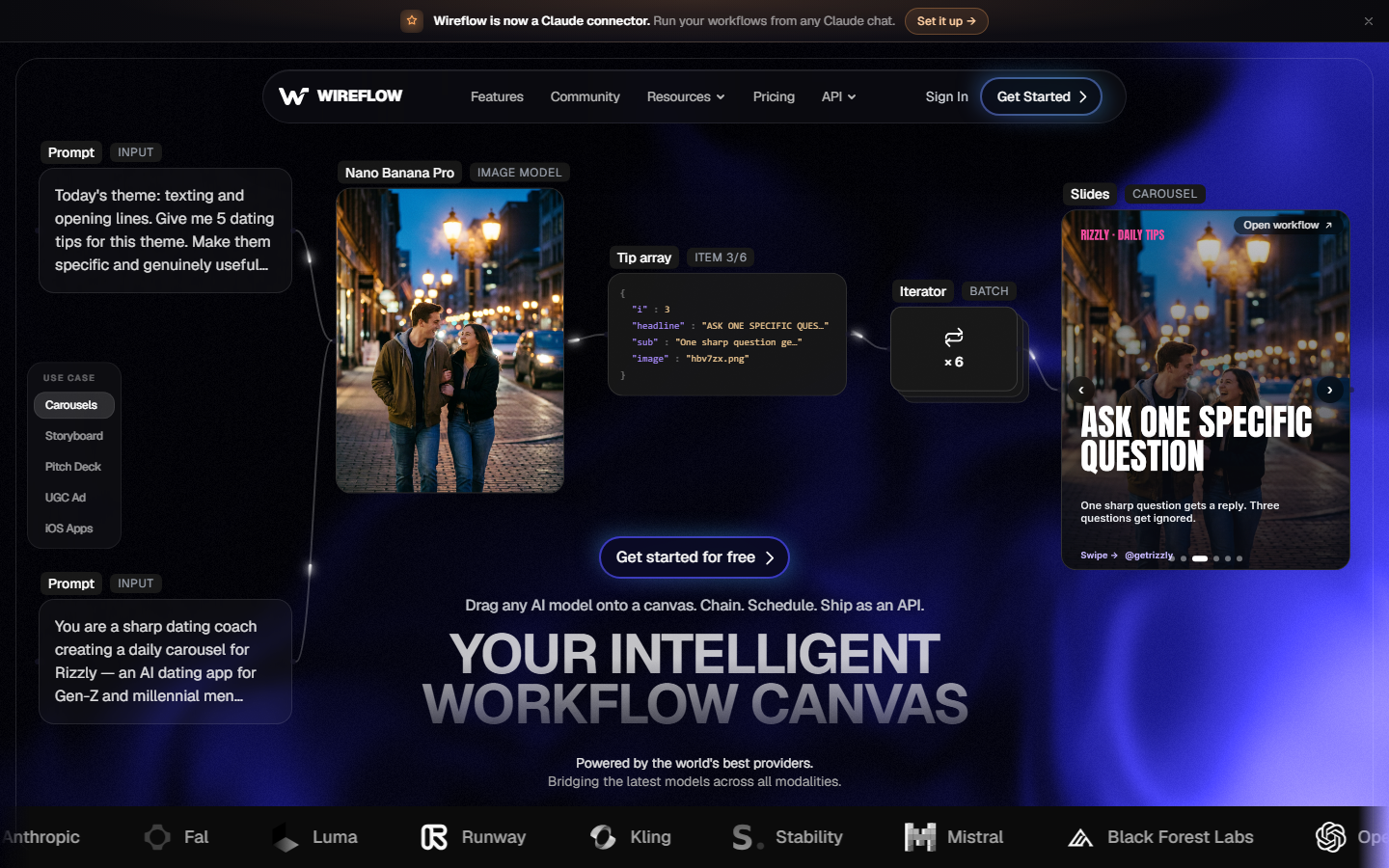
Wireflow is a visual node-based canvas where you connect 100+ AI models (image generation, video synthesis, audio, upscaling) into reusable workflows. Every workflow you build automatically becomes a REST endpoint and an MCP tool, so external agents or scripts can trigger full editing pipelines programmatically.
If your agent is Claude, see how to have Claude edit a video through the Wireflow connector.
For a hands-on look at how this works in practice, check out the agentic video editing platform feature page.
The key differentiator is composability. You are not locked into a single editing approach. A typical pipeline might chain Seedance for video generation, ClarityAI for upscaling, and Compose Video for final assembly, all running on a single canvas. Teams using Wireflow report that what used to require a video editing API integration and custom code now runs as a drag-and-drop workflow.
Pricing: Free tier available. Pay-per-generation on higher tiers.
Best for: Teams that need repeatable, API-triggered video pipelines without writing infrastructure code.
Build this in Wireflow
Make the same kind of asset on a canvas you control, with a free account and no credit card.
2. Mosaic
Mosaic is a YC W25 startup built specifically as an agentic video editing platform. You connect tiles on a canvas to define editing workflows, and the agent runs edits autonomously. The standout feature is A/B testing: you can run multiple prompt variants against the same raw footage and compare outputs side by side.
Mosaic exports directly to DaVinci Resolve, Final Cut Pro, and Premiere Pro, which makes it practical for teams that want AI-assisted editing without abandoning their existing creative workflow tools.
Pricing: Early access waitlist. Pro tiers start around $49/month.
Best for: Production teams that want to test multiple edit approaches against the same source material.
3. OpusClip
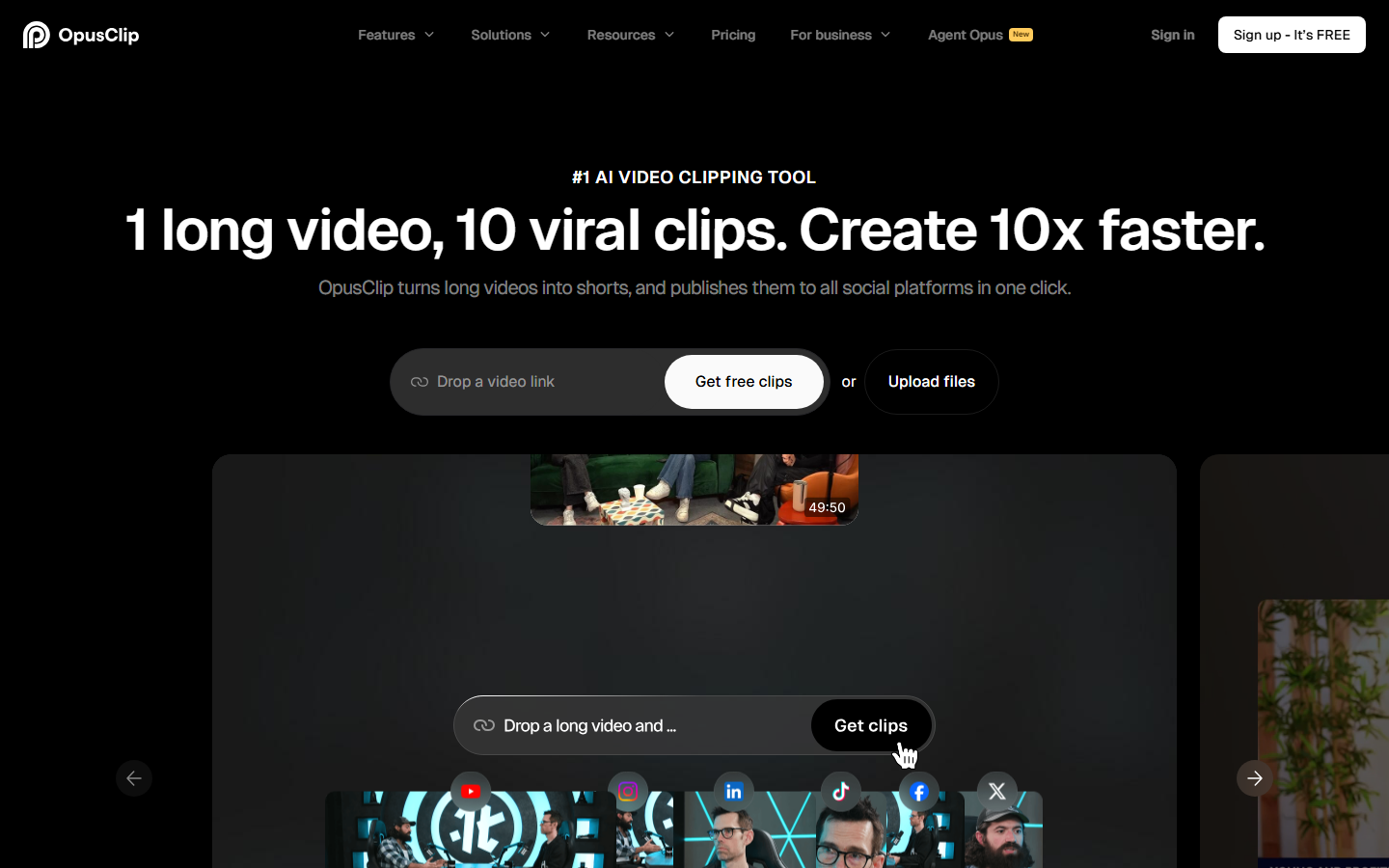
OpusClip focuses on repurposing long-form video into short clips. Upload a podcast episode or webinar recording, and the agent identifies highlights, reframes for each platform ratio, generates captions, and applies your brand kit automatically.
The newer Agent Opus feature extends this to full end-to-end creation. You submit a prompt or script and sub-agents handle research, scripting, storyboarding, voiceover, and editing. For teams producing social media video content at volume, this cuts production time significantly.
Pricing: Free plan (10 min/month). Pro starts at $19/month.
Best for: Content teams repurposing long-form recordings into platform-specific shorts.
4. Descript (Underlord)
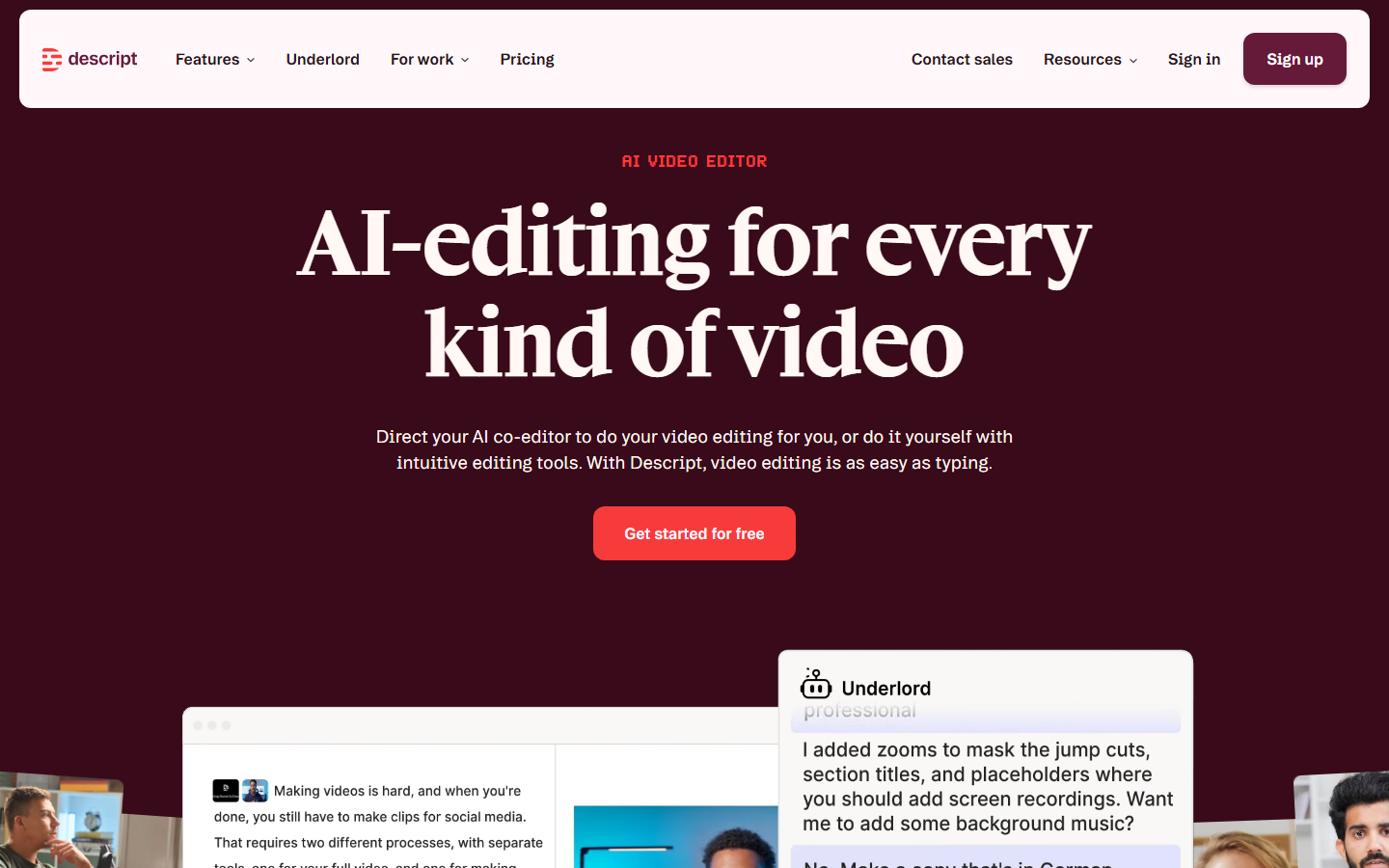
Descript treats video editing like document editing. You edit the transcript and the timeline follows. Underlord is the agentic layer: give a natural language instruction like "remove fillers, tighten pacing, add captions" and it executes across the entire project.
Underlord also detects poor eye contact and bad audio, offering automated fixes. For creators moving between text-to-speech workflows and video editing, the text-first approach removes the need to learn a traditional timeline editor.
Pricing: Free plan available. Pro at $24/month.
Best for: Podcast-to-video workflows and long-form creators who prefer editing text over timelines.
5. Captions AI
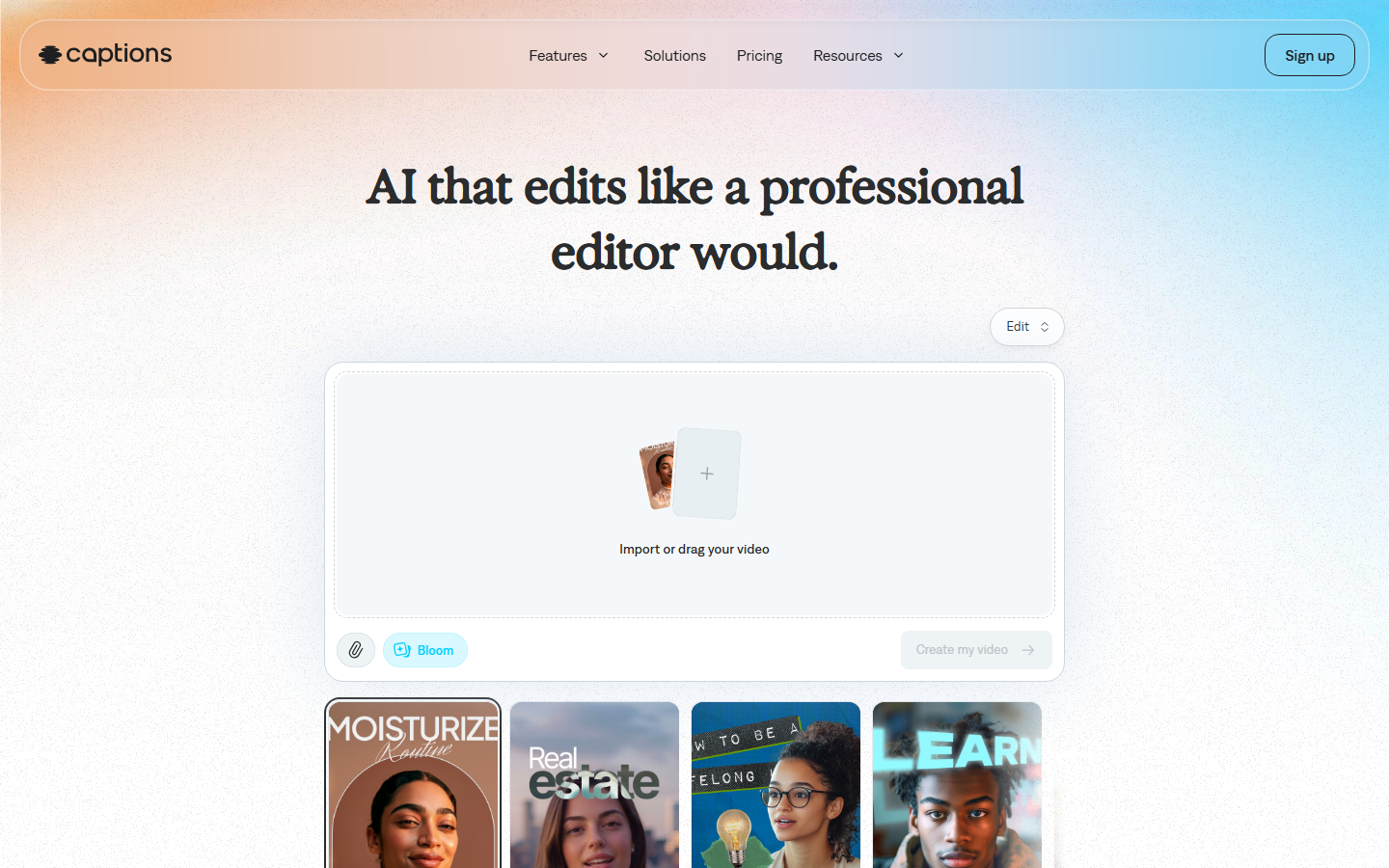
Captions AI is a mobile-first editing agent. Upload a video and it handles captions, eye contact correction, silence removal, b-roll insertion, and social formatting from a single interface. The real-time eye-contact correction is particularly useful for talking-head content where the speaker reads from notes.
The AI dubbing and lip sync features let creators localize content into multiple languages without re-recording, making it practical for international distribution.
Pricing: Free with watermark. Pro at $9.99/month.
Best for: Solo creators and social media managers who edit primarily on mobile.
6. AutoPod
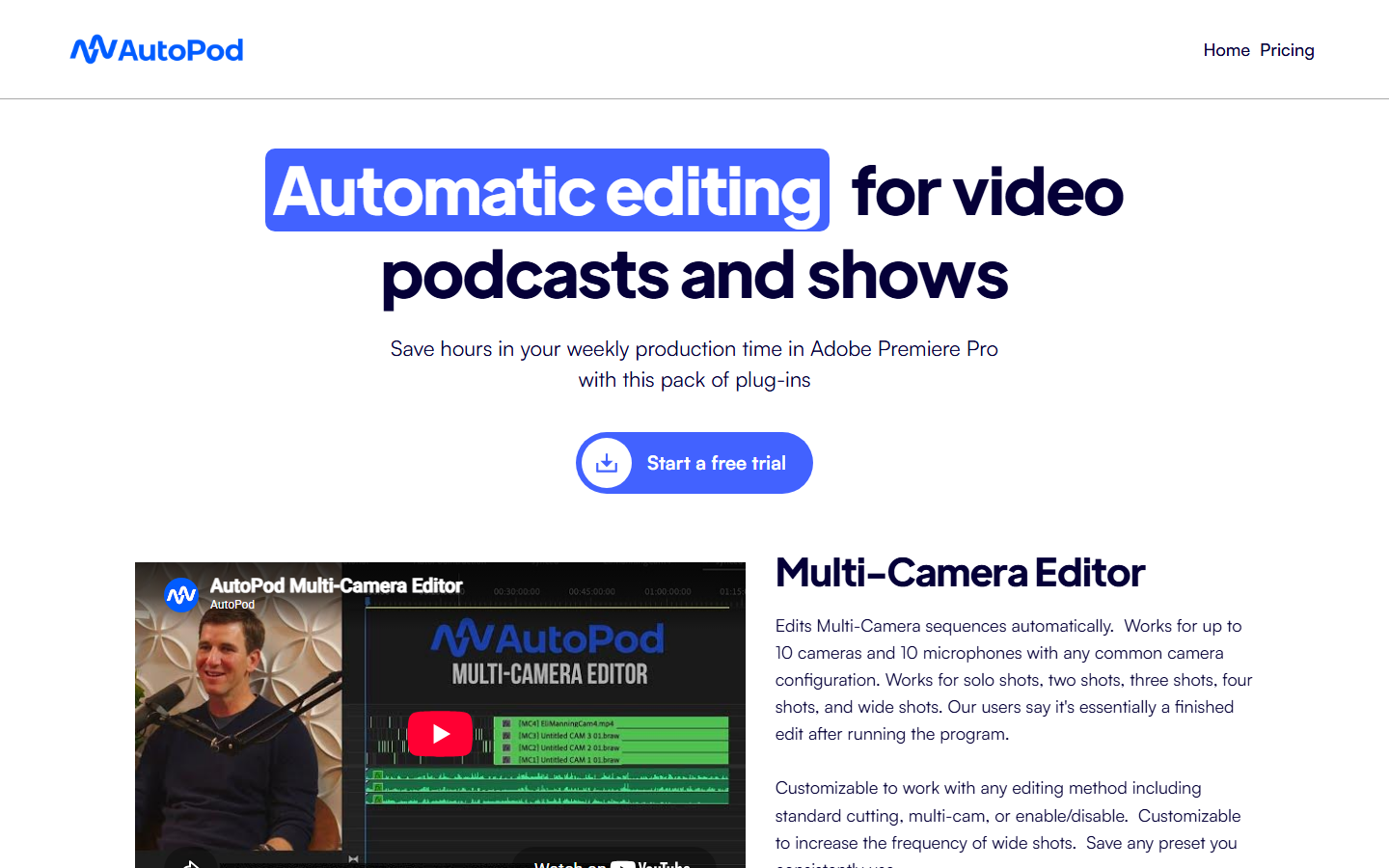
AutoPod operates inside Adobe Premiere Pro rather than replacing it. The plugin autonomously switches between camera angles in multi-cam podcast recordings, cuts jump cuts, and packages social clips. No timeline work required.
This approach suits studios that have invested in Premiere Pro workflows and want to add automation without migrating to a new platform. AutoPod handles the repetitive cuts while editors focus on creative decisions like video assembly and pacing.
Pricing: One-time purchase at $29/month after trial.
Best for: Podcast studios already using Adobe Premiere Pro for multi-cam production.
7. Reap
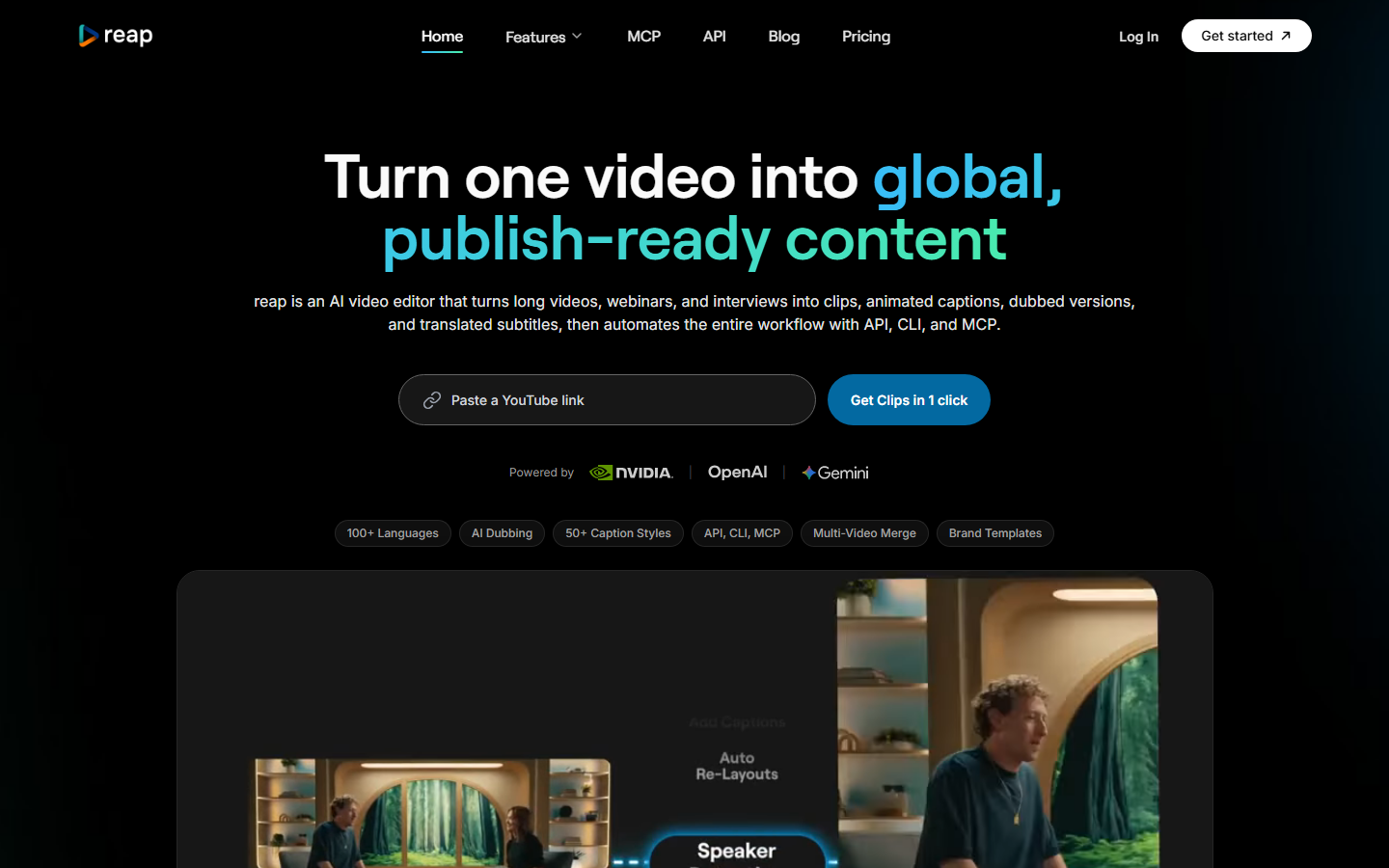
Reap ranked #1 in a 2026 benchmark of nine AI clipping tools tested on a 90-minute podcast. Clips are ready in 4-5 minutes with no manual selection. It ships a public REST API and native MCP server even on its entry tier ($9.99/month), making it one of the most accessible programmatic video generation tools for developers.
The API-first design means you can integrate Reap's clipping engine into larger automated workflows. Feed it a recording URL and receive formatted clips back without touching a UI.
Pricing: Starts at $9.99/month with API access included.
Best for: Developers and teams that want automated clipping with API integration.
8. InVideo AI
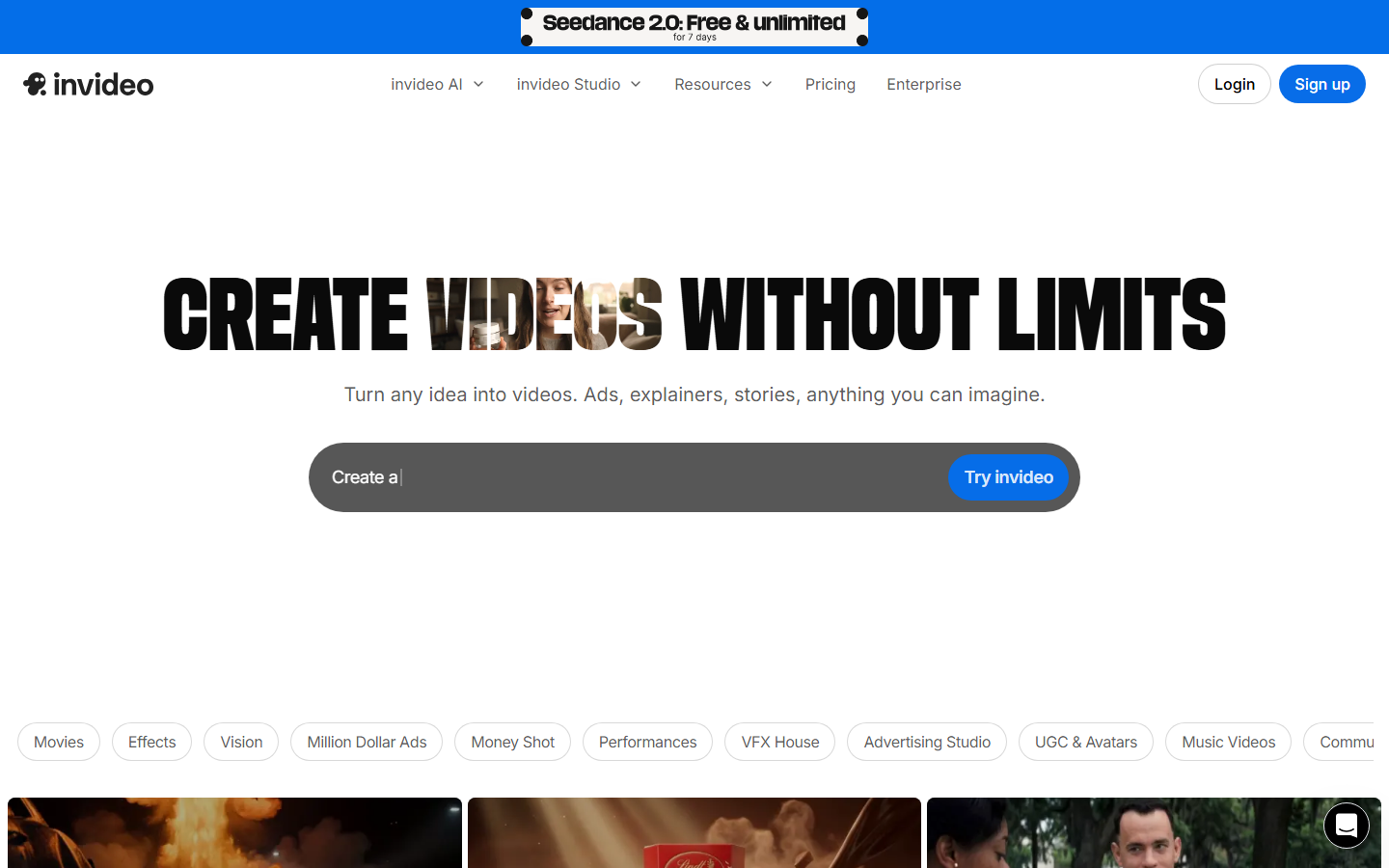
InVideo AI is a prompt-to-finished-video agent. Describe the video you want in plain text and it generates a script, selects stock or AI-generated footage, adds voiceover, captions, and background music. The entire process takes under five minutes for a typical marketing video.
InVideo prioritizes speed and accessibility over fine-grained control. You can iterate by giving follow-up prompts to adjust specific sections rather than manually editing a timeline.
Pricing: Free plan (10 min/week). Business at $25/month.
Best for: Marketers producing high volumes of short videos from text briefs.
Comparison Table
| Tool | Agent Type | API Access | NLE Integration | Starting Price |
|---|---|---|---|---|
| Wireflow | Pipeline builder | REST + MCP | Export | Free tier |
| Mosaic | Canvas editor | Limited | Resolve, FCP, Premiere | ~$49/mo |
| OpusClip | Repurposing agent | Yes | Export | Free / $19/mo |
| Descript | Text-based editor | Limited | Export | Free / $24/mo |
| Captions AI | Mobile agent | No | Export | Free / $9.99/mo |
| AutoPod | NLE plugin | No | Premiere Pro native | $29/mo |
| Reap | Clipping agent | REST + MCP | Export | $9.99/mo |
| InVideo AI | Prompt-to-video | Yes | Export | Free / $25/mo |
How to Choose the Right Video Editing Agent
The main decision comes down to how much control you need. Pipeline tools like Wireflow and Mosaic treat the agent as configurable infrastructure where you define the editing rules. One-shot tools like OpusClip and InVideo AI treat the agent as a black box you feed content to.
Consider these factors when evaluating AI video generation agents:
- Volume: If you produce 50+ videos per month, API-first tools (Wireflow, Reap) let you automate the entire pipeline
- Existing tools: If your team already uses Premiere Pro, AutoPod integrates without disruption
- Content type: Repurposing long-form content favors OpusClip; creating from scratch favors InVideo AI
- Technical team: Developers building custom integrations need REST API access (Wireflow, Reap, OpusClip)
Try it yourself: Build this workflow in Wireflow - the nodes are pre-configured with the exact agentic video editing setup discussed above.
FAQ
What is an AI video editing agent?
An AI video editing agent is software that autonomously performs editing tasks like cutting, captioning, reformatting, and assembling video content. Unlike traditional editors that require manual timeline manipulation, agents accept high-level instructions and execute the editing workflow independently.
Can AI agents fully replace human video editors?
Not yet. AI agents excel at repetitive, rule-based tasks (silence removal, caption generation, platform reformatting) but still struggle with creative decisions like pacing, emotional timing, and narrative structure. Most teams use agents to handle the mechanical work while editors focus on creative direction.
Which video editing agent has the best API?
Wireflow and Reap offer the most complete API experiences. Wireflow exposes every workflow as a REST endpoint and MCP tool, while Reap provides a focused clipping API. OpusClip also offers API access but with more limited functionality.
Are these tools suitable for enterprise video production?
Yes, but the fit depends on the use case. Wireflow handles enterprise-scale pipelines with its workflow automation and API access. Descript works well for corporate communications. For high-volume ad creative, tools with batch processing capabilities provide the best return.
How much do AI video editing agents cost?
Most tools offer free tiers with limited usage. Paid plans range from $9.99/month (Captions AI, Reap) to $49/month (Mosaic). Wireflow uses pay-per-generation pricing on its paid tiers. Enterprise pricing is available from most providers.
Can I use multiple video editing agents together?
Yes. Many teams combine specialized agents: OpusClip for clipping, Captions AI for subtitles, and Wireflow for final assembly and distribution. API-first tools make this integration straightforward.
What video formats do these agents support?
All tools listed support standard formats (MP4, MOV, WebM). Export resolutions range from 720p to 4K depending on the plan. Wireflow and Descript support the widest range of input formats.
Do I need technical skills to use AI video editing agents?
No-code options like Captions AI and InVideo AI require zero technical knowledge. Tools like Wireflow offer both a visual canvas (no code) and API access (for developers). AutoPod requires familiarity with Premiere Pro but no coding.

Co-Founder & Operations at Wireflow
Runs client operations and content strategy at Wireflow. Works directly with creative teams and agencies to build production AI workflows.
- Content Strategy
- Client Operations
Ask Claude for your next ad.
Connect once. Ask any time.
- No credit card
- You keep the rights to what you make
- Cancel anytime