Best Digital Art Creation Tools With AI in 2026

In this article▾
- Quick Summary: The 8 Best AI Digital Art Tools
- How We Ranked These Tools
- 1. Wireflow AI: Best Overall
- 2. Midjourney: Best Look
- 3. Adobe Firefly: Best for Commercial Work
- 4. Leonardo AI: Best for Game Art
- 5. Krea AI: Best for Sketch-to-Art
- 6. Ideogram: Best for Typography
- 7. Recraft: Best for Vector and Icons
- 8. Canva: Best for Non-Designers
- Comparison Table
- Choosing Between Them
- Frequently Asked Questions
- Conclusion
Digital art in 2026 is rarely made in one app anymore. Most finished pieces pass through two or three models: one for the base render, one for style or character consistency, one for cleanup and upscaling. That is the shift that separates this year's tools from last year's, and it is why Wireflow has moved from a novelty to a working part of many artists' pipelines, since it chains several image models on a single canvas instead of forcing an export-import loop between tabs. Below are the eight digital art tools worth your time this year, ranked by how much finished work you can get out of them, what they cost, and who they actually suit.
Quick Summary: The 8 Best AI Digital Art Tools
- Wireflow AI: chain multiple image models in one canvas. Best Overall
- Midjourney: the strongest default aesthetic for stylized art. Best Look
- Adobe Firefly: commercially safe training data, native Photoshop hooks. Best for Commercial Work
- Leonardo AI: fine-tuned model library and character consistency. Best for Game Art
- Krea AI: realtime canvas that renders as you draw. Best for Sketch-to-Art
- Ideogram: reliable legible text inside images. Best for Typography
- Recraft: vector output and brand style sets. Best for Vector and Icons
- Canva: AI generation wrapped in a full layout editor. Best for Non-Designers
For the reverse direction, an AI photo to painting flow starts from a real photo and redraws it as an oil or watercolor piece instead of generating from scratch.
How We Ranked These Tools
Criteria were practical: output quality at default settings, control over style and composition, whether the tool can hand work to another model without a manual export, licensing clarity, and price at roughly 500 to 1,000 images a month. Text-to-image-only tools scored lower than tools that also edit, upscale, or vectorize, because most real projects need at least two of those steps. For the entry tier specifically, our comparison of free AI image generators goes deeper.
Build this in Wireflow
Make the same kind of asset on a canvas you control, with a free account and no credit card.
1. Wireflow AI: Best Overall
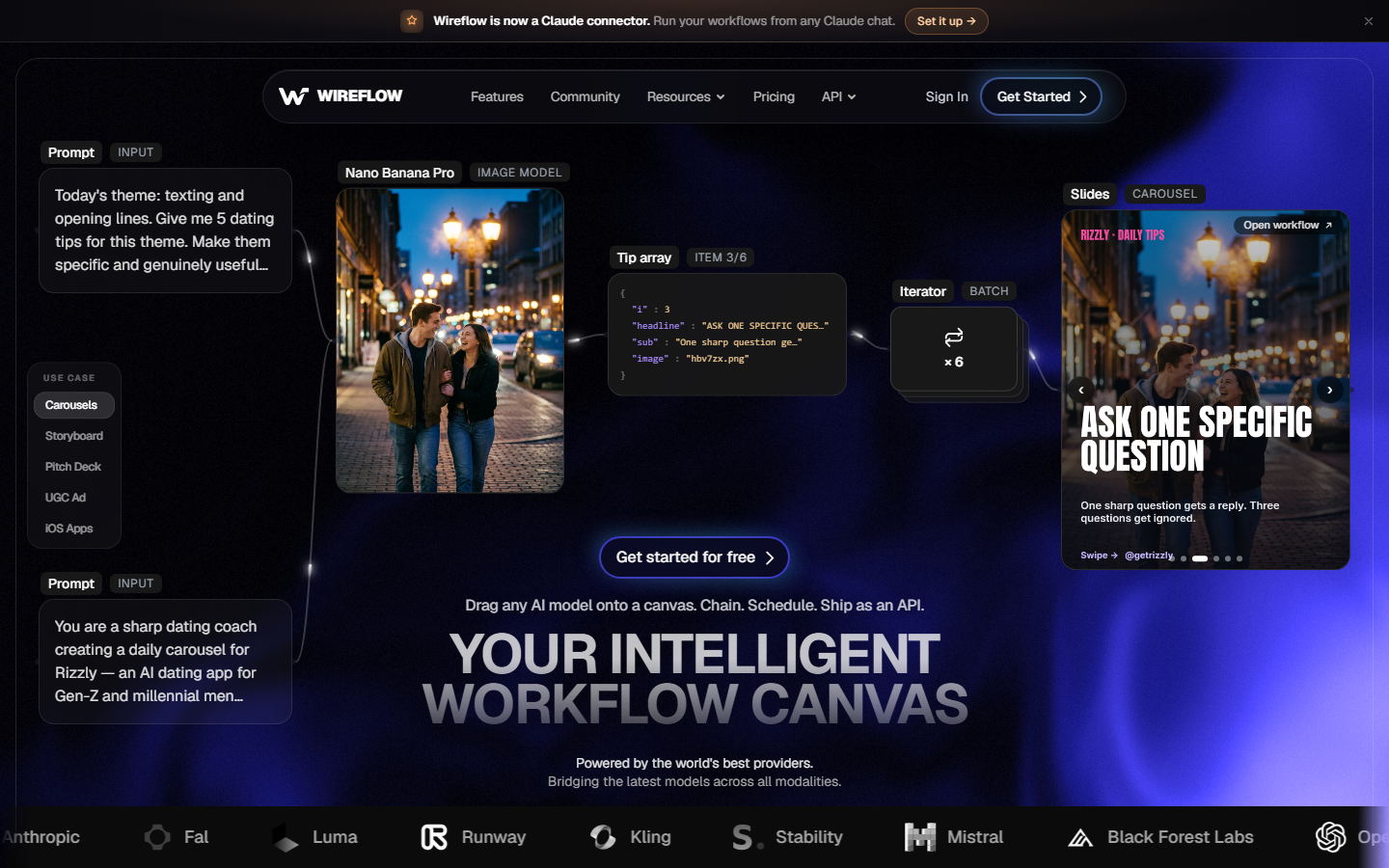
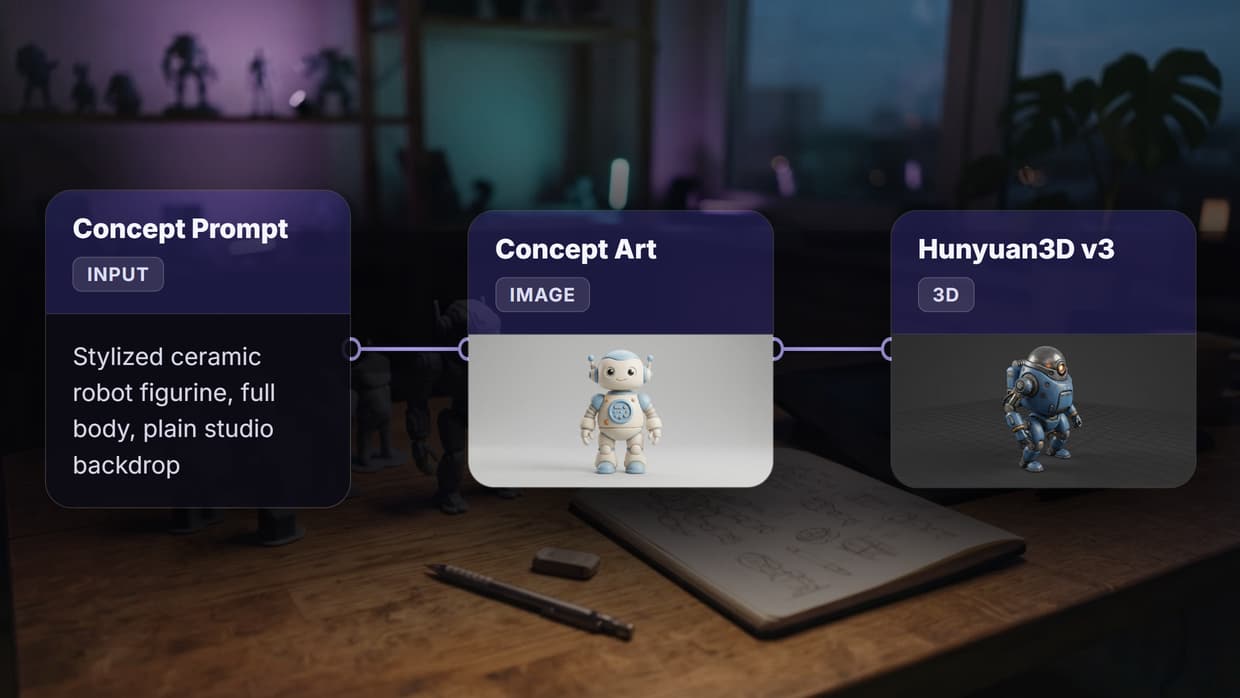
Wireflow is a node canvas for image and video models. You place an input node, connect it to a generation node, then pipe that output into a second model for style transfer, background replacement, or upscaling, and the whole chain reruns when you change the prompt. That photo-to-art style transfer node is where a plain render becomes an illustration, painting, or comic in whatever look you point it at. For a hands-on look at this in action, check out the digital art creator feature page, which walks through a working canvas end to end.
The practical advantage is that you stop losing quality and time to round trips. A typical illustration job might be Flux for the base render, a character reference pass to lock the face, then an upscale, all on one canvas and rerunnable as a batch across ten prompt variations. Pricing is usage-based rather than a flat seat fee. The trade-off is a steeper first hour: you are building a small pipeline, not typing a sentence, so anyone who only wants one image from one prompt should start at the simpler AI art generator page instead.
Verdict: the best pick if your work involves more than one model or more than one image at a time.
2. Midjourney: Best Look
Midjourney still produces the most immediately attractive output of any general model, and its style reference and character reference parameters give it more consistency than its reputation suggests. Plans start around $10 per month for roughly 200 renders, rising to $60 for unlimited relaxed generation.
The weaknesses are structural: no first-party API for most users, editing limited to inpainting and outpainting in its own web app, and weaker composition control. It is a finishing-quality generator with a thin workflow around it. If that gap pushed you to look elsewhere, our roundup of Midjourney alternatives maps the closest matches.
Verdict: unmatched for painterly and cinematic art, weakest for pipeline work.
3. Adobe Firefly: Best for Commercial Work
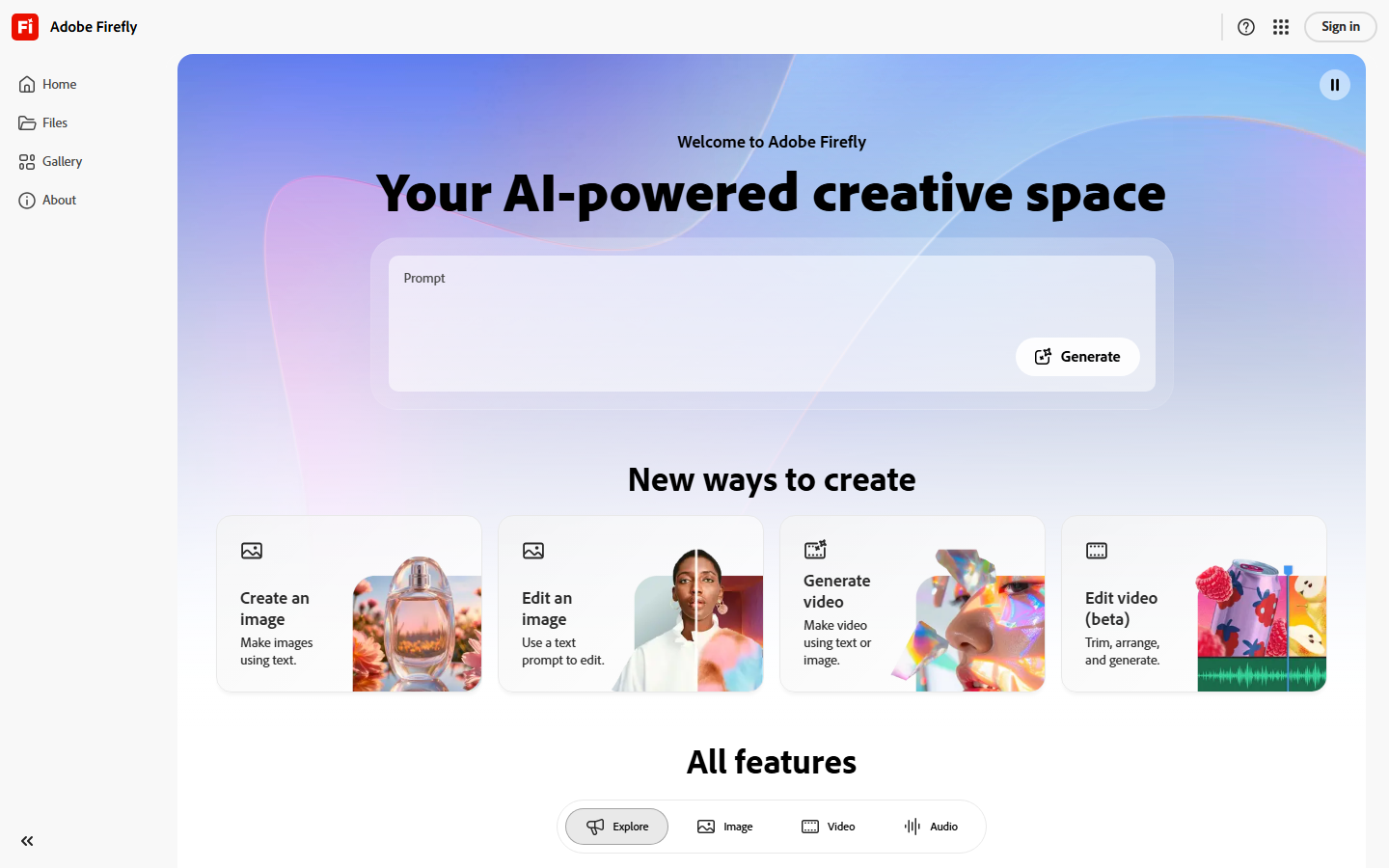
Adobe Firefly trains on Adobe Stock and licensed content, which is why agencies and in-house teams keep choosing it despite output that is generally less striking than Midjourney's. Firefly credits are bundled into Creative Cloud, and Generative Fill inside Photoshop is the feature most professionals actually use day to day.
Newer Firefly tiers narrowed the quality gap in 2026, and moving an image from generation straight into a layered Photoshop file is a real workflow advantage. It stays slower and more conservative than open competitors, and stylized prompts get filtered often. Our AI image editor comparison shows where it lands against dedicated editors.
Verdict: the safe choice when legal review is part of your process.
4. Leonardo AI: Best for Game Art
Leonardo AI built its audience among game and concept artists, and the product still reflects that. It ships a library of community fine-tunes for specific looks, plus Elements for style strength control and a character reference system that holds a design across a set of poses. The free tier gives 150 daily tokens; paid plans start near $12 per month.
Its real strength is asset sets rather than single images: sprite sheets, item icons, environment passes, texture variations. The interface carries a lot of controls, useful once learned and cluttered before then. For a full game art brief, our guide to AI for concept art and game design pairs well with it.
Verdict: the most complete toolkit for game and concept art production.
5. Krea AI: Best for Sketch-to-Art
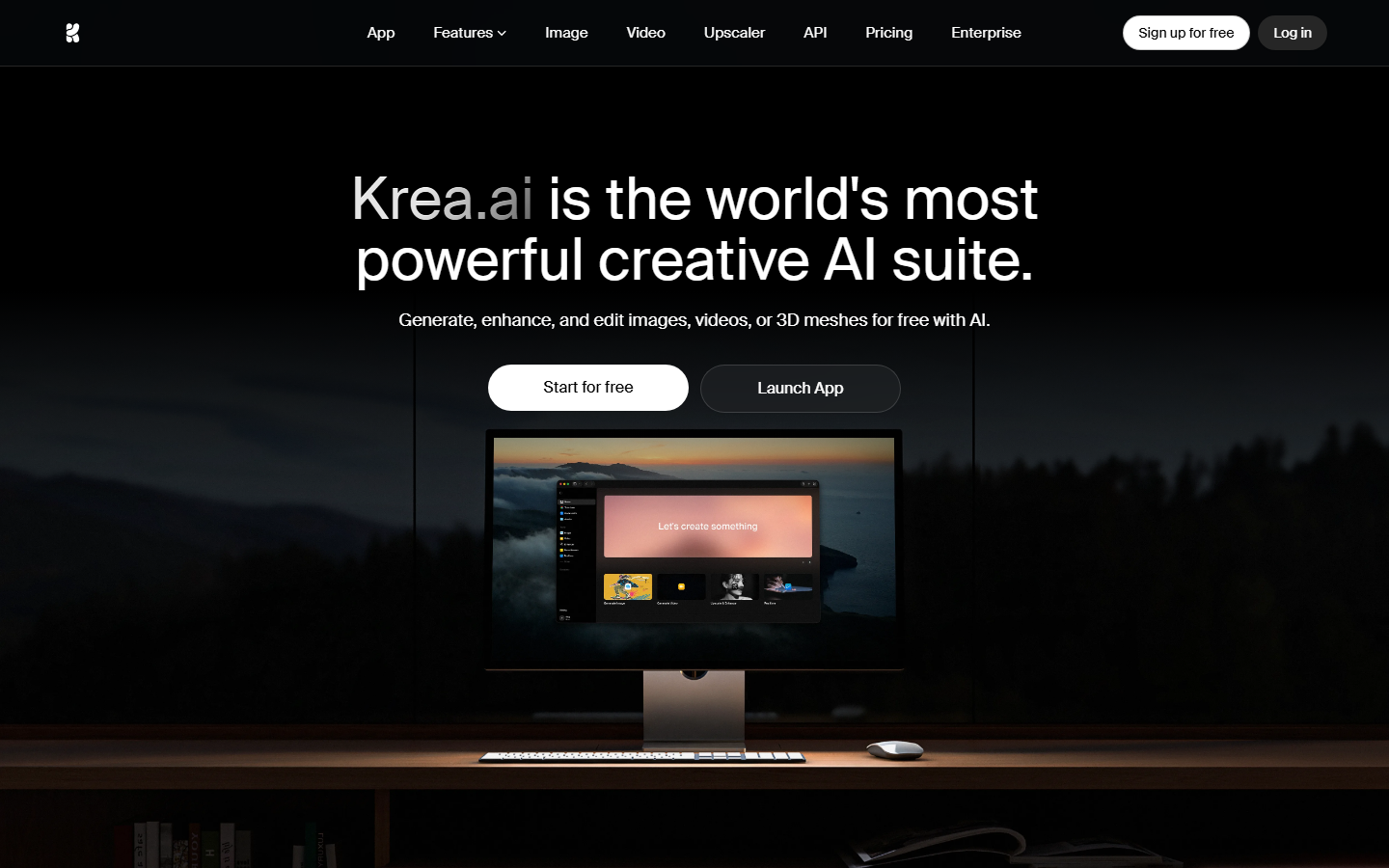
Krea renders while you draw. You block in shapes on a canvas and the model updates the finished image in near real time, which makes it the closest thing to actual drawing in this list rather than prompt roulette. On a canvas you can push this further and wire a sketch-to-render pipeline that inks a rough drawing and passes it straight to the model. Plans start around $10 per month, with a limited free tier.
For artists who already sketch, composition stays yours and the model handles rendering. Krea also enhances and upscales well, though maximum-resolution output needs a cleanup pass. Anyone moving from rough sketches to finished pieces should read our walkthrough on creating digital art with AI generators.
Verdict: the best tool if you can already draw.
6. Ideogram: Best for Typography
Ideogram solved legible text in images earlier and more reliably than its competitors, and that is still its reason to exist. Posters, album covers, book jackets, and any piece where a headline has to be spelled correctly are where it wins. There is a free tier with slow generations, and paid plans start around $8 per month.
Outside text-bearing work its output is competent but unremarkable and its editing tools are basic, so most artists use it as a specialist. If the job is closer to brand identity, our guide to designing a logo with AI covers a more targeted route.
Verdict: use it whenever words appear in the artwork.
7. Recraft: Best for Vector and Icons
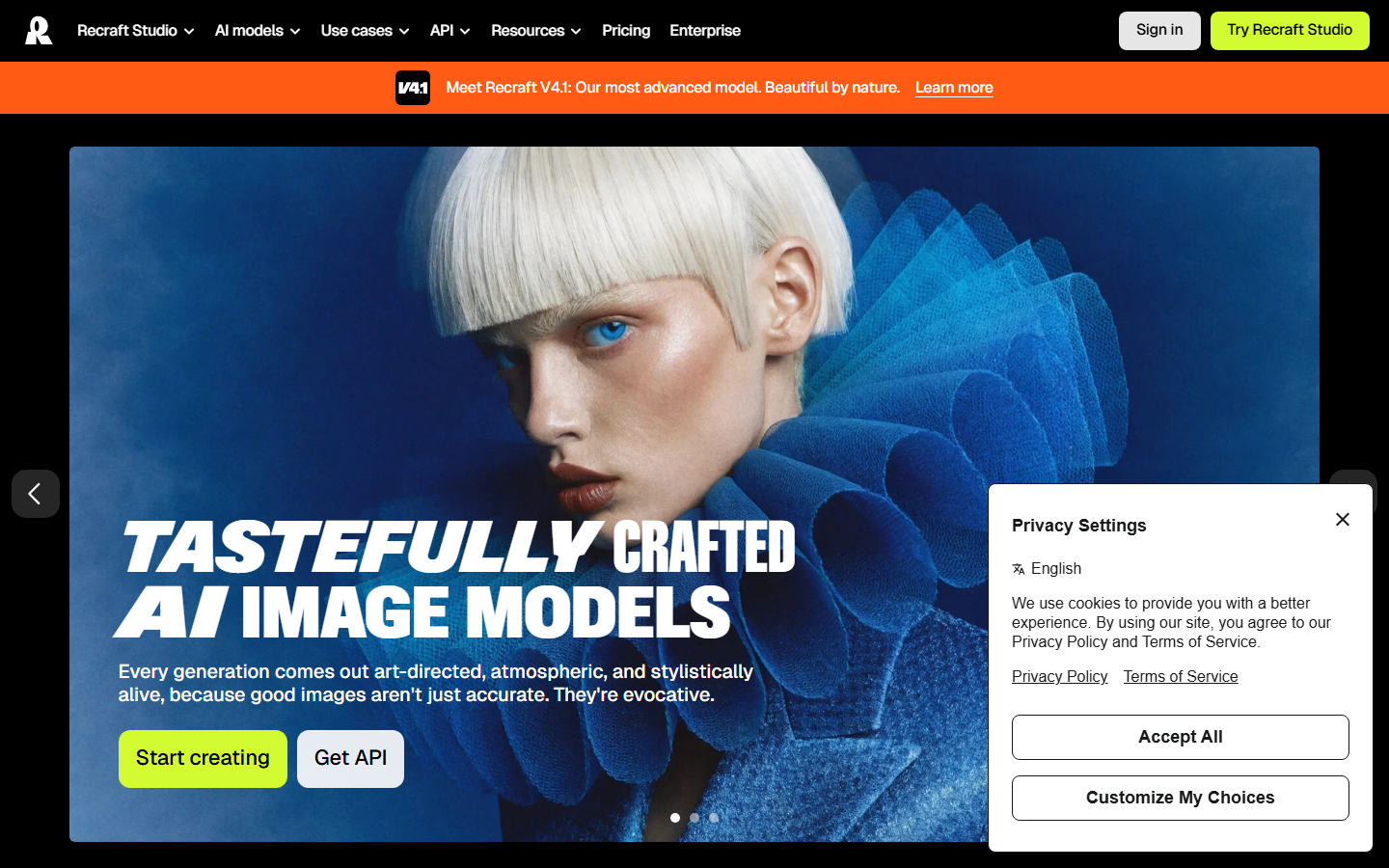
Recraft generates true SVG output rather than raster images traced after the fact, which makes it the only tool here that fits cleanly into an icon or brand asset pipeline. Its style sets let you train a consistent look from a handful of reference images and apply it across an entire set. Paid plans start around $12 per month.
Photorealism is not its strength. It wins for a designer who needs forty icons in one visual language, or an illustration that has to hold up at both 24 pixels and full page. For editorial illustration, our guide on generating illustrations with AI covers the raster side of the same job.
Verdict: the pick for vector art, icon sets, and brand systems.
8. Canva: Best for Non-Designers
Canva wraps AI generation, background removal, and Magic Edit inside a layout editor that most people already know. For a social post, a deck, or a flyer, generating the image and placing it in the design in the same session is a real time saving. Canva Pro runs about $15 per month.
Generation quality sits below every dedicated tool above it and credits run out quickly on paid tiers, so treat it as a convenience layer rather than an art tool. Designers who outgrew it want more model control, which is what our list of Canva AI alternatives is built around.
Verdict: best when the image is one part of a larger layout.
Comparison Table
| Tool | Best For | Starting Price | Multi-Model Chaining | Vector Output | Commercial License |
|---|---|---|---|---|---|
| Wireflow AI | Full pipelines | Usage-based | Yes | Via model | Yes |
| Midjourney | Stylized art | $10/mo | No | No | Paid plans |
| Adobe Firefly | Commercial safety | Bundled with CC | No | Partial | Yes |
| Leonardo AI | Game and concept art | $12/mo | No | No | Paid plans |
| Krea AI | Sketch-to-art | $10/mo | No | No | Paid plans |
| Ideogram | Text in images | $8/mo | No | No | Paid plans |
| Recraft | Vectors and icons | $12/mo | No | Yes | Paid plans |
| Canva | Layout-first work | $15/mo | No | Partial | Yes |
Choosing Between Them
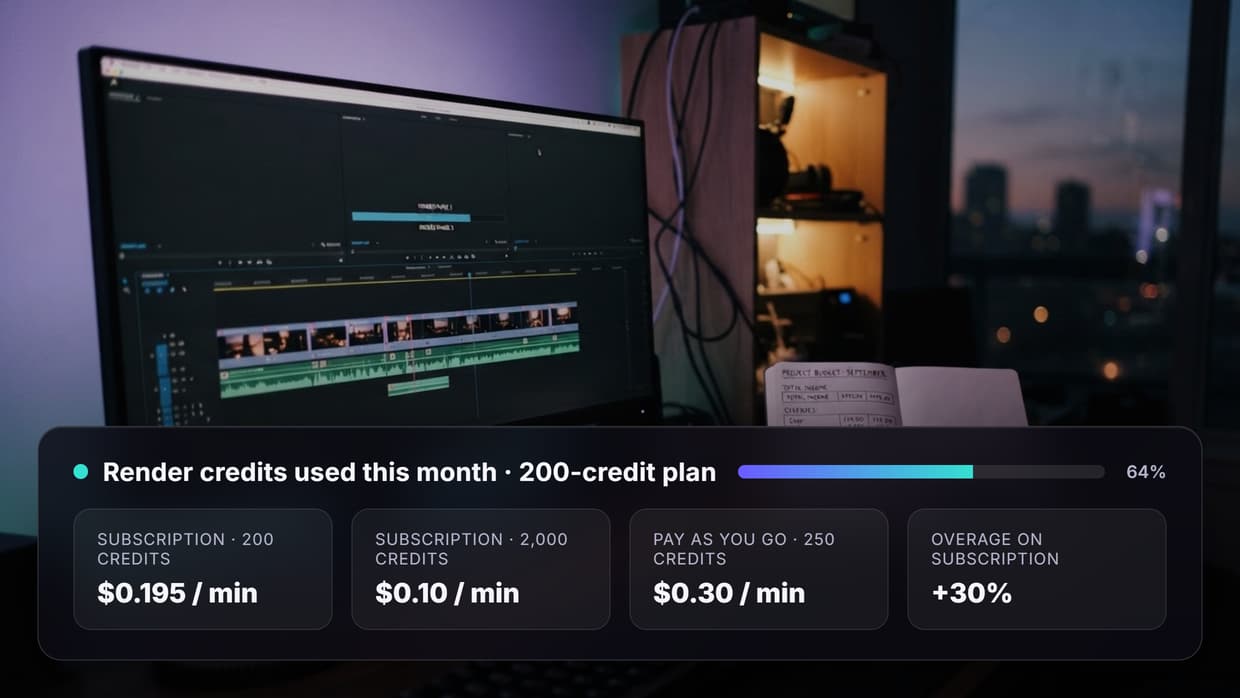
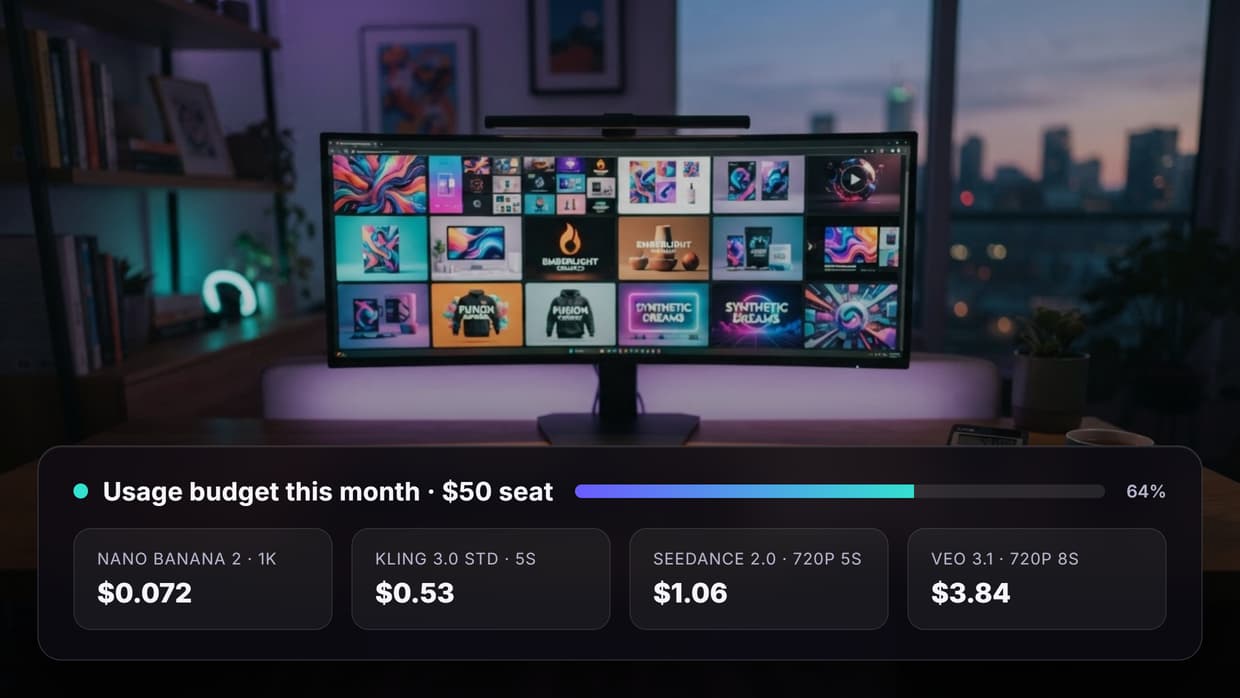
Most working artists in 2026 use two: one generator whose look they like, and one tool for everything after the render. If you only want a single beautiful image, pick on aesthetic. If your work involves character consistency, batches, or a cleanup pass, pick on whether the tool can hand output to the next model without an export. Flat monthly seats waste money in slow months, and our pricing page shows what usage-based costs look like at comparable volumes. Upscaling is the one step almost everyone eventually adds, and a dedicated AI image upscaler will beat any generator's built-in version.
Try it yourself: Build this workflow in Wireflow, and the nodes are pre-configured with the exact digital art setup discussed above.
Frequently Asked Questions
What is the best AI tool for digital art in 2026? For complete projects, a multi-model canvas ranks first, because finished art usually needs a generation pass plus an edit or upscale pass. For one striking image from one prompt, Midjourney has the strongest default aesthetic.
Can I use AI-generated art commercially? On most paid plans, yes. Adobe Firefly is the most conservative option since it trains on licensed content. Several free tiers grant non-commercial rights only, so check your actual plan before shipping client work.
Which AI art tool is best for beginners? Canva, because generation sits inside an editor most people already know. Krea is the better second step for anyone who can sketch.
Do any AI art tools produce vector files? Recraft is the main one generating native SVG rather than tracing a raster image afterward, which matters for logos and icon sets.
How much should I expect to spend per month? Entry paid plans run $8 to $15 for a few hundred generations. Usage-based platforms bill per render instead. Production work typically lands between $30 and $60 monthly across two tools.
Which tool handles text inside images best? Ideogram, by a clear margin, followed by newer Firefly and Recraft models. Most general generators still garble headlines longer than a few words.
Can these tools keep a character consistent across images? Leonardo AI and Midjourney both offer character reference features. For tighter control, feeding a fixed reference image into every generation through a node canvas is more reliable.
Are free AI art tools good enough for real projects? They are fine for concepting, but they cap resolution, queue you behind paid users, and often restrict commercial use. Once a client is attached, pay for the tier.
Conclusion
The gap between these eight tools is no longer mainly about image quality, since the leading models all produce publishable output. It is about what happens after the render: whether you can chain a second model, hold a character steady, vectorize the result, or batch fifty variations without babysitting each one. Pick the generator whose look you like, then pick the tool that handles the rest of the job, and check the licensing terms of the specific plan you are on before any of it reaches a client.

Co-Founder & Operations at Wireflow
Runs client operations and content strategy at Wireflow. Works directly with creative teams and agencies to build production AI workflows.
- Content Strategy
- Client Operations
Get unlimited ad creatives today.
One call to see if we are a fit and scope the first ad. If it fits, your first batch lands inside week one.