The 8 Best Visual Electric Alternatives in 2026

In this article▾
- Quick Summary
- Why People Look for a Visual Electric Alternative
- 1. Wireflow (Best Overall)
- 2. Midjourney (Best Image Quality)
- 3. Krea AI (Best for Fast Iteration)
- 4. Leonardo AI (Best for Game and Product Art)
- 5. Ideogram (Best for Typography)
- 6. Recraft (Best for Brand Design)
- 7. Adobe Firefly (Best for Enterprise)
- 8. Freepik AI (Best Value)
- Comparison Table
- How to Choose
- Frequently Asked Questions
- Conclusion
Visual Electric built a loyal following by treating image generation like a design canvas instead of a chat box, but it is not the only tool doing that in 2026, and a lot of teams outgrow it once they need model choice, batch output, or an API. Wireflow sits at the other end of that spectrum, letting you chain several image models on one canvas and run the whole thing as a repeatable pipeline. Below are the eight strongest alternatives, ranked by what they actually do well rather than by marketing claims.
Quick Summary
- Wireflow: Multi-model image canvas with API access. Best Overall
- Midjourney: Highest aesthetic ceiling of any generator. Best Image Quality
- Krea AI: Realtime canvas with live preview. Best for Fast Iteration
- Leonardo AI: Custom model training for consistent assets. Best for Game and Product Art
- Ideogram: Reliable, readable text inside images. Best for Typography
- Recraft: Vector output and brand style sets. Best for Brand Design
- Adobe Firefly: Commercially safe training data and Creative Cloud integration. Best for Enterprise
- Freepik AI: Multiple models plus a stock library in one subscription. Best Value
Why People Look for a Visual Electric Alternative
Most of the switching happens for one of four reasons. The first is model lock-in: Visual Electric curates its own model selection, so if a new model lands and you want it immediately, you wait. The second is volume, since the canvas workflow is built for exploring a handful of directions rather than producing eighty product variants for a catalog, which is where a batch generation workflow becomes the better fit.
The third reason is automation. A canvas is great for the creative pass but it does not help when the same treatment has to run on every new SKU, blog header, or ad variant each week. The fourth is cost predictability at scale, which is why teams start comparing per-image economics across platforms before they commit. If you want a side-by-side on that specific tradeoff, the 'visual electric alternative' feature page walks through the pipeline version of the same job.
Build this in Wireflow
Make the same kind of asset on a canvas you control, with a free account and no credit card.
1. Wireflow (Best Overall)
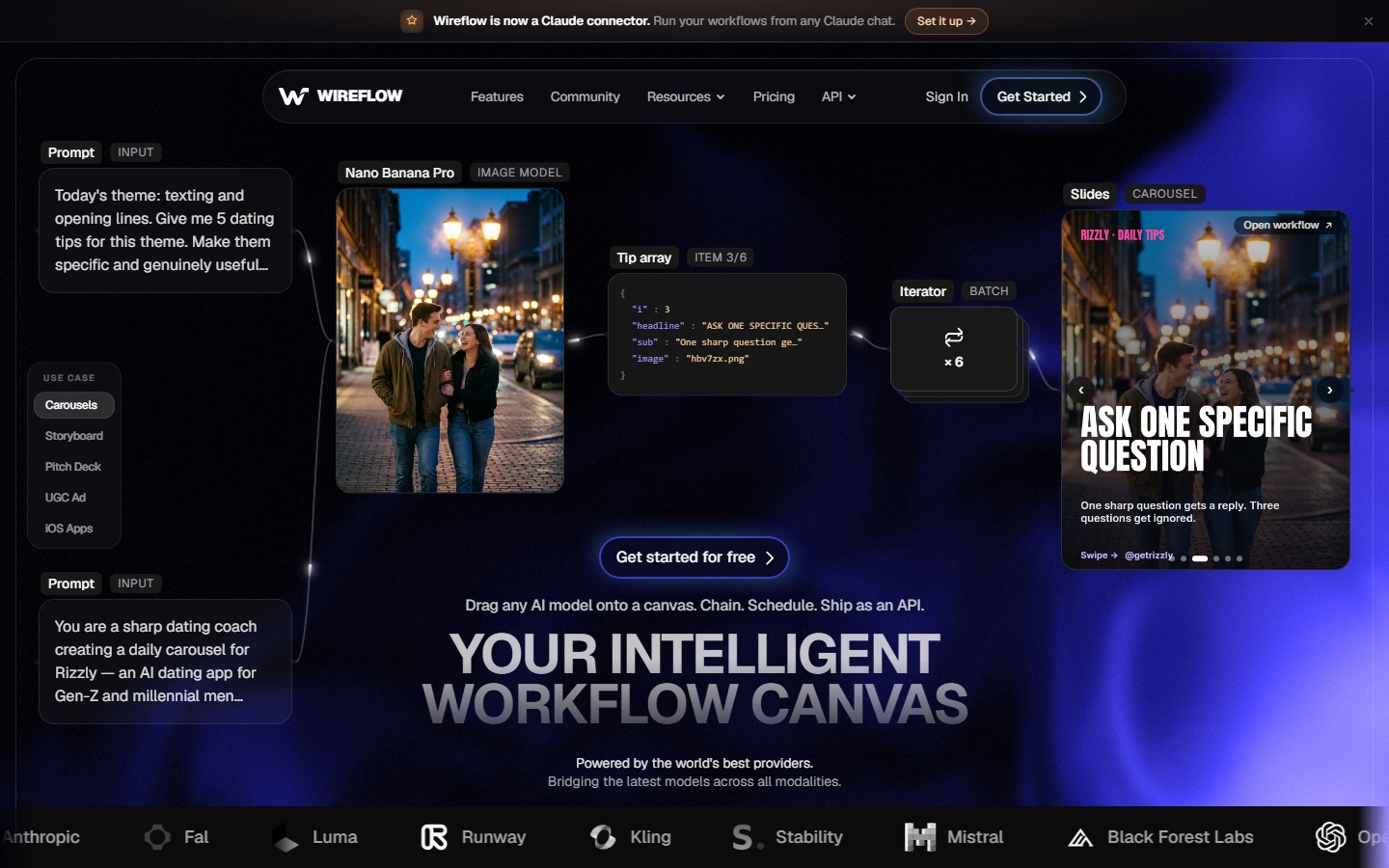
Wireflow is a node canvas where each node is a model call. You drop in a prompt or a reference image, route it into a generation node, then send the output straight into an upscaler, a background remover, or a second model for a style pass, all without exporting and re-uploading between steps. That is the main structural difference from Visual Electric: the canvas is not just where you look at results, it is the thing that runs.
Because every model is exposed as a node rather than a curated preset, you get access to current image models as they ship instead of waiting for a platform to adopt them. The same graph can be triggered over an API, so the workflow a designer builds by hand becomes the workflow that runs nightly against a product feed. Teams building on that pattern usually start from the AI image generator node and expand outward.
Pricing: free tier with credits, paid plans scale by usage. Best for: teams who want creative control and automation from the same tool.
2. Midjourney (Best Image Quality)

Midjourney remains the aesthetic benchmark. Its default output has a distinctive lighting and composition sense that most competitors still approximate rather than match, and version 7 narrowed its long-standing weaknesses around hands, faces, and small text. The web interface has matured enough that Discord is now optional rather than mandatory.
The tradeoffs are familiar. There is no official API, so anything programmatic runs through third-party relays with the reliability caveats that implies, and precise control over a specific region of an image is still weaker than in editor-first tools. For a fuller breakdown of where it wins and loses, see this comparison of Midjourney alternatives.
Pricing: from $10/month. Best for: art direction and mood work where look matters more than pipeline fit.
3. Krea AI (Best for Fast Iteration)
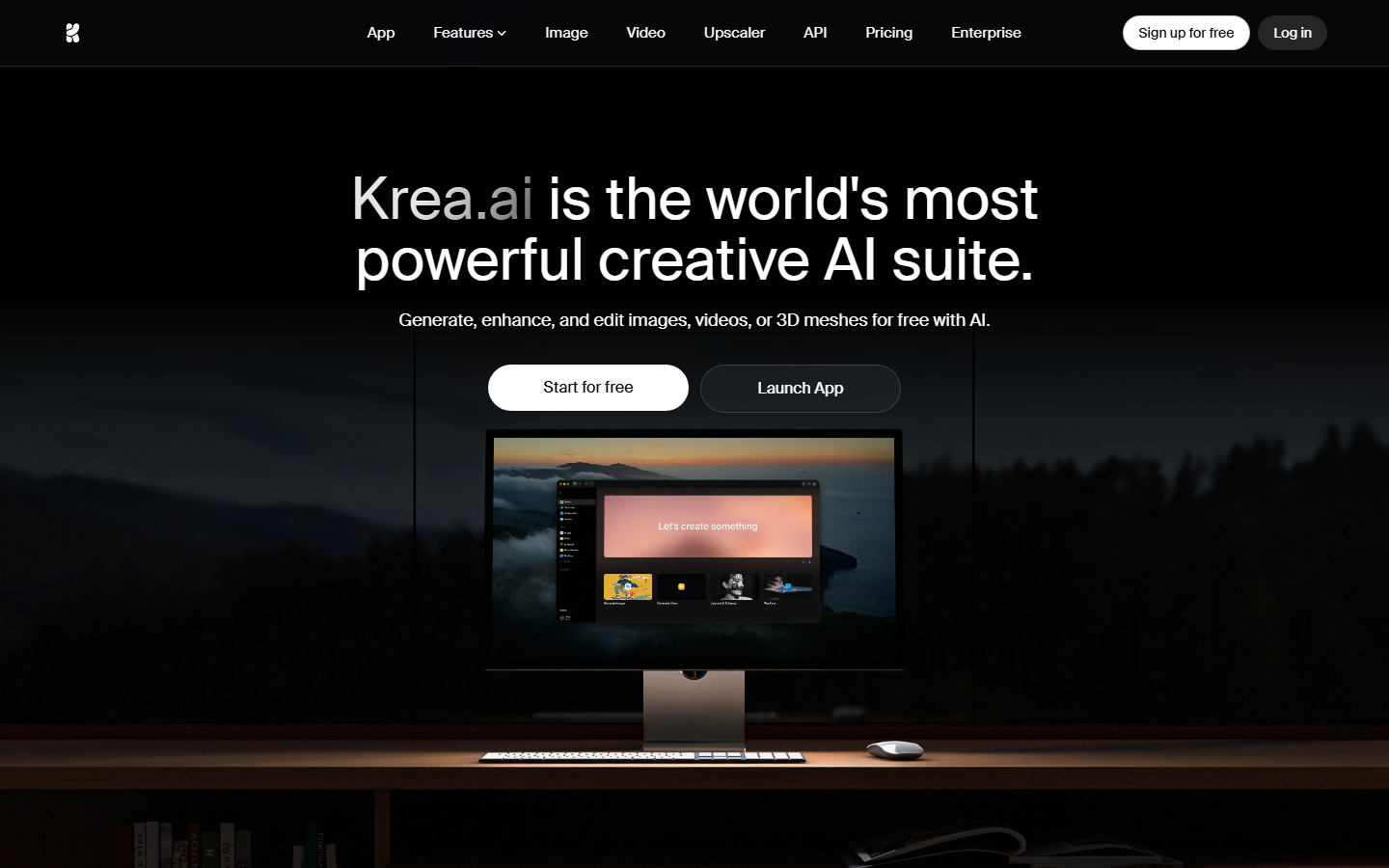
Krea is the closest match to Visual Electric in feel. It offers a realtime canvas where the image updates as you sketch or type, which makes the exploration phase genuinely faster than prompt-then-wait tools. It also bundles enhancement, upscaling, and video generation into the same subscription.
Where it falls short is repeatability. Realtime output is tuned for speed, so final-quality renders still need a second pass, and the platform is built around a person driving it rather than a schedule. Anyone comparing it against other canvases should read the Krea alternatives roundup before committing to an annual plan.
Pricing: free tier, paid from $10/month. Best for: designers who iterate visually rather than through prompt rewrites.
4. Leonardo AI (Best for Game and Product Art)

Leonardo AI is built around consistency. You can fine-tune a custom model on your own reference set, then generate hundreds of assets that share a look, which is the single hardest thing to do reliably in a general-purpose generator. Its element and style-reference system gives finer control than a prompt alone.
It also ships a real API, which puts it ahead of most canvas tools for production use. The interface is denser than Visual Electric's and takes longer to learn, and generation credits deplete quickly when training runs are involved. Developers evaluating it usually start from the available Leonardo AI API tools.
Pricing: free tier, paid from $12/month. Best for: game studios, product teams, and anyone needing asset consistency.
5. Ideogram (Best for Typography)
Ideogram solves the problem most generators still stumble on, which is rendering legible text inside an image. Posters, packaging mockups, ad creative, and logo concepts come out with correctly spelled words at usable weights, and its magic prompt feature fills in composition detail without a long prompt.
Outside of text-heavy work it is a competent but unremarkable generator, and photographic realism trails Midjourney noticeably. It works best as one node in a larger process rather than a whole toolchain, which is how most teams use it alongside a logo design workflow.
Pricing: free tier, paid from $8/month. Best for: marketing assets where the words have to be right.
6. Recraft (Best for Brand Design)
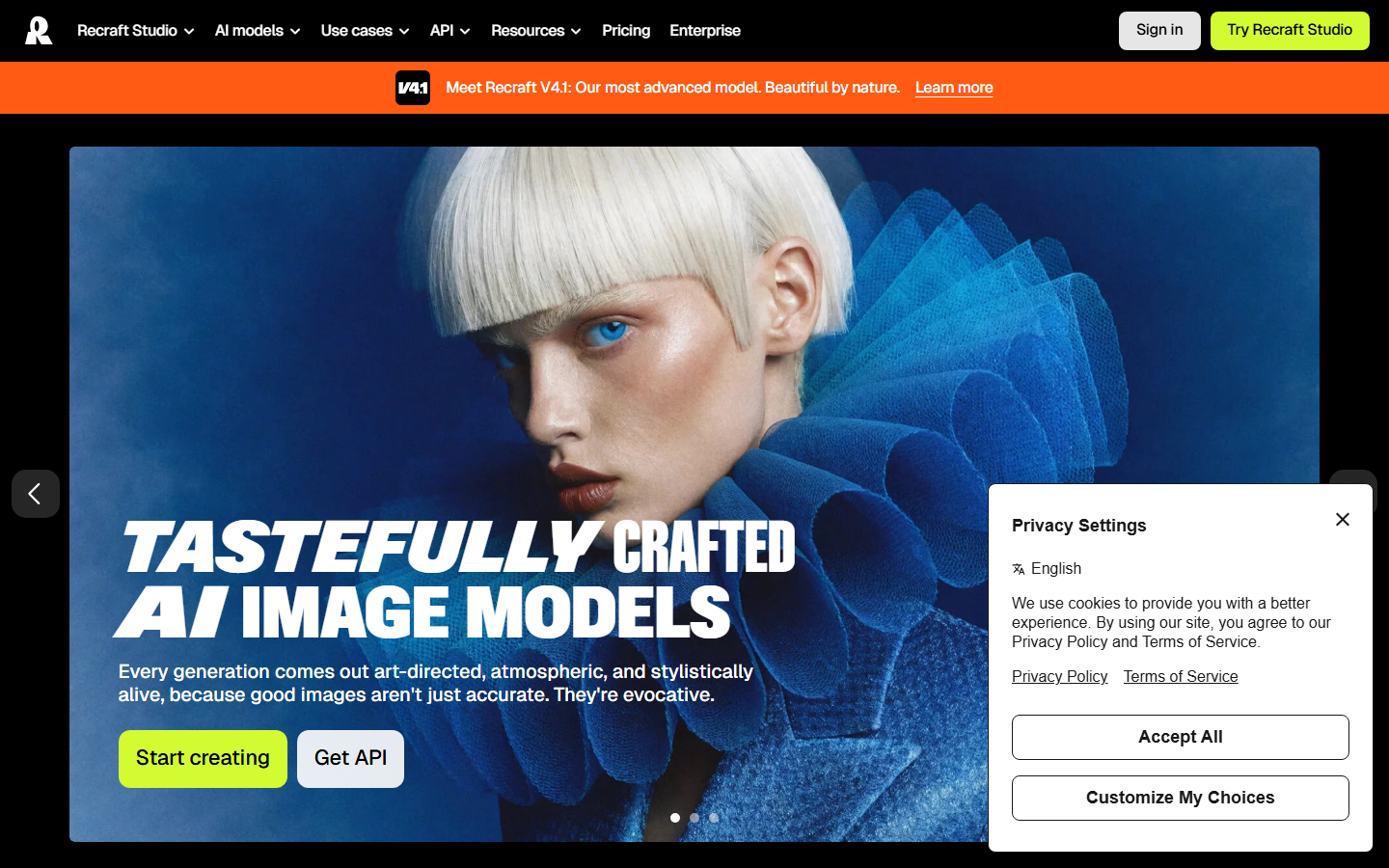
Recraft is the only tool on this list that outputs true vector SVG rather than raster images, which matters if your work ends up in a design system, an app icon set, or print. Its custom style feature lets you lock a visual identity and apply it across every subsequent generation, which is close to what an actual brand guideline enforces.
The vector engine handles illustration and iconography well and struggles with anything photographic, so it is a specialist rather than a replacement. Teams already running a defined identity often pair it with an automated brand content process to keep output on-spec.
Pricing: free tier, paid from $12/month. Best for: icons, illustration, and brand-consistent vector work.
7. Adobe Firefly (Best for Enterprise)
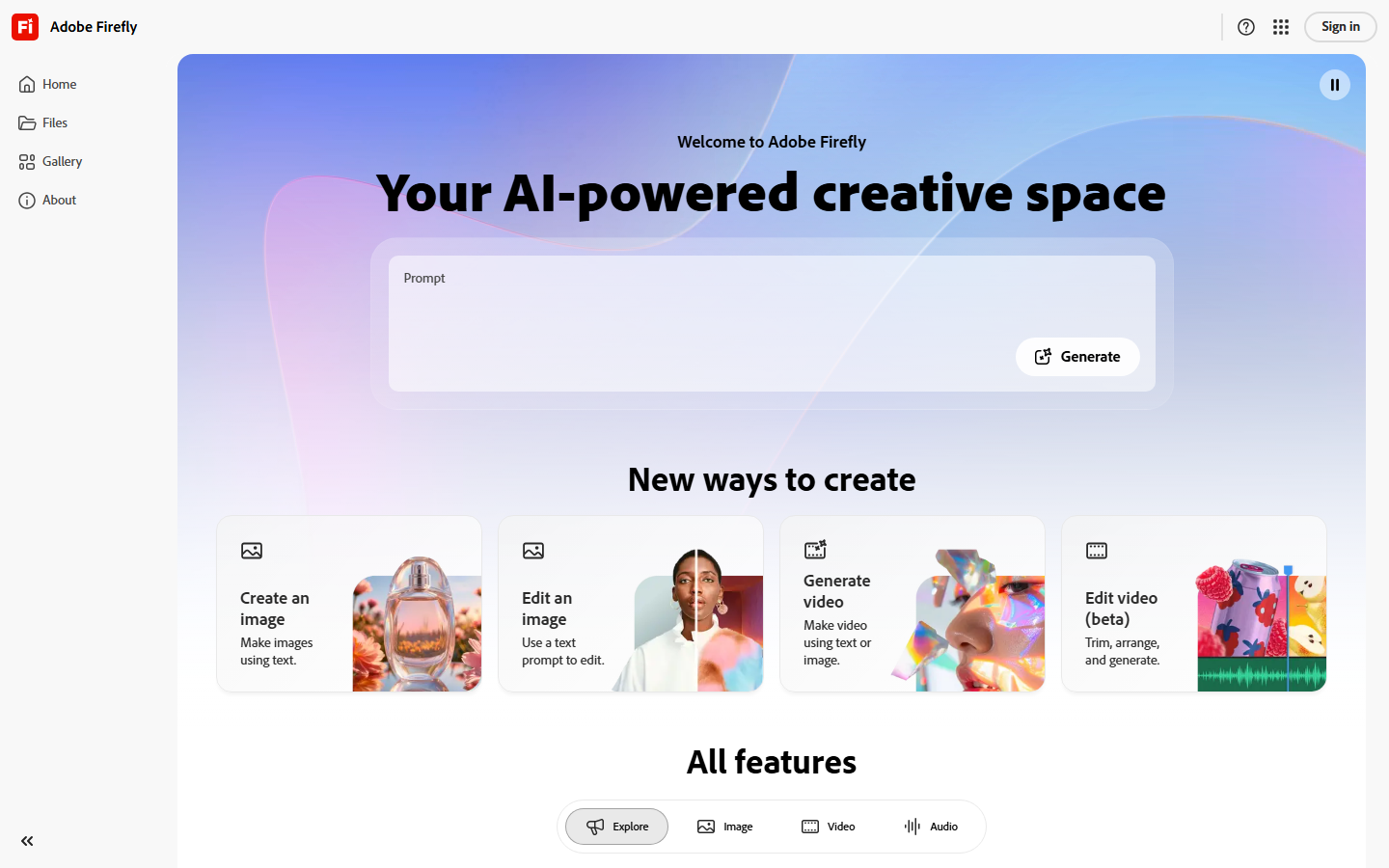
Adobe Firefly is trained on licensed Adobe Stock content, and Adobe indemnifies enterprise customers against IP claims on its output. For legal and procurement teams that single fact often outweighs every quality argument, and Firefly now also routes to partner models for work its own model does not cover.
Generative fill inside Photoshop is still the strongest in-context editing experience available anywhere. Raw output quality sits below Midjourney, and the full value only appears if you already pay for Creative Cloud. It fits naturally next to other AI image editors in a mixed stack.
Pricing: included with Creative Cloud, standalone from $9.99/month. Best for: regulated industries and existing Adobe shops.
8. Freepik AI (Best Value)
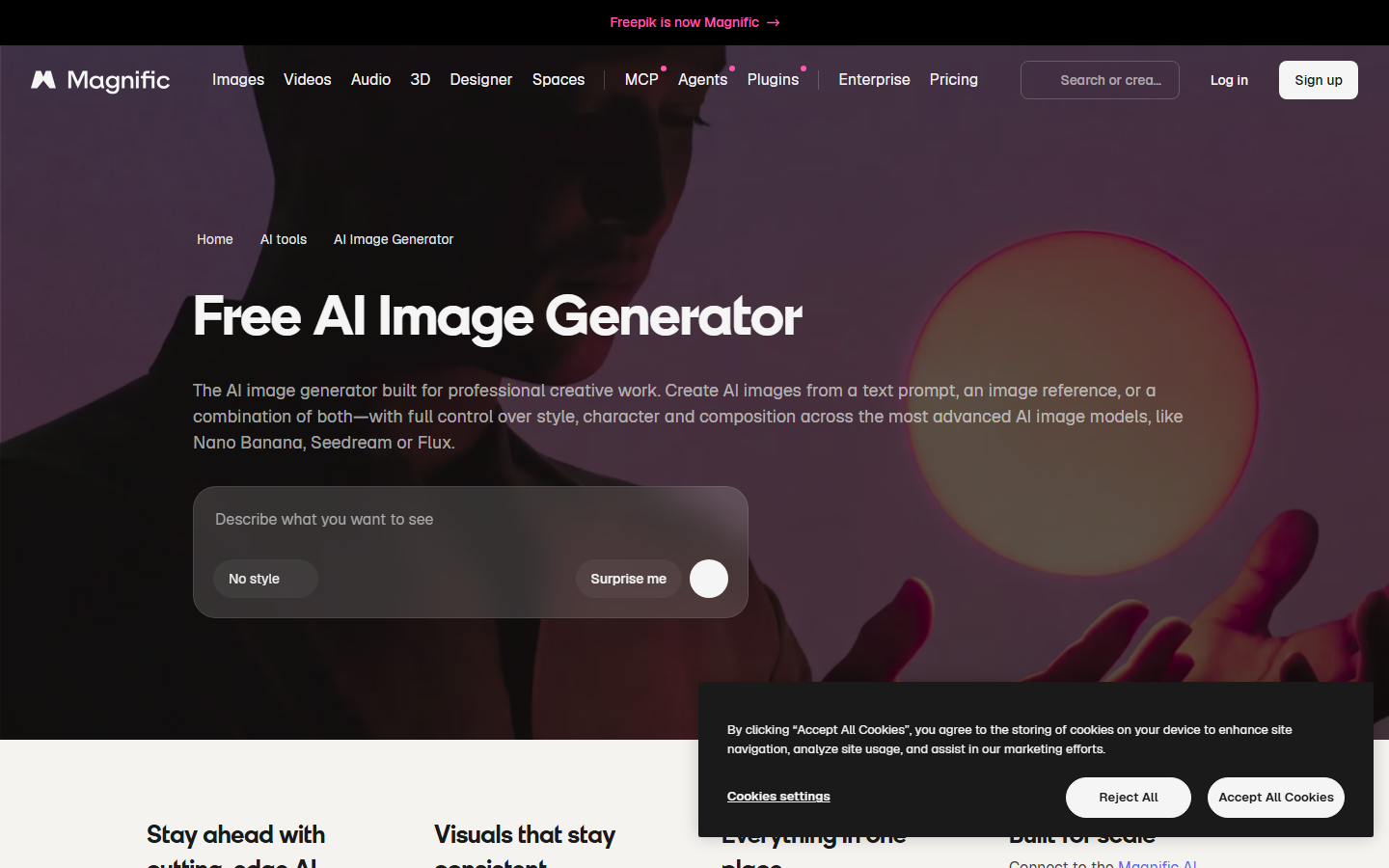
Freepik AI aggregates several third-party models behind one subscription that also includes its stock library, templates, and editing tools. If you want to try multiple models without maintaining separate accounts, it is the cheapest way to do that in 2026.
The aggregation is also the weakness: you get whichever version of each model Freepik has integrated, usually a release behind, with less parameter control than going direct. Its API is workable for straightforward jobs, and the available Freepik image generation API tools cover most common cases.
Pricing: from $9/month. Best for: small teams consolidating stock and generation spend.
Comparison Table
| Tool | Model Choice | API | Vector Output | Custom Styles | Starting Price |
|---|---|---|---|---|---|
| Wireflow | Many, node-based | Yes | Via nodes | Yes | Free tier |
| Midjourney | Single (own) | No | No | Style refs | $10/mo |
| Krea AI | Several | Limited | No | Yes | Free tier |
| Leonardo AI | Several + custom | Yes | No | Trained models | Free tier |
| Ideogram | Single (own) | Yes | No | Limited | Free tier |
| Recraft | Own vector + raster | Yes | Yes | Yes | Free tier |
| Adobe Firefly | Own + partners | Yes | Limited | Yes | $9.99/mo |
| Freepik AI | Aggregated | Yes | Limited | Limited | $9/mo |
How to Choose
Pick by the constraint that actually blocks you. If the blocker is look, go to Midjourney and accept the manual export step. If it is legal exposure, Firefly ends the conversation. If it is volume or repeatability, you need something with a real API and a graph you can trigger, not a canvas you have to sit in front of, and that is the category where a developer-friendly image platform matters more than raw output quality.
Budget is usually the least useful filter. Every tool here starts between free and $12 per month, so the real cost difference shows up in the hours spent moving files between tools, not the subscription line. Teams comparing free entry points can start from this list of free AI image generators before paying for anything.
Try it yourself: Build this workflow in Wireflow, the nodes are pre-configured with the exact setup discussed above.
Frequently Asked Questions
Is Visual Electric still worth using in 2026? Yes, if your work is exploratory and single-user. Its canvas model and curated presets remain fast for concepting. It becomes limiting when you need model choice, batch output, or programmatic access.
Which Visual Electric alternative is closest in feel? Krea AI. Both treat the canvas as the primary interface and prioritize live iteration over prompt engineering, and both bundle enhancement tools into the base subscription.
Which alternative has the best image quality? Midjourney, for photographic and illustrative work. Recraft wins for vector and icon work, and Ideogram wins whenever readable text has to appear in the image.
Do any of these offer an API? Leonardo AI, Ideogram, Recraft, Freepik, Adobe Firefly, and Wireflow all expose APIs. Midjourney does not offer an official one, and Krea's is limited.
What is the cheapest option? Ideogram and Freepik both start around $8 to $9 per month. Several tools including Krea, Leonardo, Recraft, and Wireflow have free tiers that are enough to evaluate output quality before paying.
Can I use these images commercially? Most paid tiers grant commercial rights, but the terms differ. Adobe Firefly is the only one offering enterprise IP indemnification, which is why regulated industries default to it.
How do I keep a consistent style across many images? Train a custom model in Leonardo, define a custom style in Recraft, or lock a reference image into a repeatable graph. Consistency comes from constraining the input, not from writing longer prompts.
Do I have to pick just one? No, and most teams do not. A common setup is one tool for art direction and a second for production volume, connected so the output of the first feeds the second automatically.
Conclusion
Visual Electric earned its place by making image generation feel like design work rather than a search box, and none of these alternatives replace it on that specific point. What they add is reach: better raw quality from Midjourney, legal cover from Firefly, vector output from Recraft, and consistent asset sets from Leonardo. Wireflow is the option to look at when the bottleneck stops being creative and starts being operational, since a canvas that also runs as a pipeline removes the manual export step entirely. If you are coming from Picsart Flow, that same hosted canvas that runs as a pipeline turns a visual graph into a REST endpoint and an MCP tool. Start with the constraint that is costing you the most time each week, then test two tools against it rather than five, using a free image generator as the baseline.

Co-Founder & Operations at Wireflow
Runs client operations and content strategy at Wireflow. Works directly with creative teams and agencies to build production AI workflows.
- Content Strategy
- Client Operations
Make AI videos and ads.
Start free, no card needed.