Compare nine of the best free AI image generators in 2026 by task, access limits and editing options. Find a first tool for photos, posters or reusable workflows.
Want one image today? Start with Gemini or ChatGPT for a conversational interface, Ideogram for a text-heavy poster, or Magic Hour for a no-account experiment. Choose Wireflow when you want to save a repeatable process around your images.
For a connected starting point, open this AI image generator workflow. It connects a Text Input to Recraft V4. Replace the mountain-sunset sample with your own brief. Building is free; generation uses credits, and any introductory offer depends on your account setup.
For a hands-on starting guide, see the best free AI image generator feature page.
Quick Summary
- Wireflow - Best for reusable multi-model workflows; build free, generation uses credits
- Google Gemini (Nano Banana 2) - Best starting point for conversational photo creation
- ChatGPT (GPT Image 1.5) - Best for explaining and revising an image in conversation
- Ideogram 3.0 - Best starting point for typography and poster concepts
- Adobe Firefly - Best for continuing into Adobe's creative tools
- Microsoft Designer - Best for personal graphics and invitations
- FLUX 2 - Best for local control with a suitable model and GPU
- Leonardo AI - Best for exploring styles; 150 free tokens per day
- Magic Hour - Best no-account trial; 10 free images per day
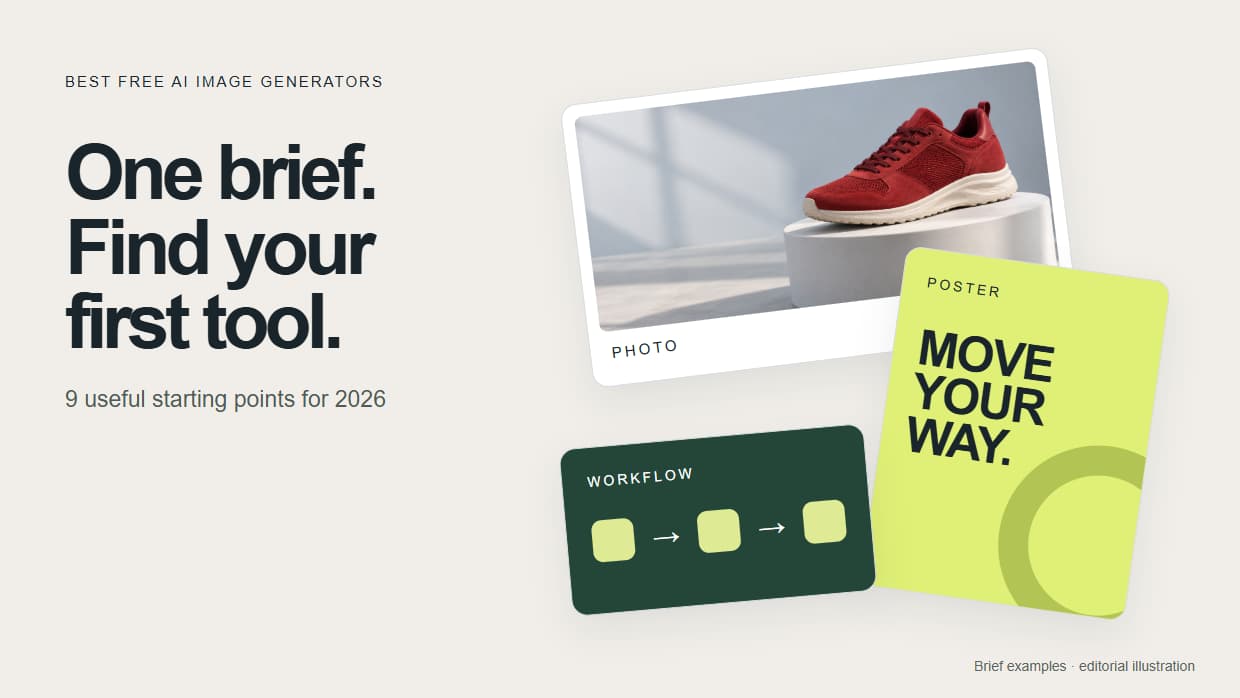
Use the same brief in two tools: "A red running shoe on a white plinth, soft studio light, pale grey background, landscape composition, no lettering." Compare the shoe's shape, edges and lighting. For a typography test, ask for a separate poster with the exact words "MOVE YOUR WAY."
1. Wireflow

Wireflow is a visual canvas for connecting AI models. Generate an image, pass it to an upscaler, and keep the steps together for the next brief.
Start with the simple template above before adding more steps. Our node-based digital art creator explains how a render, restyle and upscale can fit together. You can chain models together to reduce repeated downloads and uploads, or build batch workflows when you have a series of inputs to process. Reusing a workflow preserves the setup; generated images can still vary.
Free to start: Build workflows and duplicate templates. Ongoing generation uses paid credits; check your account for any setup offer and the current plans before running.
Build this in Wireflow
Make the same kind of asset on a canvas you control, with a free account and no credit card.
2. Google Gemini (Nano Banana 2)
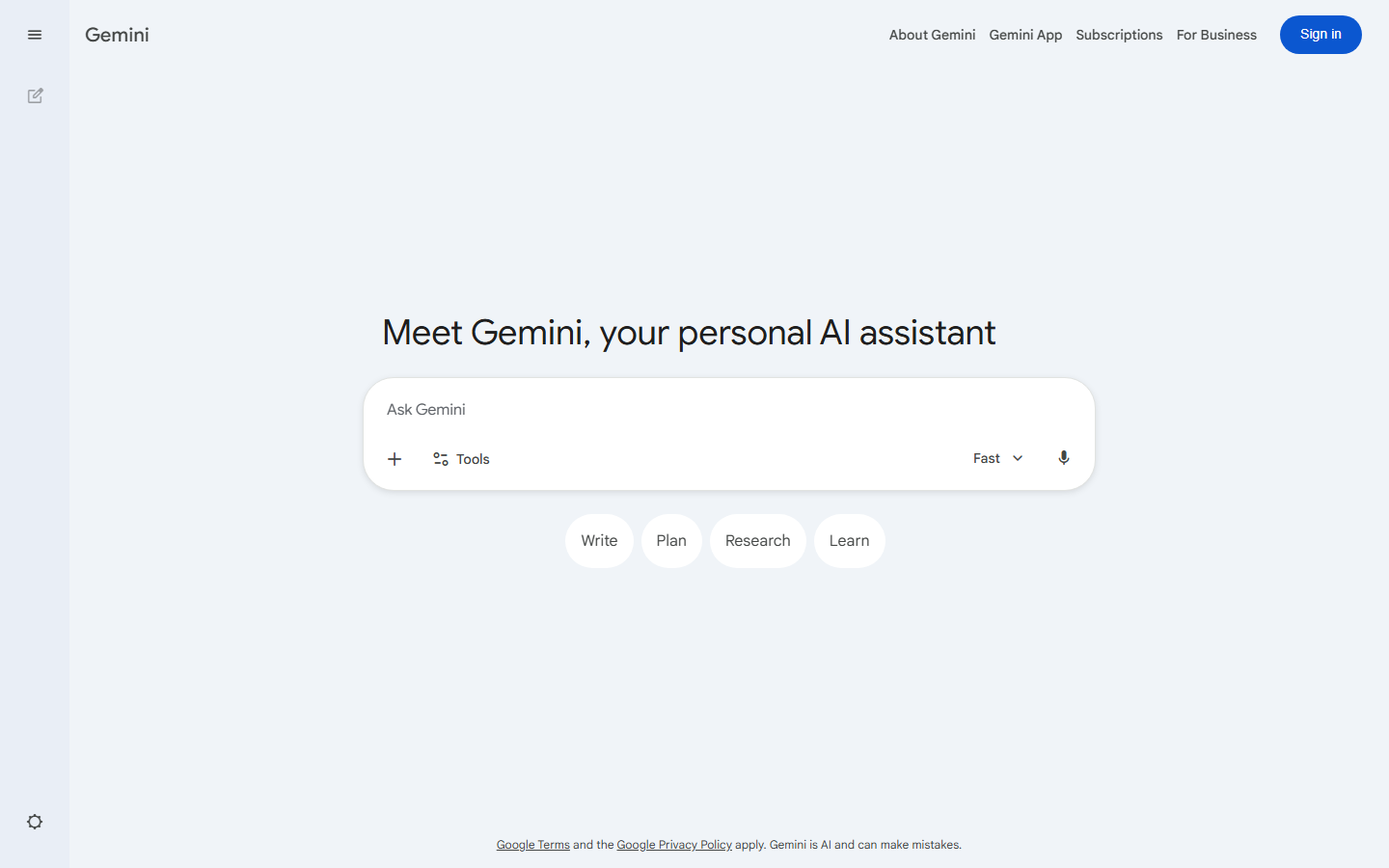
Google Gemini is a convenient place to describe an image, upload a reference and request edits in conversation. For AI-generated headshots or product concepts, specify the lighting and framing before adding decorative details. Follow with one change, such as "keep the shoe, soften the shadow."
The model name and availability shown in Gemini can change. Google's current documentation describes account and usage-based limits, so a fixed promise of 20 free images every day is not a reliable planning allowance.
Free tier: Image creation and editing with account-dependent limits; check the image option available in your account.
3. ChatGPT (GPT Image 1.5)
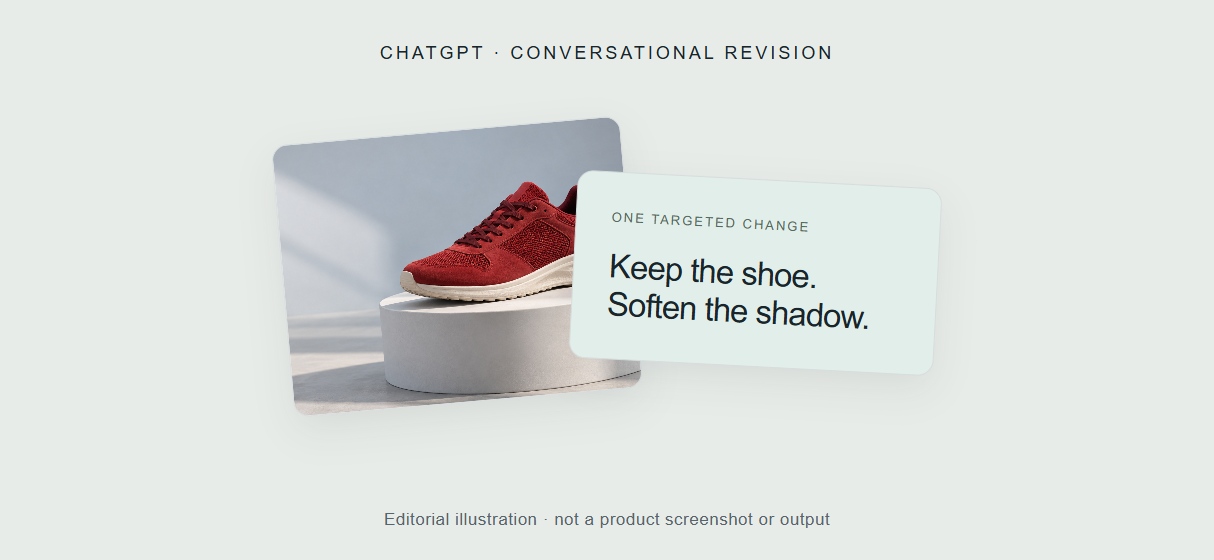
ChatGPT suits people who want to explain the job in everyday language and refine the image through conversation. Describe a poster, then ask for a different headline, palette or composition. Check the rendered spelling before using a design.
This is an approachable option among Midjourney alternatives, especially if you already use ChatGPT. GPT Image 1.5 names the version originally covered here; the image model currently offered in ChatGPT can change. The free plan includes image creation with its own usage limits.
Free tier: Limited image creation and conversational editing; the app shows when you reach your limit.
4. Ideogram 3.0
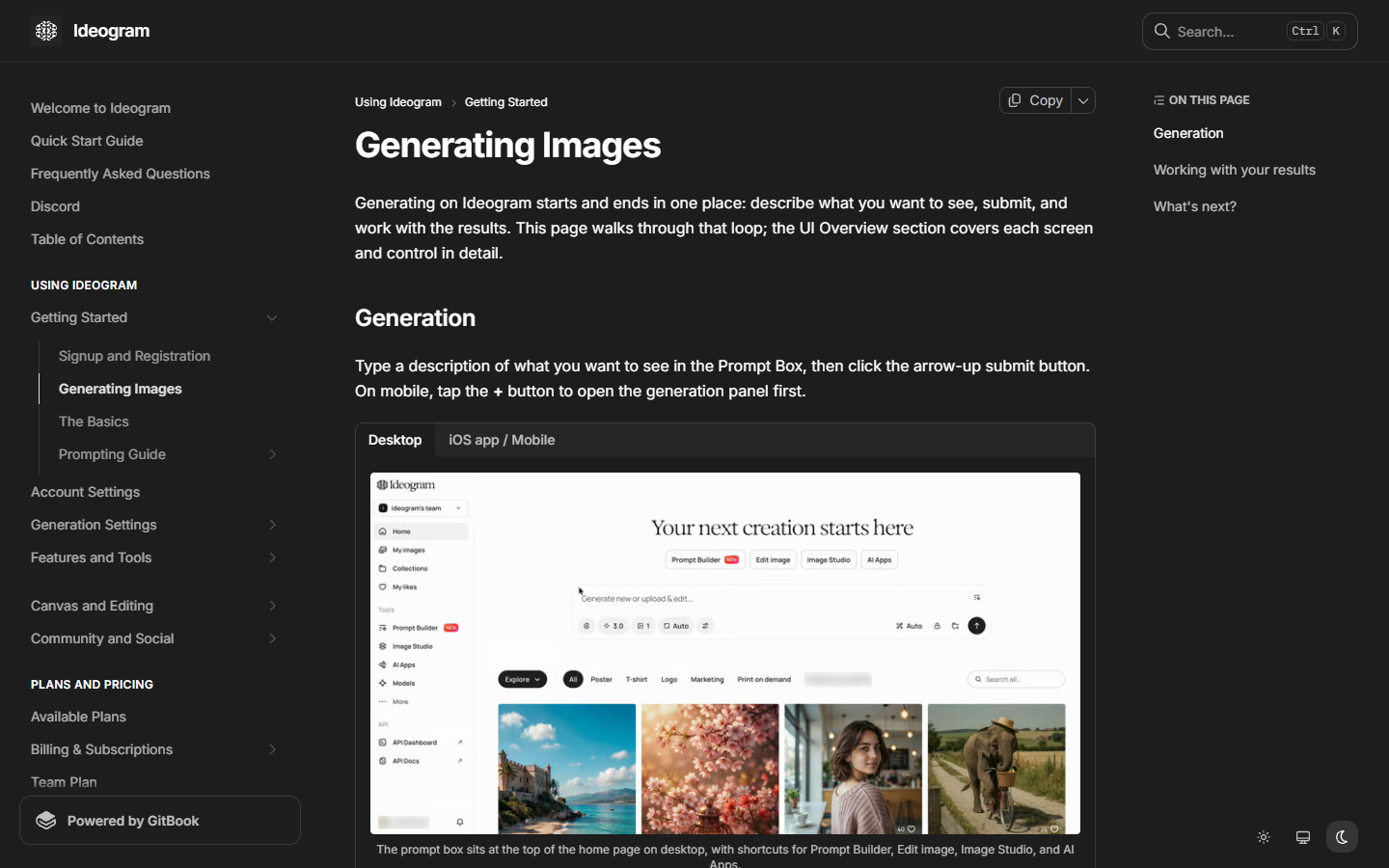
Ideogram is a useful first stop for AI-generated art that includes typography, such as posters, social graphics or thumbnail concepts. Start with a short headline and a clear hierarchy: one large title, one supporting line and a simple background.
Ideogram 3.0 is the version covered by this section; available models and editing tools depend on the current product. Free access uses credits, with the allowance and reset shown in your account. Images are public by default unless private generation is available and selected.
Free tier: Credit-limited creation; check current allowances and download options in your account.
5. Adobe Firefly
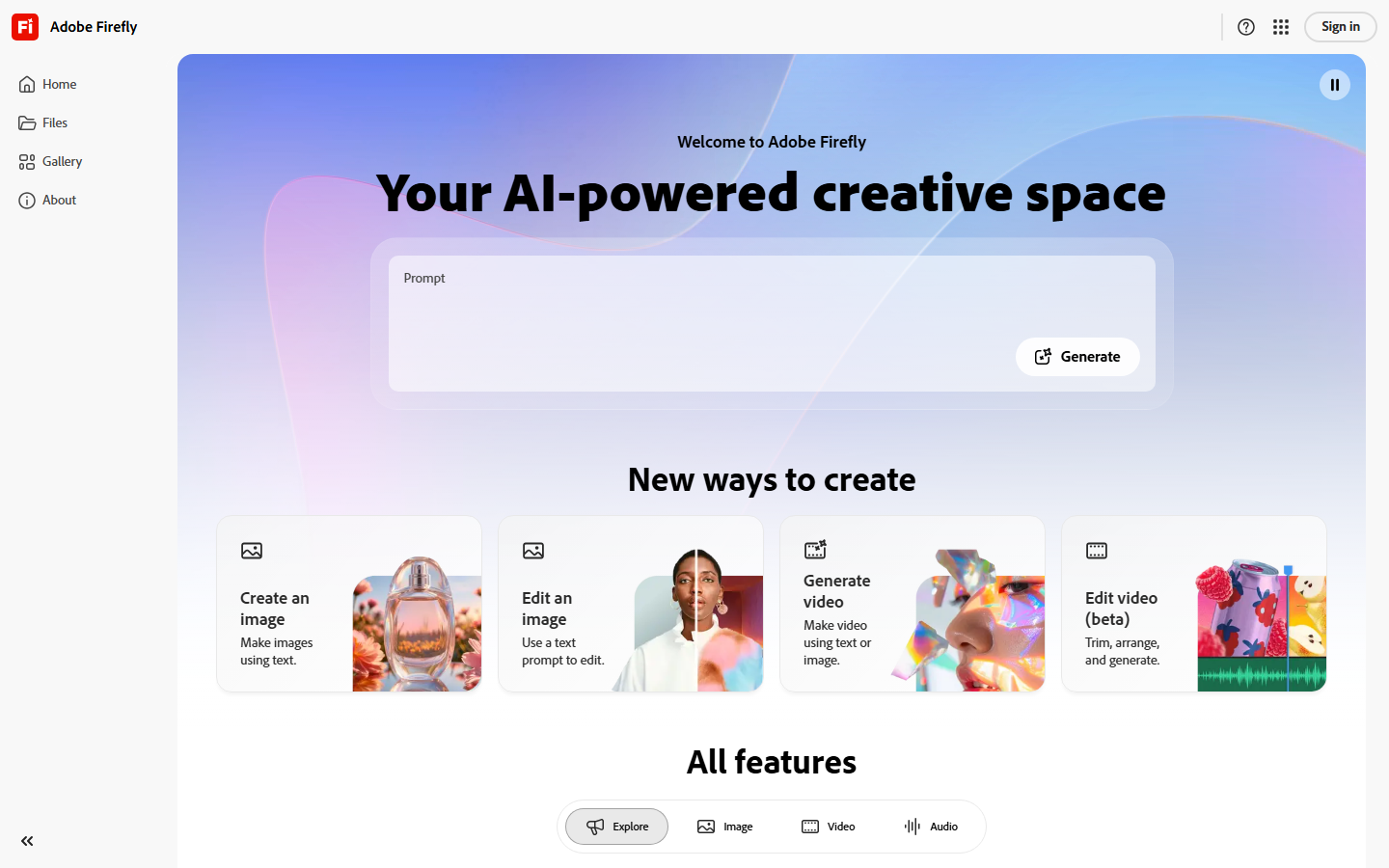
Adobe Firefly fits creators who want to continue editing in Adobe's tools. Start with a product background or visual concept, then refine the asset through Photoshop and Illustrator as your plan allows.
Adobe currently offers limited daily generations on its free plan. Its own Firefly models are trained on licensed and public-domain content, and Adobe permits commercial use of their outputs. The app also offers partner models, so those training claims do not describe every model you can select inside Firefly.
Free tier: Limited daily generations. Paid plans expand access; Adobe's own models and partner models have different terms and credit costs.
6. Microsoft Designer
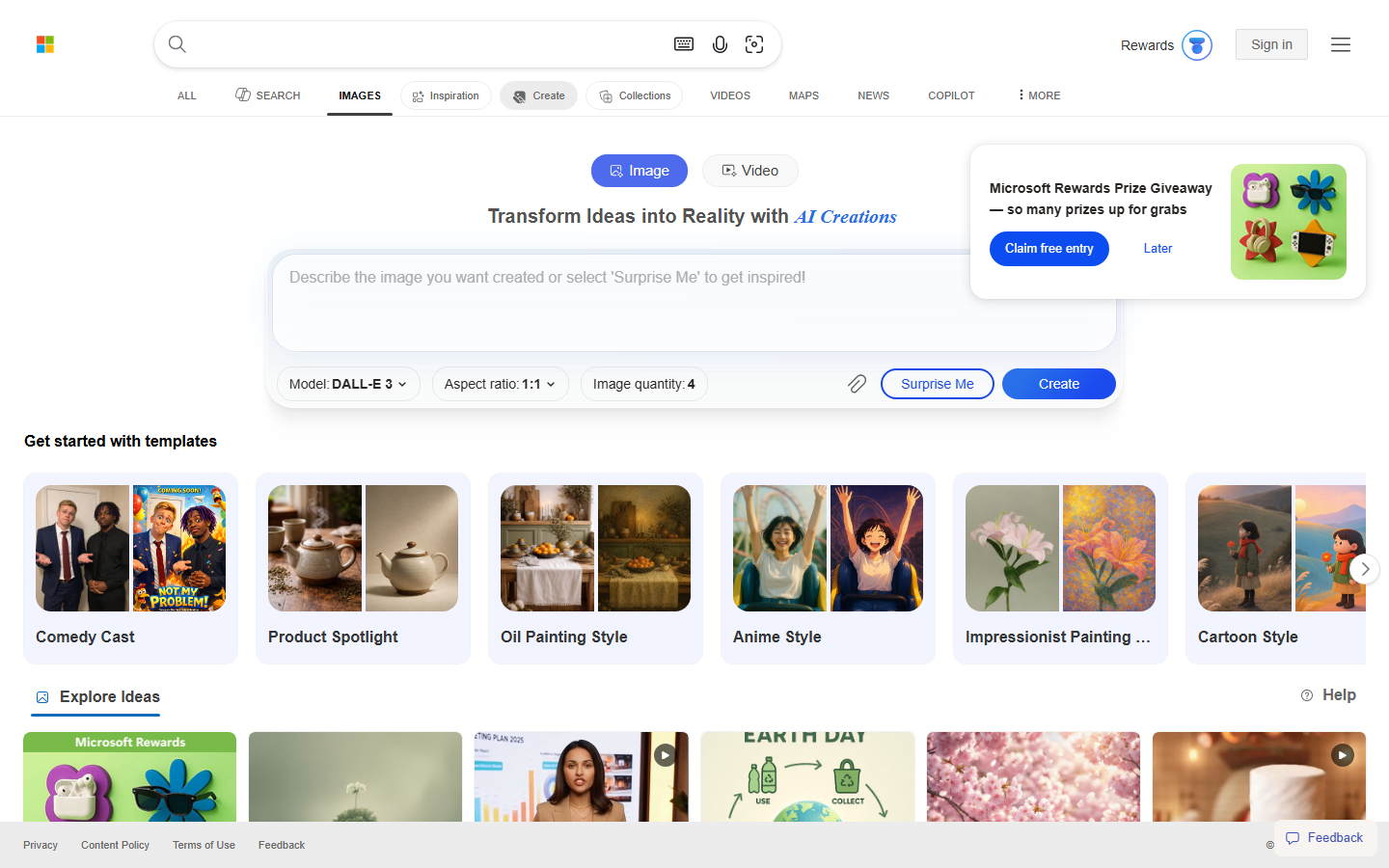
Microsoft Designer is a practical starting point for a personal invitation, greeting card or social graphic. It combines image creation with design and editing tools, so you can move from an idea to a formatted design in the browser. A Microsoft account is required.
Microsoft says Designer is free to use, with a subscription potentially needed for more frequent creation. Its consumer license is for personal, non-commercial use. If your project also needs motion, compare these free video makers separately.
Free tier: Personal creation with usage limits; commercial projects need a different permitted route.
7. FLUX 2
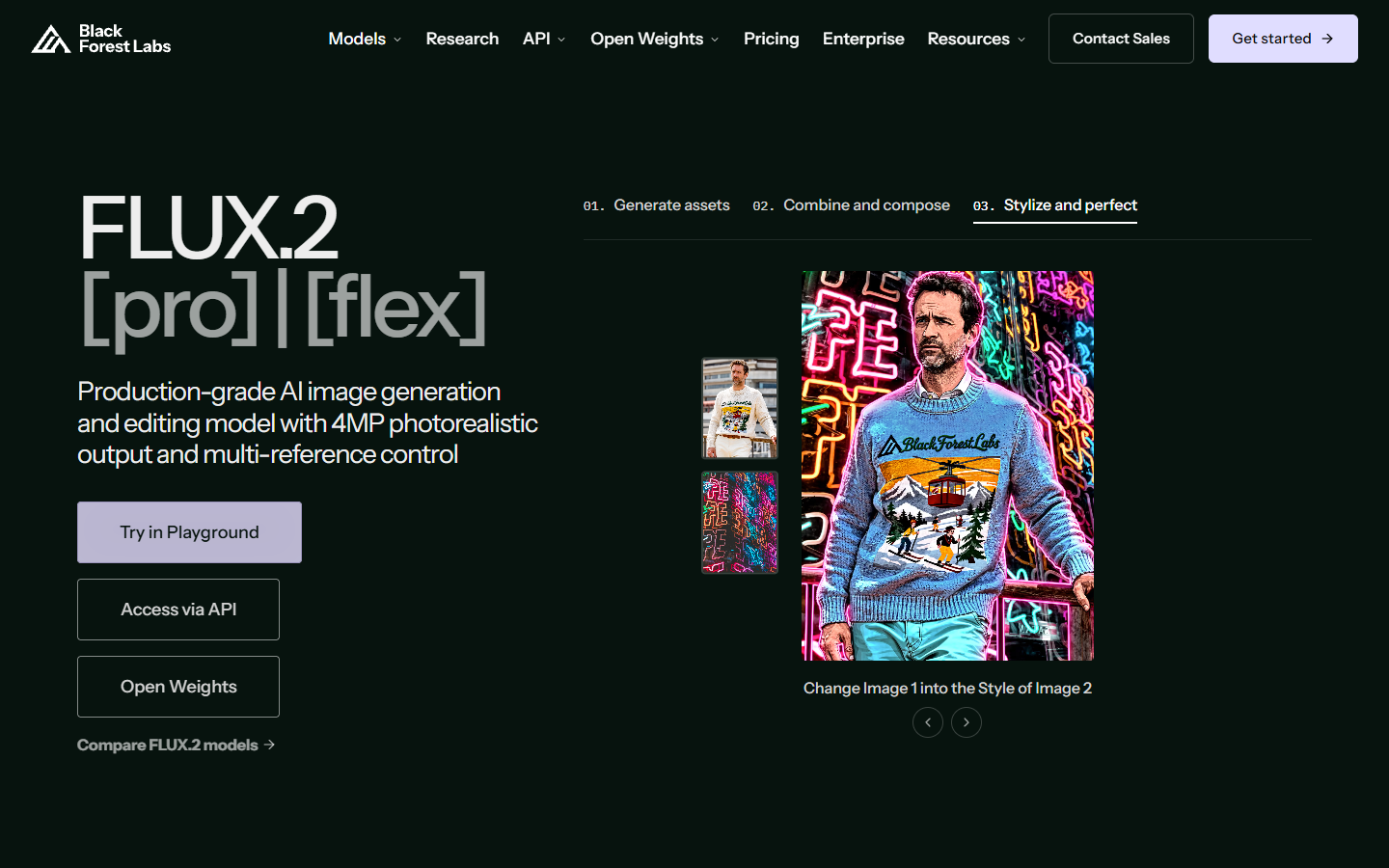
FLUX 2 from Black Forest Labs is a model family, not one universally free hosted app. For a concrete local option, FLUX.2 [klein] 4B has open weights under Apache 2.0. Black Forest Labs lists roughly 13 GB VRAM for its reference setup; requirements depend on how you run it.
Local use removes a hosted per-image bill, but you still supply the hardware, electricity and setup. Other FLUX variants have different licenses. FLUX.1 Schnell and Dev belong to the earlier family and should not be treated as FLUX 2 variants. For hosted API-level control, compare the provider's price with the convenience of avoiding local setup.
Free tier: Local open-weight options; hosted generation and commercial permissions are variant-dependent.
8. Leonardo AI
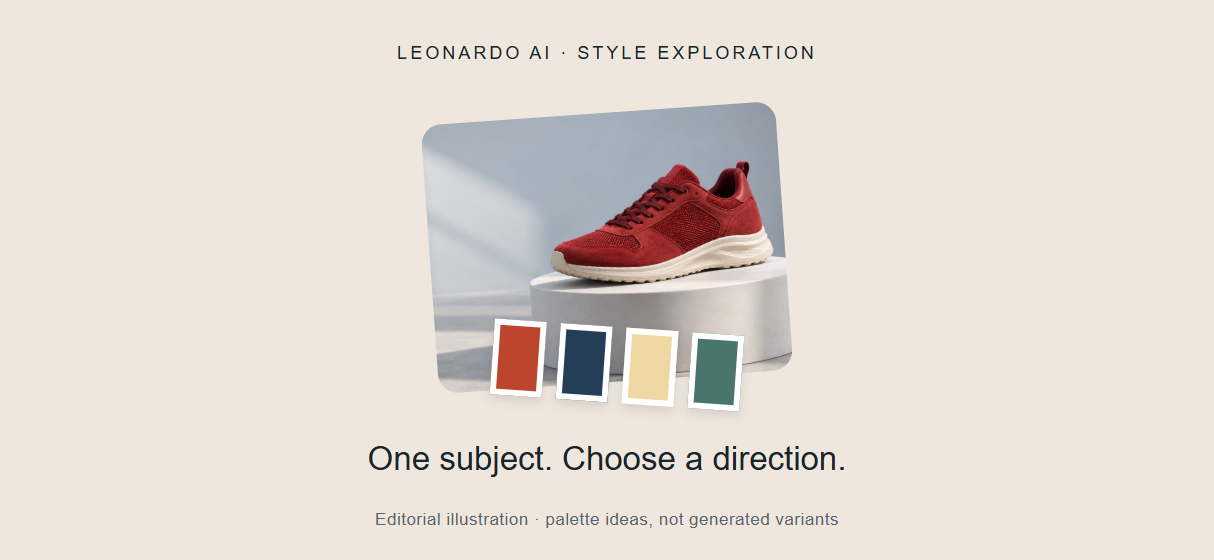
Leonardo AI is useful for exploring artistic directions and presets. Keep your subject fixed while changing the style, so you can judge whether a particular look fits your project. Pair it with a no-code AI canvas when you need a dedicated place to develop a visual direction.
The free plan includes 150 tokens per day, public creations and basic quality settings. Token costs vary by action and model, so that allowance does not translate into a fixed image count. Free outputs carry a non-exclusive commercial-use license; privacy and ownership differ from paid plans.
Free tier: 150 daily tokens, presets and public creations. Check the token cost before each generation.
9. Magic Hour
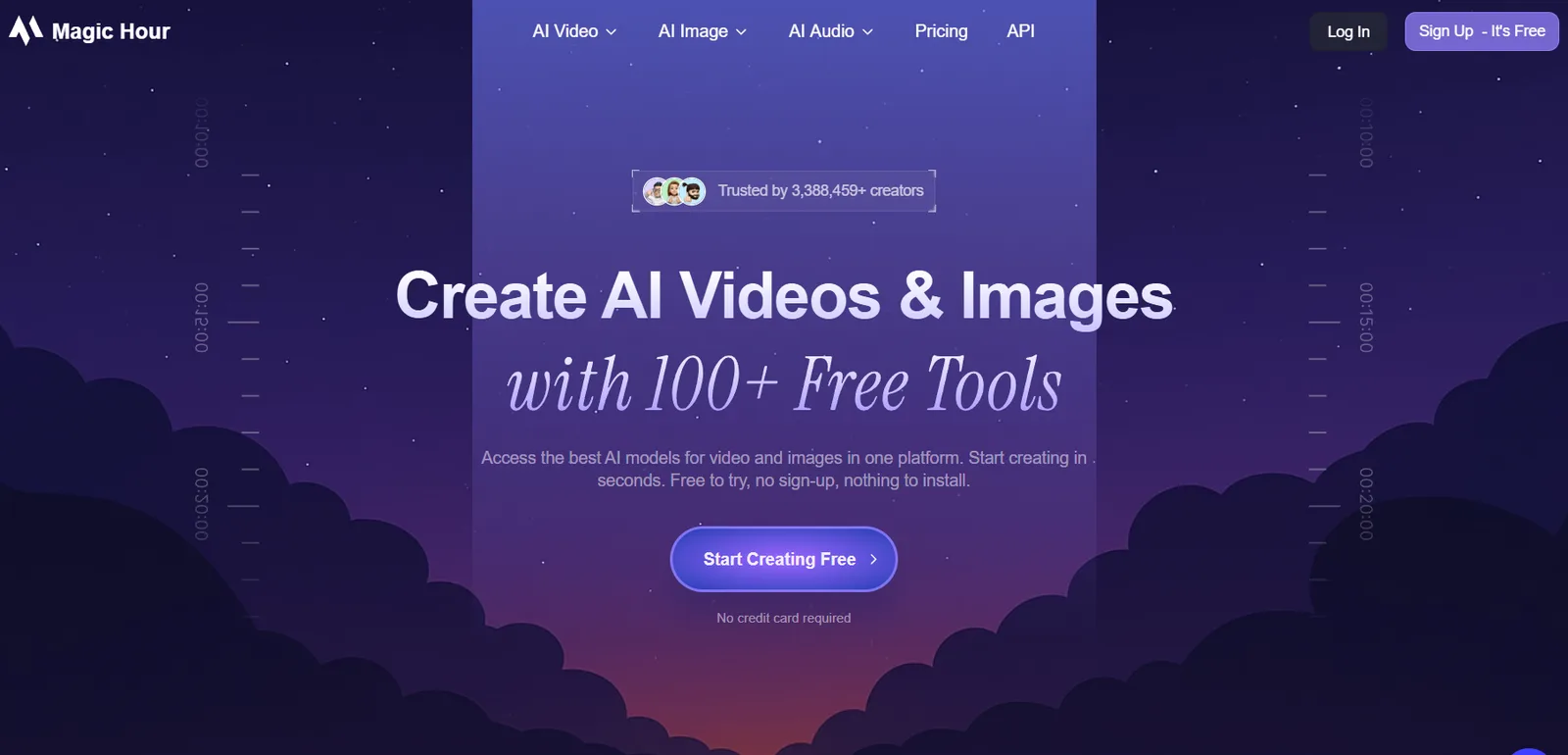
Magic Hour offers a quick no-account experiment: its image-generator page advertises 10 free images per day with no watermark. Start with the shared shoe brief above to see whether the available model fits your style.
The platform also offers video and lip sync, which can be useful when your project expands beyond a still. Each tool has its own access conditions. Signing up adds saved projects and account-specific credits or rewards; the current page does not promise everyone a fixed 400-credit award. Free image outputs are for personal use, while commercial use requires a paid plan.
Free tier: 10 images per day without an account, no image watermark, personal use.
Comparison Table
| Tool | Free access | Start here for | Commercial use | Local |
|---|---|---|---|---|
| Wireflow | Build free; generation uses credits | Reusable workflows | Model and input terms | No |
| Google Gemini | Account-dependent limits | Photo concepts and edits | Check applicable terms | No |
| ChatGPT | Image usage limits | Conversational revisions | Subject to terms | No |
| Ideogram 3.0 | Credits; account allowance | Typography concepts | Subject to terms | No |
| Adobe Firefly | Limited daily generations | Adobe editing workflow | Own-model outputs permitted | No |
| Microsoft Designer | Limited personal creation | Invitations and graphics | Personal use only | No |
| FLUX 2 | Open-weight variants | Local control | Variant-dependent | Yes |
| Leonardo AI | 150 tokens/day | Style exploration | Non-exclusive free license | No |
| Magic Hour | 10 images/day; no account | Quick personal experiment | Paid plan required | No |
Try it yourself: Build this image generation workflow in Wireflow. The template connects GPT Image 2.5 Flare to a Clarity AI upscaler. Replace the sample brief and check the cost of both stages. Keep it for your next brief.
FAQ
Which free AI image generator has the best quality?
The useful winner depends on your image. Try Gemini for a photo concept, Ideogram for typography or Leonardo for a stylized direction. Compare multiple AI generators using the same brief, then inspect detail, composition and prompt accuracy.
Can I use free AI-generated images commercially?
Some free plans permit it, including Leonardo under a non-exclusive license. Microsoft's consumer Designer is personal-only, and Magic Hour requires a paid plan for commercial use. Adobe permits commercial use of its own Firefly model outputs. Check the chosen model's terms and your source-image rights.
Which free AI image generator is best for text in images?
Ideogram is a useful starting point for typography; ChatGPT is convenient for revising wording through conversation. Test the exact headline you need. Inspect spelling and spacing at the final display size before choosing an image.
Is FLUX 2 really free?
Some variants have downloadable weights. FLUX.2 [klein] 4B uses Apache 2.0 and can run locally on suitable hardware. Local generation still uses your equipment and electricity. For pipeline automation, choose the exact variant and license before building around it.
How many free images can I generate per day?
Magic Hour advertises 10 no-account images daily. Leonardo gives 150 daily tokens, with image counts varying by model and settings. Adobe offers limited daily generations; Gemini, ChatGPT and Ideogram show current usage or credit limits in your account. Local models have hardware limits instead of a daily platform allowance.
Can I combine multiple AI image generators in one workflow?
Yes. You can connect compatible generation and editing models, then reuse that sequence with a new brief. Start with one generation step and add an upscale or edit when the task calls for it. These AI workflow templates offer starting structures.
Do free AI image generators add watermarks?
It depends on the product, model and export route. Magic Hour advertises no watermark on its free image exports. Content Credentials and other provenance metadata are different from a visible mark. Check one downloaded image before committing to a tool for a particular format.
What is the best free AI image generator for beginners?
Start with Gemini or ChatGPT if you prefer describing and revising an image in conversation. Try Designer for personal invitations or Magic Hour for a no-account experiment. Give one tool a specific brief and make one targeted revision before comparing another.
Would you rather we just built it?
We get on a call, learn your style, build the workflow, and ship the deliverables on a schedule. You keep the workflow either way.