Best Freepik Spaces for Developers Tools in 2026

In this article▾
Freepik Spaces introduced a canvas-based approach to AI generation, but developers often need more than a visual editor. API access, model chaining, and programmable pipelines matter when you are building production workflows. Wireflow leads the category by combining a drag-and-drop node canvas with a full REST API, letting engineering teams prototype visually and deploy programmatically. This guide covers seven platforms that serve the developer side of AI-powered creative tooling in 2026.
Quick Summary
- Wireflow: Best overall for API + visual canvas
- Freepik Spaces: Best for designers with growing developer features
- Krea: Best for real-time AI generation and node editing
- Flora: Most model variety in a single canvas
- Weavy: Best for embeddable AI components
- ComfyUI: Best open-source node editor
- fal.ai: Best pure API platform
For a hands-on feature comparison, check out the Freepik Spaces alternative for developers feature page.
1. Wireflow

Wireflow combines a visual node editor with a production-grade REST API. Unlike Freepik Spaces, which restricts you to its built-in models and a credit system, Wireflow connects to 15+ AI providers including Flux, Recraft, Kling, and Stable Diffusion. Every workflow you build in the canvas can be triggered via a single API call.
The platform stands out for developer use cases because of transparent pay-per-use pricing, unlimited workspaces, and built-in batch processing. You can chain text-to-image, image-to-video, and upscaling models in a single pipeline, then deploy the entire chain as a REST endpoint. Version control, workflow sharing, and team permissions make it practical for production teams, not just solo prototyping.
Build this in Wireflow
Make the same kind of asset on a canvas you control, with a free account and no credit card.
2. Freepik Spaces
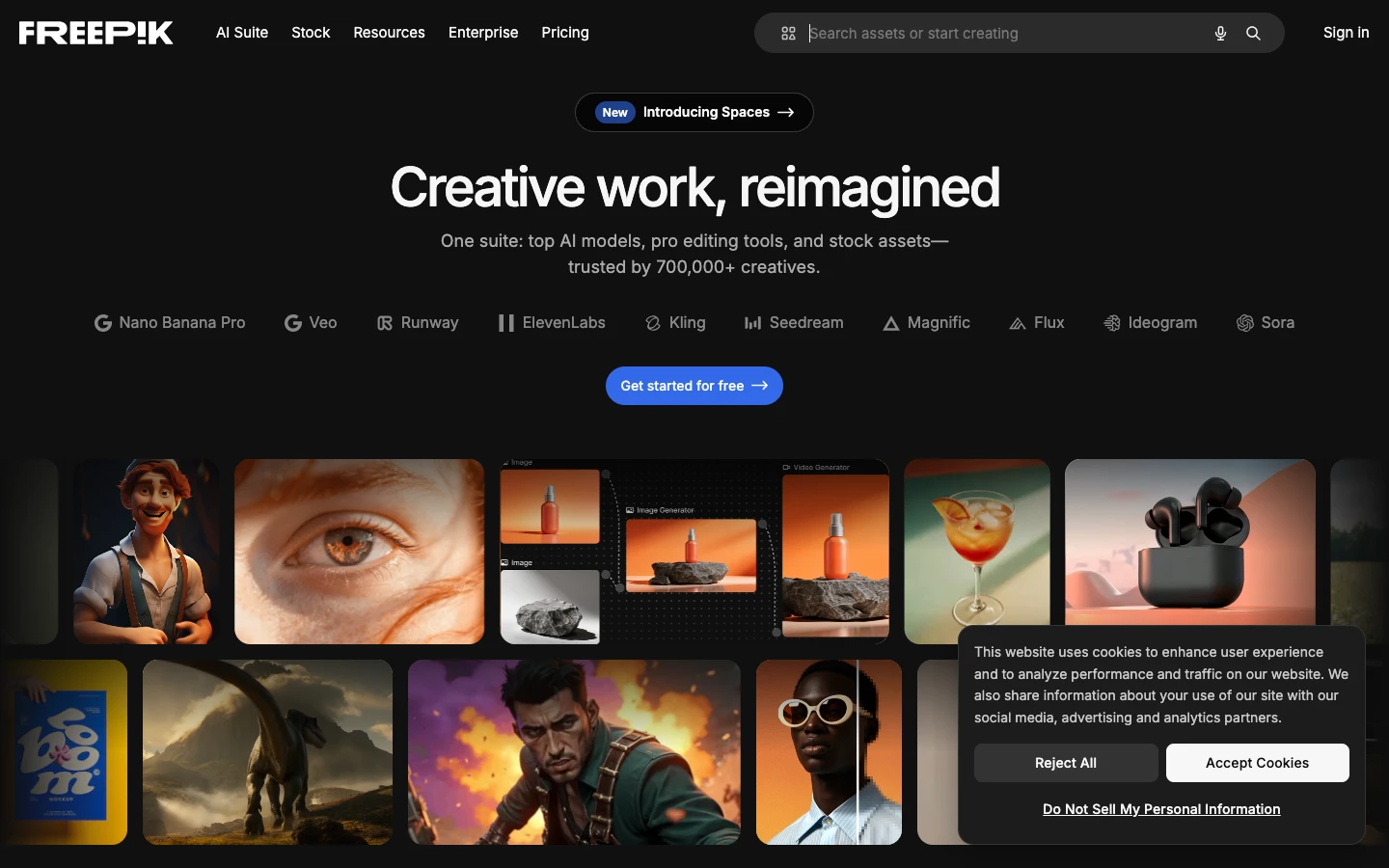
Freepik Spaces is the platform this category is named after. Its infinite canvas lets you arrange AI-generated images, text blocks, and assets in a collaborative workspace. For designers, it is one of the most polished tools available, with tight integration into Freepik's stock library and its own AI image generation models.
For developers, the picture is mixed. Freepik added API endpoints in late 2025, but access is limited to enterprise plans and the model selection is narrower than dedicated developer platforms. The credit-based pricing can also become unpredictable at scale. If your team is design-led with occasional developer integrations, Freepik Spaces works well. If you need full API control and model flexibility, one of the alternatives in this list will serve you better. Freepik maintains a strong community and asset marketplace that adds value beyond pure generation.
3. Krea
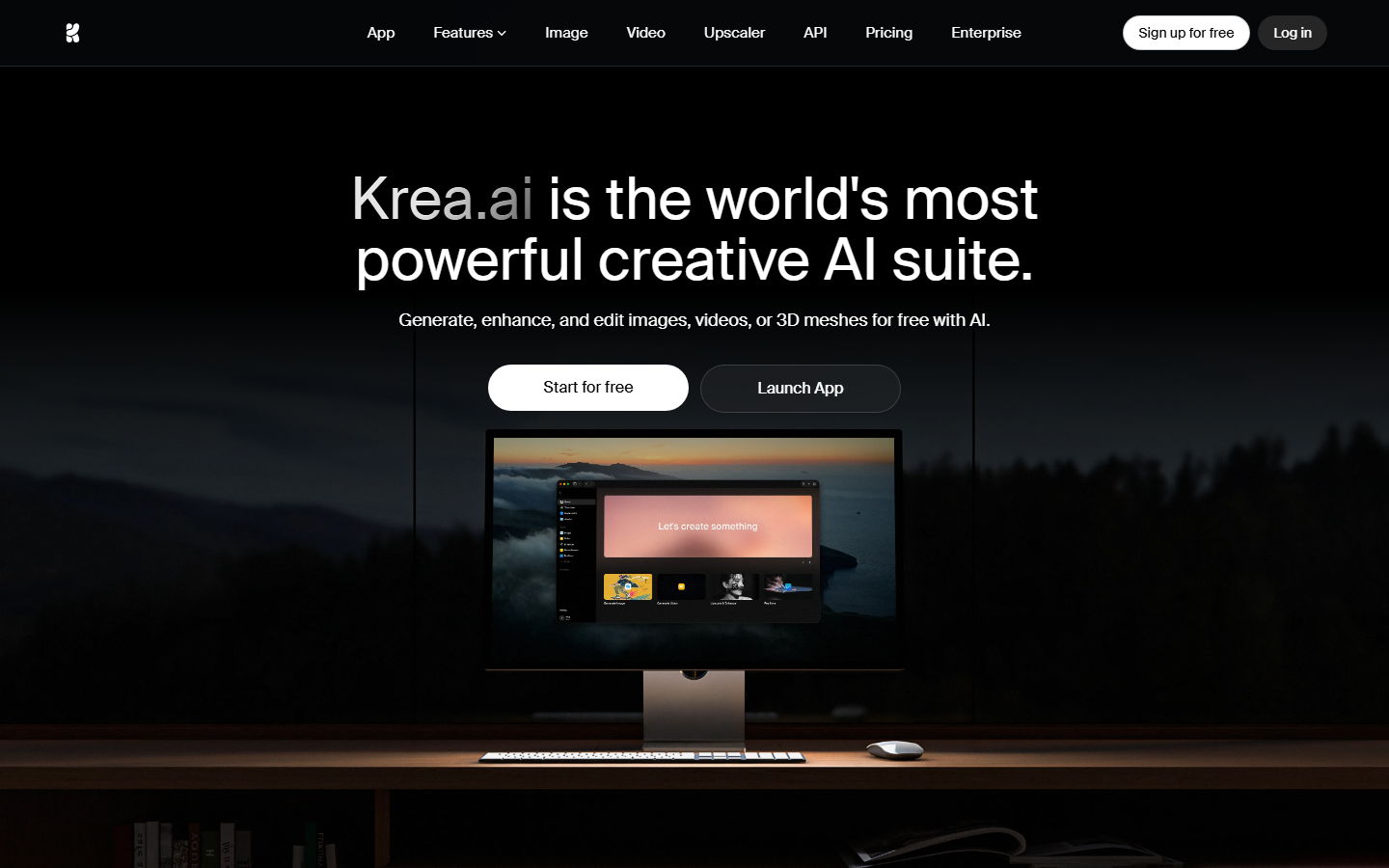
Krea focuses on real-time AI generation with a node-based editor that feels responsive and immediate. Its standout feature is live preview, where changes to prompts or parameters update the output as you adjust them. Krea integrates Flux, Imagen, and Sora models with parallel execution, so complex pipelines run faster than sequential alternatives. For developers interested in Krea's approach to AI canvases, the platform offers prompt-to-workflow generation that can accelerate prototyping.
The downside is pricing. At $35/month for the Pro tier, Krea charges more than several competitors for comparable model access. API availability is still in beta, which limits its usefulness for automated pipelines. Krea works best for developers who prioritize real-time visual feedback during the creative process rather than headless API integration.
4. Flora
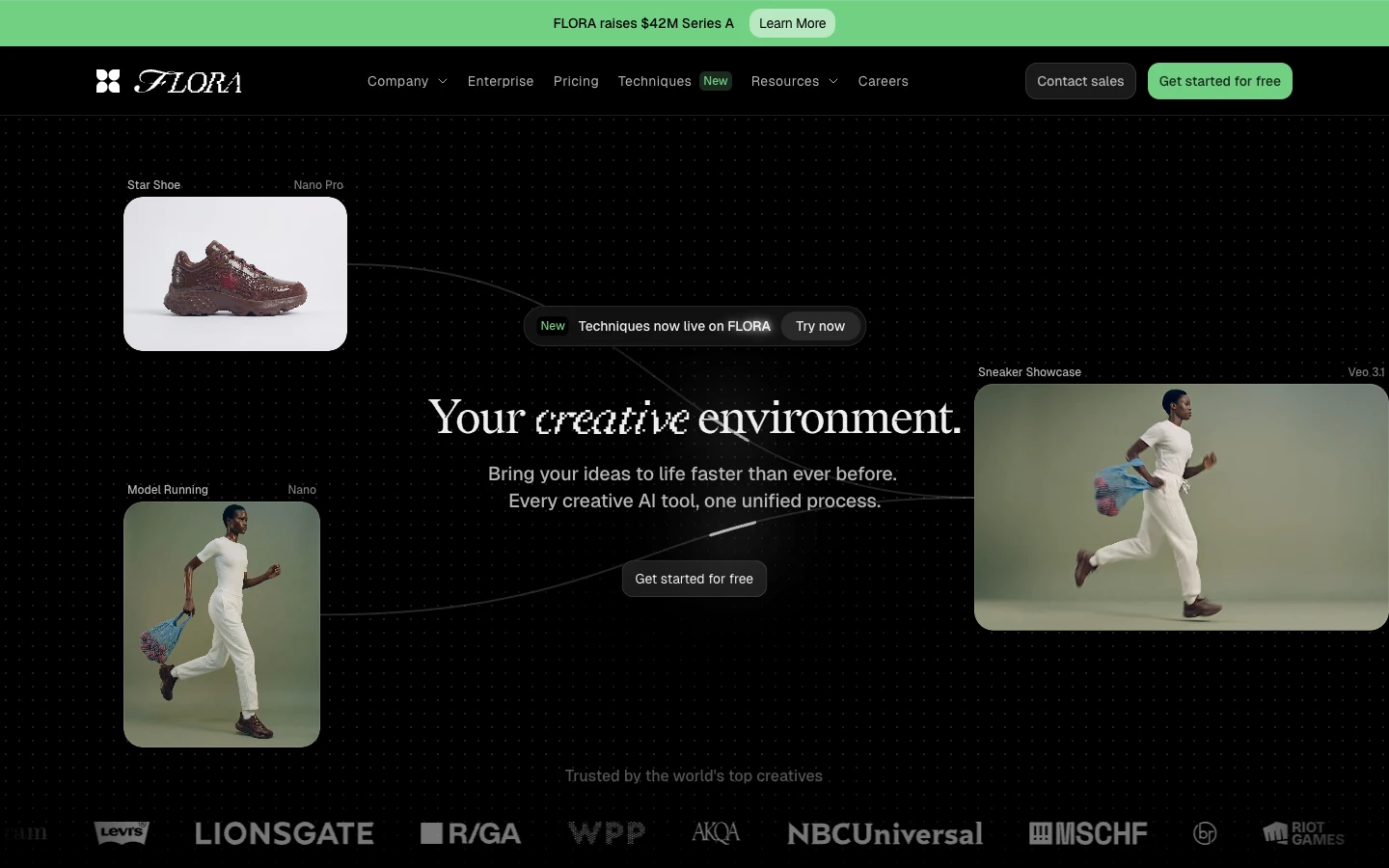
Flora integrates 50+ AI models into a single browser-based canvas with live collaboration features. It covers text, image, video, and audio generation, making it one of the broadest platforms for multi-modal workflows. If you have explored Flora AI alternatives before, you will recognize the appeal of having every model type accessible from one interface.
The limitation for developers is Flora's API story. Most workflows must be run through the browser UI, making it difficult to integrate into automated content generation pipelines. Flora works well for teams that want visual collaboration with broad model variety but do not need programmatic access to their workflows.
5. Weavy
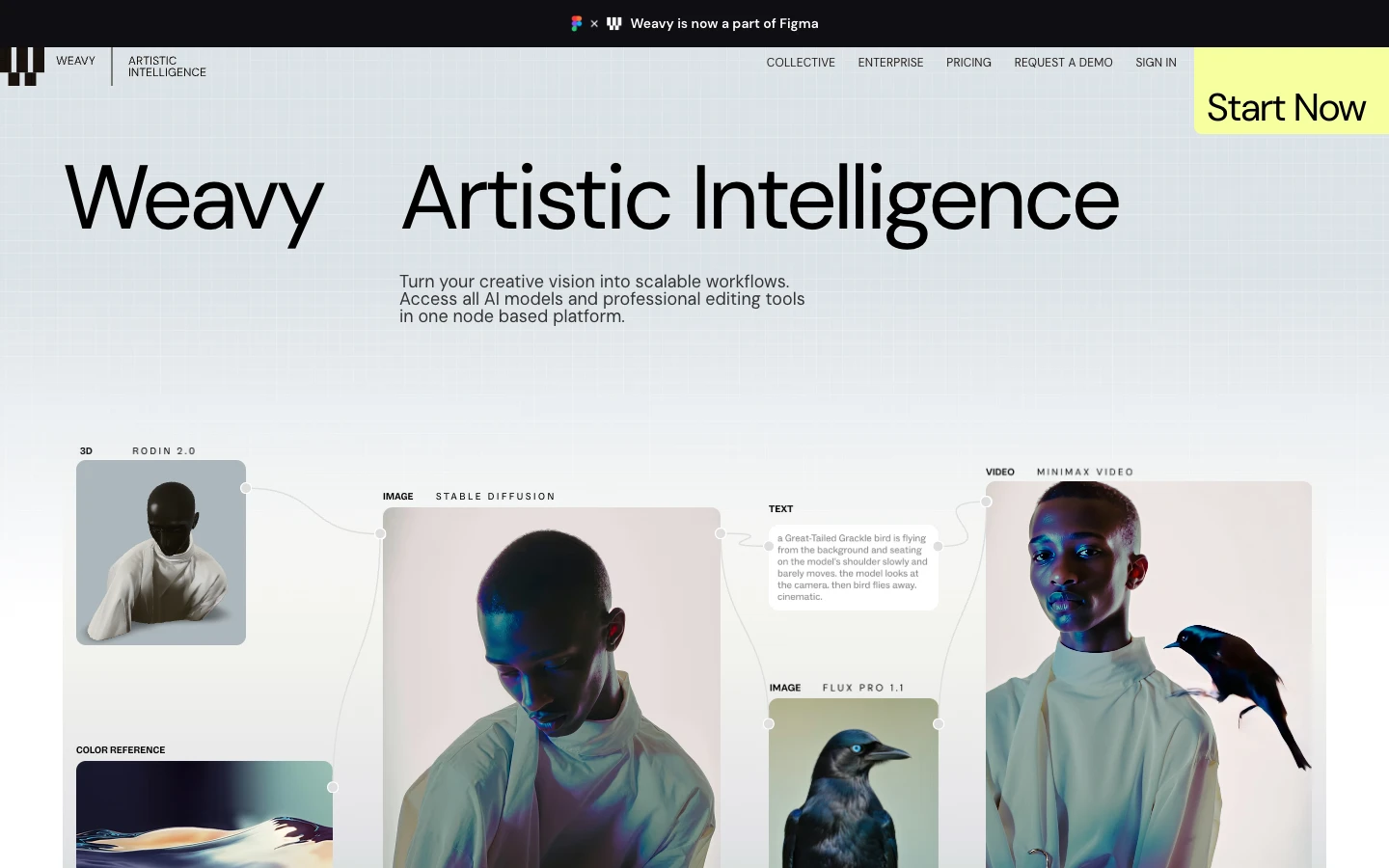
Weavy takes a different approach by offering embeddable AI components that developers can integrate directly into their own applications. Instead of building on Weavy's canvas, you build Weavy into your product using React and JavaScript SDKs. The Weavy AI API provides real-time collaboration, file management, and AI generation as drop-in modules.
This makes Weavy ideal for SaaS teams that want to add AI-powered features to an existing product without building from scratch. The trade-off is that Weavy's AI model selection is narrower than dedicated generation platforms, and pricing scales with active users rather than API calls. For pure workflow building, a canvas-based tool is a better fit than an embeddable SDK.
6. ComfyUI
ComfyUI is the open-source standard for node-based AI image workflows. It runs locally on your hardware or on cloud GPUs, giving you complete control over models, sampling parameters, and custom nodes. For developers comfortable with Python and GPU management, ComfyUI offers flexibility that no hosted platform matches. If you are evaluating whether to self-host or use a managed service, the ComfyUI alternative comparison covers the key trade-offs.
The downside is operational overhead. You need to manage GPU instances, model downloads, dependency conflicts, and updates yourself. There is no built-in collaboration, no team permissions, and no API endpoint without additional tooling. ComfyUI is powerful for individual developers and researchers, but it requires significant setup time compared to hosted platforms.
7. fal.ai
fal.ai is a pure API platform that provides fast inference endpoints for popular AI models including Flux, Stable Diffusion, and Whisper. There is no visual canvas. You write code, call endpoints, and get results. For developers who prefer working entirely in code, fal.ai offers some of the lowest latency inference available. The platform pairs well with a visual canvas tool if you want to prototype visually before deploying via API.
fal.ai charges per inference call with transparent pricing and no monthly minimums. The limitation is that you are building everything yourself: workflow orchestration, model chaining, and output management all require custom code. It is a building block, not a complete platform, which makes it best suited for teams with strong engineering resources.
Comparison Table
| Platform | Visual Canvas | API Access | Model Count | Pricing Model | Best For |
|---|---|---|---|---|---|
| Wireflow | Yes (node editor) | Full REST API | 15+ providers | Pay-per-use | API + canvas developers |
| Freepik Spaces | Yes (infinite canvas) | Enterprise only | 5-8 built-in | Credit bundles | Design-led teams |
| Krea | Yes (node editor) | Beta | 6-8 models | $35/mo Pro | Real-time generation |
| Flora | Yes (collaborative) | Limited | 50+ models | Freemium | Multi-modal variety |
| Weavy | Embeddable | SDK/API | 5-10 models | Per-user | SaaS integration |
| ComfyUI | Yes (node editor) | Self-hosted | Unlimited (local) | Free (+ GPU costs) | Advanced customization |
| fal.ai | No | Full REST API | 20+ models | Per-inference | Code-first developers |
When comparing pricing and value across these tools, the right choice depends on whether your team prioritizes visual prototyping, API-first development, or embedding AI into an existing product.
How to Choose the Right Tool
Start by identifying your primary use case. If you need both a visual canvas for prototyping and API endpoints for production, Wireflow and Krea are the strongest options. If your team is mostly designers with some developer integrations, Freepik Spaces or Flora will feel more natural. For teams building AI features into their own product, Weavy's embeddable approach saves significant development time compared to building from scratch with AI creative workflow tools.
Budget matters too. ComfyUI is free but requires GPU infrastructure. fal.ai has the most predictable per-call pricing. Freepik Spaces and Krea use subscription tiers that may not align with variable workloads. Pay-per-use models tend to work best for teams with fluctuating generation volumes, since you only pay for what you actually run through a production pipeline.
Try it yourself: Build this workflow in Wireflow to see how a text-to-image-to-upscale pipeline works with pre-configured nodes, the same kind of multi-step chain that separates developer-grade tools from basic canvases.
Frequently Asked Questions
What is Freepik Spaces?
Freepik Spaces is a canvas-based AI generation platform from Freepik that lets teams arrange and generate creative assets in a collaborative workspace. It integrates with Freepik's stock library and provides built-in AI image generation tools.
Which Freepik Spaces alternative has the best API?
Wireflow offers the most complete API for developers, with every canvas workflow deployable as a REST endpoint. fal.ai is another strong option if you want a pure API without a visual interface. Both support model chaining for multi-step pipelines.
Is ComfyUI better than Freepik Spaces for developers?
ComfyUI offers more flexibility and customization, but requires self-hosting and GPU management. Freepik Spaces is easier to start with but has limited API access. The best choice depends on whether you value control (ComfyUI) or convenience (Freepik Spaces). See how hosted ComfyUI alternatives bridge this gap.
Can I use Freepik Spaces API for production workflows?
Freepik Spaces API is currently limited to enterprise plans with restricted model access. For production workflows that need reliable API endpoints, headless AI workflow platforms like Wireflow or fal.ai provide more reliable options.
What is the cheapest developer tool for AI generation?
ComfyUI is free to use, but you pay for GPU compute separately. fal.ai offers per-inference pricing with no monthly minimum. Wireflow uses pay-per-use pricing that scales with actual usage. Among hosted options, fal.ai typically has the lowest entry cost for low-volume workflow templates.
Do any of these tools support video generation?
Yes. Wireflow supports Kling, Seedance, and other video models through its node editor. Krea integrates Sora for video generation. Flora includes video models in its 50+ model catalog. ComfyUI supports video through community nodes. Freepik Spaces and fal.ai also offer video generation endpoints for tools like image-to-video AI.
Can I self-host any of these platforms?
ComfyUI is fully open-source and can be self-hosted on any machine with a compatible GPU. Vibe Workflow is another open-source option using the same node-based approach. The other platforms in this list are cloud-hosted SaaS products.
How do these tools handle team collaboration?
Freepik Spaces, Flora, and Weavy have built-in real-time collaboration. Wireflow supports workflow sharing and team permissions through its reusable templates system. ComfyUI has no native collaboration features. fal.ai is API-only and leaves collaboration to your own implementation.

Co-Founder & Operations at Wireflow
Runs client operations and content strategy at Wireflow. Works directly with creative teams and agencies to build production AI workflows.
- Content Strategy
- Client Operations
Get unlimited ad creatives today.
One call to see if we are a fit and scope the first ad. If it fits, your first batch lands inside week one.