Best AI Image Editors Compared 2026
Finding the right AI image editor can save hours of manual retouching, background removal, and color correction. Wireflow approaches the problem differently by letting you chain multiple AI models into a single visual pipeline, so you can upscale, restyle, and enhance photos in one automated flow. In this guide, we compare seven of the best AI image editors available in 2026, covering features, pricing, and ideal use cases.
For portraits specifically, you can steer a portrait edit by turning expression, lighting, and hair changes into an editable instruction you rerun and share.
One editor step worth its own node is a photo colorizer that turns a black and white scan into natural color you steer with a written instruction.
Quick Summary
- Wireflow - Best overall for automated multi-model image editing pipelines
- Adobe Firefly - Best for professional photographers already in the Adobe ecosystem
- Luminar Neo - Best for desktop-first AI photo editing with local processing
- Canva - Best for quick social media edits and team collaboration
- Pixlr - Best free browser-based AI editor
- Fotor - Best for batch editing and one-click enhancements
- Picsart - Best for mobile-first creative editing
For a hands-on look at AI image editing in action, check out the AI Image Editor feature page.
1. Wireflow
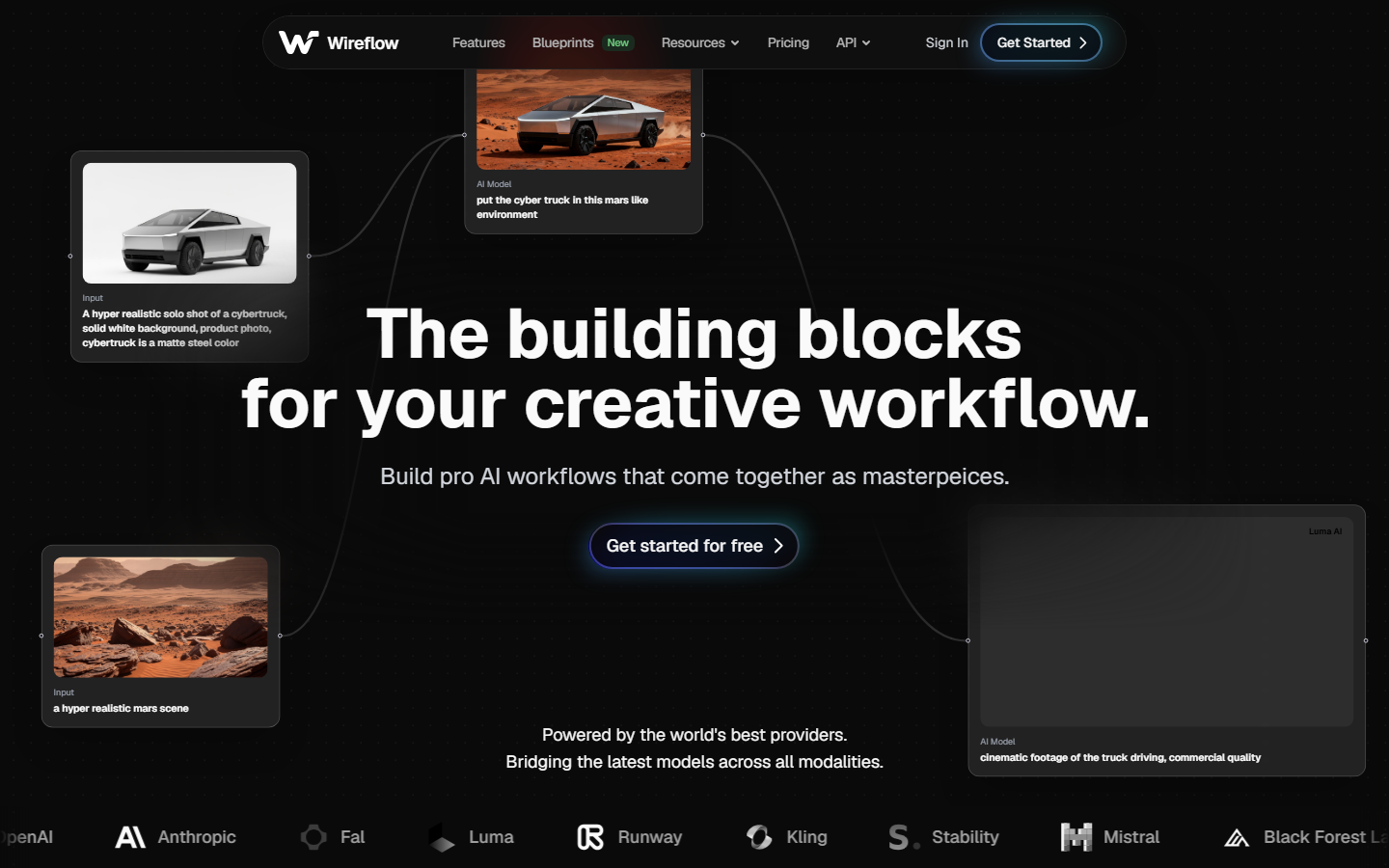
Wireflow takes a different approach to image editing by offering a visual node editor where you connect AI models into automated workflows. Instead of clicking through menus, you drag nodes onto a canvas and wire them together. Need to remove a background, upscale the result, and apply a style transfer? That becomes a three-node pipeline you can save and reuse.
The platform supports models like Flux 2 Pro, Recraft V4, and Crystal Upscaler, all accessible through the same interface. Pricing starts with a free tier and scales based on usage. The real advantage is repeatability: once you build a workflow for product photos or social content, you run it on every new image without manual steps.
Best for: Teams and developers who need batch AI generation or automated editing pipelines.
2. Adobe Firefly
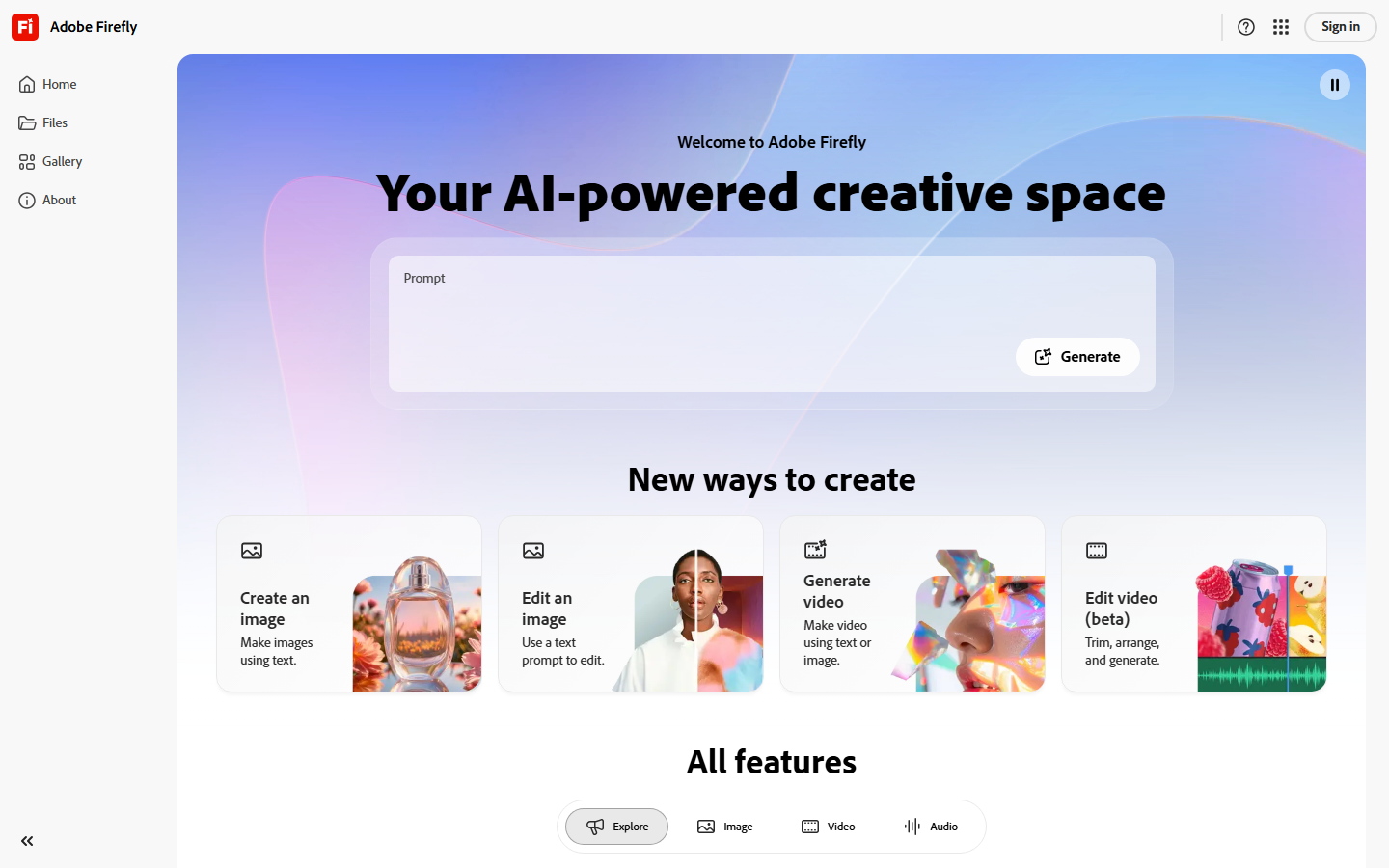
Adobe Firefly is built directly into Photoshop, Lightroom, and Adobe Express. The Generative Fill and Generative Expand tools let you add or extend image content using text prompts. For photographers who already pay for Creative Cloud, Firefly integrates without switching apps.
The AI model is trained on Adobe Stock and licensed content, which addresses commercial usage concerns that other generators leave ambiguous. Firefly credits are included with most Adobe subscriptions, though heavy users burn through them quickly. The editing itself is precise, especially for object removal and background replacement within Photoshop's layer system.
Best for: Professional photographers and designers already using Adobe tools.
3. Luminar Neo
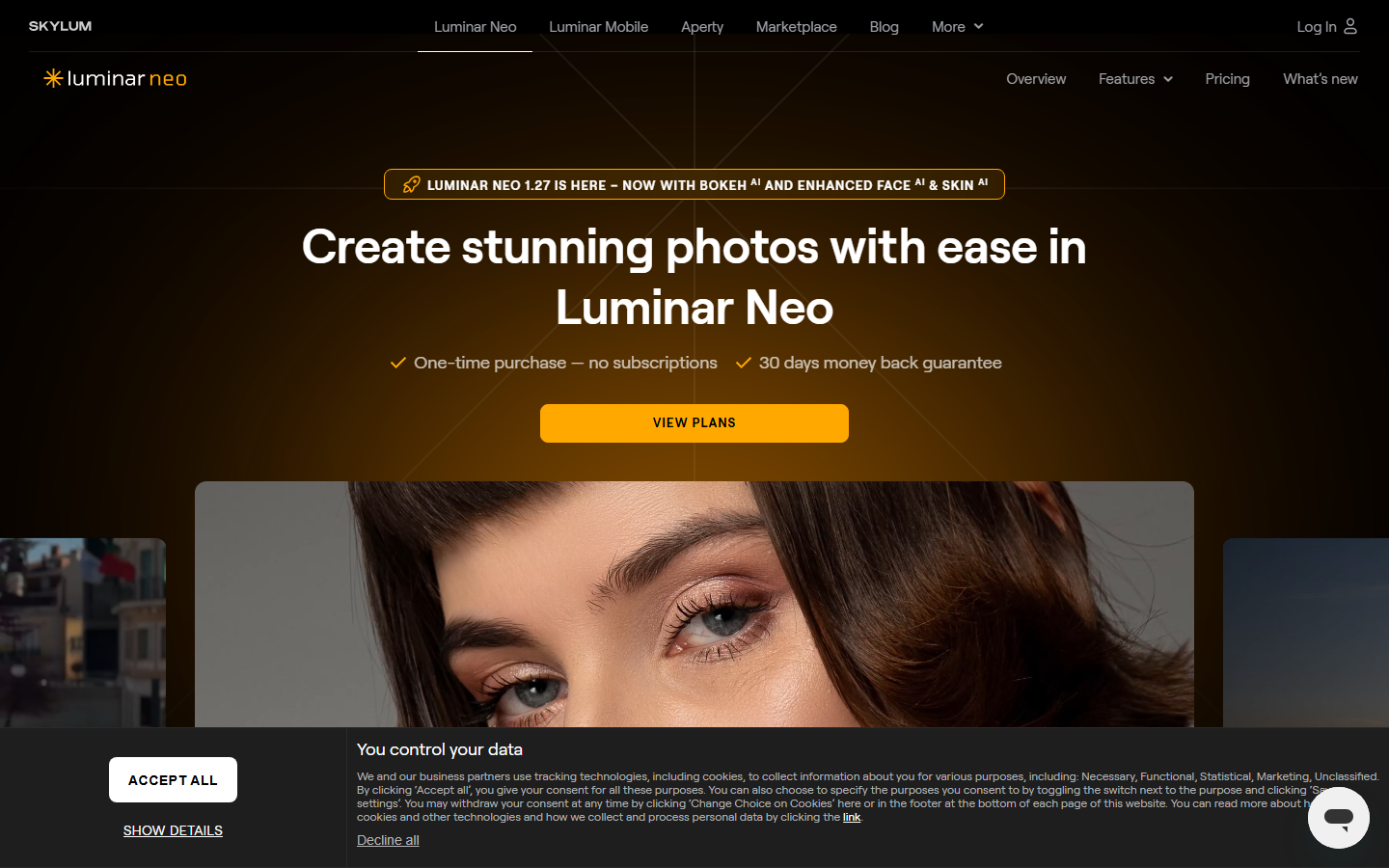
Luminar Neo from Skylum packs over 25 AI-powered tools into a desktop application that processes everything locally. There is no cloud upload required, which matters for photographers working with sensitive client images or large RAW files. The AI tools include sky replacement, portrait enhancement, dust removal, and automatic relighting.
Pricing works as either a subscription or a one-time purchase with optional extension packs. The GenErase and GenExpand tools use generative AI to fill or extend images directly on your machine. Performance depends on your hardware, but modern GPUs handle most operations in seconds.
Best for: Desktop photographers who want privacy and a one-time purchase option.
4. Canva

Canva's Magic Studio suite wraps AI editing into its broader design platform. The background remover works with one click, Magic Eraser removes unwanted objects, and Magic Expand extends images beyond their original borders. For social media teams, the ability to edit an image and immediately drop it into a template saves a significant amount of context switching.
The free tier includes limited AI credits, while Canva Pro unlocks the full suite. The editing tools are not as deep as Photoshop, but for social media graphics, presentations, and marketing assets, the speed-to-quality ratio is hard to beat. Team collaboration features like shared brand kits and approval workflows add practical value for agencies.
Best for: Marketing teams and social media managers who need fast edits inside a design tool.
5. Pixlr
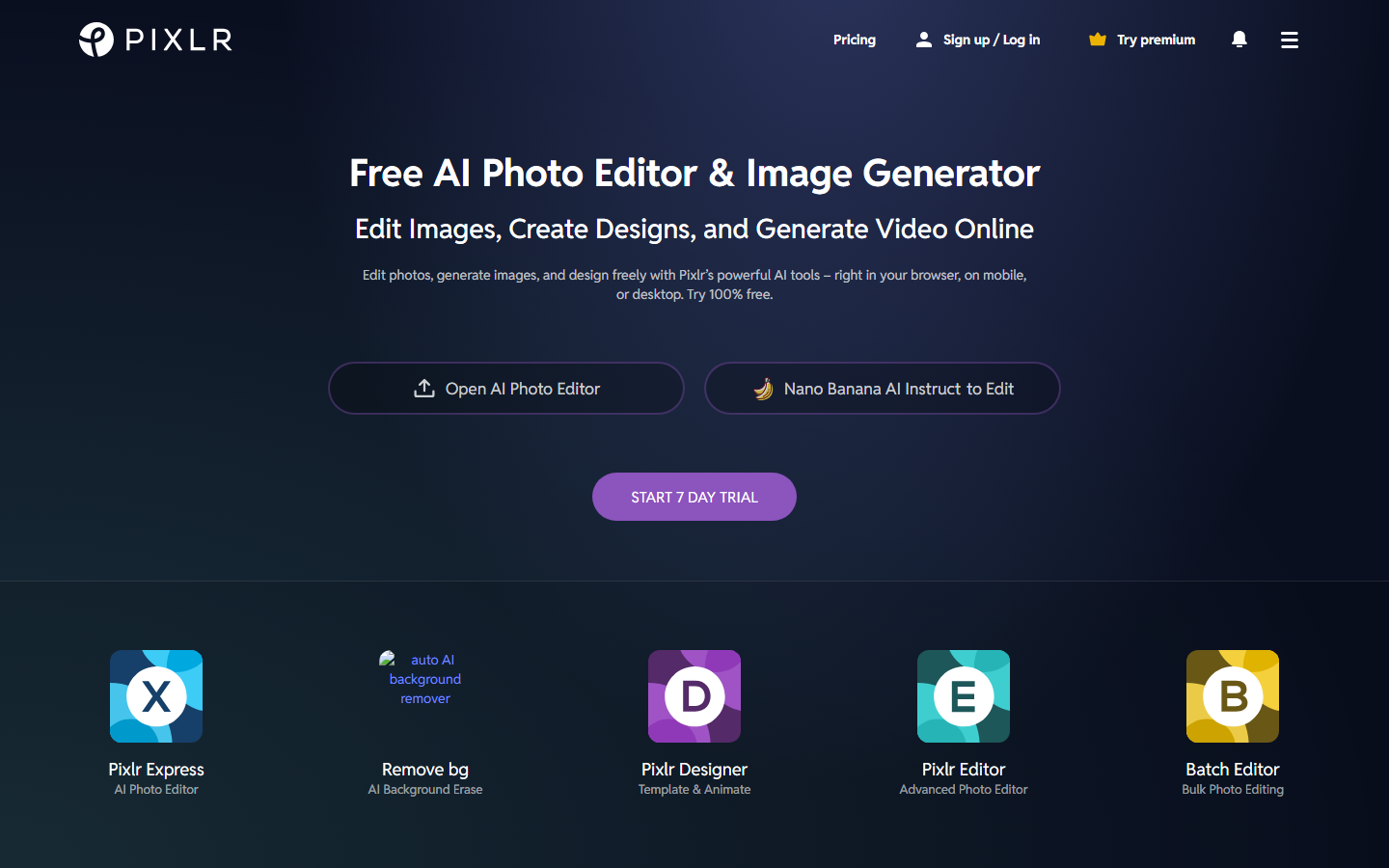
Pixlr runs entirely in the browser with no software installation. The AI-powered tools include background removal, object removal, image generation, and batch resizing. Pixlr E offers a Photoshop-like layer editor, while Pixlr X provides a simplified interface for quick edits.
The free tier covers basic editing with ads, while the premium plan removes limits and adds AI features. For users who need a capable editor on a Chromebook or shared computer, Pixlr fills the gap without requiring downloads or powerful hardware. The trade-off is that complex multi-layer compositions feel slower than native apps.
Best for: Users who want a capable free editor that runs in any browser.
6. Fotor
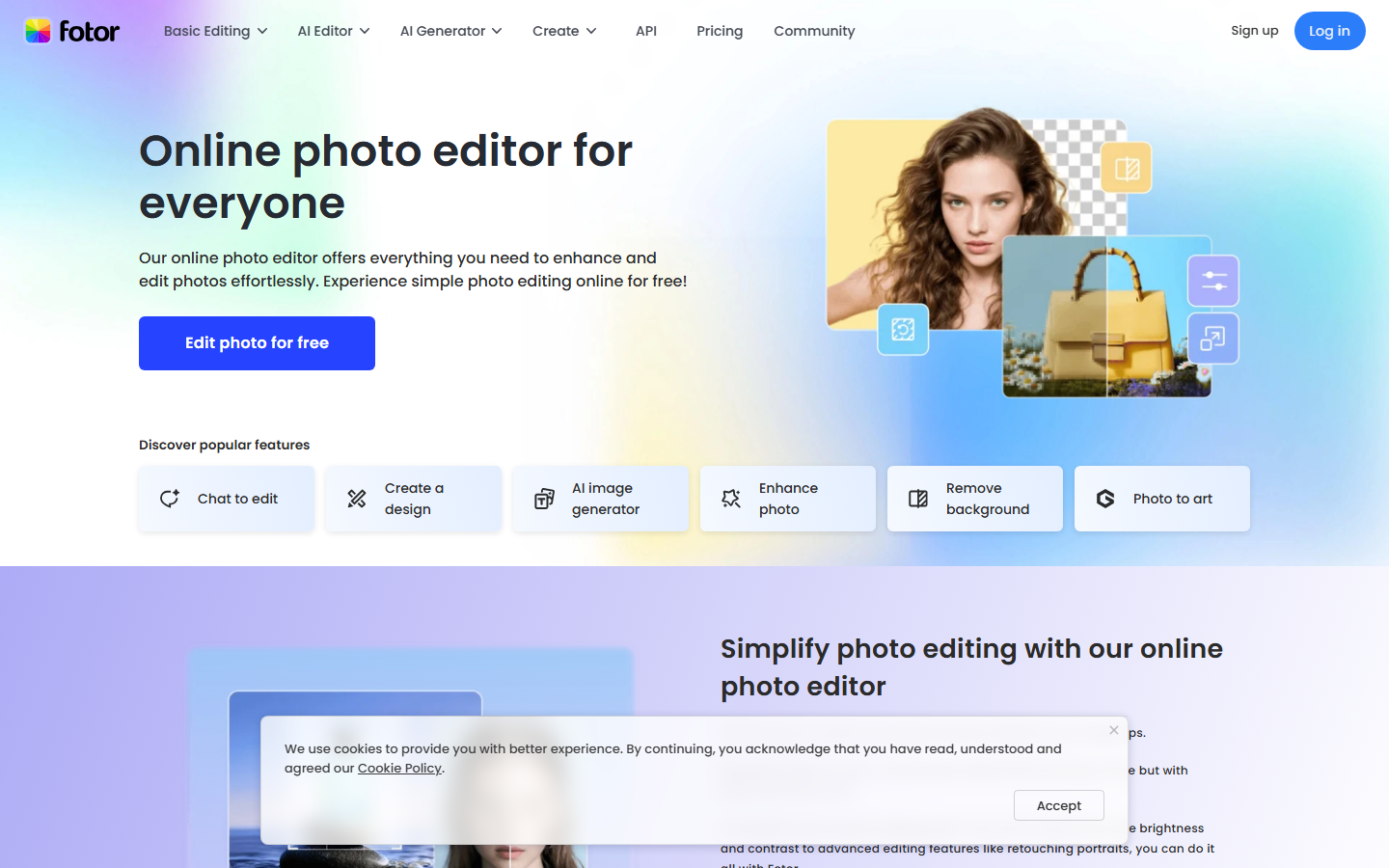
Fotor focuses on one-click enhancements and batch processing. The AI tools include photo enhancement, background generation, face retouching, and an AI image enlarger. Upload a photo, click enhance, and Fotor adjusts exposure, contrast, color balance, and sharpness automatically.
The batch editing feature is useful for e-commerce sellers who need to process hundreds of product images with consistent quality. Fotor offers both a web app and desktop versions, with pricing tiers that range from free (with watermarks on AI features) to pro plans. The collage maker and design templates add value for users who need basic graphic design alongside photo editing.
Best for: E-commerce sellers and users who need fast batch photo enhancement.
7. Picsart
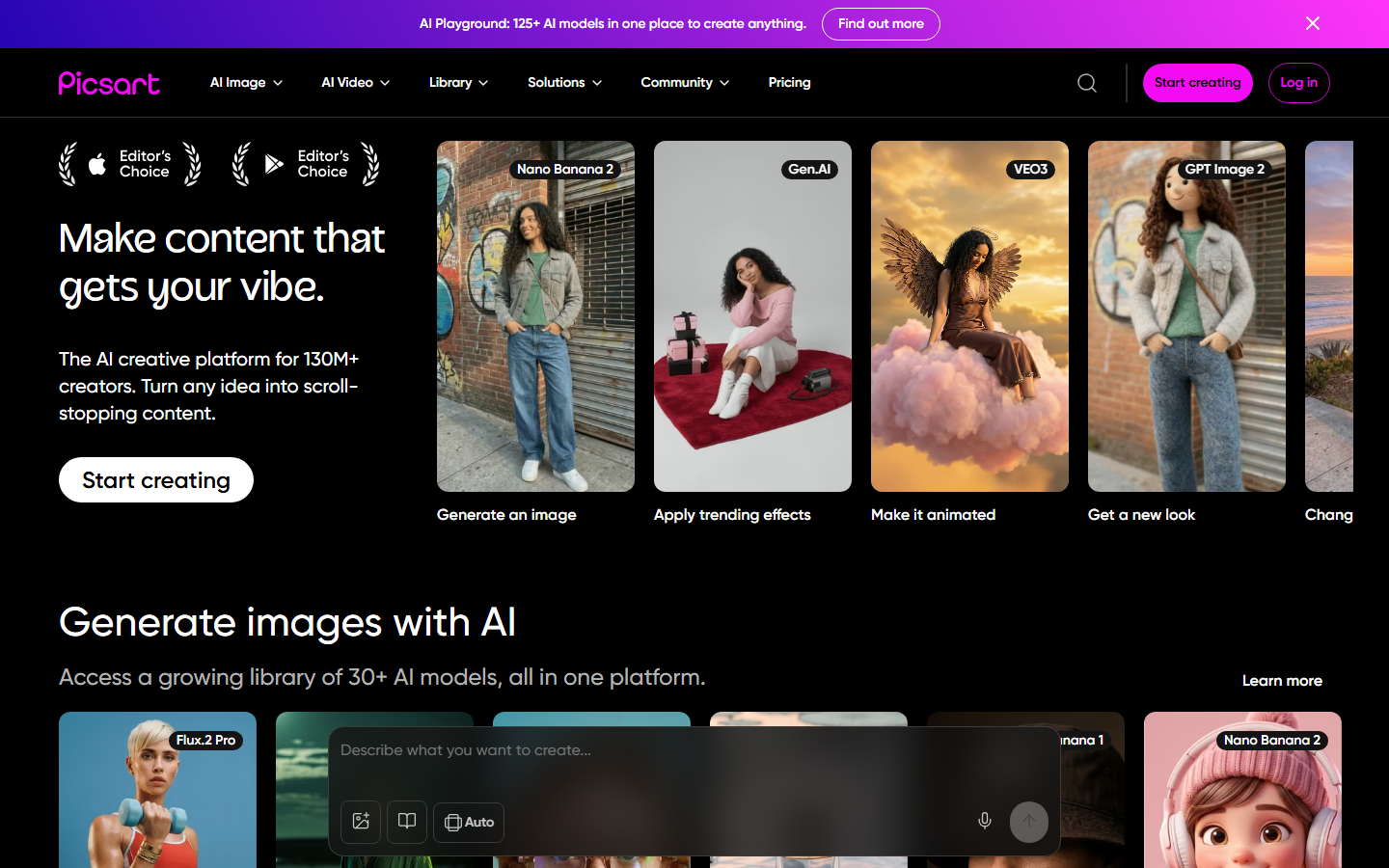
Picsart leads in mobile AI editing with tools like AI Replace, AI Enhance, and AI style transfer. The mobile app includes stickers, text overlays, and video editing alongside photo tools, making it a one-stop creative app for content creators. The AI Replace feature lets you swap backgrounds or objects by describing what you want in a text prompt.
The free tier includes basic editing and some AI features, while Picsart Gold unlocks the full toolkit. The desktop web editor mirrors the mobile experience, so edits sync across devices. For creators who primarily work on mobile and want quick, creative edits for social media, Picsart is the strongest option in this category.
Best for: Mobile-first content creators and social media influencers.
Comparison Table
| Editor | Pricing | Platform | AI Background Removal | AI Object Removal | Batch Processing | API Access |
|---|---|---|---|---|---|---|
| Wireflow | Free tier + usage | Web | Yes | Yes | Yes | Yes |
| Adobe Firefly | $22.99/mo (CC) | Desktop + Web | Yes | Yes | Limited | Yes |
| Luminar Neo | $149 one-time | Desktop | Yes | Yes | Yes | No |
| Canva | Free / $12.99/mo | Web + Mobile | Yes | Yes | Limited | No |
| Pixlr | Free / $7.99/mo | Web | Yes | Yes | Yes | No |
| Fotor | Free / $8.99/mo | Web + Desktop | Yes | Yes | Yes | No |
| Picsart | Free / $13/mo | Mobile + Web | Yes | Yes | No | No |
How to Choose the Right AI Image Editor
Selecting the right tool depends on your workflow. If you need to process images through multiple AI models automatically, a pipeline-based approach will save time over manual edits. If you are already deep in the Adobe ecosystem, Firefly integrates without friction. For budget-conscious users, Pixlr and Fotor offer solid free tiers.
Consider these factors when deciding:
- Volume: High-volume editing favors tools with batch processing and automation templates
- Platform: Mobile-first users should lean toward Picsart; desktop photographers toward Luminar Neo
- Integration: Teams using design tools will benefit from Canva's collaborative features
- Customization: Developers and technical users benefit from API access and model chaining
Try It Yourself
Build an image editing pipeline in minutes: Open this workflow in Wireflow to see a pre-configured image generation and editing setup using Flux 2 Pro. The nodes are ready to run, so you can test the output and customize the pipeline for your own use case.
FAQ
What is the best free AI image editor in 2026?
Pixlr offers the most complete free AI editing experience in a browser. It includes background removal, object removal, and basic AI enhancement without requiring a paid plan. Fotor's free tier is a close second, though some AI features add watermarks.
Can AI image editors replace Photoshop?
For basic editing tasks like background removal, color correction, and object removal, yes. AI editors handle these faster than manual Photoshop work. For complex compositing, precise masking, and professional print work, Photoshop still has the deeper toolset.
Which AI image editor is best for product photography?
Wireflow and Fotor both excel at product photography workflows. Wireflow automates multi-step pipelines (background removal, upscaling, style matching), while Fotor's batch processing handles high-volume one-click enhancements.
Are AI image edits commercially safe to use?
Adobe Firefly is the safest for commercial use because it trains exclusively on licensed content. Other tools vary in their training data transparency. Always check the terms of service for the specific tool you are using.
Do AI image editors work on mobile?
Picsart is the strongest mobile option with a full-featured AI editing suite. Canva also offers solid mobile editing. Most other tools on this list are web-based and work in mobile browsers, though the experience is better on desktop.
How accurate is AI background removal in 2026?
Background removal has become highly accurate across all major editors. Fine details like hair strands and transparent objects still occasionally need manual cleanup, but most tools handle clean edges on standard photos with over 95% accuracy.
What is AI image upscaling and which editors support it?
AI upscaling uses neural networks to increase image resolution while adding realistic detail. Wireflow, Luminar Neo, Pixlr, and Fotor all include AI upscaling tools. The quality varies by model, with dedicated upscaling models typically producing better results than general-purpose editors.
Can I automate repetitive image editing tasks with AI?
Yes. Wireflow lets you build reusable pipelines that automate multi-step edits. Fotor and Canva offer simpler batch processing for applying the same edit to multiple images. For full automation with custom logic, API access (available in Wireflow and Adobe Firefly) enables integration with external systems.
Would you rather we just built it?
We get on a call, learn your style, build the workflow, and ship the deliverables on a schedule. You keep the workflow either way.