Best AI Canvas API Tools in 2026

In this article▾
The gap between visual AI prototyping and production-grade API integration is closing fast. Developers who need a drag-and-drop canvas to build multi-model workflows and a REST API to execute them programmatically now have several strong options. Wireflow pioneered this approach by turning every visual workflow into a callable API endpoint, but the space has grown. Here are seven platforms worth evaluating in 2026, ranked by how well they bridge canvas UX and API access.
Quick Summary
- Wireflow : Best overall: full REST API, 157+ nodes, every workflow is an endpoint
- Krea AI : Best for real-time generation: 50+ models, compute-unit billing
- Freepik Spaces : Best for team collaboration: infinite canvas, real-time co-editing
- Fal.ai : Largest model library: 600+ models, pay-per-call API
- ComfyUI : Best open-source option: free, massive plugin ecosystem
- Figma Weave (Weavy) : Best enterprise integration: OpenAPI 3.0, Figma ecosystem
- Flora AI : Best for multi-engine mixing: GPT-4 + Flux + Runway in one canvas
1. Wireflow

Wireflow is a visual node editor where you chain AI models together on an infinite canvas, then call the entire workflow through a single API request. The platform supports 157+ node types across image generation, video, audio, 3D, and data processing. For a detailed walkthrough of the API surface, see the Wireflow API documentation.
What sets Wireflow apart is the zero-gap between canvas and code. Every saved workflow gets its own /execute endpoint. You send a POST request with your inputs, poll for results, and receive outputs from every node in the chain. Webhook triggers let you fire workflows from Zapier, CI pipelines, or HTML forms without an API key. Rate limits scale from 10 requests/minute on the free plan to 200/minute on Enterprise, with idempotency keys to prevent duplicate executions. The platform also publishes an official Claude Skill so AI agents can drive workflows directly.
A typical API call looks like this:
curl -X POST https://www.wireflow.ai/api/v1/workflows/YOUR_ID/execute \
  -H "Authorization: Bearer sk-your-api-key" \
  -H "Content-Type: application/json" \
  -d '{"nodes": [...], "edges": []}'
Pricing: Free tier (50 executions/day), Starter ($19/mo), Pro ($49/mo), Enterprise (custom). Every plan includes API access and visual canvas features.
Build this in Wireflow
Make the same kind of asset on a canvas you control, with a free account and no credit card.
2. Krea AI
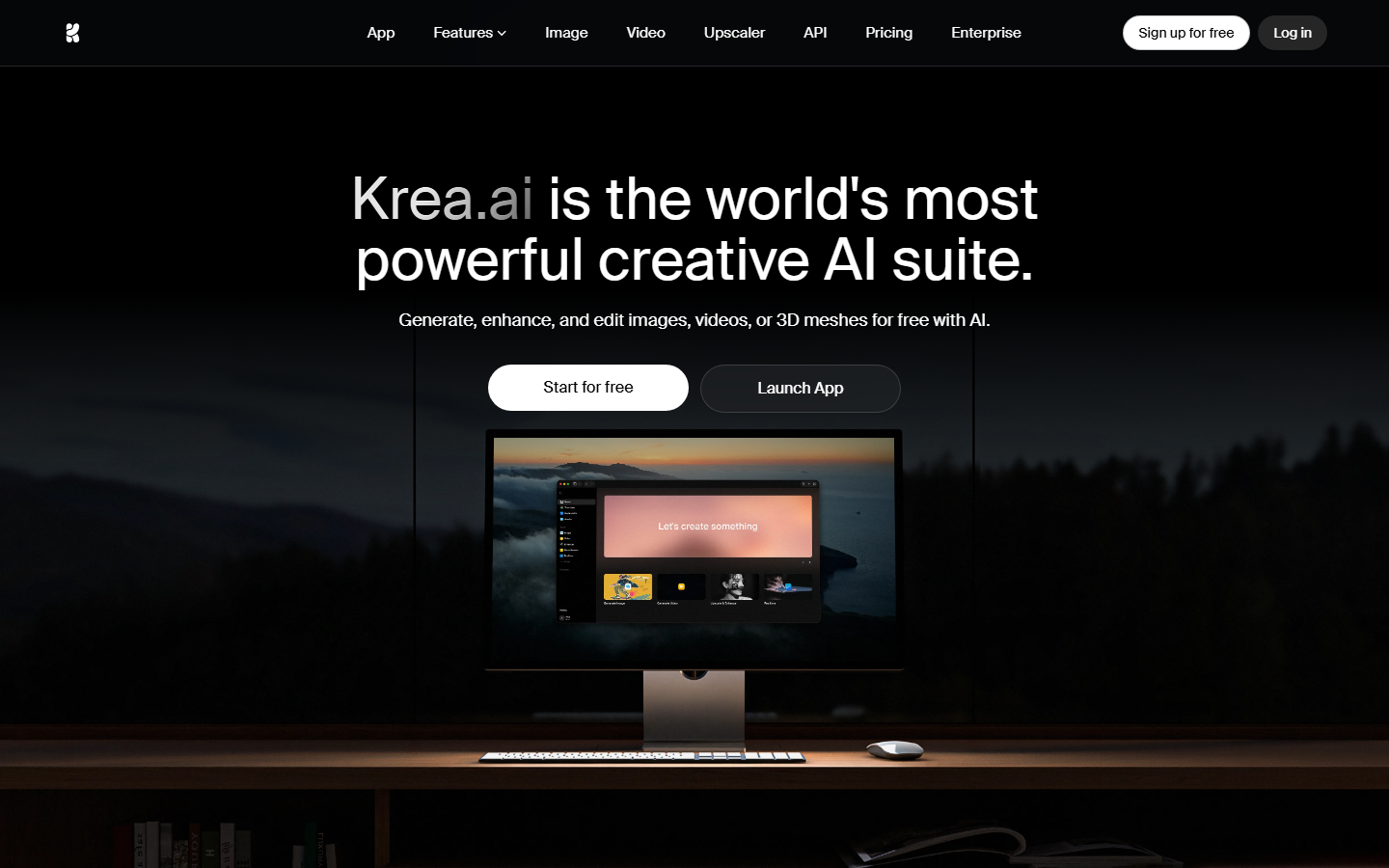
Krea AI offers a node-based canvas with over 50 models for image, video, audio, and 3D generation. The real-time generation mode is Krea's standout feature, letting you see outputs update as you adjust prompts and parameters. If you are comparing Krea's API capabilities in detail, the Krea API analysis covers the specifics.
The main limitation for developers is pricing transparency. Krea bills API usage in compute units rather than per-call pricing, which makes cost prediction harder for production workloads. API access is gated behind Business and Enterprise plans, so the free and Pro tiers are canvas-only.
Pricing: Free (limited), Pro ($8/mo, canvas only), Business ($48/mo, includes API), Enterprise (custom).
3. Freepik Spaces
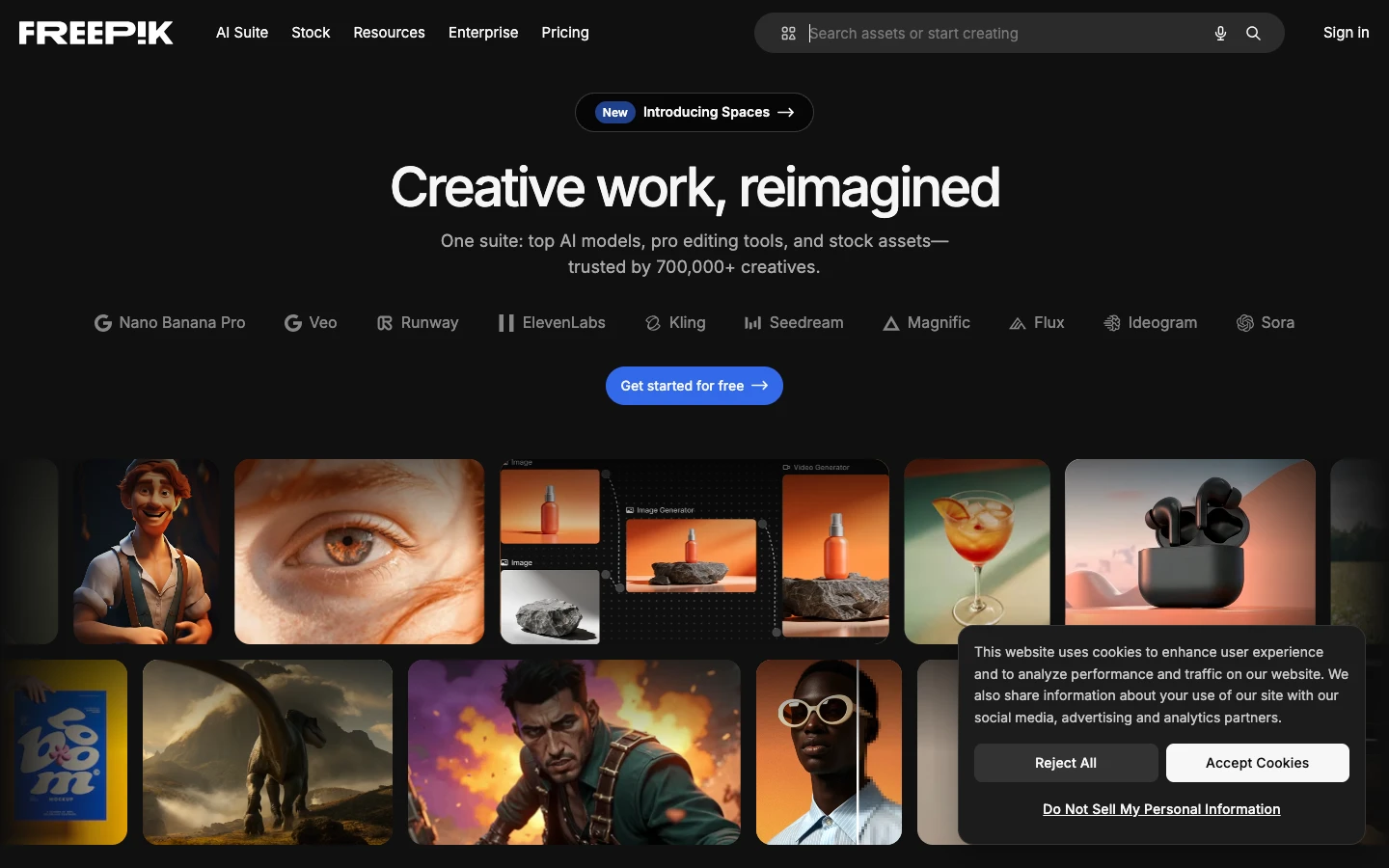
Freepik Spaces provides an infinite canvas with real-time collaboration, making it the strongest option for teams that need to work together on AI-generated assets. The canvas supports image generation, video, audio, and upscaling through a clean drag-and-drop interface. For teams evaluating Freepik's platform capabilities, the Freepik Spaces API comparison offers additional context.
The catch is that Freepik's API and Spaces are separate products. The API primarily serves Freepik's stock image library and individual model endpoints rather than letting you execute full canvas workflows programmatically. If you need to run multi-step pipelines through code, the disconnect between canvas and API becomes a friction point.
Pricing: API pricing is separate from Spaces subscription. Spaces plans start at $9/mo.
4. Fal.ai
Fal.ai has the largest model library in this space, with over 600 models available through a consistent pay-per-call API. The node-based workflow builder lets you chain models together, and every workflow can be triggered via API. Developers comparing visual canvas tools with API-first platforms may find the Fal.ai canvas alternatives roundup helpful.
The tradeoff is UX polish. Fal.ai is built for developers first, and the canvas experience reflects that with a more technical, cluttered interface compared to Wireflow or Krea. Costs can also add up quickly since each model call bills independently with no bundled pricing.
Pricing: Pay-per-call. Prices vary by model (e.g., Flux Pro at ~$0.05/image, SDXL at ~$0.01/image).
5. ComfyUI
ComfyUI is the open-source incumbent with the deepest node ecosystem. Thousands of community-built nodes cover everything from ControlNet to custom LoRA loading to advanced sampling techniques. For developers deciding between self-hosting and managed canvas tools, the ComfyUI alternatives guide breaks down the key tradeoffs.
The core limitation is that ComfyUI has no native cloud API. Running it in production means self-hosting (GPU servers, Docker configs, scaling infrastructure) or relying on third-party providers like RunComfy, Replicate, or ThinkDiffusion. The node ecosystem also skews heavily toward Stable Diffusion models, so multi-model workflows that mix Flux, DALL-E, and video generators require workarounds.
Pricing: Free (open source). Cloud hosting costs vary: RunComfy starts at $9/mo, self-hosted GPU instances from $0.50/hr.
6. Figma Weave (Weavy)
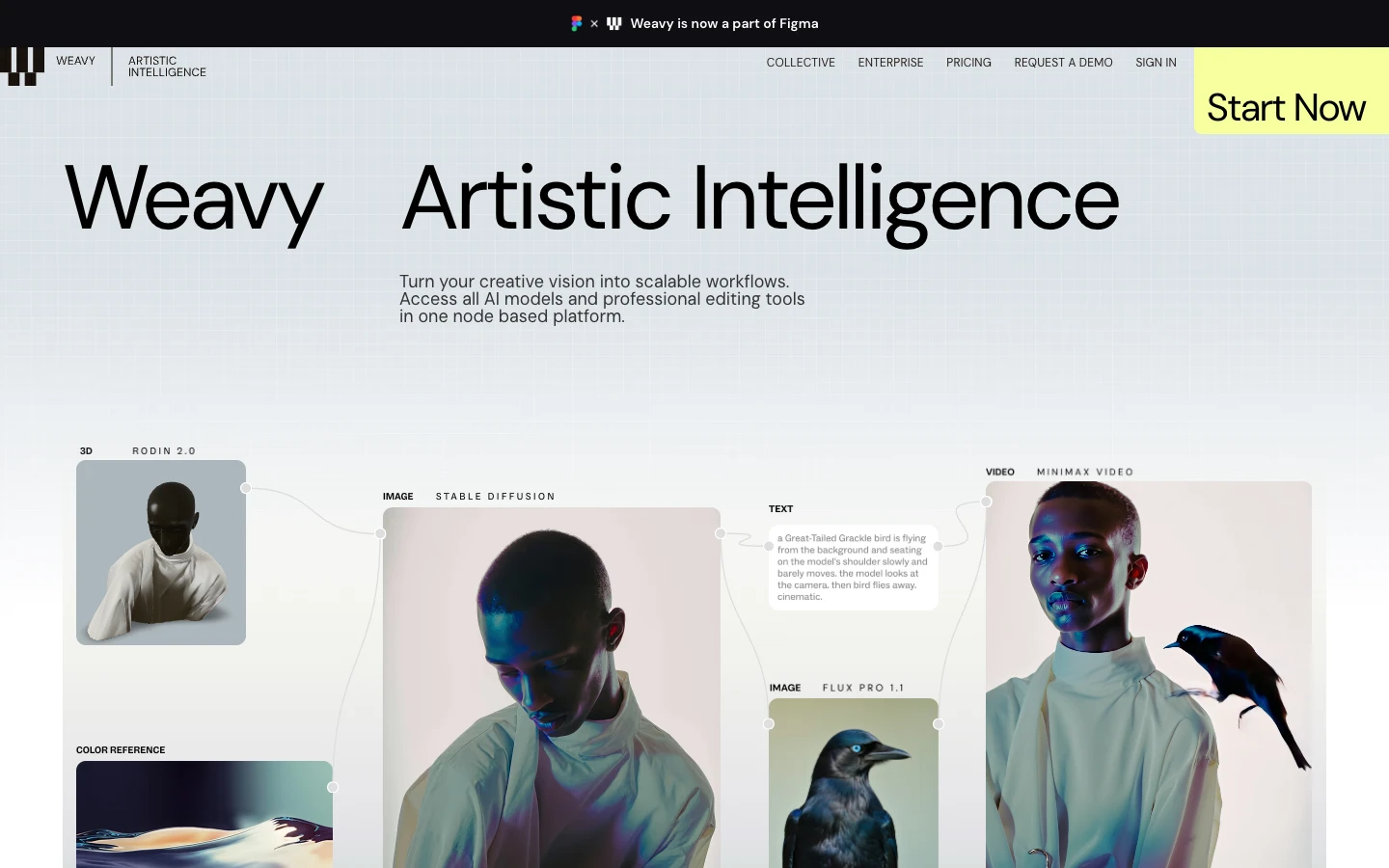
Acquired by Figma in late 2025 for approximately $200M, Weavy (now Figma Weave) brings a polished node-based canvas with full OpenAPI 3.0 specification for API integrations. The Figma ecosystem integration means designers and developers can share assets between Figma designs and AI generation workflows. The Weavy API tools comparison covers the platform's developer-facing capabilities in detail.
Post-acquisition, Figma Weave has moved toward enterprise pricing with no self-serve developer tier. This makes it hard to recommend for indie developers or startups that need to experiment before committing to an annual contract.
Pricing: Enterprise only (post-Figma acquisition). Contact sales for pricing.
For the canvas workflow comparison, see the Weavy AI alternative guide.
7. Flora AI
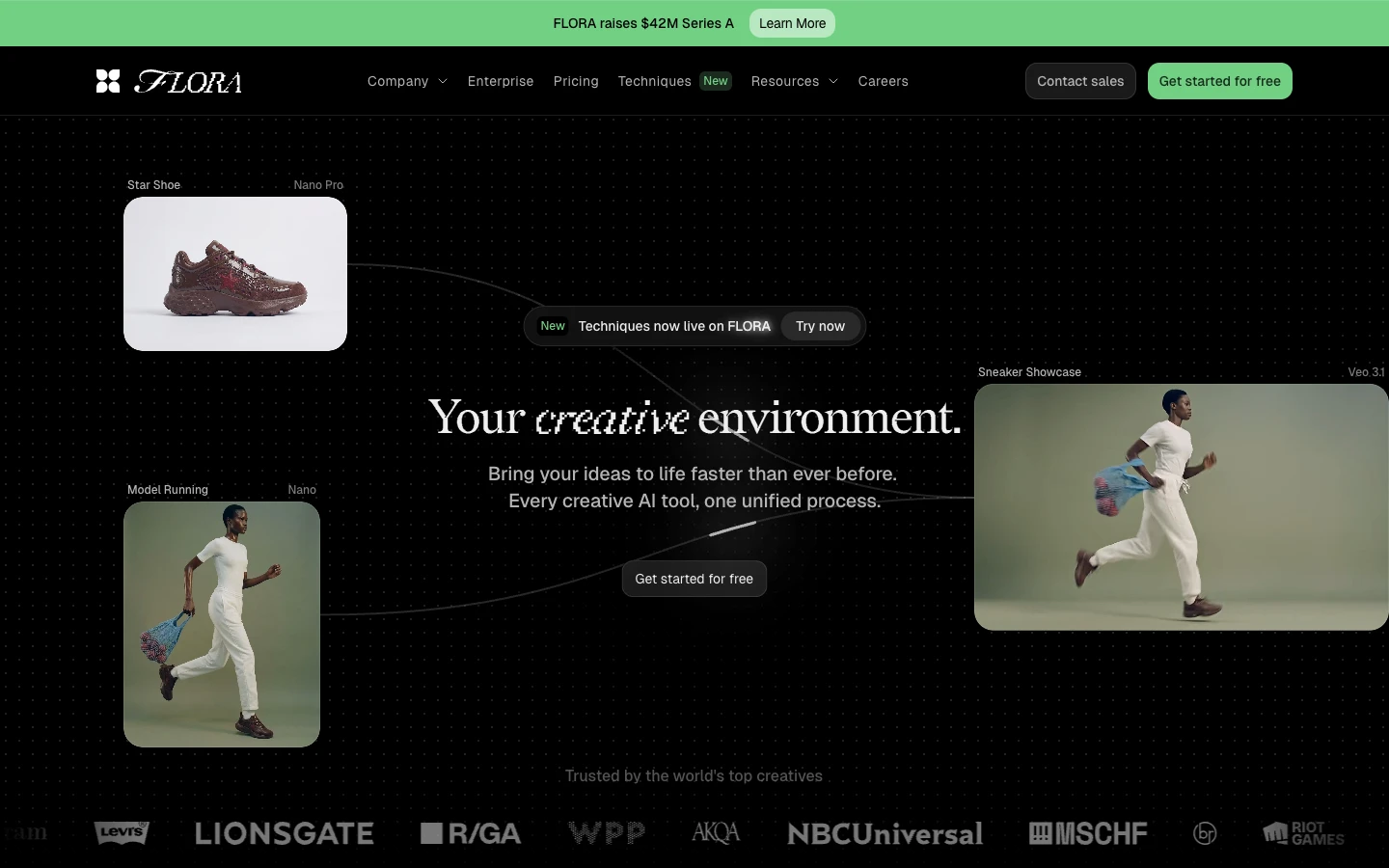
Flora AI offers a collaborative canvas that combines multiple AI engines in a single workspace, including GPT-4, Flux Pro, and Runway for video. The platform emphasizes team workflows with version history and approval chains built in. For a deeper look at Flora's positioning, see the Flora AI API overview.
Flora's public API documentation is limited compared to Wireflow or Fal.ai, and the model library is smaller. For teams that prioritize collaboration features over API breadth, Flora fills a niche, but developers building automated pipelines may find the integration options too constrained.
Pricing: Subscription-based. Team plans start at $15/mo per seat.
Comparison Table
| Platform | Canvas | API Access | Models | Pricing Model | Best For |
|---|---|---|---|---|---|
| Wireflow | Visual node editor | Full REST API, webhooks | 157+ | Subscription + usage | API-first production workflows |
| Krea AI | Node-based | Business+ plans only | 50+ | Compute units | Real-time creative exploration |
| Freepik Spaces | Infinite canvas | Separate product | 20+ | Subscription | Team collaboration |
| Fal.ai | Workflow builder | Pay-per-call | 600+ | Per-call | Model variety |
| ComfyUI | Node-based (local) | Self-hosted only | SD family | Free + hosting | Open-source customization |
| Figma Weave | Node-based | OpenAPI 3.0 | 30+ | Enterprise | Design team integration |
| Flora AI | Collaborative | Limited | 15+ | Per-seat subscription | Multi-engine mixing |
The right choice depends on your primary constraint. If API coverage and model variety are non-negotiable, Wireflow and Fal.ai lead. If budget is the constraint, ComfyUI's open-source model wins. For enterprise design teams already in Figma, Weave is the natural fit. Teams exploring AI pipeline automation at scale should prioritize platforms with transparent per-call pricing and webhook support.
Try it yourself: Build this workflow in Wireflow. The nodes are pre-configured with a text-to-image generation and upscaling pipeline, exactly the kind of multi-step canvas workflow these tools are designed to handle.
FAQ
What is an AI canvas API tool? An AI canvas API tool combines a visual drag-and-drop interface for building AI workflows with a programmatic API for executing those workflows in production. This lets you prototype visually and deploy through code without rebuilding the pipeline. Platforms that support AI model chaining let you connect multiple models in sequence on the canvas and trigger the full chain via a single API call.
Which AI canvas tool has the best API? Wireflow offers the most complete API with REST endpoints for every workflow, webhook triggers, idempotency keys, and detailed execution polling. Fal.ai has the largest model library accessible via API (600+ models). Krea AI and Figma Weave also offer APIs but with more restricted access tiers. See the AI orchestration API comparison for a deeper breakdown.
Can I use ComfyUI as an API? Not natively. ComfyUI is a desktop application without built-in cloud API support. You can expose it as an API by self-hosting on a GPU server and wrapping it with a REST layer, or by using third-party services like RunComfy or Replicate. This adds infrastructure overhead compared to platforms with built-in batch generation APIs.
How much do AI canvas API tools cost? Costs range from free (ComfyUI open source) to enterprise pricing (Figma Weave). Most platforms use either subscription tiers (Wireflow starts at $19/mo, Krea at $8/mo) or pay-per-call billing (Fal.ai). For production workloads, the total cost depends on execution volume, so compare per-call pricing across headless AI workflow platforms before committing.
What is the difference between a canvas tool and a workflow API? A canvas tool provides a visual interface for designing AI pipelines by connecting nodes on a screen. A workflow API lets you trigger and manage those pipelines through HTTP requests. The best tools in 2026 combine both: you design on the canvas and execute via API. Wireflow, Fal.ai, and Krea all offer this dual mode, though with different levels of API access for workflow execution.
Can AI canvas tools handle video generation? Yes, several platforms support video nodes. Wireflow includes Kling 2.5 and other video models in its node library. Krea AI supports video generation through its canvas. Flora AI integrates Runway for video. ComfyUI supports video through community plugins. The key difference is whether video nodes can be triggered programmatically or only run through the visual interface.
Do I need to manage GPUs to use these tools? Only with ComfyUI (self-hosted) or if you run open-source alternatives on your own infrastructure. All other platforms in this list are fully managed cloud services. You send API requests, the platform handles GPU allocation and scaling, and you pay per execution or via subscription. This is a major advantage of managed AI workflow platforms over self-hosted setups.
Which tool is best for a startup building an AI product? For startups, the priority is usually fast prototyping with a clear path to production API integration. Wireflow fits this pattern well because the visual canvas is the API: anything you build on screen is immediately callable from code. Fal.ai is another strong option if you need access to a wider range of models and prefer pay-per-call billing with no monthly commitment.

Co-Founder & Operations at Wireflow
Runs client operations and content strategy at Wireflow. Works directly with creative teams and agencies to build production AI workflows.
- Content Strategy
- Client Operations
Get unlimited ad creatives today.
One call to see if we are a fit and scope the first ad. If it fits, your first batch lands inside week one.