 Andrew Adams · Co-Founder & Operations at Wireflow ·
 AI Photo Colorizer
Most colorizers are a one-button guess you cannot steer.
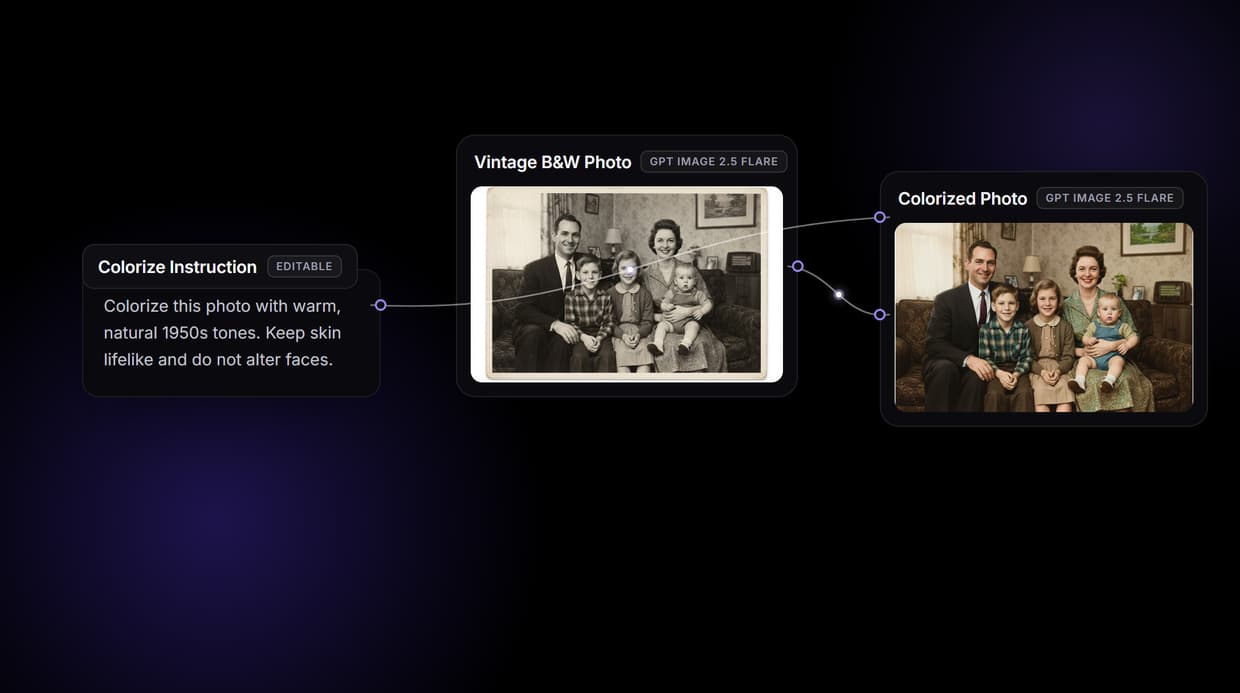
Wireflow makes colorizing a black and white photo a small graph you own: a GPT Image 2.5 Flare edit node reads the photo and a colorize instruction you write, and returns natural period color. Free to build, pay per generation.
Free to build · no credit card · See how it works ↓
How to Use AI Photo Colorizer
Steps to get you started in Wireflow.
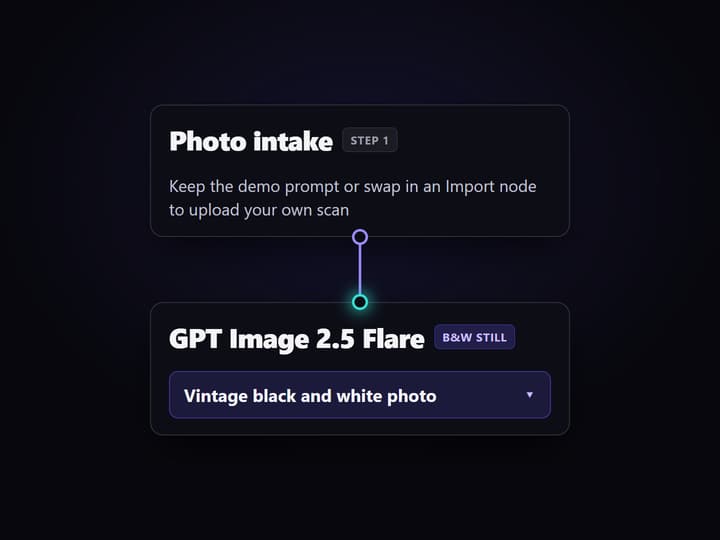
Point the flow at a photo
Open the flow. Keep the demo Text Input to generate a period black and white still, or follow the sticky note and swap the first node for an Import node to upload your own faded scan.
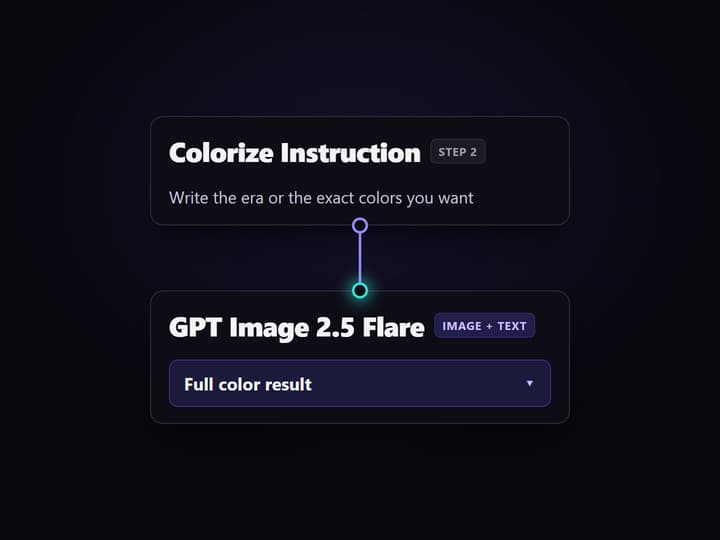
Write the colorize instruction and run
Edit the Colorize Instruction node with the color you want, for example warm 1950s tones or a specific dress color. Run the graph and the GPT Image 2.5 Flare edit node returns the full color version in seconds.
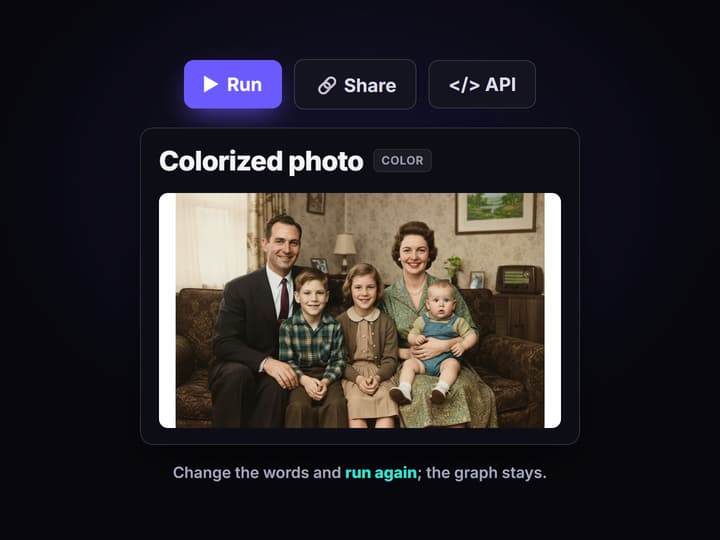
Steer, rerun, or chain the next hop
Not happy with a shade? Change the words and run again. Wire the colored result into an upscaler or a sharpen node to restore and enlarge the same scan in one pass.
Why one click colorizers hit a ceiling
Upload a black and white photo, wait, download a colored version: every colorizer works the same way, and the results are often good. The ceiling arrives when the guess is wrong. A dress comes out grey, a uniform reads the wrong blue, skin tones drift, and there is no dial to turn. You re-upload and hope the model changes its mind. The color is a black box you cannot open.
Wireflow answers with a different shape. Colorizing is a small workflow you own on a node canvas: a GPT Image 2.5 Flare node renders a vintage still (or you upload your own), and a GPT Image 2.5 Flare edit node reads that photo plus a colorize instruction you write, then returns natural period color. Because the instruction is an editable node, you steer the palette in words instead of re-rolling the dice, and the same canvas runs every other AI image editor job, from restoration to upscaling, in the same graph.
What the colorizer graph gives you
Photo intake
Keep the demo prompt for a period still, or swap in an Import node and upload your own scan.
Editable colorize step
The GPT Image 2.5 Flare instruction is a Text Input; write the era or exact colors you want.
Faces left alone
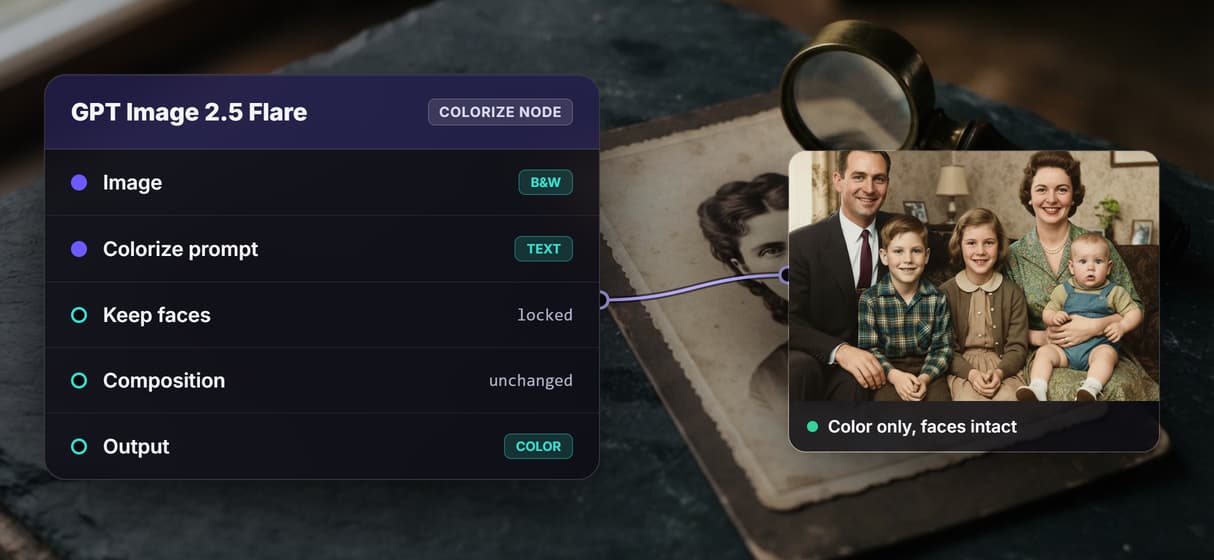
The instruction keeps composition and faces fixed, so color changes and nothing warps.
Restore and upscale nodes
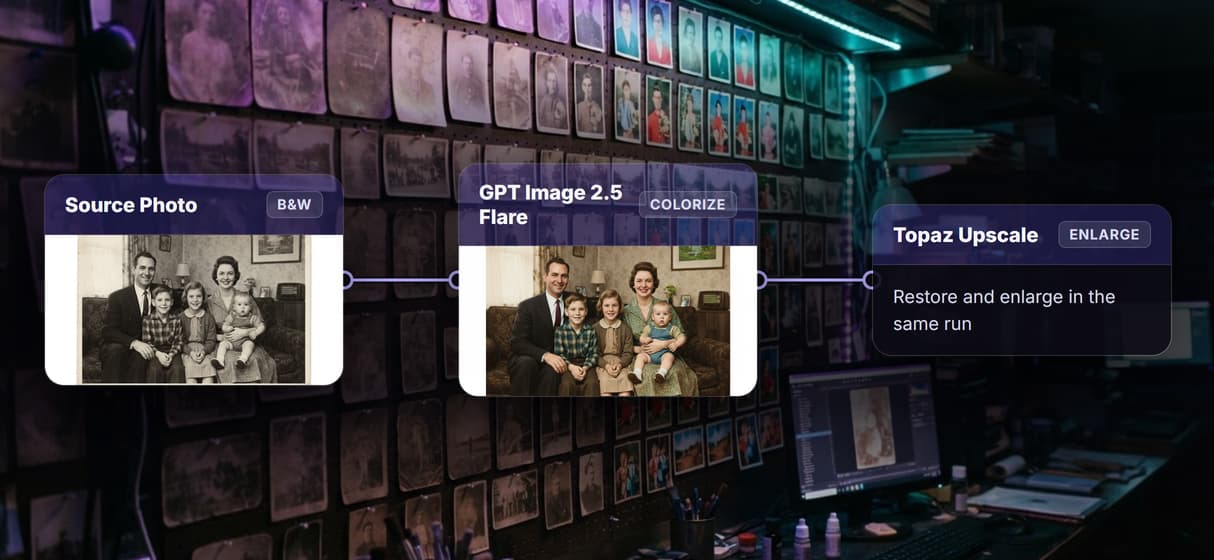
Add a sharpen or Topaz Upscale node to fix damage and enlarge in the same run.
Rerun and swap
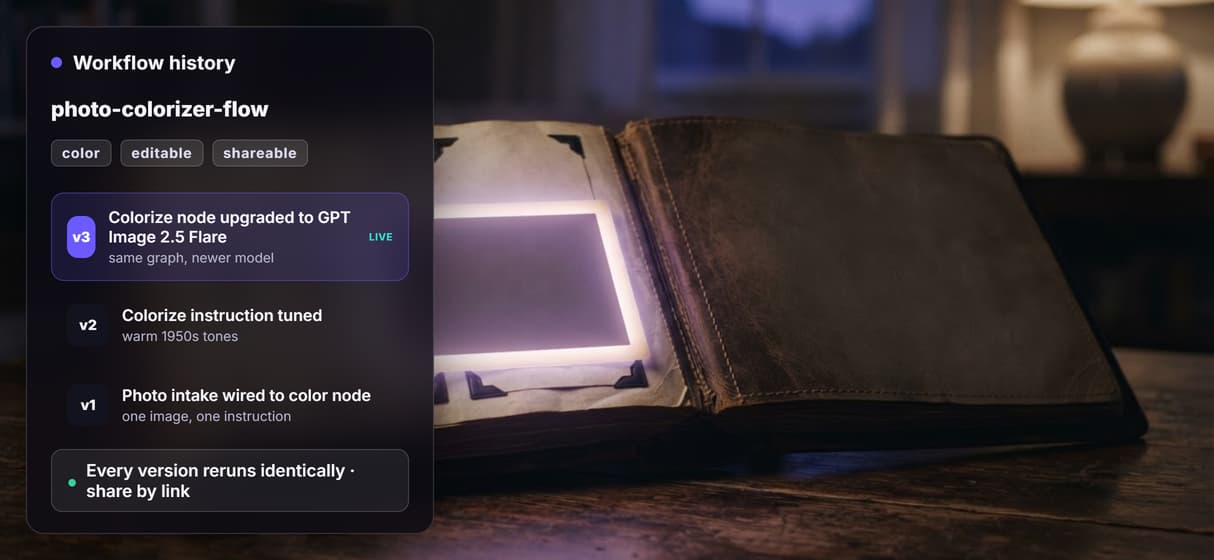
Workflows are versioned and shareable by link; swap the image model as better ones ship.
REST and MCP
Every published flow is a REST endpoint and an MCP tool an agent can call on a batch of scans.
How the colorize graph actually runs
The workflow behind this page's button is deliberately small: a Text Input, two image nodes, and one more Text Input for the color.
- GPT Image 2.5 Flare makes the source still. The demo generates a 1950s black and white family portrait so you can run the flow with nothing to upload. Swap this node for an Import node to colorize your own photo.
- GPT Image 2.5 Flare colorizes it. The edit node reads the black and white image on one port and the colorize instruction on another, then returns the full color version.
- The instruction is yours to edit. Ask for warm period tones, a specific object color, or muted film stock, and rerun until the palette is right.
Because the color lives in a node instead of a hidden model setting, the same photo can roll straight into a longer restoration chain, a sharpen pass and an upscale, without leaving the browser. The whole graph is one of 70+ hosted model nodes you can rewire.
When a one tap app is the better call
If you want to colorize a single snapshot on your phone in one tap and never think about it again, a dedicated consumer colorizer app is the faster path, and this page will not pretend otherwise. Wireflow asks you to assemble a small graph on a canvas; that is the cost of getting a dial you can turn.
Two honest limits worth stating plainly. Colorization is a plausible reconstruction of color, not the true original colors, so treat it as a tasteful restoration rather than a historical record. And heavy physical damage, deep scratches or torn areas, usually needs a dedicated restoration pass or an AI photo enhancer hop before the color step, not the colorize node alone. What Wireflow adds is ownership of the pipeline, 70+ hosted models to swap between, and per generation pricing.
More Than Just AI Photo Colorizer
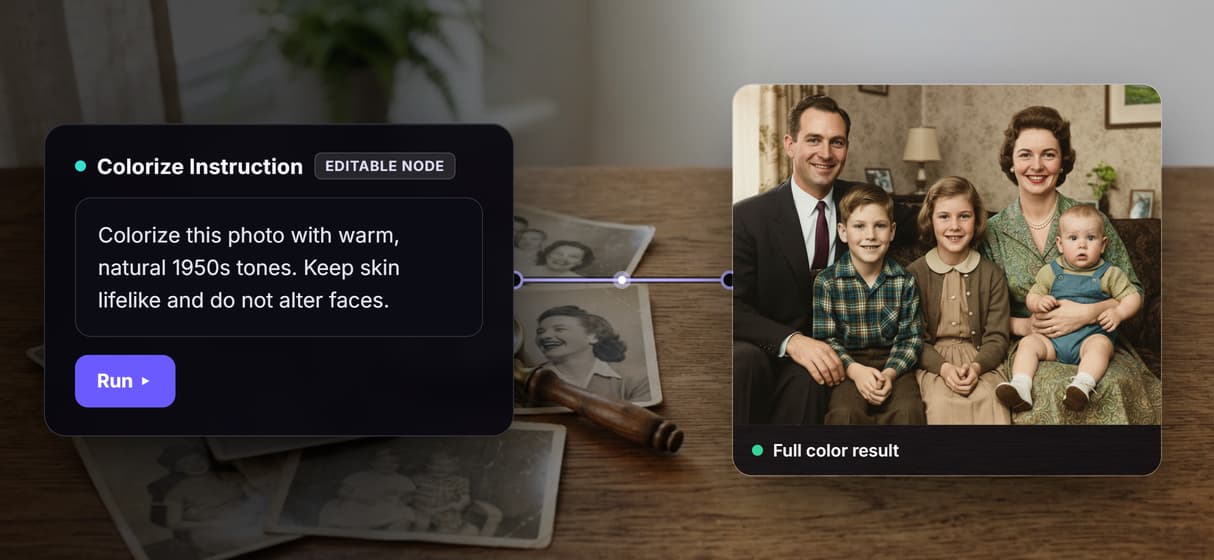
Colorize by describing the color you want
The colorize step is a Text Input you edit, not a hidden filter. Ask for 1950s Kodachrome tones or a specific coat color and the GPT Image 2.5 Flare node paints to your words.
Colorize, restore, and upscale in one graph
Color is one hop on a canvas. Wire the result straight into an AI image upscaler and a sharpen node so a single run restores, colors, and enlarges the scan.
Faces and framing stay locked, only color changes
The instruction tells the edit node to leave faces and composition untouched, so nothing warps. Compare it beside an AI image restoration pass in the same graph.
Reruns are identical, upgrades are one node
Workflows are versioned and shareable by link, so your fiftieth photo colors like your first. When a stronger image model ships, swap that one node and keep the whole graph.
Per generation pricing, not per seat
One click apps charge per photo or per seat. Building this flow is free and generations are metered, so a whole box of scans costs by output, not by how many people open it.
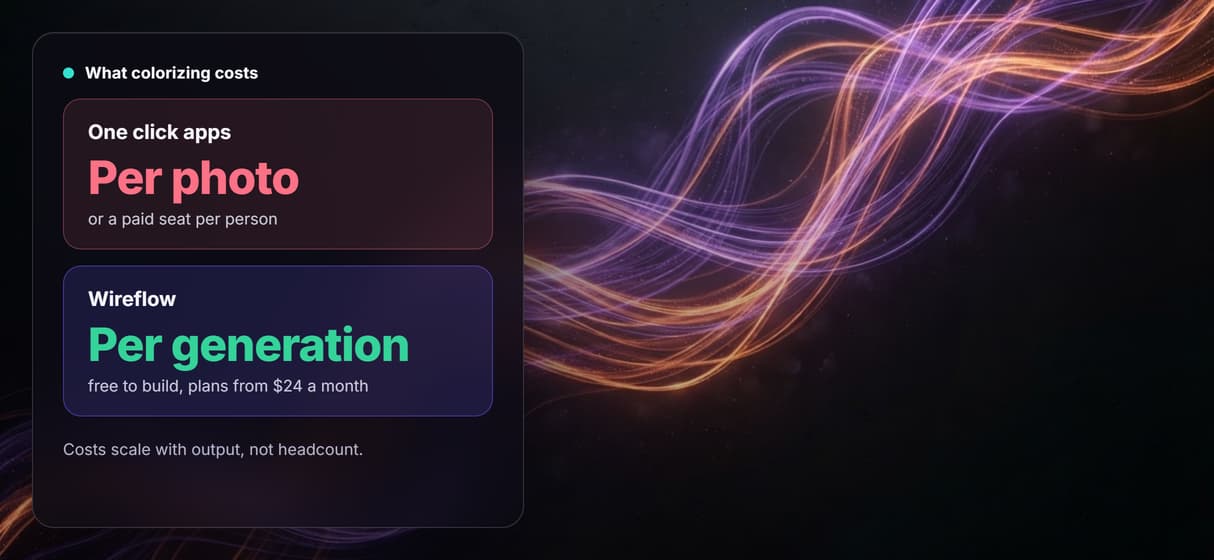
Photo colorizer Workflows
No Code Required
API & Batch Processing
FAQs
It depends on how much control you want. If you want a one tap phone app, a consumer colorizer is simplest. If you want to steer the color and chain it with restoration and upscaling, Wireflow makes colorizing a node graph: a black and white photo plus a colorize instruction you write, returned as full color, priced per generation.
Discover related AI tools
- AI Image Upscaler: Upscale to 4K in a Visual Workflow
- AI Background Remover
- AI Image Generator: Flow-Based Canvas, 31 Models
- ComfyUI Alternative
- AI Face Swap Online: Photos and Video in Your Browser
- Virtual Try On
- AI Thumbnail Generator
- AI Photo Generator
- AI Image Editor
- AI Art Generator
- Midjourney Alternative
- AI Headshot Generator
More From Wireflow
Written by
Andrew Adams · Co-Founder & Operations at Wireflow
Runs client operations and content strategy at Wireflow. Works directly with creative teams and agencies to build production AI workflows.
Colorize on a canvas you control
Open the flow, write the colors you want, and run it: a black and white photo becomes natural period color from one graph. Building is free; you pay per generation, not per seat.