 Andrew Adams · Co-Founder & Operations at Wireflow ·
 AI Selfie Enhancer
Most AI selfie enhancers give you one slider and a black box.
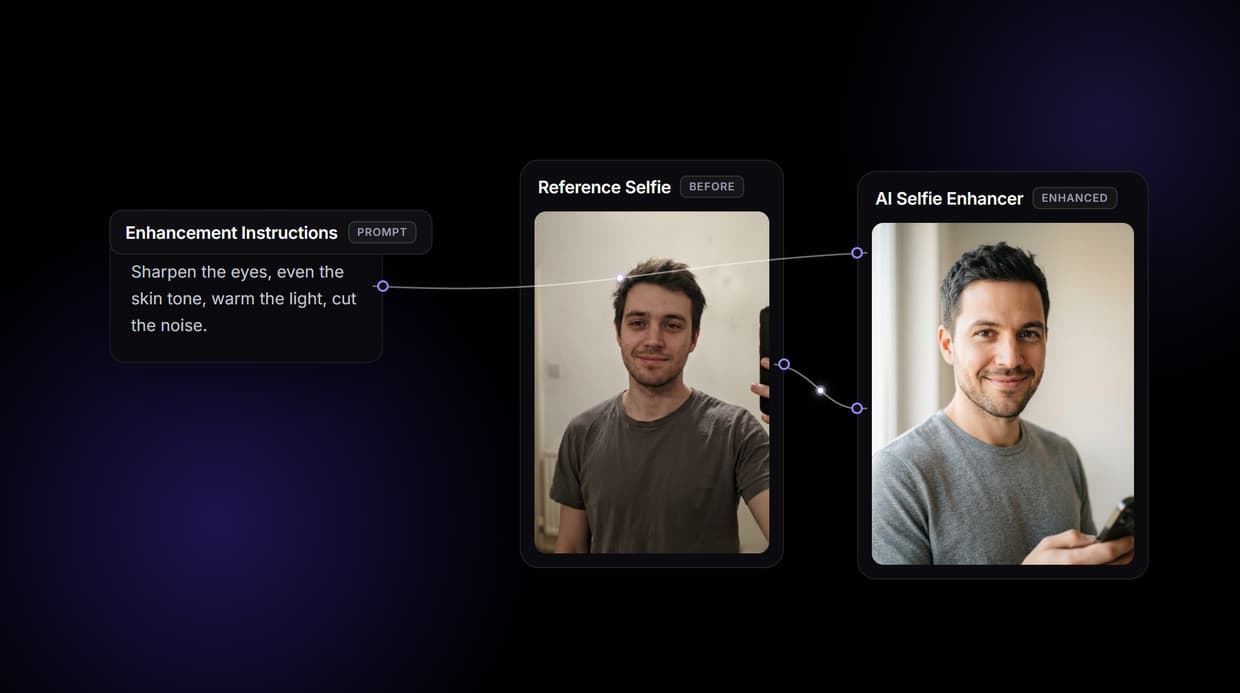
Wireflow gives you the graph: upload your selfie, type what to fix, and GPT Image 2.5 Flare cleans it while a Crystal Upscaler raises the resolution. Free to build, pay per generation.
Free to build · no credit card · See how it works ↓
How to Use AI Selfie Enhancer
Steps to get you started in Wireflow.
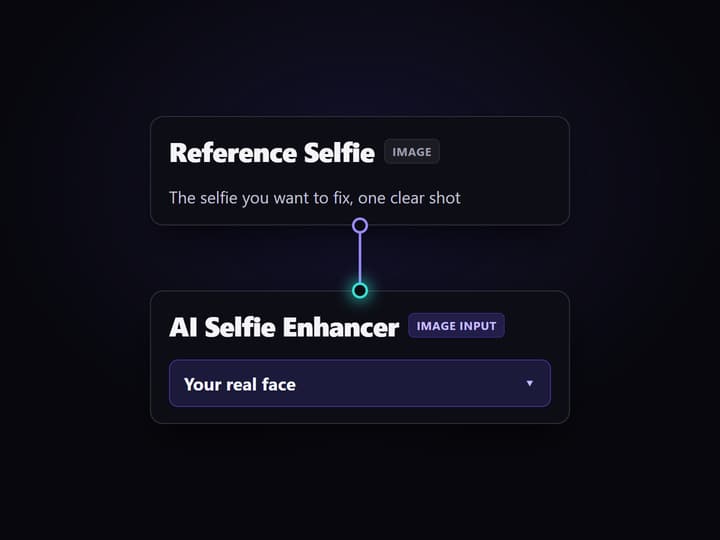
Upload your selfie
Open the flow and click the Reference Selfie node, then upload the photo you want to fix. It becomes the image the enhancer cleans, so your real face carries through.
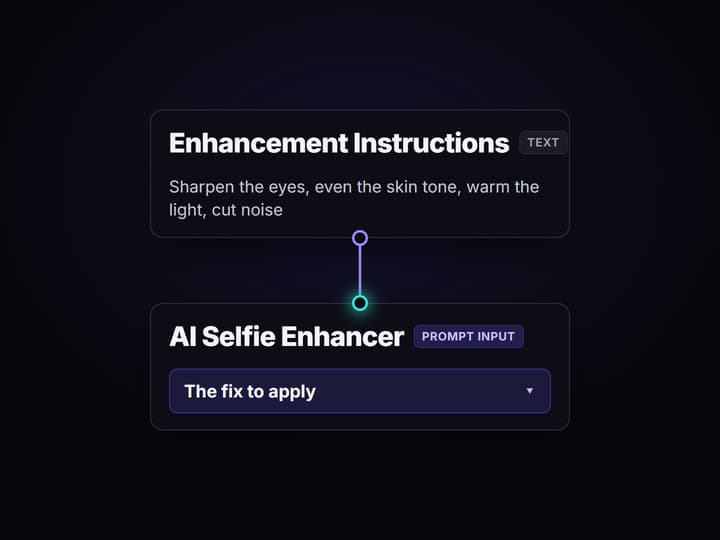
Say what to fix
Click the Enhancement Instructions node and type the fix in one line, for example sharpen the eyes, even the skin tone, warm the light, and cut the noise.
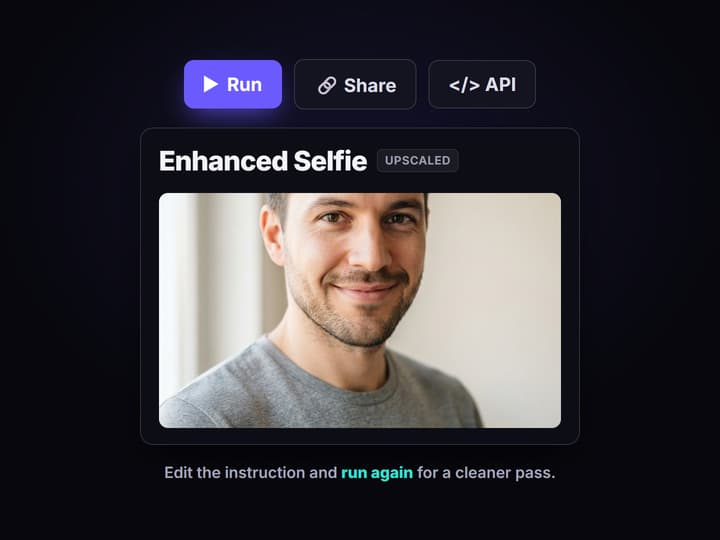
Run, then upscale
Run the graph: the AI Selfie Enhancer cleans the photo with GPT Image 2.5 Flare and the Crystal Upscaler raises the resolution. Edit the text and rerun, or swap the model node.
Why an AI selfie enhancer on a canvas
Most AI selfie enhancers are a one way door: drop in a photo, drag a single enhancement slider, and accept whatever comes back. When the skin looks plastic or the eyes go soft, there is nowhere to turn, no way to see how the fix was made, and no way to reuse the recipe on the next selfie. The slider is the ceiling, and the free version usually stamps a watermark on the way out.
Wireflow takes a different shape. Enhancing a selfie is a small workflow you own on a node canvas: a Reference Selfie node holds your photo, an Enhancement Instructions node holds the fix, they feed the AI Selfie Enhancer node, and a Crystal Upscaler node raises the resolution. It runs on hosted compute in the browser with nothing to install, and the same canvas drives the rest of your image work, from a broader AI photo enhancer pass to a full studio headshot.
What the enhance flow gives you
Reference selfie
The Reference Selfie node holds the photo you took, and the enhancer cleans that exact face.
Plain-words fix
A text node sets the fix in one line: sharpen the eyes, even the skin, warm the light, cut noise.
Cleaned render
The AI Selfie Enhancer node runs GPT Image 2.5 Flare to return a sharper, cleaner selfie.
Real upscale
The Crystal Upscaler node raises the resolution so the result holds up on a big screen or a print.
Swappable models
Drop Flux Pro, GPT Image 2, or Seedream 5 Pro into the enhancer node when a selfie needs a different touch.
Share by link
The workflow is versioned and shareable, so a teammate runs the exact same enhance graph.
How the enhance graph runs
The workflow behind this page's button is deliberately small: four working nodes and three wires, plus a sticky note that walks a first run through it. It has already been run once, so the enhancer and upscaler nodes carry real outputs.
- Reference Selfie holds your photo. One clear shot is enough; it wires into the image input of the enhancer so your real face carries through.
- Enhancement Instructions holds the fix. One line of text, for example sharpen the eyes and even the skin tone, wires into the prompt input.
- AI Selfie Enhancer cleans it. GPT Image 2.5 Flare reads the selfie and the instruction and re-renders a cleaner, sharper version.
- Crystal Upscaler raises the resolution. The cleaned selfie flows straight into the upscale node so the final image is bigger and crisper.
Because the selfie and the instruction meet at one node, the face stays yours while the fix does its work. And because the graph lives among the platform's hosted models, the enhanced selfie can roll straight into more work, like an AI image restoration pass, without leaving the browser.
When a one tap enhancer app is the better call
If you want a single button, a phone app, and a before and after slider with no canvas to touch, a consumer selfie enhancer is built for exactly that, and this page will not pretend otherwise. Wireflow gives you the graph instead, which is more control than a casual one off touch up needs.
Wireflow is the generation layer, not a forensic restore: the enhancer re-renders your selfie, so the result is a cleaned, guided version of your photo rather than a pixel perfect recovery, and a heavily destroyed or tiny image will not come back flawless. It is not a face swap or deepfake service and must not depict real people without consent. If a clean selfie is one ingredient in a larger content flow, build it here, and pair it with an AI profile picture maker when you want a finished avatar.
More Than Just AI Selfie Enhancer
Own the enhance pipeline
The whole fix sits open on a canvas: selfie in, instructions in, cleaned selfie out, then upscale. Rewire any hop like a node based image generation graph.
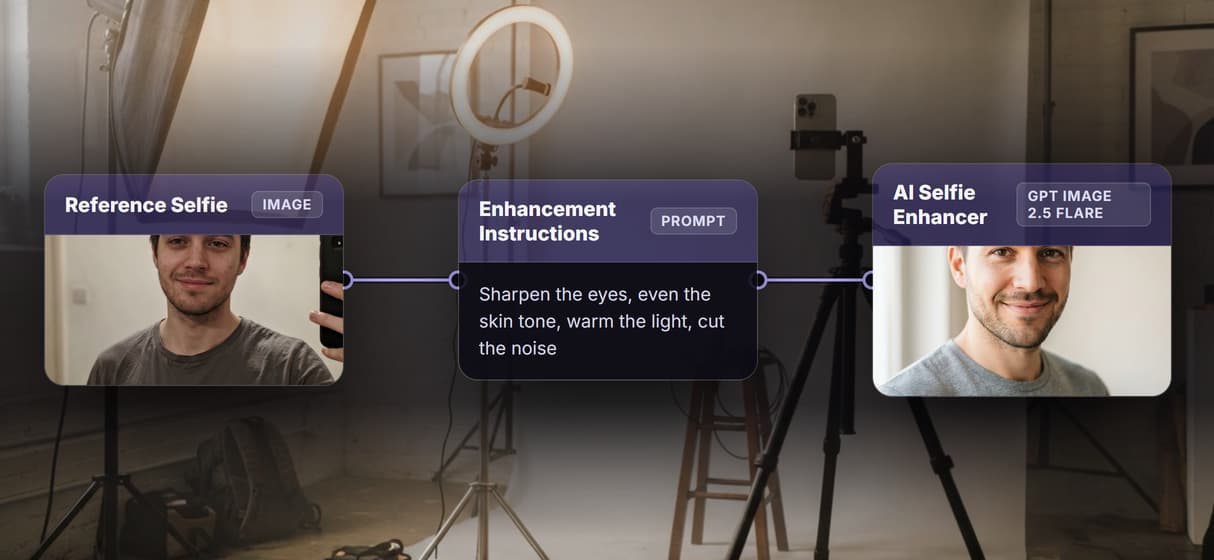
It keeps the photo you took
Your selfie feeds the image input, so the enhancer cleans the shot you took instead of inventing a new face. Tune it like an AI image editor.
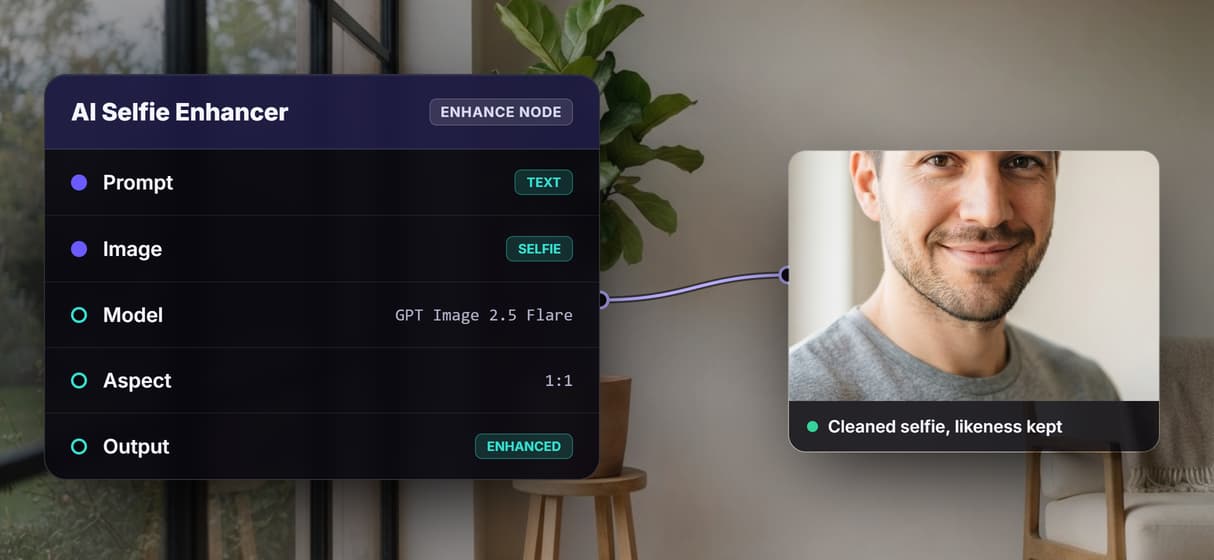
Fix it in plain words
Say the fix in one line, sharper eyes, even skin, warmer light, less noise, then rerun. No hidden slider, the way a one tap AI photo enhancer hides it.
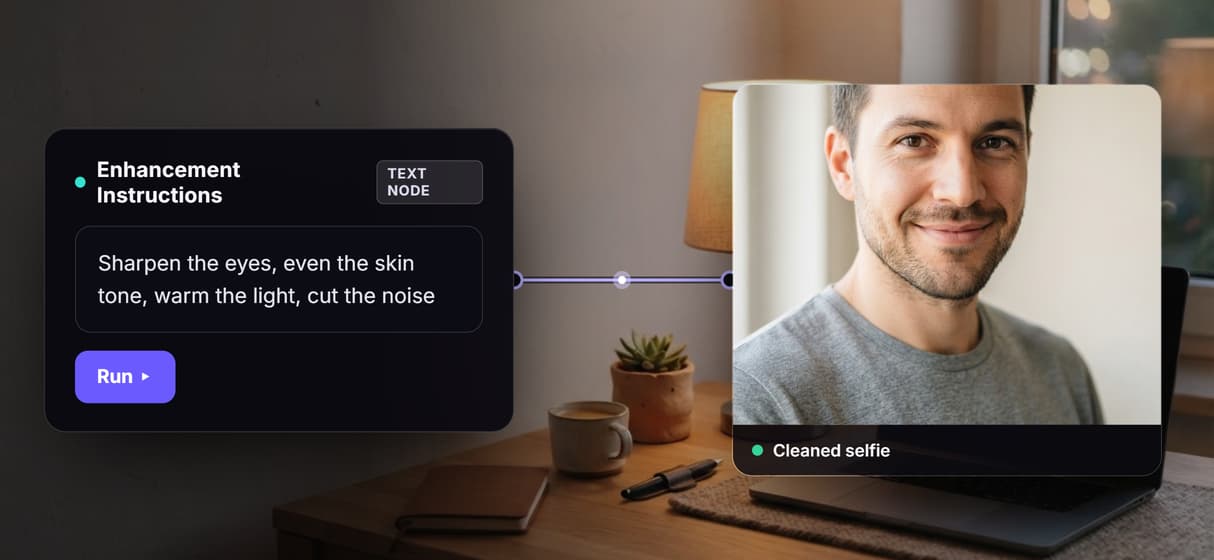
Swap the model, keep the graph
GPT Image 2.5 Flare enhances by default; drop in Flux Pro, GPT Image 2, or Seedream 5 Pro on the same node. Reuse the graph inside an AI headshot generator flow.
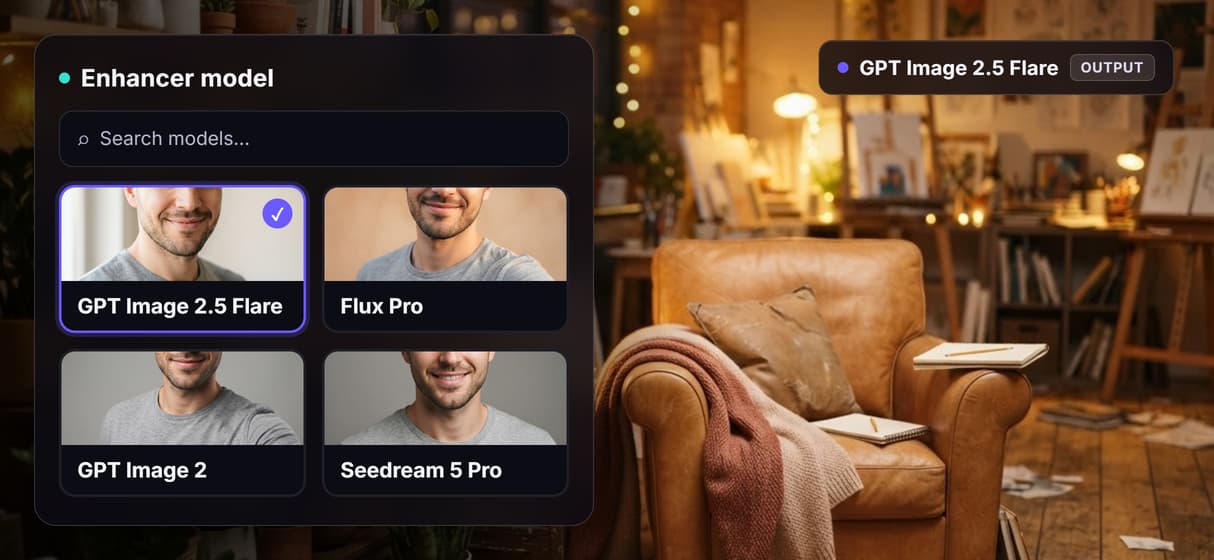
Real upscale, pay per generation
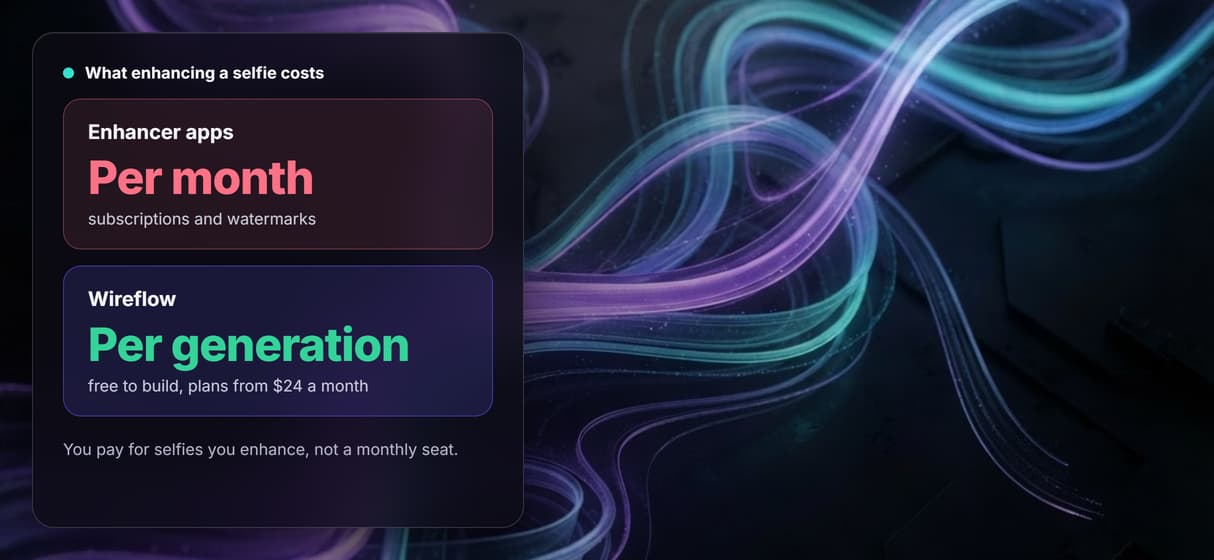
A real Crystal Upscaler step raises resolution, and you pay per generation, not a monthly seat. Chain a bigger AI image upscaler pass any time.
Build Any AI Workflow
AI Models Integrated
Full Commercial License
FAQs
It is a tool that cleans up a selfie you already took: sharper detail, evener skin, better lighting, less noise, and higher resolution. On Wireflow it is a node workflow, so a selfie node and an instruction node feed one enhancer node, and an upscaler node finishes the job.
Discover related AI tools
- AI Image Upscaler: Upscale to 4K in a Visual Workflow
- AI Background Remover
- AI Image Generator: Flow-Based Canvas, 31 Models
- ComfyUI Alternative
- AI Face Swap Online: Photos and Video in Your Browser
- Virtual Try On
- AI Thumbnail Generator
- AI Photo Generator
- AI Image Editor
- AI Art Generator
- Midjourney Alternative
- AI Headshot Generator
More From Wireflow
Written by
Andrew Adams · Co-Founder & Operations at Wireflow
Runs client operations and content strategy at Wireflow. Works directly with creative teams and agencies to build production AI workflows.
Enhance a selfie you own the recipe for
Open the flow, upload your selfie, type what to fix, and run it: a cleaner, sharper, upscaled selfie from a graph you can rerun and reshape. Building is free; you pay per generation, not per month.