Features
AI Sketch Generator
Wireflow turns an AI sketch generator into a node canvas you own.
Type one subject and the graph fans it to two nodes at once, so Pencil Sketch (GPT Image 2.5 Flare) returns a graphite drawing while Clean Line Art (GPT Image 2.5 Flare) returns minimal black and white line art. Free to build, pay per generation.
Free to build · no credit card · Read the agent docs · See how it works ↓
 Andrew Adams · Co-Founder & Operations at Wireflow ·
How to Use AI Sketch Generator
Steps to get you started in Wireflow.
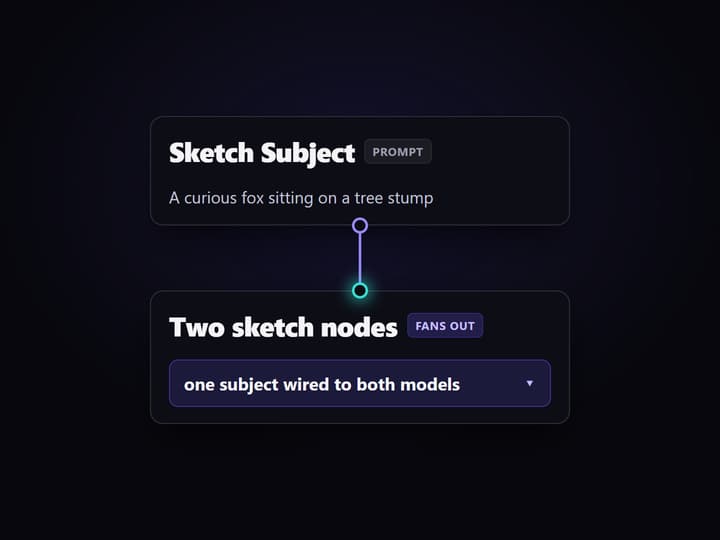
Type the subject you want sketched
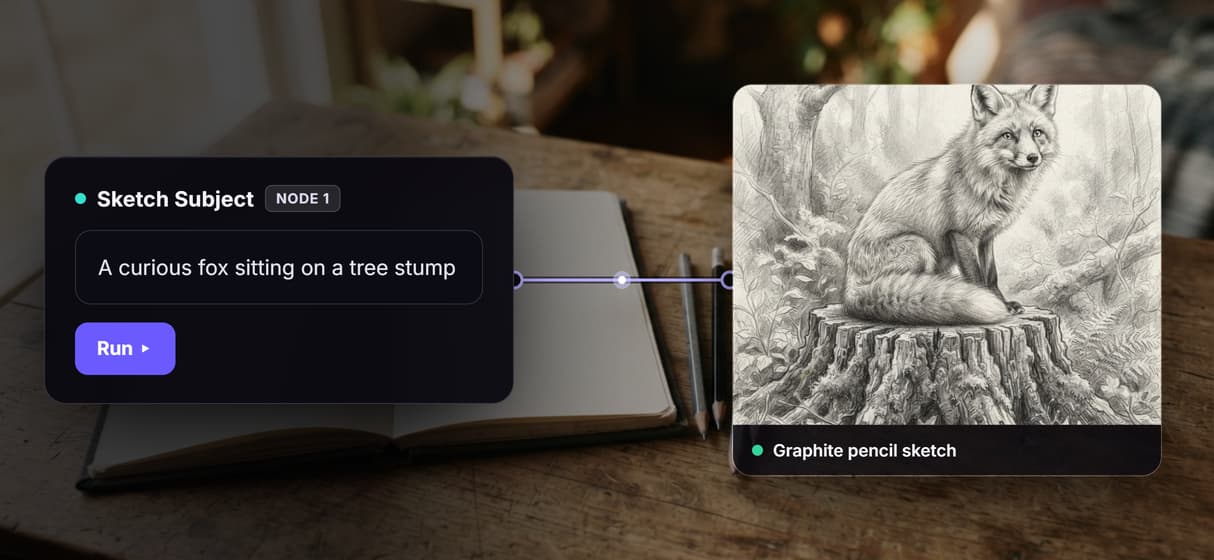
Open the flow and click the Sketch Subject node. One line is enough, for example a curious fox sitting on a tree stump, framed simply so the drawing stays clean.
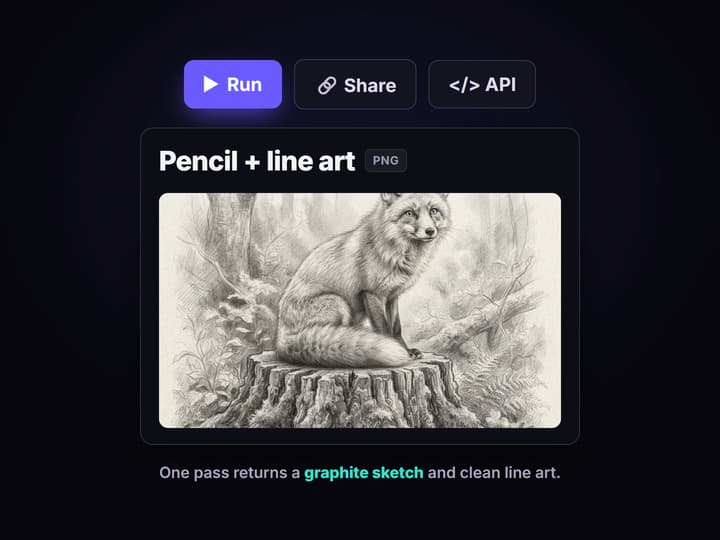
Run the graph once
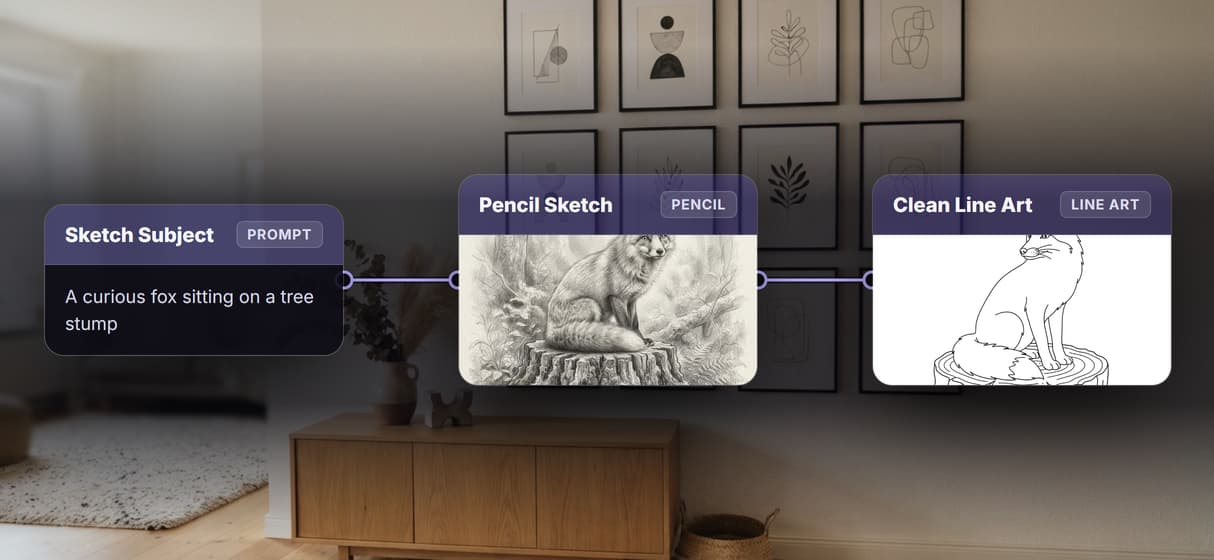
Pencil Sketch (GPT Image 2.5 Flare) renders a graphite drawing and Clean Line Art (GPT Image 2.5 Flare) renders black and white line art of the same subject, both in one pass.
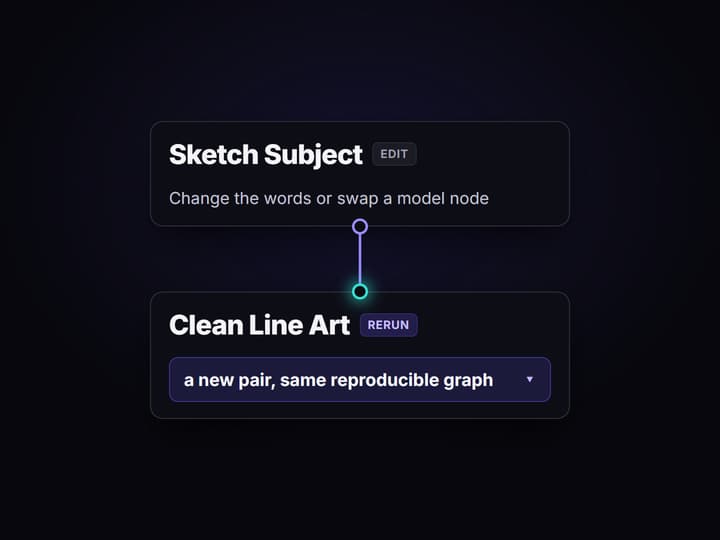
Change the words or swap a model
Edit the subject and run again for a new pair, or drop Recraft V4 or Ideogram V4 into a node for a different line quality. Share the flow link and the team runs the same graph.
What an AI sketch generator does on Wireflow
Most sketch tools hand you a single button: type a subject, get one drawing, hope the style matches. Wireflow makes the sketch generator a small workflow you can see and own. A Sketch Subject node holds your words and wires them to two model nodes at once, so one prompt returns a graphite pencil sketch and a clean line art version in the same run.
It runs on hosted compute in the browser with nothing to install, and the same canvas drives every other free AI image generator job your team has. Building the graph is free; you only spend credits when a node generates.
What is wired into the sketch flow
Sketch Subject input
A text node holds the subject and wires the same words to both sketch models at once.
Pencil sketch node
Pencil Sketch (GPT Image 2.5 Flare) returns a detailed graphite drawing of the subject.
Clean line art node
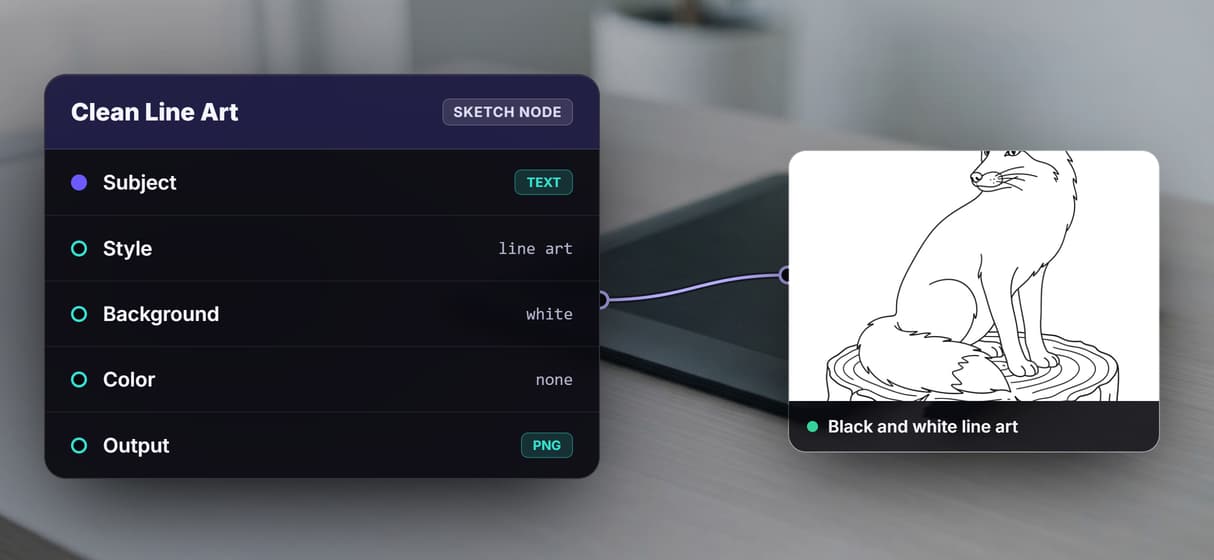
Clean Line Art (GPT Image 2.5 Flare) returns minimal black and white line art of the same subject.
Swappable models
Drop Recraft V4, Ideogram V4, or GPT Image 2 into a node for a different line quality.
Sticky note guide
A note on the canvas explains how one subject turns into two sketch styles at once.
Endpoint and MCP tool
The published flow is a REST endpoint and an MCP tool an agent can call for assets.
How the sketch graph actually runs
The workflow behind this page's button is deliberately small: one input and two model nodes.
- Sketch Subject holds the words. One line about the subject is enough, and a sticky note walks a first run through it.
- The prompt fans out to both models. The same subject wires into Pencil Sketch (GPT Image 2.5 Flare) and Clean Line Art (GPT Image 2.5 Flare), so the two styles stay about the same subject instead of drifting apart.
- Both nodes render in one pass. You get a graphite drawing and a black and white line art version together, ready to download.
Because the graph lives among the hosted image models, you can drop a stronger line node in place of either sketch model, or branch the same subject into an AI character creator pass, without leaving the browser.
When a sketch generator is not the right tool
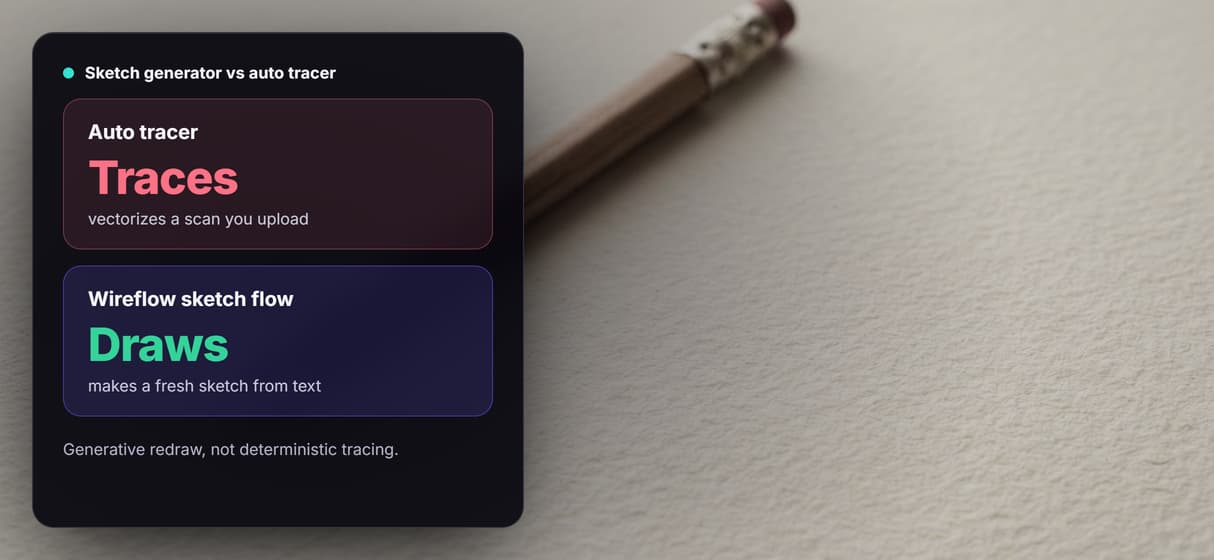
This flow is a generative redraw, not a tracer. If you already have a scanned drawing and you need it turned into editable vector paths or a clean SVG export, that is deterministic auto-tracing and this is not it: it redraws a subject from your prompt rather than mathematically following an existing outline. The export here is a flat PNG, not layered brush strokes.
It is also the generation layer, not the art director, so it will not invent the subject or decide the composition for you. When a job needs color fills, retouching, or layered editing, pair the sketch with an AI image editor node and keep the sketch step as one honest ingredient in the graph.
More Than Just AI Sketch Generator
One prompt, two sketch styles at once
One subject fans out to two nodes at once, so a graphite pencil sketch and clean line art land in a single run, like a rewirable AI illustration generator.
Type a subject, get a pencil sketch
The Sketch Subject node feeds Pencil Sketch (GPT Image 2.5 Flare), which draws that exact subject in graphite. It is AI concept art with the wiring done.
Clean line art of the same subject
A second node, Clean Line Art (GPT Image 2.5 Flare), redraws the same subject as black and white line art, a swappable node based image generation step.
Rerun it, version it, call it from code
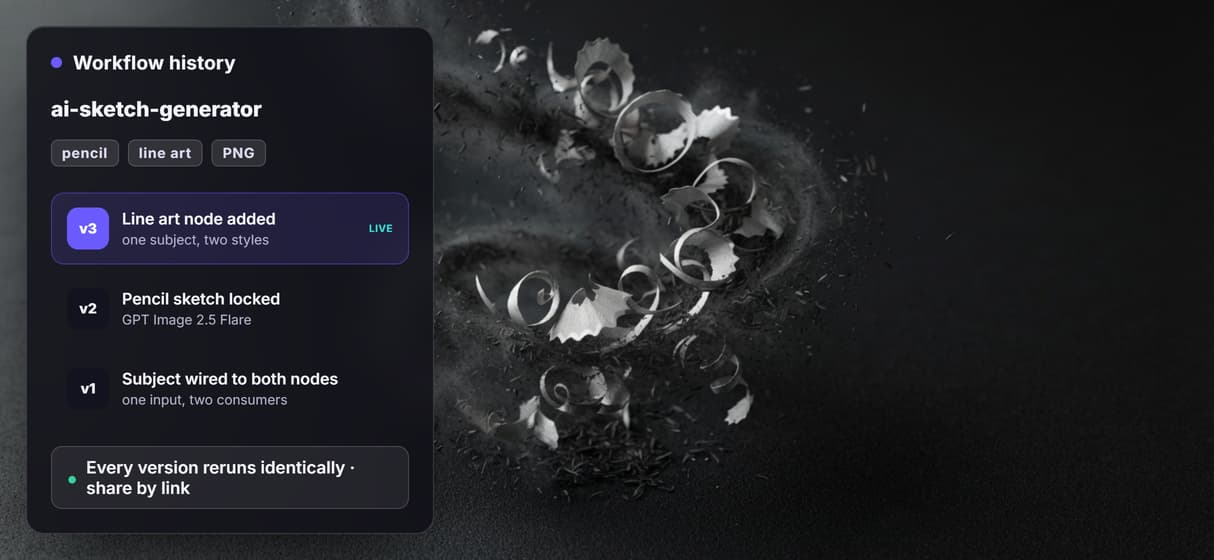
The flow is versioned and shareable by link, so every rerun is reproducible. It is a REST endpoint and an image generation MCP tool an agent can call too.
Draws your subject, never traces a scan
A generative redraw from a prompt, not a tracer, so it draws fresh sketches rather than tracing a scan. Use a full AI art generator for color or photos.
Sketch Workflows
No Code Required
API & Batch Processing
FAQs
It depends on whether you want a black box or a workflow you own. Wireflow builds the sketch generator on a node canvas, so one subject returns a pencil sketch and clean line art, and you can swap the model behind either style.
Discover related AI tools
More From Wireflow
Written by
Andrew Adams · Co-Founder & Operations at Wireflow
Runs client operations and content strategy at Wireflow. Works directly with creative teams and agencies to build production AI workflows.
Sketch a subject, own the flow
Open the flow, type one subject, and run it: a graphite pencil sketch and clean line art come back from a single graph. Building is free, and you pay per generation, not a subscription.