 Andrew Adams · Co-Founder & Operations at Wireflow ·
 AI Cover Image Maker
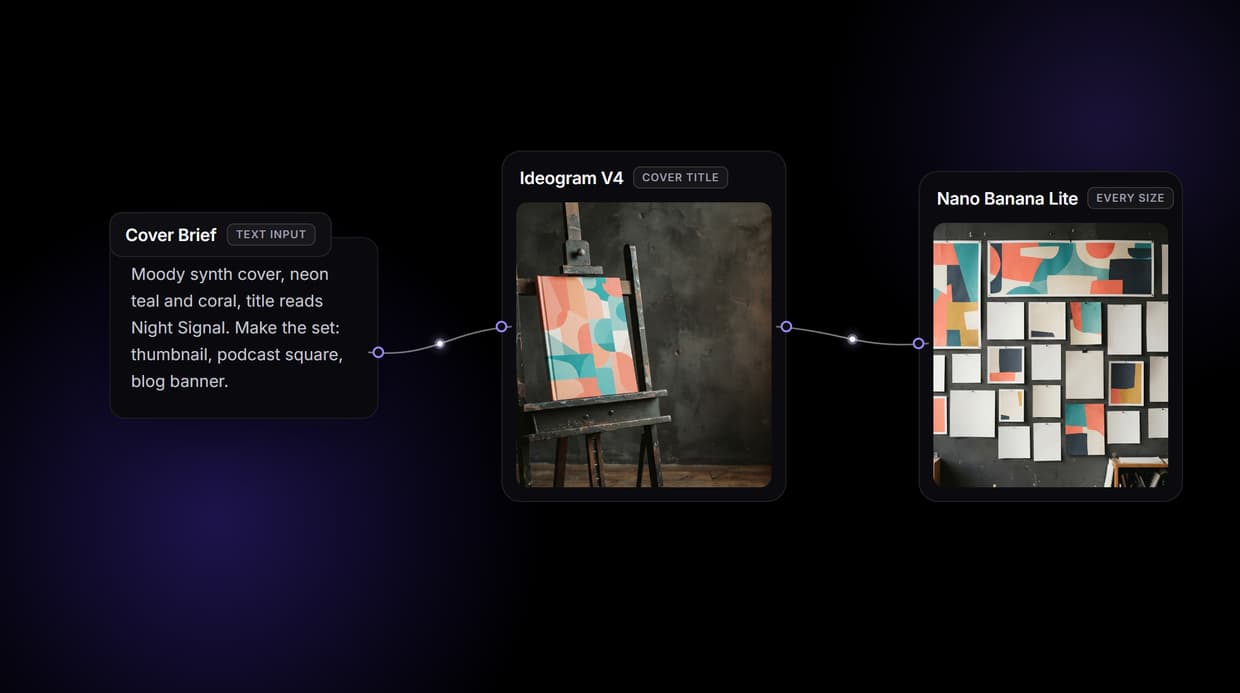
Wire one canvas that turns a brief and a reference image into the cover for every surface at once: YouTube thumbnails, podcast and book covers, and blog headers, all at their native sizes with the title baked in.
Free to build · no credit card · See how it works ↓
How to Use AI Cover Image Maker
Steps to get you started in Wireflow.
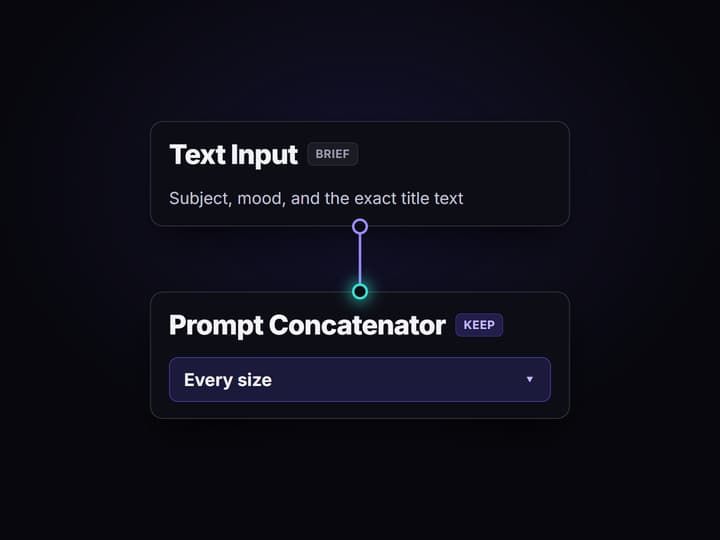
Write the cover brief once
Drop a Text Input node and describe the subject, the mood, and the exact title text. A Prompt Concatenator keeps that line in every downstream prompt so no size drifts off the brief.
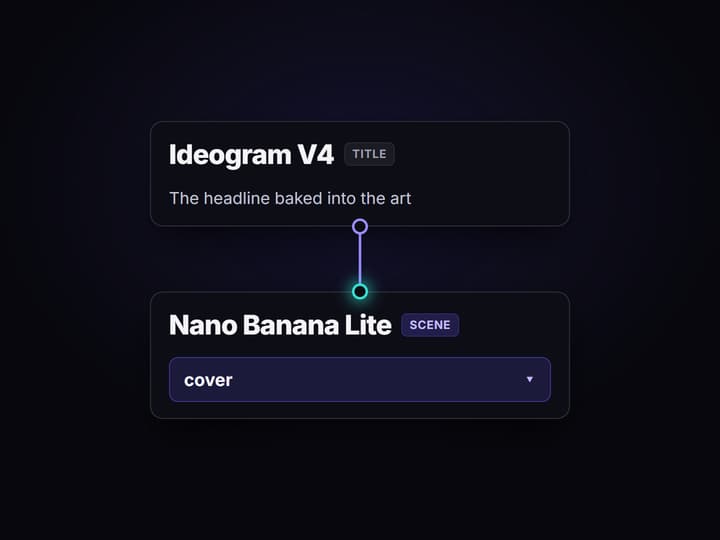
Wire the cover outputs
Send the brief into Ideogram V4 for the title lockup and Nano Banana Lite or Seedream V4.5 for the scene, then a Build Batch Data node fans the design across every aspect ratio your surfaces need.
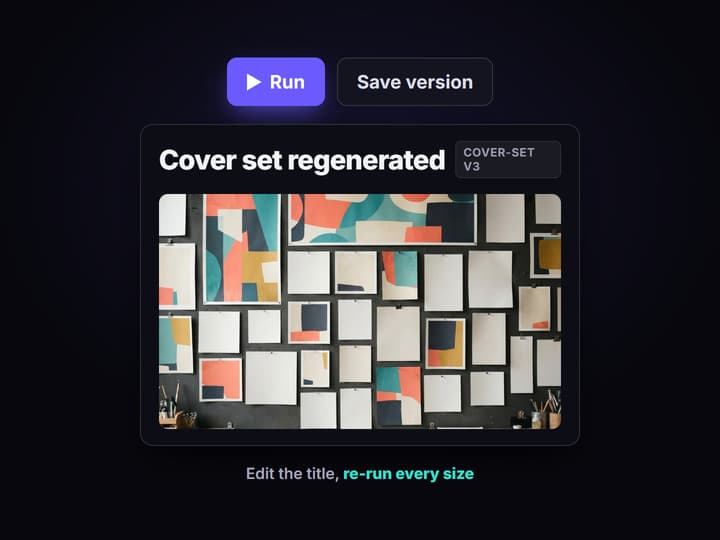
Save the graph and re-run it
Publish the workflow and it is versioned server side. Change the title or swap the subject image, run it again, and every cover size comes back together instead of being recropped by hand.
One cover, ten sizes, done by hand
You design one strong cover, then the real work starts. The YouTube thumbnail wants 16:9, the podcast art wants a square, the blog header wants a wide banner, and the ebook wants a tall portrait. Each one gets recropped, the title gets retyped, and by the third export the set no longer looks like one brand.
A cover image maker has to solve the set, not the single frame. On Wireflow the set is a node graph: one brief and one reference image feed every size at once, on the same words, so nothing downstream has to remember what the cover looked like. The brief is still wired to it.
What comes out of the cover graph
Readable title art
Ideogram V4 renders the headline as sharp, legible type baked into the cover.
Every aspect ratio
Build Batch Data fans one design across 16:9, square, portrait, and banner sizes at once.
Photoreal scenes
Nano Banana Lite, Seedream V4.5, and Flux 2 stage the subject behind the title.
One consistent look
An approved cover feeds back as a reference image so every size matches.
Clean cutouts
Bria Background Removal lifts the subject for overlays and transparent covers.
Print resolution
Topaz Upscale pushes an approved cover up before it goes to a banner or a print.
How the cover graph is wired
The graph is small. Four ideas do all the work.
- One source of truth. A Text Input node holds the brief and the title text. Every other node reads from it, so the cover exists in exactly one place on the canvas.
- Title before scene. Ideogram V4 renders the headline where the type has to stay legible, and a Prompt Concatenator staples the brief onto every scene prompt so the art never fights the words.
- Right model per surface. Ideogram V4 for the type, Nano Banana Lite or Seedream V4.5 for a photoreal scene, Flux 2 to restage an approved frame. Picking per surface is the point of a design canvas instead of one model.
- Consistency by reference. Once you approve one cover, it goes back in as a reference image, so every other size restages the same subject instead of inventing a new one.
Finishing nodes hang off the end. Background removal for a transparent cover cutout, upscaling for print, a Compositor for lockups. None of it needs a GPU, because the whole canvas runs on hosted compute.
What it is, and what it is not
This generates the cover images, not the design decisions. It will not write your headline, pick your title, or tell you which frame sells the video. Bring that call, put it in the brief, and the canvas renders it.
Two more honest limits. You get flat image files, PNG or JPG at the size you asked for, not an editable Photoshop, Figma, or Illustrator source. The title is rendered as image pixels, so it is artwork, not installable or licensed fonts, and you cannot retype it later without a re-run. And a cover maker is the generation layer, not a page layout tool, so it will not drop the image into your site template or your video editor for you.
If you want a hand-finished cover signed off by a designer, hire one. If you want the whole cover set generated, kept on brand, and re-runnable the moment the title changes, that is what this canvas is for.
More Than Just AI Cover Image Maker
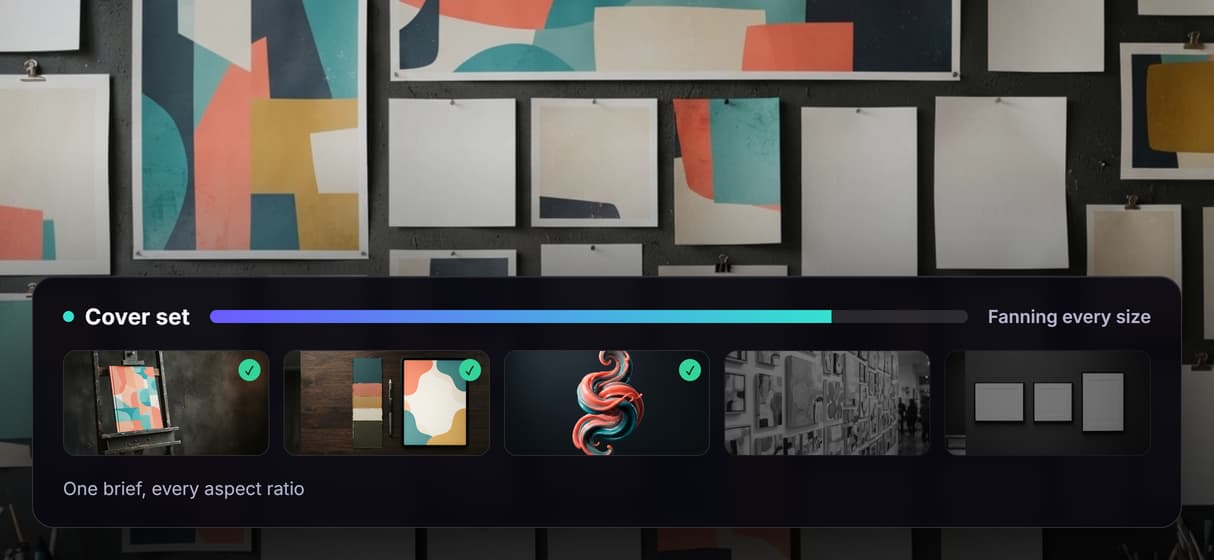
One brief, every cover size
One design fans out to a YouTube thumbnail, a podcast cover, and a blog header at once through batch AI generation, so no size waits.
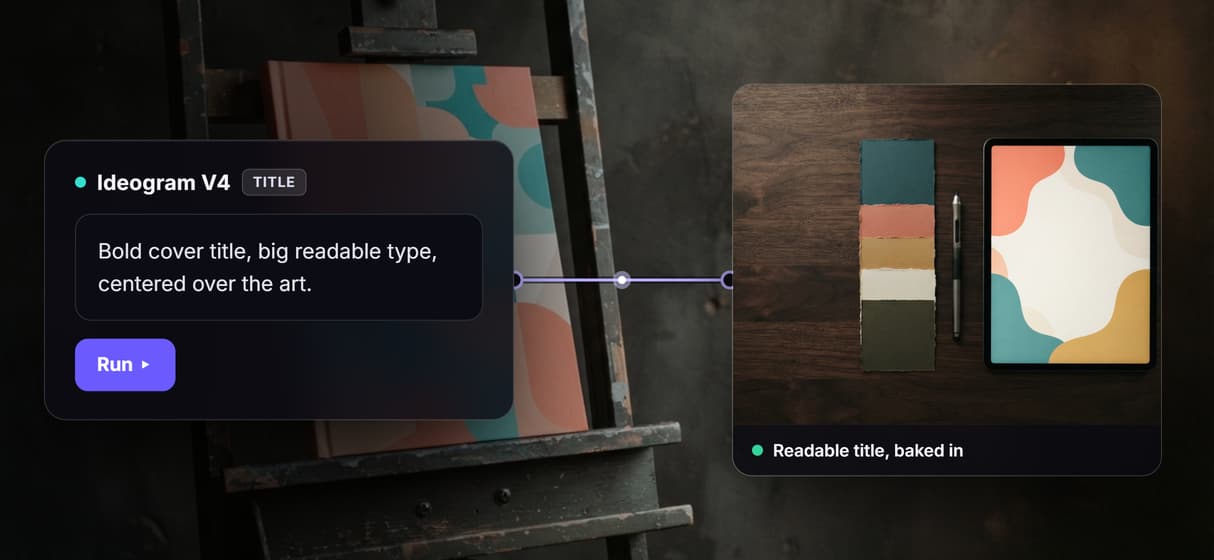
Titles that stay readable
Ideogram V4 bakes the headline into the art as sharp, legible type, the same reason it anchors the AI thumbnail generator.
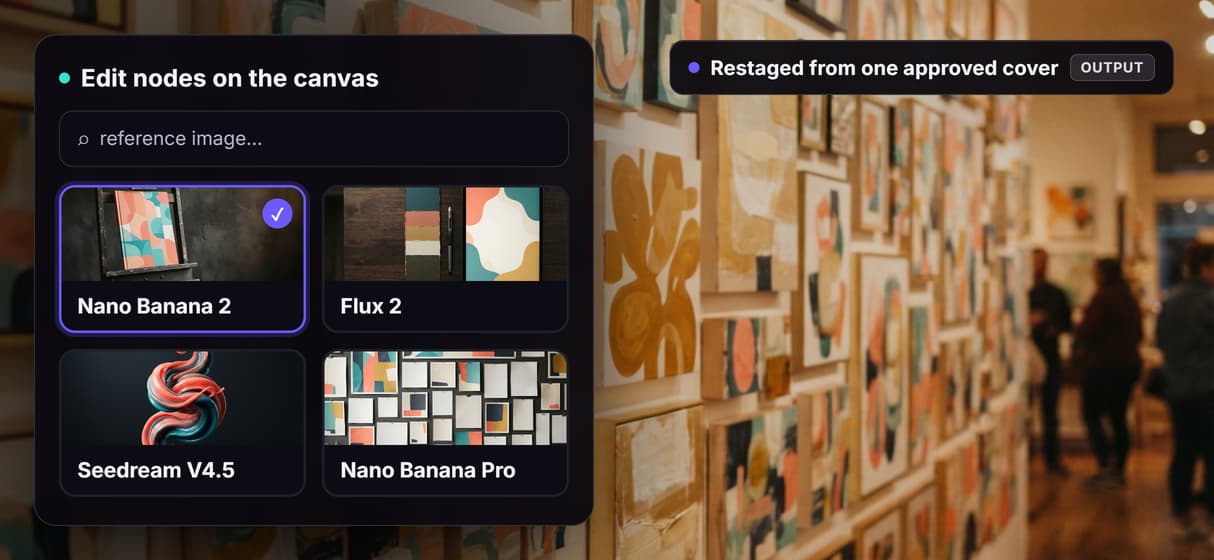
Every size stays on brand
Feed one approved cover back as a reference image and edit nodes restage it, the trick behind the AI product photo generator.
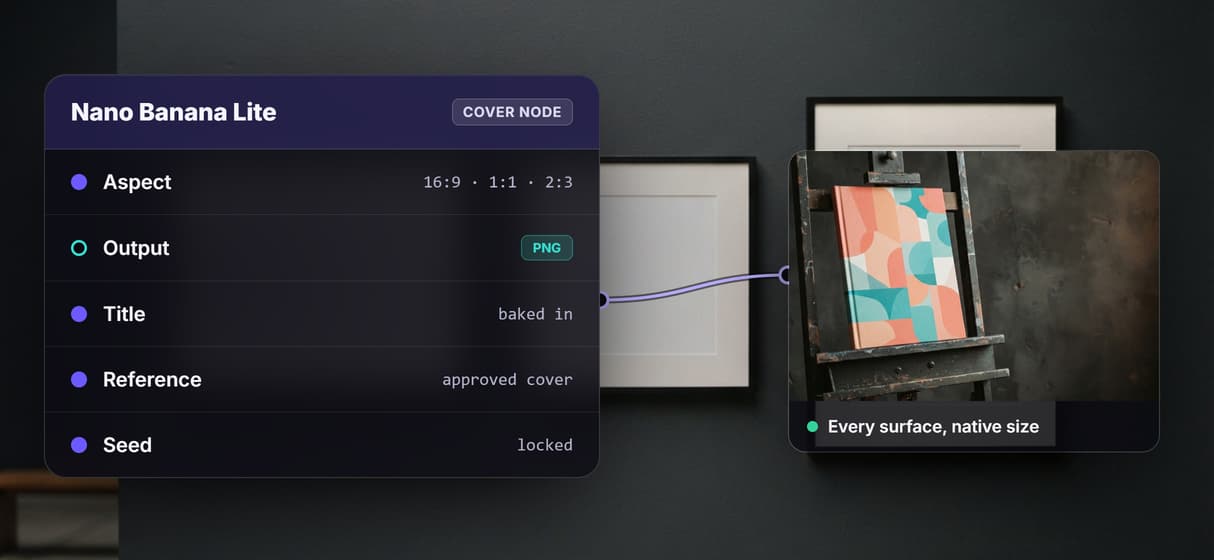
The exact size each surface needs
Set every surface to its native ratio on the canvas, then push the winner to print resolution with the AI image upscaler. No hand cropping.
A cover set you can re-run
The graph is versioned and shareable, so next season is a re-run of a saved reusable AI template, not a fresh design pass.
Cover image Workflows
No Code Required
API & Batch Processing
FAQs
It is a tool that turns one brief into cover images for many surfaces at their required sizes rather than a single picture. On Wireflow it is a node graph that bakes a readable title into the art with Ideogram V4, renders the scene, and fans the design across every aspect ratio.
Discover related AI tools
- AI Image Upscaler: Upscale to 4K in a Visual Workflow
- AI Background Remover
- AI Image Generator: Flow-Based Canvas, 31 Models
- ComfyUI Alternative
- AI Face Swap Online: Photos and Video in Your Browser
- Virtual Try On
- AI Thumbnail Generator
- AI Photo Generator
- AI Image Editor
- AI Art Generator
- Midjourney Alternative
- AI Headshot Generator
More From Wireflow
Written by
Andrew Adams · Co-Founder & Operations at Wireflow
Runs client operations and content strategy at Wireflow. Works directly with creative teams and agencies to build production AI workflows.
Make every cover size on one canvas
Write the brief once, wire the title and the scene into a single graph, and fan it across every cover size, then re-run it whenever the headline changes. No GPU, no install, building the canvas is free.