How to Make an AI Song Ad on One Board, No CapCut

Michael Aubry
In this article▾
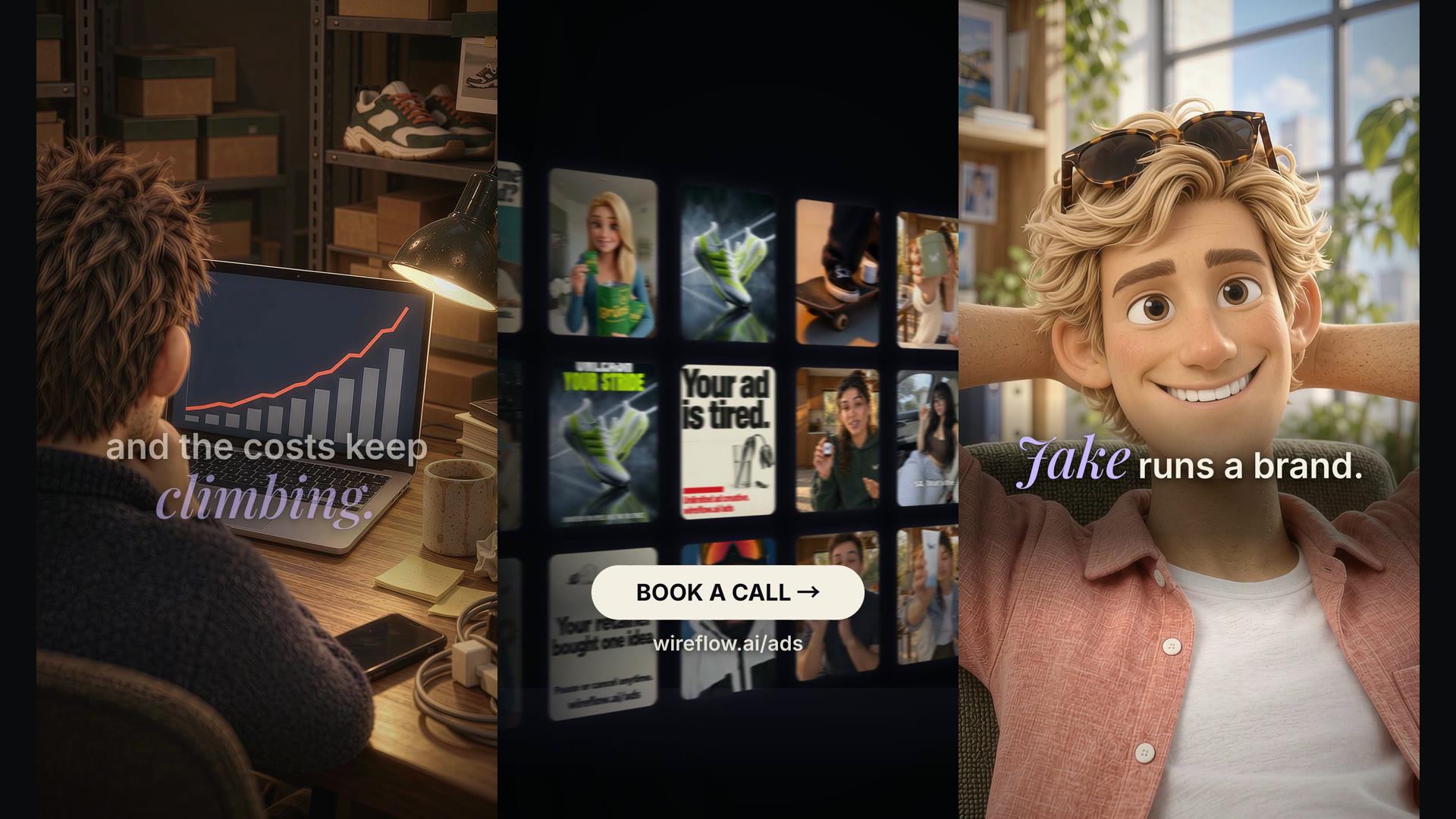
This is an 80 second song ad. Two characters, one sung story, kinetic captions, sound effects, a logo wall and an end card. Every piece of it was made on one Wireflow board and rendered with one button. No CapCut, no Premiere, no export and re-import.
This post is the method, with the costs and the mistakes left in.
The one rule
A voiceover forgives you. You can trim a breath, drop a weak line, stretch a pause, and nobody hears it. A song does not. Cut a bar and the whole thing limps.
So the song is the source of truth. Generate it first, lock it, and build every shot to its timing. Storyboard first and you will spend the evening re-rolling clips that no longer fit.
The order, every time:
- Script
- Song
- Word timings
- Stills, approved one by one
- Motion
- Captions, sound, end screen, all on the board
- Render, then re-render for free until it is right
Build this in Wireflow
Make the same kind of asset on a canvas you control, with a free account and no credit card.
Step 1: the script
Steal a structure that already works, then change the words. Ours is the oldest one in the book: Dave struggles, Jake has it figured out, here is what Jake did.
Two choices made the rest easy.
The singer tells the story in third person. Nobody on screen has to sing. That removes lip sync from the problem list and lets every character be a silent, well-lit still that we animate later.
Write it so a 12 year old gets it. Verse, verse, chorus, bridge, chorus. The offer lives in the chorus so it repeats. The terms live in the bridge so they are said once, clearly.
The first verse:
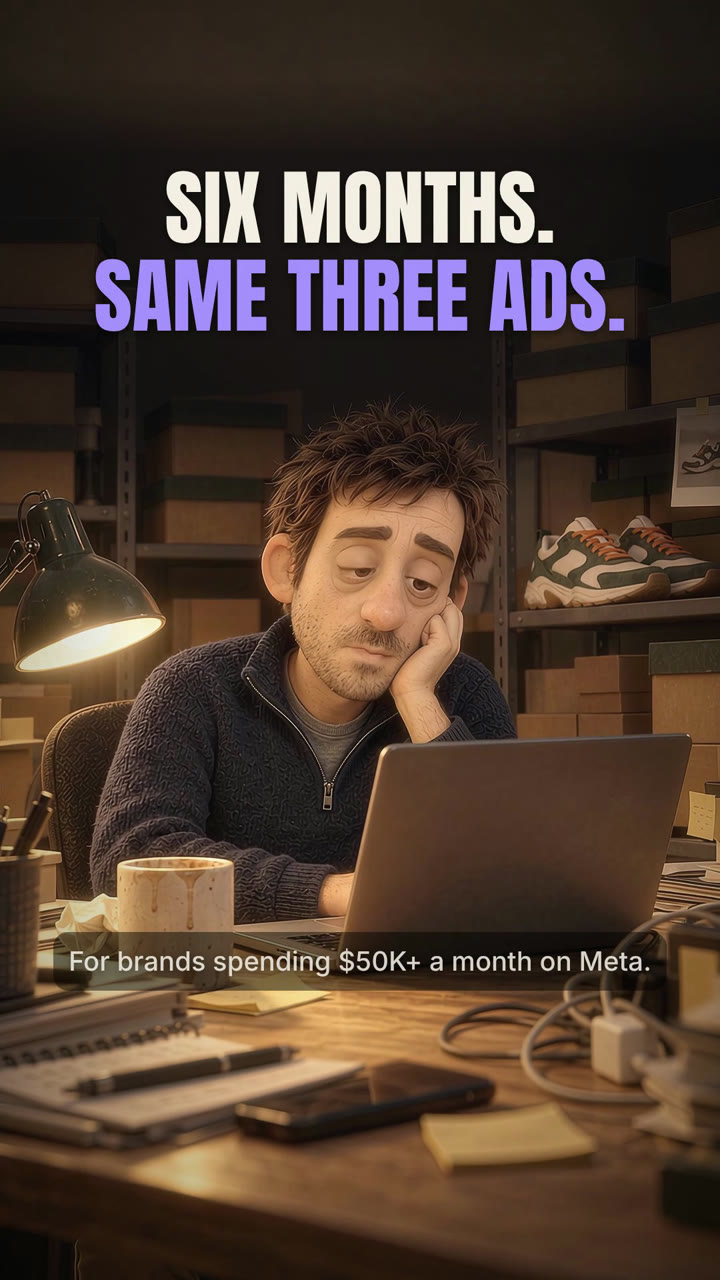
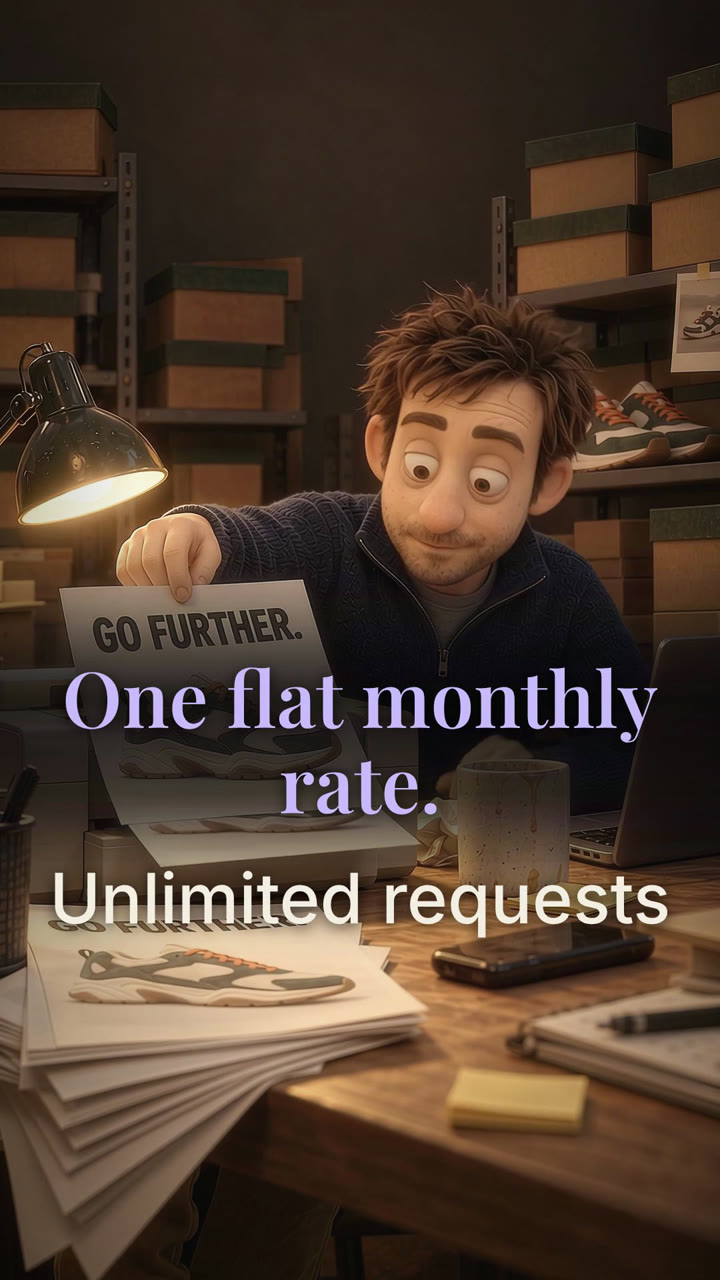
This is Dave. Dave runs a brand. Fifty grand a month on Meta, and the costs keep climbing. Same three ads. No time for more. New campaign? He changed the font. Same first frame, same old line, and nobody's buying.
The chorus:
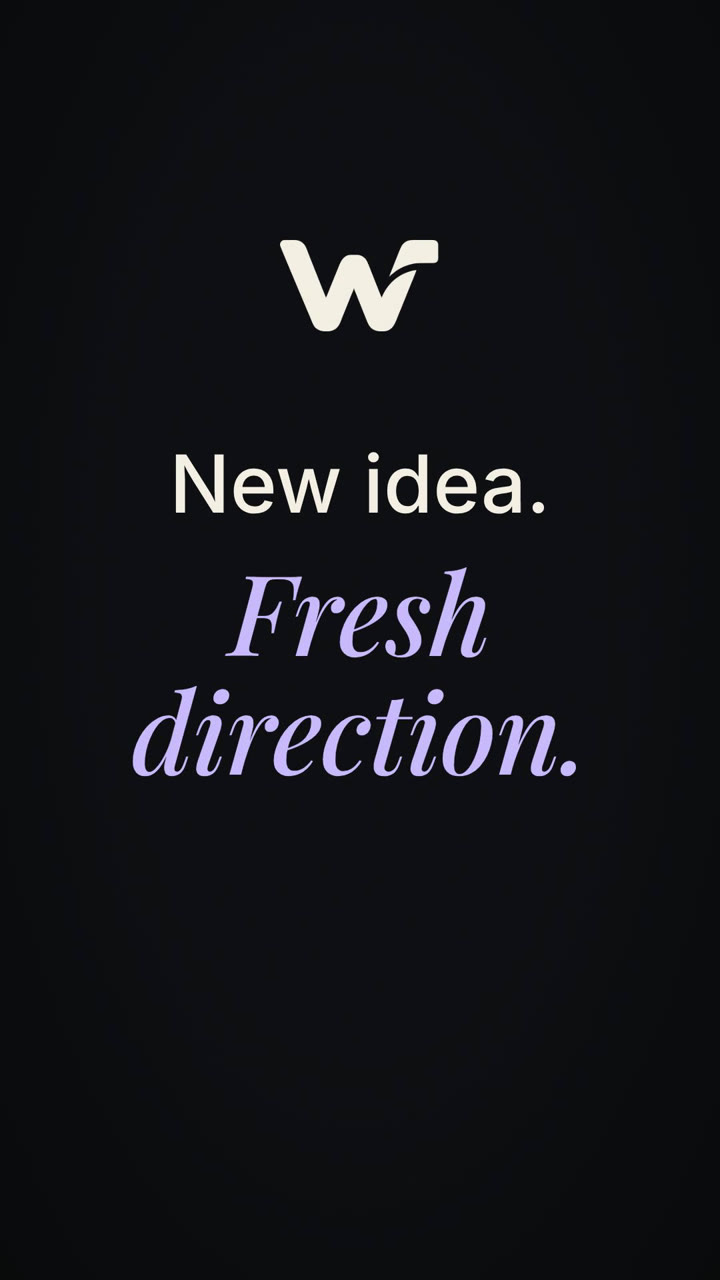
New idea. Fresh direction. Wireflow handles the production. You approve it, we make it, files in forty-eight hours. One flat monthly rate. Unlimited requests.
Every fact in the chorus comes from our offer page, nothing invented. Where the lyric rounds, the caption on screen carries the page's exact line: "24 to 48 hour turnaround". If you are writing one of these for a client, take the facts from their page too. Songs are sticky, and a made-up number is the one people remember.
Step 2: the song
The song is a node on the board. We used MiniMax Music 2.6, which takes the lyrics on a port and sings them. Thirty credits a take. We ran three, listened, kept one.
Things that cost us a take:
- The lyrics optimizer rewrote our words. The node now switches it off whenever lyrics are wired. On any other tool, turn it off yourself.
- An
[Intro]tag at the top of the lyrics bought 18 seconds of instrumental. Taking it out and asking for no intro did not fix it: three more takes started singing 11 to 18 seconds in. Plan to trim the intro on the timeline. - The first take sang "WyFlow". Spell the brand the way you want it sung, not the way you write it.
You do not need Suno. Suno has no public API, so it cannot live on a board. Lyria 3 Pro and ElevenLabs Music are on the board too if you want a different voice. Whatever model you use, mark the ad as AI-generated when you upload it to Meta.
Step 3: word timings
The finished song goes through a whisper node and comes back as a list of words with a start and an end for each. Everything downstream reads from that list: caption timing, shot lengths, where the chorus lands.
Measure, never assume. We asked for a tight track, and the take we kept still runs 78.6 seconds once the intro is trimmed. A storyboard built on the length we wanted would have been wrong from the first beat.
Step 4: stills first, approved one by one
This is where the money goes, and where most AI ads fall apart.
Make one reference sheet per character before anything else, and pass it into every generation. Text describes a colour. Only an image pins a face, a haircut and a shirt.
Then one still per beat. When a beat needs a variation of a still that already works, edit that still instead of prompting a new one. A fresh prompt with a loose reference invents a new room every time: new windows, new lamps, a different desk. An edit keeps the set.

Rules we learned the expensive way:
- Screens, laptop lids and phones face away from the camera unless the content on them matters. Otherwise the model paints a screen on the back of the lid.
- One sneaker, one sweater, one room per character, locked on the reference sheet before any shot.
- Hands attach to bodies. Check.
- Keep the gag object in frame. A printer joke with no printer is a man pointing at nothing.
Approve every still before a single frame of motion is generated. A yes on a still is a yes on that still only, never on the animated version you have not seen yet.
Step 5: motion
Each approved still becomes a clip with Omni Flash 1.1 image-to-video at 1080p, generated a little longer than its beat so there is room to trim. It costs 24 credits a second. We ran a bake-off on three shots against Seedance 2.5 first. Seedance came back at 720p and turned the word "flicker" in a prompt into a full blackout. Omni kept the still.
Motion prompt rules:
- Name the wardrobe from the approved still. If you say "a man at a desk", you get a new sweater.
- Pin objects to hands. "Holding the phone in his right hand", not "with a phone".
- Never write "flicker", "glitch" or "strobe" unless you want exactly that.
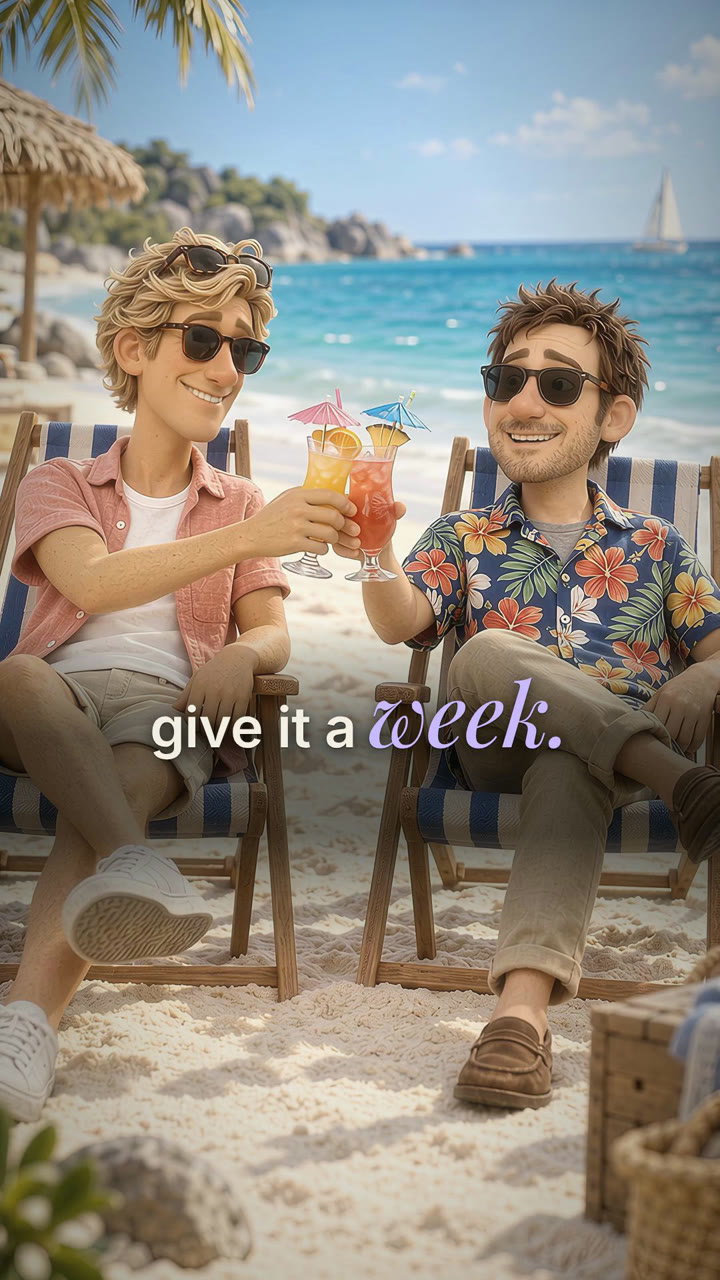
- One continuous take per beat. If a beat needs a punch-in, it is a zoom on the running clip, not a second copy of the same moment. We shipped a cut where the beach toast happened twice for exactly this reason.
Step 6: pace
Meta scrolls fast. The first version of this ad had three shots in the first ten seconds. The reference ads that run for months have six. Here is the formula we settled on, and we hold it for the whole runtime, not just the open:
| Section | Cut length |
|---|---|
| First 3 seconds | Fastest cuts in the ad |
| Up to 15 seconds | 1.5 to 2.5 seconds per beat |
| The turn (Dave to Jake) | One hold |
| Chorus and montage | One cut per bar (112 BPM is 2.14 s a bar) |
| Offer lines | 2.5 to 4 seconds, long enough to read |
| End card | 4 to 5 seconds |
Nothing over 5 seconds except the end card and the one hold at the turn. Average 2 to 2.5 seconds.
Step 7: everything else, without CapCut
This is the part the other guides send you to CapCut for. We do it on the same board, in the video editor, because every one of these is a node or a block:
- The song sits on the audio track, trimmed at the intro. It is never sliced.
- Captions are a kinetic caption block that reads the word timings. The keyword keeps its case, the support words are lowercase, and the timing is in absolute frames so a re-trim cannot drift them.
- Sound effects come from an ElevenLabs sound effects node, each on its own audio track with its own volume.
- The spoken close ("Book a call.") is a text-to-speech node on its own track under the end card.
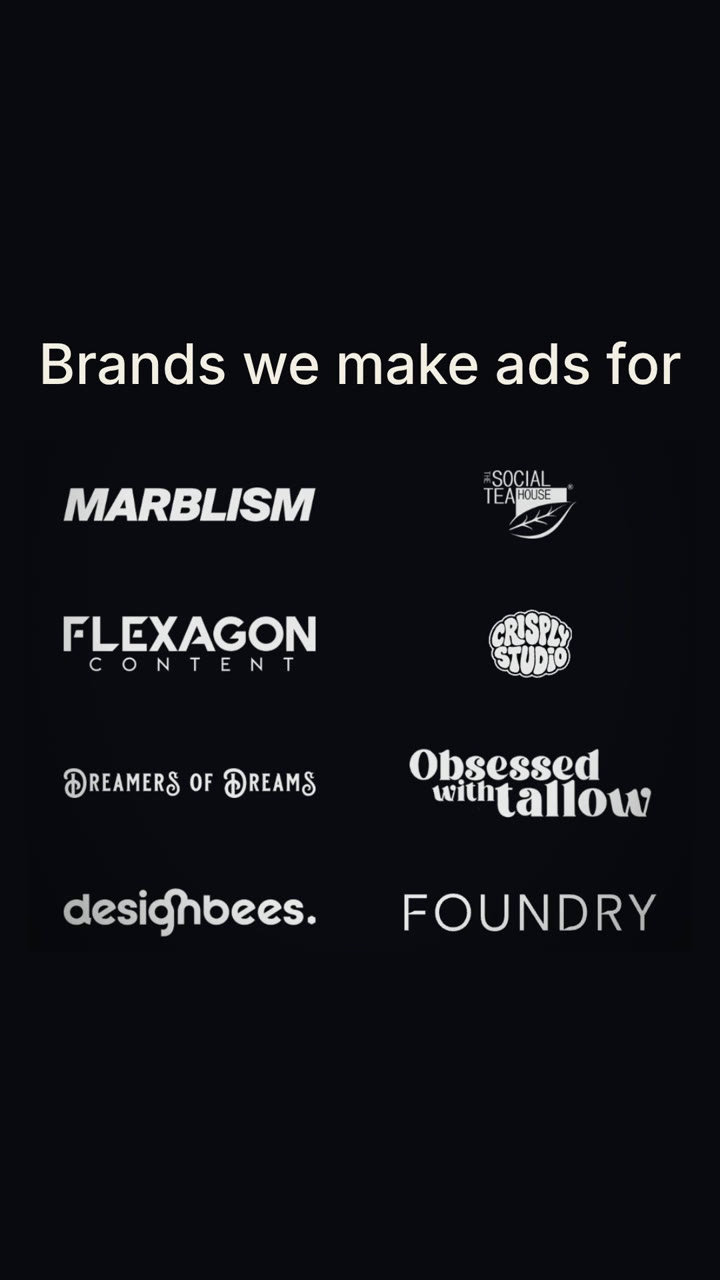
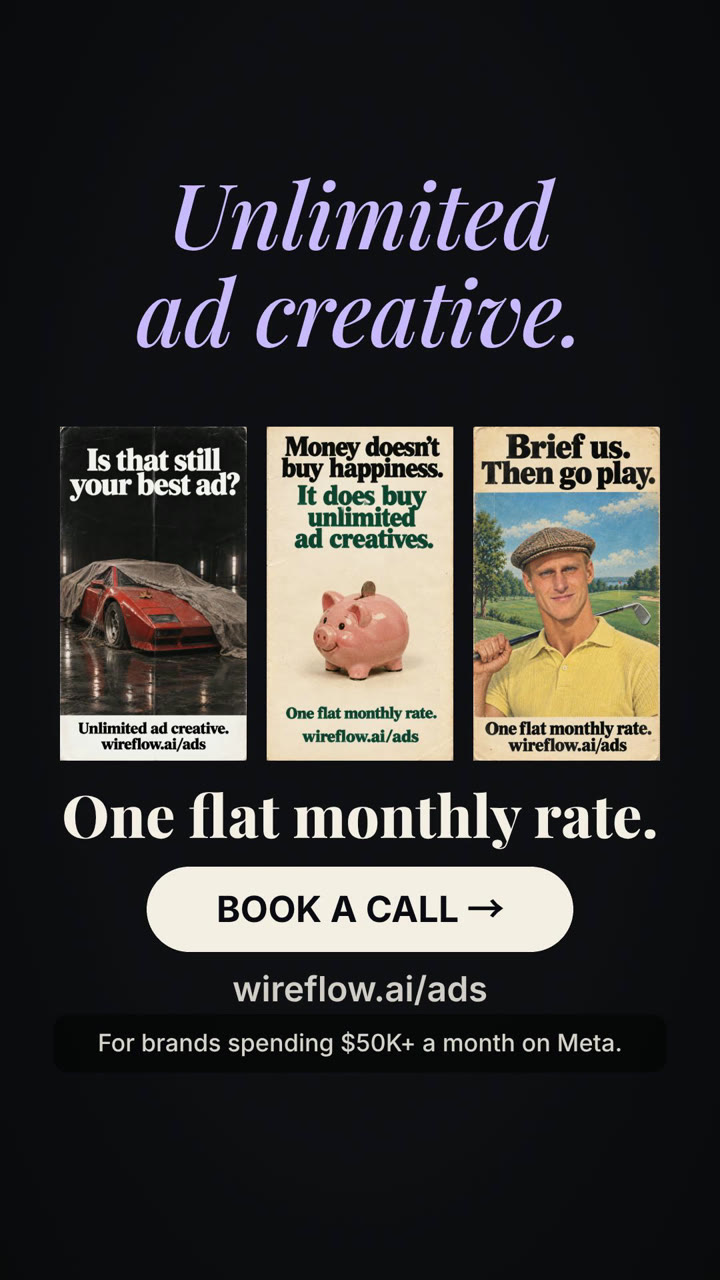
- The logo wall and the end card are blocks with a plate, a title and a button. Our customer logos are one card, all eight at once.
- Legibility is a feathered scrim under any text that sits on a bright plate, doubled over the brightest ones.
A change is an edit and a re-render. The re-render costs nothing. The cut we shipped is version 13, and not one of those renders cost a credit.
Step 8: check it before anyone else does
Watch the whole thing as a contact sheet at 6 frames a second, every beat, before the link goes to anyone. Then look at it at phone width, 360 pixels, and read every caption. Then look at every cut as a pair: the last frame of one clip next to the first frame of the next.
That pass caught a phone and a drink that swapped hands mid-shot, terms text that vanished over a bright plate, a logo card split in half, and the toast that happened twice. A full render is not a way to check your work. It is minutes long and it is the thing the contact sheet exists to avoid.
What it cost
The whole build was about 6,100 credits, bake-offs, re-rolls and every version included. Most of it went on stills and the re-rolls that the rules in step 4 would have avoided. The renders cost nothing.
Questions people ask
Do I need Suno? No. Any model that sings lyrics works, and so does a track you already own. What matters is that the song is finished before you make a picture.
Can the character sing on camera? There are two doors on the board. Seedance 2.0 Mini has an audio-driven lip sync input, and MiniMax Hailuo 03 Max reference-to-video takes up to three reference audio files alongside the character images. We have not tried either on a sung track, so treat both as worth a test rather than a promise. We chose a sung narrator instead, which removes lip sync from the problem entirely and lets every character be a still we approve before it moves.
How long should it be? Ours is 80 seconds. Song ads run long on Meta because the song carries the story. Cut the script, not the song.
Why not CapCut? Because every edit becomes an export, a re-import and a new upload. On the board the captions, sound, voice and end screen are nodes. Change one, press render.

Michael Aubry
Co-Founder & Lead Engineer at Wireflow
Builds the AI workflow engine behind Wireflow. Specializes in video and image generation pipelines, model integration, and rendering infrastructure.
- AI Workflow Architecture
- Full-Stack Engineering
Get unlimited ad creatives today.
One call to see if we are a fit and scope the first ad. If it fits, your first batch lands inside week one.