
Run in Claude
Prefer Claude Code? Type
/depth-swap in your agent.Your character, vehicle and location, moving exactly like the clip you pick.
Put your character, vehicle and location into the moves of any clip. The depth map keeps the motion, your stills set the look.
Instructions
# How depth swap works

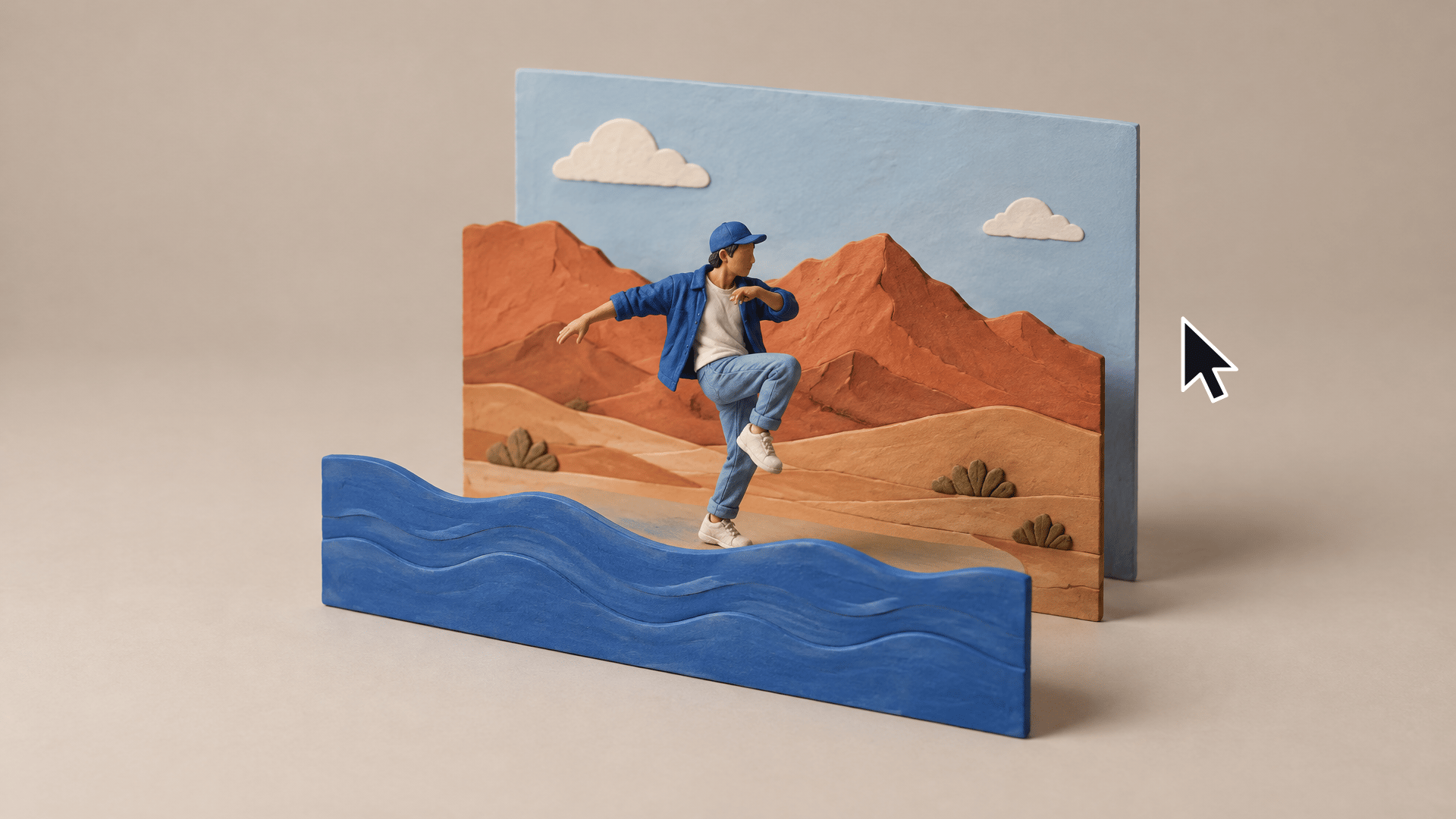
Depth swap puts your character, your vehicle or prop and your location into the motion of a real clip. The depth map keeps only the shape and the movement, so none of the original look leaks through. Barnaby on a chrome jet ski at Lake Havasu is the example, swap in your own.

1. **Drop a clip in the Import node.** One continuous vertical shot, a few seconds long.
2. **The depth map keeps only the shape and motion.** Run the Depth Map node (Video Depth Anything, VDA Large, grayscale). It turns your clip into a grey moving silhouette with no faces, colors or logos.
3. **Grab 3 frames and make one still per beat.** Swap the three example refs (your character, your vehicle or prop, your location) for yours. The still prompts are written for any clip, so they follow your refs as they are. The start still keeps your clip's clothes; to change the outfit, replace the clothes sentence in the start prompt. The middle and end stills copy the start still (wired in as Image 5), so the outfit and the set stay the same through the shot. No vehicle or prop in your clip? Leave that ref, it is ignored. The Frame Extractors pull the start, middle and end frames for free, then each GPT Image 2.5 Sunburst Edit still repaints its frame with your refs. Approve all three before moving on.
4. **Seedance takes the moves from the depth map and the look from the stills.** Seedance 2.5 in reference mode gets the depth map as @Video1, the 3 stills as @Image1 to @Image3 and your character as @Image4. That is 5 reference materials, the most a canvas run fits, so your vehicle and location reach it through the stills.
5. **Render in the Video Editor.** It plays your original next to the swap, same timing, with the original audio. It is laid out for a 6 s vertical clip.

**Cost per run** (from the Wireflow estimator)

- Frame Extractors: 0 credits
- Depth Map, Video Depth Anything: up to 417 credits held, settled to your clip length (49 on the 6 s example clip)
- Keyframe stills, GPT Image 2.5 Sunburst Edit: up to 32 credits each, 96 for all 3
- Seedance 2.5 reference mode at 720p: up to 1,249 credits held at the 30 s cap, refunded down to your clip length
- Video Editor render: 0 credits
- Whole run: up to 1,762 credits held, the estimator puts real spend between 638 and 1,762

**Tips**

- **Keep the new object close to the original's size and shape.** The depth map locks the silhouette, so a jet ski can become a different jet ski but not a truck.
- **Put the appearance lines first in the prompt.** Say who and what everything looks like before you say anything about motion.
- **Never attach the original video.** Seedance only gets the depth map. Wire the real clip in and the original look comes right back.
More skills

Start here
Ask Claude for your next ad.
Connect once. Ask any time.
- No credit card
- You keep the rights to what you make
- Cancel anytime