 Andrew Adams · Co-Founder & Operations at Wireflow ·
 AI Face Swap Online: Photos and Video in Your Browser
Upload a source face and a target photo and Nano Banana Pro blends them on a node canvas.
Preview the swap, swap the model, then animate the still into a clip. Free to build, pay per generation.
Free to build · no credit card
At Wireflow, Andrew and the team have built and iterated on 200+ face swap : photos and video in your browser workflows for creative teams and agencies. The approach below reflects what we've found delivers the most consistent, production-ready results.
What AI face swap actually is on Wireflow
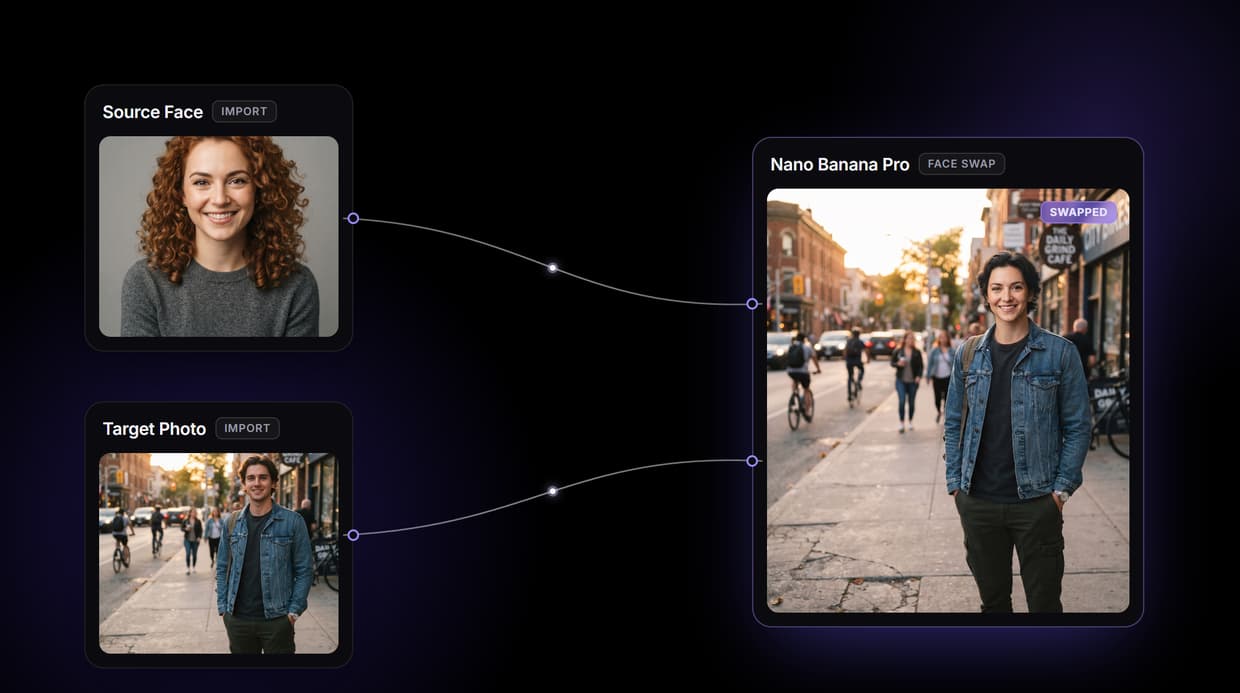
Most face swap tools hide the machinery behind one button and a marketing word. Wireflow shows you the parts. A face swap here is a small workflow you own on a node canvas: two Import nodes hold the source face and the target photo, a Text Input carries the instruction, and a single Face Swap node does the work. Nothing to install, nothing running on your machine; it all runs on hosted compute in the browser.
The Face Swap node runs Nano Banana Pro, a multi-reference image editor. It reads both of your images at the same time and rewrites the target so the source identity sits on the existing pose, hair, and lighting. There is no separate deepfake engine and no black box: it is the same kind of edit you would use to restyle a product shot, pointed at a face. The same canvas drives the rest of your AI image editor work, from headshots to batch runs.
What the face swap graph is made of
Source and target imports
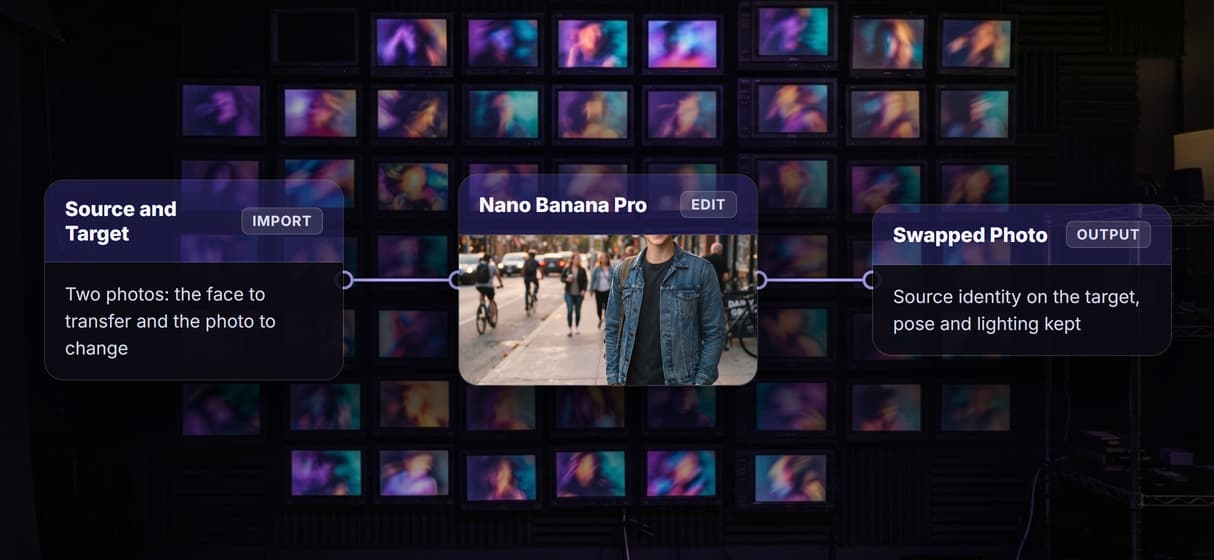
Two Import nodes hold the face you are transferring and the photo you are changing.
Instruction text
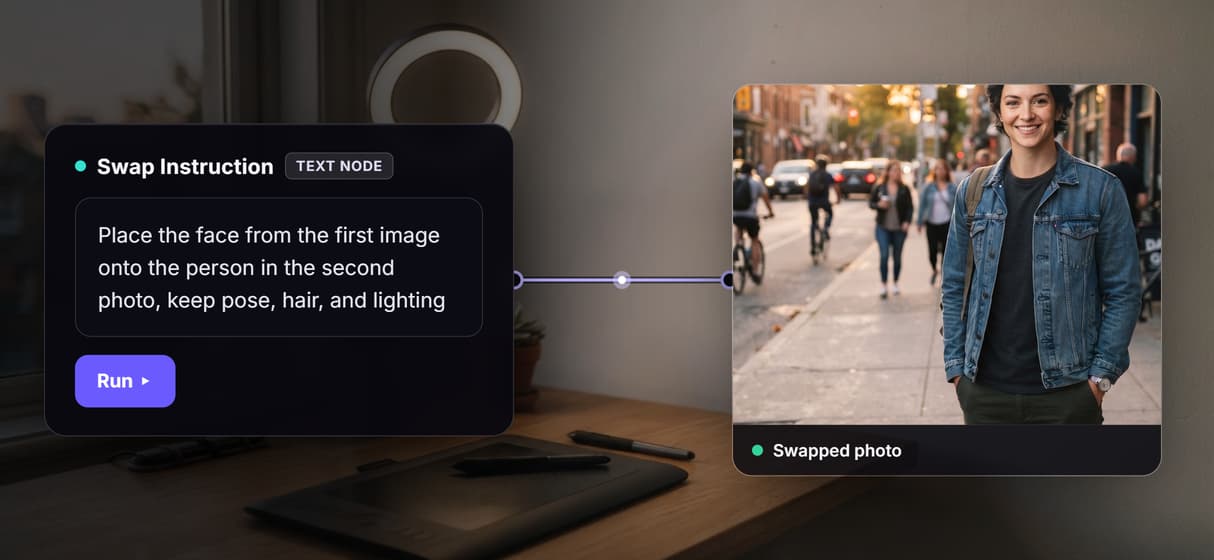
A Text Input tells the editor how to blend: match lighting, keep hair, hold the pose.
Nano Banana Pro edit
One multi-reference edit node reads both images and returns the swapped result.
Swappable model slot
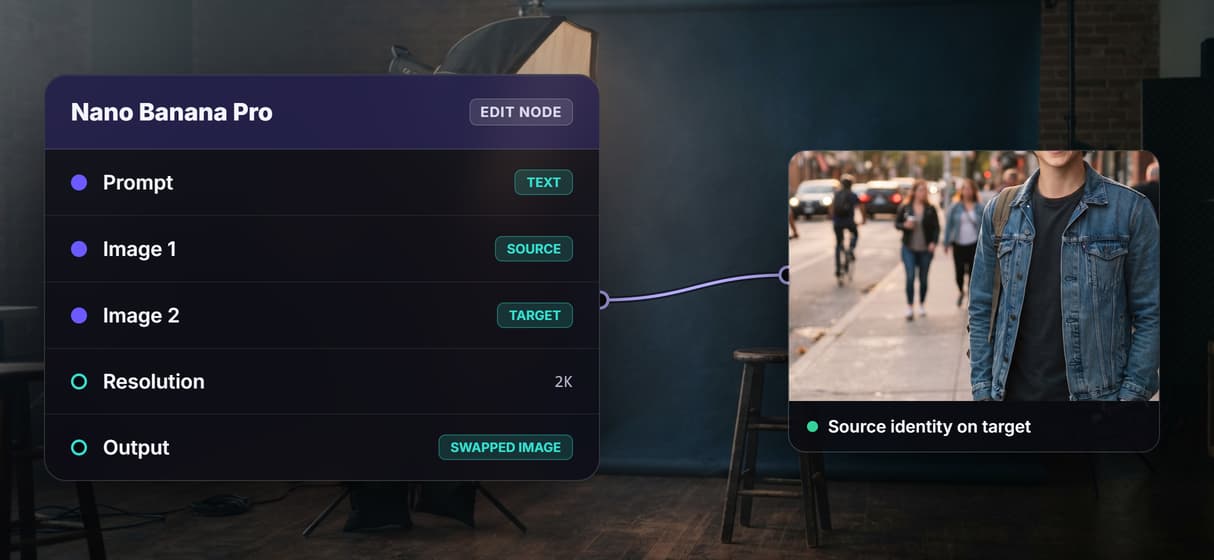
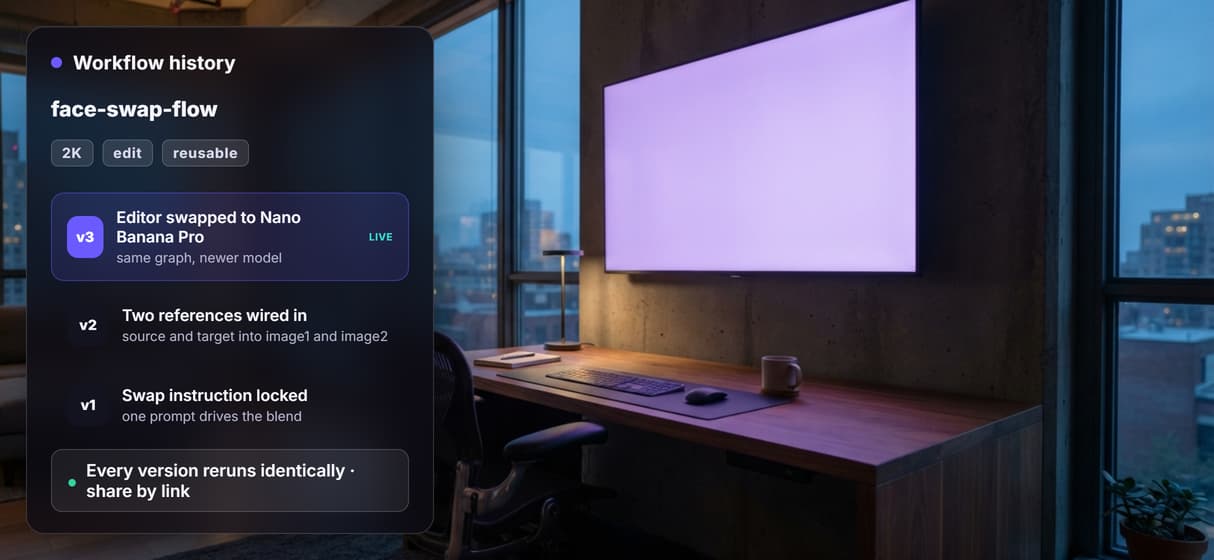
Replace the editor with Nano Banana 2 or Flux Pro Kontext Max; the wiring stays.
Animate the still
Send the swapped photo to an image-to-video node when you want it to move.
Batch and rerun
Point the flow at many targets; every run is versioned and shareable by link.
How the swap graph runs
The workflow behind this page's button is small on purpose: three input nodes, one edit node, one sticky note.
- Source Face and Target Photo are Import nodes. Upload the face you want to transfer and the photo you want to change; both accept a normal image file.
- Swap Instruction is a Text Input. It tells the editor to place the first face onto the second person while keeping pose, hair, clothing, and background, so the blend behaves the way you want.
- Face Swap runs Nano Banana Pro. Both images and the instruction wire into the one edit node, which reads all three at once and returns the swapped photo in a single pass.
Because the swap is one node, the model is a slot you can change: drop in Nano Banana 2 or Flux Pro Kontext Max and the wires stay put. And because the graph lives among dozens of hosted model nodes, the swapped still can roll straight into an AI avatar generator or an image-to-video node without leaving the browser.
What this face swap will not do
This flow swaps a face in a still image. It does not do automatic frame-by-frame face replacement on a video you already filmed; there is no video face-swap node in the registry. The honest video path is to swap the face in a photo, then animate that swapped still with an image-to-video node, which is a different thing from tracking and replacing a face across existing footage.
A few other limits worth stating plainly: results depend on clear, well-lit source and target images, and a hard angle or a covered face will fight the blend. You need both images, so this is not a one-click swap of a stranger from a single photo, and you are responsible for having the right to use the faces you upload. What Wireflow gives you instead is an editable pipeline, a swappable model slot, and per generation pricing, so building the AI headshot generator style graph is free and you only pay when a node runs.
More Than Just AI Face Swap Online: Photos and Video in Your Browser
Two references, one clean swap
Drop a source face and a target photo into two import nodes; Nano Banana Pro reads both and lands the identity on the target's pose. Tune it in the AI image editor.
Pick the model, keep the graph
The swap node is swappable: run Nano Banana Pro, or drop in Nano Banana 2 or Flux Pro Kontext Max. Same wires, different engine, through AI model chaining.
From swapped photo to clip
Face swap outputs a still, then you feed it to an image-to-video node to animate the result. Build the whole chain on one AI video pipeline canvas.
Swap once, swap a thousand
Point the same flow at a folder and every target gets the same face with no re-wiring. Fan it out with batch AI generation for campaigns and catalogs.
Free to build, pay per run
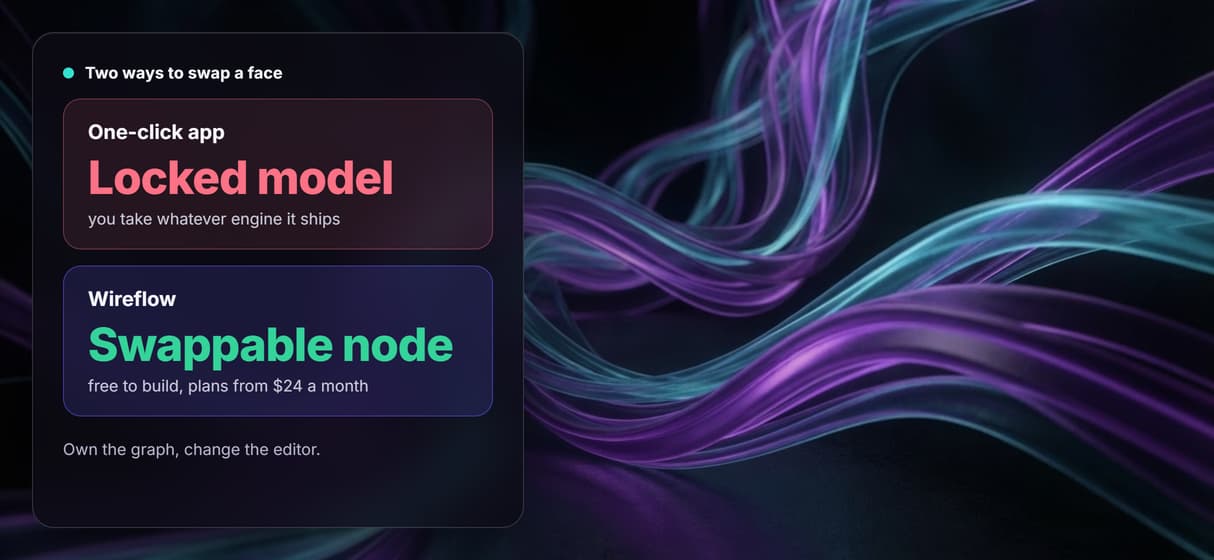
Open the canvas, inspect every node, and rewire it before spending a credit. Generations are metered and building is free, so start on the AI image generator.
Build Any AI Workflow
AI Models Integrated
Full Commercial License
FAQs
It is a node workflow. Two Import nodes hold your source face and target photo, a Text Input carries the instruction, and a Face Swap node running Nano Banana Pro reads both images and returns the swapped photo in one pass.
Written by
Andrew Adams · Co-Founder & Operations at Wireflow
Runs client operations and content strategy at Wireflow. Works directly with creative teams and agencies to build production AI workflows.
Swap a face in your browser
Open the flow, upload a source face and a target photo, and run it. Nano Banana Pro returns the swapped image in one pass. Building the graph is free; you pay per generation.