 Andrew Adams · Co-Founder & Operations at Wireflow ·
 Producer Tag Generator
Give your beats a recognizable voice.
Write a short tag, shape its delivery with AI speech, and try different takes before placing the drop in your mix.
Free to build · no credit card
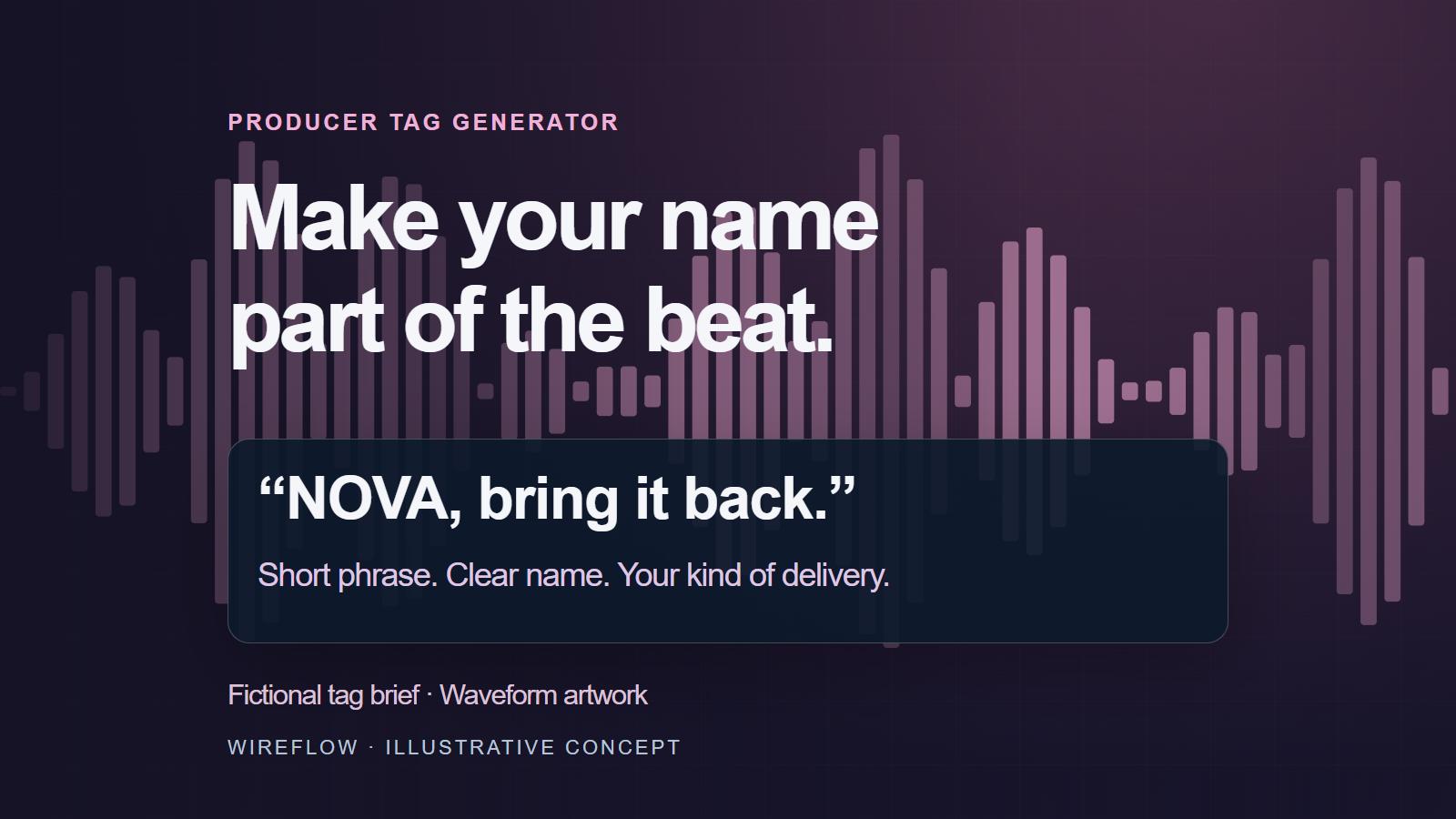
Generate Producer Tags with AI
A good producer tag makes your name recognizable without pulling attention away from the beat. Start with a line you would actually want to hear in your tracks. "NOVA, bring it back" is one fictional example: a name, a short phrase, and a clear rhythm.
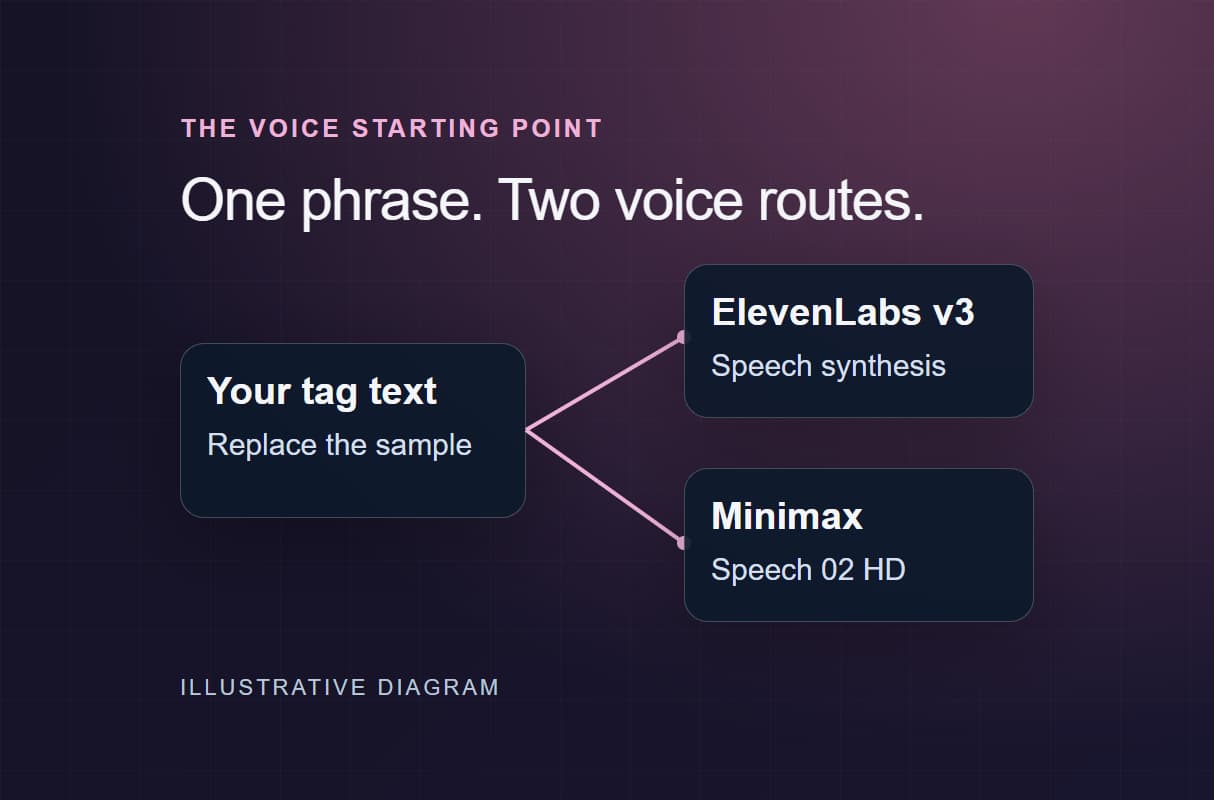
Wireflow's AI speech tools let you turn written text into a vocal and explore its delivery. Feed your own phrase to an ElevenLabs TTS node, or connect a text model when you want help developing ideas. Compare a few takes against the beat, then finish the timing and effects in your audio editor. The strongest option is the one that fits your music.
Producer Tag Capabilities
AI Phrase Generation
Use a text model to develop short phrase ideas around your producer name and the mood of your music.
Voice Synthesis
Turn your written phrase into spoken audio with an ElevenLabs TTS node.
Audio FX Processing
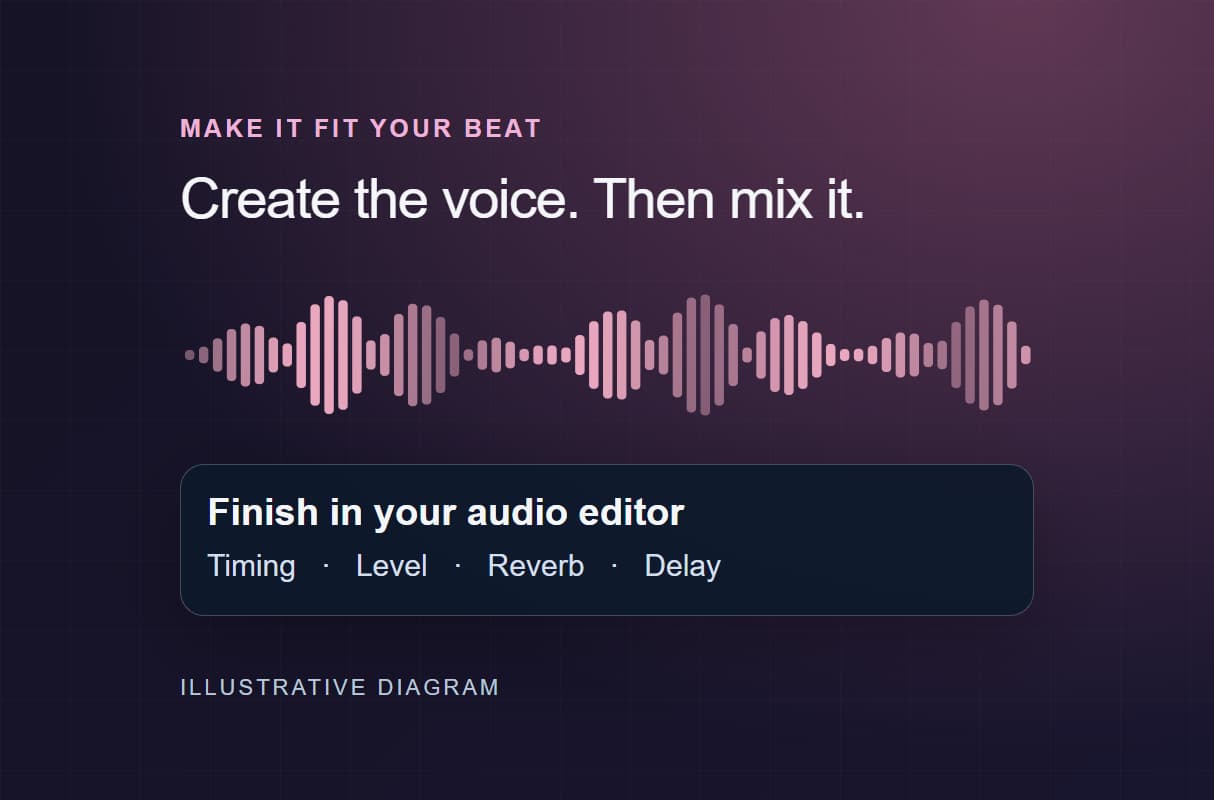
Finish reverb, echo, pitch, or distortion in your audio editor after creating the vocal.
Style Direction
Start with a mood such as dark, melodic, or energetic, then choose the voice and delivery to suit.
Custom Phrases
Send your own words directly to the speech node when you already know the phrase you want.
Batch Variations
Extend the voice workflow with a Text Iterator to process a list of phrases through the connected stages.
More Than Just Producer Tag Generator
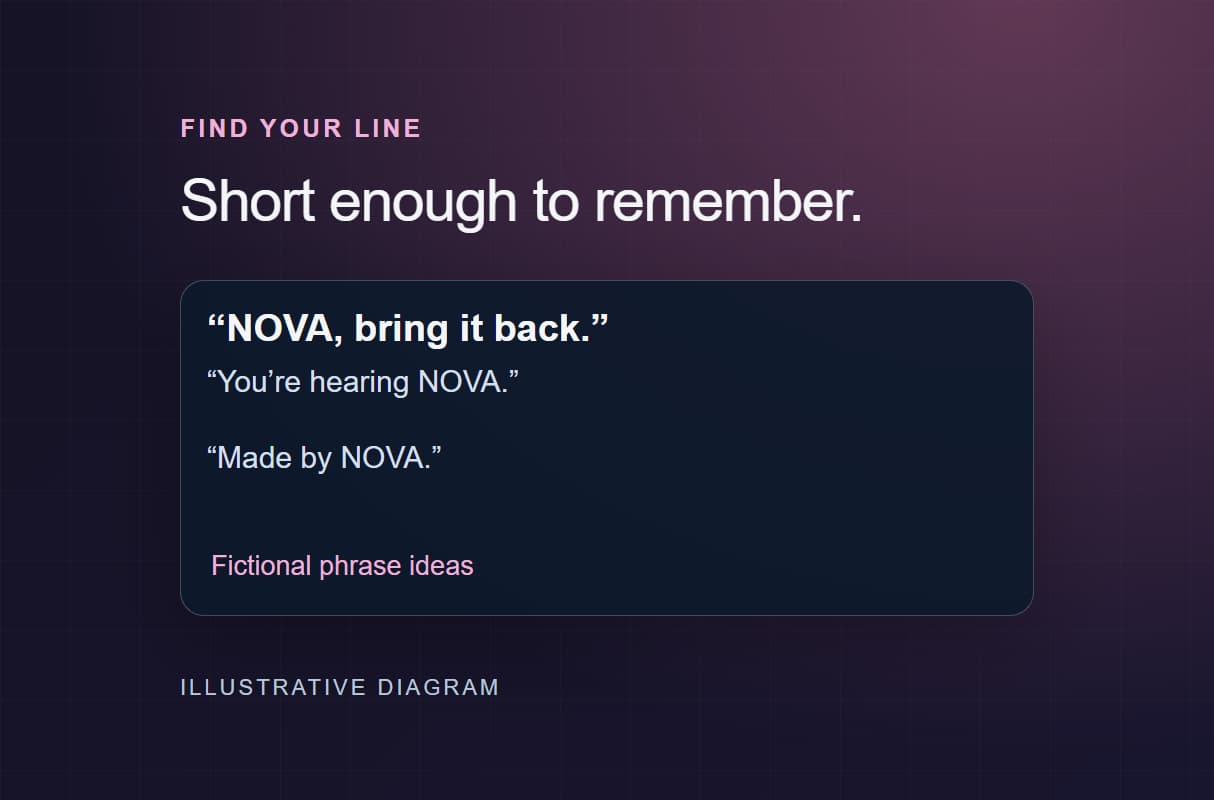
Find Your Tag Phrase
Put your name in a short line people can remember. Use AI model chaining to connect phrase ideas with voice synthesis.
Choose the Voice and Delivery
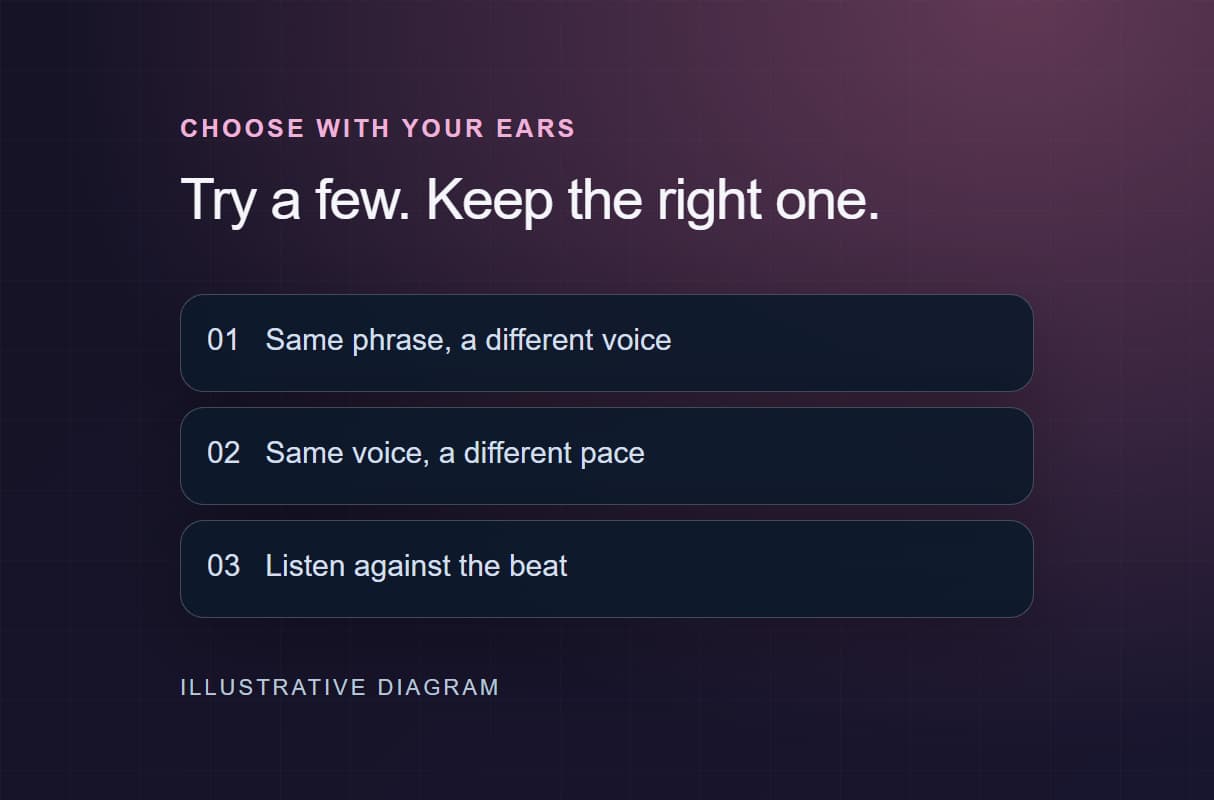
Hear how your phrase changes with a different voice or pace. Adjust ElevenLabs speech settings in the visual node editor.
Genre-Matched Audio Effects
Build the vocal first, then shape its reverb or delay in your audio editor. Keep the voice setup in AI workflow templates.
Explore Tag Variations
Compare a few phrases or deliveries before choosing your signature. Extend the setup with batch AI generation for a larger list.
Full Creative Control
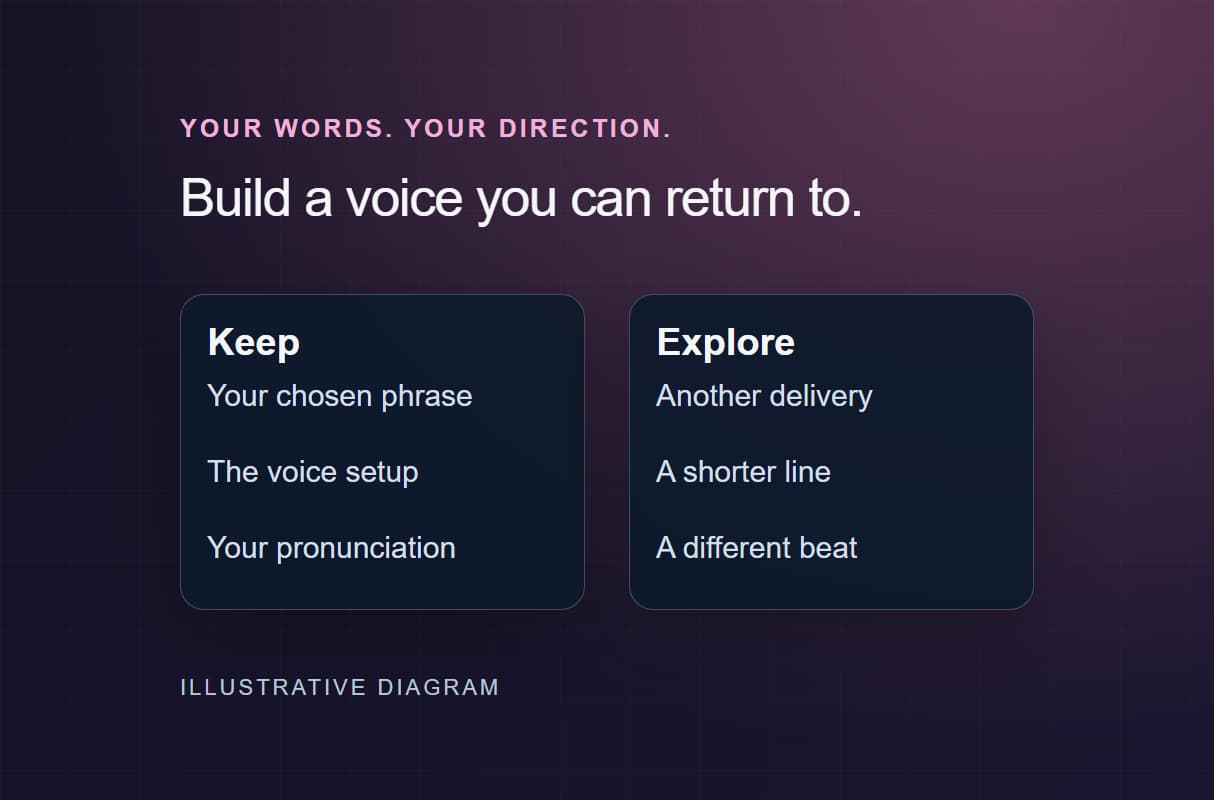
Keep your exact words or develop new phrase ideas. Use pipeline automation to connect only the stages your tag needs.
AI Models Available
Automate Any Workflow
Included in Every Plan
FAQs
A producer tag is a short vocal phrase that identifies the person behind a beat. It often includes a name or recognizable line. Its delivery and timing help it become part of the track's identity.
More From Wireflow
Written by
Andrew Adams · Co-Founder & Operations at Wireflow
Runs client operations and content strategy at Wireflow. Works directly with creative teams and agencies to build production AI workflows.
Create Your Producer Tag
Open the voice template and replace its sample text with your tag phrase. Start with the ElevenLabs or Minimax voice branch, then refine the delivery. Building is free; audio generation uses a paid plan and credits.