Features
Add Audio to Video
Add audio to a video without uploading your own track to a consumer app.
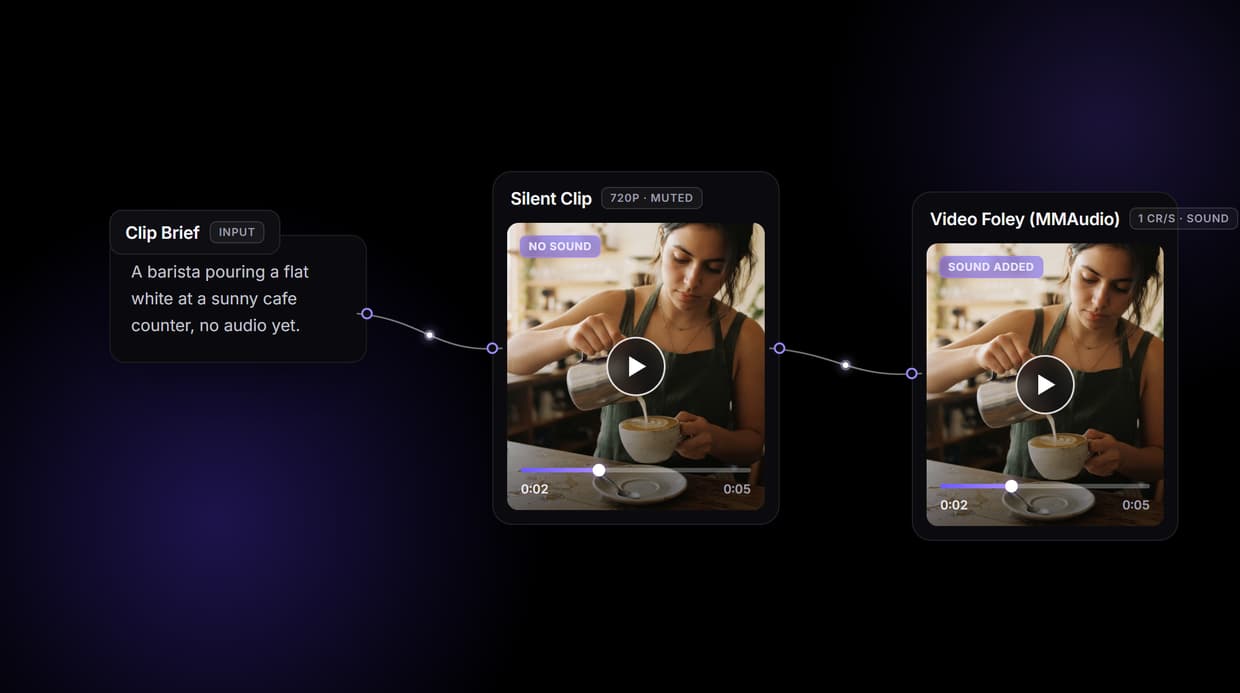
The Video Foley node watches the clip and generates sound matched to the on-screen action, then the Video Editor node lays a generated music or voice track under it and renders one mp4. One real run and its cost: foley is 1 credit per second, the Video Editor mux is free.
Free to build · no credit card · Read the agent docs · See how it works ↓
 Andrew Adams · Co-Founder & Operations at Wireflow ·
How to Use Add Audio to Video
Steps to get you started in Wireflow.
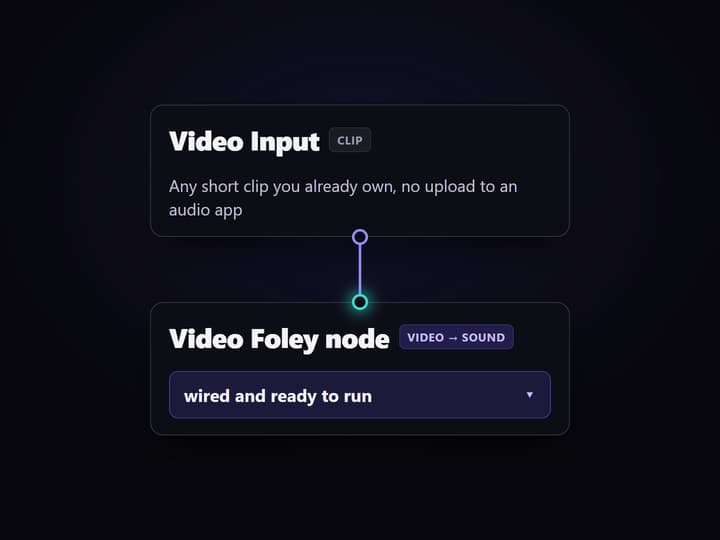
Bring in the clip you want to score
Open the flow and point the video input at a clip you already have or one the graph just generated. The nodes read the silent clip directly, so there is nothing to upload to a separate app.
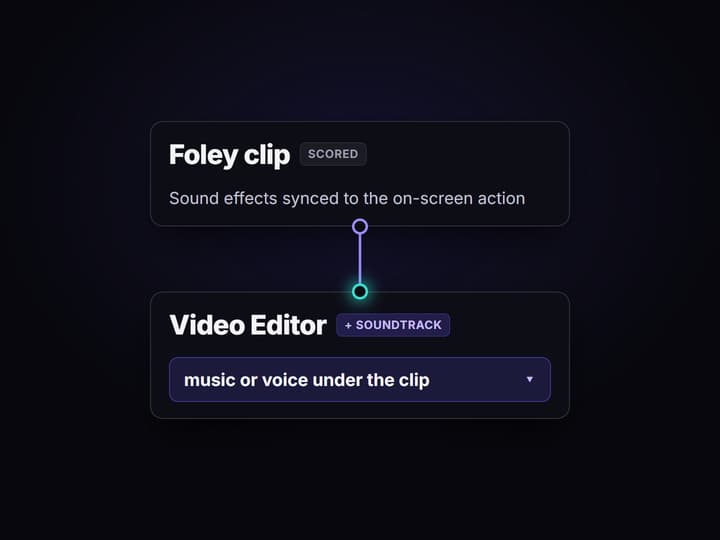
Generate sound matched to the action
The Video Foley node watches the clip and generates sound effects synced to what is happening on screen, then returns the clip with that audio on it. It runs at 1 credit per second on hosted compute.

Add a soundtrack and render
Wire a generated music or voice track into the Video Editor node over the foley clip, press Run, and the graph renders one mp4. The foley run costs 1 credit per second and the Video Editor mux is free.
More Than Just Add Audio to Video
Sound matched to the action, none to supply
The Video Foley (MMAudio) node watches the clip and generates sound synced to the on-screen action, so you add audio without owning a track.
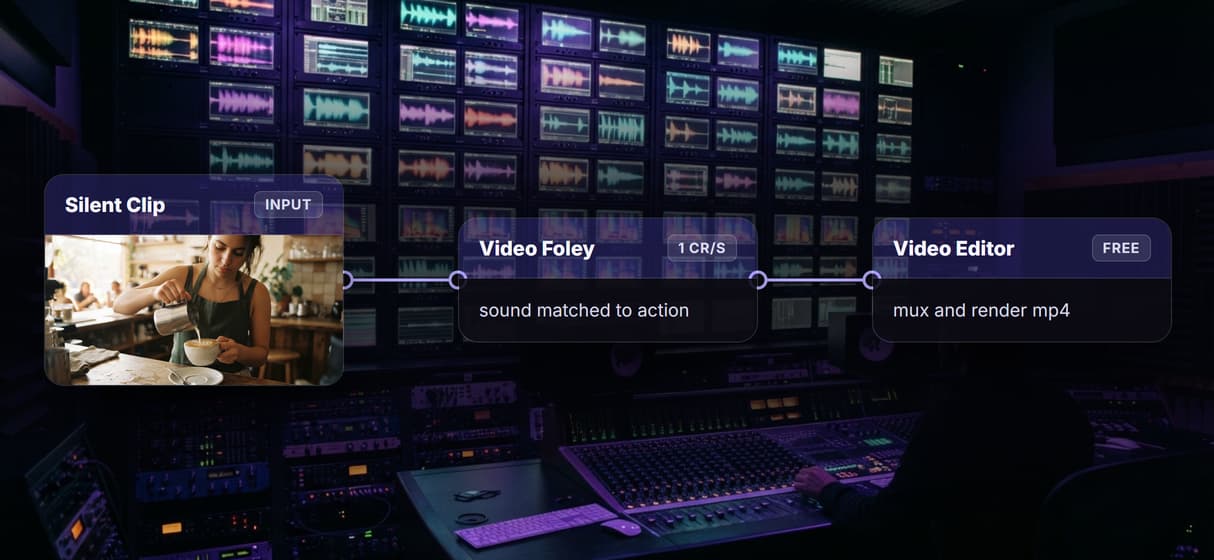
Lay a music or voice track under it
Generate a soundtrack or a voiceover, then the Video Editor node lays it under the clip for free, the same move an AI background music generator ends at.
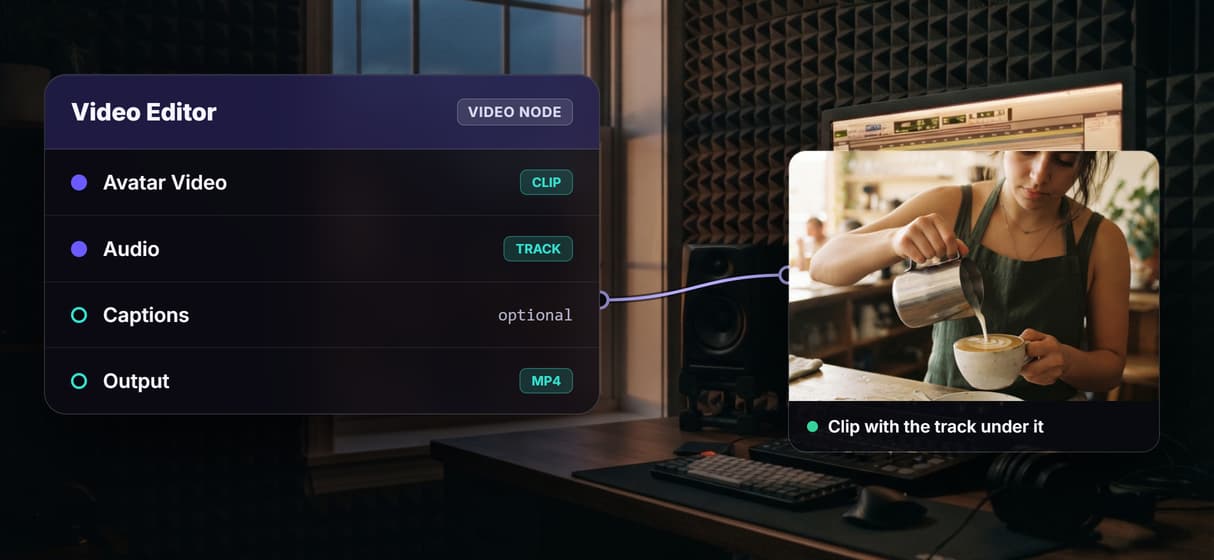
Pick the music, voice or foley engine
Swap between ElevenLabs Music, MiniMax Music, Lyria, an AI voiceover generator voice or foley, more control than one black box soundtrack button.
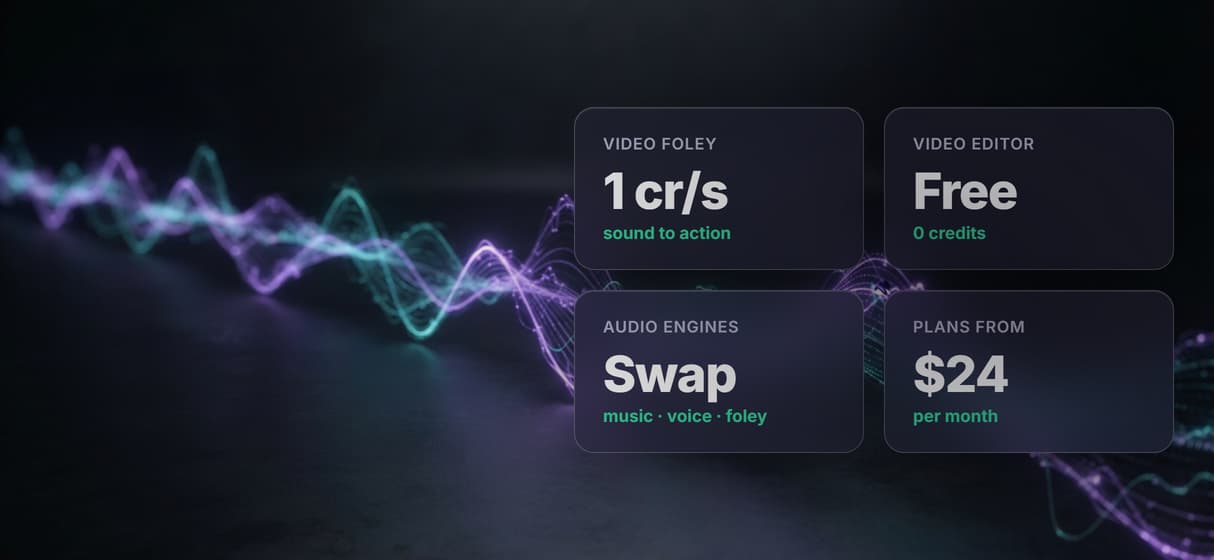
1 credit a second, no GPU
Foley runs at 1 credit per second on hosted compute and the Video Editor mux is free, so a laptop with no GPU feeds an AI video pipeline.
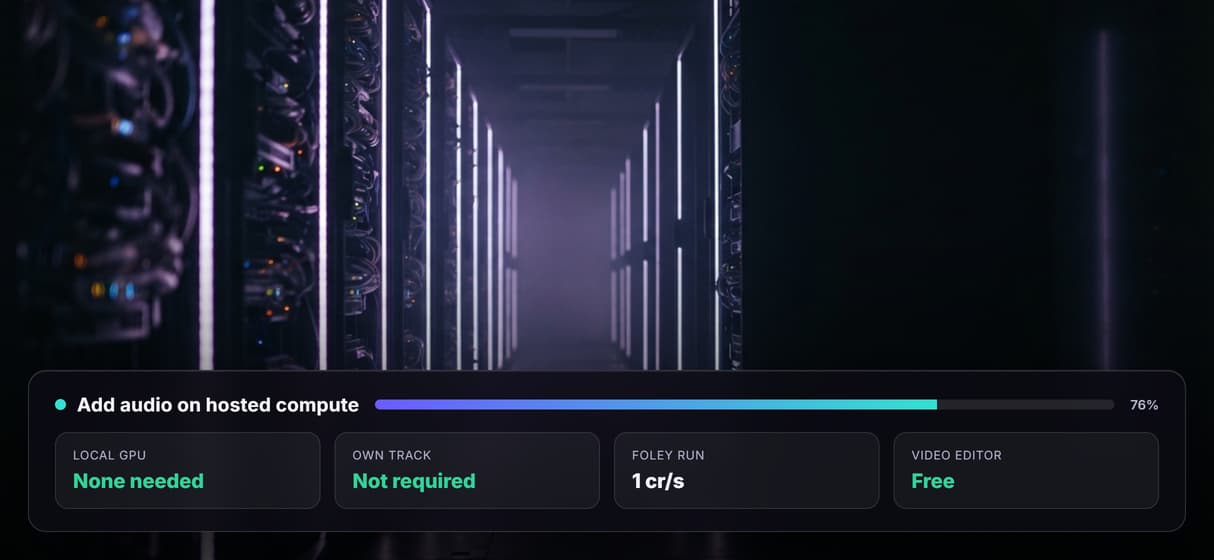
Reproducible and callable as an API
The whole score is a versioned node in one AI video workflow, shareable by link and callable as a REST endpoint or MCP tool from your code.
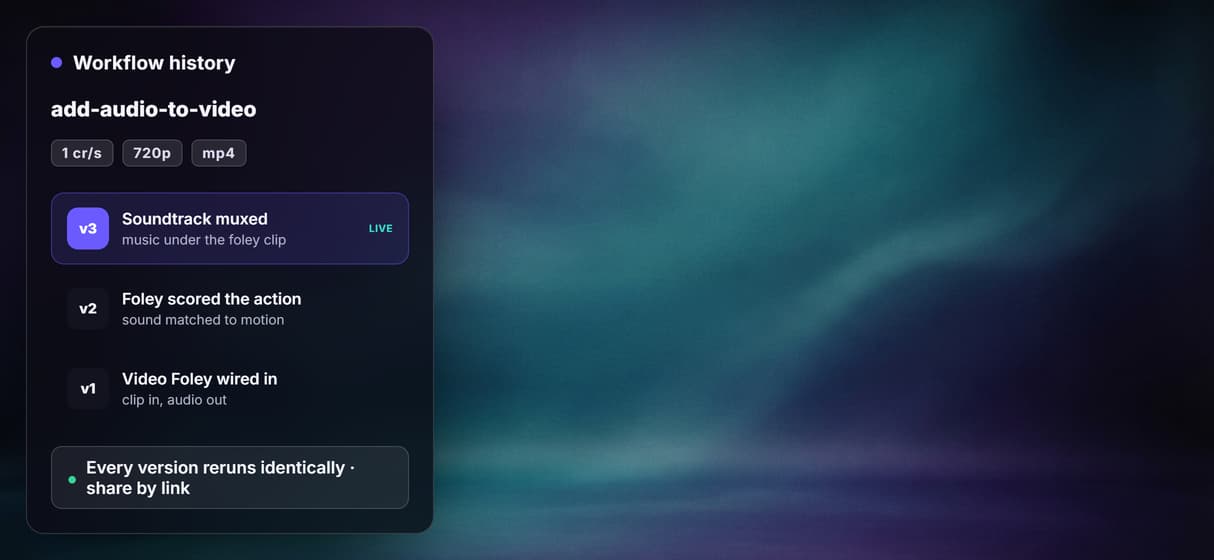
Build Any AI Workflow
AI Models Integrated
Full Commercial License
Add audio to a video, then keep building
Adding audio to a video usually means uploading the clip to a consumer editor, hunting a stock library for a track that fits, dragging it under the timeline, and exporting a flat mp4. If the mood was wrong, or you wanted sound that actually matched the action on screen, you started over in another tool.
Wireflow turns scoring a clip into nodes on a canvas. The Video Foley node reads your clip and generates sound effects synced to what is happening in frame, on hosted compute, with nothing to install and no track to supply. Because it is a node, the sound does not dead-end: a Music or voice node and the Video Editor node sit right next to it to lay a soundtrack under the clip, and the finished video rolls straight into the rest of your flow, from a AI talking head video to a final edit, without leaving the browser.
What the add-audio graph gives you
One video input
Drop in a clip you own or one the graph generated. No upload to a separate audio app.
Video Foley node
Generates sound matched to the on-screen action for 1 credit a second on hosted compute.
Music and voice nodes
ElevenLabs Music, MiniMax Music, Lyria, text to speech: pick the track the clip needs.
Video Editor mux
Lays the generated track under the clip and renders one mp4. Free, 0 credits.
Lip sync and loudness
Sync a voice to a face, then master the mix to a tiktok, reels or youtube preset.
Rerun and swap
Versioned and shareable by link; swap the audio engine as stronger ones ship.
How the score-and-mux graph runs on one clip
The workflow behind this page's button does the whole job in one run.
- A silent clip comes in. A base frame and a short generated clip stand in for your footage in the demo, but the video input takes any clip you already have.
- Video Foley scores the action. It watches the clip and generates sound effects synced to what moves on screen, then returns the clip with that audio on it.
- A soundtrack goes under it. A Music node makes a track and the Video Editor node lays it beneath the foley clip and renders one mp4.
That one-graph path is the detail worth copying: the sound effects, the music, and the final mux live in the same reproducible flow instead of three disconnected apps. A clip that starts from a still begins with AI video extender length work, and a scored clip rolls on into AI subtitle generator captions or video localization without a re-export.
When a consumer app or your own track is still the right call
If you already have the exact mp3 you want and you just need to drag it under a clip on your phone with a volume slider, a consumer editor like CapCut or Clipchamp is built for exactly that, and this page will not pretend otherwise. Wireflow asks you to wire a small flow once, and the footage has to reach hosted compute, so there is no offline or air-gapped run.
Wireflow is the generation and processing layer, not a full editing suite: there is no timeline NLE, no frame-accurate audio keyframing, and the Video Foley node makes sound effects and ambience, not a licensed commercial song. What you get instead is sound you can steer by engine and prompt, a free mux in the same graph, and an API you can call. To make the track itself from scratch, the AI music generator covers the music side.
FAQs
You wire the clip into the audio nodes and press Run. The Video Foley node watches the clip and generates sound effects matched to the on-screen action, then returns the clip with that audio on it, on hosted compute with nothing to install. To add a soundtrack instead, a Music or text to speech node makes the track and the Video Editor node lays it under the clip.
More From Wireflow
Written by
Andrew Adams · Co-Founder & Operations at Wireflow
Runs client operations and content strategy at Wireflow. Works directly with creative teams and agencies to build production AI workflows.
Score the clip and mux the track in one graph
Open the flow, point it at a clip, and the Video Foley node generates sound matched to the action. Lay a music or voice track under it with the Video Editor node in the same graph. Foley is 1 credit a second; building is free.