Features
AI Subtitle Generator
Most subtitle tools are a closed box that captions your clip one fixed way.
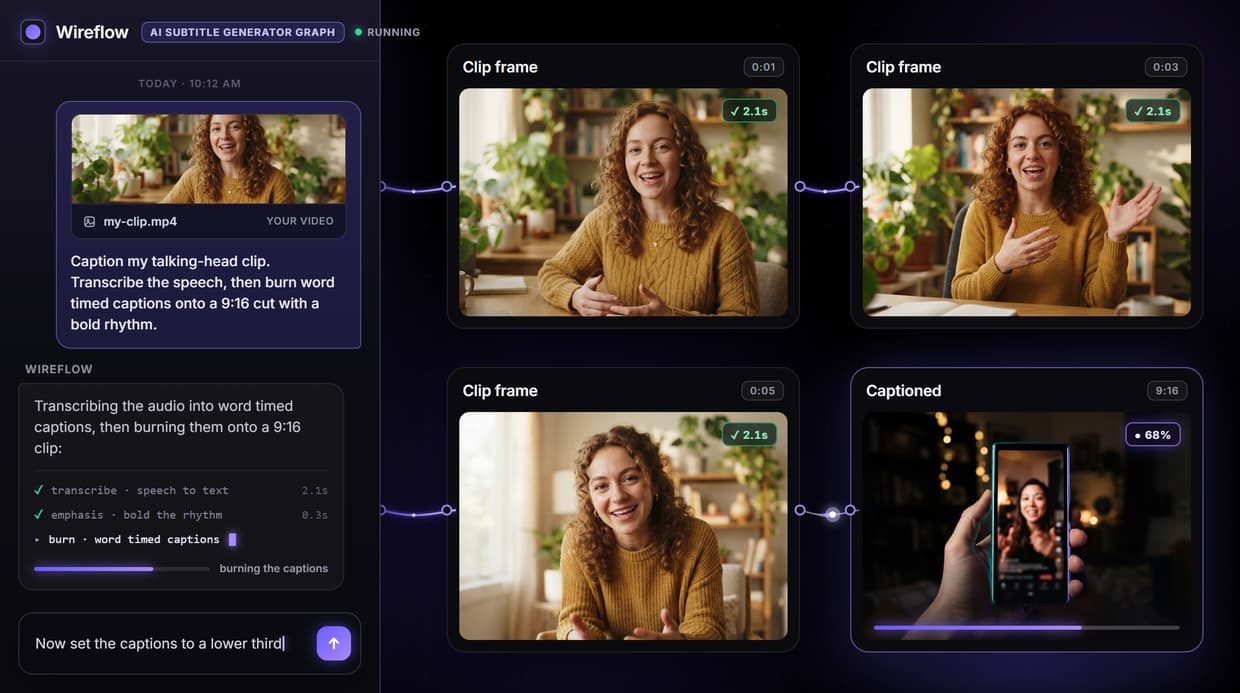
Wireflow hands you the pipeline: Speech to Text transcribes the audio into word timed captions, then the Video Editor burns them onto a 9:16 clip. Free to build, pay per generation.
Free to build · no credit card · Read the agent docs · See how it works ↓
 Andrew Adams · Co-Founder & Operations at Wireflow ·
How to Use AI Subtitle Generator
Steps to get you started in Wireflow.
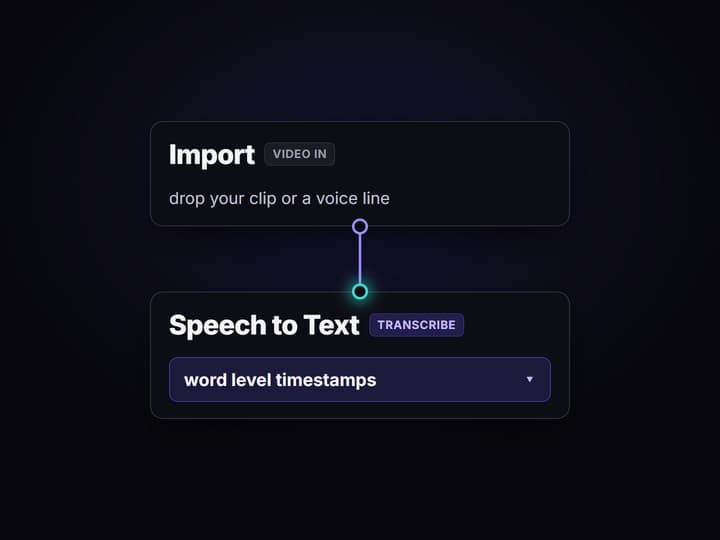
Bring your video or a voice line
Open the flow and drop your clip into the Import node, or generate a short demo voice with ElevenLabs TTS. The Speech to Text node reads the audio track either way.
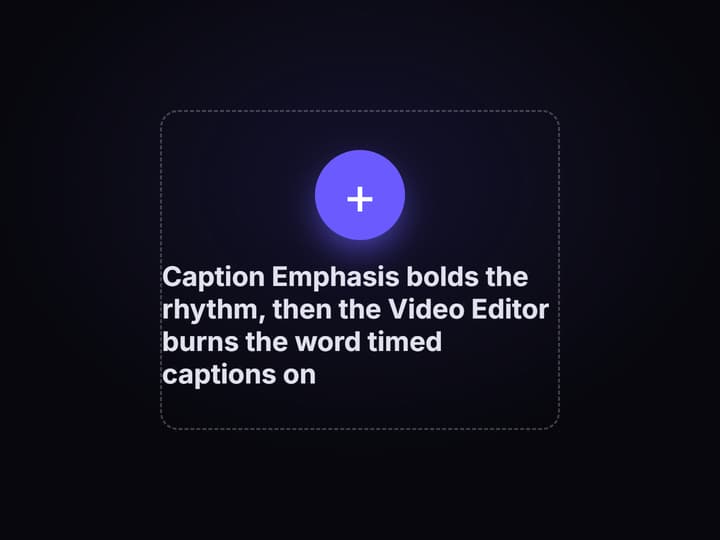
Transcribe into word timed captions
Speech to Text (Whisper) returns a transcript and word level timestamps, and the Caption Emphasis node bolds the last words of every other phrase for a kinetic rhythm.
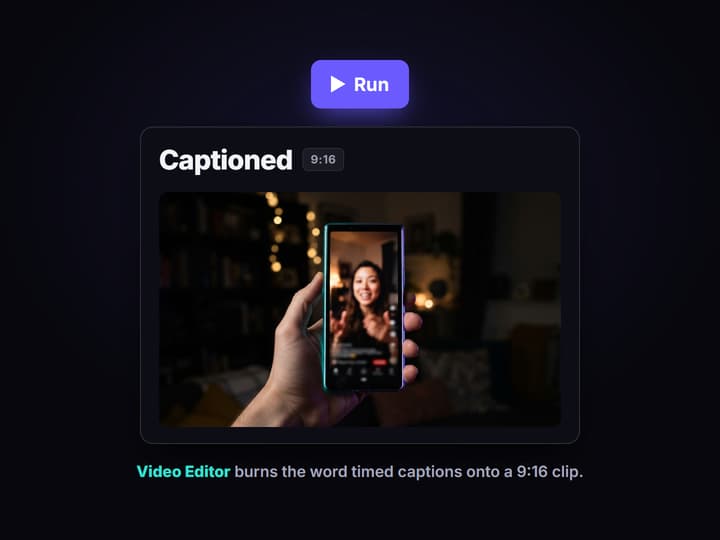
Burn the captions and rerun
The Video Editor burns the word timed captions onto a 9:16 clip. Swap the clip or change the caption style and run again, or share the flow link so the team runs the same graph.
More Than Just AI Subtitle Generator
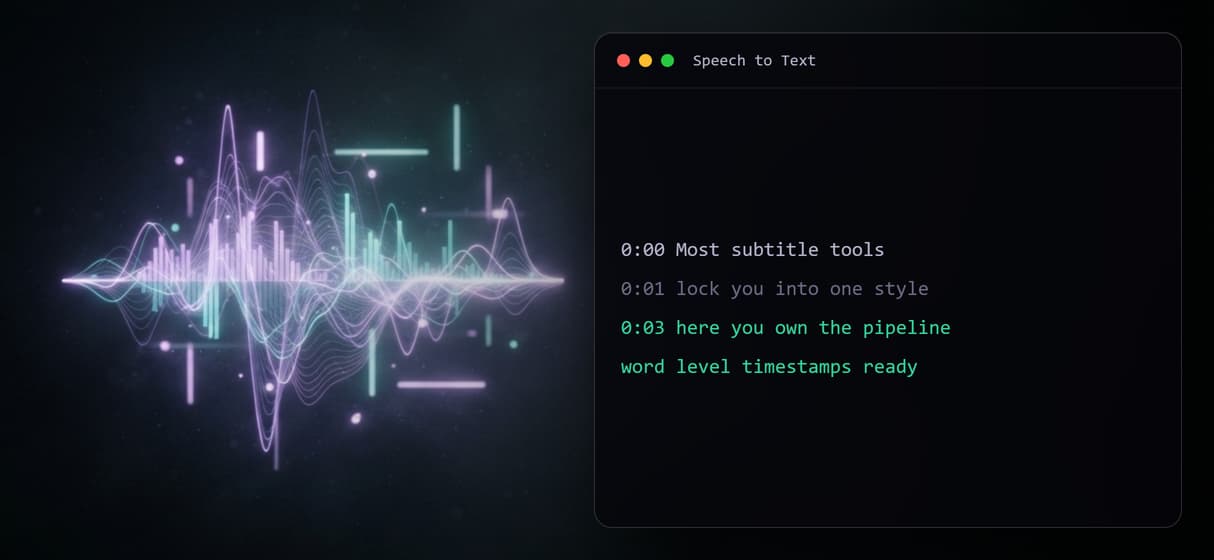
Word timed captions from the speech
Speech to Text transcribes your clip into word level timestamps, so each caption lands on the frame its word is said, like an AI TikTok video maker expects.
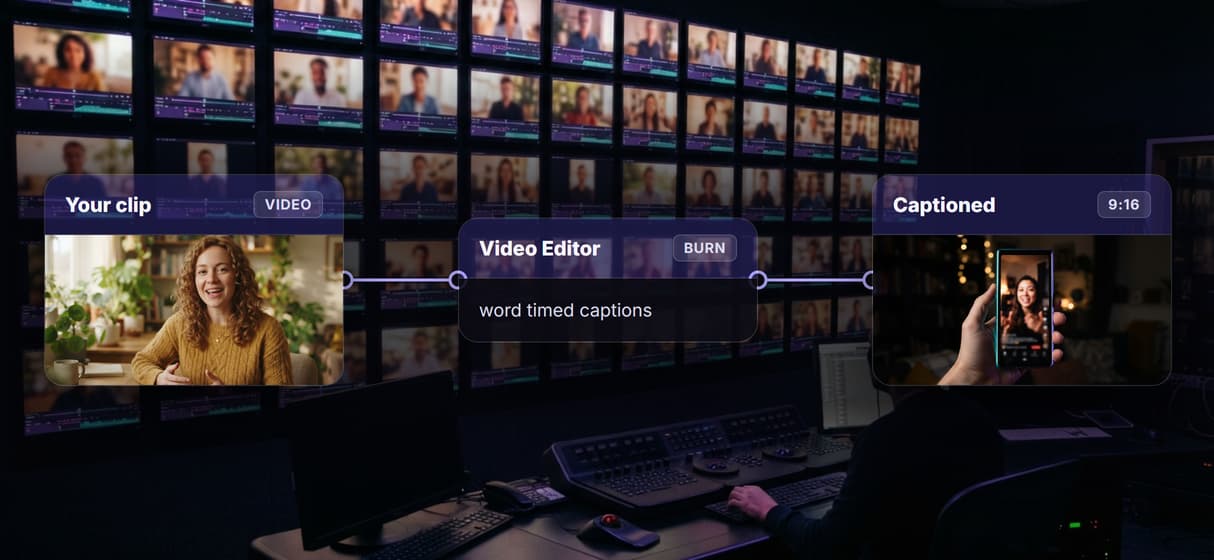
Burn them on, your style
Caption Emphasis bolds every other phrase and the Video Editor burns the captions onto the clip, the kinetic look a faceless AI video generator leans on.
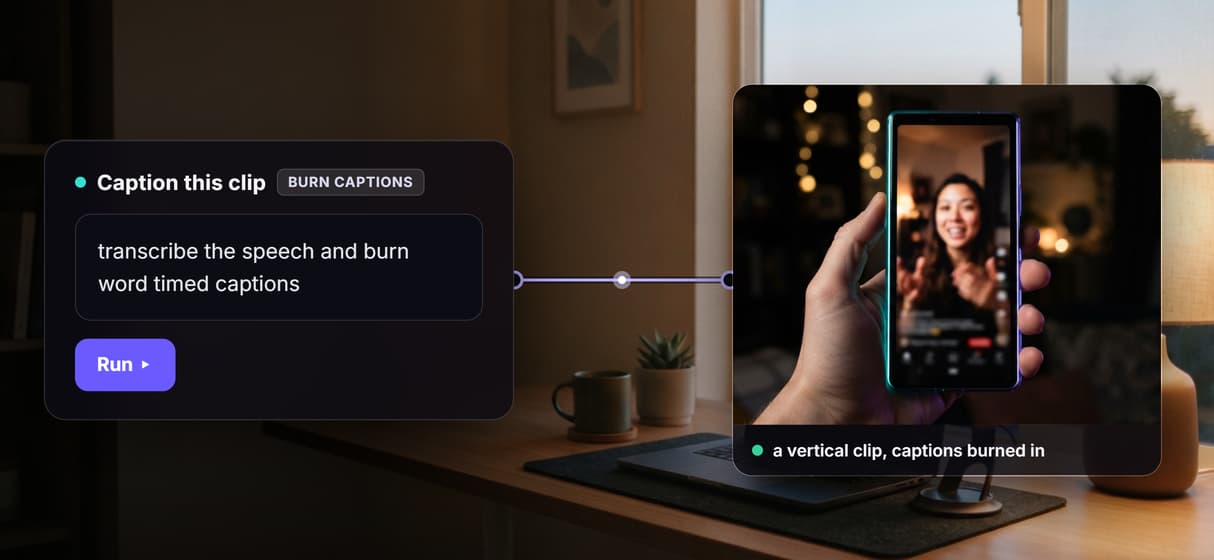
Captioned Shorts ready for the feed
The output is a vertical clip with captions burned in, sized for a feed the way an AI YouTube Shorts maker hands it back.
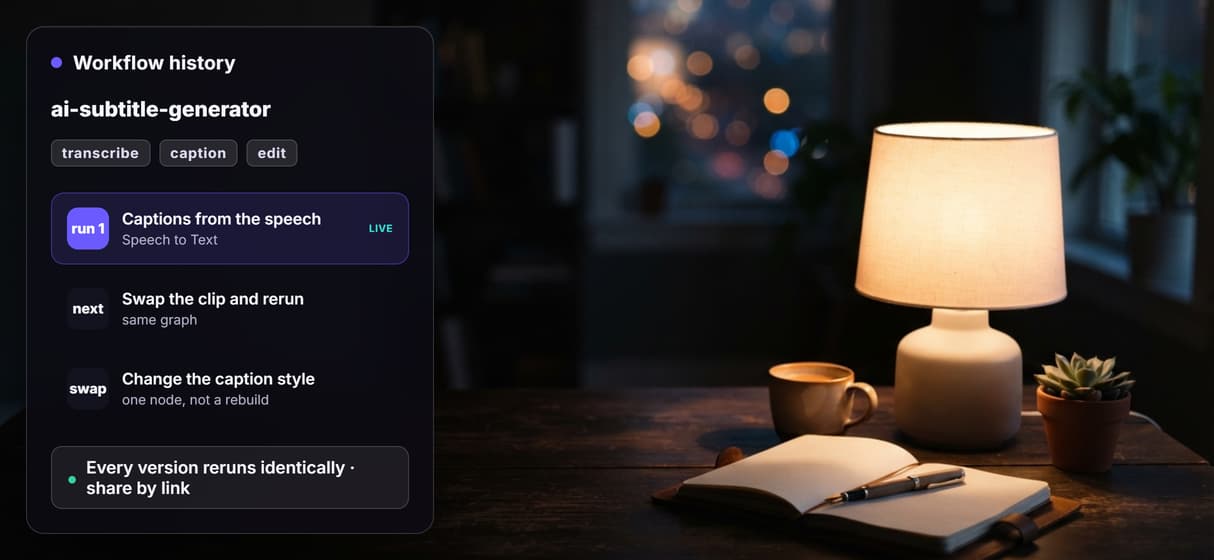
Own the pipeline, swap any model
Every step is a node you can rewire, the transcription, the caption style, the edit, the habit behind any AI video pipeline you build here.
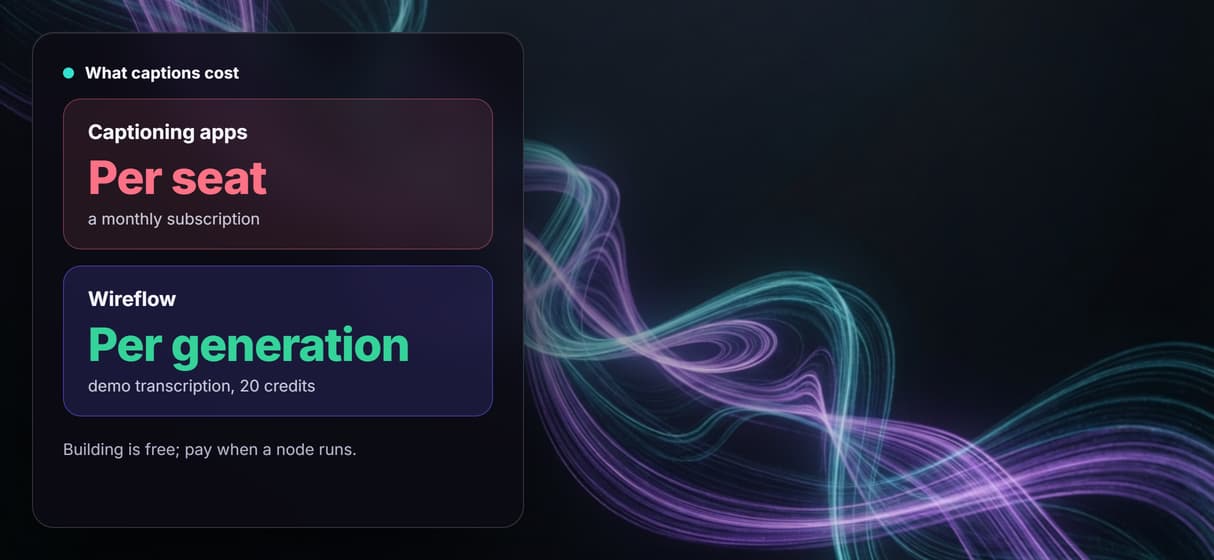
Pay per generation, not per seat
Building on the canvas is free and the demo transcription run cost 20 credits. You pay only when a node runs, never a monthly seat for a tool you own.
Subtitle Workflows
No Code Required
API & Batch Processing
Why a subtitle generator you own beats a captioning tool you rent
The usual subtitle tool is a one-screen box: upload your video, pick a caption template, hit export. It is fast until you hit the ceiling. You cannot see how the captions are made, you cannot change the model that transcribes the speech or the way the words animate on screen, and every clip carries the same template look as everyone else's. Most people do not leave because the captions are bad; they leave because the tool is a locked box.
Wireflow answers with a different shape. Subtitles are a small workflow you own on a node canvas: a Speech to Text node transcribes the audio into word level timestamps, a Caption Emphasis node bolds the rhythm, and a Video Editor node burns the word timed captions onto a 9:16 clip. It runs on hosted compute in the browser, nothing to install, and the same canvas drives every other AI video generator job your team has.
What goes into the subtitle graph
Your video
Drop your own clip into the Import node; Speech to Text reads its audio track directly.
Speech to Text
The Whisper node transcribes the audio into a transcript plus precise word level timestamps.
Caption Emphasis
Bolds the last words of every other phrase so the captions read with a kinetic rhythm.
The Video Editor
One Video Editor node burns the word timed captions onto a 9:16 clip and renders it.
Rerun and swap
Workflows are versioned and shareable by link; swap the clip or the caption style and run again.
Endpoint and MCP tool
Every published subtitle flow is also a REST endpoint and an MCP tool an agent can call.
How the subtitle graph turns speech into captions
The workflow behind this page's button is deliberately small: an input clip, a transcription node, a caption styler, and one Video Editor.
- Speech to Text reads the audio. The Whisper node transcribes your clip into a transcript and word level timestamps, so the timing is tied to when each word is actually spoken.
- Caption Emphasis sets the rhythm. It bolds the last two or three words of every other phrase, the bold then regular cadence that makes short form captions pop.
- The Video Editor burns them on. It takes the clip and the word timed captions and renders a 9:16 video with the captions baked in, ready for a text to video pipeline or a feed.
That is the detail worth copying: the transcription, the caption style, and the edit are separate nodes, so you can change the clip, retime the words, or swap the caption look without rebuilding the flow. And because the graph lives among 100+ hosted models, the same canvas handles the next job too.
When a one-tap captioning app is the right call
If you want to upload one video and get burned-in captions in a single tap with zero choices to make, a single-purpose captioning app is built for exactly that, and this page will not pretend otherwise. Wireflow asks you to wire a small graph the first time, which is a few minutes you do not spend in a one-tap tool.
Wireflow is also the transcription and edit layer, not a script writer or a translator: it burns captions into the video rather than handing you a separate file to manage, it does not write your script for you, and dubbing a clip into another language is a different flow. Developers can still read the word timestamp JSON straight from the API to build their own subtitle file. What it offers instead is ownership of the pipeline, 100+ hosted models to swap between, and per generation pricing. If captions are one step in a bigger content machine, build them here and pair the flow with an image to video AI when the job grows.
FAQs
It depends on what you want to keep. If you want a one-tap captioning app, a single-purpose subtitle tool is the closest match. If you want to own the pipeline, Wireflow builds subtitles as a node workflow: a Speech to Text node transcribes your video into word level timestamps, a Caption Emphasis node sets the rhythm, and a Video Editor burns the word timed captions onto a 9:16 clip, priced per generation.
Discover related AI tools
More From Wireflow
Written by
Andrew Adams · Co-Founder & Operations at Wireflow
Runs client operations and content strategy at Wireflow. Works directly with creative teams and agencies to build production AI workflows.
Caption your clip on the canvas
Open the flow, drop in your video, and run it: transcribe the speech, then burn word timed captions onto a 9:16 cut. Building is free; you pay per generation, not per seat.