Features
AI Talking Head Video
Give Wireflow one face photo and one line of script.
ElevenLabs v4 voices the line and Kling AI Avatar animates the photo into a talking head, with lips, blinks and head moves matched to the voice. Our 4 second clip used 100 credits, $1.35. New accounts get a free video.
Free to build · no credit card · Read the agent docs · See how it works ↓
 Andrew Adams · Co-Founder & Operations at Wireflow ·
How to Use AI Talking Head Video
Steps to get you started in Wireflow.
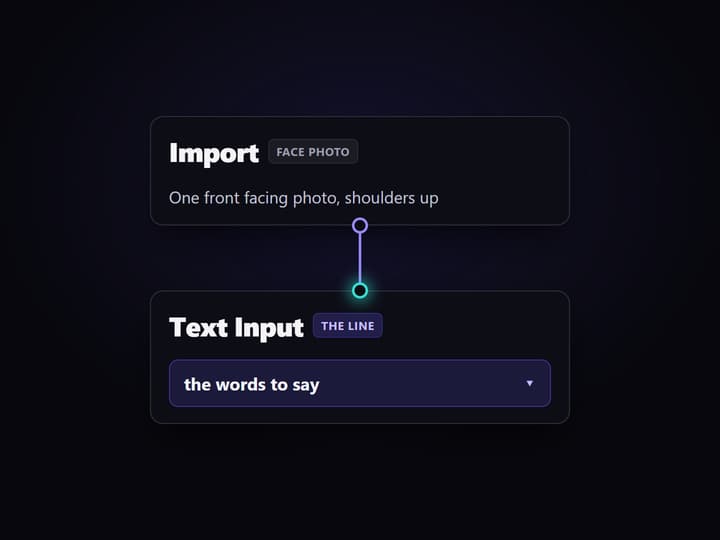
Upload a face photo
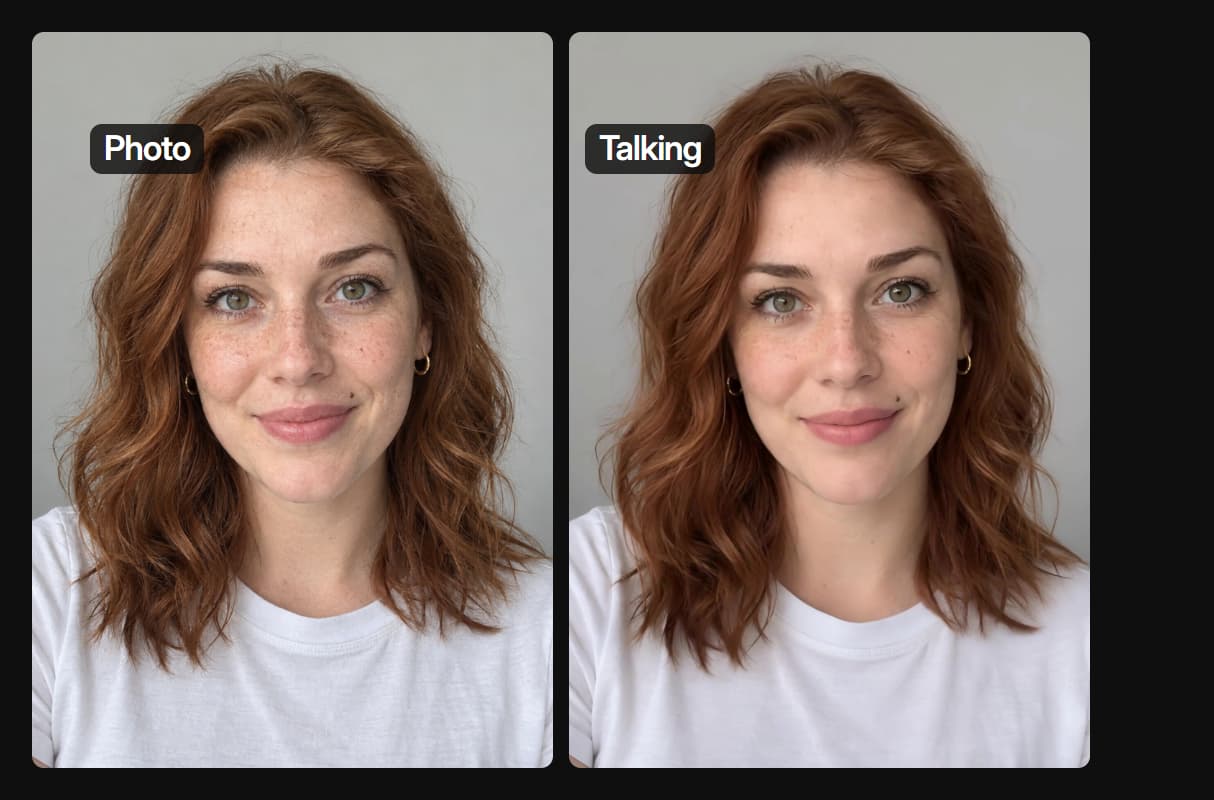
Drop a clear, front facing photo into the Import node. Ours is Nora, a made-up woman on a plain grey wall, made earlier with GPT Image 2.5 Sunburst.
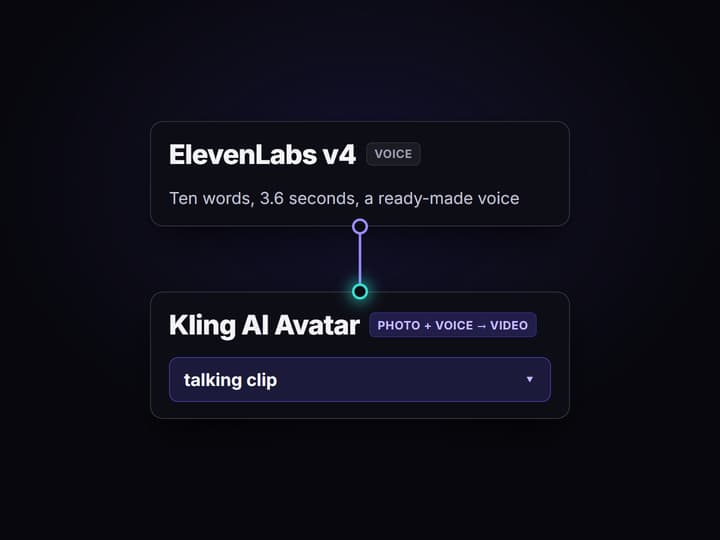
Type the line and voice it
Write the words in the Text Input and run ElevenLabs v4 with a ready-made voice. Our ten word line, read in the Jessica voice, ran 3.6 seconds.
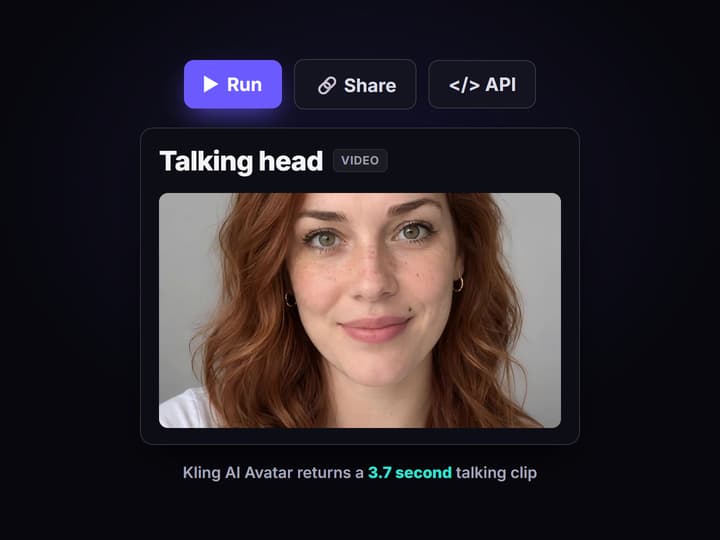
Run Kling AI Avatar
Wire the photo and the voice into Kling AI Avatar and run it. It returns a talking clip about as long as the line: ours is 3.7 seconds at 1232 by 1648.
A real AI talking head video, made in Wireflow
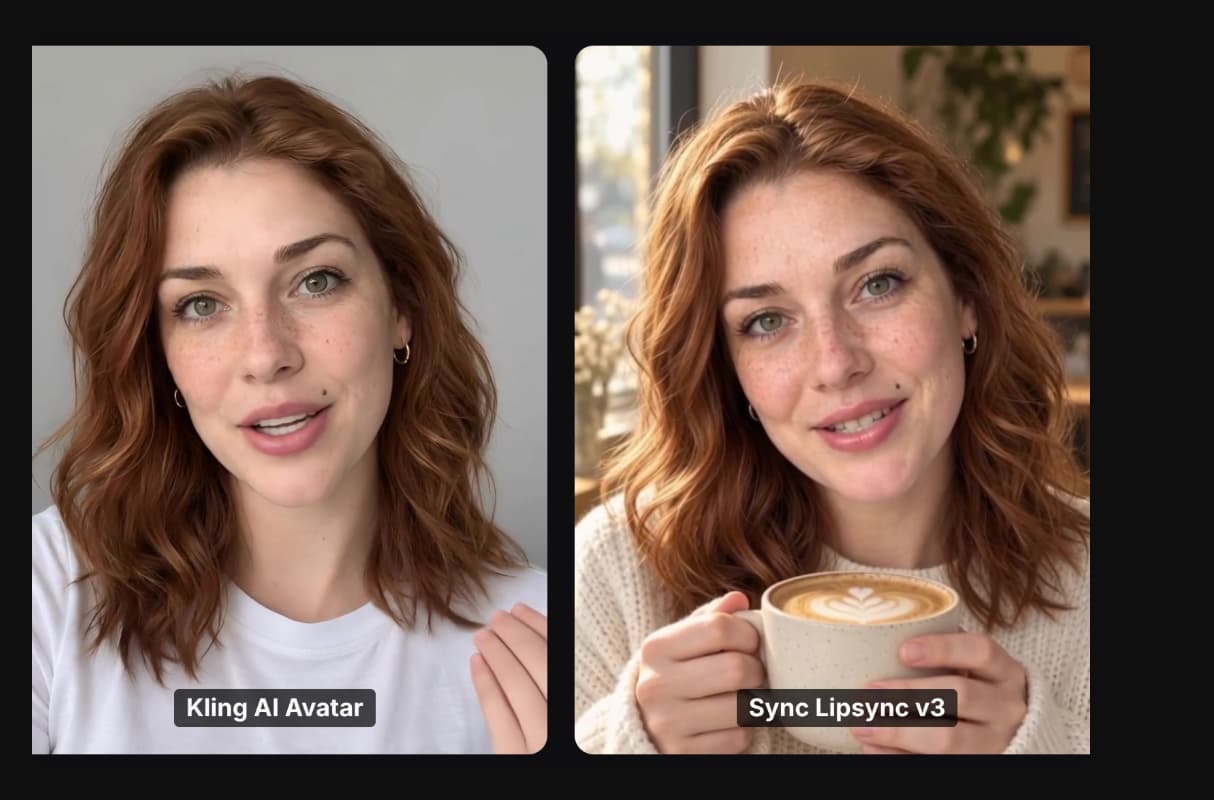
Both talking heads below came out of the workflow on this page, from the same 3.6 second voice line. On the left, Kling AI Avatar animated a single face photo. On the right, Sync Lipsync v3 moved the mouth of a silent clip of the same woman. The Video Editor put them side by side.

The loop above is the real render, shown without sound. To hear her say the line, open the Side by side cut node in the workflow at the top of this page. Nothing was filmed: the face, the voice, both clips and the cut are Wireflow outputs.
How to make an AI talking head video in Wireflow
- Add the face. Import a front facing photo, shoulders up, in even light. To make a new face, run an image node first; ours came from GPT Image 2.5 Sunburst.
- Write the line. Type the words into a Text Input. Short lines are easy to check and redo: ours is ten words.
- Voice it. Wire the Text Input into ElevenLabs v4 and pick a voice. Ours is Jessica, and the line ran 3.6 seconds.
- Make it talk. Wire the photo into the Image Url input of Kling AI Avatar and the voice into its Audio Url input, then run it. Ours ran on the Pro setting and took about two minutes.
- Or lip sync a clip. To keep a scene you already have, wire the clip and the voice into Sync Lipsync v3 instead. Only the mouth area changes.
- Cut it. A Video Editor node adds a second shot, titles or captions, and its render costs 0 credits.
To voice a script with no face on screen, the same voice nodes run on the AI voiceover generator.
What one AI talking head video costs
Wireflow bills each run in credits, by the model nodes in the graph. Starter is $36 a month for 2,660 credits, and Professional is $59 a month for 4,370 credits.
- Our photo route used 100 credits for a 4 second talking head: 20 for the ElevenLabs v4 voice and 80 for Kling AI Avatar on its Pro setting. That is $1.35 on Starter or Professional, about 26 clips a month on Starter and about 43 on Professional.
- Our clip route used 140 credits: 20 for the voice, 40 for the 5 second MiniMax Hailuo 03 Max Turbo clip and 80 for Sync Lipsync v3. That is $1.89 on Starter or Professional.
- For longer lines, Sync Lipsync v3 and HeyGen Avatar4 are listed at 16 credits a second, so a 10 second HeyGen Avatar4 clip uses 160 credits, $2.17 on Starter or $2.16 on Professional.
- The Video Editor render costs 0 credits.
Each paid node shows its price before it runs. New accounts get a free video.
Make an AI talking head video from Claude
You can run the same steps from a Claude chat. Add Wireflow as a connector once:
- In Claude, open Customize, then Connectors. Click + Add and choose Add custom connector.
- Name it Wireflow and paste
https://www.wireflow.ai/api/mcpas the server URL. - Sign in to Wireflow when Claude asks, and approve the access.
The Claude app setup guide has the full steps. Then ask in plain words, for example:
Example prompt: "Use Wireflow. Send me an upload link for a face photo. Then voice this line with ElevenLabs v4: Thanks for watching, see you next week. Make the photo say it with Kling AI Avatar. Tell me the credit cost and wait for my yes before you run it."
With that last line, Claude looks up the price and waits for your yes before it spends any credits. Runs use the credits on your Wireflow account.
What each node in the talking head does
Face photo
An Import node holds the face. Swap it and the same graph makes a new presenter.
The line
A Text Input holds the words, so the voice says exactly what you typed.
Voice
ElevenLabs v4 reads the line in a ready-made voice and returns the audio.
Talking head
Kling AI Avatar animates the photo to the voice, with lips, blinks and head moves.
Lip sync
Sync Lipsync v3 moves the mouth of a clip you already have to a new voice.
Cut
The Video Editor adds a second shot, titles or captions, and renders for 0 credits.
When an avatar studio is the better fit
If you want a library of stock presenters, a script translated into many languages and a slide editor in one screen, a dedicated avatar studio does that. Wireflow has no stock presenters or teleprompter: you bring or generate the face, and each clip is a model run you can see and redo.
Short lines are the easy case. Our clips are under 4 seconds. For a long script you can run one clip per line and join them in the Video Editor, so each run stays cheap and easy to fix. For product-in-hand videos, see the UGC video generator.
More Than Just AI Talking Head Video
Starts from one photo
Kling AI Avatar animates the photo you give it and keeps the face, freckles and framing. It is the same job as an AI talking photo, driven by your own line.
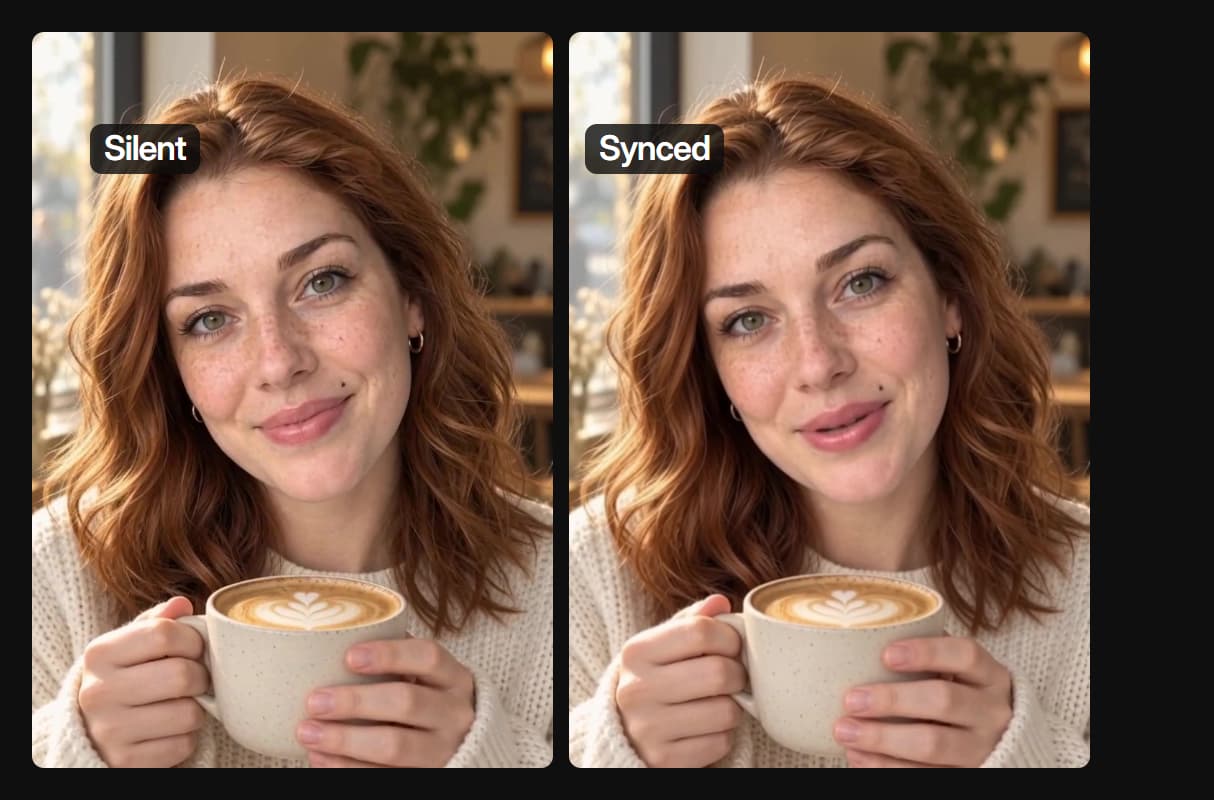
Works on a clip you already have
Sync Lipsync v3 moves only the mouth of an existing clip to a new voice. The scene, hands and light stay put, and the lip sync API runs it from code.
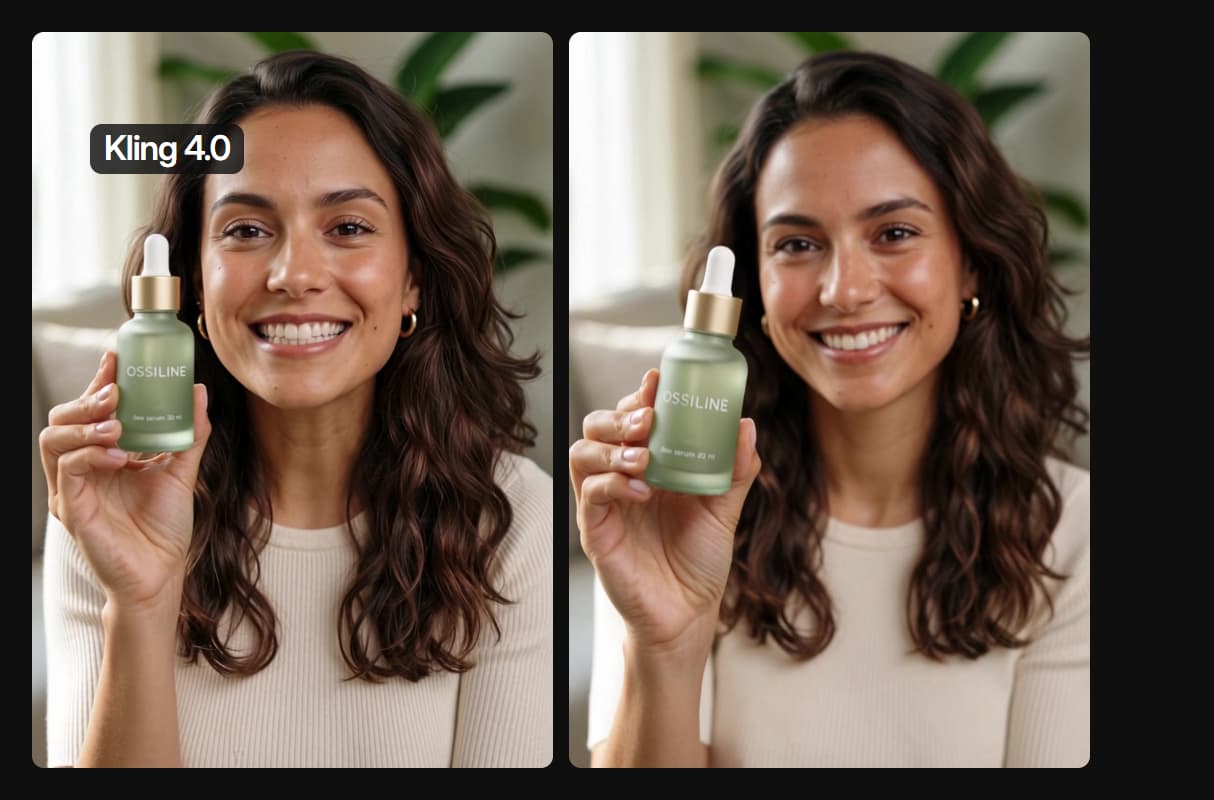
Or let the video model speak
Kling 4.0 spoke a short line of its own in our serum test. Use a voice node when the exact words matter, as in this AI influencer workflow.
Two routes, one voice line
Both heads in our cut say the same 3.6 second line. The Video Editor joined them for 0 credits, as it joins shots in an AI video pipeline.
Make a new presenter from text
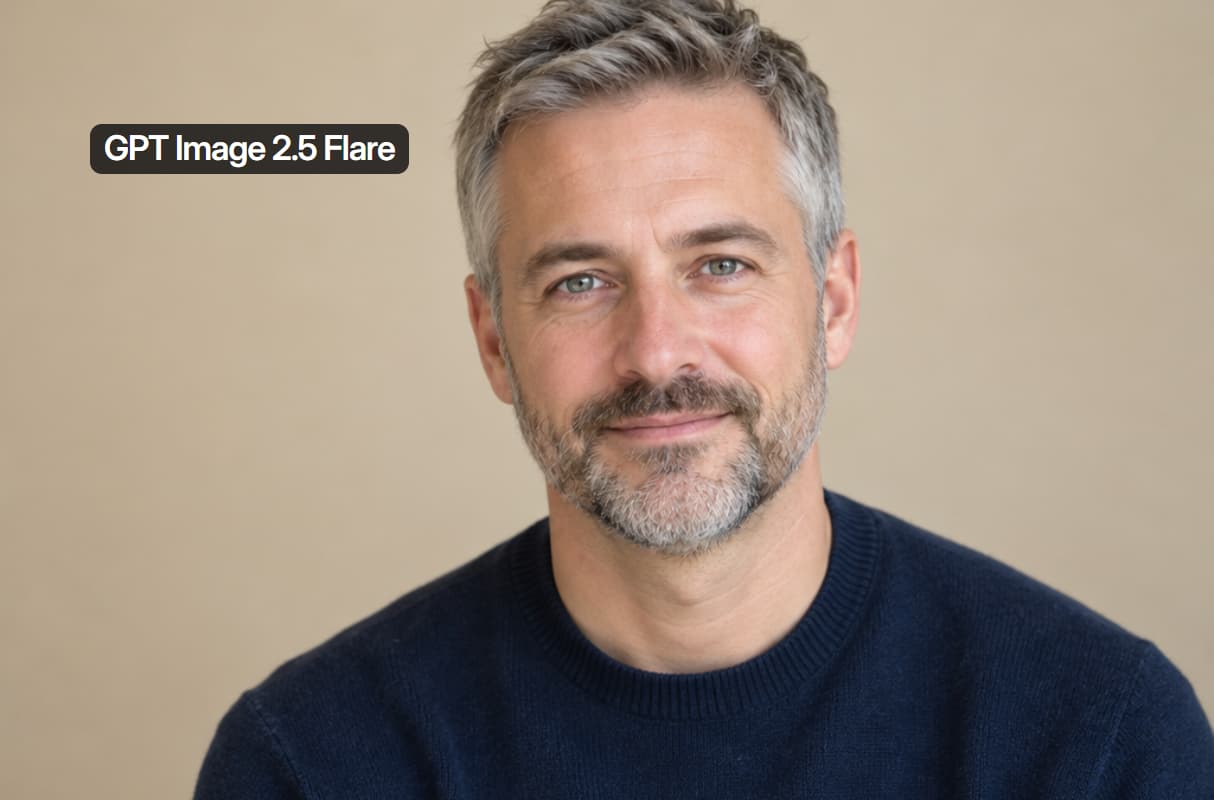
No photo yet? An image node makes a made-up presenter first, then the same graph makes them talk, like an AI avatar generator.
AI Models Available
Automate Any Workflow
Included in Every Plan
FAQs
It is a short video of a face speaking to the camera, made without filming. In Wireflow you give a face photo and a voice line, and a model such as Kling AI Avatar animates the face to match the voice.
Discover related AI tools
More From Wireflow
Written by
Andrew Adams · Co-Founder & Operations at Wireflow
Runs client operations and content strategy at Wireflow. Works directly with creative teams and agencies to build production AI workflows.
Make a talking head from one photo
Open the workflow, swap in your face photo and your line, then run the voice node and Kling AI Avatar. Each paid node shows its credit cost before it runs, and new accounts get a free video.