Features
Video Localization
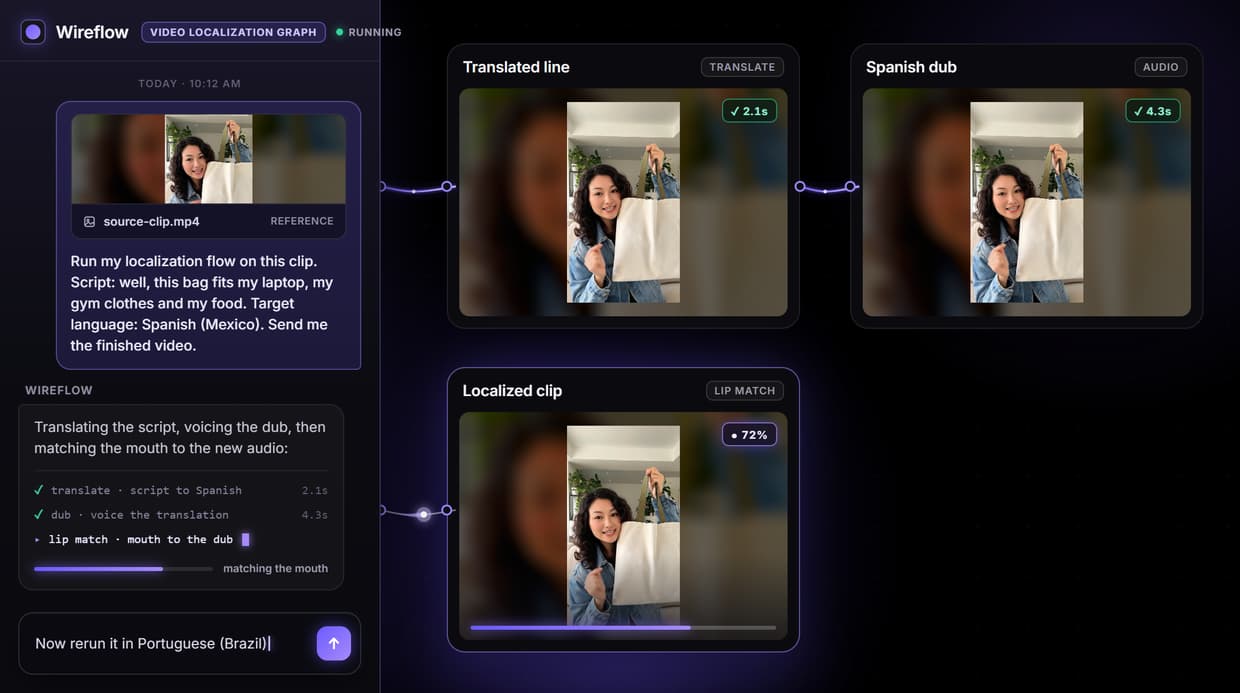
Video localization as a flow you run: drop a short talking clip, its script and a target language, and the graph returns the same speaker dubbed and mouth matched in the new language.
Run any LLM translates the line, Minimax Speech 02 HD voices it, and Sync Lipsync v3 matches the mouth. One run is 99 credits, about $1.34 on Starter. New accounts get a free video.
Free to build · no credit card · Read the agent docs · See how it works ↓
 Andrew Adams · Co-Founder & Operations at Wireflow ·
How to Use Video Localization
Steps to get you started in Wireflow.
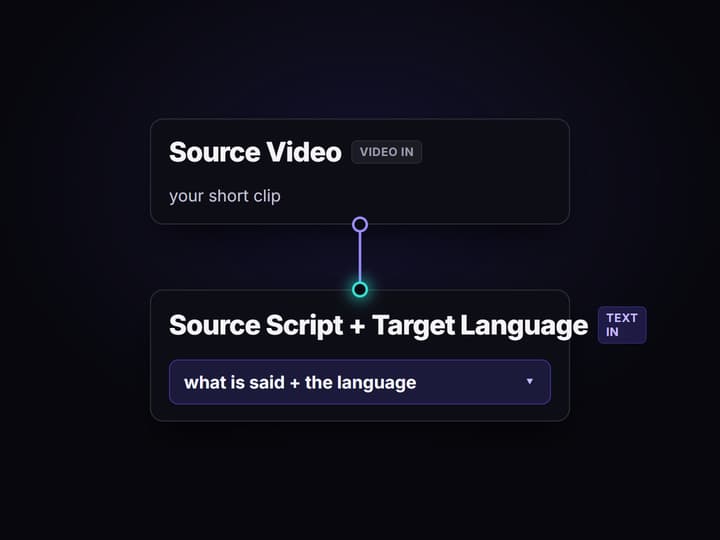
Add your clip, its script and a target language
Open the flow and load a short talking video into the Source Video node, type what the speaker says into the Source Script node, and name the language in the Target Language node, for example Spanish (Mexico).
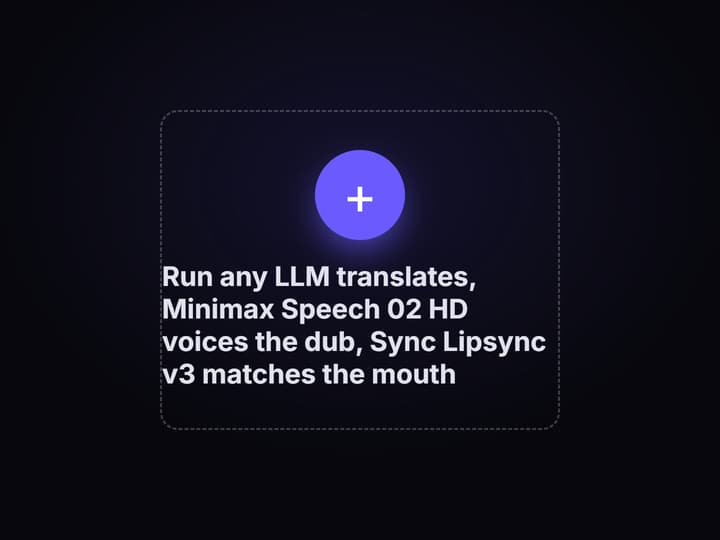
The script is translated and voiced
Run any LLM translates the script into the target language at about the same spoken length, and Minimax Speech 02 HD voices the translated line as a dub that fits the clip.
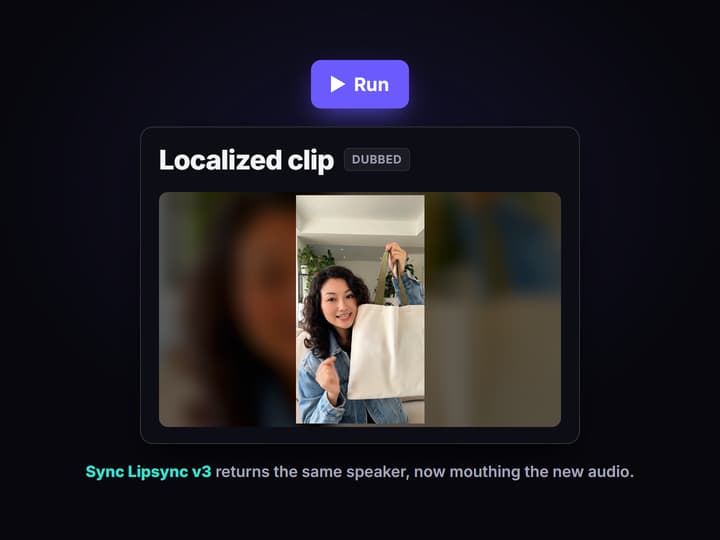
The mouth is matched and the clip returns
Sync Lipsync v3 reshapes the mouth in your source video to the new audio and returns the localized MP4. Open the board to watch it with sound, then copy the flow to rerun it for another language.
More Than Just Video Localization
One short clip in, the same speaker in a new language out
Drop a short talking clip, its script and a target language, and the graph returns the same speaker dubbed and mouth matched on an AI video workflow canvas.
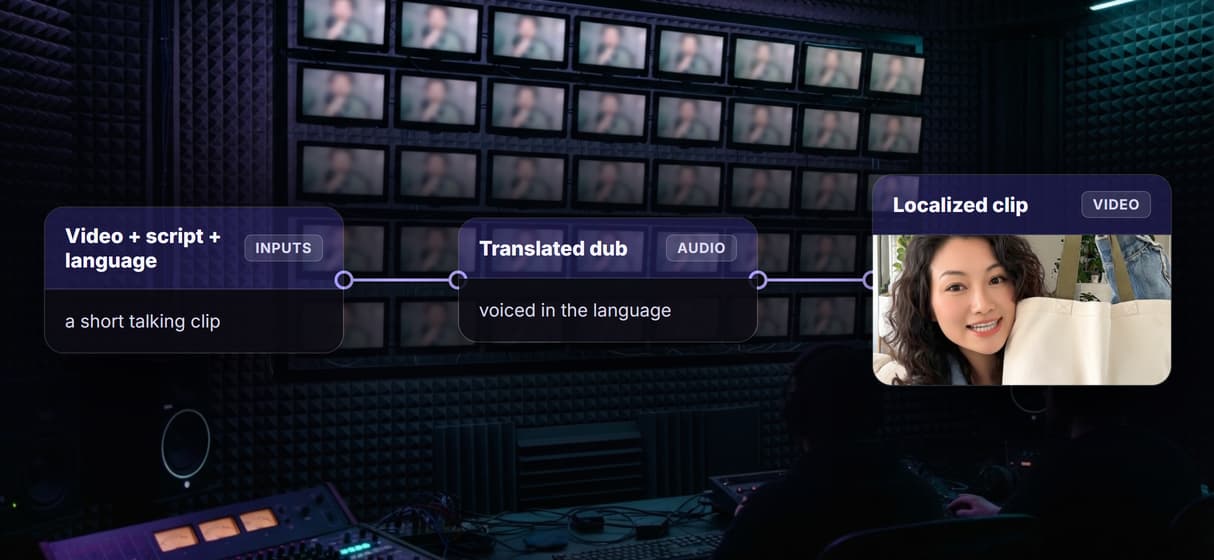
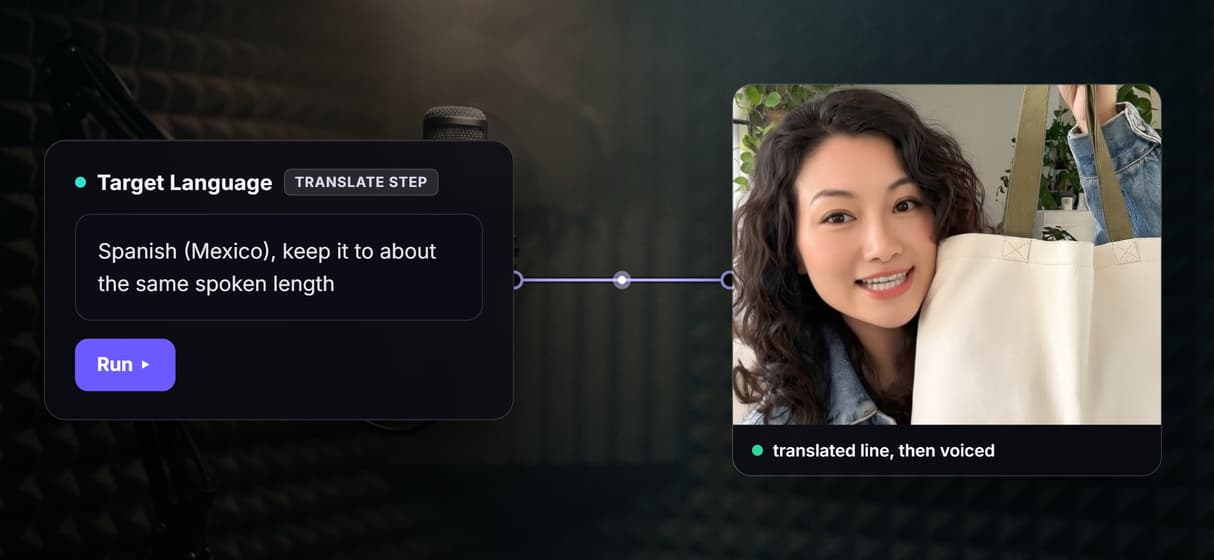
The script is translated to spoken length
Run any LLM translates your line to about the same spoken length, so the dub fits the clip; voice it with an AI voiceover generator.
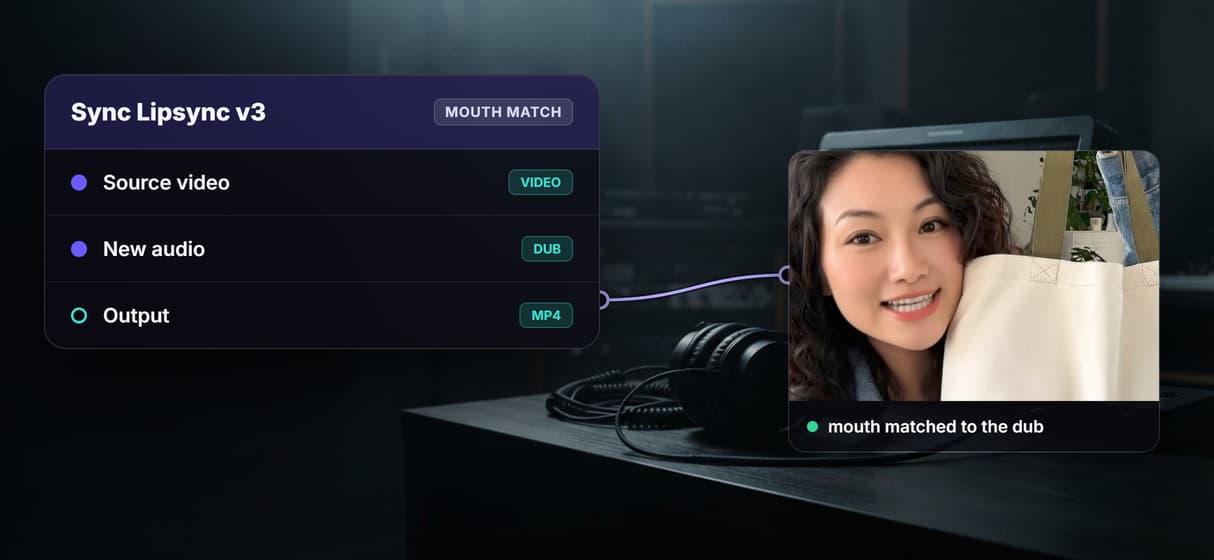
The mouth is matched to the new audio
Sync Lipsync v3 reshapes the mouth in your source video to the dubbed audio, so the clip reads like a real AI talking head video, not a subtitle.
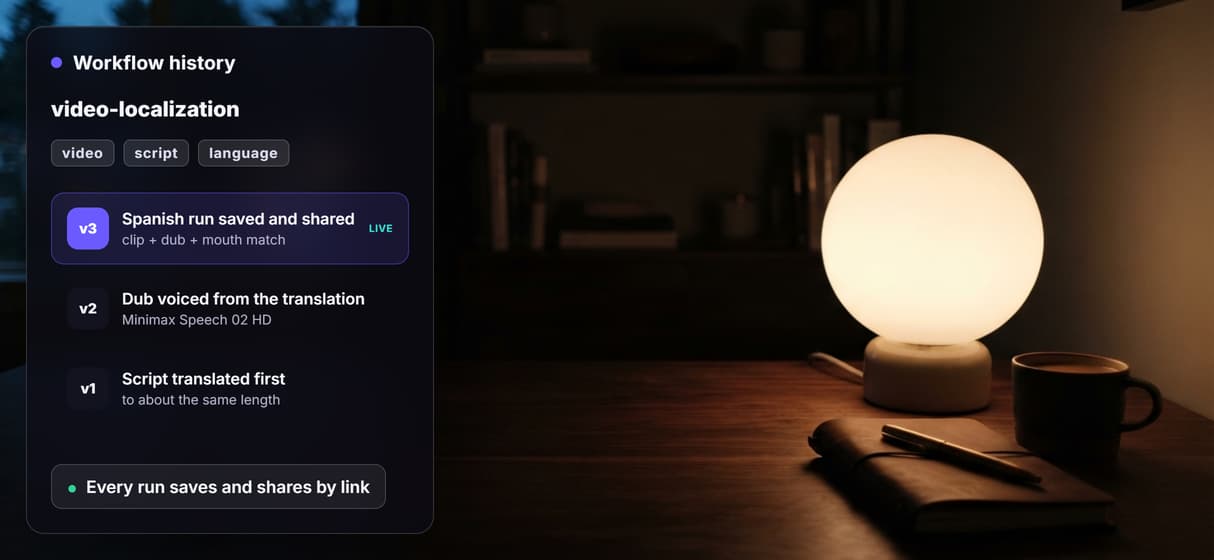
Rerun the same graph for any language
Swap the three inputs and run again for the next language; every run saves and shares by link, and code can drive the video generation API.
Pay per run, not per seat
Building is free and each run is 99 credits, about $1.34 on Starter, so a team pays per run, not per seat. Start in this AI video generator.
AI Models Available
Automate Any Workflow
Included in Every Plan
One real run: an English clip, now speaking Spanish
Here is one real run of this flow. A short clip of a creator holding a plain tote bag, the English line she speaks, and the target language Spanish (Mexico) went in, and the graph returned the same speaker dubbed and mouth matched in Spanish. The speaker is made up: the clip came from a text prompt, and the bag is blank and unbranded, so there is no real person and no real brand in the result.

This is a silent loop of the finished video; open the board below to play it with the Spanish voiceover. The translated line, word for word from the run, is:
Bueno, esta bolsa cabe mi laptop, mi ropa de gym y mi comida. Finalmente, una sola bolsa.
You can also hear the Spanish dub on its own, voiced by Minimax Speech 02 HD before the mouth was matched.
What goes in and what comes out
A short talking video, what the speaker says, and a target language go in, and the same speaker dubbed in that language comes out, with every step a node on the same canvas. These are the nodes:
- Source Video. A video input node that holds your short talking clip.
- Source Script. A text input node with what the speaker says in the clip.
- Target Language. A text input node naming the language, for example Spanish (Mexico).
- Translation rules, Script label and three Prompt Concatenator nodes. Fixed notes that are joined with your script into one translation prompt.
- Run any LLM (translate). Translates the script into the target language at about the same spoken length.
- Minimax Speech 02 HD. Voices the translated line as a dub.
- Sync Lipsync v3. Matches the mouth in the source video to the dub and returns the localized MP4.
Because every step is a node, this flow drops into a wider workflow: pair it with an AI lip sync generator for other mouth-matching jobs, or call the same mouth-match step from the lip sync API in your own pipeline.
What one run costs
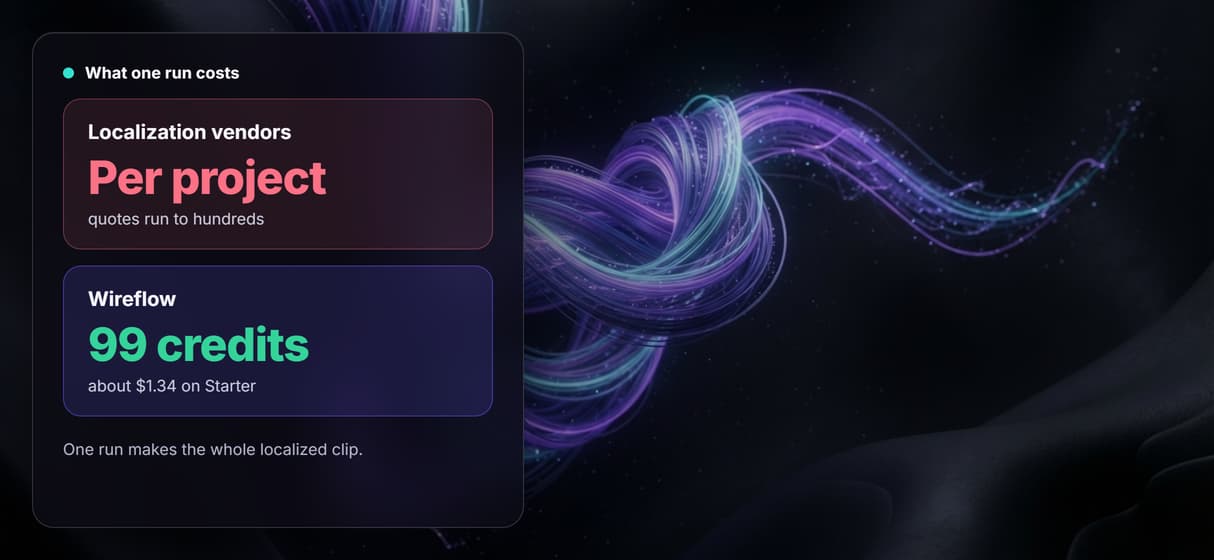
One full run of this flow is 99 credits: 3 for Run any LLM to translate the script, 16 for the Minimax Speech 02 HD dub, and 80 for Sync Lipsync v3 to match the mouth on the about 6 second clip. The number is from a run receipt, not a list price.
On Starter, which is $36 a month for 2,660 credits, that is about $1.34 a run, roughly 26 runs a month. On Professional, which is $59 a month for 4,370 credits, it is about $1.34 a run, roughly 44 runs a month. Building on the canvas is free, and new accounts get a free video.
Open the flow
Open the workflow here: the video localization board. It opens logged out, with the saved Spanish clip and dub from the run above, so you can see every node and its output before you sign in. Copy it to your account to run it on your own clip, script and language.
Run it from Claude
You can run this flow from Claude through the Wireflow connector. In Claude, open Customize, then Connectors, then Add custom connector, paste the address https://www.wireflow.ai/api/mcp, and sign in. The setup steps are in the Claude app docs.
Then give Claude this prompt:
I copied the Wireflow video localization flow to my account. Use Wireflow to run my copy. Source Video: <your video link>. Source Script: <what the speaker says>. Target Language: Spanish (Mexico). Send me the finished video. Tell me the credit cost and wait for my yes before you run it.
With that last line, Claude looks up the price and waits for your yes before it spends any credits.
Run it from the API
Every published Wireflow workflow is also a REST endpoint, so a script or an agent can send a clip, a script and a target language and get the localized video back:
curl -X POST https://www.wireflow.ai/api/v1/workflows/cmvyosm6f001sl908b1r4s5vi/run \
-H "Authorization: Bearer $WIREFLOW_API_KEY" \
-H "Content-Type: application/json" \
-d '{"inputs":{"source-video":"YOUR_VIDEO_LINK","source-script":"What the speaker says","target-language":"Spanish (Mexico)"}}'
The run route works on workflows you own: open the flow, copy it to your account, and use your copy's id. The POST returns 202 with an executionId; poll GET /api/v1/workflows/executions/{executionId}/poll, or pass a webhook. Full reference is in the run API docs.
What each node does
Source Video
A video input node that holds your short talking clip.
Source Script and Target Language
Two text input nodes: what the speaker says, and the language to dub into.
Run any LLM
Translates the script into the target language at about the same spoken length.
Minimax Speech 02 HD
Voices the translated line as a dub.
Sync Lipsync v3
Matches the mouth in the source video to the new audio.
Prompt Concatenator
Joins the rules and your script into one translation prompt.
When to check the result and when another tool fits
This dubs and mouth matches one speaker in one short clip; it does not write your script or decide the pitch, and it adds no subtitles or burned-in captions. A model does the translation, so have a native speaker read it before an ad runs: our line says 'esta bolsa cabe mi laptop' where a native speaker would say 'en esta bolsa cabe mi laptop'. The clip is cut at the length of the source video, so a dub longer than the clip loses its end; our Spanish dub ran 8.6 seconds on an about 6 second clip, so the last sentence, 'Finalmente, una sola bolsa.', is not in the finished video. Keep the source line short, or shorten the translated line.
Use it on your own footage, or footage you have the rights to. If you need many languages at scale with human review and subtitle files, a managed localization vendor is the better fit. Build here when you want one short clip localized end to end on a canvas you can rerun for the next language, and pair it with a faceless AI video generator when the job has no on-camera speaker.
FAQs
It means making a video speak another language. A short talking clip, its script and a target language go in, and the same speaker comes out translated, dubbed and mouth matched on one canvas you can rerun for the next language.
Discover related AI tools
More From Wireflow
Written by
Andrew Adams · Co-Founder & Operations at Wireflow
Runs client operations and content strategy at Wireflow. Works directly with creative teams and agencies to build production AI workflows.
Localize your clip into any language
Open the flow, drop a short talking clip, its script and a target language, and run it: the graph translates the line, voices the dub, and matches the mouth, so the same speaker now talks in the new language from one graph you rerun per language. Building is free, and new accounts get a free video.