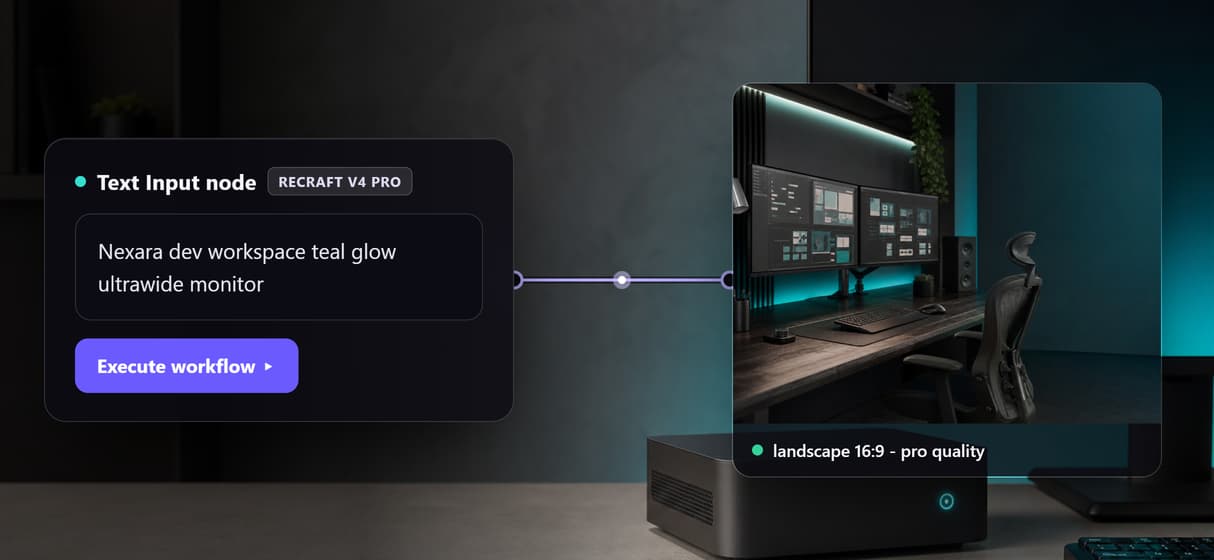
Looking for the best Figma Weave API tools in 2026? Figma Weave still has no public API, so teams that want to run node-based AI workflows programmatically need an alternative. Wireflow leads this list because every workflow you build on its canvas ships with a REST endpoint you can call from any codebase, and the seven other platforms below cover the rest of the spectrum, from serverless model APIs to canvas tools that are still waiting on API access.
Quick Summary
- Wireflow - Node canvas where every workflow gets a REST API (Best Overall)
- Figma Weave - The canvas itself, API still "coming soon" (Best for Figma-Native Teams)
- fal.ai - Serverless inference API for 100+ models (Best for Pay-Per-Use Developers)
- ComfyDeploy - Turns ComfyUI graphs into REST endpoints (Best for ComfyUI Users)
- Replicate - Huge hosted model catalog behind one API (Best Model Catalog)
- Freepik Spaces - Weave-like canvas with enterprise-gated API (Best for Creative Suites)
- Flora - Collaborative AI canvas, early-access API (Best for Real-Time Collaboration)
- Krea - Infinite canvas for visual exploration, no API (Best for Experimentation)
Why Figma Weave Users Go Looking for an API
When Figma acquired Weavy in late 2025 and relaunched it as Figma Weave, the node-based canvas gained deep Figma integration but kept one old limitation: a Weave graph only runs inside the browser. As of mid 2026, the Enterprise plan lists API workflow execution as "coming soon," which means there is still no way to trigger a Weave workflow from a script, a backend, or a CI pipeline. The Figma Weave API feature page breaks down exactly what programmatic access should look like for a node canvas, and it is the benchmark we used to rank the tools below.
The ranking criteria are straightforward: does the tool expose workflows over an API today, how much does execution cost, and how close does the visual building experience get to what made Weave popular in the first place. Platforms with a live REST API on the canvas score highest; pure inference APIs and API-less canvases fill out the list for teams with different priorities.
1. Wireflow (Best Overall)

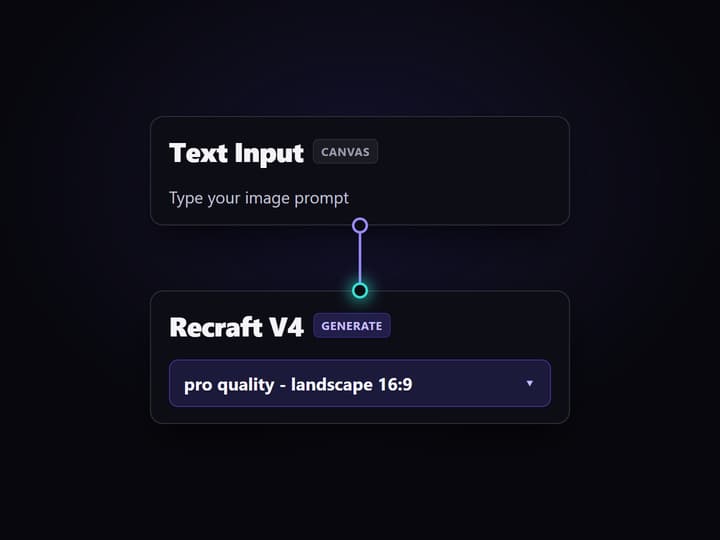
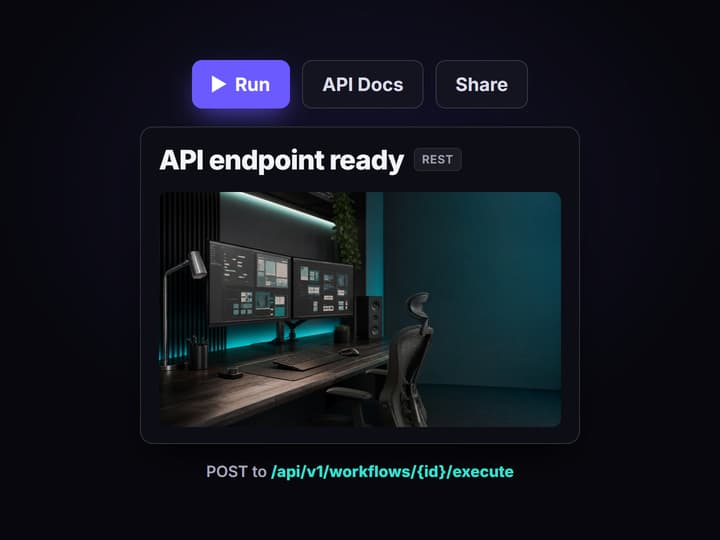
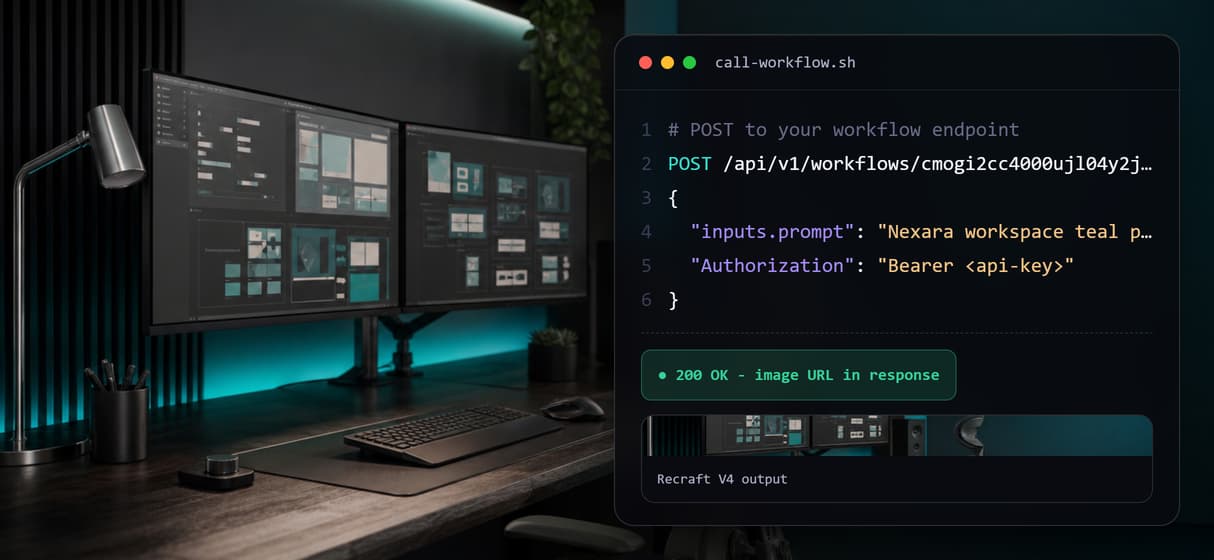
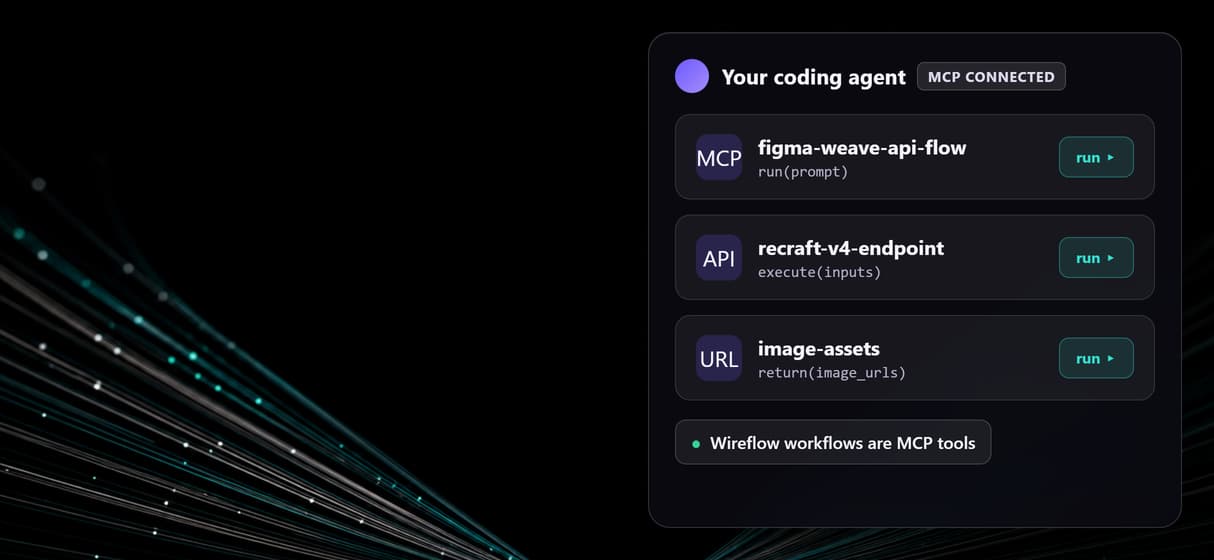
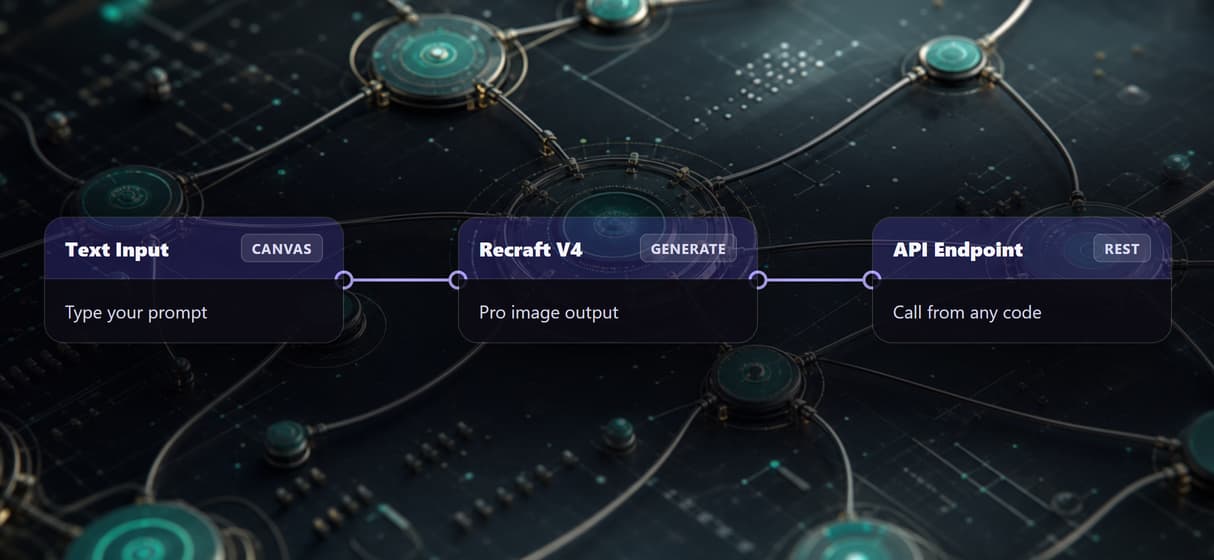
Wireflow is the closest thing to "Figma Weave with an API" available in 2026. You build workflows on a node canvas, chaining models like Flux, Kling, Veo, and Nano Banana, and every published workflow immediately becomes a REST endpoint you can call with JSON inputs. That makes it the only tool on this list where the visual graph and the API for chaining AI models are the same artifact, not two separate products.
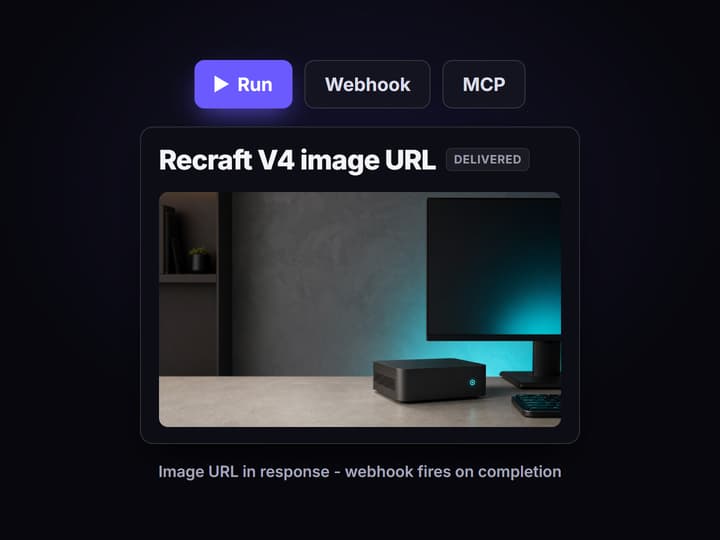
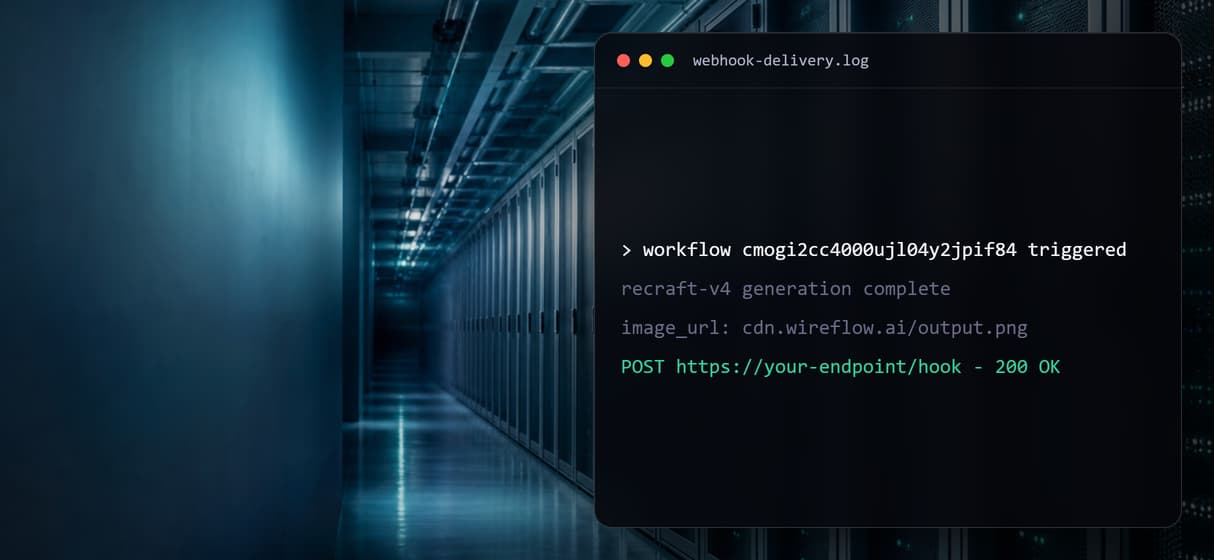
The workflow API supports batch execution, webhooks for long-running video jobs, and per-workflow access controls, so the same graph a designer prototypes on the canvas can go straight into production. Pricing is usage-based credits with a free tier, detailed on the pricing page, which keeps costs proportional to what you actually run rather than locking API access behind an enterprise contract.
Best for: teams that want Weave-style visual building plus a production API today, not on a roadmap.
2. Figma Weave

Figma Weave earns its spot because it defines the category. The canvas is polished, the model selection is broad, and the 2026 Config release embedded more than 20 Weave tools directly into Figma Design, including live frame sync between a design file and a Weave graph. If your team already lives in Figma, the integration depth is unmatched, which is why so many teams evaluate it before looking at a Figma Weave alternative.
The catch is programmatic access. There is no public API on any plan, and the Enterprise tier's "run workflows through API" line has carried a "coming soon" label since the acquisition. Teams that need automation now typically pair Weave for exploration with a Weavy-style alternative that has an API for production, which is a workable but duplicative setup.
Best for: Figma-first design teams that can wait for API access.
3. fal.ai

fal.ai is a serverless inference platform rather than a canvas, but it is one of the strongest API backends in this space. It hosts over 100 models, including Flux, Wan, Veo 3, and Seedream, with per-generation pricing that starts around $0.025 for a Flux Schnell image and $0.50 to $4.00 for 10 seconds of video. Developers who outgrew single-model endpoints often compare it against canvas-based fal.ai alternatives when they want visual orchestration on top.
Chaining happens in code through the JavaScript and Python SDKs, with GPU queues and webhooks handling long jobs. There is no visual graph, so non-technical teammates cannot inspect or edit a pipeline, and cost forecasting across chained calls takes some spreadsheet work; the fal.ai pricing breakdown covers how the per-model rates add up in multi-step workflows.
Best for: developers who want raw model APIs and are happy to orchestrate in code.
4. ComfyDeploy

ComfyDeploy solves a specific problem well: you already have ComfyUI graphs and want them callable over HTTP. It hosts your workflows on cloud GPUs and exposes each one as a REST endpoint with JSON inputs, billed per second of compute. For teams that built their pipelines in ComfyUI, it is the shortest path to production, and it avoids the local GPU requirement that pushes many people toward a ComfyUI alternative that needs no GPU.
The trade-off is that ComfyUI itself remains the authoring environment, with its steep learning curve, node-version conflicts, and manual model management. If nobody on the team wants to maintain custom nodes, a hosted ComfyUI-style cloud API with managed models is usually less operational overhead for the same result.
Best for: existing ComfyUI power users who need cloud execution and an API.
5. Replicate

Replicate offers the broadest model catalog of anything on this list: thousands of hosted models behind one consistent prediction API, with pay-as-you-go pricing per prediction. It is the default choice for trying a niche open-source model without provisioning anything, and its Cog packaging standard makes deploying your own model straightforward. Many teams eventually migrate from Replicate to a canvas API once their pipelines grow past two or three chained calls.
Like fal.ai, Replicate has no visual layer, and chaining predictions means wiring webhooks or polling in your own code. Costs are transparent per model but can be hard to predict across multi-step pipelines with retries; the Replicate pricing guide walks through where the surprises tend to show up.
Best for: developers who need catalog breadth over workflow structure.
6. Freepik Spaces

Freepik Spaces is the closest visual analog to Figma Weave among the big creative suites: an infinite node canvas with image, video, and audio models wired together by drag and drop. It bundles into Freepik's broader asset ecosystem, which is convenient for teams already paying for stock and mockups. API access exists but is gated to business seats at around $55 per seat per month with a two-seat minimum, a model the Freepik Spaces API overview compares against per-workflow endpoints.
Best for: creative teams inside the Freepik ecosystem who may grow into API needs.
7. Flora

Flora pitches itself as an "intelligent canvas" and its standout feature is real-time collaboration: multiple people can build and run the same graph simultaneously, which none of the other canvases here handle as smoothly. Model routing across image and video generators is solid, and the canvas UX is genuinely pleasant. Programmatic access is the weak point, with API availability still limited to early access, as the Flora AI API breakdown details.
Best for: creative teams that value live multiplayer editing over automation.
8. Krea

Krea rounds out the list as the contrast case: a fast, fluid infinite canvas with dozens of models and real-time generation, but no public workflow API at all. It is excellent for visual exploration and moodboarding, and deliberately not built for pipelines. Teams that start in Krea and later need automation usually step up to a node-based platform with an API once their output needs become repeatable.
Best for: rapid visual experimentation where automation is not a requirement.
Comparison Table
| Tool | Visual Canvas | Public API | Pricing Model | Best For |
|---|---|---|---|---|
| Wireflow | Yes | Yes, per workflow | Usage-based credits, free tier | Canvas + API in one |
| Figma Weave | Yes | No ("coming soon") | Figma plans | Figma-native teams |
| fal.ai | No | Yes, per model | Pay per generation | Code-first developers |
| ComfyDeploy | Via ComfyUI | Yes, per graph | Per-second GPU | ComfyUI users |
| Replicate | No | Yes, per model | Pay per prediction | Model catalog breadth |
| Freepik Spaces | Yes | Business plan only | $55/seat/mo, 2-seat min | Freepik ecosystem teams |
| Flora | Yes | Early access | Subscription | Real-time collaboration |
| Krea | Yes | No | Subscription | Visual exploration |
How to Choose

Start from the automation requirement, not the canvas. If workflows must run from code this quarter, only the tools with a live API today are real candidates, and a canvas with a built-in API saves you from maintaining orchestration glue between a visual tool and an inference provider. If the team is mostly non-technical, weight the visual layer heavily; a code-only API becomes a bottleneck when every pipeline change needs a developer.
Budget shape matters too. Per-seat enterprise gating makes sense for large orgs, while usage-based pricing fits teams whose volume swings month to month. Tools that offer no-code building with API access on standard plans give small teams the most room to grow without renegotiating a contract.
Try it yourself: Open this pre-built workflow in Wireflow with the nodes already configured, run it, then call the same workflow through its REST endpoint.
FAQ
Does Figma Weave have an API in 2026?
No. As of mid 2026 there is no public Figma Weave API on any plan. The Enterprise tier lists workflow execution via API as "coming soon," but graphs currently run only inside the browser app.
What happened to Weavy?
Figma acquired Weavy in October 2025 and relaunched it as Figma Weave. The weavy.ai product was absorbed into Figma's platform, and existing Weavy workflows migrated to the new home at weave.figma.com.
What is the best Figma Weave alternative with an API?
Wireflow is the strongest option because every workflow built on its canvas automatically exposes a REST endpoint. You keep the node-based building experience and gain programmatic execution without waiting on a roadmap.
Can I automate Figma Weave workflows with a third-party tool?
Not directly. Since Weave has no API or webhook surface, third-party tools cannot trigger its graphs. The practical pattern is rebuilding the workflow on a platform that supports API execution and automating there.
Are code-only APIs like fal.ai and Replicate good Weave replacements?
They replace the model execution but not the canvas. You get reliable per-model APIs and broad catalogs, but pipeline logic moves into your codebase, which non-technical teammates cannot see or edit.
How much does it cost to run AI workflows through an API?
It varies by pricing model: fal.ai charges roughly $0.025 per fast image and $0.50 to $4.00 per 10-second video, Replicate bills per prediction, ComfyDeploy bills GPU seconds, and Wireflow uses credits proportional to the models each workflow calls.
Do any of these tools work without a GPU?
Yes. Every platform on this list runs models on cloud infrastructure, so no local GPU is required. Only self-hosted ComfyUI, outside of ComfyDeploy's cloud, needs your own hardware.
Conclusion
The Figma Weave API gap is real: the canvas everyone wants to automate still cannot be triggered from code. Until that changes, the practical move is picking a platform where the API already exists. Wireflow covers the widest ground by making every canvas workflow an endpoint, fal.ai and Replicate serve code-first teams, ComfyDeploy rescues existing ComfyUI graphs, and Freepik Spaces, Flora, and Krea cover creative teams with lighter automation needs. Match the tool to whether your bottleneck is building the workflow or calling it from production, and the choice usually makes itself.
Would you rather we just built it?
We get on a call, learn your style, build the workflow, and ship the deliverables on a schedule. You keep the workflow either way.