 Andrew Adams · Co-Founder & Operations at Wireflow ·
 ComfyUI Cloud Pricing: Pay Per Generation, Not Per GPU Hour
A hosted node canvas priced by the assets you make, so the cost question stops being how many GPU seconds and starts being how many outputs.
Free to build · no credit card · See how it works ↓
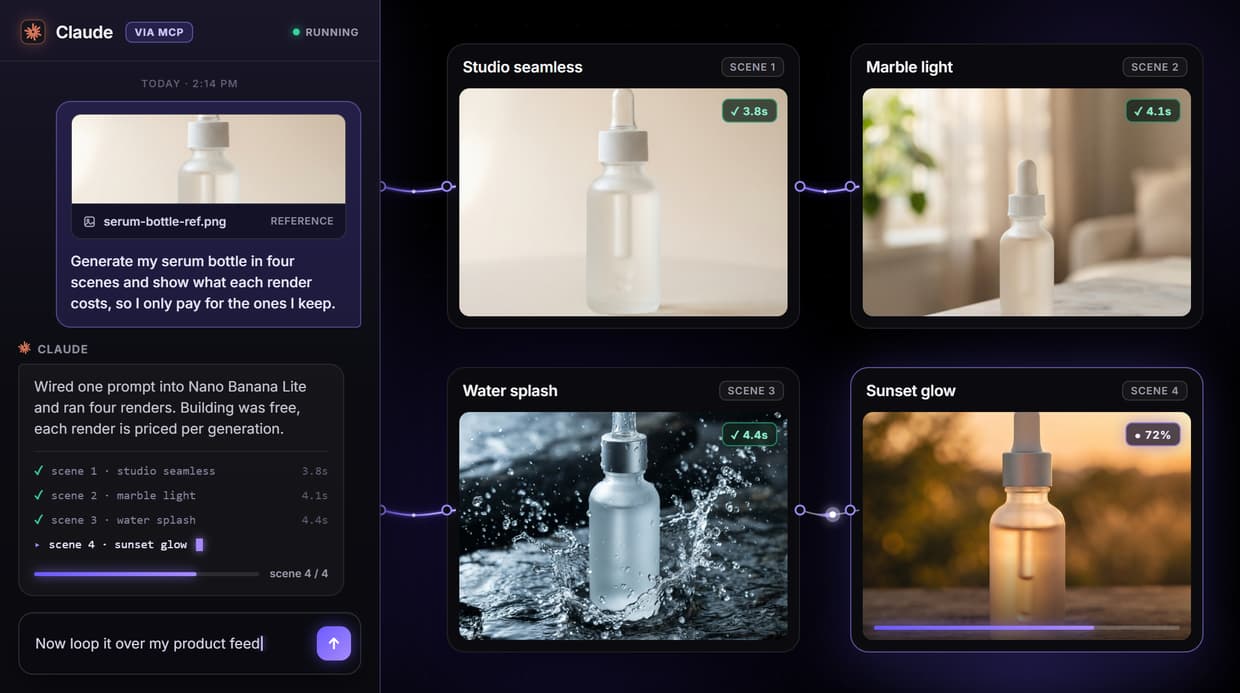
How to Use ComfyUI Cloud Pricing: Pay Per Generation, Not Per GPU Hour
Steps to get you started in Wireflow.
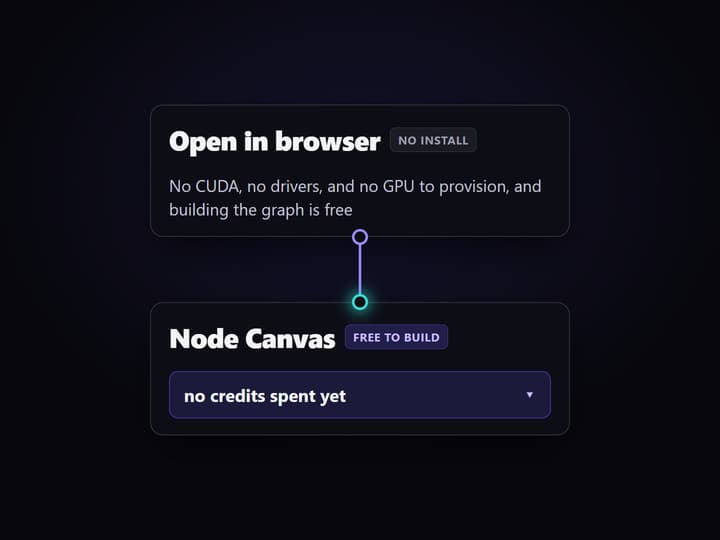
Open the canvas, free
Open Wireflow in the browser. There is no install, no CUDA, and no GPU to provision, and building the graph costs nothing, so you can lay out the whole pipeline before any credit is spent.
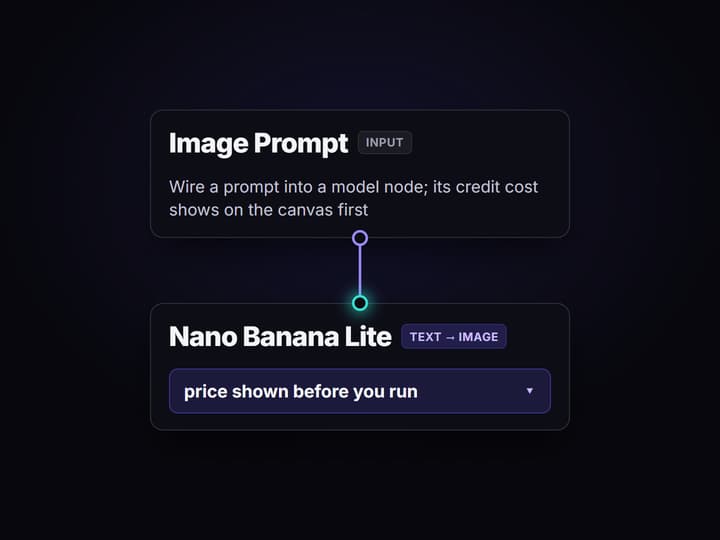
Wire a prompt into a model
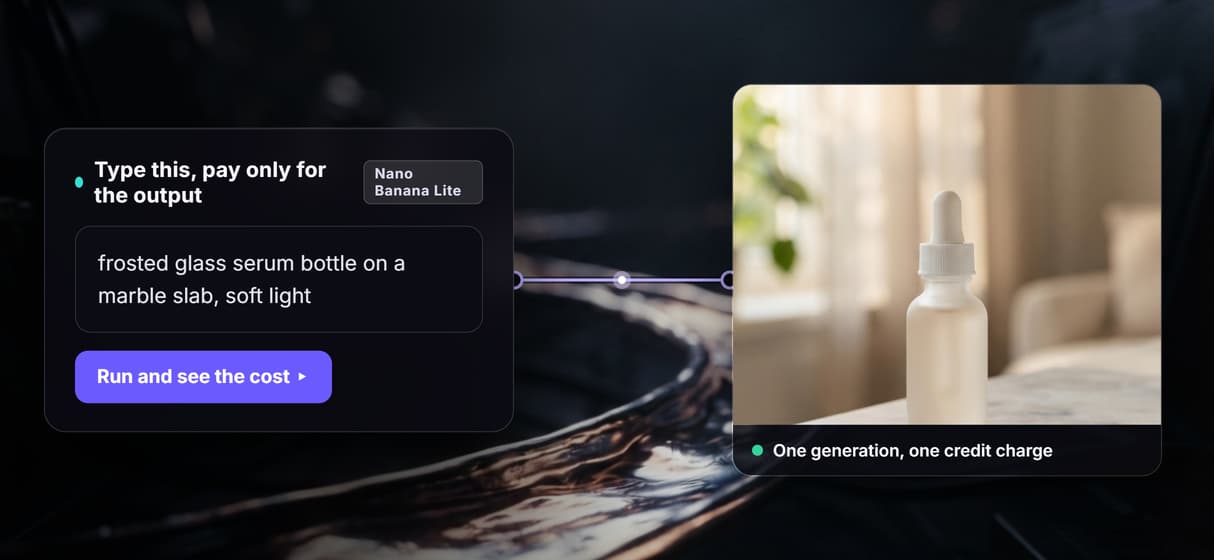
Drop an Image Prompt node and connect it to a Base Render node running Nano Banana Lite. The node shows its credit cost on the canvas, so you know the price of the generation before you run it.
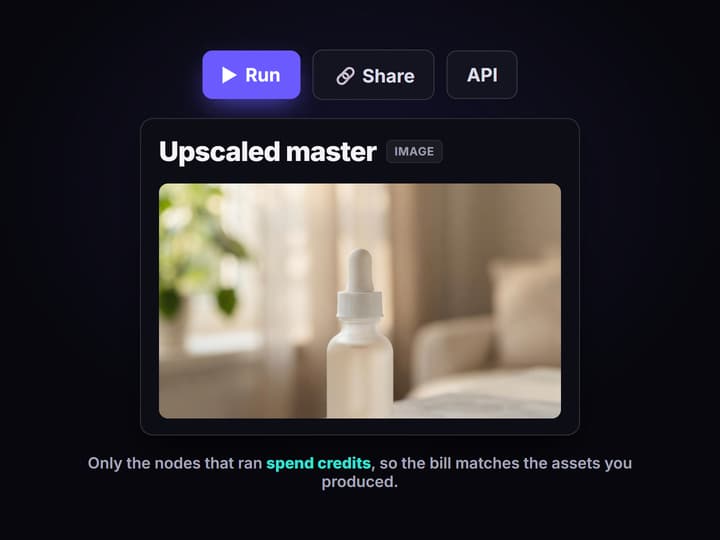
Run it and read the cost
Run the graph. Nano Banana Lite generates the base image, then the Crystal Upscaler node returns a sharper master. Only the nodes that ran spend credits, so the bill matches the assets you produced.
ComfyUI cloud pricing is really GPU pricing
Search for ComfyUI cloud pricing and every answer comes back in the same units: GPU time. ComfyUI is free to run locally, so a cloud plan is really the price of renting a card and skipping the CUDA, driver, and VRAM setup. That means your cost tracks how long a graph sits on a GPU, and you carry the math of which machine tier to pick.
Wireflow prices the outputs, not the seconds
Wireflow prices the other side of that tradeoff. It is a hosted node canvas where building is free and a generation costs credits, at 1 credit for $0.01. There is no GPU tier and no per-second meter, so the question stops being how many GPU seconds and becomes how many outputs. Each node shows its credit cost before it runs, which makes a chain easy to price by reading the graph.
What you actually pay for
Per generation
You pay when a node runs, not for the seconds a GPU stayed warm.
Free to build
Wiring, rearranging, and versioning a graph never spends a credit.
Cost on every node
Each model node shows its credit price on the canvas before you run it.
No GPU to size
Hosted compute means no CUDA, no drivers, and no machine tier to choose.
90+ models
Image, video, and audio models on one canvas, each priced on its own node.
Reusable endpoint
A workflow you price once is a REST endpoint and an MCP tool you reuse.
When a hosted ComfyUI GPU still wins
None of this makes a hosted ComfyUI GPU the wrong tool. If you rely on custom Python nodes, local checkpoints, or Civitai LoRAs, a rented cloud GPU that runs your exact graph is worth its price. Wireflow does not run those, and that honest limit is the point: it trades ComfyUI-level control for zero setup and a visible price on every node. Compare the fuller picture on the ComfyUI alternative and run ComfyUI online pages.
More Than Just ComfyUI Cloud Pricing: Pay Per Generation, Not Per GPU Hour
Priced per generation, not per GPU hour
Hosted ComfyUI meters GPU time on a rented card. Wireflow charges per generation instead, so your bill tracks the assets you produce, not how long a graph ran.
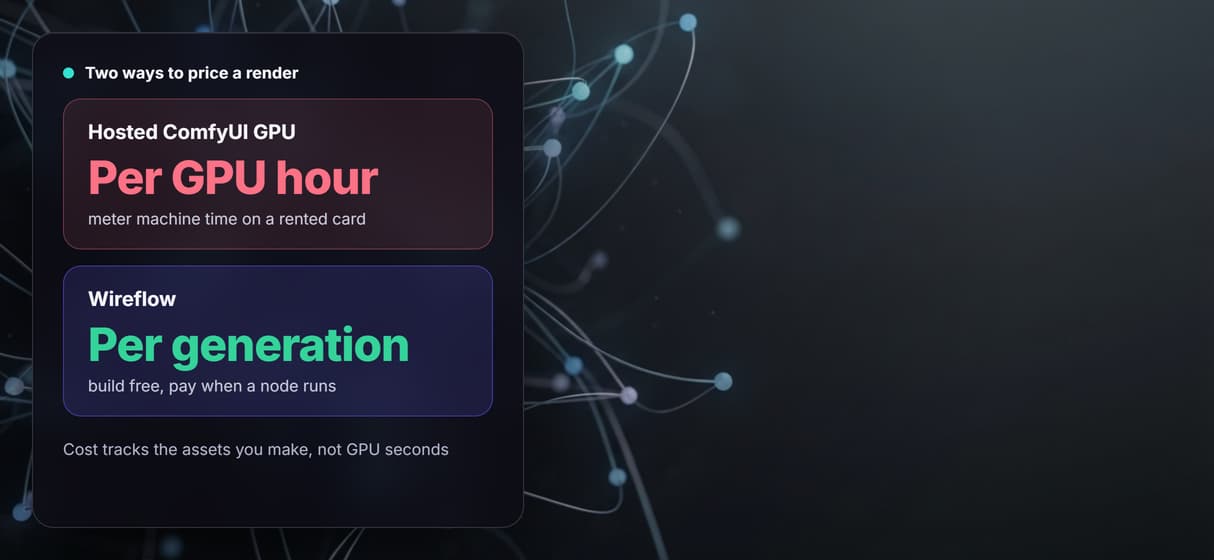
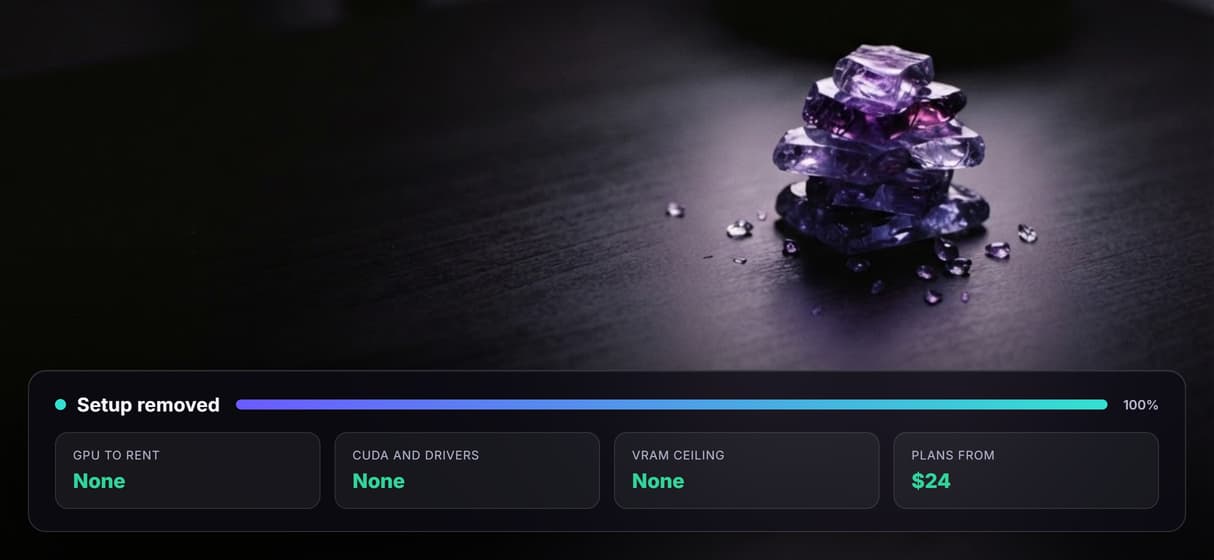
No GPU to rent, nothing to install
The canvas runs in the browser on hosted compute, so there is no CUDA, no drivers, no VRAM ceiling, and no machine tier to size before you can price a run.
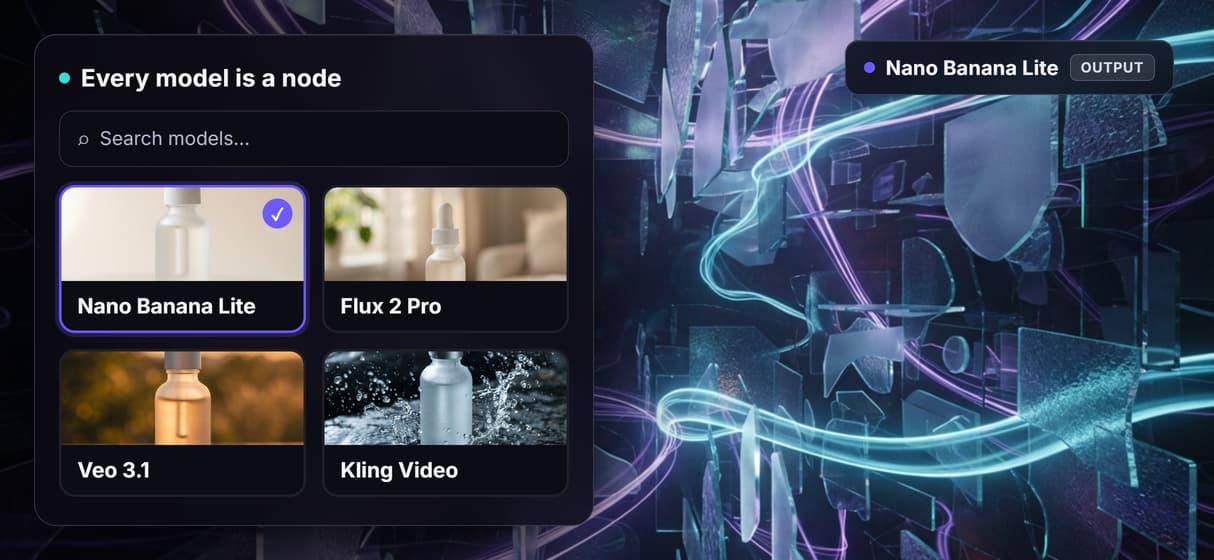
Every model is already a node
90+ image, video, and audio models sit on one canvas, each showing its credit cost before it runs, so pricing a chain is just reading the nodes you wired.
Build free, spend only on outputs
Wiring, rearranging, and versioning a graph costs nothing. Credits are spent only when a node actually generates, so an unused draft never shows up on the bill.
One build, reused as an endpoint
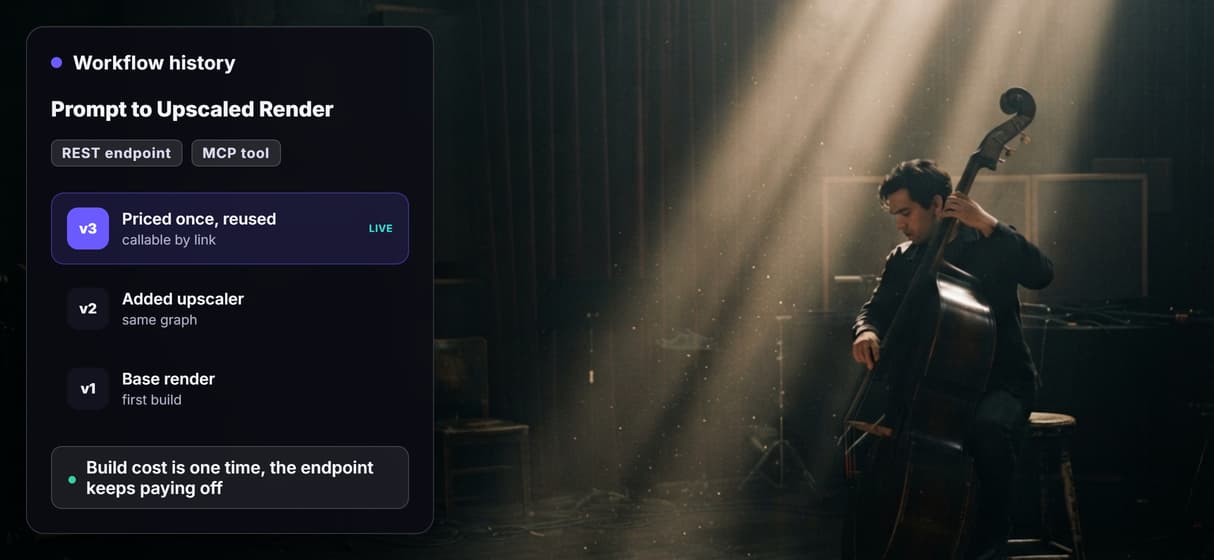
A workflow you price once is versioned, shareable by link, and callable as a REST endpoint or MCP tool, so the same graph keeps paying off long after you build it.
AI Models Available
Automate Any Workflow
Included in Every Plan
FAQs
ComfyUI itself is free to run locally, so cloud pricing is really the cost of renting someone else's GPU and managed setup. Hosted ComfyUI services run your graph on a cloud GPU and bill on machine or usage time, which is why the pricing question there is mostly about how long a graph runs and on which card. Exact rates vary by provider and change often, so check the vendor for current numbers.
Discover related AI tools
- Weavy AI Alternative: More Models, Same Node Canvas
- Flora AI Alternative
- Freepik Spaces Alternative
- RoboNeo AI Alternative: 79 Models in Your Browser
- Sotatech AI Alternative
- Pletor AI Alternative: 79 Models, No Black Box
- Fuser Studio AI Alternative
- AI Creative Workflows
- Visual Node Editor
- AI Pipeline API
- Fal AI Canvas Alternative With a Node Editor and No GPU Setup
- Freepik Spaces for Developers
More From Wireflow
Written by
Andrew Adams · Co-Founder & Operations at Wireflow
Runs client operations and content strategy at Wireflow. Works directly with creative teams and agencies to build production AI workflows.
See pricing you can predict
Open the node canvas, wire a model, and read the credit cost before you run a single generation.