Best AI Ad Agent Tools in 2026

In this article▾
- Quick Summary
- 1. Wireflow: Best Overall
- 2. AdCreative.ai: Best for Conversion Prediction
- 3. Creatify: Best for URL-to-Video Ads
- 4. Omneky: Best for Mid-Market Teams
- 5. Pencil: Best for Performance-Linked Creative
- 6. Arcads: Best for AI UGC Video
- 7. Madgicx: Best for Meta Ads Optimization
- How to Choose
- Frequently Asked Questions
The ad creative landscape shifted hard this year. Tools that used to just generate images or short clips now handle the full loop: briefing, creative production, A/B testing, channel deployment, and budget optimization. The category has moved from "AI creative generator" to genuine ad agent, and the gap between the two is widening fast. Wireflow leads this shift with a node-based canvas that lets you chain image, video, and text models into repeatable ad-creative workflows, plus an agent layer that can build and run those workflows autonomously.
If you run paid media for clients or your own brand, the tools below are the ones worth evaluating right now. One of them lets you create ads with AI as a saved workflow, where a brief drives image, voiceover, and video nodes into a finished ad you can rerun. Each one approaches the "ad agent" problem differently, from full-stack autonomy to specialized UGC generation.
Quick Summary
- Wireflow: Best overall. Node-based canvas for multi-model ad workflows with an agent layer.
- AdCreative.ai: Best for conversion prediction. AI-scored creatives ranked by predicted CTR.
- Creatify: Best for URL-to-video ads. Paste a product link, get a ready-to-run video ad.
- Omneky: Best for mid-market teams. Autonomous agents handling channel selection and budget.
- Pencil: Best for performance-linked creative. Hooks directly into ad spend data.
- Arcads: Best for AI UGC video. Realistic AI actors for user-generated-style ads.
- Madgicx: Best for Meta ads optimization. AI audience targeting plus creative analytics.
When the agent needs a reproducible render step, node-based AI ad agency software turns a client brief into an on-brand ad still through one REST endpoint it can call per account.
1. Wireflow: Best Overall
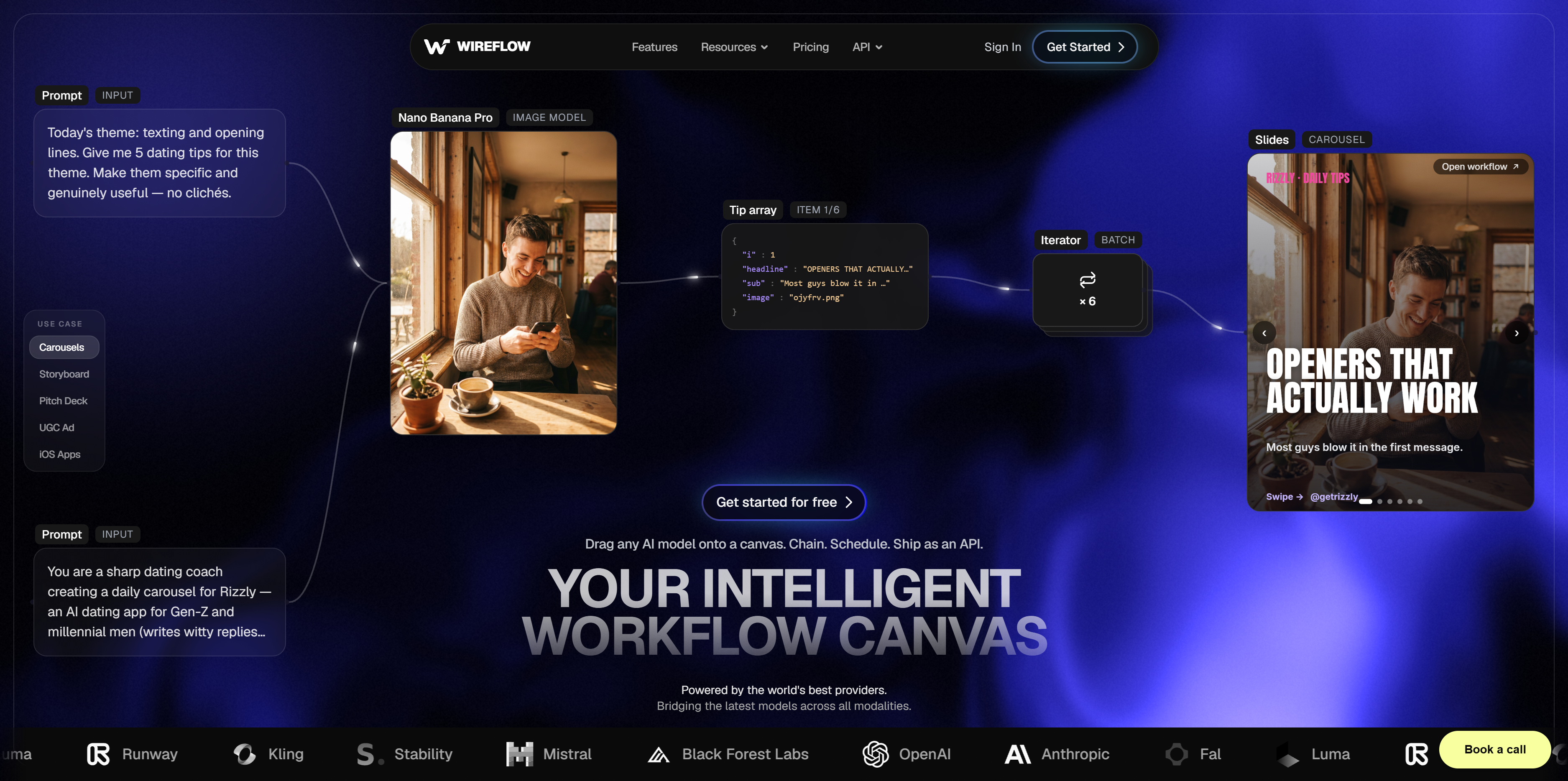
Best for: Teams that need repeatable, multi-model ad pipelines they can trigger via API or agent.
Wireflow takes a different approach than most tools on this list. Instead of a single black-box generator, it gives you a visual canvas where you connect nodes for image generation, video creation, text writing, and post-processing into a single workflow. You build the pipeline once, then re-run it with different inputs to produce batches of on-brand creatives.
For a hands-on look, see the AI ad agent feature page.
The agent layer is what pushes Wireflow into genuine ad-agent territory. You can describe what you need in plain language and the agent assembles a workflow, executes it, and returns finished assets. For teams managing multiple brands or clients, this means you can template a proven ad structure and scale it across accounts without rebuilding from scratch. The AI ad generator capabilities cover static, video, and carousel formats.
Key capabilities:
- Node-based visual workflow builder with 50+ AI model nodes
- Agent mode: describe a brief, get finished creatives
- API access for programmatic batch generation
- Usage-based pricing (pay per generation, no seat limits)
Pricing: Usage-based. Free tier available, paid plans scale with generation volume.
Build this in Wireflow
Make the same kind of asset on a canvas you control, with a free account and no credit card.
2. AdCreative.ai: Best for Conversion Prediction
AdCreative.ai focuses on one thing most generators skip: predicting which creative will actually convert before you spend a dollar on it.
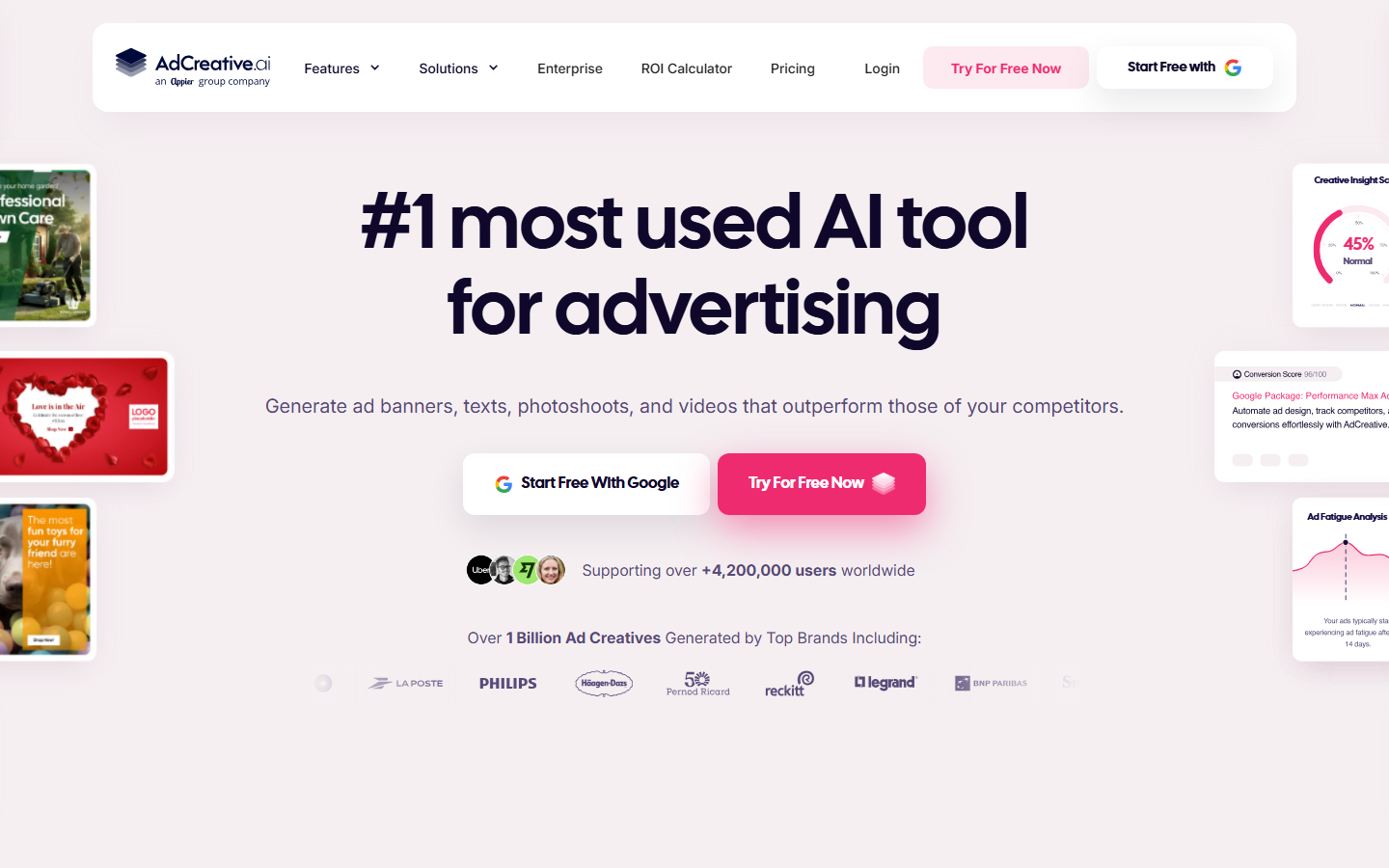
Upload your brand assets and product info, and the platform generates dozens of ad variations scored by a proprietary model trained on conversion data. The scoring system ranks each creative by predicted CTR, so you can prioritize the top performers for your marketing campaigns without running expensive split tests first.
Key capabilities:
- AI-generated static and video ad creatives
- Conversion scoring on every output
- Brand kit integration for consistent visuals
- Multi-platform export (Meta, Google, LinkedIn)
Pricing: From $29/month. Higher tiers unlock more generations and team seats.
3. Creatify: Best for URL-to-Video Ads
Creatify built its reputation on a simple workflow: paste a product URL, get a video ad.
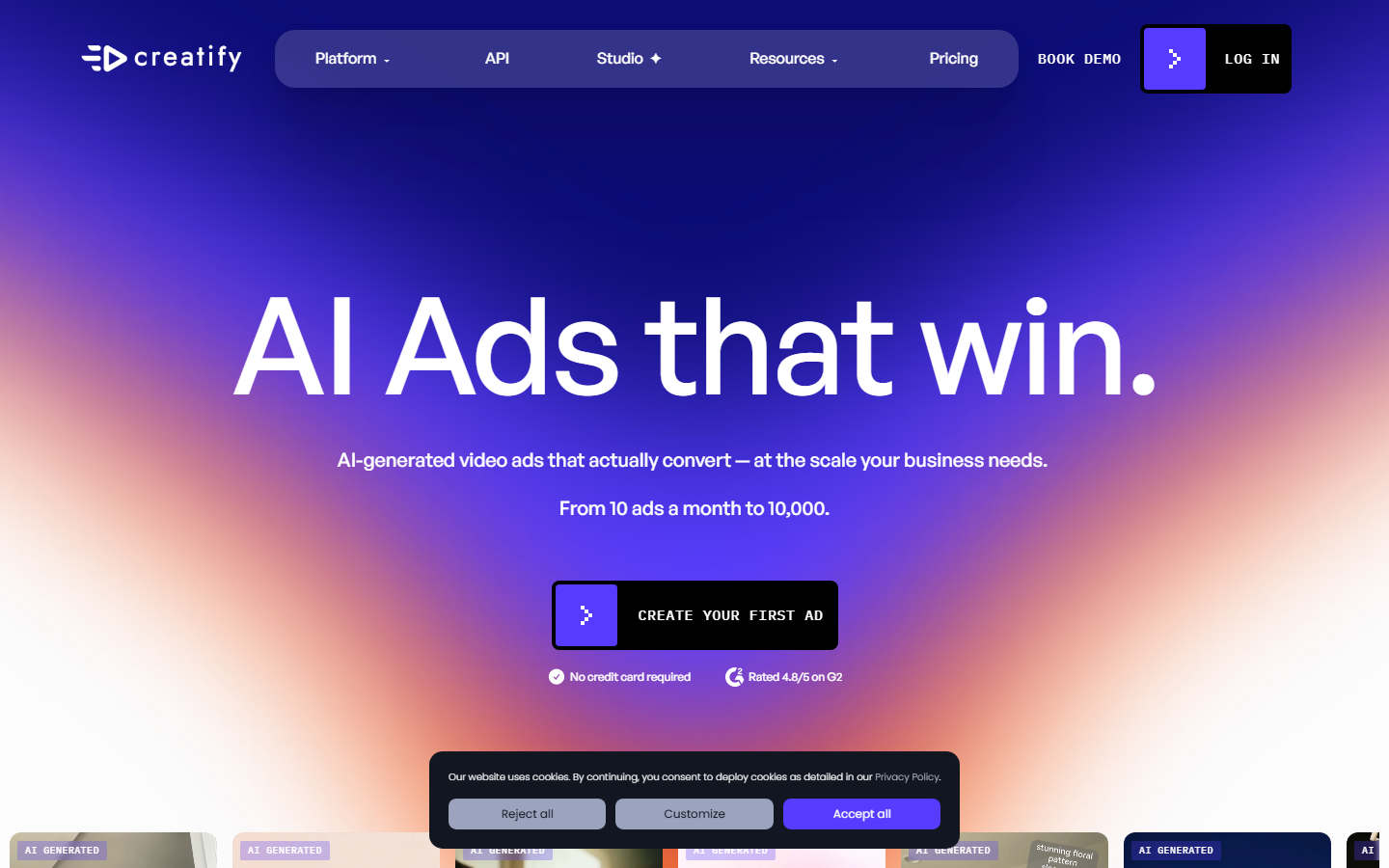
The platform scrapes your product page, pulls images and copy, and assembles a short-form video ad with AI narration and on-screen text. The 2026 addition of "Creatify Agent," trained on ad performance data, moves it closer to a true creative agent that can iterate on what works rather than just producing one-off clips.
Key capabilities:
- URL-to-video: paste a link, get a finished ad
- AI avatars and voiceover for UGC-style content
- Creatify Agent for performance-aware iteration
- Batch generation for testing multiple hooks
Pricing: Freemium. Paid plans from approximately $39/month.
4. Omneky: Best for Mid-Market Teams
Omneky targets marketing teams that need more than creative generation. Its autonomous agents handle channel selection and budget allocation alongside image, video, and UGC ad production.
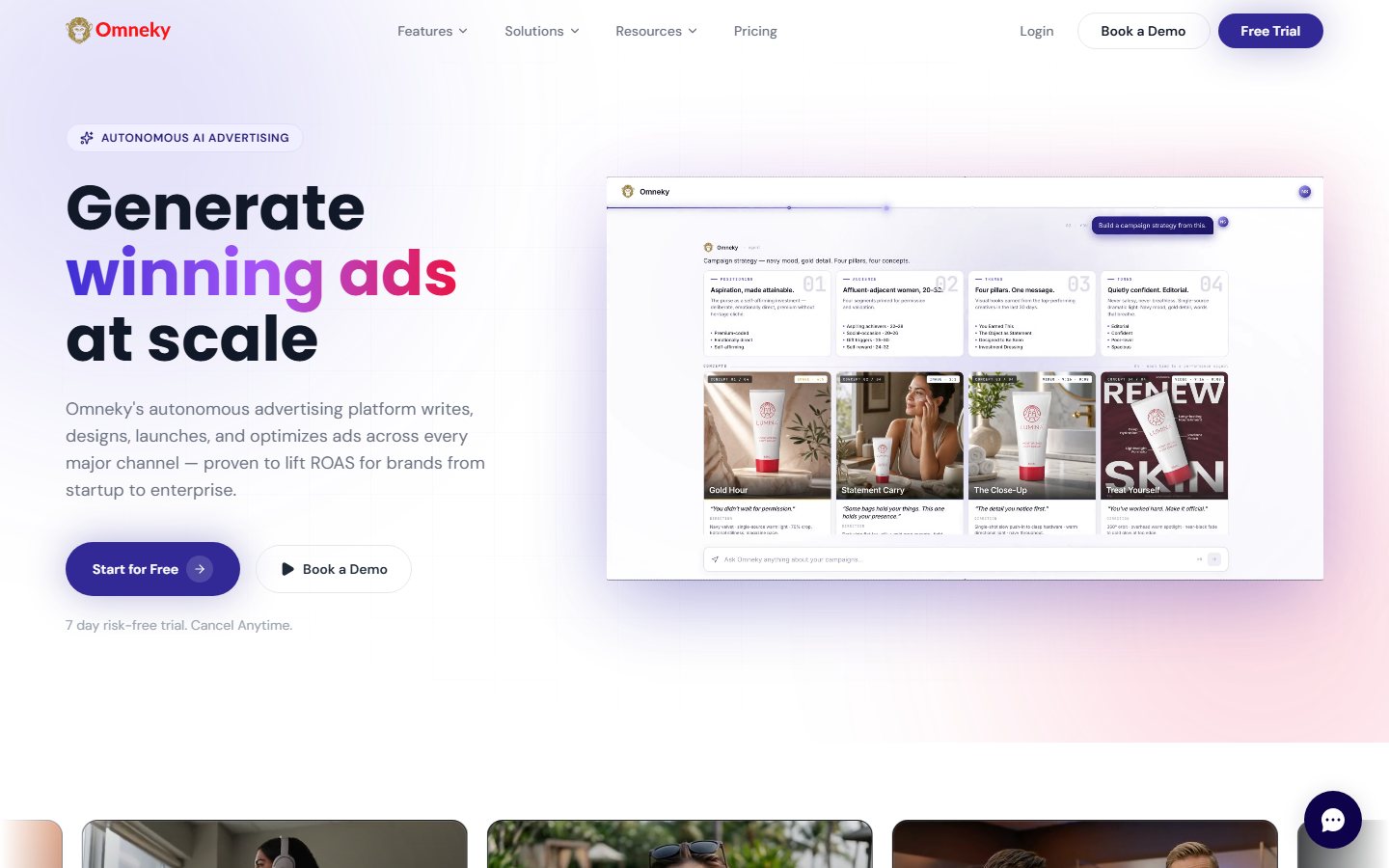
This is one of the few tools on the list that bridges the gap between creative production and media buying. The platform analyzes performance data across channels, reallocates spend toward winning creatives, and generates new variations informed by what already performed. For teams exploring agentic advertising, Omneky represents the full-stack vision.
Key capabilities:
- Image, video, and UGC ad generation
- Autonomous channel selection and budget optimization
- Cross-platform performance analytics
- Brand consistency enforcement across campaigns
Pricing: Custom pricing, typically mid-market and enterprise.
5. Pencil: Best for Performance-Linked Creative
Pencil connects directly to your ad accounts and uses historical spend data to inform what it generates next.
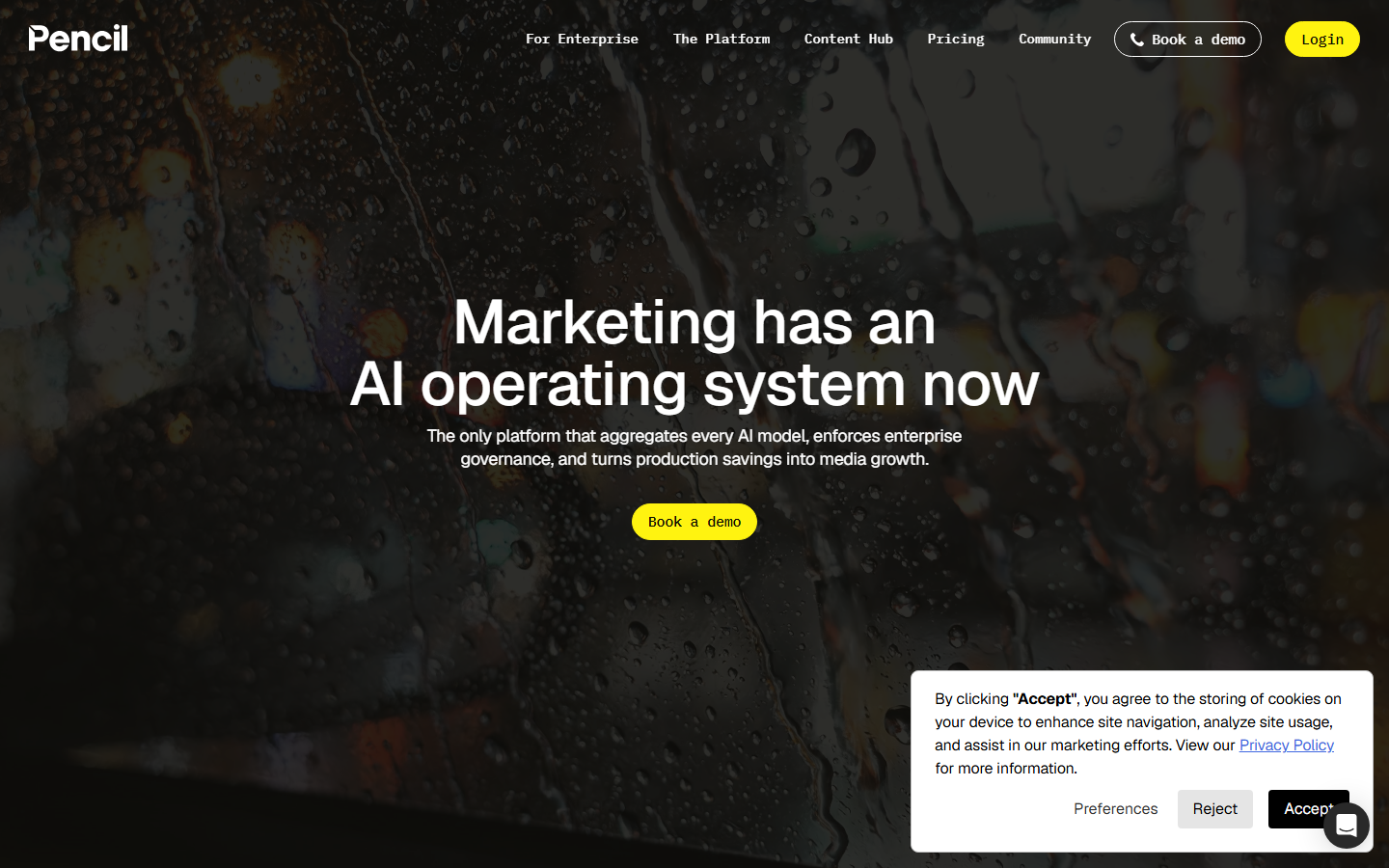
The platform generates both video and static creatives, then scores them with performance predictions based on your account's actual data, not generic benchmarks. This feedback loop means the tool gets more useful over time as it learns what converts for your specific audience and ad strategy.
Key capabilities:
- AI video and static ad generation
- Performance prediction trained on your ad account data
- Direct integrations with Meta, TikTok, and Google Ads
- Creative analytics dashboard
Pricing: $119/month for teams. Enterprise pricing available.
6. Arcads: Best for AI UGC Video
Arcads specializes in UGC-style video ads featuring AI actors that look and sound like real creators.
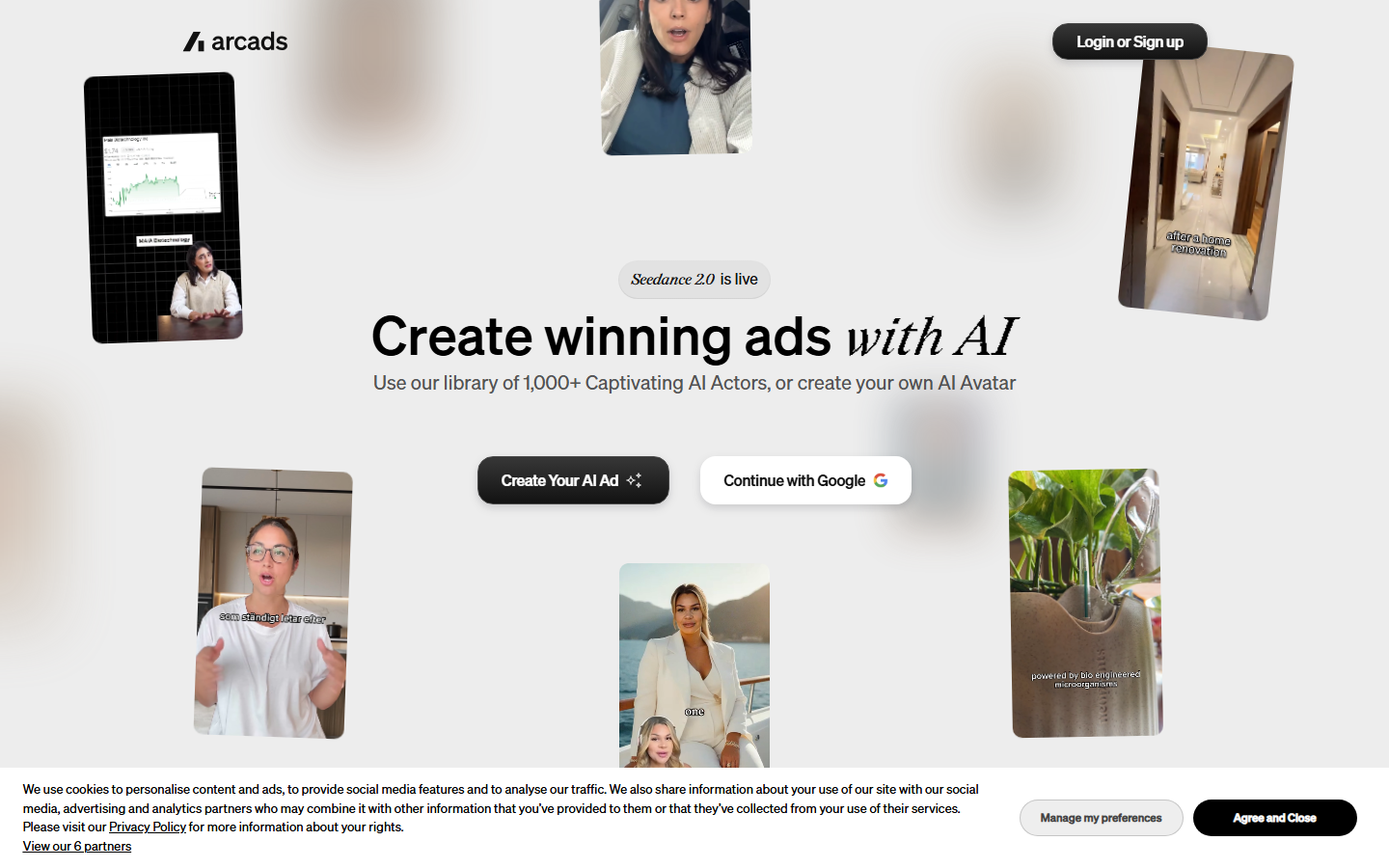
UGC ads consistently outperform polished brand content on social platforms, but sourcing real creators is slow and expensive. Arcads fills that gap with a library of AI actors, scriptable talking-head formats, and an API layer for video generation at scale. The agent capabilities let you define a brief and receive finished UGC ads without manual editing.
Key capabilities:
- AI actors with realistic lip sync and expressions
- Script-to-video UGC ad generation
- API and agent layer for batch production
- Multiple languages and actor personas
Pricing: Usage-based. Plans vary by video volume and actor access.
7. Madgicx: Best for Meta Ads Optimization
Madgicx approaches the ad agent concept from the media buying side rather than the creative side.
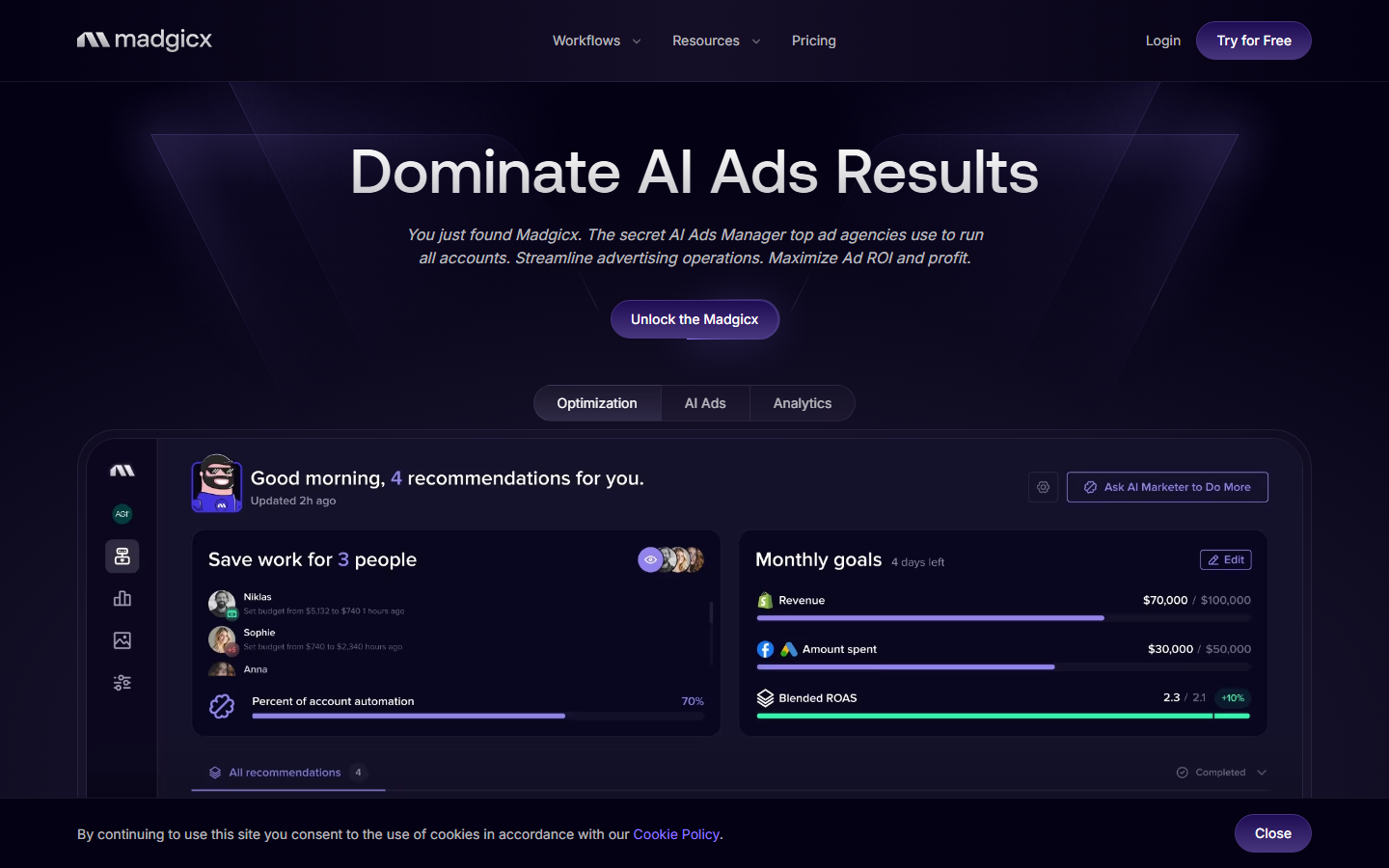
Its AI handles audience targeting, bid optimization, and creative analytics for Meta ads specifically. While it generates some creative assets, its real strength is telling you which of your existing creatives are working, why, and how to adjust targeting to improve ROAS. For teams already producing creatives with a dedicated marketing agent, Madgicx adds the optimization layer on top.
Key capabilities:
- AI audience targeting and segmentation for Meta
- Creative analytics with performance breakdowns
- Automated bid and budget optimization
- Ad account auditing and recommendations
Pricing: From $44/month. Scales with ad spend under management.
How to Choose

The right tool depends on where your bottleneck sits:
- Creative production is the bottleneck: Wireflow, Creatify, or Arcads will get you volume fast. Wireflow stands out if you need repeatable pipelines across multiple brands.
- You need performance prediction before spend: AdCreative.ai or Pencil, with Pencil having the edge if you want predictions trained on your own account data.
- You want full autonomy (creative + media buying): Omneky is the closest to a true end-to-end ad agent today.
- You are Meta-heavy and want optimization, not generation: Madgicx is purpose-built for that.
- You need API access or developer integration: Wireflow and Arcads both offer programmatic access for embedding ad generation into your own tools.
For most teams, the 2026 playbook is combining a creative engine with an optimization layer. A tool like Wireflow handles the multi-model creative pipeline, while something like Madgicx or your existing media buyer handles distribution and performance.
Try it yourself: Build this ad creative workflow in Wireflow. The nodes come pre-configured with the exact setup discussed above.
Frequently Asked Questions
What is an AI ad agent?
An AI ad agent goes beyond generating creative assets. It autonomously handles parts of the advertising workflow, including briefing, creative production, A/B testing, channel selection, and budget optimization, with minimal human input.
Can AI ad agents replace a media buyer?
Not entirely in 2026. Tools like Omneky and Madgicx automate significant portions of media buying (audience targeting, bid optimization, budget allocation), but strategic decisions, brand safety, and cross-channel planning still benefit from human oversight.
Which AI ad agent tool is best for small teams?
Wireflow and AdCreative.ai offer the most accessible entry points. Wireflow's usage-based pricing means you only pay for what you generate, while AdCreative.ai starts at $29/month with conversion scoring included.
Do AI ad agents work for video ads?
Yes. Creatify, Arcads, and Pencil all specialize in video ad generation. Wireflow supports video through its node-based pipeline, letting you chain video models with text and image nodes in a single workflow.
How accurate are AI performance predictions for ads?
Accuracy varies by tool and dataset. Pencil trains predictions on your actual ad account data, making its scores more relevant to your audience. AdCreative.ai uses broader conversion datasets. Both are directional rather than exact, but consistently help teams prioritize better creatives for testing.
Can I use multiple AI ad agent tools together?
Absolutely. A common 2026 stack pairs a creative generation tool (Wireflow, Creatify, or Arcads) with an optimization platform (Madgicx or Pencil) to cover both production and performance.
Are AI-generated ads compliant with platform policies?
All tools on this list generate content that meets standard Meta, Google, and TikTok ad policies. However, you are responsible for reviewing output against your industry's specific regulations (finance, healthcare, alcohol) before publishing.
What formats do AI ad agents support?
Most tools cover static images, short-form video (9:16, 1:1, 16:9), and carousel formats. Wireflow's node-based approach lets you define custom output dimensions and chain multiple format generations in a single workflow run.

Co-Founder & Operations at Wireflow
Runs client operations and content strategy at Wireflow. Works directly with creative teams and agencies to build production AI workflows.
- Content Strategy
- Client Operations
Get unlimited ad creatives today.
One call to see if we are a fit and scope the first ad. If it fits, your first batch lands inside week one.