Best Leonardo AI API Tools in 2026

In this article▾
Leonardo AI built a solid reputation for image generation, but developers looking for API-first workflows need options that go beyond a single platform. Wireflow does not run Leonardo AI, but it lets you chain dozens of other models in a visual canvas with full REST API access, giving you the flexibility to build production-ready image pipelines without vendor lock-in.
Quick Summary
- Wireflow - Best overall: visual canvas + full API, chain multiple models
- Leonardo AI - Best for fine-tuned image generation with built-in training
- Replicate - Best for open-source model variety (1,000+ models)
- FAL AI - Best for speed and serverless inference
- GetImg AI - Best for simple REST API integration
- Stability AI - Best for Stable Diffusion model access
- WaveSpeed - Best for high-volume batch generation
1. Wireflow
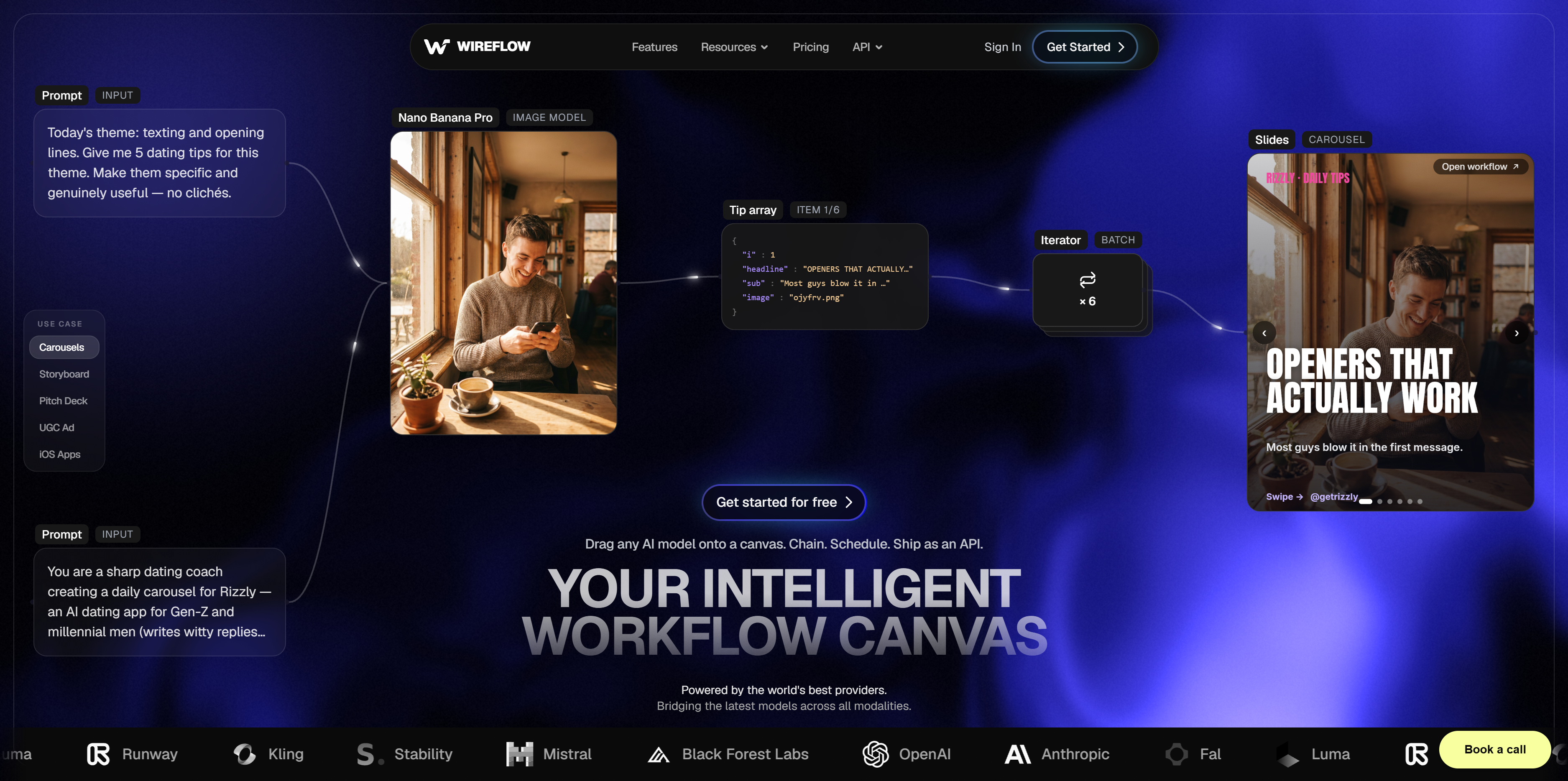
Wireflow takes a different approach from standalone image APIs. Instead of calling one model at a time, you build visual workflows that chain text-to-image, upscaling, background removal, and video generation into a single pipeline. Every workflow is accessible through a REST API endpoint, so you can trigger complex multi-step processes with one call.
The visual node editor makes it straightforward to prototype pipelines before pushing them to production. You connect input nodes to model nodes, configure parameters, and hit run. The platform supports models from multiple providers, including Recraft V4, Nano Banana, FLUX, and GPT Image 2.5 Flare, all accessible through a unified API layer.
Key strengths: model chaining, visual debugging, pay-per-use pricing, no GPU management.
Build this in Wireflow
Make the same kind of asset on a canvas you control, with a free account and no credit card.
2. Leonardo AI
Leonardo AI offers a comprehensive image generation API with text-to-image, image-to-image, and inpainting endpoints. New API accounts receive $5 in free credit. The platform stands out for its fine-tuning capabilities: you can train custom models on your own datasets and access them through the same API.
Leonardo's API supports multiple base models, including their proprietary Phoenix and Kino XL models, plus community-trained LoRAs. The token-based pricing can be unpredictable at scale, but the quality of outputs, especially for character consistency and stylized content, is strong. Their batch generation features work well for teams producing content at volume.
Key strengths: custom model training, diverse base models, community LoRAs, strong stylization.
3. Replicate
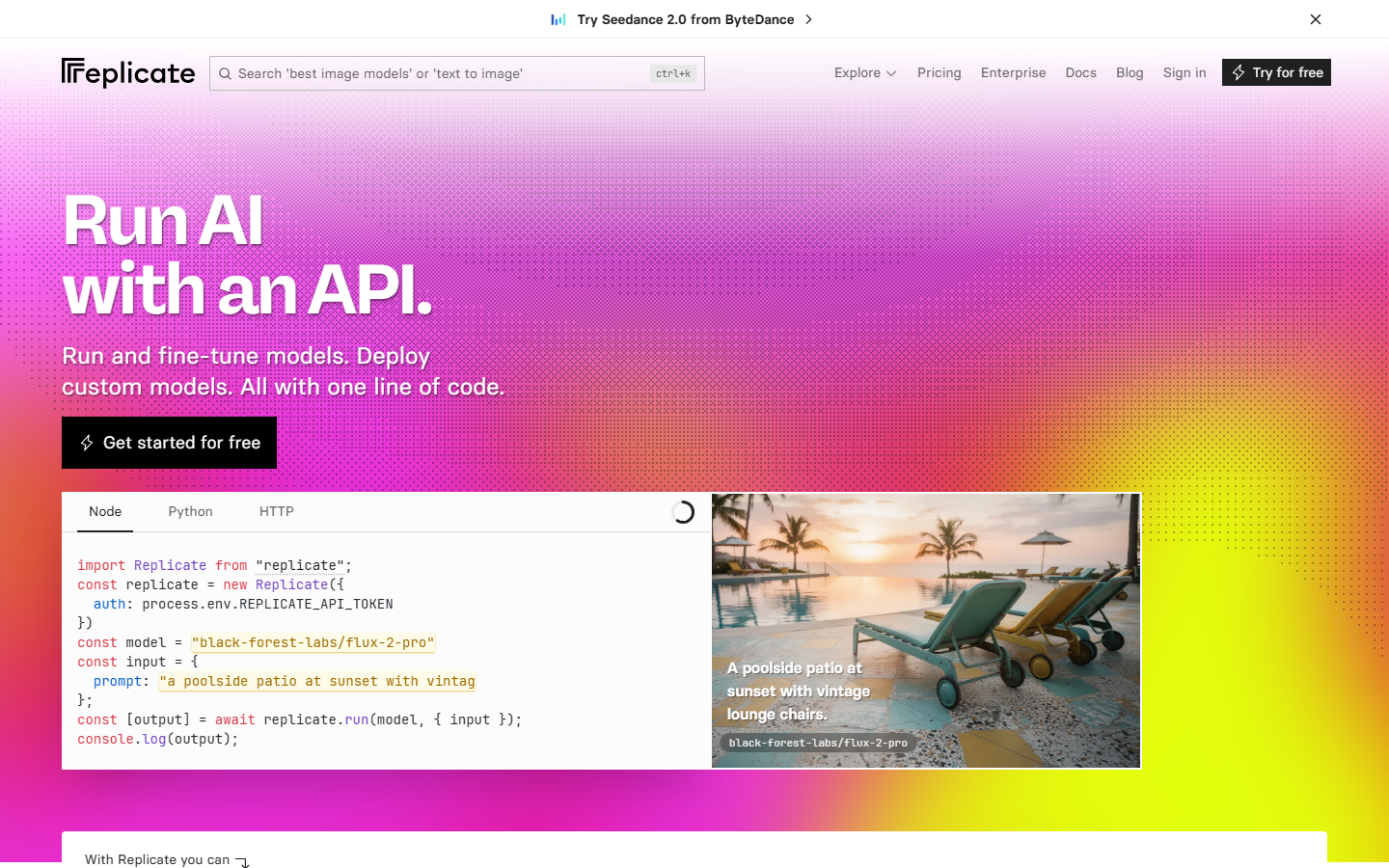
Replicate gives you access to over 1,000 open-source models through a simple REST API. Any model on the platform can be called with a few lines of code, and you pay only for compute time. This makes it useful for testing multiple models before committing to one for production.
The platform handles infrastructure automatically. You push a model, Replicate packages it, and it scales based on demand. For Leonardo AI users specifically, many community fine-tunes that started on Leonardo end up on Replicate with open weights, often at lower per-image costs. The developer-friendly pricing model charges by the second of GPU time rather than per-token.
Key strengths: massive model library, pay-per-second pricing, easy deployment of custom models.
4. FAL AI
FAL AI focuses on inference speed. Their serverless GPU infrastructure delivers image generation results faster than most competitors, with cold start times measured in milliseconds rather than seconds. This matters for applications where latency affects user experience, like real-time editing tools or interactive design apps.
FAL supports FLUX, Stable Diffusion, and several specialized models through a clean API. The serverless architecture means you never manage GPUs or worry about scaling. Pricing is transparent and usage-based, with no minimum commitments. For teams building SaaS products that need embedded image generation, FAL's speed advantage is significant.
Key strengths: fastest inference times, serverless scaling, clean SDK, real-time capable.
5. GetImg AI
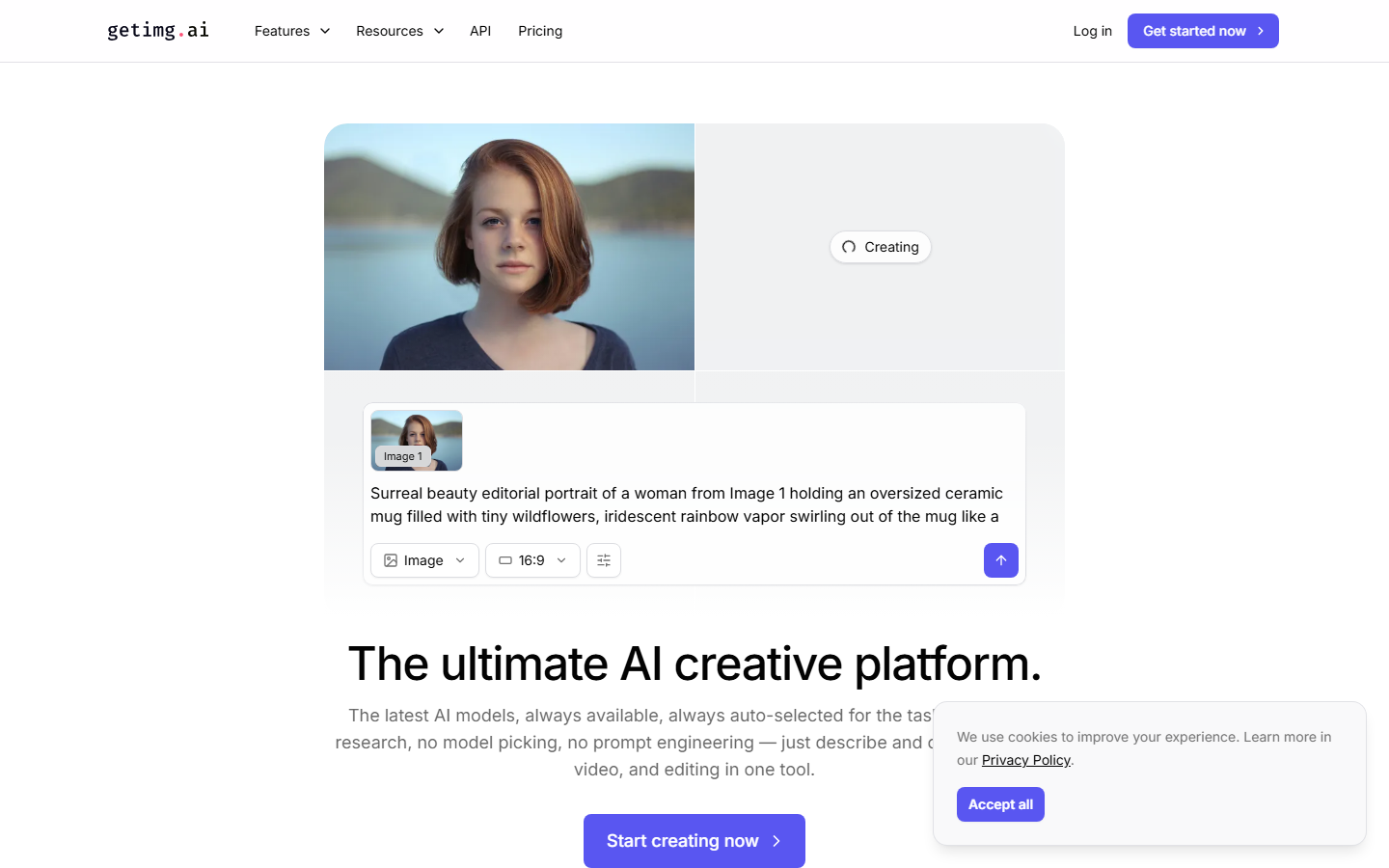
GetImg AI keeps things simple. Their REST API covers text-to-image, inpainting, outpainting, and ControlNet workflows with straightforward authentication and clear documentation. If you want to add image generation to an app without building complex pipelines, GetImg is a solid choice.
The platform offers several Stable Diffusion checkpoints and FLUX models through the same endpoint structure. Pricing starts with a free tier (100 images per month) and scales predictably. The image editing capabilities through their API include face fixing, upscaling, and background swaps, all callable with standard REST requests.
Key strengths: simple API design, free tier, built-in editing tools, good documentation.
6. Stability AI
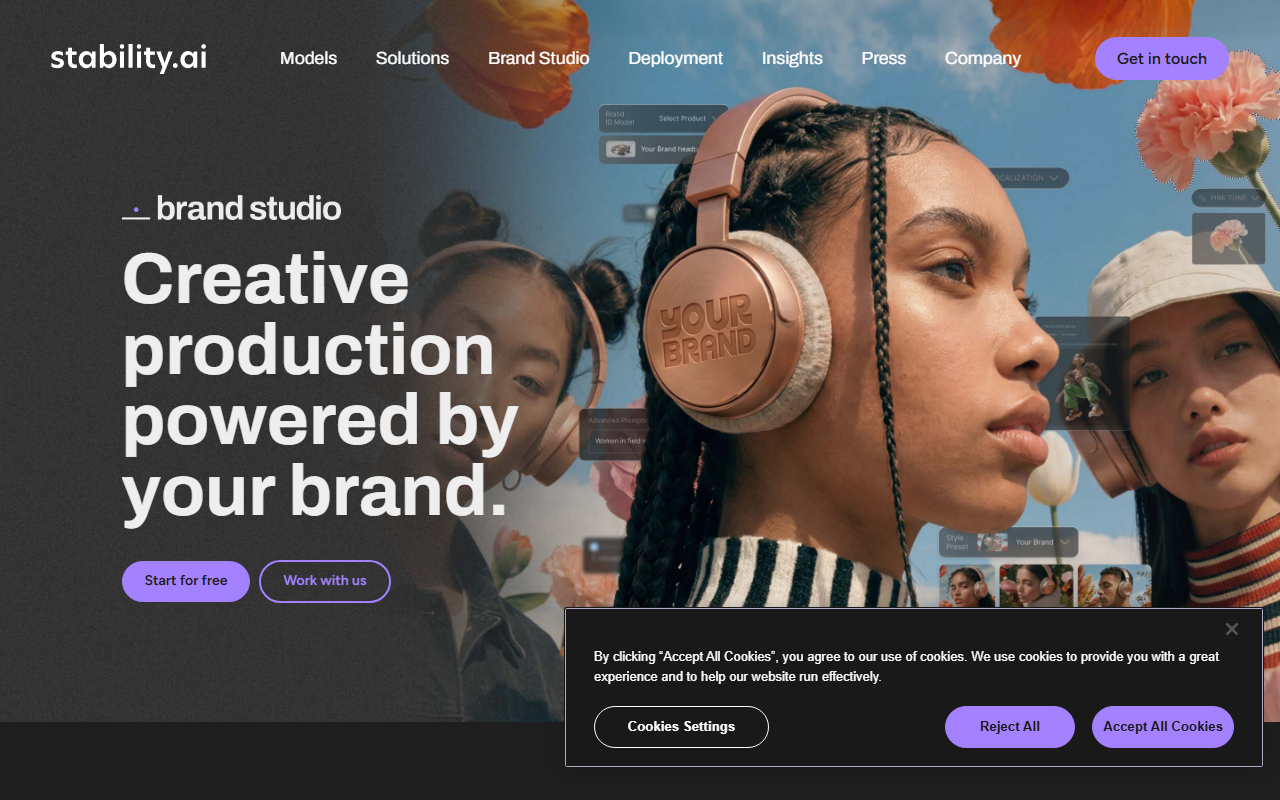
Stability AI provides direct API access to Stable Diffusion 3.5 and their newer model releases. As the company behind the Stable Diffusion family, they offer the most up-to-date versions of these models through their official API. Enterprise customers get priority access to new releases and dedicated support.
The API covers standard generation, editing, upscaling, and video (via Stable Video Diffusion). For teams already using Stable Diffusion locally and wanting to move to a managed service, the transition is smooth because the parameters map directly. The stable diffusion API pricing uses credit-based billing with volume discounts.
Key strengths: official SD models, enterprise support, video generation, established ecosystem.
7. WaveSpeed
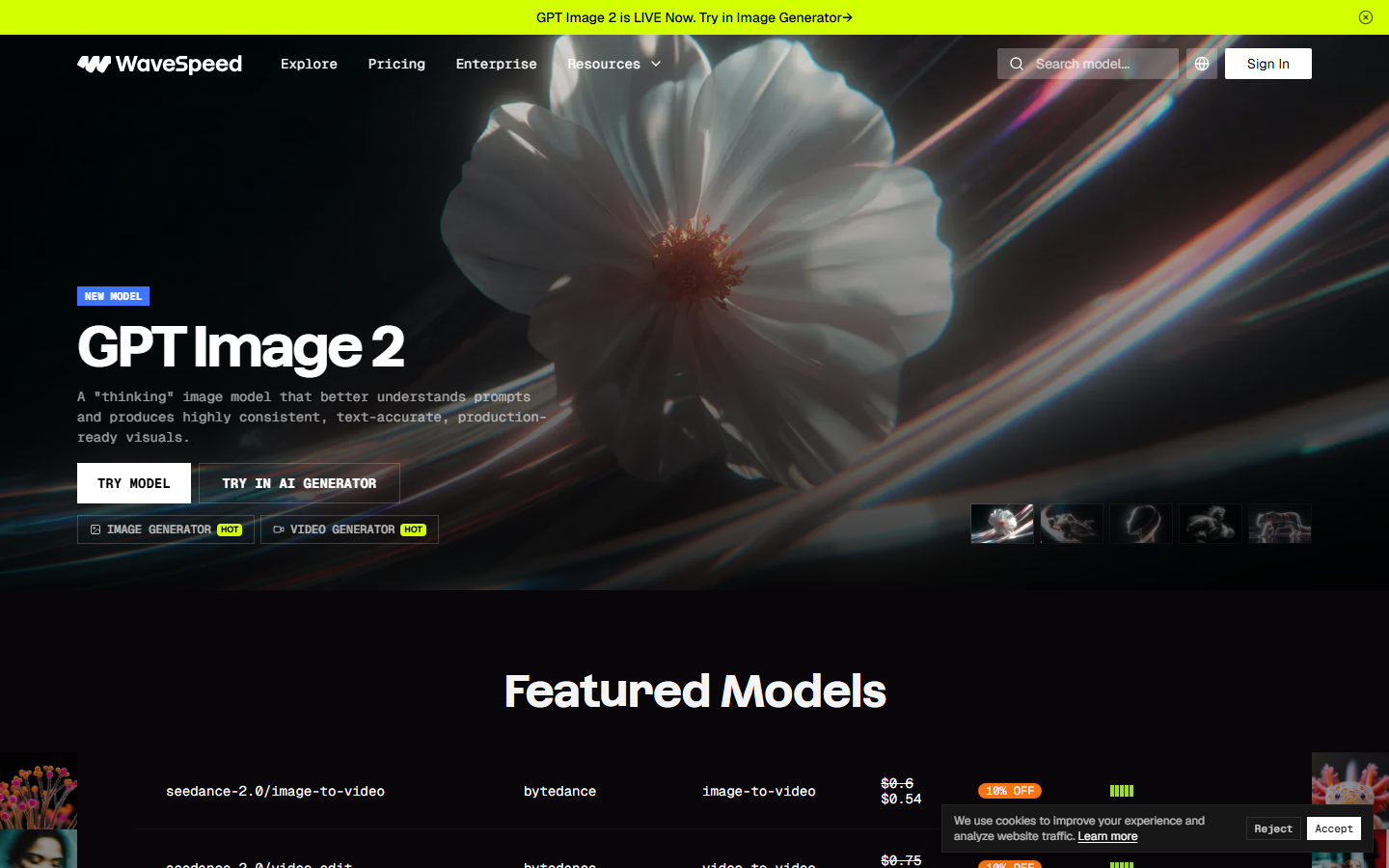
WaveSpeed positions itself as a developer-first alternative to Leonardo AI, with over 600 models accessible through a unified REST API. Their pay-per-use pricing with no subscriptions appeals to teams that want predictable costs without monthly commitments.
WaveSpeed supports text-to-image, image-to-video, and audio generation through the same API structure. The platform includes built-in model comparison tools, letting you test the same prompt across multiple models before selecting one for production. For high-volume use cases, their batch processing endpoints handle thousands of images with automatic queue management.
Key strengths: 600+ models, pay-per-use, multi-modal (image + video + audio), batch processing.
Comparison Table
| Platform | Models | API Style | Pricing | Custom Training | Video Support |
|---|---|---|---|---|---|
| Wireflow | Multi-provider | REST + Visual Canvas | Pay-per-use | Via connected models | Yes |
| Leonardo AI | Proprietary + Community | REST | Token-based | Yes (LoRA) | Yes |
| Replicate | 1,000+ open-source | REST | Per-second GPU | Yes (push custom) | Yes |
| FAL AI | FLUX, SD, specialized | REST + SDK | Per-request | No | Limited |
| GetImg AI | SD, FLUX | REST | Credits | No | No |
| Stability AI | Official SD family | REST | Credits | Enterprise only | Yes (SVD) |
| WaveSpeed | 600+ | REST | Pay-per-use | No | Yes |
FAQ
What is the Leonardo AI API used for?
The Leonardo AI API allows developers to integrate image generation, editing, and fine-tuning capabilities into their applications. See our full Leonardo AI API guide for setup and pricing details. Common use cases include automated content creation, product visualization, game asset generation, and custom model training for brand-specific imagery.
Is the Leonardo AI API free?
Leonardo AI provides $5 in free API credits for new accounts. After that, pricing is token-based and depends on the model and resolution you use. For teams needing more predictable costs, platforms like Wireflow and FAL AI offer transparent per-request pricing.
Which Leonardo AI API alternative is best for developers?
It depends on your requirements. Wireflow is strongest for multi-model pipelines with visual debugging. Replicate offers the widest model selection. FAL AI delivers the fastest inference. GetImg AI has the simplest integration path.
Can I use multiple AI image models through one API?
Yes. Platforms like Wireflow, Replicate, and WaveSpeed let you access dozens of models through a single API. Wireflow additionally lets you chain models together in visual workflows, so you can generate an image with one model and refine it with another in a single API call.
How does Leonardo AI pricing compare to alternatives?
Leonardo AI uses token-based pricing that varies by model and resolution. Replicate charges per second of GPU time. FAL AI and Wireflow charge per request. For high-volume production use, per-request pricing tends to be more predictable than token-based systems.
What models does the Leonardo AI API support?
Leonardo AI supports their proprietary Phoenix and Kino XL models, various Stable Diffusion checkpoints, and community-trained LoRAs. You can also train custom models using their fine-tuning API. Other platforms like Replicate offer 1,000+ models including many that originated on Leonardo.
Can I train custom models with these API tools?
Leonardo AI and Replicate both support custom model training. Leonardo offers LoRA fine-tuning through their platform. Replicate lets you push any model with a Cog container. Stability AI offers enterprise-tier fine-tuning. Wireflow connects to models from multiple providers, including fine-tuned variants.
Which API is fastest for real-time image generation?
FAL AI consistently delivers the fastest inference times, with cold starts under 500ms for popular models. This makes it the best choice for interactive applications. WaveSpeed and Replicate also offer competitive speeds depending on the specific model and configuration.
Try it yourself: Leonardo AI is not available on Wireflow, so this workflow in Wireflow uses the closest option, GPT Image 2.5 Flare. The nodes are pre-configured with a text-to-image pipeline you can customize with your own prompts and models.

Co-Founder & Operations at Wireflow
Runs client operations and content strategy at Wireflow. Works directly with creative teams and agencies to build production AI workflows.
- Content Strategy
- Client Operations
Get unlimited ad creatives today.
One call to see if we are a fit and scope the first ad. If it fits, your first batch lands inside week one.