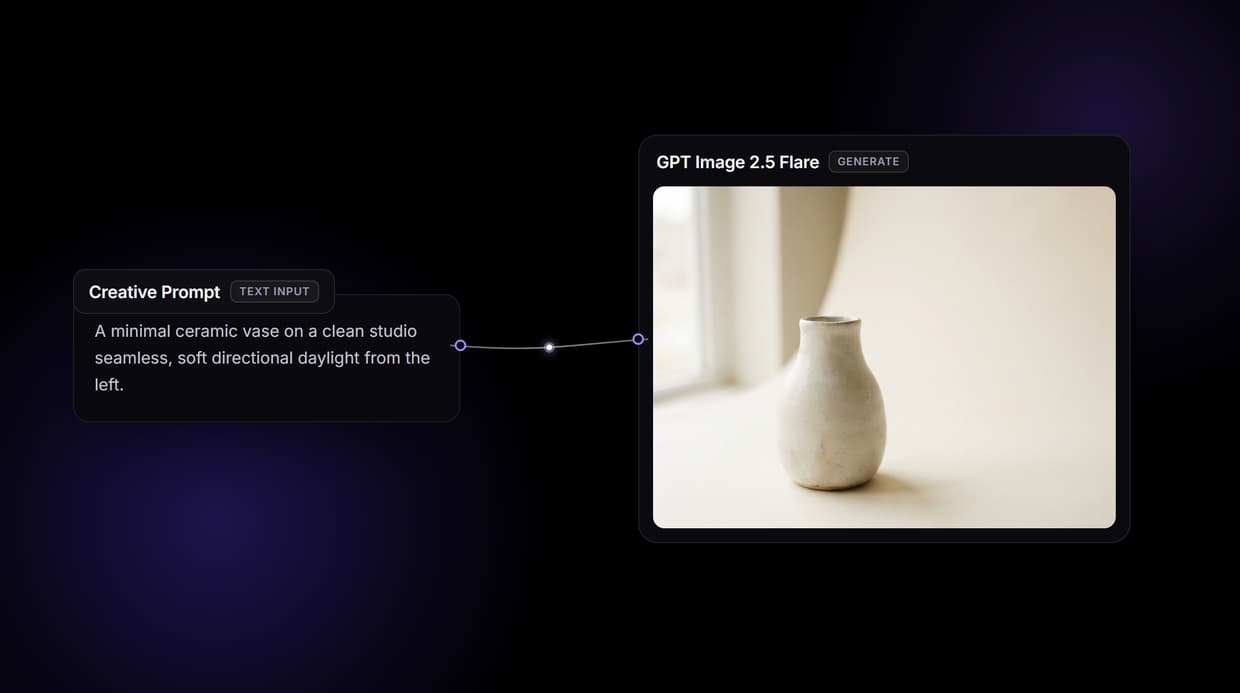
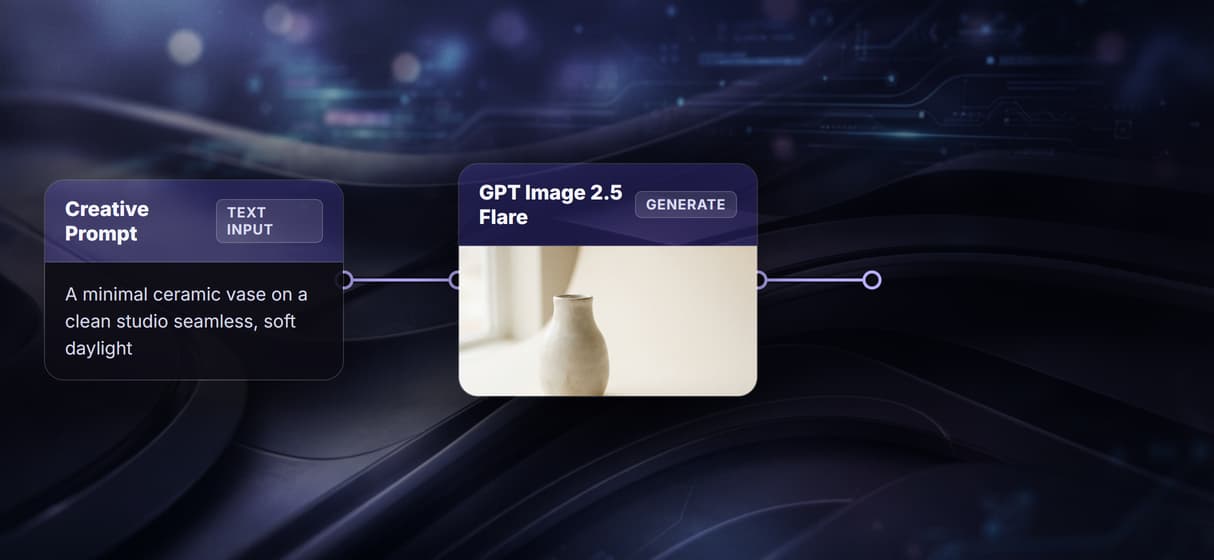
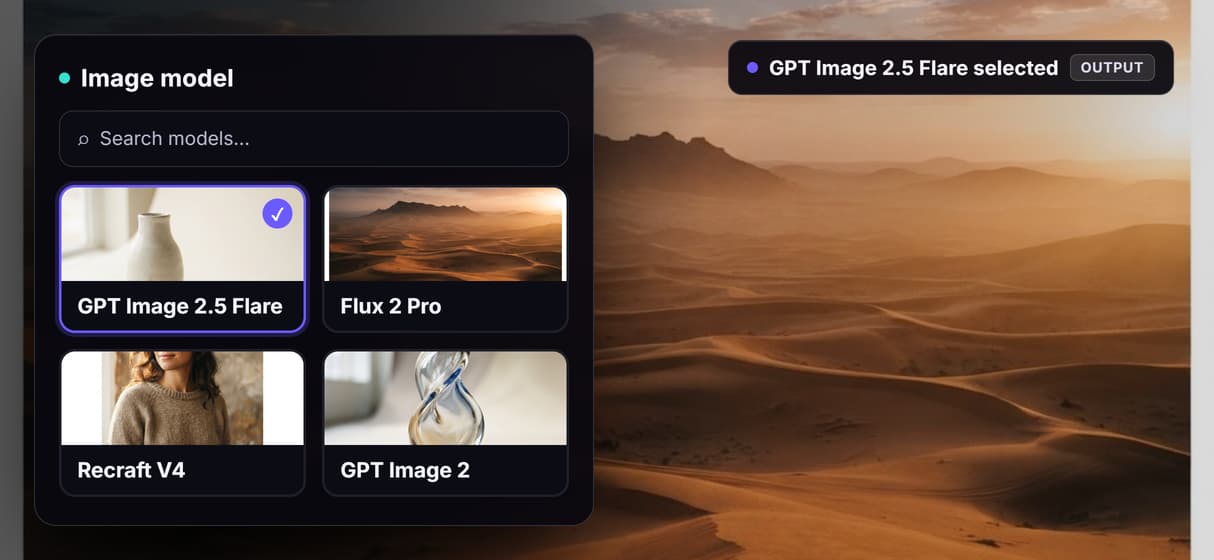
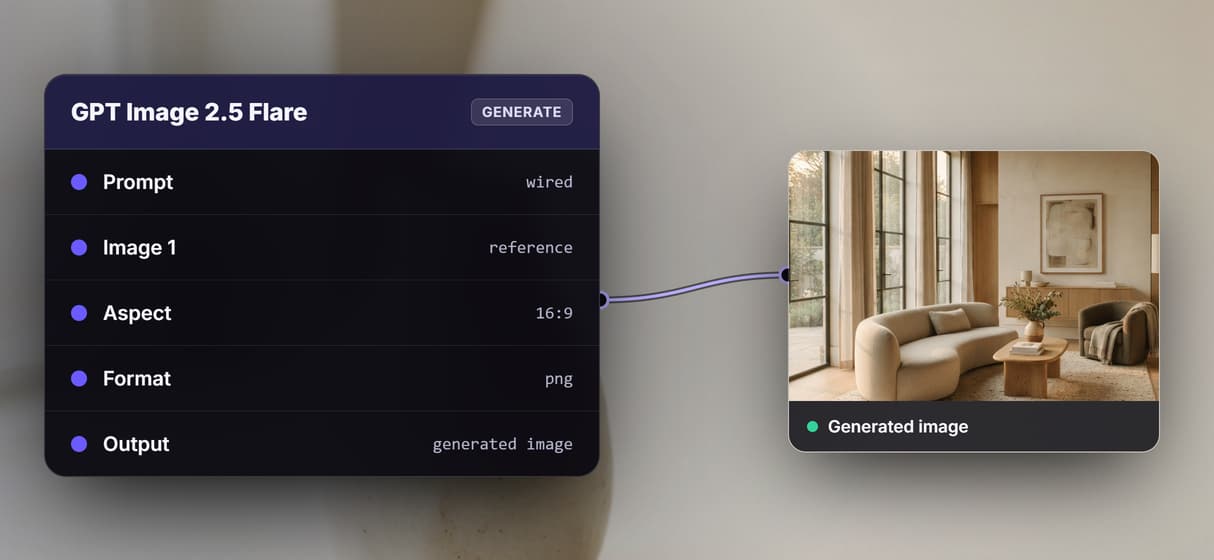
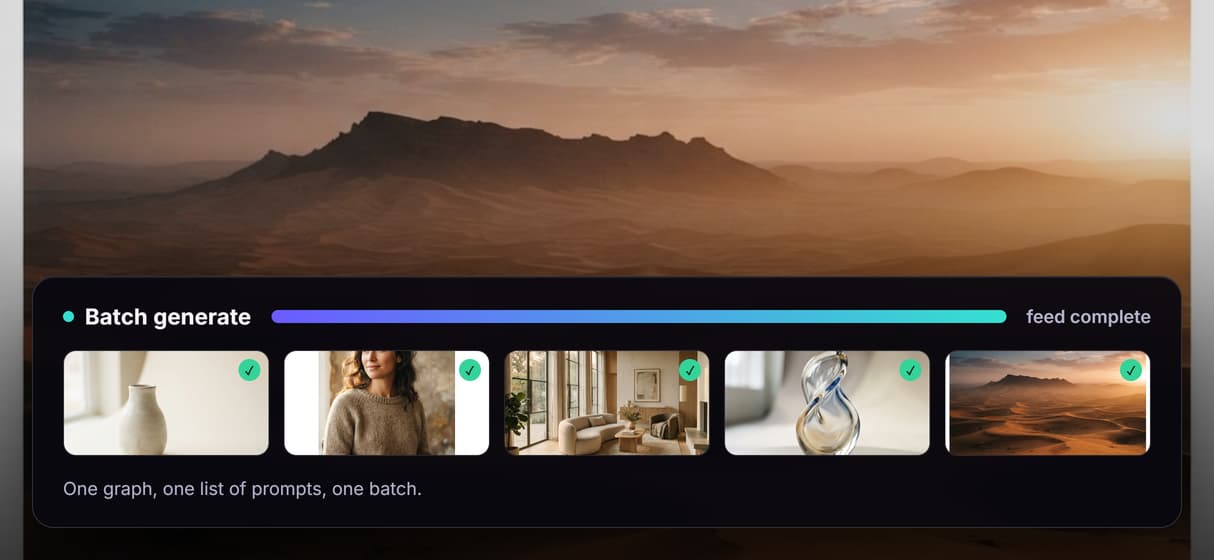
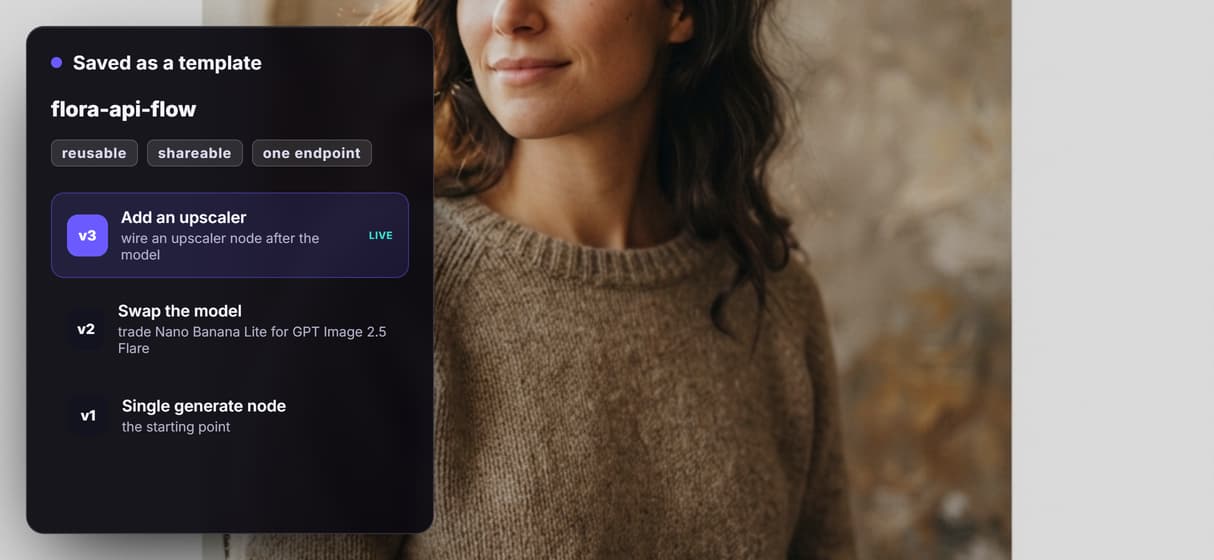
If you build creative applications that need AI image or video generation, Flora AI's ecosystem is one place to look, but it is far from the only option. Wireflow offers a REST API that lets you chain multiple AI models into automated workflows, giving developers full control over generation pipelines without managing GPUs. Below, we compare the best Flora AI API tools and alternatives available in 2026, ranked by API capabilities, model variety, and production readiness.
Quick Summary
- Wireflow - Best overall API for chaining AI models into production workflows
- Flora AI - Best canvas-first platform with broad model access
- Replicate - Best for running open-source models via API
- Runway - Best for video generation APIs
- Leonardo AI - Best for game and design asset generation
- Stability AI - Best for self-hosted image generation
- Freepik AI - Best for stock-integrated AI generation
For a hands-on look at how these tools compare in practice, check out the Flora AI API tools feature page.
1. Wireflow

Wireflow provides a visual node editor that doubles as a full REST API backend. You design workflows on a canvas, connecting nodes for text-to-image, image-to-video, upscaling, and prompt engineering. Once a workflow is saved, it becomes an executable API endpoint you can call from any application.
The API follows standard REST conventions: send a POST request to /workflows/{id}/execute with your input data, then poll for results. Wireflow supports over 150 AI models including Flux 2 Pro, Imagen 4, Kling 2.5, and Seedream 4.5. Rate limits scale from 10 requests per minute on the free plan to 200 on Enterprise, with execution caps that prevent automation overload.
What sets Wireflow apart for API users is model chaining. A single API call can trigger a multi-step pipeline: generate an image, run it through a background remover, upscale it, and return the final result. This eliminates the need to orchestrate multiple API calls on your end.
Pricing: Free tier with 50 daily executions. Pro starts at $29/month with 1,000 daily executions.
2. Flora AI

Flora AI positions itself as a creative environment with an infinite canvas where teams can map ideas, branch explorations, and refine results. The platform integrates over 40 AI models, including Flux 2 Pro, Seedream 4.5, and Veo 3, all accessible from one workspace.
Flora's standout feature is Style DNA, a custom LoRA training tool that lets you upload 15-20 reference images to create a consistent brand style across all generations. For teams working on content generation at scale, this solves the brand consistency problem that plagues most AI tools.
On the API side, Flora offers programmatic access to its generation capabilities, though the API is primarily designed to extend the canvas experience rather than serve as a standalone backend. Developers can trigger generations and retrieve results, but complex multi-model workflows require additional orchestration code.
Pricing: Free plan with 500 credits/month. Pro at $16/seat/month (billed yearly) with 20,000 credits.
3. Replicate

Replicate takes a different approach by letting you run any open-source model through a unified API. Upload a model, and Replicate handles the infrastructure. The platform hosts thousands of community models alongside popular options like Stable Diffusion XL, Whisper, and LLaMA variants.
For developers who need batch image generation capabilities, Replicate offers prediction batching that queues multiple requests and processes them efficiently. The API is straightforward: create a prediction, specify the model version and inputs, and poll for the output.
The trade-off is that Replicate charges per-second of GPU compute rather than per-generation. For high-volume production workloads, costs can add up quickly compared to platforms with fixed-rate pricing. There is also no built-in workflow builder, so chaining models together requires custom code on your end.
Pricing: Pay-per-use based on GPU time. Typical image generation costs $0.01-0.05 per run.
4. Runway

Runway has built its reputation on video generation, and its API reflects that focus. Gen-3 Alpha and Gen-4 Turbo are available through REST endpoints, letting developers generate video clips programmatically from text or image inputs. The API supports headless AI workflows where video generation runs entirely server-side.
Image generation is also available through the API, but Runway's models are optimized for cinematic and motion-adjacent outputs rather than general-purpose illustration. If your application centers on video content, such as social media automation or marketing video production, Runway's API is purpose-built for that use case.
API access requires an Enterprise plan for production use, which limits accessibility for smaller teams and indie developers.
Pricing: Free trial with limited credits. Pro at $12/month. Enterprise pricing for API access is custom.
5. Leonardo AI

Leonardo AI targets game developers and designers who need consistent asset generation. The platform offers fine-tuned models for character art, environment design, textures, and UI elements. Its API provides pipeline automation for asset production workflows.
The API supports image generation, canvas editing (inpainting/outpainting), and model fine-tuning. Leonardo's trained models produce more stylistically consistent results for specific art directions compared to general-purpose generators, making it a strong fit for studios that need repeatable output.
Leonardo's real-time canvas API allows interactive generation sessions, where edits to one part of an image propagate through the rest while maintaining visual coherence. This is useful for applications that need collaborative AI creative workflows.
Pricing: Free plan with 150 daily tokens. Paid plans from $10/month with API access.
6. Stability AI

Stability AI offers both a hosted API and open-source models you can self-host. Stable Diffusion 3.5, SDXL, and the Stable Video Diffusion models are available through their REST API, while the model weights can be downloaded for on-premise deployment.
For organizations with strict data privacy requirements, self-hosting is the key differentiator. You run the models on your own infrastructure, and no data leaves your network. The hosted API provides a simpler alternative with orchestration capabilities that handle scaling and queue management.
The API supports text-to-image, image-to-image, inpainting, and upscaling. However, Stability's recent business model shifts have introduced uncertainty about long-term API pricing and availability, which is worth considering for production dependencies.
Pricing: Hosted API from $0.01/image. Self-hosting requires your own GPU infrastructure.
7. Freepik AI

Freepik AI integrates generation capabilities directly into the Freepik stock platform. The API lets developers generate images that blend AI outputs with Freepik's library of templates, mockups, and design elements. This is particularly useful for applications that need AI-powered ad generation with professional layouts.
The Freepik Spaces feature provides a collaborative canvas similar to Flora AI's approach but tightly coupled to the stock library. API access covers text-to-image generation, background removal, and style transfer, with outputs that match Freepik's commercial-grade quality standards.
One limitation is that the API is relatively new and less documented than competitors. Building AI pipelines with Freepik requires more trial-and-error than with platforms that have mature developer ecosystems.
Pricing: Free tier available. Premium plans from $9/month with API credits included.
Comparison Table
| Platform | Models | API Type | Workflow Builder | Self-Host | Free Tier |
|---|---|---|---|---|---|
| Wireflow | 150+ | REST | Yes (visual) | No | 50 exec/day |
| Flora AI | 40+ | REST | Canvas-based | No | 500 credits/mo |
| Replicate | 1000+ | REST | No | Partial | Pay-per-use |
| Runway | 5+ | REST | No | No | Limited trial |
| Leonardo AI | 20+ | REST | No | No | 150 tokens/day |
| Stability AI | 10+ | REST | No | Yes | Pay-per-use |
| Freepik AI | 5+ | REST | Spaces canvas | No | Yes |
Try it yourself: Build this workflow in Wireflow and see how a text-to-image generation pipeline works with Flux 2 Pro, using the exact API-driven setup discussed above. For full endpoint documentation, visit the
Wireflow API docs.
FAQ
What is Flora AI's API used for?
Flora AI's API allows developers to programmatically access its text-to-image and text-to-video models. Common use cases include automated content generation, brand asset creation, and integrating AI generation into existing creative tools.
Which Flora AI API alternative has the most models?
Replicate offers access to over 1,000 open-source models, making it the largest model marketplace. However, Wireflow provides 150+ curated models that can be chained together in a single API call, which is more practical for production workflows.
Can I chain multiple AI models in one API call?
Wireflow is the only platform on this list that natively supports multi-model chaining through a single API call. Other platforms require you to build orchestration logic in your own code to pass outputs between models.
Is Flora AI's API free to use?
Flora AI offers a free plan with 500 credits per month. This covers roughly 250 text generations, 14 image generations, and 2 video generations. Paid plans start at $16/seat/month for higher limits.
Which API is best for video generation?
Runway leads in video-specific API capabilities with Gen-3 Alpha and Gen-4 Turbo. Wireflow offers video generation through Kling 2.5 and other models as part of its multi-model workflow system.
Do any of these tools support self-hosting?
Stability AI is the primary option for self-hosting, offering downloadable model weights for on-premise deployment. Replicate also supports custom model hosting. The other platforms are cloud-only.
What rate limits should I expect?
Rate limits vary significantly. Wireflow offers 10-200 requests per minute depending on plan. Replicate and Stability AI use pay-per-use models with higher throughput. Flora AI and Leonardo AI tie limits to credit systems.
How do I choose between Flora AI and Wireflow for API use?
Choose Flora AI if your team works primarily on a visual canvas and needs API access as an extension of that workflow. Choose Wireflow if you need a headless API backend where you can chain models, automate pipelines, and integrate generation into your own applications via REST endpoints.
Conclusion
The best Flora AI API tool depends on whether you need a canvas-first creative environment or a headless API backend for production automation. Flora AI excels at interactive design work with its Style DNA system and broad model selection. For developers who need Wireflow's approach of API-first, multi-model chaining with visual workflow design, the REST API and 150+ model library provide a more complete backend for creative applications at scale.