 Andrew Adams · Co-Founder & Operations at Wireflow ·
 AI B-Roll Generator
Most B-roll tools drop stock clips into your video for you.
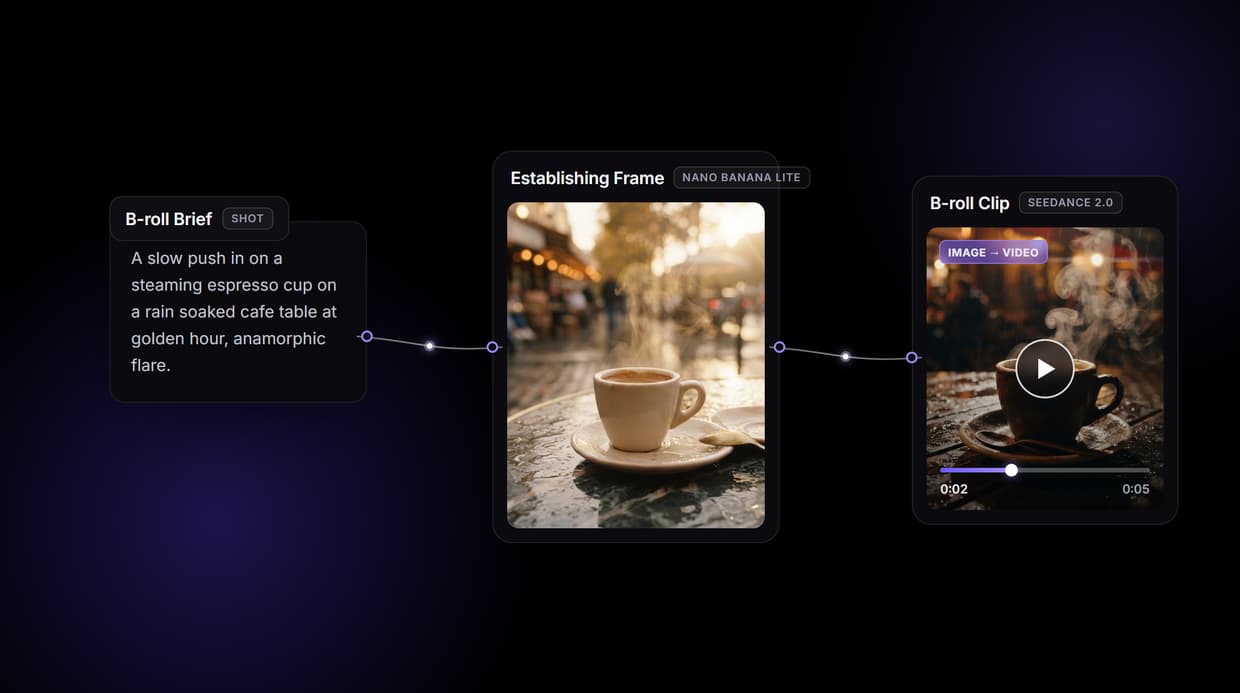
Wireflow makes B-roll a workflow on a node canvas: write the shot, render a controllable establishing frame with Nano Banana Lite, then animate that exact frame into motion with Seedance 2.0. Free to build, pay per generation.
Free to build · no credit card · See how it works ↓
How to Use AI B-Roll Generator
Steps to get you started in Wireflow.
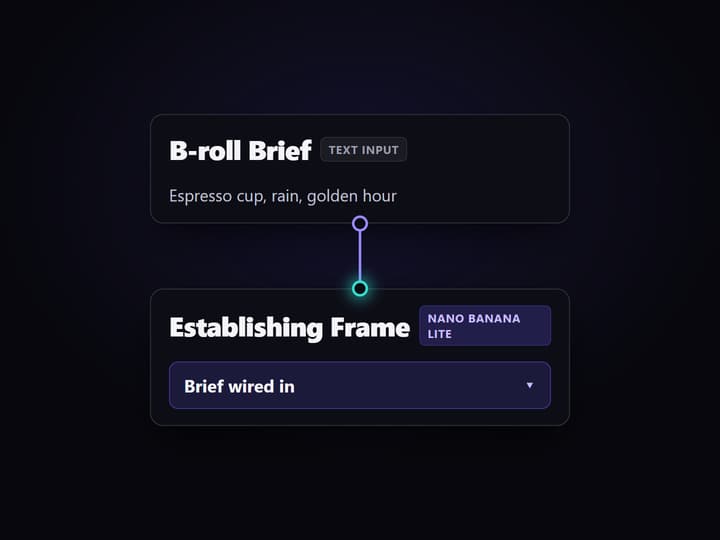
Write the B-roll shot in the Brief node
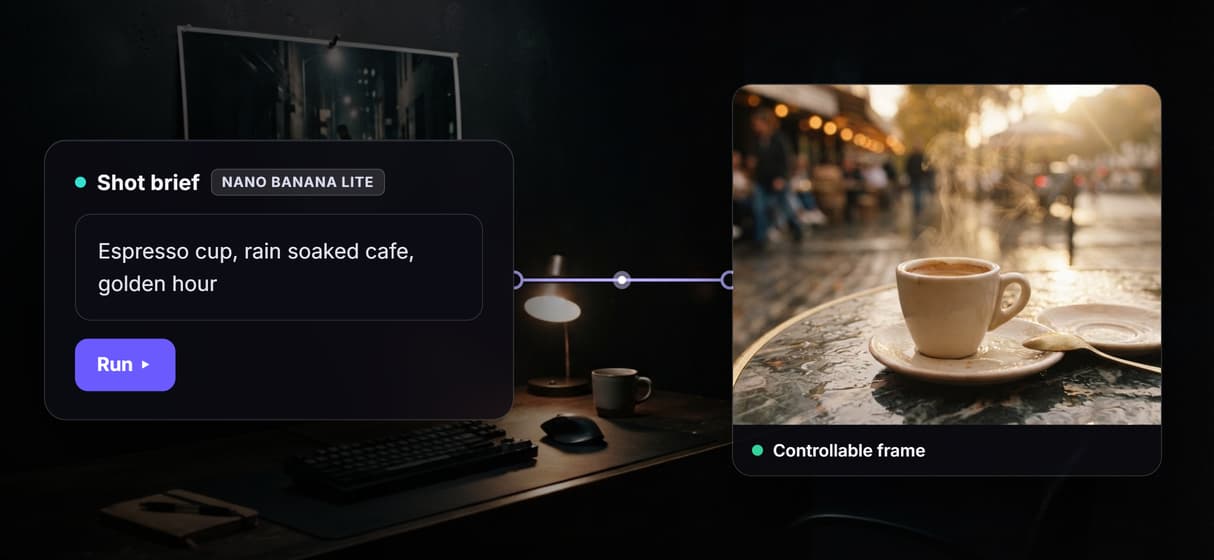
Open the flow and fill the Text Input node with the shot you want, for example a slow push in on a steaming espresso cup on a rain soaked cafe table at golden hour. Describe framing and mood the way a director would.
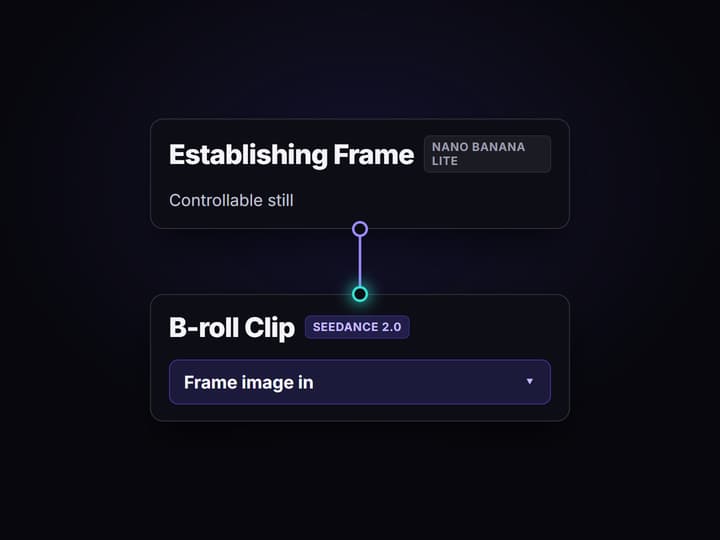
Run the graph once
Nano Banana Lite renders a controllable establishing frame from the brief, then the Seedance 2.0 node reads that frame and the brief and animates it into a short cinematic B-roll clip.
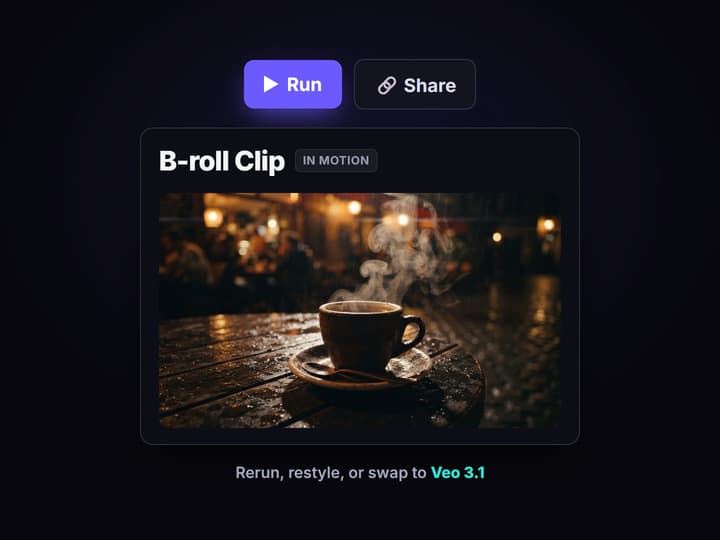
Rerun, restyle, or swap the motion model
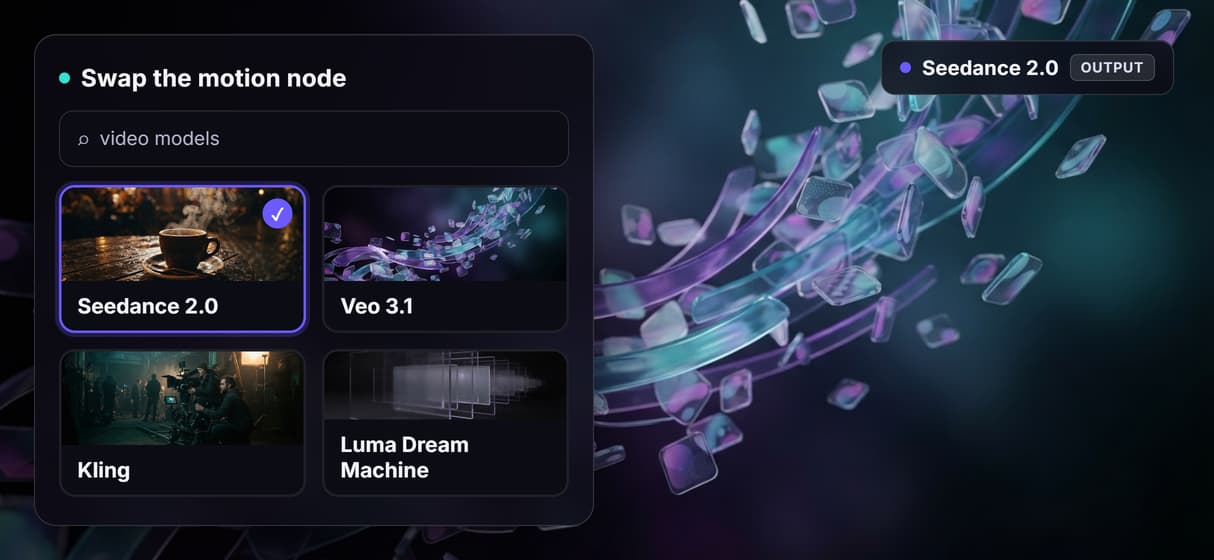
Edit the brief and run again for a new shot, swap the Seedance node for Veo 3.1 or Kling to change the motion, or loop the graph over a shot list to batch a whole sequence of B-roll.
Why an AI B-roll generator should make the shot, not pick it
B-roll is the footage that carries a story: the cutaways under a voiceover, the establishing shot before a scene, the texture that keeps a talking head from feeling static. Most AI B-roll tools solve the placement problem. They read your finished video, guess the moments that need a cutaway, and drop in a stock clip or an auto generated one on a closed timeline. That is convenient, but you take whatever the match returns, and the look is bound to that one editor.
Wireflow treats B-roll as a workflow you own on a node canvas. A Text Input holds the shot description, Nano Banana Lite renders a controllable establishing frame, and a Seedance 2.0 node animates that exact frame into motion. Because it runs on hosted compute in the browser with nothing to install, the same canvas that makes a cutaway also drives every other AI video generator job your team runs, and a finished clip is an asset in the graph rather than a dead export.
What the B-roll flow is made of
Shot brief intake
A Text Input node holds the shot description. Change the brief and rerun; the graph never moves.
Controllable frame
Nano Banana Lite renders an establishing frame you can judge before spending on motion.
Frame to motion
A Seedance 2.0 node reads that frame and animates it into a short cinematic clip.
Model as a node
Swap Seedance for Veo 3.1, Kling, or Luma Dream Machine to change the motion and look.
Batch a sequence
Loop the graph over a shot list to render a whole run of B-roll from one board.
Rerun and share
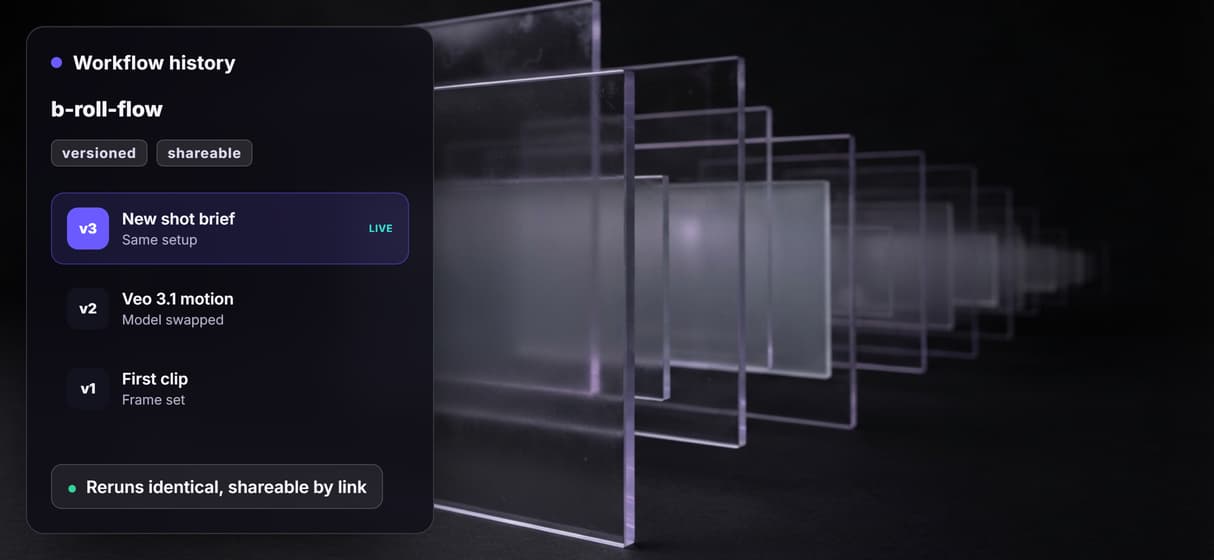
Workflows are versioned and shareable by link; a clip reruns identically for the whole team.
How the B-roll graph actually runs
The workflow behind this page's button is deliberately small: one Text Input and two model nodes.
- The Brief holds the shot. One line describes the cutaway, for example a slow push in on a steaming espresso cup on a rain soaked cafe table at golden hour.
- Nano Banana Lite renders the frame. The brief becomes a controllable establishing frame, the still you approve before paying for motion.
- Seedance 2.0 animates the frame. The node reads that frame plus the brief and returns a short cinematic clip, so the motion starts from the composition you chose.
That frame first order is the detail worth copying: you judge the still before spending on the clip, which is the asset first habit behind a controlled shot. It also makes testing cheap. When you want to try three different B-roll openings for an ad, you rerun the brief three ways and generate ad variants from the same canvas, rather than re editing in a closed tool. A clip that works does not sit in an export; it wires forward into the next shot in an AI video workflow.
When an auto insert B-roll tool is the better call
If your job is to take a finished talking head video and have software watch the transcript and drop cutaways onto a timeline for you, a dedicated auto insert B-roll tool is built around exactly that, and this page will not pretend otherwise. Wireflow does not read your video and place clips, and it is not a stock footage library you search. It generates the shot you describe.
Wireflow is the generation layer, not the edit bay: it will not cut your sequence, sync to your voiceover, or decide where a cutaway belongs. What it offers instead is ownership of the pipeline, 70+ hosted models to swap between, a controllable frame before motion, and per generation pricing. If your B-roll is a shot you want to author and reuse rather than a clip auto dropped into one editor, build it here, and pair it with image to video AI when you already have the frame you want to move.
More Than Just AI B-Roll Generator
Control the frame, then animate it
Most tools grab stock or gamble on raw text to video. Here you render the establishing frame first, then animate that exact frame, so you own the composition.
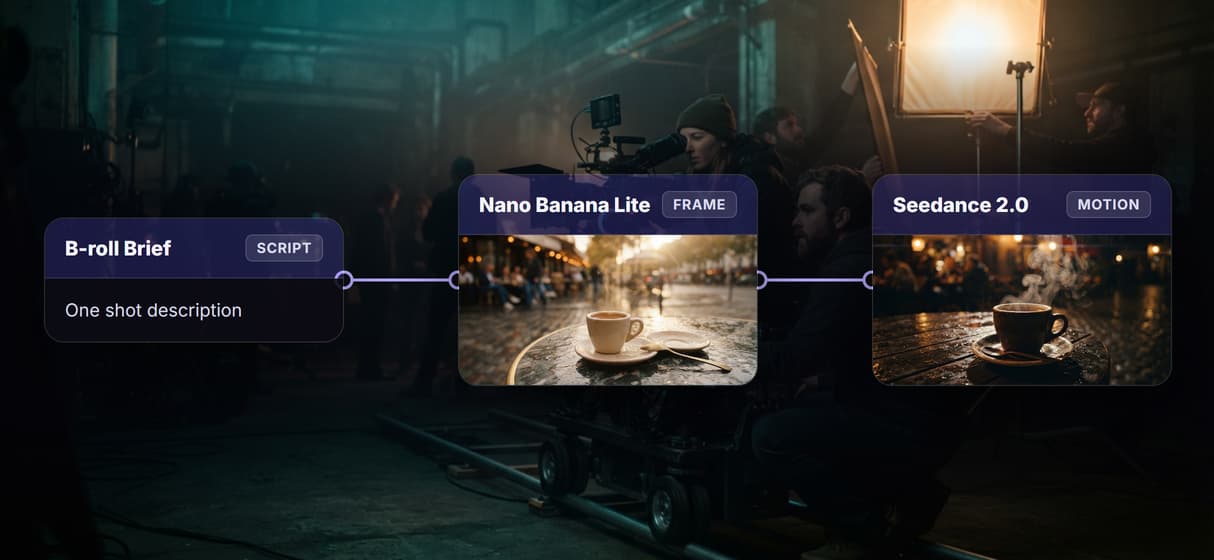
The shot you wrote, not stock you settled for
Describe the cutaway and Nano Banana Lite renders it, so the footage matches your scene instead of the nearest clip in a shared stock library.
Swap the motion model in one node
Seedance 2.0 today, Veo 3.1 or Kling tomorrow, no rebuild. The engine is a node you swap in any node based image generation graph.
Every clip reruns identical
Workflows are versioned server side and shareable by link, so clip fifty comes out like clip one and the whole team runs the exact same graph.
Per generation pricing, not per seat
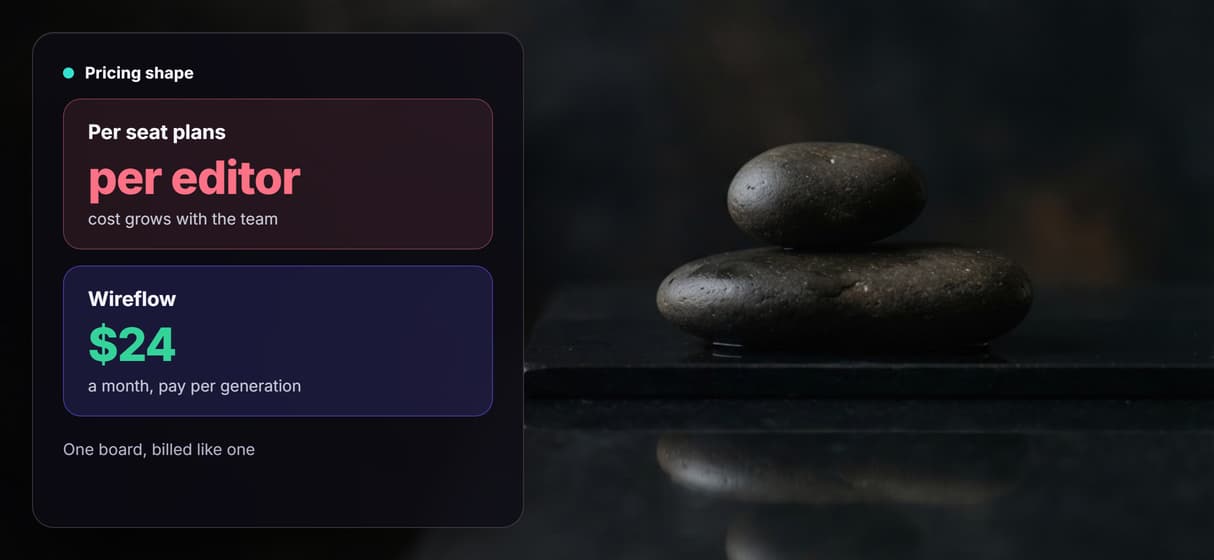
Building on the canvas is free and generations are metered, so ten teammates on one board cost no more than one, on flat plans from $24 a month.
B-roll Workflows
No Code Required
API & Batch Processing
FAQs
It depends on what you need it to do. If you want software to watch a finished video and auto drop cutaways onto a timeline, a dedicated auto insert tool fits. If you want to own the shot and reuse it, Wireflow makes B-roll a node workflow: a brief becomes a controllable frame with Nano Banana Lite, then a Seedance 2.0 node animates that frame into a clip.
Discover related AI tools
- AI Video Generator: 12 Video Models, One Canvas (2026) | Wireflow
- TapNow AI Alternative
- Opencreator AI Alternative
- AI Video Workflow
- AI UGC Workflow
- Faceless AI Video Generator
- Text to Video
- Text to Video AI
- Happy Horse 1.0
- Free AI Video Generator Online
- Best AI Video Generators 2026
- Video Maker: One Prompt to a Finished Clip on a Canvas
Written by
Andrew Adams · Co-Founder & Operations at Wireflow
Runs client operations and content strategy at Wireflow. Works directly with creative teams and agencies to build production AI workflows.
Shoot your next cutaway on a canvas you own
Open the flow, write the shot brief, and run it: a controllable frame, then a Seedance 2.0 clip from one graph. Building is free; you pay per generation, and the motion model is one node swap away.