Features
Product Ad
A product ad is an image that sells one product with one clear line.
This flow makes that image from your photo and headline with GPT Image 2.5 Flare Edit, not a Google Shopping listing. Our run used 9 credits, about $0.12 on Starter. New accounts get a free video.
Free to build · no credit card · Read the agent docs · See how it works ↓
 Andrew Adams · Co-Founder & Operations at Wireflow ·
How to Use Product Ad
Steps to get you started in Wireflow.

Open the flow and copy it
Open the flow logged out, then copy it to your account so you can run it with your own credits.

Add your photo and headline
Replace the product photo and write one short headline. Keep it to a few words so it reads at a glance.

Run it and read the ad
Press Run. Check the product against your photo and read every word, then change the line and run again.
More Than Just Product Ad
One photo and one line
You bring a product photo and a headline, and the flow handles the layout. See other ways to create ads with AI on the canvas.
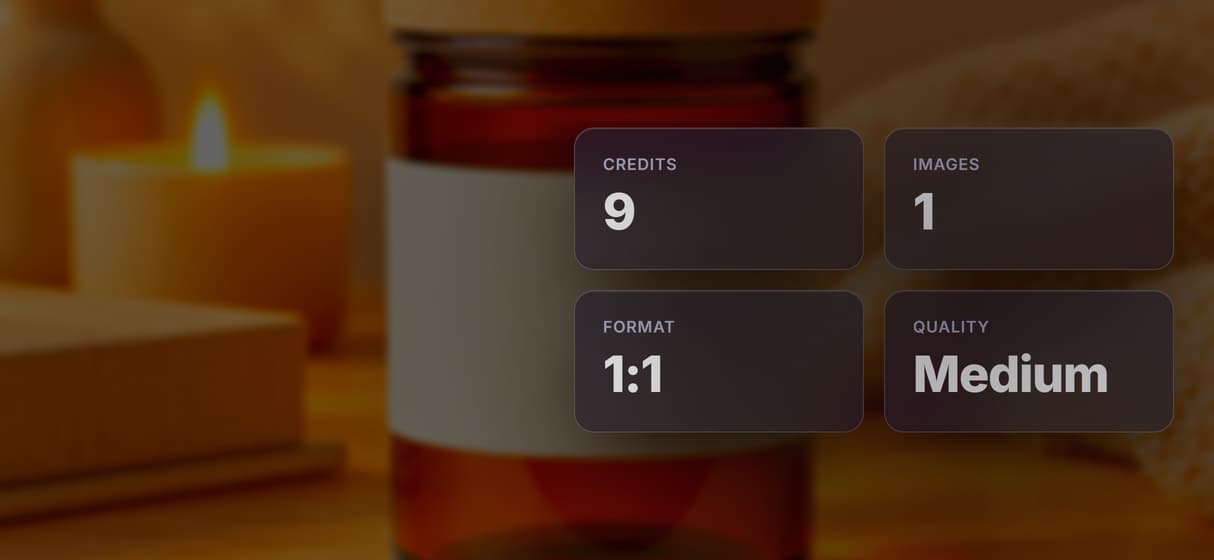
9 credits an ad
Our run used 9 credits from the ledger, about $0.12 on Starter. Read about ad creative AI if you need many ads a month.
Your product stays your product
Fixed rules keep the shape, the colors and a blank label as they are. For shots with no words on them, see AI product photography.
A new headline is one edit
Change the line and run again, and the rest of the flow stays. Scale that idea with a static ad creative generator.
Run it from Claude or code
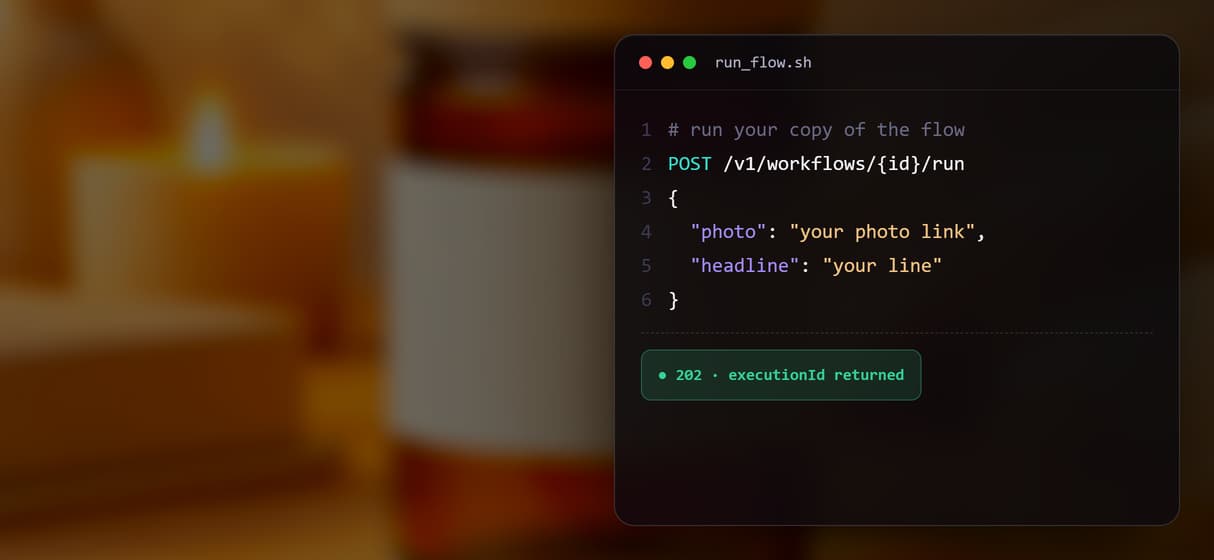
The flow is also an API endpoint and an MCP tool, so an agent can run it for each product you sell. Read about the AI workflow API.
Product ad Workflows
No Code Required
API & Batch Processing
What one product ad run made
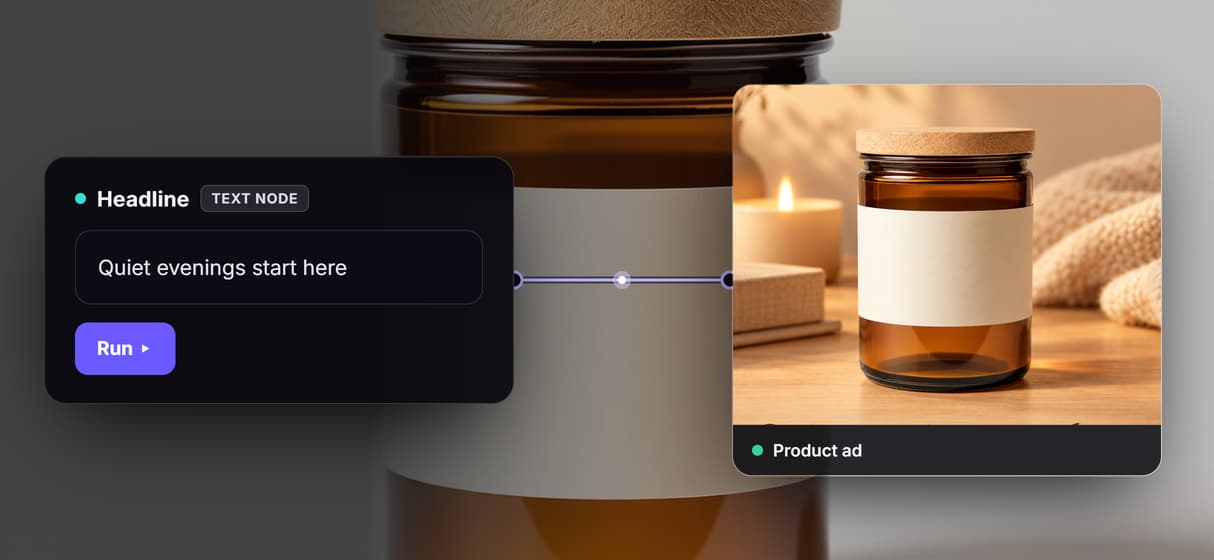
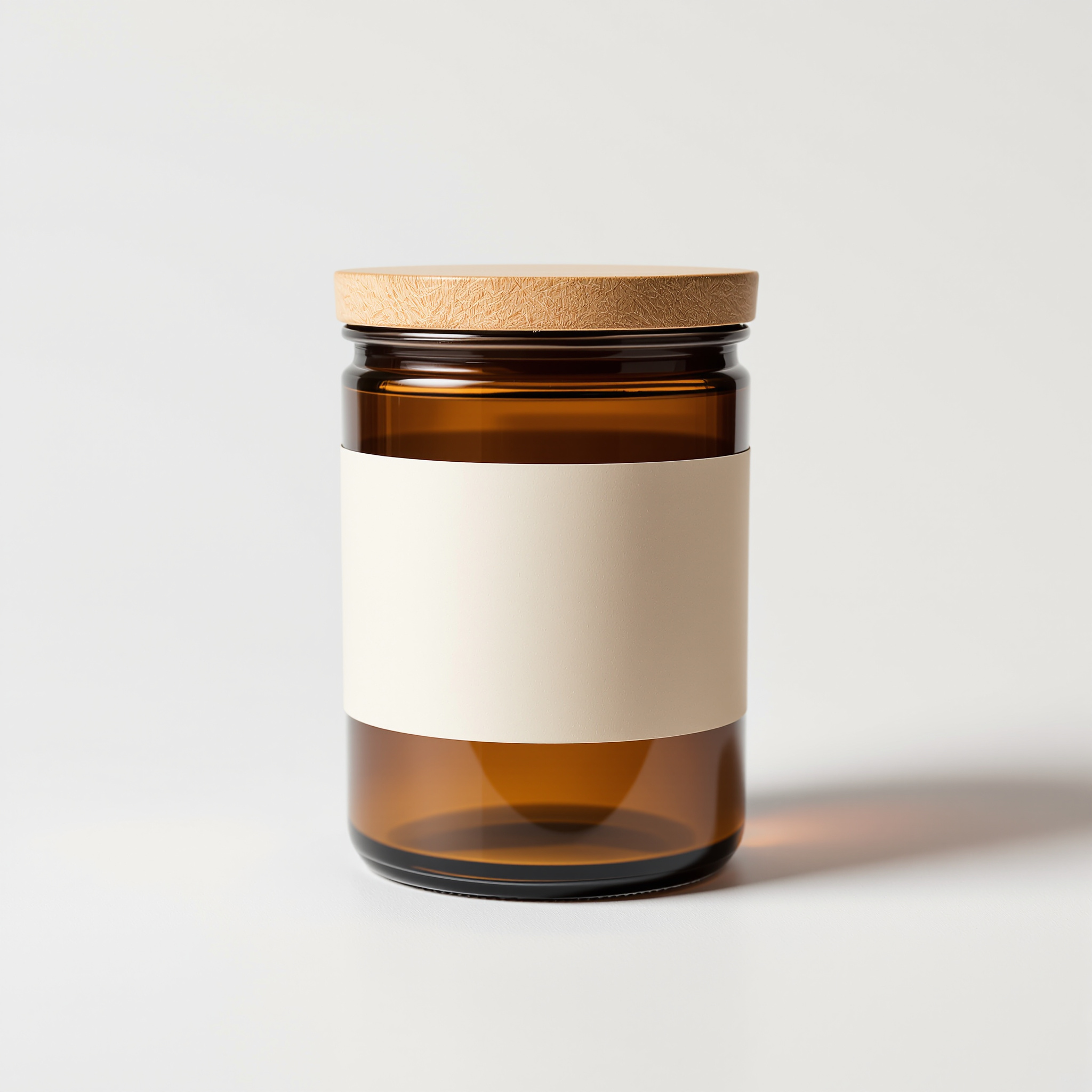
This is an ad you make, not a placement you buy, so it is not a Google Shopping or Amazon product listing. We gave the flow a photo of a candle jar with a blank label and the headline "Quiet evenings start here". The product and the line are made up.

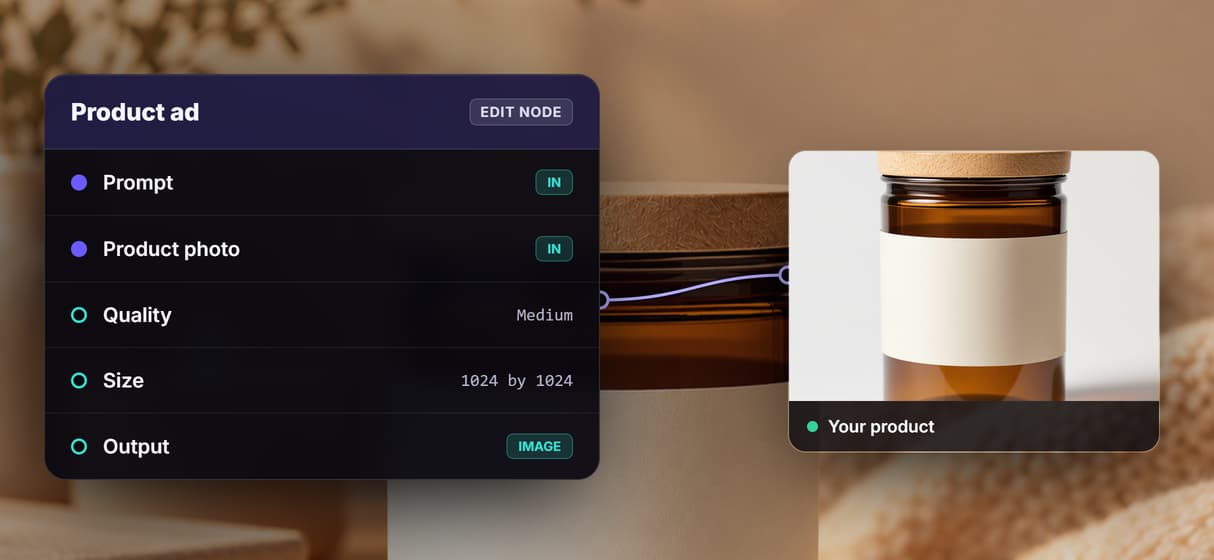
This is the photo that went in. The flow kept the blank label blank and built the room around the jar.
What goes in and what comes out
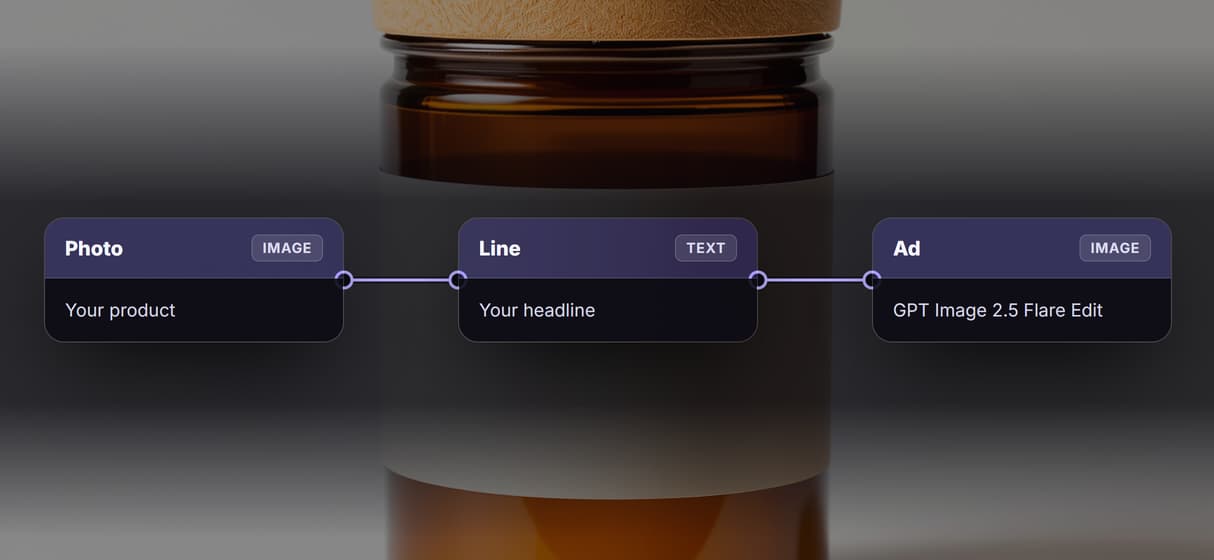
A product photo and a headline go in. One square image with your product and your headline comes out.
- Product Photo. Your product, as it is.
- Headline. The one line the ad says.
- Ad rules. Fixed text that keeps the product the same and allows no other words.
- Prompt Concatenator. Joins the rules and your headline.
- Product ad. GPT Image 2.5 Flare Edit makes the 1024 by 1024 ad at medium quality.
What one run costs
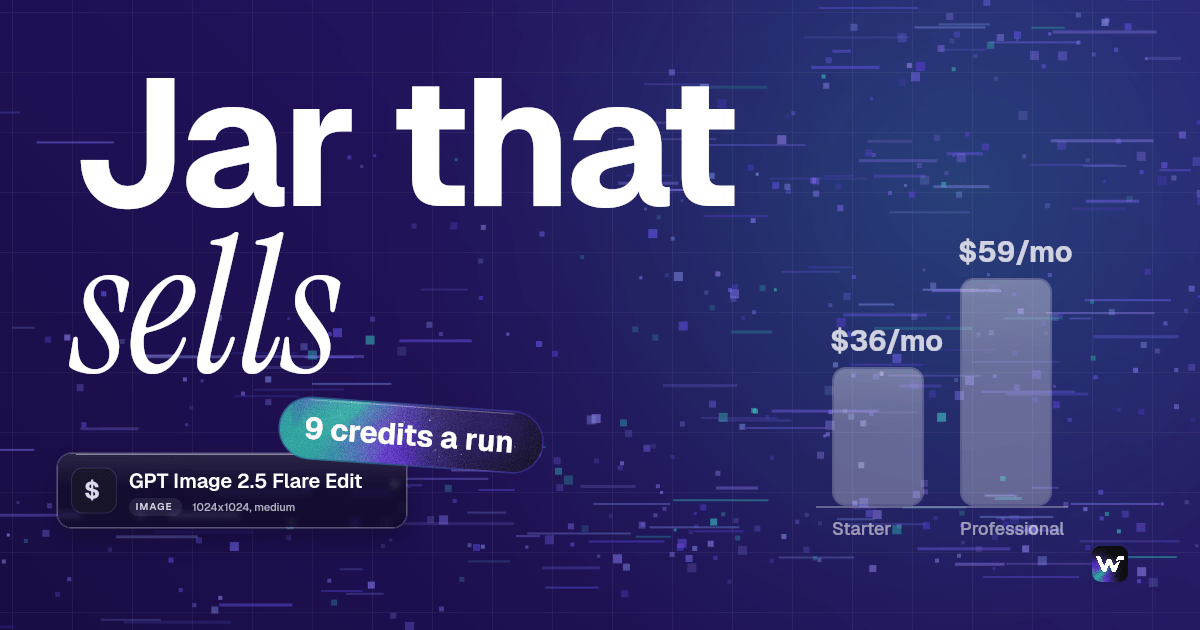
Plans: Starter is $36 a month for 2,660 credits, and Professional is $59 a month for 4,370 credits.
Our run used 9 credits: 1 GPT Image 2.5 Flare Edit image, medium quality, 1024x1024. That number comes from our credit ledger for that run, not a list price.
On Starter one run is about $0.12, so a month of credits covers about 295 runs. On Professional it is about $0.12, or about 485 runs.
New accounts get a free video.
Open the flow
Open the flow. It opens the board with the photo, the headline and the finished ad saved on it. You can see it logged out, then copy it to your account and swap in your own inputs.
Run it from Claude
- In Claude, open Customize, then Connectors. Click + Add and choose Add custom connector.
- Name it Wireflow and paste
https://www.wireflow.ai/api/mcpas the server URL. - Sign in to Wireflow when Claude asks, and approve the access.
The Claude app guide has the same steps with pictures.
Then paste this prompt:
Use Wireflow to make a product ad from this photo: <your photo link>. Use run_app on the published app product-ad-one-photo-and-a-headline-cmvyrcigv0 (flow cmvyrcigv000il007s3r3juv3): put the photo link in product_photo and this in headline: "Quiet evenings start here". Send me the image. Tell me the credit cost and wait for my yes before you run it.
With that last line, Claude looks up the price and waits for your yes before it spends any credits.
Run it from the API
Every workflow is also a REST endpoint, so you can run this one from your own code.
curl -X POST https://www.wireflow.ai/api/v1/workflows/cmvyrcigv000il007s3r3juv3/run \
-H "Authorization: Bearer $WIREFLOW_API_KEY" \
-H "Content-Type: application/json" \
-d '{"inputs":{"product-photo":"YOUR_PHOTO_LINK","headline":"Your headline"}}'
The run route works on workflows you own: open the flow, copy it to your account, and use your copy's id. POST returns 202 with an executionId; poll GET /api/v1/workflows/executions/{executionId}/poll, or pass a webhook. Docs: https://www.wireflow.ai/docs/api/run
What each part does
Product Photo
Holds your photo, so the real product shows up in the ad.
Headline
One line of text, so a new ad is one edit.
Ad rules
Keep the product the same and rule out extra words.
Prompt Concatenator
Joins the fixed rules and your headline into one prompt.
Product ad
GPT Image 2.5 Flare Edit draws the finished ad.
Run again
Each new headline is one more run at the same cost.
What this product ad flow does not do
One run makes one square image with one headline, and no video. The flow picks the setting: in our run it added a lit candle, a vase, books and a knitted throw around the jar. You only steer that through the Ad rules node.
The image model draws the headline, so read every word before the ad runs. We ran it on a blank label, so small print on a real label is untested. Check your label against your photo.
It makes the image only. It does not place the ad, and it is not a Google Shopping or Amazon product listing. For more formats and sizes, start from an AI ad generator.
FAQs
It is an image or clip that sells one product with one clear message. This flow makes the image kind from your photo and a headline.
Discover related AI tools
- Weavy AI Alternative (Weavy.ai Is Now Figma Weave)
- Flora AI Alternative
- Freepik Spaces Alternative
- RoboNeo AI Alternative: 79 Models in Your Browser
- Sotatech AI Alternative
- Pletor AI Alternative: 79 Models, No Black Box
- Fuser Studio AI Alternative
- AI Creative Workflows
- Visual Node Editor
- No Code AI Canvas
- Reusable AI Templates
- AI Pipeline API
Written by
Andrew Adams · Co-Founder & Operations at Wireflow
Runs client operations and content strategy at Wireflow. Works directly with creative teams and agencies to build production AI workflows.
Open this product ad flow
Open the flow, swap in your own inputs and run it. Building on the canvas costs nothing; you pay per generation.