 Andrew Adams · Co-Founder & Operations at Wireflow ·
 White Label AI Video Platform
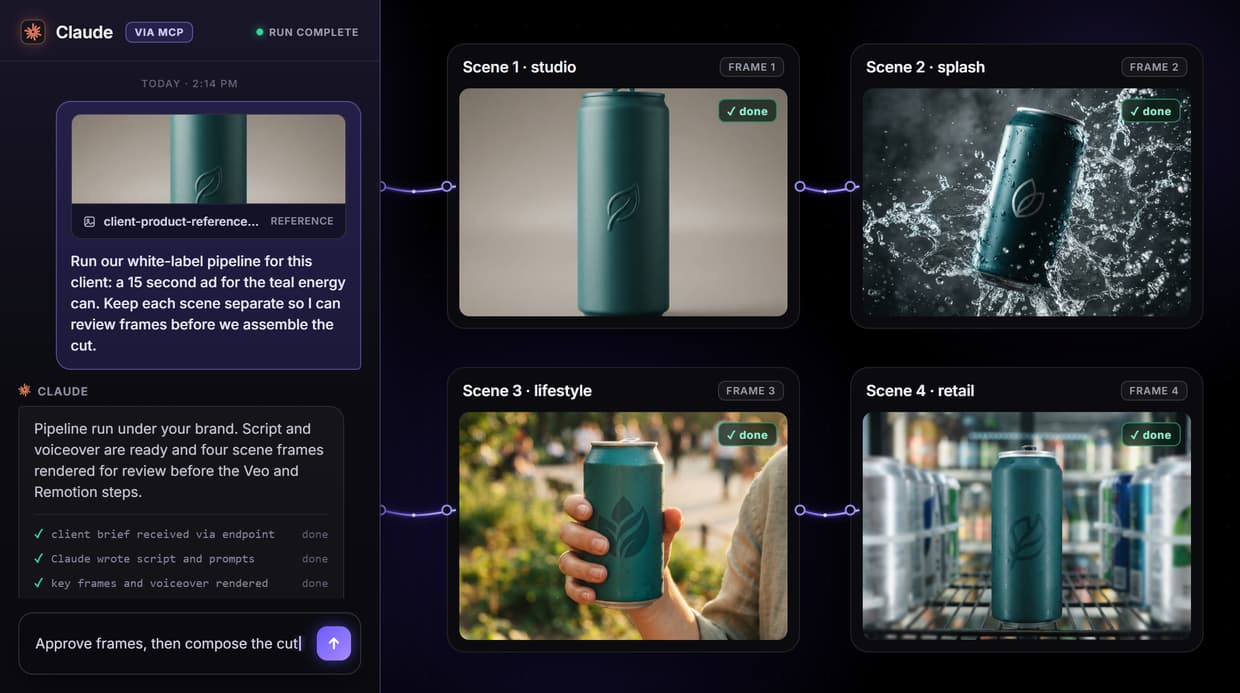
A white label AI video platform where the vendor stays invisible: build a short-form video pipeline once on a visual canvas, publish it, and the whole graph becomes a REST endpoint and an MCP tool your product or client calls under your own brand.
The live flow on this page is that pipeline.
Free to build · no credit card · See how it works ↓
How to Use White Label AI Video Platform
Steps to get you started in Wireflow.
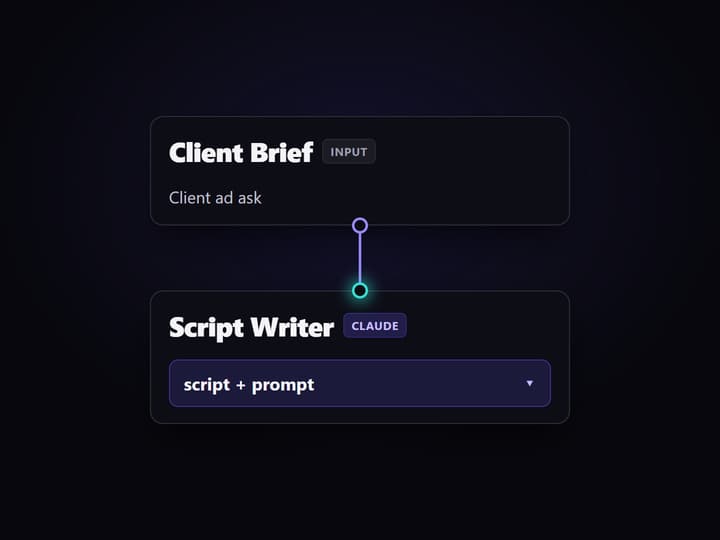
Build the pipeline once
On the canvas, wire the Client Brief and System Prompt into the Script Writer, then split its output into a Key Frame prompt and voiceover text for GPT Image 2.5 Flare and ElevenLabs.
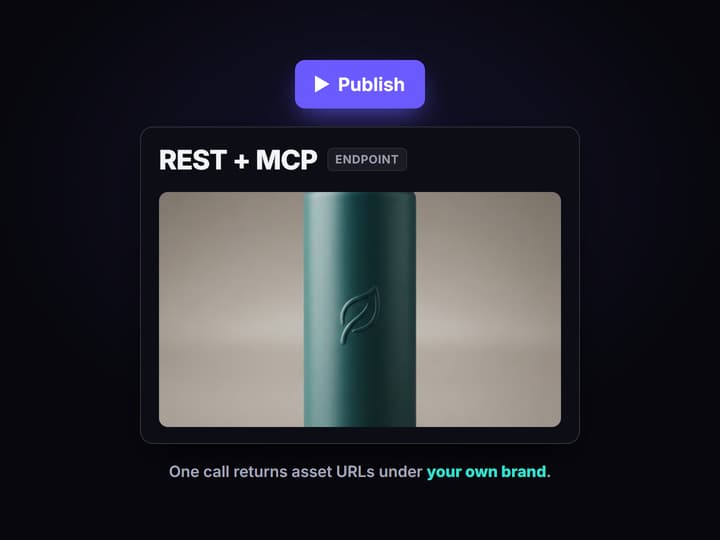
Publish it as your endpoint
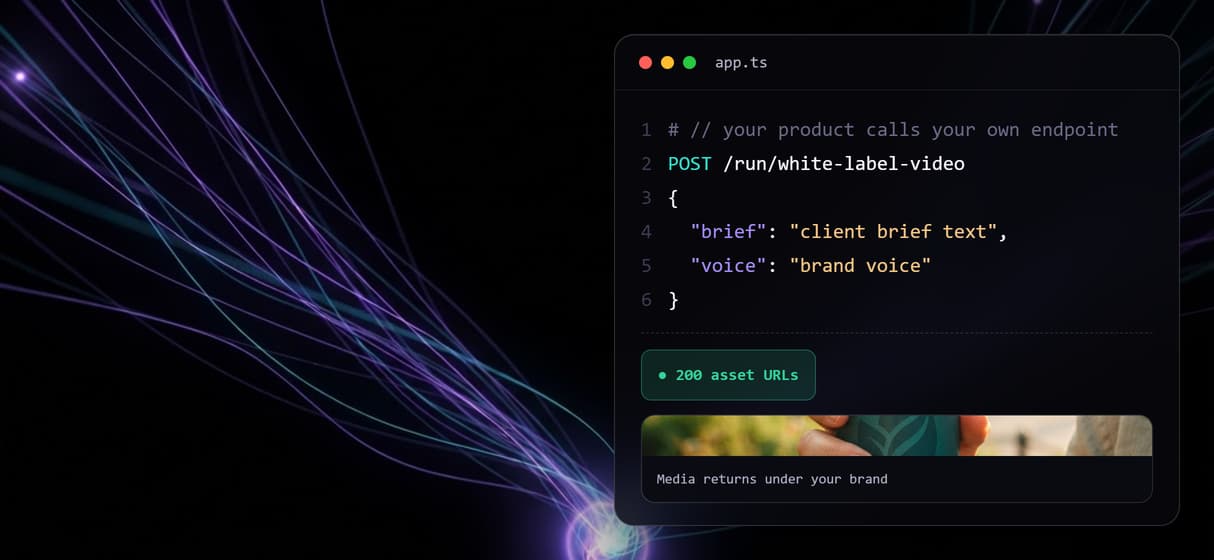
Publish the workflow. It becomes one REST endpoint and one MCP tool your product or client calls under your own brand, returning asset URLs with no Wireflow branding attached.
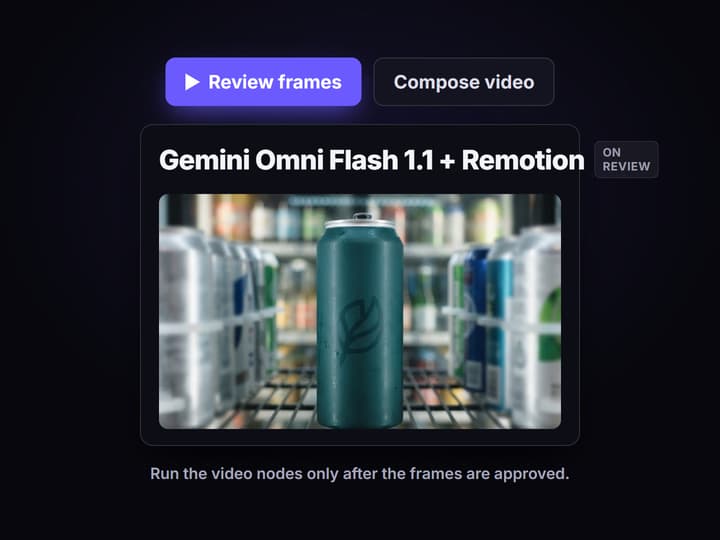
Review before video spend
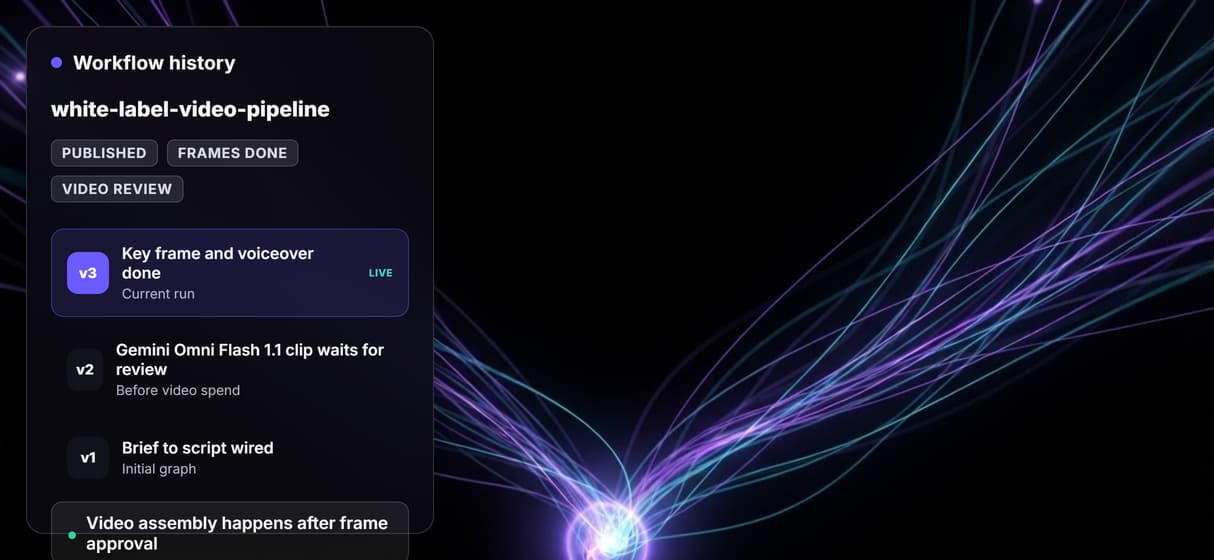
Check the key frame and voiceover first. Only run the Gemini Omni Flash 1.1 clip and Remotion compose nodes once the frames are approved and the cut is worth assembling.
The pipeline behind a white label video endpoint
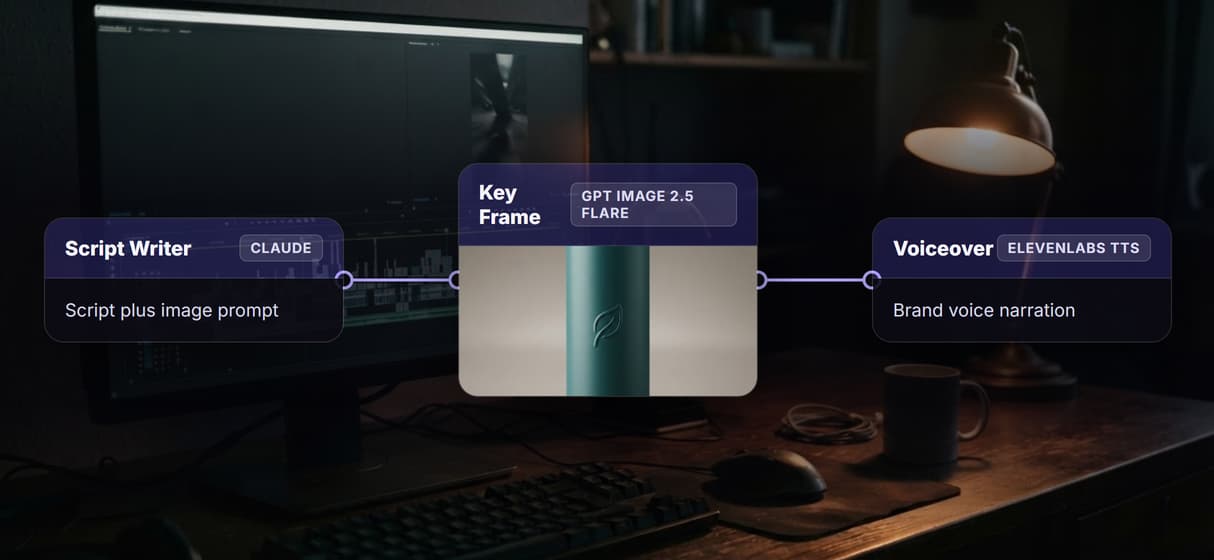
The published flow on this page is a real short-form pipeline, not a mockup. A Client Brief input carries the ask, a System Prompt defines how the Script Writer should think, and the Script Writer node (Run any LLM, running Claude) returns a structured script and image prompt. Split Script + Prompt separates that into the two things the next stage needs: a Key Frame prompt for GPT Image 2.5 Flare and voiceover text for ElevenLabs TTS.
The important part is what the client sees, which is nothing. When you publish this graph, it becomes one REST endpoint and one MCP tool. Your product sends a brief and gets asset URLs back. There is no Wireflow logo on the media, no Wireflow domain in the call, and no vendor watermark, the same headless principle behind an AI workflow API: the agent or app operates the pipeline, but the vendor underneath stays invisible.
What the flow proves
Vendor stays invisible
The client calls your endpoint and gets the generated assets with no Wireflow logo, domain, or watermark in the output.
Workflow is the endpoint
Publishing the graph turns the whole pipeline into one REST endpoint your product can call under its own name.
Also an MCP tool
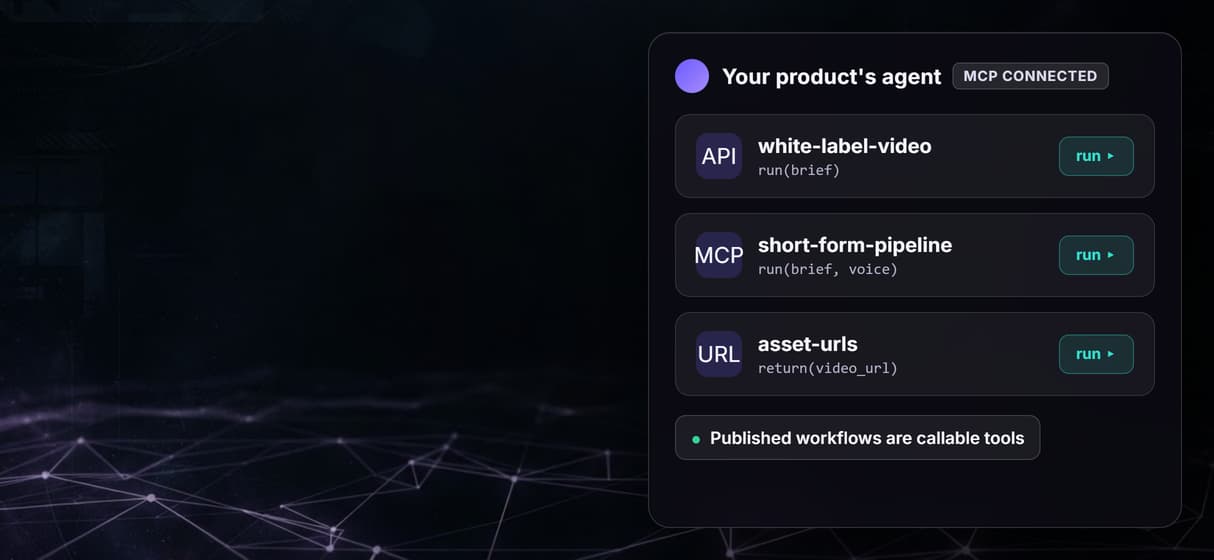
The same published flow is an MCP tool, so a coding agent runs it with typed inputs and receives asset URLs.
Script, voice, frame chained
Claude writes the script, GPT Image 2.5 Flare renders the key frame, and ElevenLabs voices it inside one graph.
Video waits for review
The Gemini Omni Flash 1.1 and Remotion nodes are wired but not auto-run, so the costly video step waits for approval.
Versioned and reproducible
The workflow is versioned server-side and shareable by link, so every client run uses the same reviewed graph.
Why the endpoint model beats a reskinned dashboard
Most white label video tools hand you a hosted UI with your logo painted on it. That works until your client wants the video inside their own app, or an agent needs to trigger it, or you need a hundred brands running the same pipeline. A reskinned dashboard cannot do any of that, because the product is still someone else's screen.
An endpoint can. Because this pipeline is both a REST call and an MCP tool, you can embed it in a SaaS product, wire it into an AI UGC workflow, or let an agent call it, all without the client ever meeting the vendor. The Split Script step keeps the frame prompt and voiceover separate so each is inspectable, and the final cut runs through a video assembly API only after review: enough automation to resell, enough structure to trust.
What Wireflow is not for white label video
Wireflow is the generation and API layer, not a turnkey reseller product. There is no per-client billing portal, no drag-and-drop client login screen, and no CNAME storefront out of the box. If what you want is a ready-made dashboard your clients log into, a hosted-UI white-label tool will fit better than this.
Wireflow fits when you already have, or are building, your own product or UI and need a headless, brand-invisible video generation API and MCP tool underneath it. It is the production layer, not the strategy brain: it renders and serves, it does not write your positioning or decide your offer. The flow also does not claim a finished video exists, the Gemini Omni Flash 1.1 and Remotion nodes are wired and intentionally left unexecuted. If that split fits how you sell, open the flow and inspect the actual graph.
More Than Just White Label AI Video Platform
Your endpoint, not our brand
The client calls your REST endpoint and gets the generated assets back, with no Wireflow logo, domain, or watermark anywhere in the output. See how the market compares in our white-label AI video platform roundup.
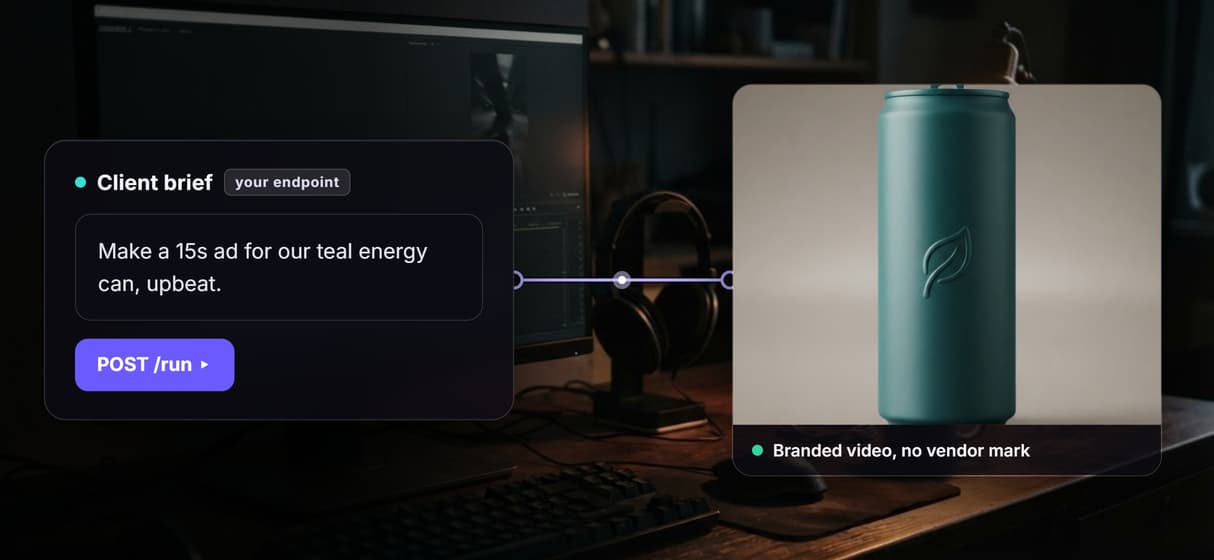
One workflow, one API
Build the short-form pipeline once on the agentic canvas, publish it, and the whole graph becomes one REST endpoint your product calls.
Agents call it as a tool
Every published workflow is also an MCP tool, so a coding agent runs it with typed inputs and gets asset URLs.
Script, voice, and frame in one graph
Claude writes the script, GPT Image 2.5 Flare renders the key frame, ElevenLabs voices it, then the video assembly API assembles the cut on approval.
Video spends only on approval
The Gemini Omni Flash 1.1 and Remotion nodes wait for your review, so the expensive video step spends credits only when you decide to run it. For the agency side of that setup, see how to turn one client deliverable into a repeatable graph.
Build Any AI Workflow
AI Models Integrated
Full Commercial License
FAQs
It is a platform that lets you generate video under your own brand instead of a vendor's. On Wireflow, you build a pipeline once and publish it, which turns the graph into a REST endpoint and an MCP tool your product or client calls with no Wireflow branding in the result.
Discover related AI tools
- AI Pipeline Automation
- AI Workflow Templates
- AI Video Pipeline: Build One on a Node Canvas
- Batch AI Generation: Many Assets, One Run
- AI Model Chaining
- AI Asset Pipeline
- AI Workflow Builder
- AI Content Generation API
- AI Workflow API
- AI Orchestration API
- Headless AI Workflow Platform
- Krea AI API Alternative: Image and Video From One REST Endpoint
More From Wireflow
Written by
Andrew Adams · Co-Founder & Operations at Wireflow
Runs client operations and content strategy at Wireflow. Works directly with creative teams and agencies to build production AI workflows.
Let your product call the video pipeline
The public flow is already published and executed through the non-video steps. Read how agents and products call Wireflow workflows as hosted MCP tools and REST endpoints, then open the flow to inspect the exact graph.