

Free AI image generators have reached a point where the gap between paid and free tiers is narrower than ever. Whether you need product mockups, social media graphics, or concept art, several platforms now offer genuinely useful free plans. Wireflow takes this further by letting you chain multiple AI image models together in a single visual workflow, so you can generate, upscale, and edit images without switching between tools. This guide covers the eight best free options available right now and what each one does well.
For a hands-on look at how these tools compare in practice, check out the best free AI image generator feature page.
Quick Summary
- Wireflow - Best overall for multi-model workflows (free tier available)
- ChatGPT (GPT Image 1.5) - Best for text rendering and conversational editing
- Google Gemini (Nano Banana 2) - Best for photorealism (20 free images/day)
- Ideogram 3.0 - Best for text-in-image accuracy (10+ free images/day)
- Adobe Firefly - Best for commercial safety (10 free credits/month)
- Microsoft Designer - Best for accessibility (unlimited slow generations)
- FLUX 2 - Best for local/open-source use (unlimited)
- Leonardo.Ai - Best for style customization (150 free tokens/day)
1. Wireflow
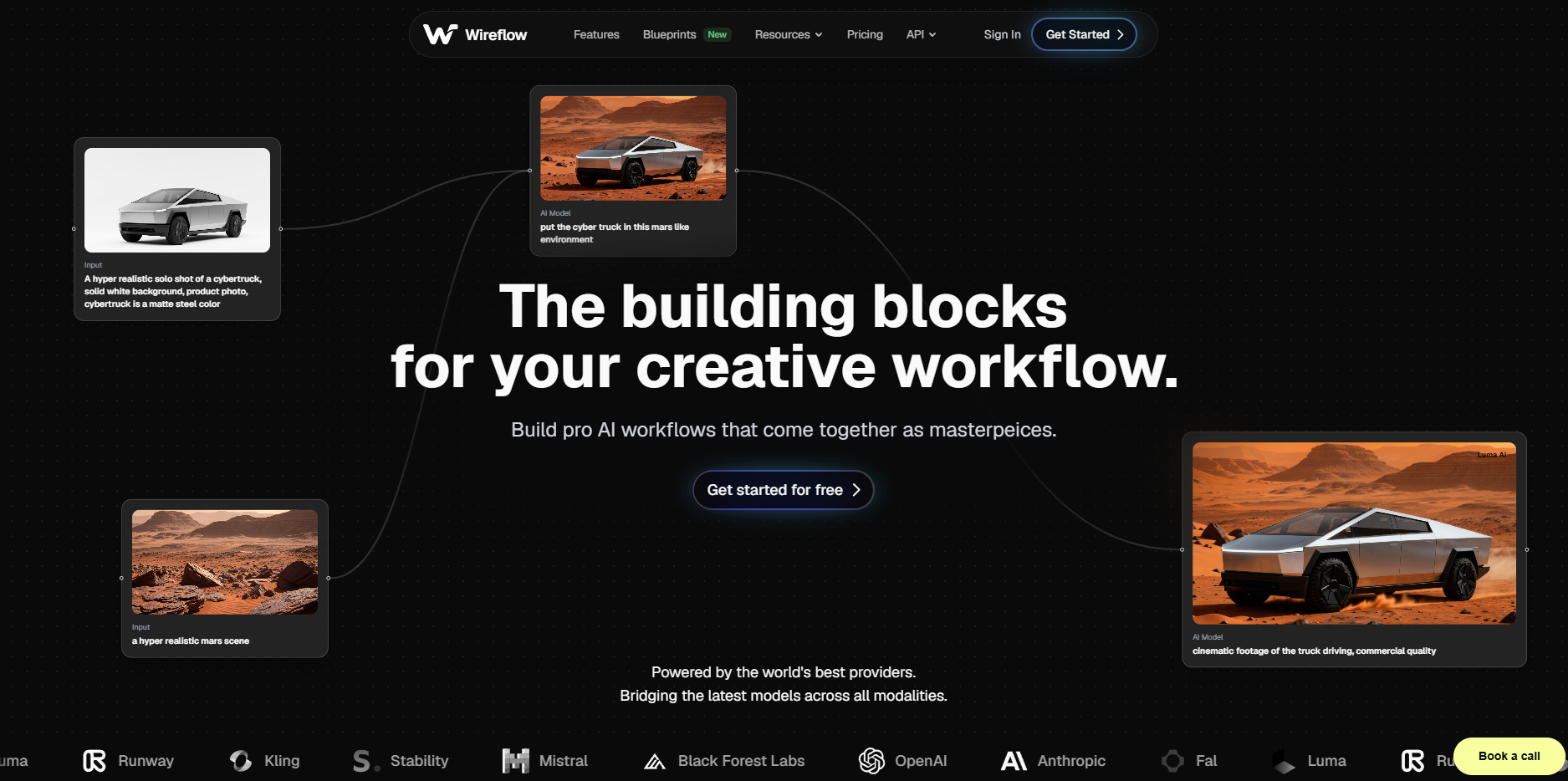
Wireflow is not a single image generator but a visual node editor that connects multiple AI models into one pipeline. You can route a text prompt through FLUX for generation, then pipe the output into an upscaler, a background remover, or a style transfer model, all without writing code.
The free tier gives you access to the canvas and several base models. Where Wireflow stands apart is the ability to chain models together, so instead of downloading an image from one tool and uploading it to another, everything runs in sequence. This is especially useful for batch workflows where you need consistent results across dozens of images.
Free tier: Access to canvas, base models, and community templates. Paid plans unlock higher-resolution outputs and priority queue.
2. ChatGPT (GPT Image 1.5)
OpenAI's GPT Image 1.5, integrated directly into ChatGPT, has become one of the most capable free AI image generators available. Its strongest feature is text rendering: it can place readable words on signs, book covers, and labels with high accuracy.
The conversational editing loop is another advantage. After generating an image, you can say "make the background darker" or "add a red border" without starting over. The model retains context across rounds of refinement, which saves significant time compared to tools that treat each generation as independent.
Free tier: Approximately 3 to 10 images per day depending on demand. Plus subscribers get higher limits and faster generation.
3. Google Gemini (Nano Banana 2)
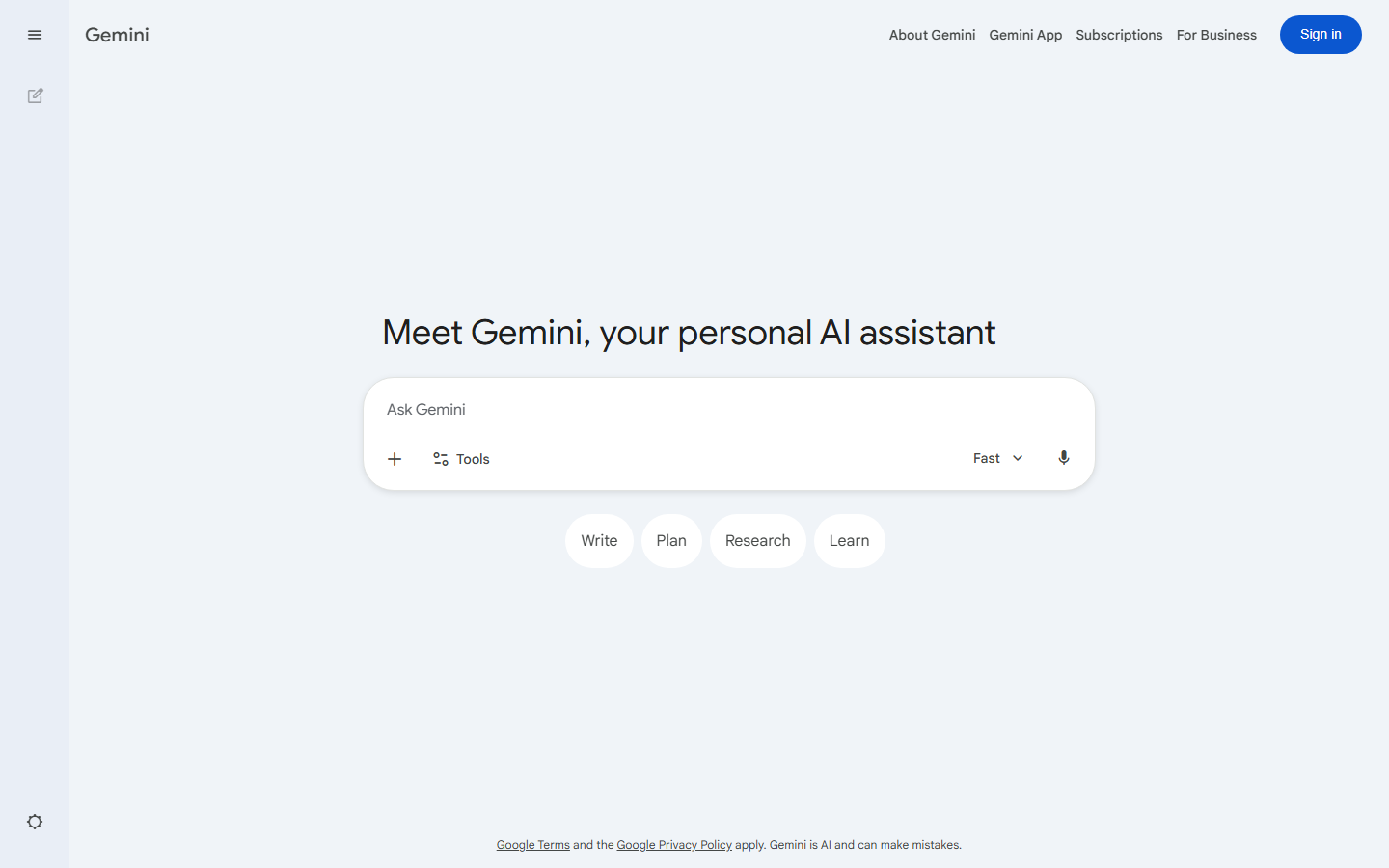
Google's Nano Banana 2 model, available through Gemini, delivers some of the most photorealistic results in the free tier. With 20 free images per day, it also offers one of the most generous daily limits among major platforms. The AI photo generation quality rivals tools that charge $20 or more per month.
Results tend to be strongest with landscape photography, product shots, and realistic human portraits. Gemini's integration with Google's ecosystem also means you can use generated images directly in Docs, Slides, and other workspace tools without extra steps.
Free tier: 20 images per day at full resolution. No watermarks on free outputs.
4. Ideogram 3.0
Ideogram has carved out a niche as the best tool for rendering text inside images. If you need a poster, infographic, or social media graphic with readable text, Ideogram 3.0 handles it more reliably than any other free option. The model processes text as a distinct visual element rather than treating it as part of the image, which is why letters rarely appear garbled or misspelled.
Beyond text, Ideogram also handles digital art generation in a range of styles from watercolor to 3D rendering. The daily free limit sits around 10 to 40 images depending on your account age and usage history.
Free tier: 10 to 40 images per day. Higher limits for older accounts.
5. Adobe Firefly
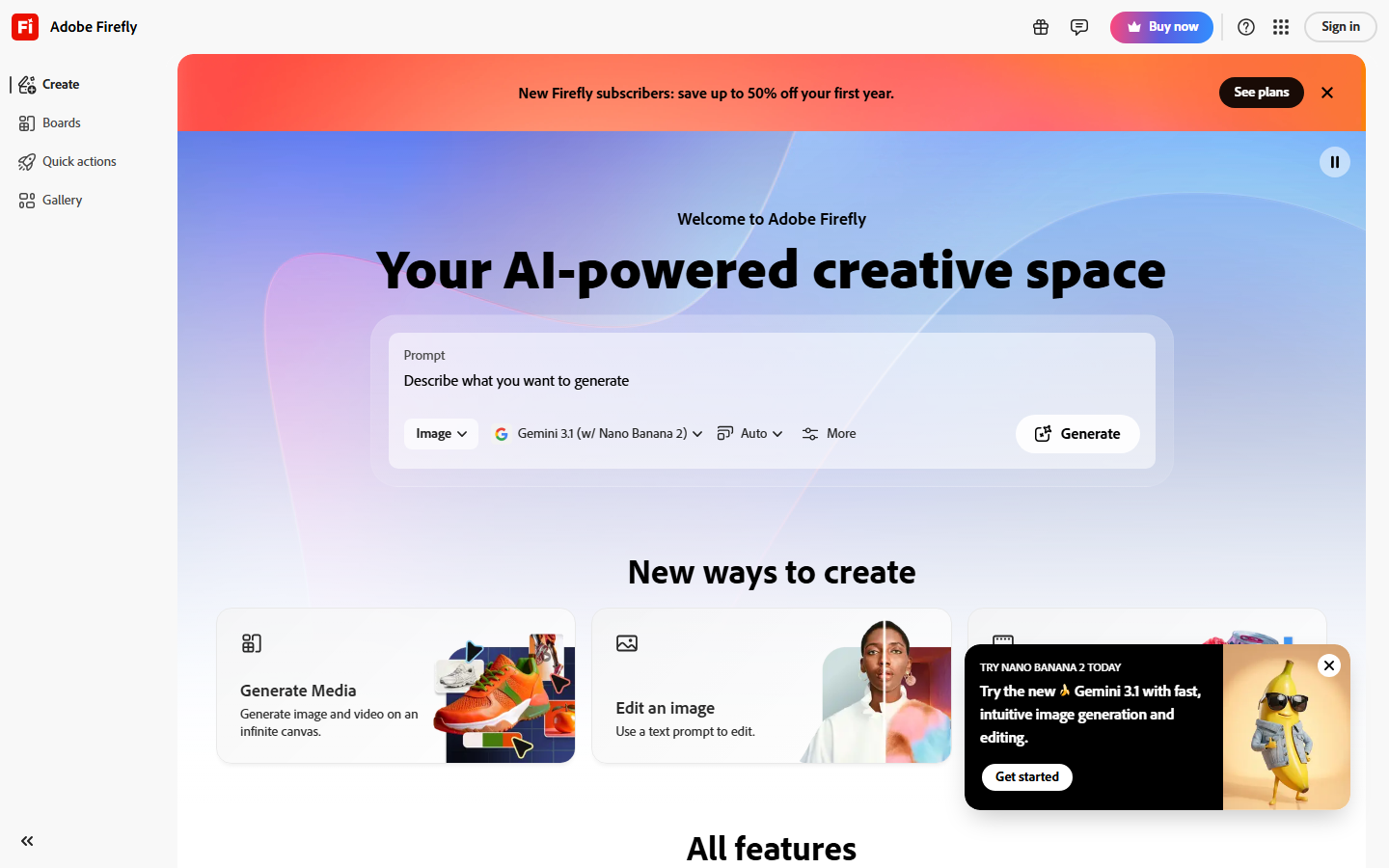
Adobe Firefly's main selling point is commercial safety. The model is trained exclusively on Adobe Stock, openly licensed content, and public domain material. This means generated images come with a content credentials tag and can be used in commercial projects without the legal ambiguity that surrounds other generators.
Firefly also integrates with Photoshop and Illustrator, so you can use generative fill, generative expand, and text-to-image directly inside your existing AI image editing workflow. The free tier is limited to about 10 credits per month, which makes it better suited for occasional use than daily production.
Free tier: 10 generative credits per month. Each credit covers one generation or edit action.
6. Microsoft Designer (Bing Image Creator)
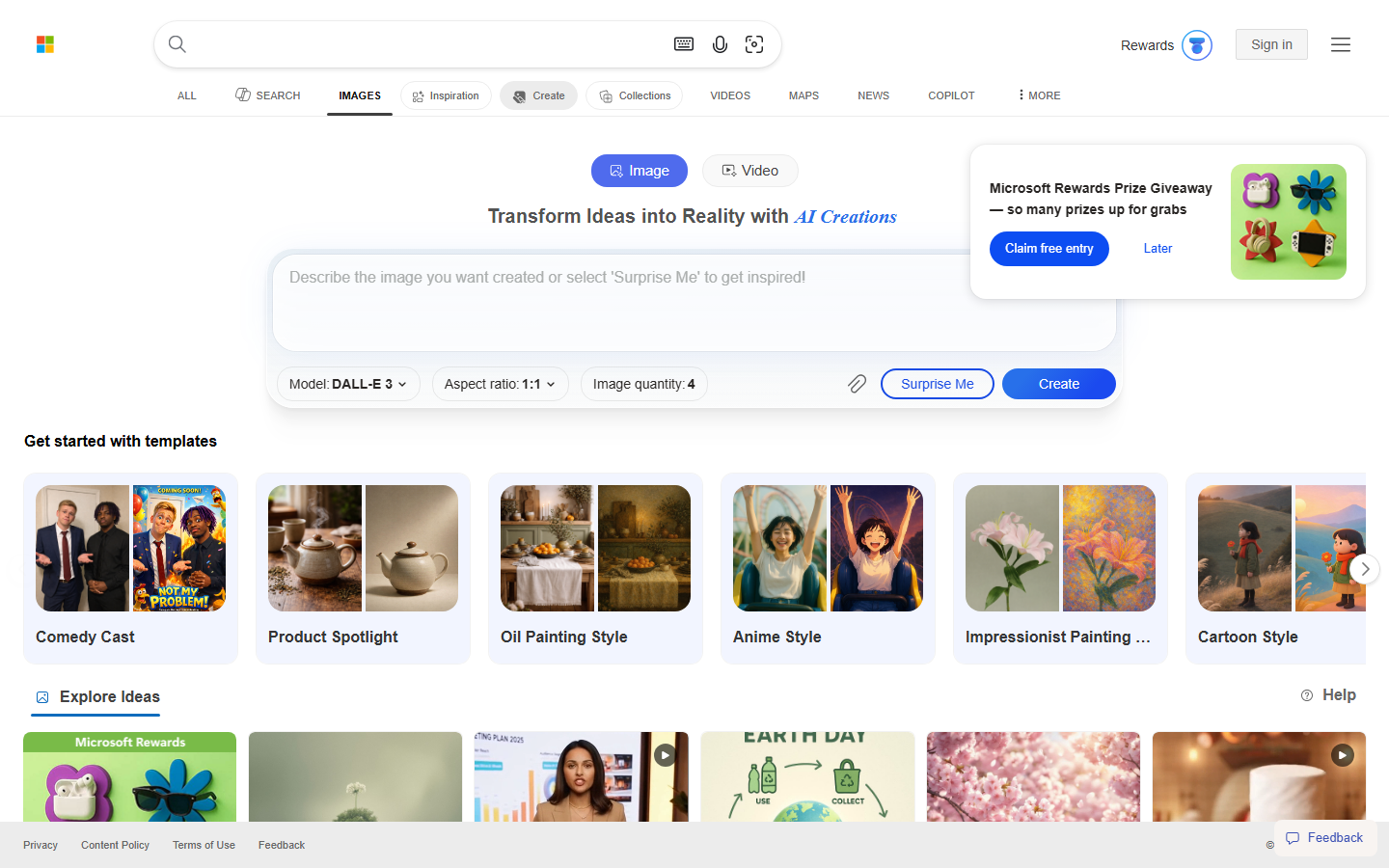
Microsoft Designer, formerly Bing Image Creator, runs on DALL-E 3 and requires nothing more than a Microsoft account. It offers 15 "fast" generations per day and unlimited slower generations after that, making it the most accessible option on this list for people who need batch generation without paying.
The interface is minimal: type a prompt, get four image variations. There are no advanced settings for aspect ratio, style presets, or negative prompts. This simplicity is either a strength or a limitation depending on your needs. For quick social media images or blog illustrations, it does the job reliably.
Free tier: 15 fast generations per day, unlimited slow generations. No watermarks.
7. FLUX 2 (Black Forest Labs)

FLUX 2 is the leading open-source image generation model. If you have a GPU with 12GB or more of VRAM, you can run it locally with no usage limits, no internet dependency, and full control over the output. The Schnell variant prioritizes speed (under 2 seconds per image) while the Dev variant focuses on image quality at the cost of longer generation times.
For users who prefer a hosted option, several platforms offer FLUX through their APIs. Wireflow includes FLUX 2 Pro as one of its pipeline nodes, so you can generate with FLUX and immediately pass the result into other models for further processing. The Recraft V4 model is another strong alternative available through hosted platforms.
Free tier: Unlimited when self-hosted. Hosted versions vary by provider.
8. Leonardo.Ai
Leonardo.Ai differentiates itself through custom fine-tuned models and a built-in canvas editor. The platform offers specialized models for anime, game assets, architecture, and photorealism. You can also train your own model on a set of reference images, which is useful for maintaining a consistent art style across a project.
The free tier provides 150 tokens per day, enough for roughly 30 to 50 images depending on the model and resolution you choose. The canvas editor lets you inpaint, outpaint, and composite multiple generations into a single scene without leaving the platform.
Free tier: 150 tokens per day. Token cost varies by model and resolution.
Comparison Table
| Tool | Free Tier Limit | Best For | Text Rendering | Commercial Use | Self-Hosted |
|---|---|---|---|---|---|
| Wireflow | Base models + canvas | Multi-model workflows | Via connected models | Yes | No |
| ChatGPT | 3-10/day | Conversational editing | Excellent | Check terms | No |
| Google Gemini | 20/day | Photorealism | Good | Check terms | No |
| Ideogram | 10-40/day | Text in images | Best in class | Yes | No |
| Adobe Firefly | 10 credits/month | Commercial safety | Good | Yes (licensed) | No |
| Microsoft Designer | 15 fast + unlimited slow | Quick generation | Good | Check terms | No |
| FLUX 2 | Unlimited (local) | Full control | Moderate | Yes (open-source) | Yes |
| Leonardo.Ai | 150 tokens/day | Style customization | Moderate | Check terms | No |
Try it yourself: Build an AI image generation workflow in Wireflow. The nodes are pre-configured with FLUX 2 Pro for generation and an upscaler for enhanced resolution, so you can see how chaining models produces better results than any single tool alone.
Frequently Asked Questions
What is the best completely free AI image generator?
Google Gemini with Nano Banana 2 offers the best combination of quality and daily limits at 20 free images per day with no watermarks. For unlimited generation, FLUX 2 can be run locally on a compatible GPU at no cost.
Can I use AI-generated images commercially?
Adobe Firefly is the safest option for commercial use since it is trained only on licensed content. Most other AI image tools have terms that allow commercial use but with less legal clarity around training data.
Which free AI image generator has the best text rendering?
Ideogram 3.0 leads in text-in-image accuracy. ChatGPT's GPT Image 1.5 is a close second and offers the added benefit of iterative text refinement through conversation.
Do free AI image generators add watermarks?
Most tools on this list, including Google Gemini, Microsoft Designer, and Ideogram, do not add visible watermarks on free-tier images. Some embed invisible metadata credentials. Adobe Firefly adds a content credentials tag.
How many free AI images can I generate per day?
Limits range from about 3 per day (ChatGPT free) to unlimited (FLUX 2 self-hosted, Microsoft Designer slow queue). Google Gemini sits at 20 per day, which is the highest daily limit among major hosted platforms without a paid plan.
What is the difference between FLUX and Stable Diffusion?
FLUX 2 is the successor architecture from Black Forest Labs (founded by former Stability AI researchers). It generally produces sharper, more coherent images than Stable Diffusion XL, especially for complex prompts. Both are open-source and can run locally. You can compare their outputs side by side using Wireflow's workflow templates.
Can I upscale or edit images after generating them?
Yes. Tools like Leonardo.Ai include built-in editors. For more flexibility, you can use a pipeline approach to connect a generator to an upscaler, background remover, or style transfer model in sequence.
Which AI image generator is best for beginners?
Microsoft Designer requires only a Microsoft account and has no complex settings. Type a prompt, receive four variations. For users who want more control but still a guided experience, Wireflow's template gallery provides pre-built workflows that run with a single click.


