The best bulk image generation tools in 2026 split into three groups: prompt-batch apps that push 500 images through one spreadsheet, template renderers that merge data rows into a fixed design, and API platforms that generate thousands of files programmatically. Picking correctly depends almost entirely on which of those three jobs you actually have, because a tool built for one is usually poor at the other two. Wireflow sits in the third group and adds a visual canvas on top, so a single batch can chain several image models and still be called from one REST endpoint. This guide compares the eight tools worth shortlisting.
Quick Summary
- Wireflow - Chain multiple image models, run the batch through one API call (Best Overall)
- OpenArt - Up to 500 images per batch from a CSV or TXT file (Best Free Batch Volume)
- Recraft - Asynchronous batch endpoints with raster and vector output (Best API for Async Jobs)
- Leonardo AI - Token-based API with concurrent generation slots (Best for Creative Teams)
- Ideogram - Spreadsheet batches with reliable in-image typography (Best for Text Inside Images)
- Bannerbear - Data merge into a locked template design (Best for Templated Graphics)
- Placid - Visual template editor wired to sheets and no-code tools (Best for Design-Led Teams)
- getimg.ai - Many open models at a low per-image cost (Best Budget Option)
What Bulk Actually Means
The word hides three unrelated problems. The first is many distinct images from many distinct prompts, what a product catalog or content calendar needs. The second is many near-identical variants of one design, where only the headline, price, or product photo changes. The third is programmatic volume, where images are generated inside an application rather than by a person clicking a button, the pattern a batch image generation API is built for.
Getting this wrong is the most common and most expensive mistake. Teams buy a template renderer and then discover it cannot invent new scenes, or they buy a creative generator and then hand-download 400 files. Decide which problem you have before comparing pricing pages.
How These Tools Were Ranked
Four criteria, in order: images per operation, whether output is retrievable programmatically or only by hand, support for more than one underlying model, and cost per image at realistic volume. Browser-only tools rank lower for production regardless of output quality, which is why image generation APIs for developers tend to win on long-running jobs.
1. Wireflow
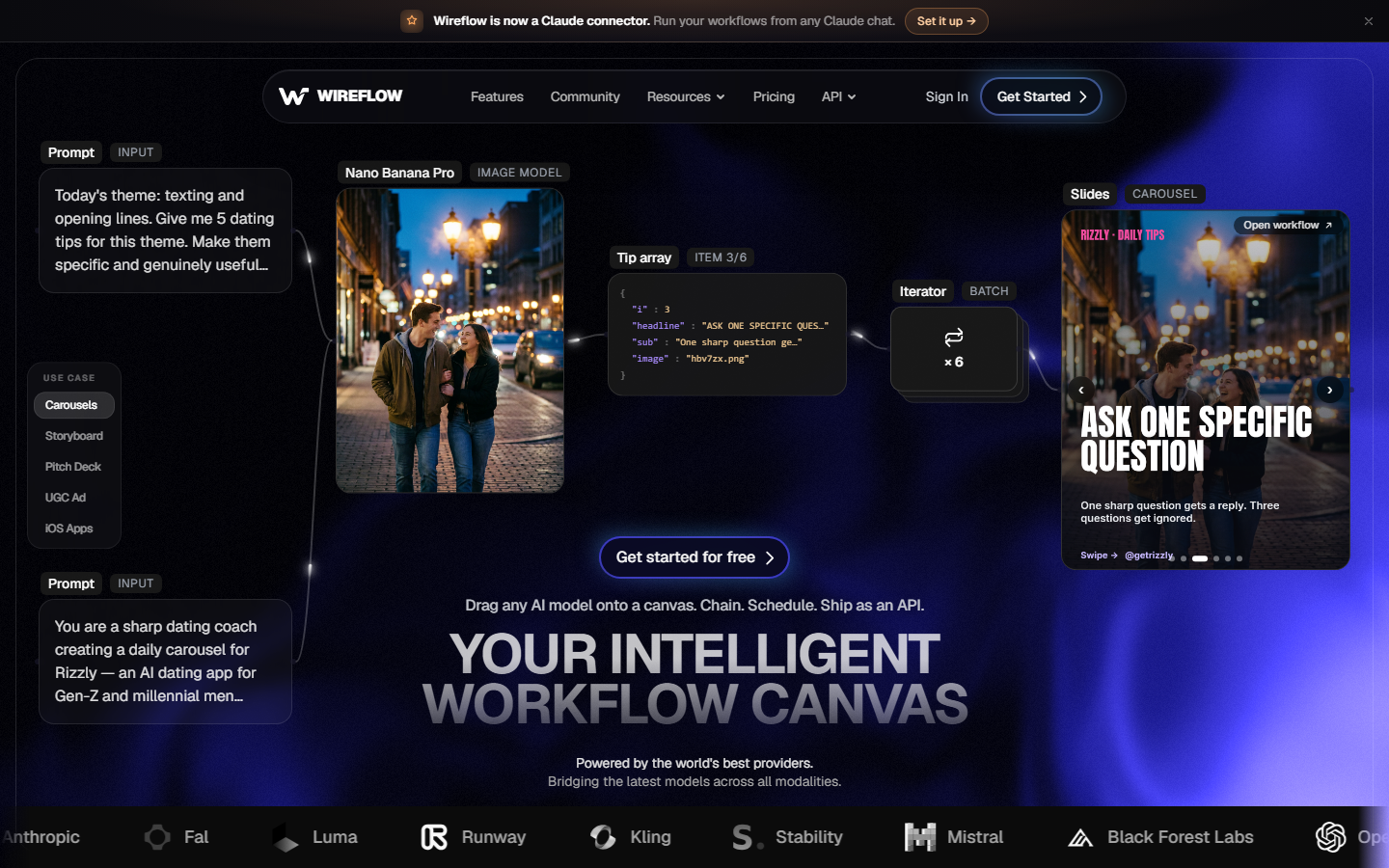
Wireflow is a node-based canvas where each AI model is a block you drag in and wire to the next. For bulk work the relevant piece is the iterator node, which takes a list of prompts or source images, fans them across a generation node, then collects every result in one place. Because the canvas is model-agnostic, one batch can send product shots to one model and lifestyle scenes to another without splitting the job across two vendors.
The second differentiator is deployment. Any finished canvas publishes as a REST endpoint, so the pipeline a designer built by dragging boxes can be called from a backend job, a cron task, or an agent. That removes the handoff where a creative process gets rebuilt in code before it can scale, and it is the core of the batch AI generation feature set.
Best for: batches that need more than one model, or pipelines that must serve both a human operator and an automated system.
2. OpenArt
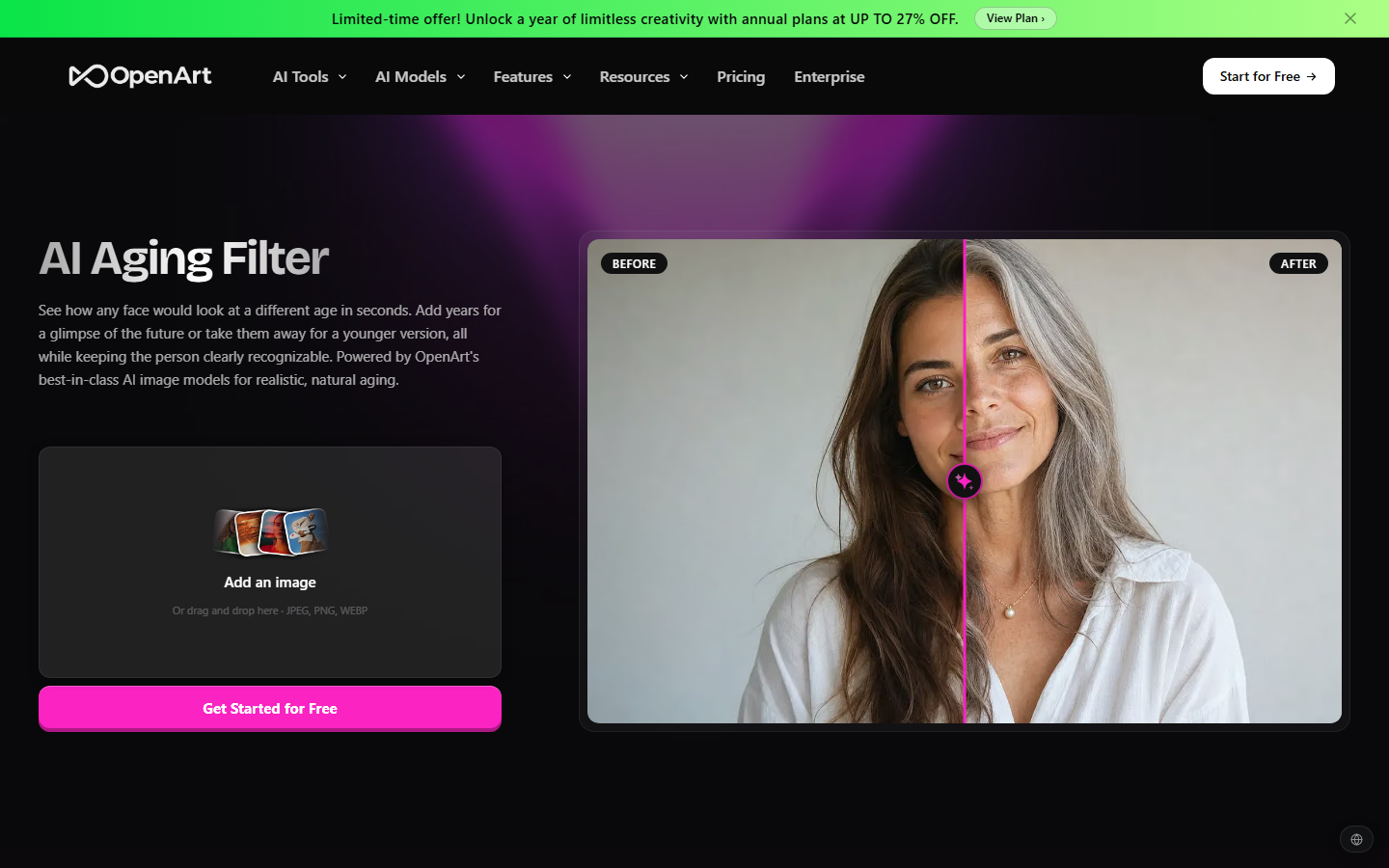
OpenArt ships a Bulk Create mode that accepts a .csv or .txt file of prompts and returns up to 500 images per batch, with reported ceilings around 1,600 images a day and roughly 32 generations in parallel on its faster tier. That is the highest batch volume available without writing code, and the flow is simple: one column of prompts, one button. Compared with a general-purpose AI image generator, the difference is operational rather than aesthetic.
The limitation is retrieval. Results land in a gallery you download by hand, fine for a one-off campaign and awkward for anything recurring.
Best for: spreadsheet-driven batches that a person, not a server, will collect.
3. Recraft
Recraft is built API-first, with asynchronous job support so a large batch can be submitted and polled rather than held open on one connection. Published rates sit near $0.035 for a raster image and $0.08 for a vector, and vector is the real differentiator: very few generators return editable SVG, which matters for icon sets, logos, and anything that has to survive resizing. The submit-and-poll pattern is the same one covered in this guide to running batch image generation via API.
Style consistency is handled through reusable style references, which holds a look far better than repeating adjectives in every prompt row.
Best for: code-triggered batches where vector output is on the requirement list.
4. Leonardo AI
Leonardo AI sells API access in token bundles, commonly in the 25,000 to 60,000 range, with a concurrency allowance usually between five and ten simultaneous generations. That concurrency number matters more than headline price, since it sets how long a 500-image job actually takes. The platform also keeps a large library of fine-tuned models, which helps when a brand look has to hold across hundreds of assets, a problem also covered in this roundup of free AI image generators compared.
Trained custom models are the standout feature for agencies doing repeat work for one client.
Best for: teams wanting model variety and an API without heavy infrastructure.
5. Ideogram
Ideogram remains the most reliable generator for legible typography inside an image, the single hardest thing for diffusion models to get right. Its batch feature accepts a spreadsheet of up to 500 rows on the paid tier, reported around $42 a month with roughly 3,500 credits, so a run of promotional graphics with different headlines needs no designer per asset. Where text accuracy is not the priority, a free AI image generator usually does the job for less.
The catch is that Ideogram is a creative tool with a batch feature attached, not a production pipeline, and its API surface is narrower than Recraft's.
Best for: batches where the words inside the image are the point.
6. Bannerbear
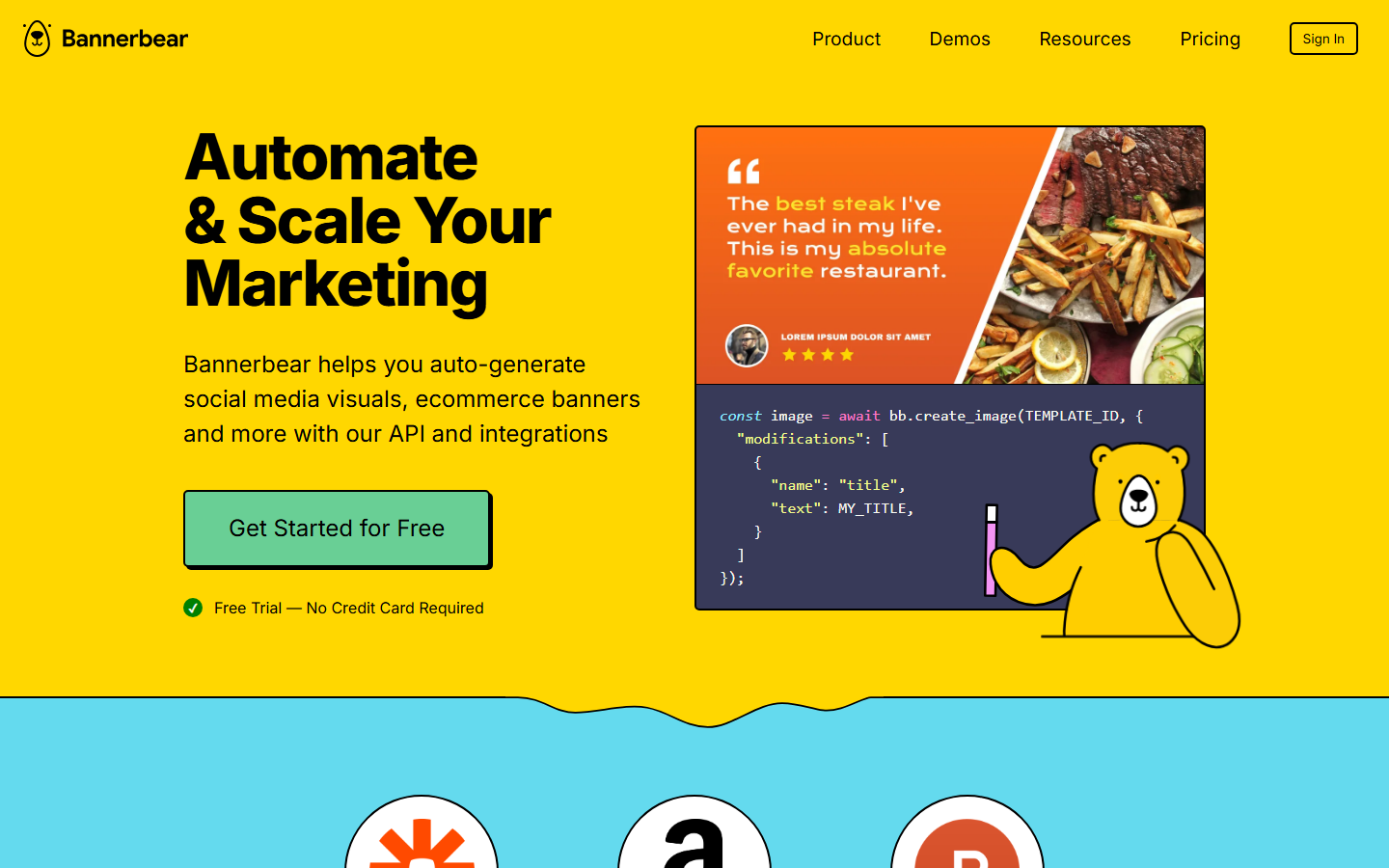
Bannerbear solves a different problem to everything above it. Instead of generating new imagery, it merges data into named layers of a fixed design, so one template plus a 2,000-row sheet yields 2,000 pixel-consistent graphics. Nothing is invented, which is what you want for pricing cards, certificates, or social previews. Pairing it with source imagery from an AI product photo generator covers both halves of the job.
Best for: jobs where every output must look identical except for the data.
7. Placid
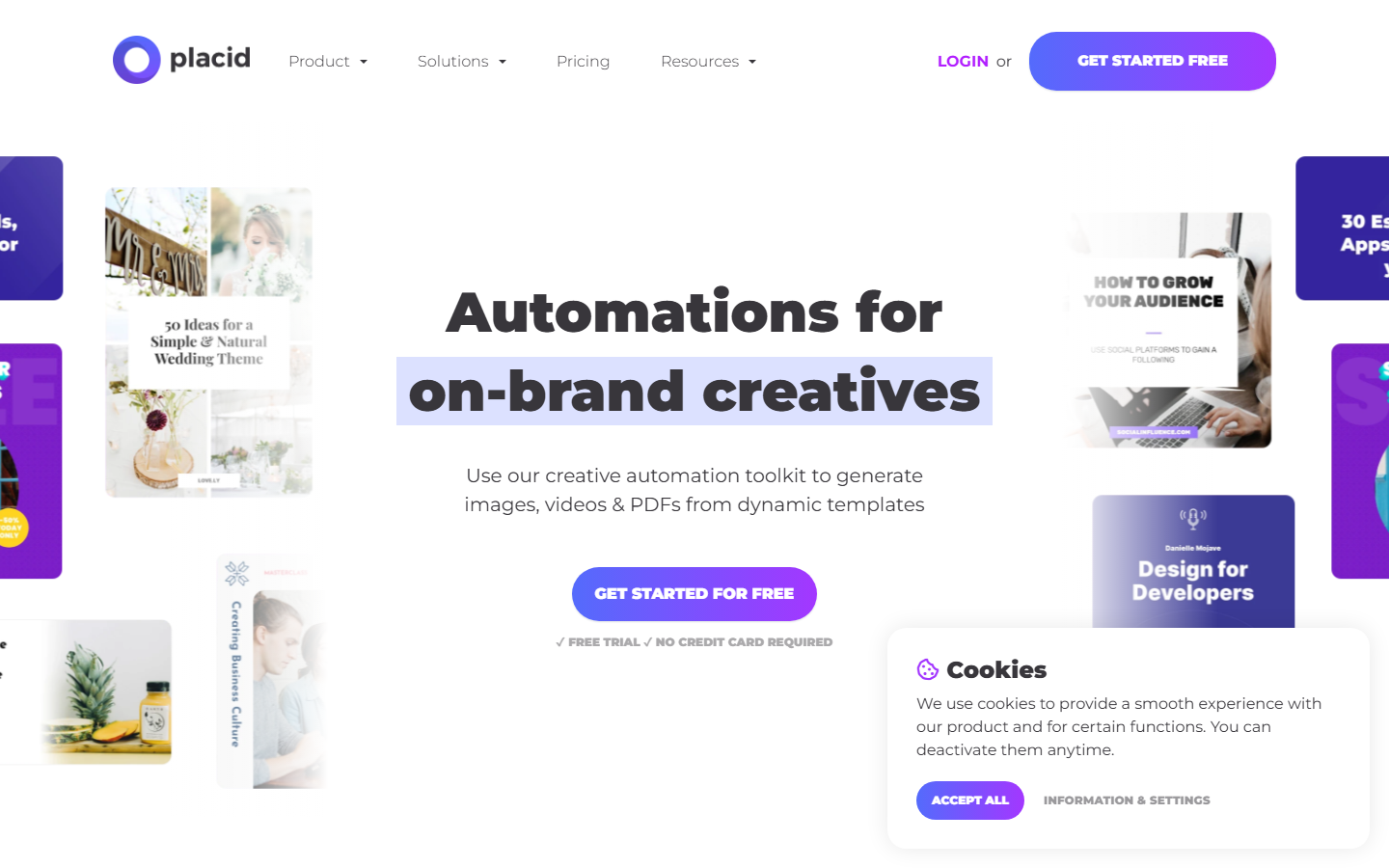
Placid sits in the same template-merge category as Bannerbear but leans harder on the visual editor and no-code connections, with native paths from spreadsheets and automation tools rather than an API-first mindset. For a marketing team without developer time, that difference decides the project, as it does when producing AI product photos for ecommerce at catalog scale.
Best for: template batches run by designers and marketers rather than engineers.
8. getimg.ai

getimg.ai aggregates a wide set of open and commercial models behind one account and one API key, at a per-image cost among the lowest of any hosted option. Editing sits alongside generation, so upscaling and inpainting happen in one place rather than a second subscription, useful if you would otherwise add a separate AI image upscaler.
Throughput is the tradeoff. Concurrency on cheaper plans is modest, so very large jobs take longer than on a higher tier elsewhere.
Best for: high volume on a soft deadline, at the lowest cost per image.
Comparison Table
| Tool | Best for | Batch method | Multi-model | Programmatic output |
|---|---|---|---|---|
| Wireflow | Overall bulk pipelines | Canvas iterator plus REST endpoint | Yes | Yes |
| OpenArt | Free batch volume | CSV or TXT upload, 500 per batch | Limited | No |
| Recraft | Async API jobs | Async batch endpoints | No | Yes |
| Leonardo AI | Creative teams | API with concurrency slots | Own models | Yes |
| Ideogram | Text inside images | Spreadsheet, 500 rows, paid tier | No | Limited |
| Bannerbear | Templated graphics | Data merge into template | No | Yes |
| Placid | Design-led automation | Template editor plus no-code | No | Yes |
| getimg.ai | Budget volume | API and web batches | Yes | Yes |
How To Choose
Start with the retrieval question, not the generation question. If a person will download the files, a browser-based batch tool is enough and OpenArt gives the most output for nothing. If a system will consume them, the tool needs an API and predictable naming, which rules out most creative-first apps immediately. Run a 20-image pilot first, since real cost per image at volume rarely matches the number on a pricing page.
The second question is whether one model can carry the whole batch. Catalog work often cannot: product shots, lifestyle scenes, and banner backgrounds each have a different best model, and forcing all three through one generator produces a visibly weaker set. That is the argument for a canvas-based pipeline over a single-vendor API, and the same reasoning applies to bulk video ad API tools on the video side.
Try it yourself: Build this bulk image workflow in Wireflow. The nodes are pre-configured with four product prompts fanning out to parallel image models, the exact setup described above.
Frequently Asked Questions
What is the largest batch these tools can run at once? OpenArt and Ideogram both cap a single spreadsheet batch at 500 rows. API options like Recraft, Leonardo AI, and getimg.ai have no fixed ceiling; the practical limit is your concurrency allowance and credit balance.
Can I generate bulk images from a spreadsheet without writing code? Yes. OpenArt accepts a CSV or TXT of prompts directly, Ideogram takes a sheet on its paid tier, and Placid and Bannerbear merge spreadsheet rows into a template.
What is the difference between generative bulk tools and template renderers? Generative tools invent new imagery from each prompt, so every output differs. Template renderers such as Bannerbear and Placid keep the design fixed and swap only the data. Many teams use both, connected through a creative workflow automation layer.
How much does bulk image generation cost per image? Published API rates in 2026 run from roughly $0.01 for lightweight models to about $0.08 for premium or vector output, with Recraft around $0.035 for a raster image. Subscriptions beat that only if you use the full monthly credit allowance.
Do any of these support vector output? Recraft is the main option returning editable vector files alongside raster images, which matters for icons, logos, and assets resized across formats.
Can bulk generation hold a consistent brand style across hundreds of images? Partly. Style references and fine-tuned custom models, from Recraft and Leonardo AI respectively, beat repeating style words in every prompt row. Expect to review outliers by hand on large jobs.
Is a free bulk image generator good enough for production? For a single campaign, often yes. For recurring work, free tiers fail on retrieval and concurrency rather than image quality, and that is what forces the move to a paid API.
Conclusion
There is no single best bulk image generation tool in 2026, because the three underlying jobs are genuinely different. Spreadsheet batches favor OpenArt and Ideogram, fixed-layout volume favors Bannerbear and Placid, and programmatic scale favors Recraft, Leonardo AI, and getimg.ai. Where one run needs more than one model, or the batch must be callable from a backend as well as a browser, a canvas-based pipeline like the one Wireflow provides removes the rebuild step between a creative process and a production one. Pilot two candidates on 20 real images before committing.
Would you rather we just built it?
We get on a call, learn your style, build the workflow, and ship the deliverables on a schedule. You keep the workflow either way.