UGC video generators turn a product photo and a short script into creator-style ad footage without booking a person, a set, or a shoot day, and the eight tools below cover every budget from free trials to agency plans. Wireflow sits at the top of this list because it chains the image model, the voice model, and the video model into one canvas instead of locking you into a single vendor's avatar library. The rest of the ranking covers avatar marketplaces, ecommerce ad factories, and creator editing suites, with pricing, output limits, and the job each one is genuinely good at.
Quick Summary
- Wireflow: Chain any image, voice, and video model on one canvas. Best Overall
- Arcads: Large library of licensed AI actors reading your script. Best for Direct Response Ads
- Creatify: Product URL in, batch of ad variants out. Best for Ecommerce Volume
- HeyGen: Avatar video with strong translation and lip sync. Best for Multilingual
- Captions: Mobile-first shooting, editing, and captioning. Best for Creators
- Icon: Ad account data feeding creative production. Best for Performance Teams
- TopView: Cheap product-to-video generation at scale. Best Budget Pick
- MakeUGC: Simple avatar-and-script tool for small teams. Best for Beginners
Tools were ranked on output realism, how many videos you can produce per month at the entry price, how much control you get over the underlying models, and whether the export is actually usable as a paid ad without a re-edit. Volume matters more than most reviews admit, since scaling UGC ad output is the reason most teams buy one of these in the first place.
1. Wireflow: Best Overall
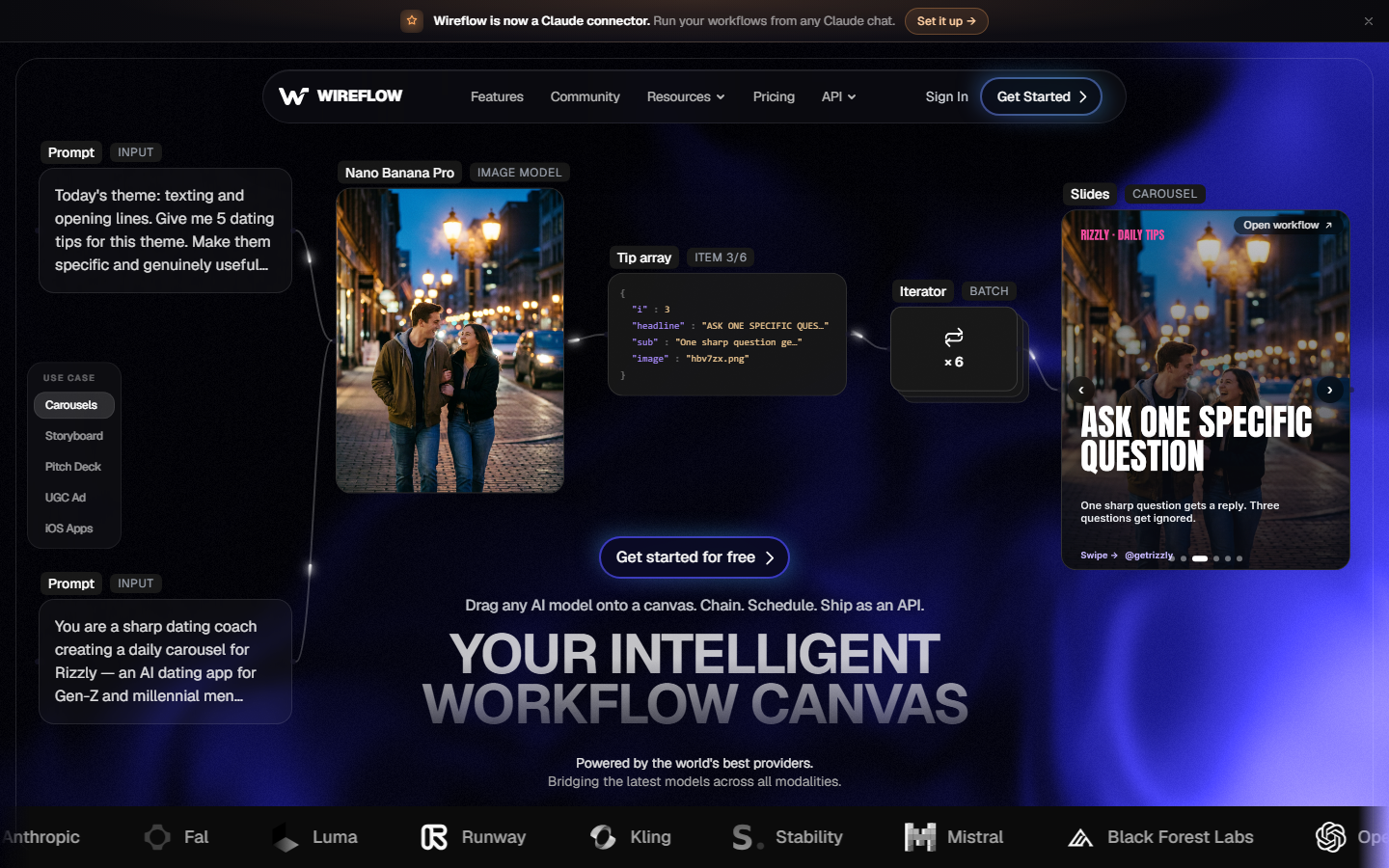
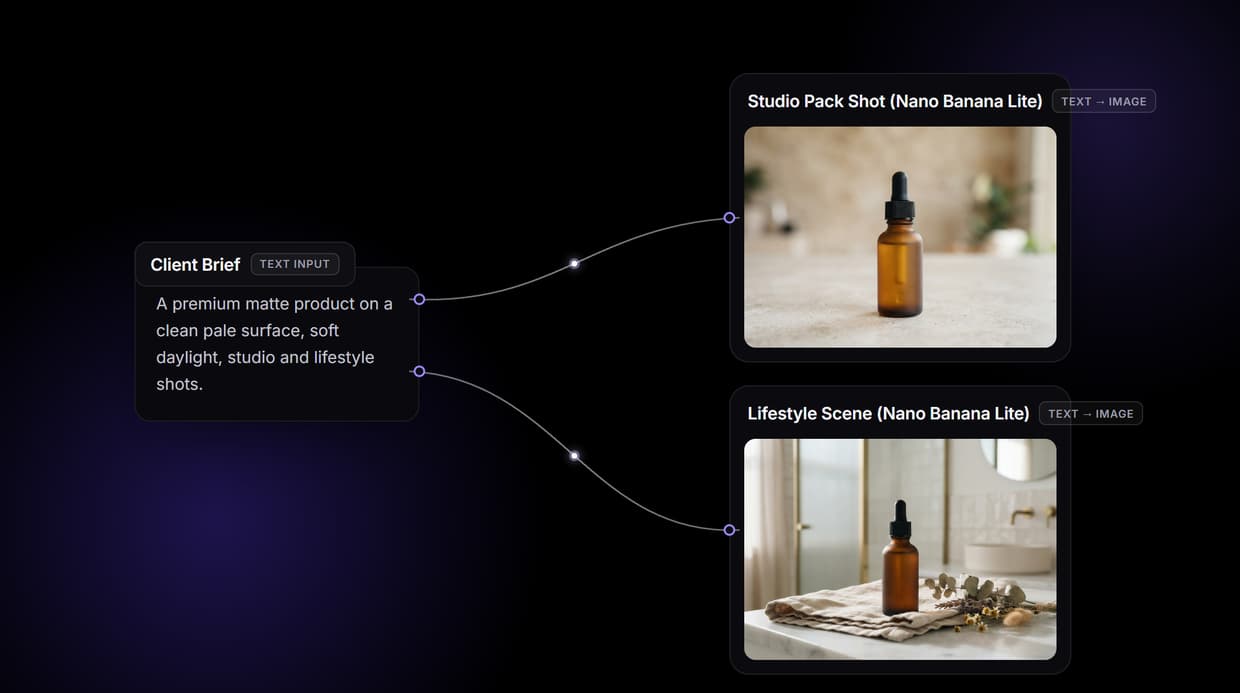
Most UGC tools are a single pipeline someone else designed. Wireflow is a node canvas where you assemble the pipeline yourself: a text input for the script, an image model such as Nano Banana Lite for the creator reference frame, a voice model such as ElevenLabs for the read, and a talking-video model such as Kling Avatar for the final clip. Each node is swappable, so when a better video model ships you replace one box rather than migrating platforms.
That structure matters for two reasons. First, consistency: locking a reference image into every downstream node keeps the same creator and the same product across a whole batch, which is where single-shot generators usually drift. Second, cost control, since you pay per model call rather than per seat, and you can run the cheap image model many times before spending on video. Teams running UGC video automation for agencies tend to land here once the monthly video count passes a few dozen.
The tradeoff is honest: a canvas asks more of you on day one than a form with three fields. If you want a single button that returns a finished ad, a dedicated avatar tool is faster to start with. If you want to own the pipeline, this is the only tool on the list that gives you the whole graph.
2. Arcads: Best for Direct Response Ads
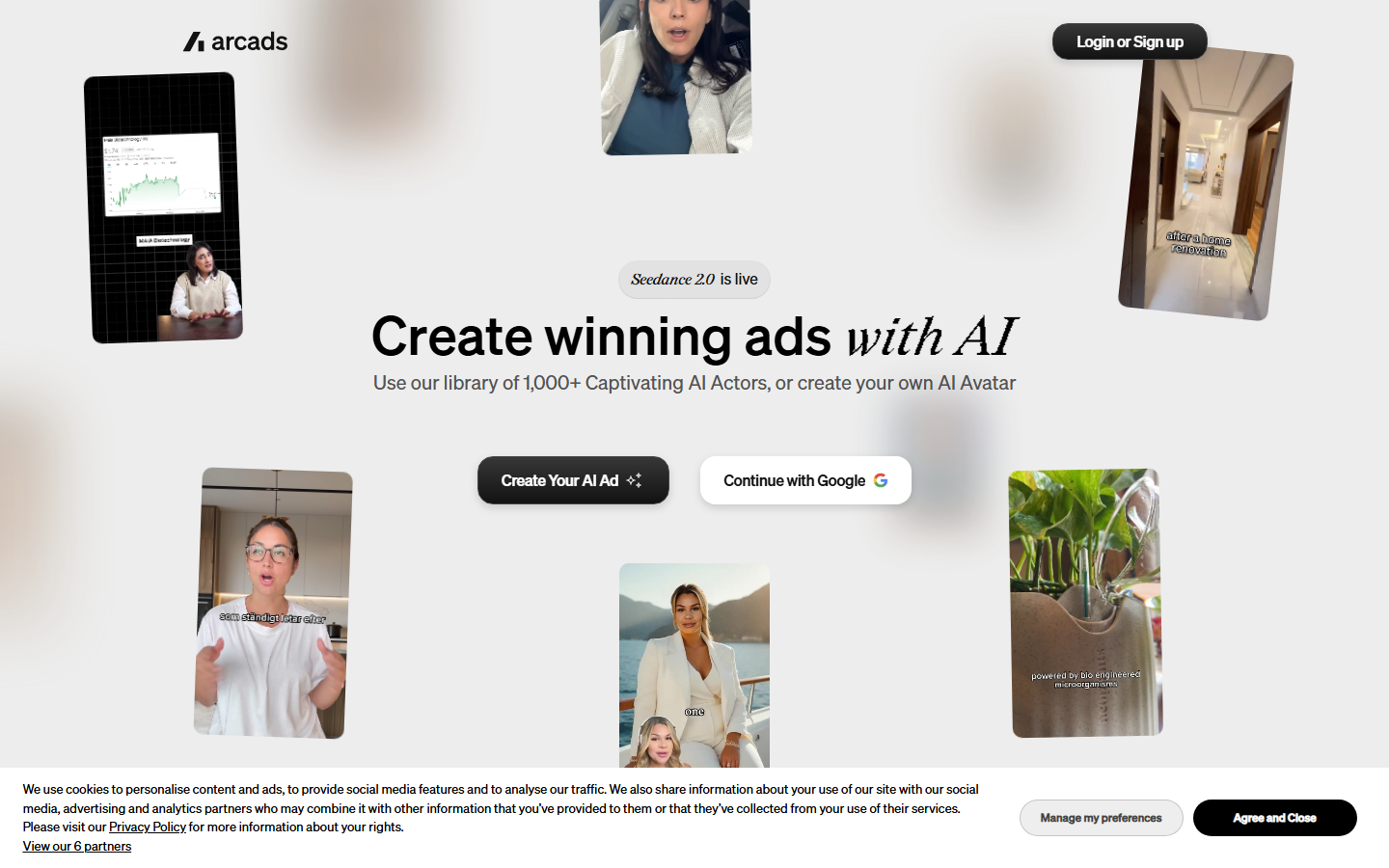
Arcads is built narrowly for paid social. You paste a script, choose from a library of licensed AI actors, and get a 9:16 read in a few minutes. The actor library is the product: faces are filmed rather than fully synthesized, so hooks land with more credibility than a generic avatar, which is why it keeps appearing in Meta ad teardowns.
Pricing starts around the $110 per month mark for a fixed video allowance, and there is no free tier, so it is a commitment rather than a trial. Script control is limited to what you type; you do not choose the underlying video model or adjust the framing. Our breakdown of Arcads pricing covers where the per-video cost lands once you factor in the variants you throw away.
Use it when you need many hook variants of the same offer fast and the creative direction is already settled.
3. Creatify: Best for Ecommerce Volume
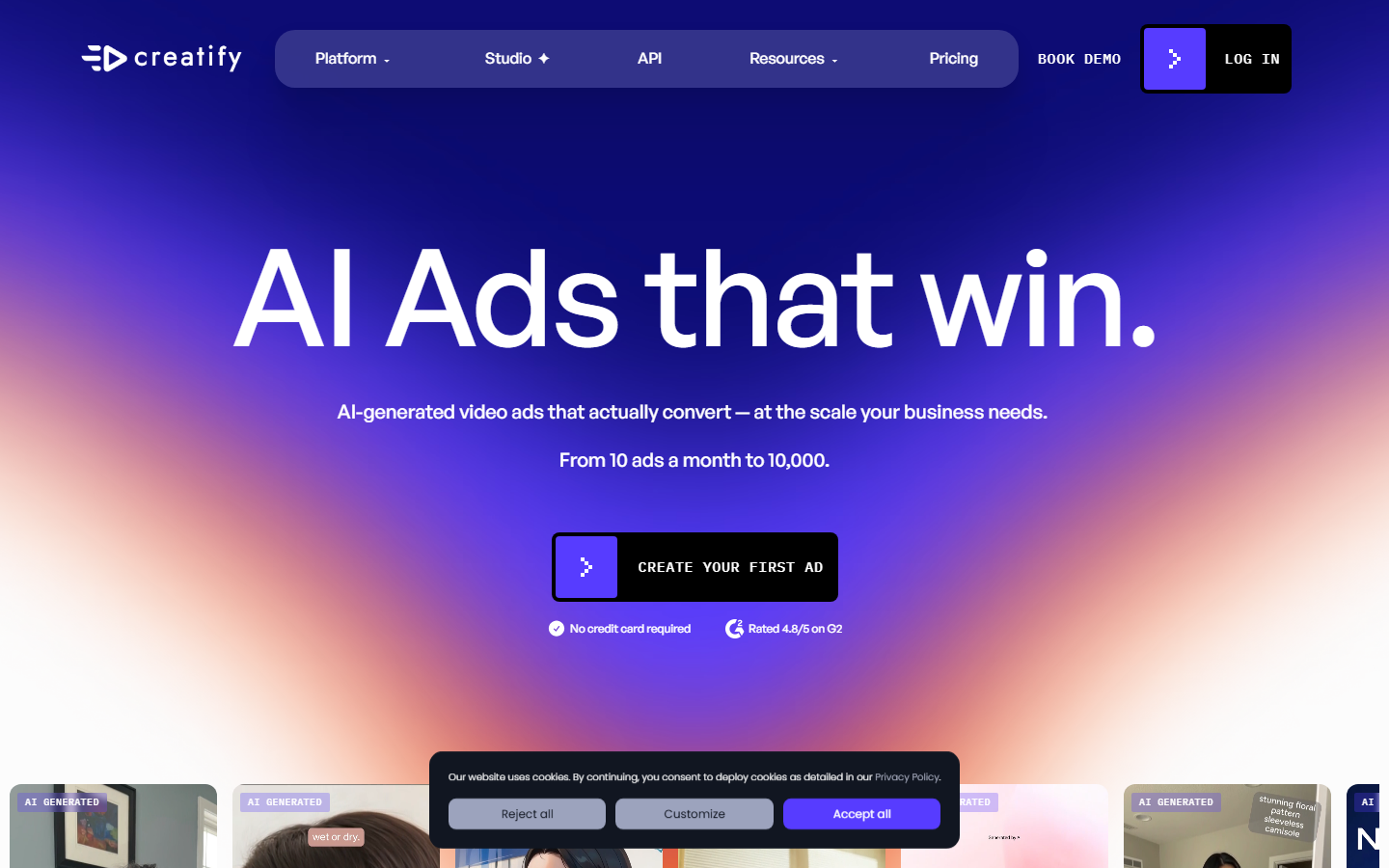
Creatify starts from a product URL. It scrapes the listing, writes ad copy, picks an avatar, and returns a batch of variants, which makes it the least manual option here for a store with hundreds of SKUs. Batch mode and a link-to-video workflow are the features people actually renew for.
Plans begin near $33 per month for a small monthly credit pool, and costs rise sharply once you want longer clips or more parallel renders. Output quality is inconsistent across product categories: apparel and consumer goods render well, while technical or packaged products often need a manual reshoot of the frame. The same tension shows up across AI tools for ecommerce product videos, where automation quality tracks how photogenic the catalog already is.
4. HeyGen: Best for Multilingual

HeyGen is an avatar platform first and a UGC tool second, and its strongest feature is translation: one recorded read becomes dozens of language versions with lip sync that holds up on mobile. For brands running the same campaign across regions, that alone justifies the subscription.
The free tier gives a small number of short exports, with paid plans starting around $29 per month. Custom avatars require a consent recording, which is a real advantage for founder-led brands and a real delay for agencies working on client timelines. Where it falls short for UGC specifically is scene variety: you get a person talking to camera, not a person using the product in a kitchen. Compare the tiers in our HeyGen pricing breakdown before committing to an annual plan.
5. Captions: Best for Creators
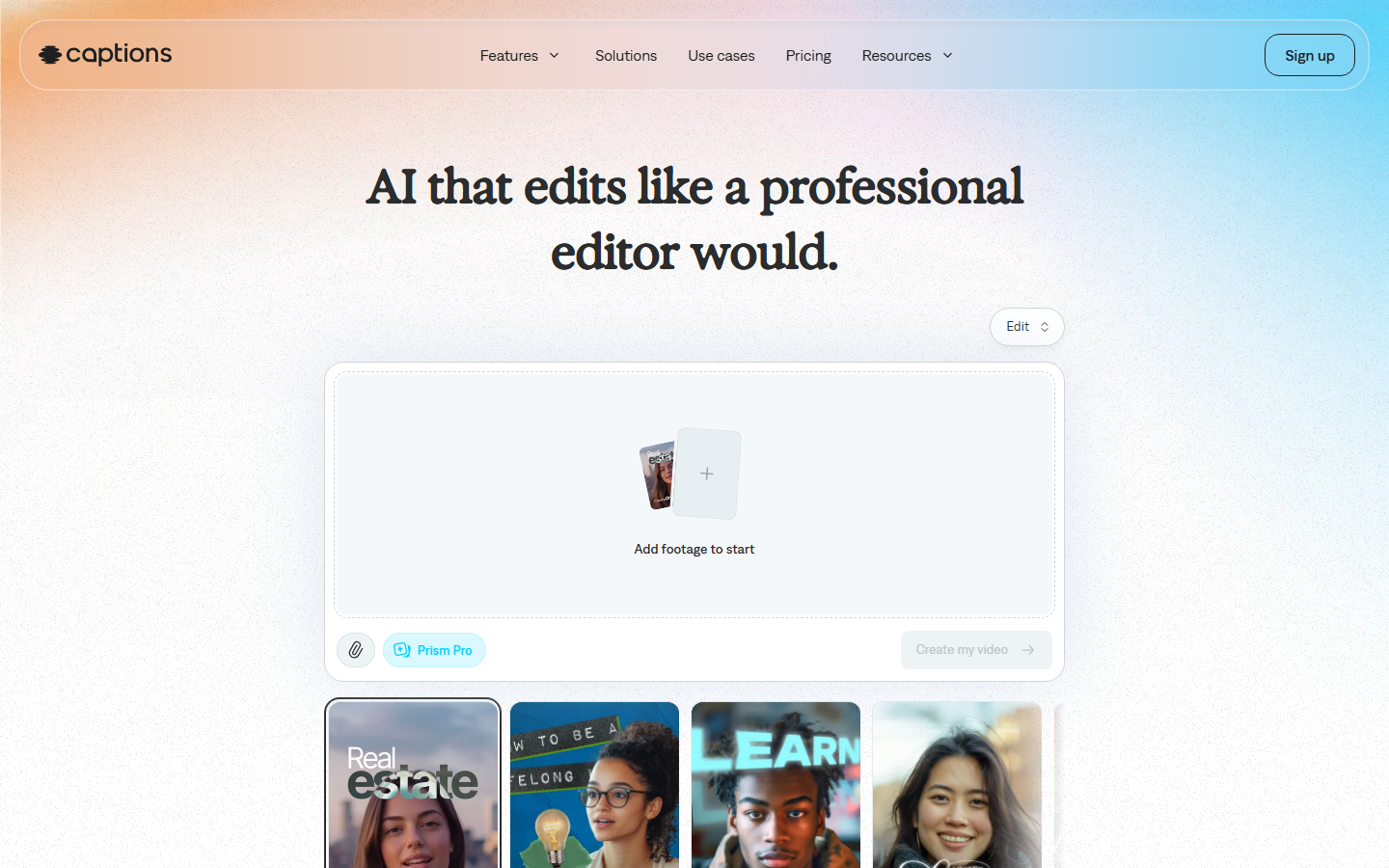
Captions began as a mobile captioning app and grew into a full shooting and editing suite with AI eye contact correction, auto-framing, filler word removal, and its own avatar generator. For a solo creator filming real footage who wants AI cleanup rather than AI actors, it is the most practical tool on this list.
Pricing runs from a limited free tier to roughly $25 per month for the pro features. The limitation is throughput: it is designed around one video at a time on a phone, so producing fifty ad variants is painful. Teams that outgrow it usually move toward automating video creation for social ads with a batch pipeline instead.
6. Icon: Best for Performance Teams
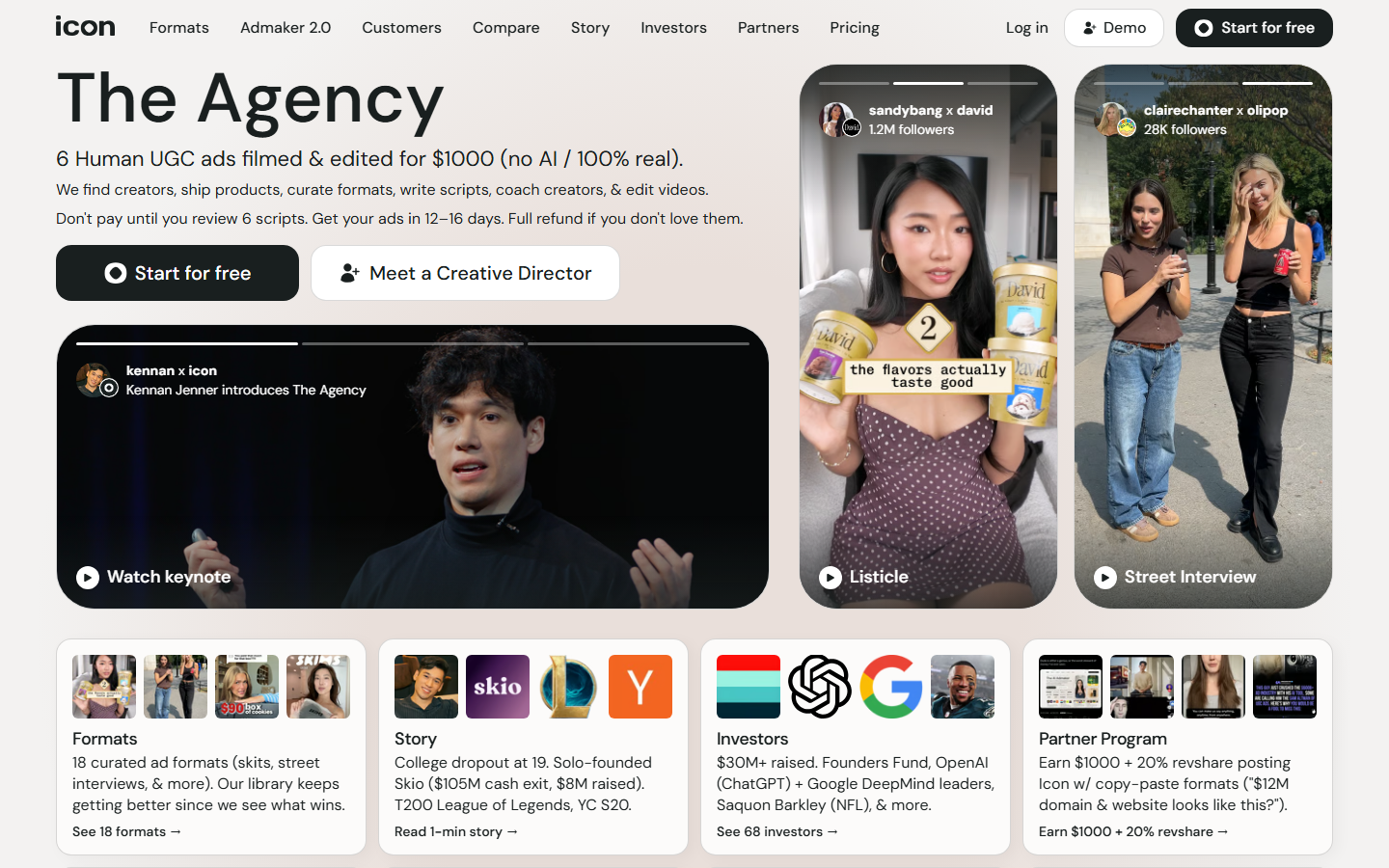
Icon closes the loop between ad performance and creative production. It connects to your ad accounts, identifies which hooks and angles are winning, and generates the next batch of UGC variants from those signals rather than from a blank prompt. For a media buyer, that ordering is the right one.
It is priced for teams rather than individuals, with plans well above the other tools here, and it expects meaningful spend data to be useful. A brand running a few hundred dollars a month will not get value from it. A team managing multiple accounts and tracking how much to charge clients for AI UGC ads will recognize the workflow immediately.
7. TopView: Best Budget Pick
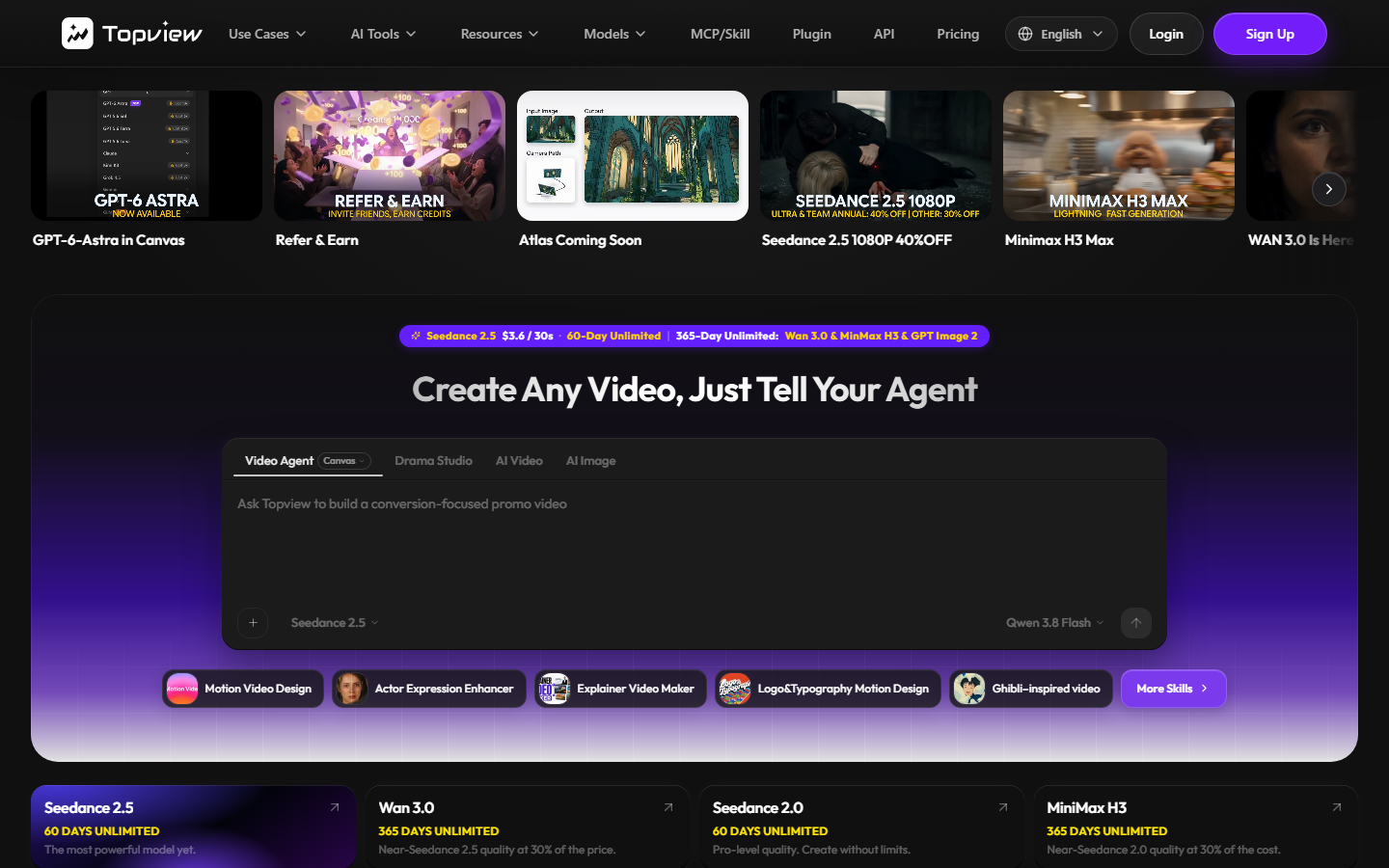
TopView converts a product image or link into a short video ad with an avatar voiceover, and it does it cheaply. Entry plans sit under $20 per month, and there is a free allowance to test output before paying, which makes it the lowest-risk way to see whether AI UGC works for your product at all.
Quality sits below Arcads and Creatify: avatar motion is stiffer and the hook writing is generic, so expect to rewrite scripts. It is best treated as a volume testing tool, where you generate many rough variants, find the angle that works, and rebuild the winner properly somewhere else. That approach pairs well with the testing discipline described in how to clone viral ads with AI.
8. MakeUGC: Best for Beginners
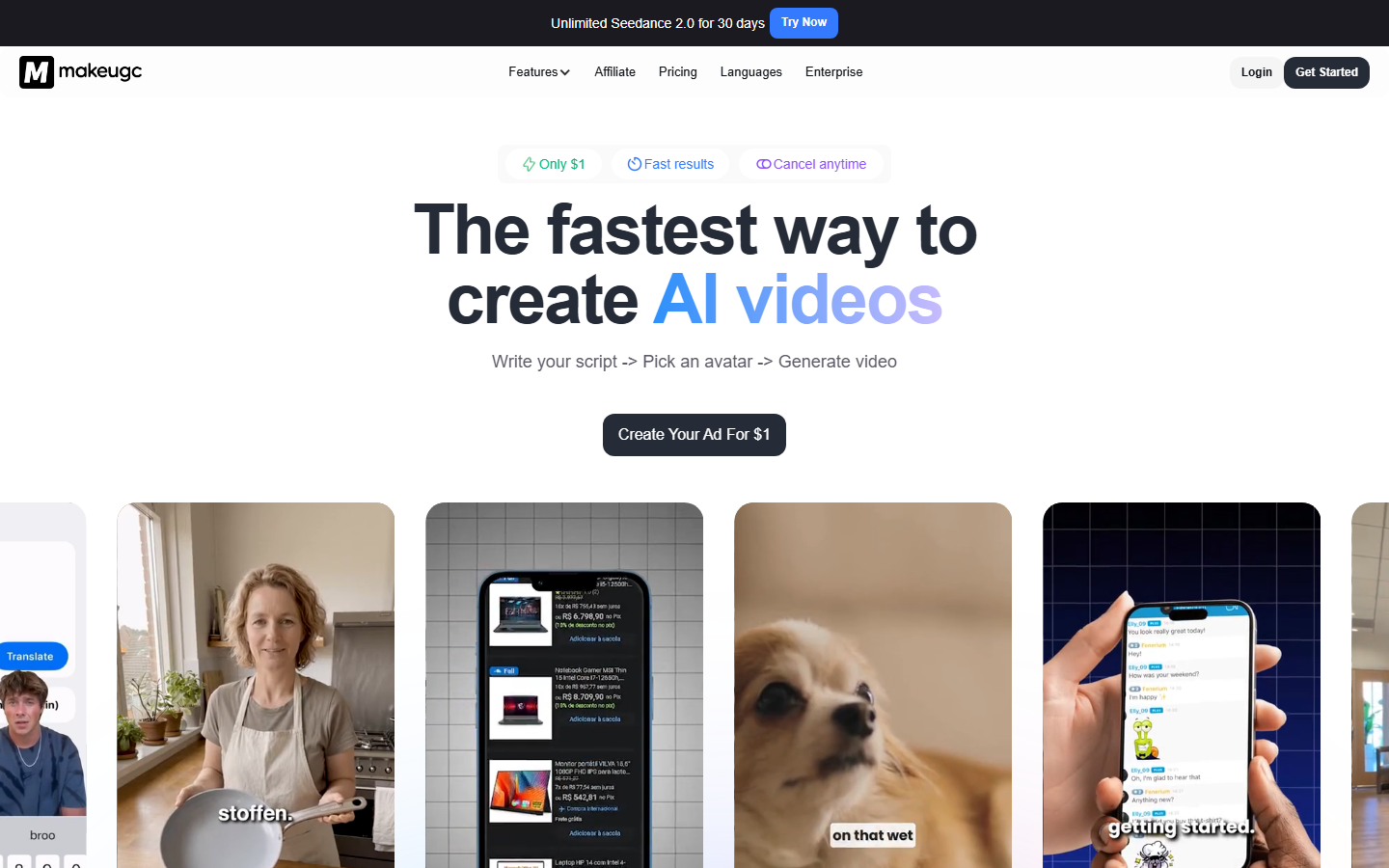
MakeUGC keeps the interface to its simplest form: pick an avatar, paste a script, choose an aspect ratio, export. For a small brand producing four or five videos a month it removes every decision that does not matter, and the learning curve is close to zero.
Plans start around $50 per month, which is high relative to the feature set, and the avatar library is smaller than Arcads or HeyGen. There is no batching, no model choice, and limited scene control. Teams usually outgrow it within a quarter, at which point our MakeUGC alternatives roundup covers the upgrade paths.
Comparison Table
| Tool | Best for | Starting price | Model control | Batch output |
|---|---|---|---|---|
| Wireflow | Full pipeline control | Usage-based credits | Full, swap any node | Yes |
| Arcads | Direct response ads | ~$110/mo | None | Limited |
| Creatify | Ecommerce volume | ~$33/mo | None | Yes |
| HeyGen | Multilingual campaigns | Free tier, ~$29/mo | None | Limited |
| Captions | Solo creators | Free tier, ~$25/mo | None | No |
| Icon | Performance teams | Team pricing | None | Yes |
| TopView | Cheap testing | Free tier, ~$20/mo | None | Yes |
| MakeUGC | Beginners | ~$50/mo | None | No |
How to Choose
Start from output volume, not from features. Under ten videos a month, a fixed-price avatar tool like HeyGen or MakeUGC is the cheapest and simplest path, and the per-video cost barely matters. Between ten and fifty, the avatar library and the script quality decide the outcome, which is where Arcads and Creatify earn their price. Above fifty, per-seat pricing and single-vendor models become the bottleneck, and a pipeline you control costs less and ages better.
The second question is how much the product needs to appear on screen. Talking-head avatars are fine for software and services, where the pitch is the person. Physical products need the item in frame, held and used, and that requires either real footage or an image model conditioned on your actual product photo. Teams solving that specific problem usually end up building a multi-step UGC ad workflow rather than buying a single-shot generator.
Try it yourself: Build this UGC video workflow in Wireflow. the nodes are pre-configured with the script input, reference frame, voiceover, and talking-video steps described above.
FAQ
What is a UGC video generator? It is a tool that produces creator-style video content, usually a person speaking to camera about a product, without filming a real creator. Most combine an AI avatar or actor, a text-to-speech voice, and a script you supply or the tool writes.
Are AI UGC videos allowed on TikTok and Meta ads? Yes, both platforms accept AI-generated ad creative. Meta requires disclosure for realistic AI content in some political and social categories, and TikTok asks creators to label synthetic media showing realistic scenes or people. Standard product ads do not usually trigger those rules, but check the current policy before a large launch.
How much do UGC video generators cost? Entry plans range from free trials to roughly $110 per month. TopView and Captions start under $25, HeyGen and Creatify sit in the $29 to $33 range, MakeUGC is near $50, and Arcads is the most expensive fixed plan on this list. Usage-based platforms charge per model call instead, which is cheaper at low volume and at very high volume.
Do these tools work for physical products? Partially. Avatar tools show a person talking, not a person using your product, so the item usually appears as a static insert. To get the product genuinely in frame you need an image model conditioned on your own product photograph, then a video model animating that frame.
Can I use my own face instead of a stock avatar? Most of these tools support a custom avatar built from a short consent recording, typically two to five minutes of footage. HeyGen and Arcads have the most mature versions. Expect a review delay of a day or two before the avatar is usable.
How many videos do I need to test an offer? Media buyers generally test ten to twenty hook variants against the same offer before concluding anything. That number is why batch output and per-video cost matter more than any single video's quality, and why volume tools beat premium ones during the testing phase.
What is the difference between an AI UGC tool and a general AI video generator? A general video generator produces any scene from a prompt. A UGC tool is narrower: it produces a person-to-camera ad in vertical format, with script, voice, captions, and aspect ratio already handled. The narrower tool is faster for ads and useless for anything else.
Which tool produces the most realistic output? Arcads generally reads as most realistic for talking-head ads because its actors are filmed rather than synthesized. For product-in-hand scenes, a chained pipeline using a current image model plus a video model produces better results than any avatar library.
Conclusion
There is no single best UGC video generator, only a best one for your volume and your product type. Small teams shipping a handful of videos should pick the simplest tool that exports the aspect ratio they need. Ecommerce brands with a large catalog should optimize for batch throughput. Agencies and performance teams running high volume across clients will eventually hit the limits of any fixed pipeline, which is where assembling the workflow yourself on a node canvas pays back, since the models you can swap in next year are the ones that decide whether the creative still looks current.
Would you rather we just built it?
We get on a call, learn your style, build the workflow, and ship the deliverables on a schedule. You keep the workflow either way.