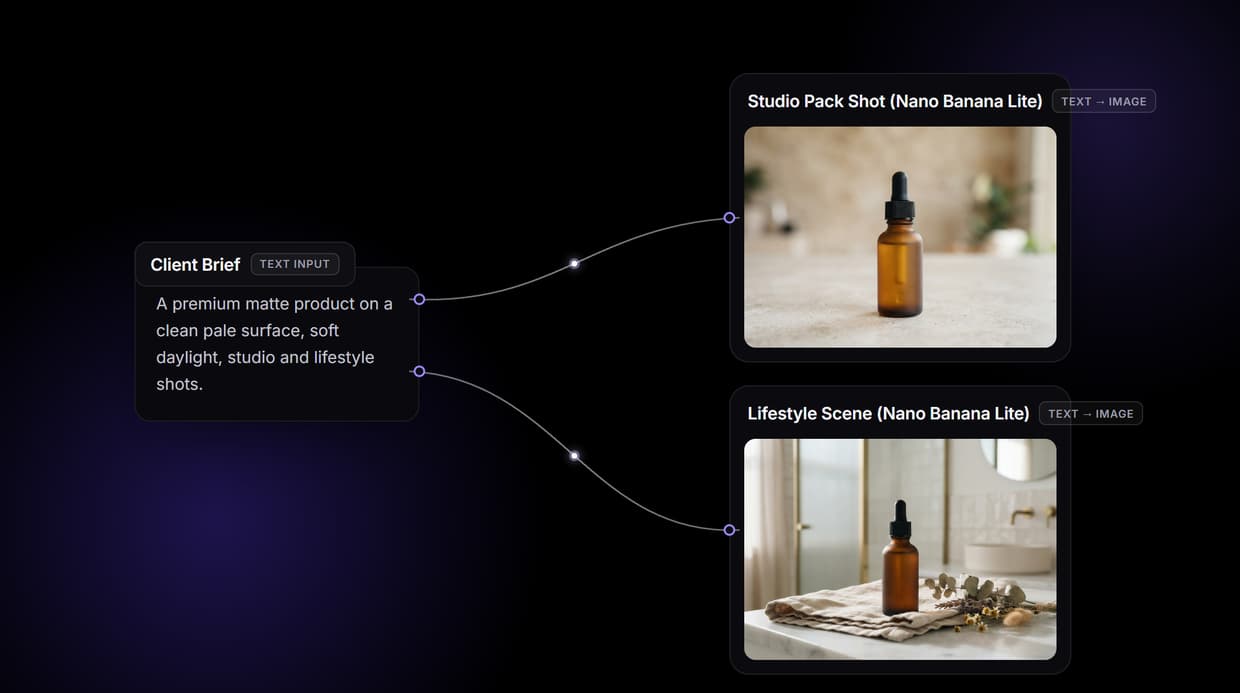
AI fashion model generators turn a flat lay, a mannequin shot, or a plain garment photo into an on-model image without booking a studio, and in 2026 the good ones hold prints, seams, and logos intact while swapping the body underneath. We tested eight tools against the same five garments (a printed tee, a pleated skirt, a knit cardigan, a leather jacket, and a pair of running shoes) and ranked them on garment fidelity, model consistency across a catalog, batch throughput, and price. Wireflow takes the top spot because it chains the separate steps most brands actually need, garment prep, model generation, and upscale, into one canvas instead of three disconnected apps.
Quick summary: the 8 best AI fashion model generators
- Wireflow: Chain garment prep, model generation, and upscale on one canvas. Best Overall
- Modelia: Shopify-native flat lay to model with a REST API. Best for Shopify stores
- FASHN AI: Developer-first model swap and flat-to-model endpoints. Best API
- Claid.ai: Photo cleanup plus model generation in one pipeline. Best for messy source photos
- PhotoRoom: Hundreds of product images processed in a single pass. Best for high volume
- WearView: Your real garment rendered on a realistic model. Best garment accuracy
- On-Model: Reusable model identities across an entire catalog. Best for catalog consistency
- Midjourney: Editorial concepts, campaign moodboards, lookbook direction. Best for creative concepting
Why brands moved to AI model photography
A traditional on-model shoot for a 40-piece drop runs into four figures once you add the model day rate, the photographer, the studio, the stylist, and the retouching. The bigger cost is calendar time: most brands wait two to four weeks between shooting and having web-ready files, which means fast-moving SKUs sit unphotographed and unlisted. Teams selling through ecommerce storefronts increasingly run AI generation for the long tail of their catalog and reserve real shoots for hero pieces and campaign work.
The second driver is variation. One garment now needs a cutout, a lifestyle frame, several model body types, and a vertical social crop. Generating that set from one source photo is close to free once the pipeline exists. The catch: a generator that redraws your garment rather than preserving it will quietly invent a different print, and that is a returns problem.
How we ranked these tools
Every tool got the same five garments and the same brief: full-body model shot, studio lighting, neutral background. We scored four things. Garment fidelity: do the print, stitching, and hardware survive generation. Model consistency: can the same face be reused across products. Throughput: images per batch without manual steps. Cost: per finished image at the entry paid tier, not the headline monthly number. The wider method is in our guide to AI product photos for ecommerce.
1. Wireflow: Best Overall
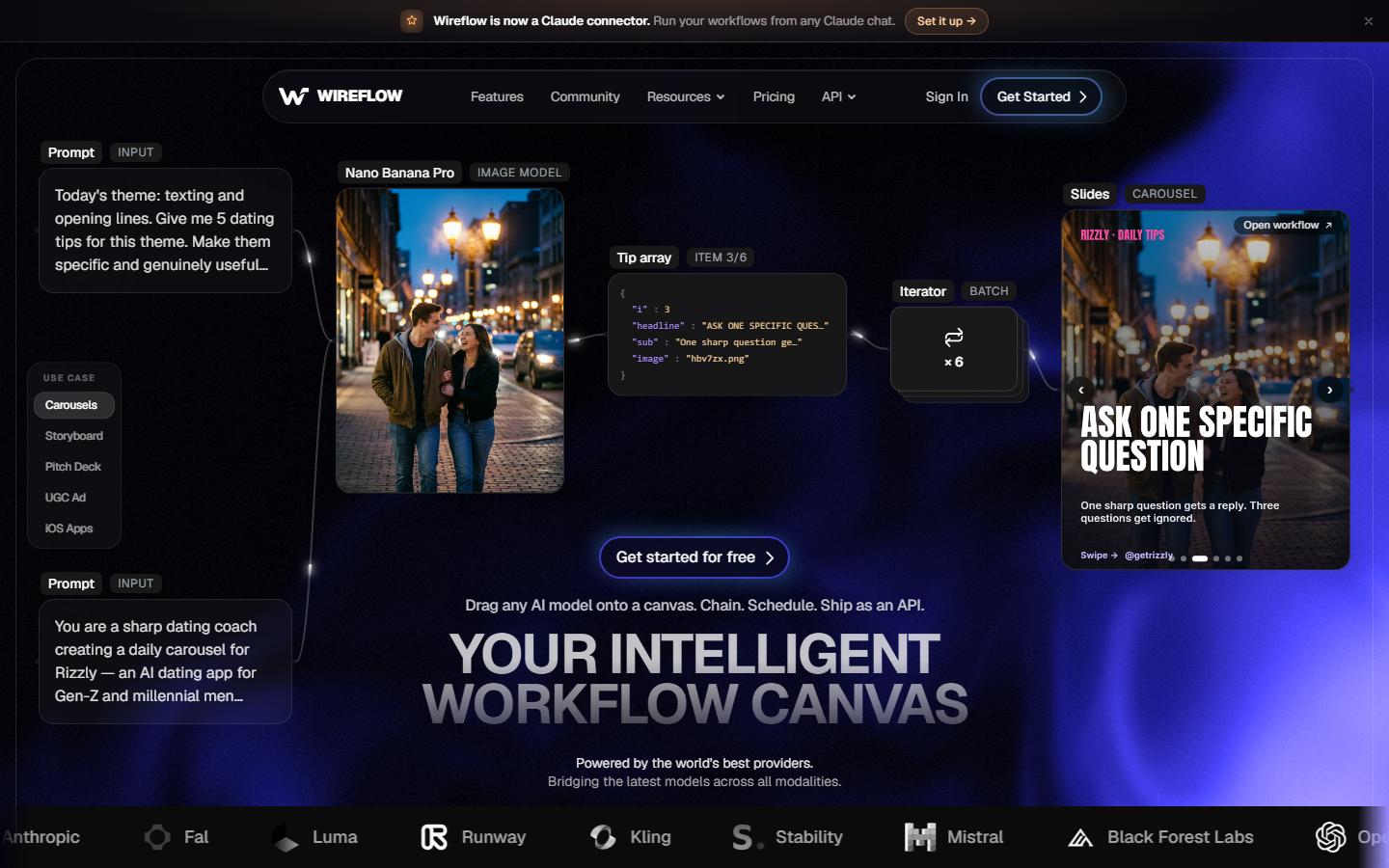
Most fashion model generators are single-purpose: one input, one output, one model behind the scenes. That works until you need the garment masked first, the model generated second, and the result upscaled third, which across three subscriptions means exporting and re-uploading at every step. A node canvas removes the handoffs: the cutout node feeds the model generation node, which feeds the upscale node, and the chain re-runs on the next SKU. The same canvas backs the AI product photo generator workflows brands use for catalog shots.
The practical advantage is model choice. Because the generation node is not locked to one vendor, you can swap the image model per garment type, a photoreal model for outerwear, a different one for fine detail, and leave the rest of the chain untouched. Batch runs take a folder of garment images, and the same chain is callable over an API. That pattern is covered in chaining multiple AI models in one API call.
Verdict: the strongest option if your catalog work involves more than one step, or if you want the flexibility to change image models without rebuilding the pipeline.
2. Modelia: Best for Shopify stores
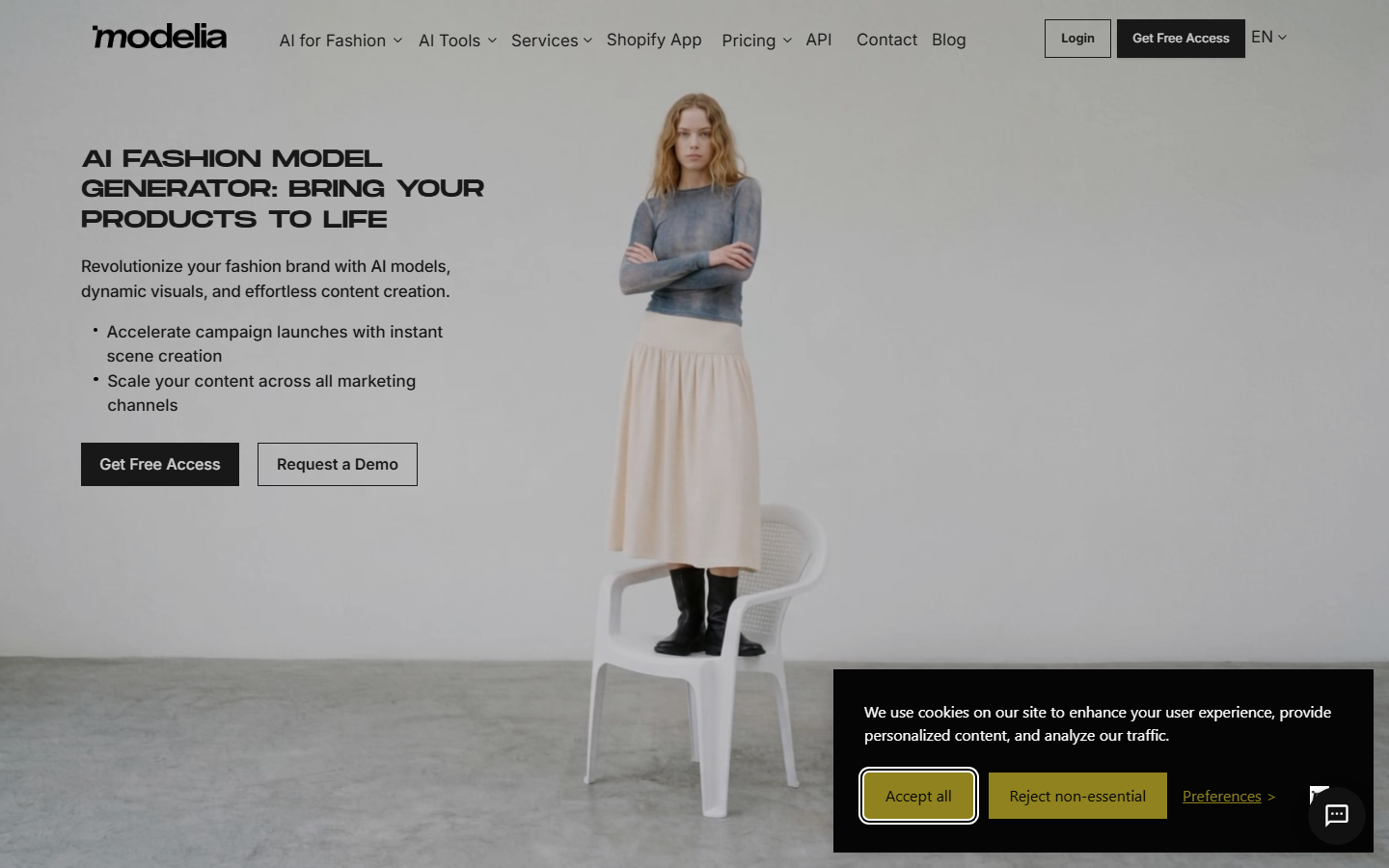
Modelia is built around Shopify. It installs as an app, reads your existing product images, and offers flat-lay-to-model, mannequin-to-model, and outfit generation as distinct modes rather than one generic prompt box. Results on our printed tee and pleated skirt were clean, and it handled the ghost-mannequin source better than the general-purpose tools did.
It also ships batch generation, a REST API with webhooks, and short video clips. For a Shopify store, having generated images land back on the product record without a manual upload is worth more than a marginal quality difference. Larger runs outside the storefront usually move to a dedicated batch image generation setup.
Verdict: the least friction of any tool here if Shopify is your system of record.
3. FASHN AI: Best API
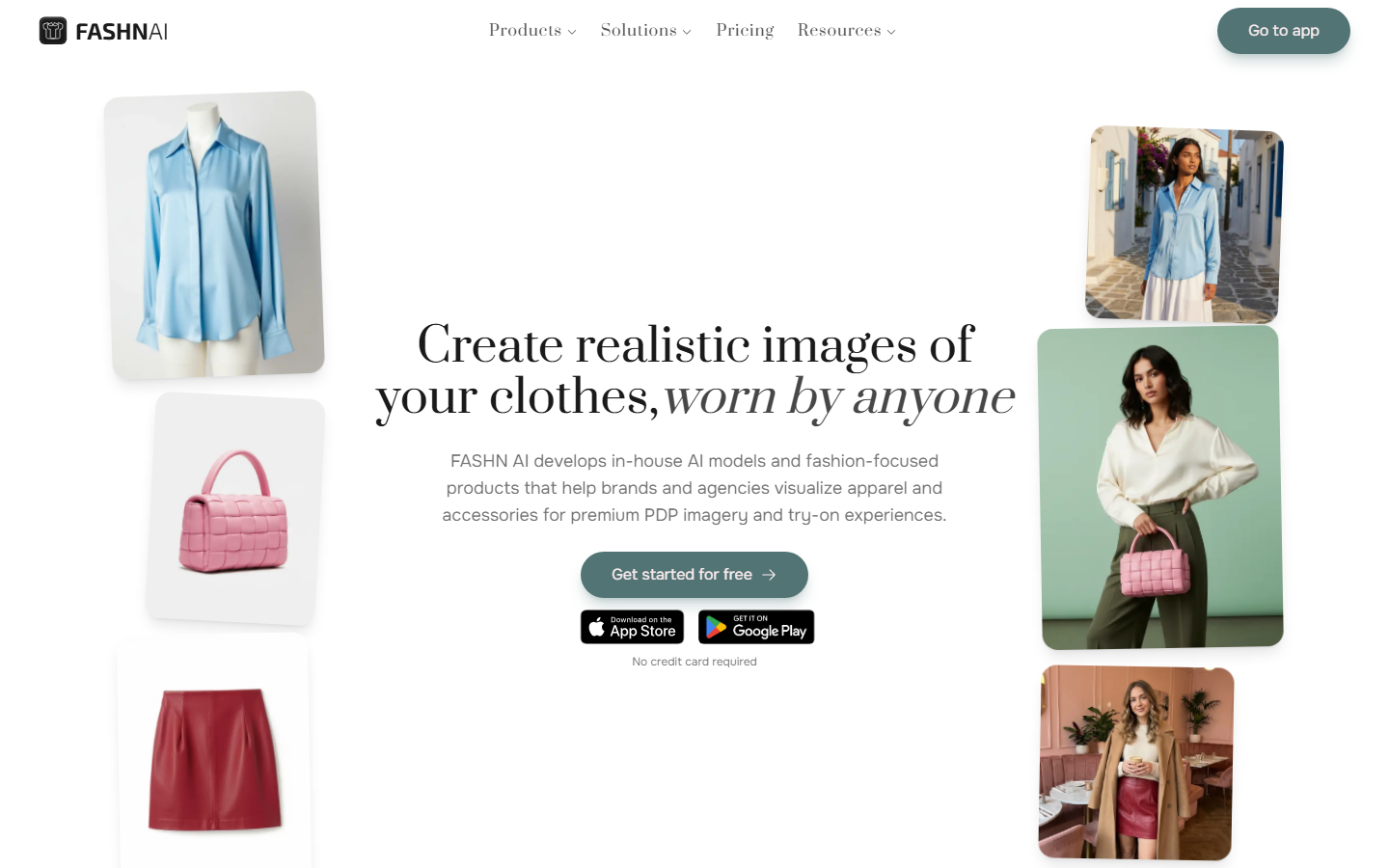
FASHN AI is the most developer-shaped option on this list. Model swap and flat-to-model are exposed as documented endpoints, pricing is per call rather than per seat, and the docs are clear enough that a working integration takes an afternoon. Try-on quality on our knit cardigan was among the best in the test, with the rib texture intact at the cuffs.
The tradeoff is that there is little product surface around the API. If a merchandiser needs a dashboard, you will build it. Teams comparing endpoints across vendors usually start from a roundup of image generation APIs for developers.
Verdict: pick it when an engineer owns the pipeline and nobody needs a UI.
4. Claid.ai: Best for messy source photos
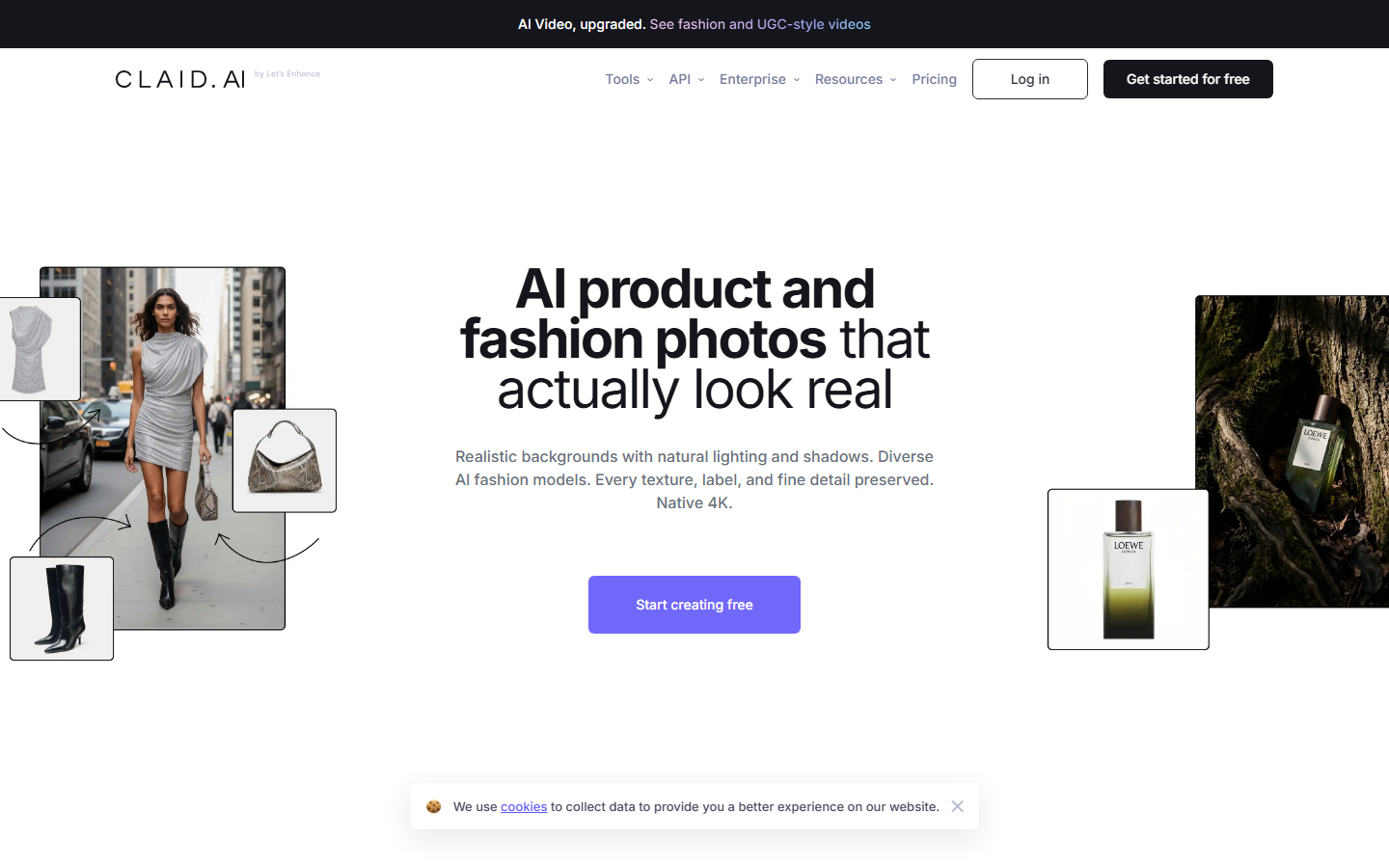
Claid.ai started as a product photo enhancement platform, background removal, upscaling, lighting correction, and added AI model generation on top. That history shows: it is the most forgiving tool here when your source images are phone shots with uneven lighting rather than clean studio plates.
When supplier photos arrive in inconsistent quality, doing cleanup and model generation in one place removes a real bottleneck. Quality on well-lit sources was good but not class-leading; the value is in the recovery, not the ceiling. If cleanup is all you need, a standalone AI image upscaler costs less.
Verdict: the right call when your inputs are inconsistent and you want one tool to fix and generate.
5. PhotoRoom: Best for high volume
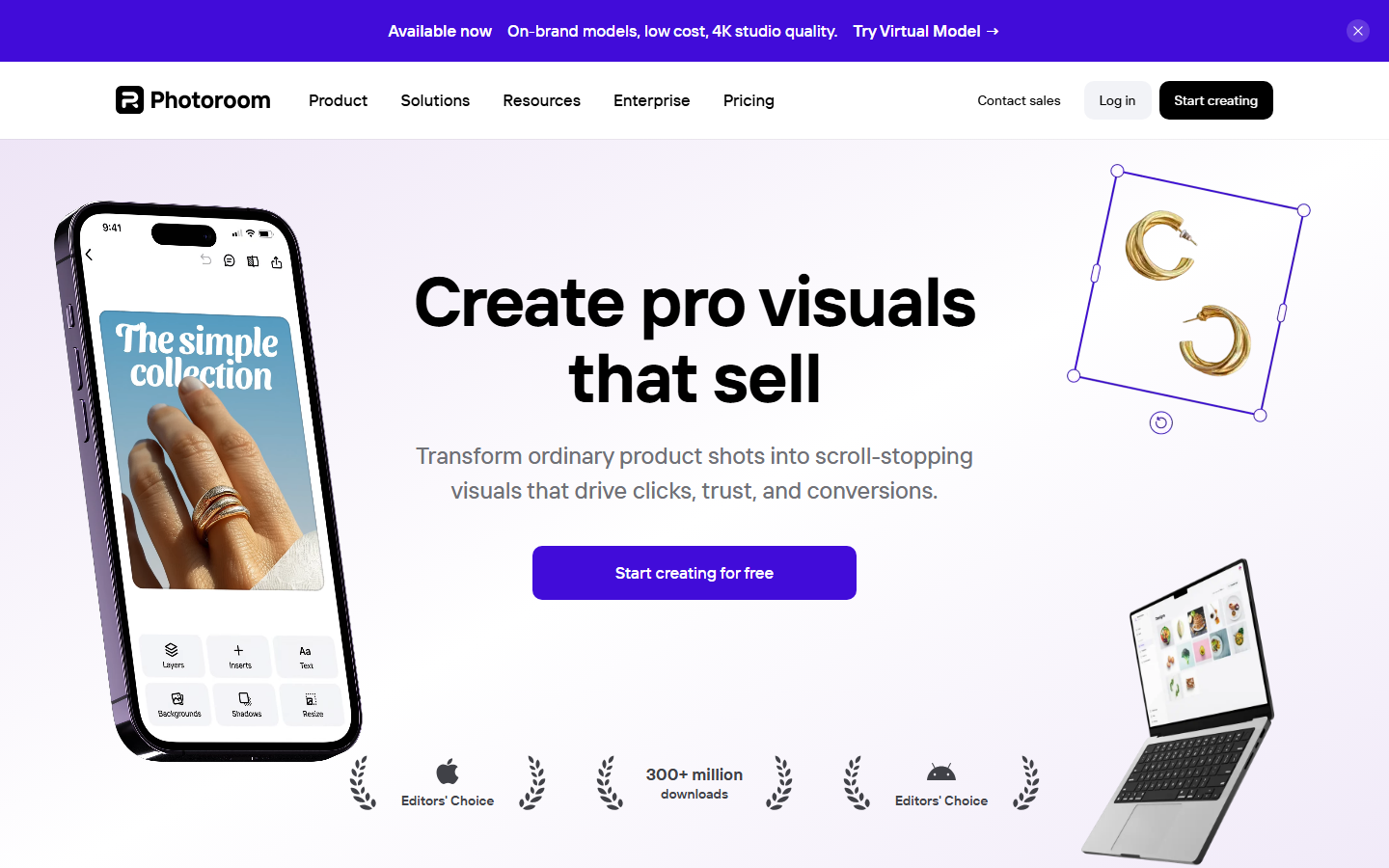
PhotoRoom made AI fashion models, ghost mannequin, and flat lay dedicated features in 2026, alongside the background editing it was already known for. Its strength is scale: it processes several hundred product images in one pass without falling over, and the per-image cost at volume is among the lowest on this list.
Individual results are consistent rather than exceptional. On our leather jacket the hardware softened slightly: fine for a category thumbnail, not for a zoomed product view. Many teams pair it with a separate background remover step for a harder cutout edge.
Verdict: best throughput-to-cost ratio for large catalogs where per-image perfection is not the bar.
6. WearView: Best garment accuracy
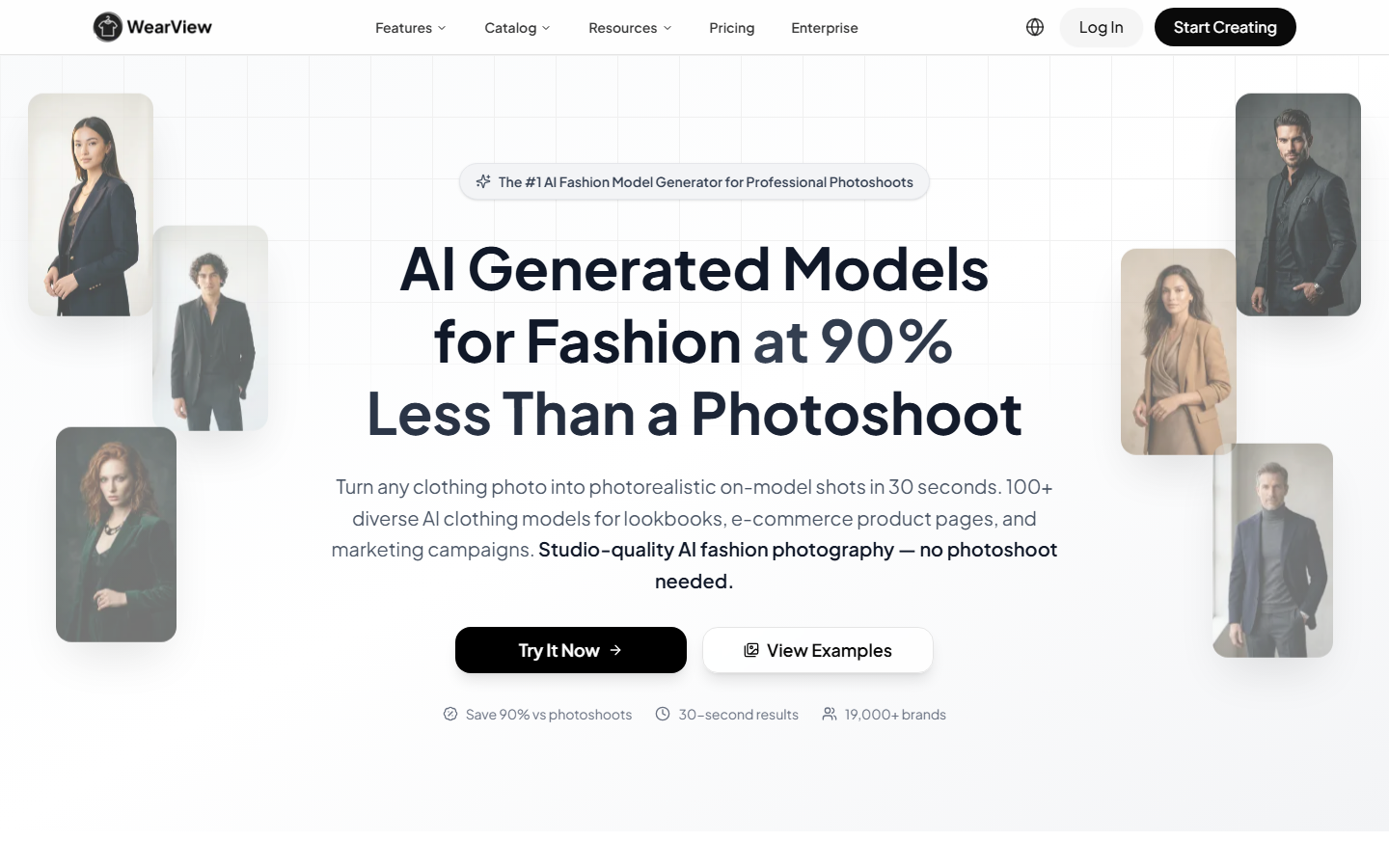
WearView optimizes hard for one thing: rendering your actual garment, not an approximation of it, on a realistic model. It covers try-on, product-to-model, ghost mannequin, consistent personas, and short video. On the printed tee, it was the only tool that kept the chest graphic at the correct scale and position across all four model variations we generated.
That fidelity matters most for prints, logos, and visible construction detail, which is exactly where returns come from when the listing image lies. The same problem shows up in virtual try-on, where a garment that drapes wrong on screen drives the wrong size selection.
Verdict: the accuracy pick for printed, branded, or structurally detailed garments.
7. On-Model: Best for catalog consistency
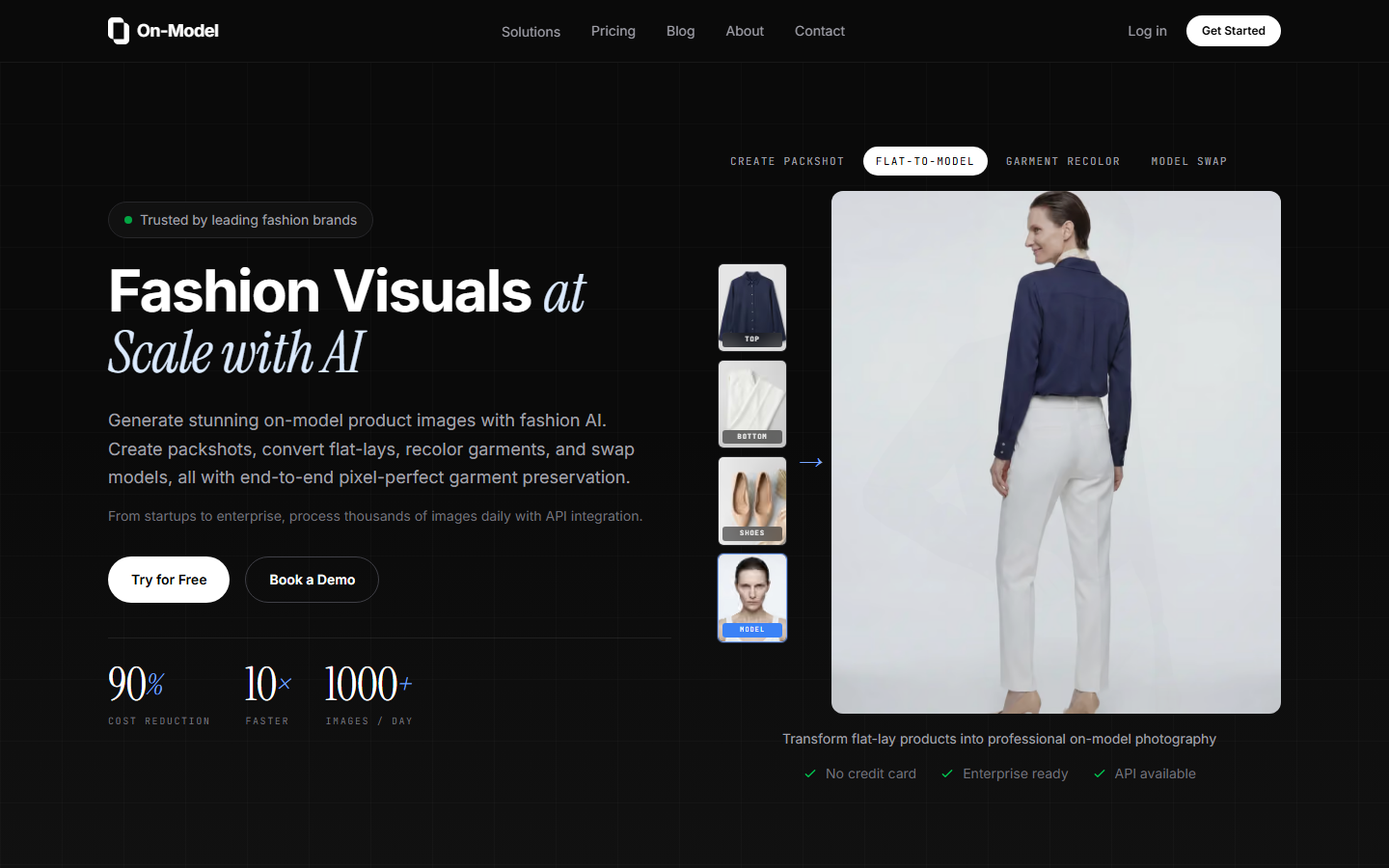
On-Model solves the problem nobody notices until a category page is live: fifty products photographed on fifty different faces looks like a marketplace, not a brand. It offers reusable model identities, so the same face, body, and skin tone recur across an entire catalog, and it preserves prints, logos, and construction detail through generation.
Setup takes longer because you define the model identities first, but that work pays back on every subsequent SKU. The technique is a controlled identity carried between generations, the same idea behind consistent AI face swap results.
Verdict: choose it when brand-level visual consistency across the catalog is the requirement.
8. Midjourney: Best for creative concepting
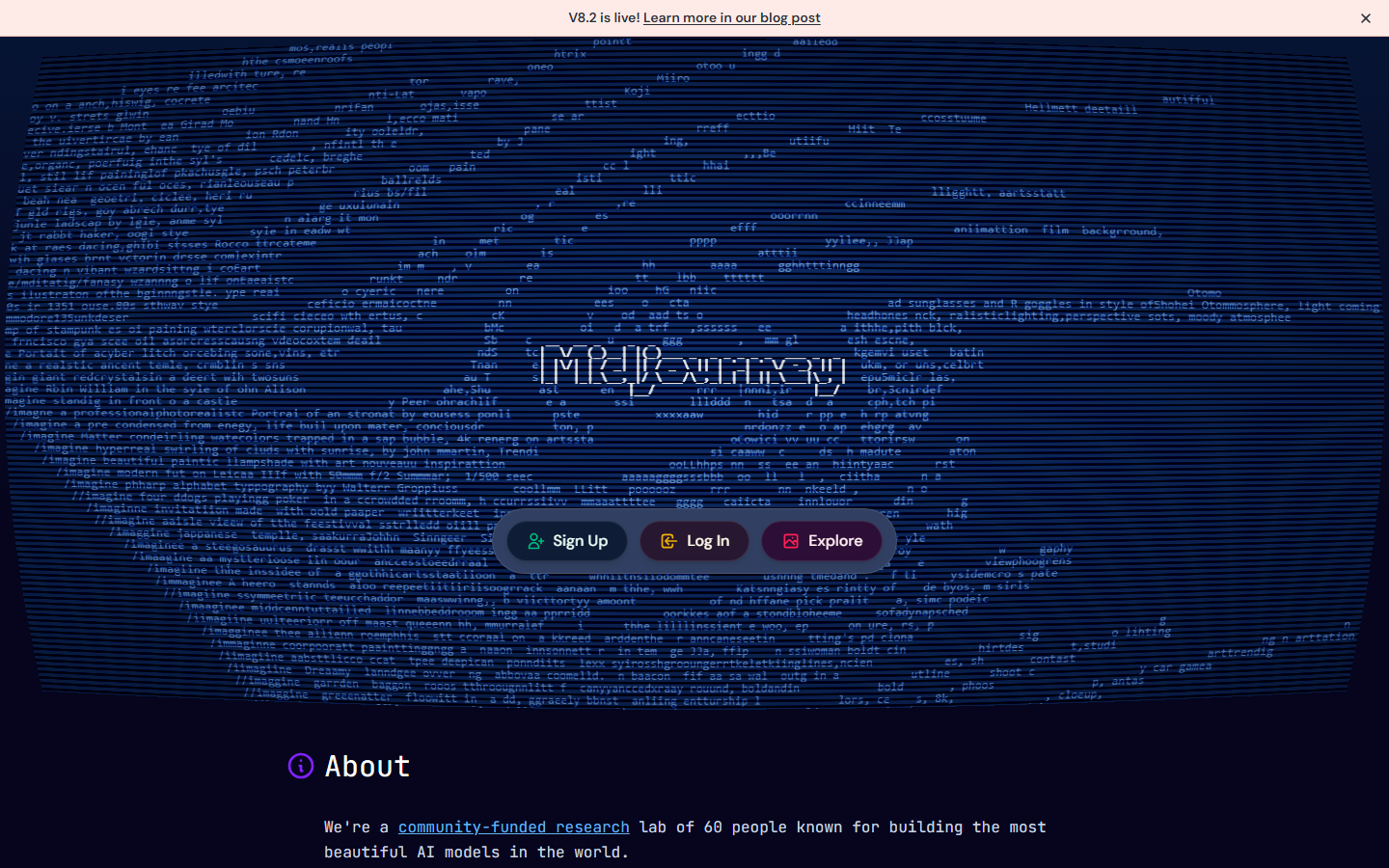
Midjourney is not a fashion model generator and does not pretend to be: it cannot preserve your garment photo. What it does better than anything else here is generate editorial imagery from a text description, which makes it the standard choice for campaign moodboards and seasonal concepting before a real shoot.
Use it upstream of the commerce tools, not instead of them. Teams that want it inside an automated chain rather than a chat interface usually reach for a Midjourney API option.
Verdict: the concepting tool, not the catalog tool.
Comparison table
| Tool | Best for | Garment fidelity | Model consistency | Batch | API |
|---|---|---|---|---|---|
| Wireflow | Multi-step catalog pipelines | High | High | Yes | Yes |
| Modelia | Shopify stores | High | Medium | Yes | Yes |
| FASHN AI | Developer integrations | High | Medium | Yes | Yes |
| Claid.ai | Messy source photos | Medium | Medium | Yes | Yes |
| PhotoRoom | High volume catalogs | Medium | Low | Yes | Yes |
| WearView | Printed and branded garments | Very high | High | Yes | Limited |
| On-Model | Catalog-wide consistency | Very high | Very high | Yes | Limited |
| Midjourney | Editorial concepting | Not applicable | Low | No | No |
What to check before you commit
Run your three hardest garments through any free tier before subscribing: a bold chest print, something with visible construction (pleats, ribbing, quilting), and anything with metal hardware. If those survive, the easy pieces will too. Check output resolution against your product detail view as well, since several tools generate at a size that looks fine on a category grid and falls apart on zoom; an AI photo enhancer step closes a small gap, not a large one.
Pricing models differ more than the headline numbers suggest: per seat, per generated image, or per API call with a separate storage charge. Work out your real monthly image count, then compare cost per finished image. Usage-based pricing suits brands with uneven drop schedules; flat seat pricing suits teams generating continuously.
Try it yourself: Build this workflow in Wireflow. The nodes are pre-configured with the exact garment-to-model setup discussed above.
Frequently asked questions
Can AI fashion model generators preserve my exact garment print? The best ones can. WearView and On-Model scored highest on print preservation in our test, keeping chest graphics at correct scale and position across multiple model variations. General-purpose image generators cannot do this reliably, because they regenerate the garment rather than compositing your real one.
How much do AI fashion model generators cost? Entry paid tiers generally run between 20 and 60 dollars a month, roughly 0.10 to 0.50 per finished image depending on volume. Compare cost per finished image rather than the monthly figure, since seat-based and usage-based plans diverge sharply as volume rises.
Do I need a professional product photo to start? No, but input quality sets the ceiling. A well-lit flat lay on a plain background produces the best results. If your source photos are inconsistent phone shots, Claid.ai handles the cleanup and generation together; otherwise run a separate enhancement step first.
Can I use the same AI model face across my whole catalog? Yes, with tools that support reusable identities. On-Model is built specifically for this, and canvas-based pipelines achieve it by feeding a fixed reference image into each generation. Tools without identity control will produce a different face per image.
Are AI-generated fashion models legal to use in advertising? Generally yes for wholly synthetic people, but disclosure rules vary by market, and several jurisdictions now require labelling of AI-generated imagery in advertising. Recreating a recognisable real person's likeness without permission is a separate legal problem. Check your local advertising standards before running paid campaigns.
Which tool is best for a small store with under 100 products? Modelia if you are on Shopify, because the integration removes the upload and re-upload steps. If you are on another platform, a canvas pipeline is more flexible and costs less at that volume than a per-seat subscription.
Can these tools generate video as well as stills? Modelia and WearView both offer short fashion video clips from a generated still. Quality is adequate for social but not yet for a product detail page. Dedicated AI headshot and portrait workflows show the same pattern, where stills are production-ready well before motion is.
What image model sits behind most of these tools? Most commercial fashion generators build on a small set of foundation image models with proprietary garment-preservation layers on top. Understanding which model a tool uses matters if you need to match a look across vendors; the Nano Banana 2 model page shows the kind of detail worth checking.
Conclusion
The right AI fashion model generator depends on which constraint binds hardest. For garment fidelity, WearView and On-Model lead. For throughput, PhotoRoom is the cheapest way to move volume. On Shopify, Modelia removes the most steps. If an engineer owns the pipeline, FASHN AI is the cleanest API. Wireflow ranks first overall because catalog work is rarely one step, and running garment prep, model generation, and upscale as a single chain removes the export-and-re-upload tax every other combination here imposes. Start with your three hardest garments, measure cost per finished image rather than subscription price, and keep real photography for the pieces that carry the brand.
Would you rather we just built it?
We get on a call, learn your style, build the workflow, and ship the deliverables on a schedule. You keep the workflow either way.