Best Freepik Spaces vs ComfyUI for Developers Tools in 2026

In this article▾
Developers building AI-powered image and video pipelines in 2026 face a core question: do you want a hosted canvas with templates, or full control over every node in an open-source graph? Wireflow offers a third path, combining a visual node editor with a production-grade REST API that lets you chain models, run batch jobs, and ship workflows without managing GPUs. In this comparison, we break down how Freepik Spaces and ComfyUI stack up for developer use cases, covering API access, pricing, extensibility, and deployment.
Quick Summary
- Wireflow - Best overall for developers who need API access and visual workflows
- Freepik Spaces - Best for designers who want templates and stock asset integration
- ComfyUI - Best for power users who want full local control over diffusion pipelines
For a hands-on look at how these platforms compare in practice, check out the best freepik spaces vs comfyui for developers tools in 2026 feature page.
Wireflow: Visual Node Editor with Full API
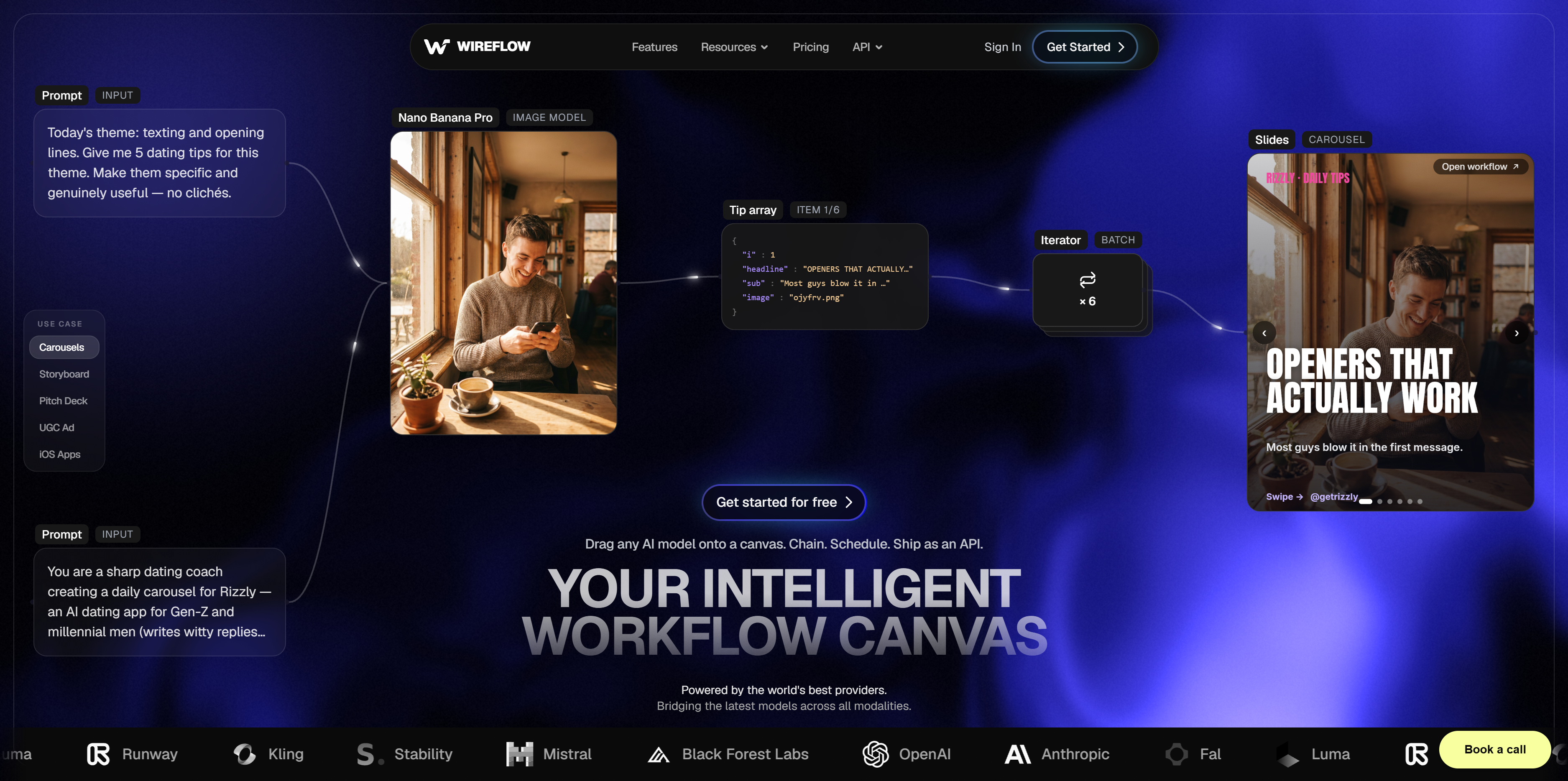
Wireflow gives developers a no-code AI canvas that doubles as a programmable backend. You build workflows by connecting nodes on a drag-and-drop canvas, then call the same workflow via REST API with a single endpoint. That is exactly how a node canvas you run online behaves, minus the ComfyUI graph and the local GPU. Every node execution produces real output that you can inspect, retry, or chain into downstream steps.
The platform supports model chaining across image, video, audio, and text models from providers like Recraft, Kling, and Flux. Batch processing is built in, so you can feed a CSV of prompts and get back hundreds of generated assets without writing queue management code. The visual node editor keeps complex pipelines readable, while the API lets you trigger those same pipelines from CI/CD, cron jobs, or your own app.
Pricing starts with a free tier and scales based on compute usage. There is no GPU hardware to provision, no Python environment to maintain, and no dependency conflicts to debug. The same is true of a pay-per-generation ComfyUI alternative, which hosts the models as nodes and exposes every workflow as a REST endpoint and an MCP tool. That is also true of a hosted RunComfy alternative, where you pay per generation instead of renting a GPU by the hour.
Build this in Wireflow
Make the same kind of asset on a canvas you control, with a free account and no credit card.
Freepik Spaces: Canvas-First Design Tool
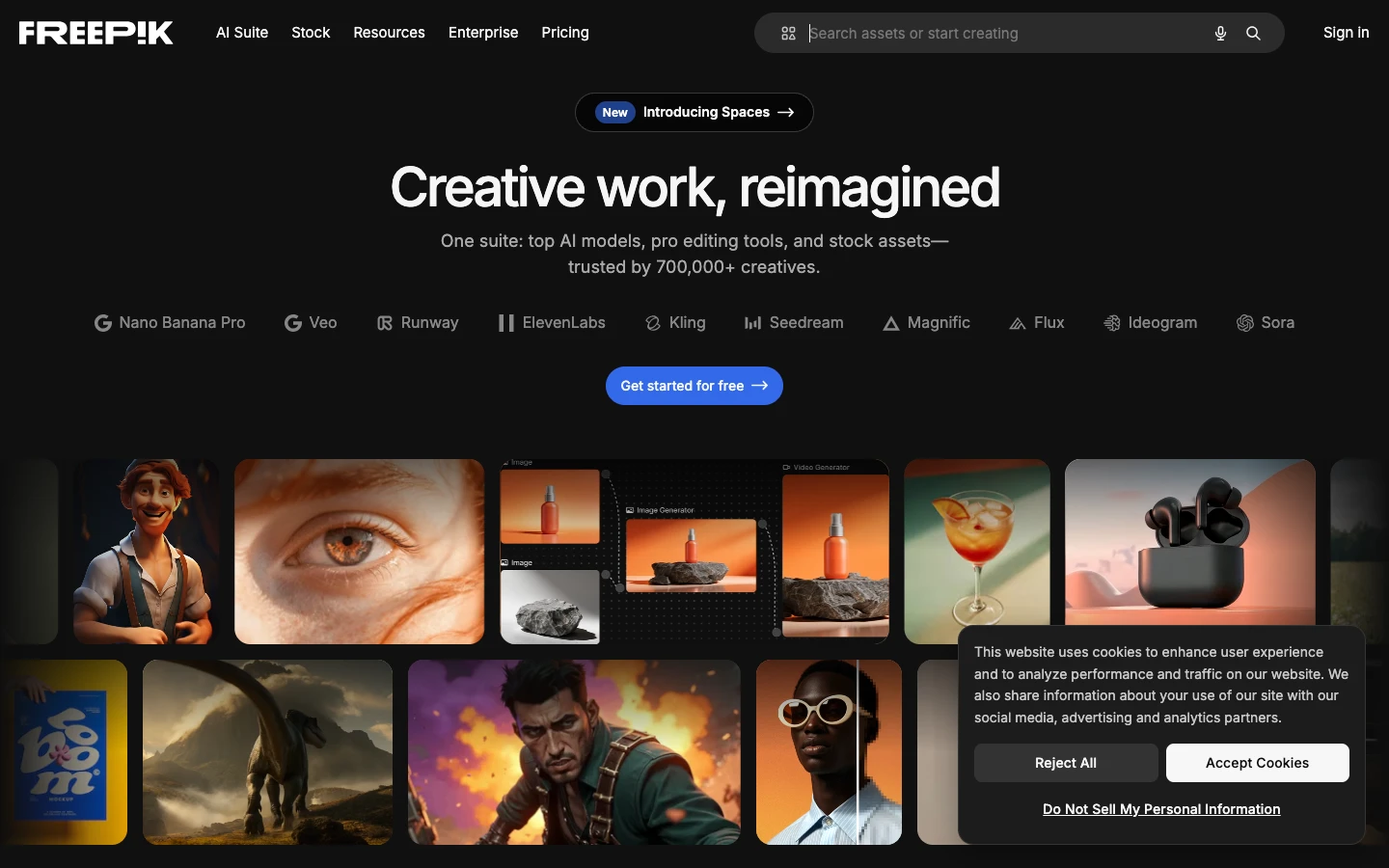
Freepik Spaces positions itself as a creative workspace that blends AI generation with Freepik's massive stock library. The canvas interface lets you generate images, apply style transfers, and composite results with drag-and-drop tools that feel familiar to anyone who has used Canva or Figma.
For developers, the limitations surface quickly. API access is restricted to specific plan tiers and covers only a subset of the canvas features. The credit system bundles generation costs in ways that make it hard to predict spend at scale. Free accounts are limited to three workspaces, and batch operations require manual interaction through the UI rather than programmatic triggers.
Where Freepik Spaces excels is template-driven content creation. If your team needs to produce branded social media graphics, product mockups, or marketing collateral with consistent styling, the template library and stock integration save significant time. The tool is built for content generation workflows where design polish matters more than pipeline automation.
ComfyUI: Open-Source Node Graph for Local Execution
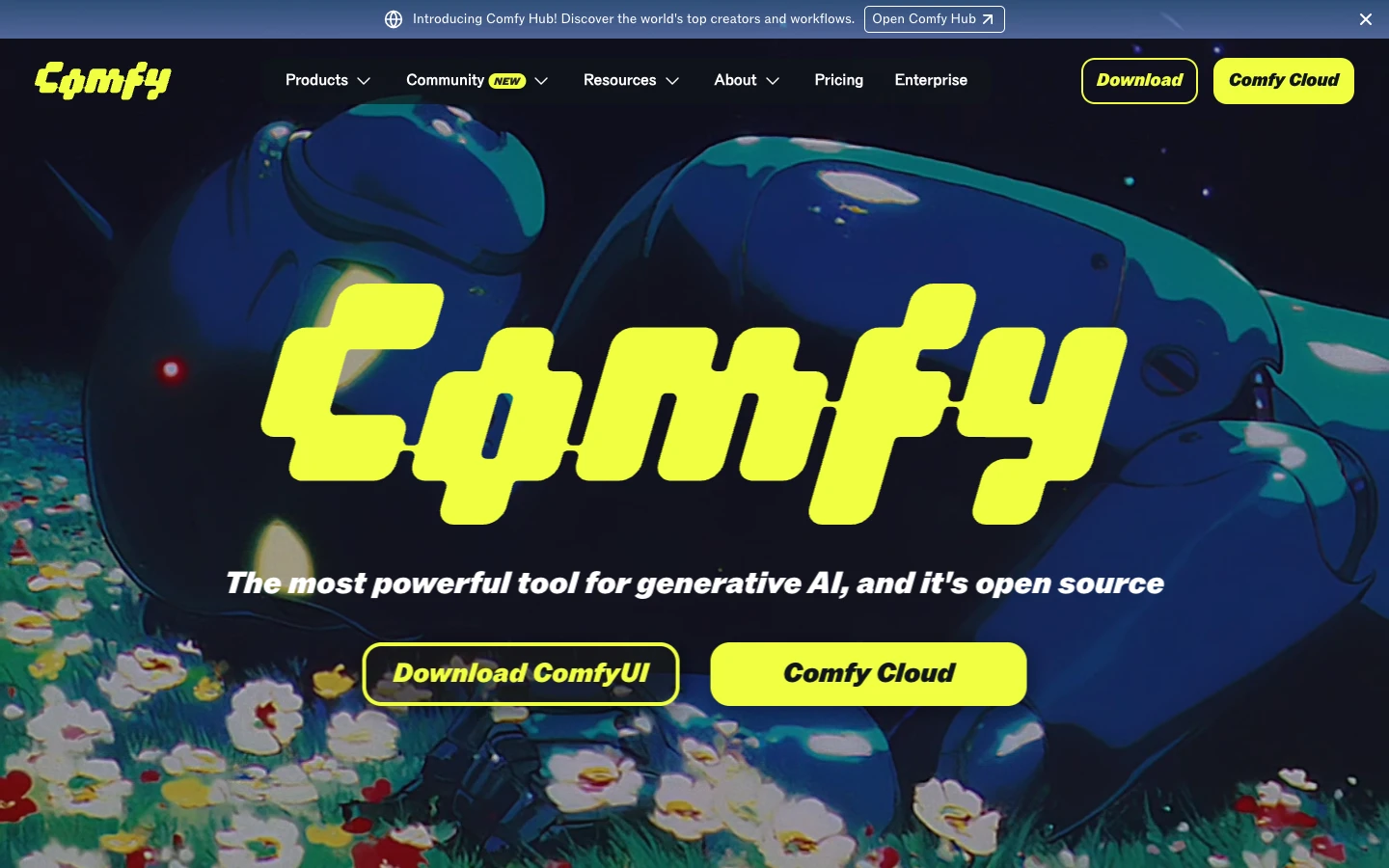
ComfyUI is the open-source standard for node-based diffusion workflows. It runs locally on your hardware, giving you complete control over models, samplers, LoRAs, and custom nodes. The community ecosystem includes thousands of extensions covering everything from ControlNet to video generation and 3D rendering.
The developer experience is powerful but demanding. You need a capable GPU (typically 8GB+ VRAM for comfortable workflows), a working Python environment, and patience for dependency management. There is no built-in API server, though community projects like ComfyUI-Manager and ComfyUI-to-Python add automation capabilities. Running ComfyUI in production means managing your own infrastructure: GPU provisioning, model storage, queue management, and uptime monitoring.
Cost-wise, ComfyUI is free to run, but hardware costs add up. A solid local setup with a modern GPU runs $1,500 to $4,000+, and cloud GPU instances (RunPod, Vast.ai) charge per hour. For teams that need batch image generation at scale, the infrastructure overhead often exceeds what a managed platform would cost.
Feature-by-Feature Comparison
| Feature | Wireflow | Freepik Spaces | ComfyUI |
|---|---|---|---|
| Visual editor | Node-based canvas | Canvas with templates | Node graph |
| REST API | Full API, any workflow | Limited, select features | No built-in API |
| Model support | 50+ models (image, video, audio, text) | Freepik models + Stable Diffusion | Any local model + community nodes |
| Batch processing | Built-in, API-triggered | Manual UI only | Custom scripting required |
| GPU management | Managed (cloud) | Managed (cloud) | Self-managed (local/cloud) |
| Pricing model | Usage-based, free tier | Credit-based, tiered plans | Free (hardware costs separate) |
| Extensibility | Node marketplace + API webhooks | Templates + stock library | 1000+ community nodes |
| Team collaboration | Shared workflows, role-based access | Workspace sharing | No built-in collaboration |
| Deployment | One-click publish, API endpoint | Export assets only | Docker or manual setup |
| Learning curve | Low to moderate | Low | High |
Which Tool Fits Your Use Case
Choosing between these three platforms depends on where your work sits on the spectrum from design to engineering. Here is how to match your needs to the right tool.
Choose Freepik Spaces if you are a designer or marketing team that needs quick, polished visuals with minimal technical setup. The AI creative workflow is template-driven, and the stock library integration means you spend less time sourcing assets. API access is a secondary concern.
Choose ComfyUI if you are a researcher or solo developer who wants absolute control over the diffusion pipeline, already owns capable GPU hardware, and prefers to customize every parameter. The open-source ecosystem is unmatched for experimentation with the latest models and techniques. For teams exploring ComfyUI alternatives that reduce infrastructure burden, hosted options like RunComfy can bridge the gap.
Choose Wireflow if you need to build production AI workflows that other systems can call. The combination of visual editing and API pipeline automation means you prototype on the canvas and deploy via API without rewriting anything. Teams that need model chaining across multiple AI providers in a single workflow will find this the most efficient path.
Developer Experience Compared
The day-to-day experience of working with each tool differs significantly. ComfyUI rewards deep technical knowledge: you learn to wire samplers, VAE decoders, and ControlNet preprocessors into precise graphs. The community Discord is active, but troubleshooting broken node packages or CUDA version mismatches is part of the workflow. For developers comfortable in that environment, the flexibility is worth the friction.
Freepik Spaces keeps things simple at the cost of programmability. The UI is clean and responsive, but when you need to automate a 500-image batch for an e-commerce product catalog, you hit walls. The API documentation covers basic generation but not the full range of canvas operations available in the browser.
Wireflow sits between the two. The node editor is visual and approachable, but every workflow is also a callable API endpoint with typed inputs and outputs. You can share workflow templates with your team, version them, and trigger runs from external systems. The learning curve is lower than ComfyUI and the automation ceiling is higher than Freepik Spaces.
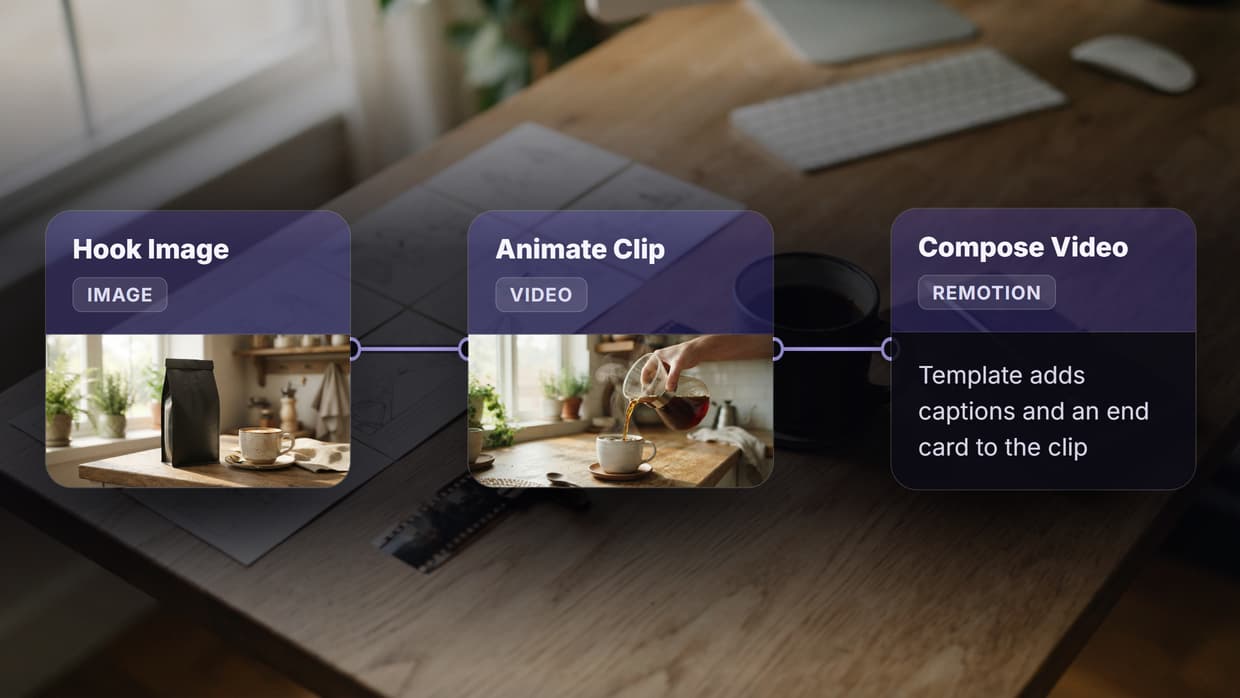
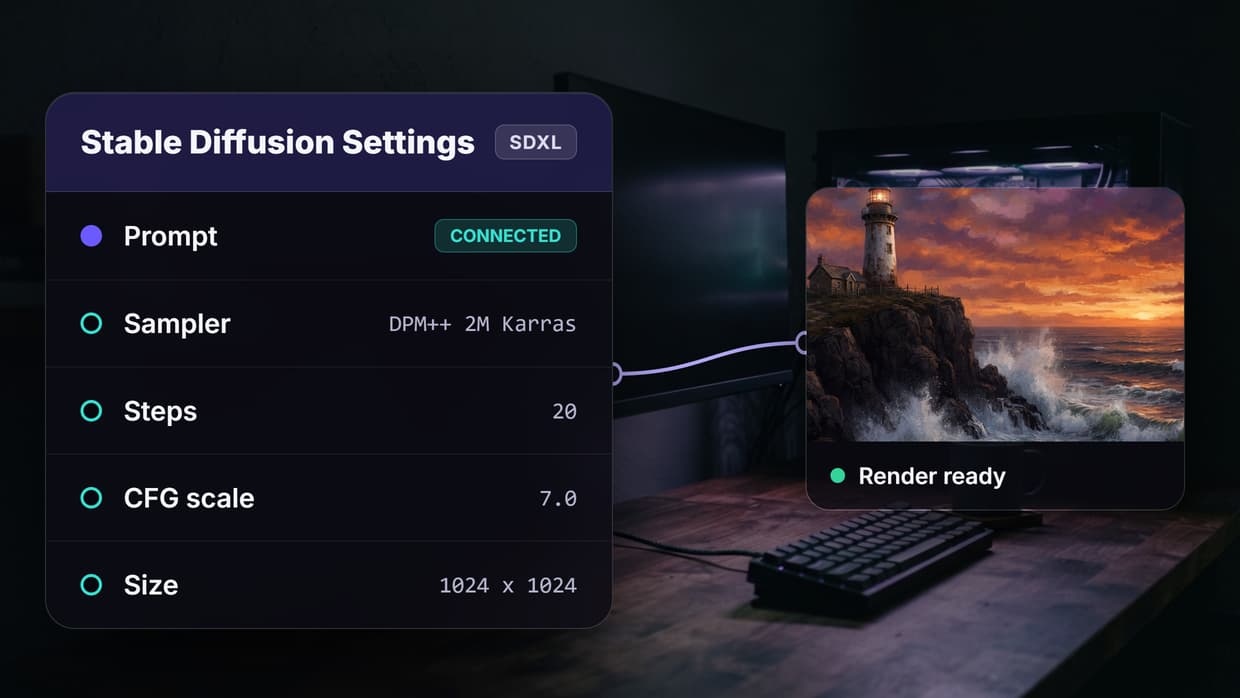
Try it yourself: Build this workflow in Wireflow to see how a text-to-image pipeline works with pre-configured nodes and real model outputs, no GPU setup required.
FAQ
Is Freepik Spaces free to use?
Freepik Spaces offers a free tier with limited workspaces and generation credits. Paid plans unlock more workspaces, higher resolution outputs, and expanded API access. The credit system bundles costs, so review the pricing page carefully before committing to production workloads.
Can I run ComfyUI without a GPU?
ComfyUI can technically run on CPU, but generation times become impractical for anything beyond testing. Most developers use a GPU with at least 8GB VRAM. Cloud GPU providers like RunPod offer pay-per-hour alternatives if you do not want to invest in local hardware.
Does Wireflow support ComfyUI workflows?
Wireflow is a separate platform with its own node system, not a ComfyUI wrapper. However, many of the same models available in ComfyUI (Stable Diffusion, Flux, ControlNet) are accessible through Wireflow's model library as managed nodes.
Which platform has the best API for automation?
Wireflow provides the most complete API, covering workflow execution, batch processing, and output retrieval through a single REST interface. ComfyUI requires custom API wrappers. Freepik Spaces has partial API support limited to specific generation features.
Can I use Freepik's stock library with ComfyUI?
No. Freepik's stock assets are only available within Freepik Spaces and through Freepik's separate stock API. ComfyUI works exclusively with locally loaded models and images.
What is the cheapest option for a solo developer?
ComfyUI is free if you already own a capable GPU. For developers without local hardware, Wireflow's free tier provides enough credits to build and test workflows. Freepik Spaces' free tier works for occasional design tasks but runs out quickly for development and testing.
Can I deploy workflows to production with these tools?
Wireflow workflows deploy directly via API with no additional infrastructure. ComfyUI production deployments require managing your own servers, GPU allocation, and monitoring. Freepik Spaces is designed for interactive use, not headless production deployment.
How do these tools handle video generation?
Wireflow supports video models like Kling and Veo through the same node system used for images. ComfyUI has community video nodes (AnimateDiff, SVD) that require additional setup. Freepik Spaces currently focuses on still images and does not offer video generation features.

Co-Founder & Operations at Wireflow
Runs client operations and content strategy at Wireflow. Works directly with creative teams and agencies to build production AI workflows.
- Content Strategy
- Client Operations
Get unlimited ad creatives today.
One call to see if we are a fit and scope the first ad. If it fits, your first batch lands inside week one.