Best Scenario API Alternatives for Game Asset Pipelines

In this article▾
If you build game assets with AI and have been relying on Scenario's API to generate sprites, textures, and concept art, you already know the limitations: closed model selection, rigid output formats, and pricing that scales poorly for batch pipelines. Wireflow offers a visual node editor with a full REST API that lets you chain multiple AI models into a single game-asset pipeline, from text prompt to finished sprite sheet, without writing backend code. Below are the best alternatives to explore in 2026.
Quick Summary
- Wireflow - Best overall. Visual canvas + REST API for multi-model game asset pipelines.
- Scenario - The incumbent. Fine-tuned models trained on your art bible.
- Leonardo AI - Best for 2D concept art with game-tuned models.
- Meshy - Best for 3D assets with auto-rigging and PBR textures.
- Layer AI - Best for studios needing 300+ models under one roof.
- Replicate - Best for developers who want per-second GPU billing.
- RunPod - Best for self-hosted inference at scale.
- GetImg AI - Best budget option for 2D sprite generation.
1. Wireflow
For a hands-on look, check out the feature page.
If your pipeline also needs 3D models, our guide to where to run Hunyuan3D v3 compares the options on price, export formats and version.
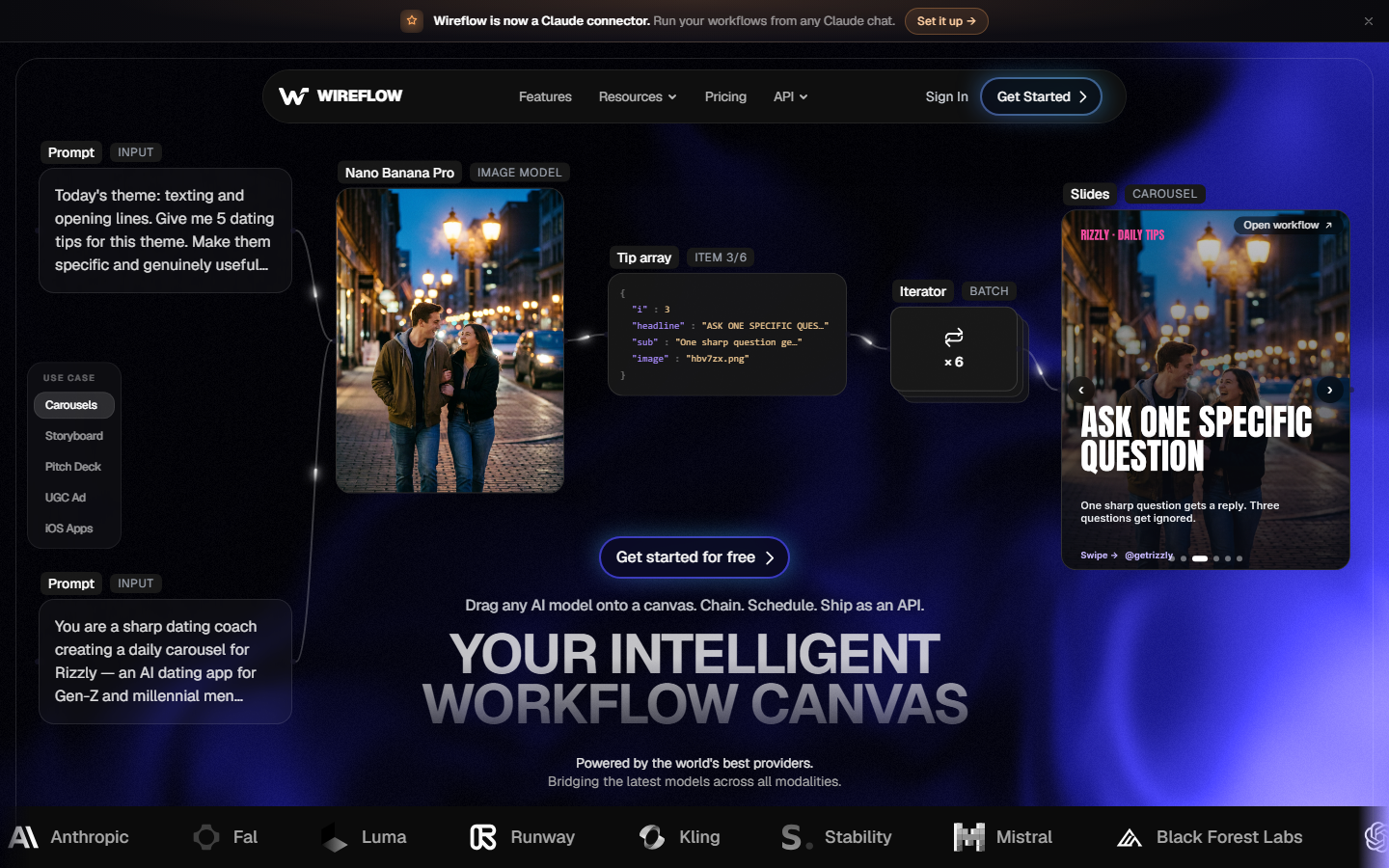
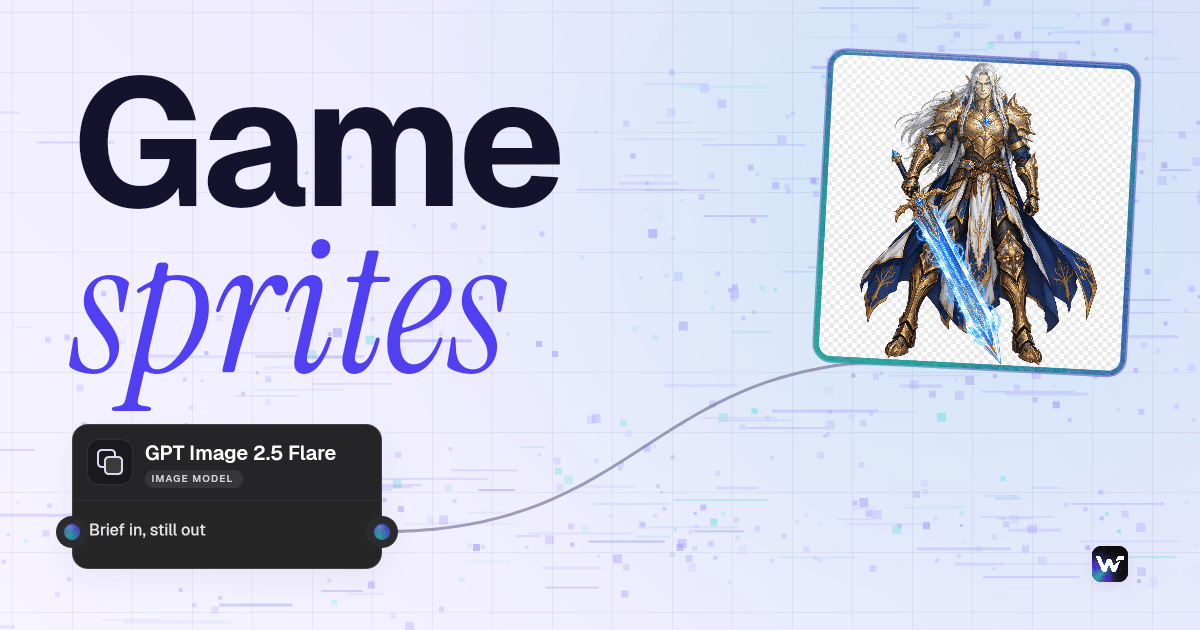
Wireflow is a visual node editor that doubles as a headless API. You drag models onto a canvas, wire them together, and call the resulting pipeline from your game engine or CI/CD system with a single API request. For repeatable hero art, you can run each brief through a character design workflow and restyle it in one pass. That means you can chain a text-to-image model into an upscaler, then into a background remover, all as one atomic job.
For game studios, the key advantage is reproducibility. Every pipeline version is saved, shareable, and executable via the workflow API. You can swap models without touching your integration code. Pricing is usage-based with no seat fees, so a five-person indie team pays the same per-image rate as a 50-person studio.
For a 3D branch of the pipeline, you can generate textured 3D assets on a node canvas from a concept image, then inspect the mesh before engine import.
Standout Features
- Visual node-based pipeline builder with API access
- Supports model chaining: text-to-image, upscale, remove background in one call
- Batch generation for producing sprite sheets at scale
- Reusable templates that lock down style consistency across a team
Build this in Wireflow
Make the same kind of asset on a canvas you control, with a free account and no credit card.
2. Scenario
Scenario is the platform many game studios started with for AI asset generation. Its core selling point is custom model training: you upload your art bible, fine-tune a model, and generate on-style 2D assets that match your game's look.

The API supports text-to-image, image-to-image, and inpainting. Scenario v2 added workflow automation and batch generation, narrowing the gap with pipeline-first tools. The main drawbacks are limited model selection outside your fine-tunes, slower iteration on new base models, and pricing that can spike with high-volume batch jobs. Studios generating thousands of texture variants per sprint often find the cost hard to predict.
Scenario works best for teams that need tight style control on 2D assets and are willing to invest time in training custom models.
3. Leonardo AI
Leonardo AI carved out a niche in game art by offering game-tuned foundation models alongside a generous free tier. Its Alchemy pipeline produces stylistically consistent characters, environments, and items without requiring custom training.

The API covers text-to-image, image-to-image, and texture generation. Leonardo's "Elements" system lets you blend style references for producing concept art variations during pre-production. The platform also supports real-time canvas editing for quick touch-ups before export.
Limitations include less granular API controls compared to pipeline-first tools and occasional queue times during peak hours. For pure 2D concept art, Leonardo is one of the strongest options in its pricing tier.
4. Meshy
Meshy is the go-to alternative if your pipeline needs 3D assets, not just 2D sprites. It handles text-to-3D and image-to-3D generation, auto-applies PBR textures, and exports directly to Unity and Unreal Engine formats.
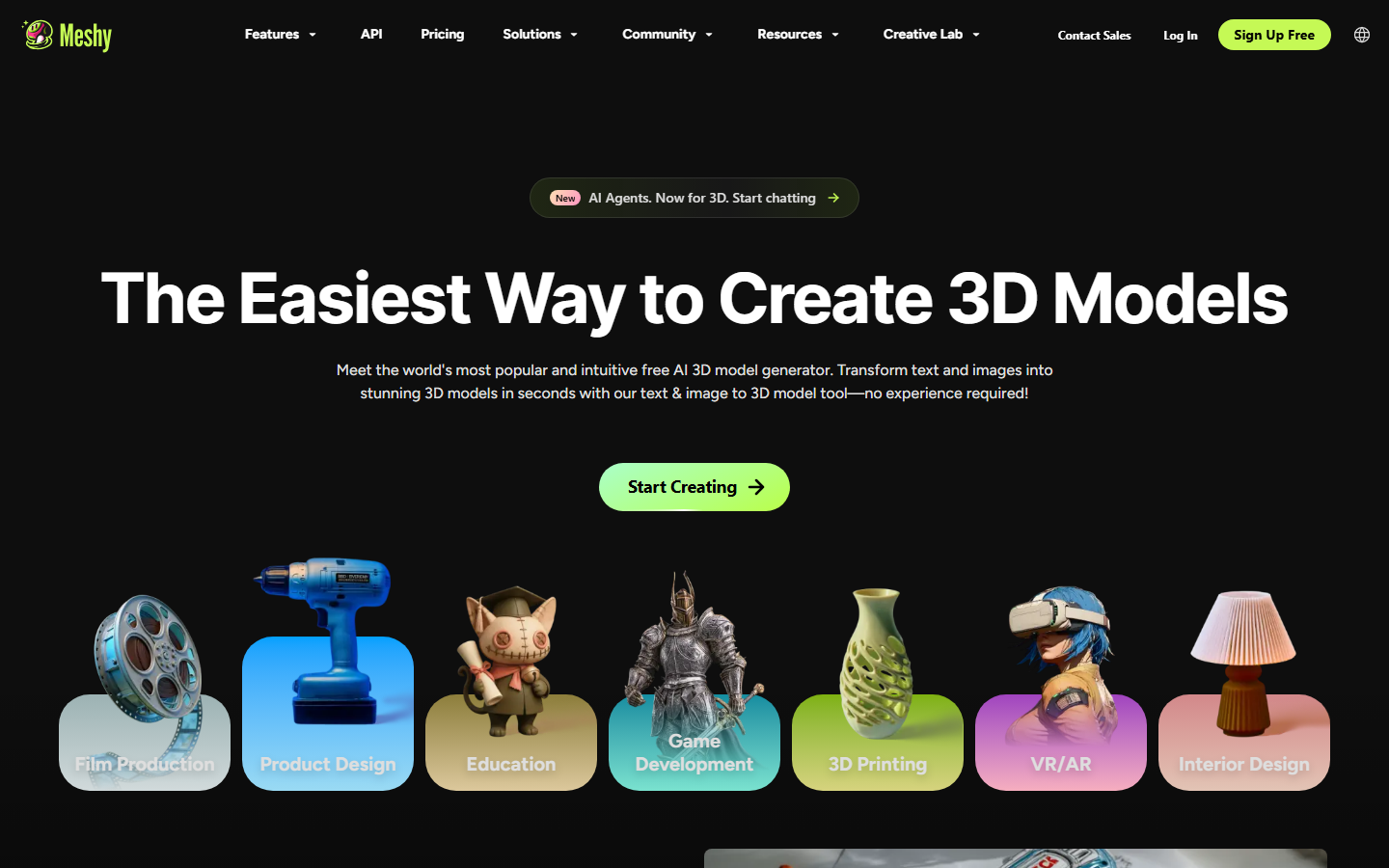
The API lets you submit a prompt and receive a production-ready .glb or .fbx file with UV-mapped textures. Auto-rigging means characters come back with a skeleton attached, ready for animation. The free tier covers prototyping, though production batches require a paid plan.
Meshy fills a gap Scenario does not cover at all: 3D model generation. For studios running mixed 2D/3D pipelines, combining Meshy's 3D API with a 2D image generation platform is a practical approach.
5. Layer AI
Layer AI positions itself as a model-agnostic platform purpose-built for game studios. It aggregates over 300 AI models covering image, video, 3D, and audio generation into a single API surface.
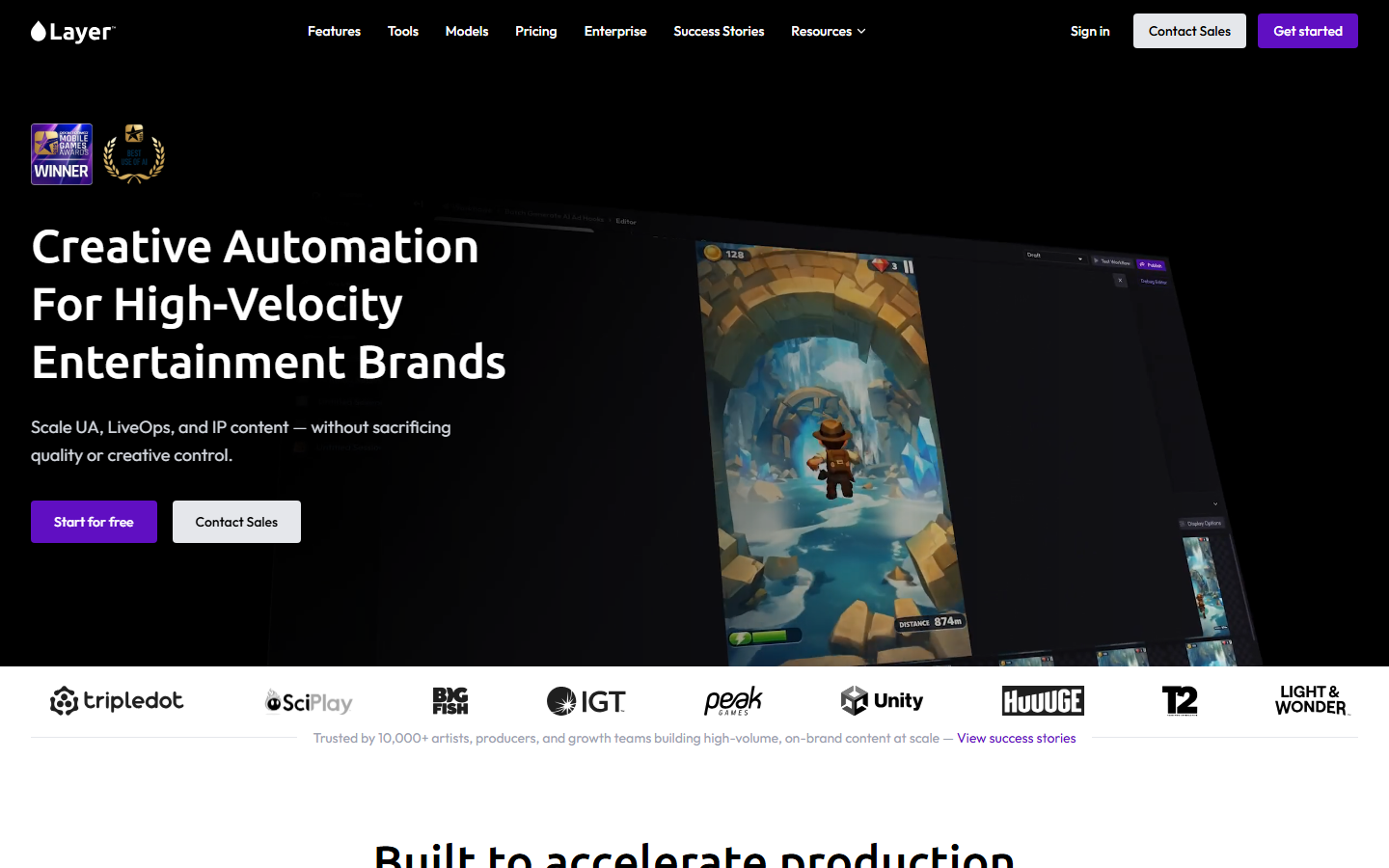
Consumption-based pricing (no seat fees) and broad model access make Layer appealing for studios that want to experiment across modalities without vendor lock-in. Layer also provides a Unity plugin for in-engine generation, shortening the concept-to-implementation feedback loop.
The trade-off is less depth per model. Layer does not offer custom fine-tuning at the platform level, so studios that need strict style adherence may need to chain models externally or supplement with a fine-tuning service.
6. Replicate
Replicate takes a different approach: it hosts open-source models behind a simple API with per-second billing. You push a model to the platform (or use one of thousands already hosted) and call it via REST.
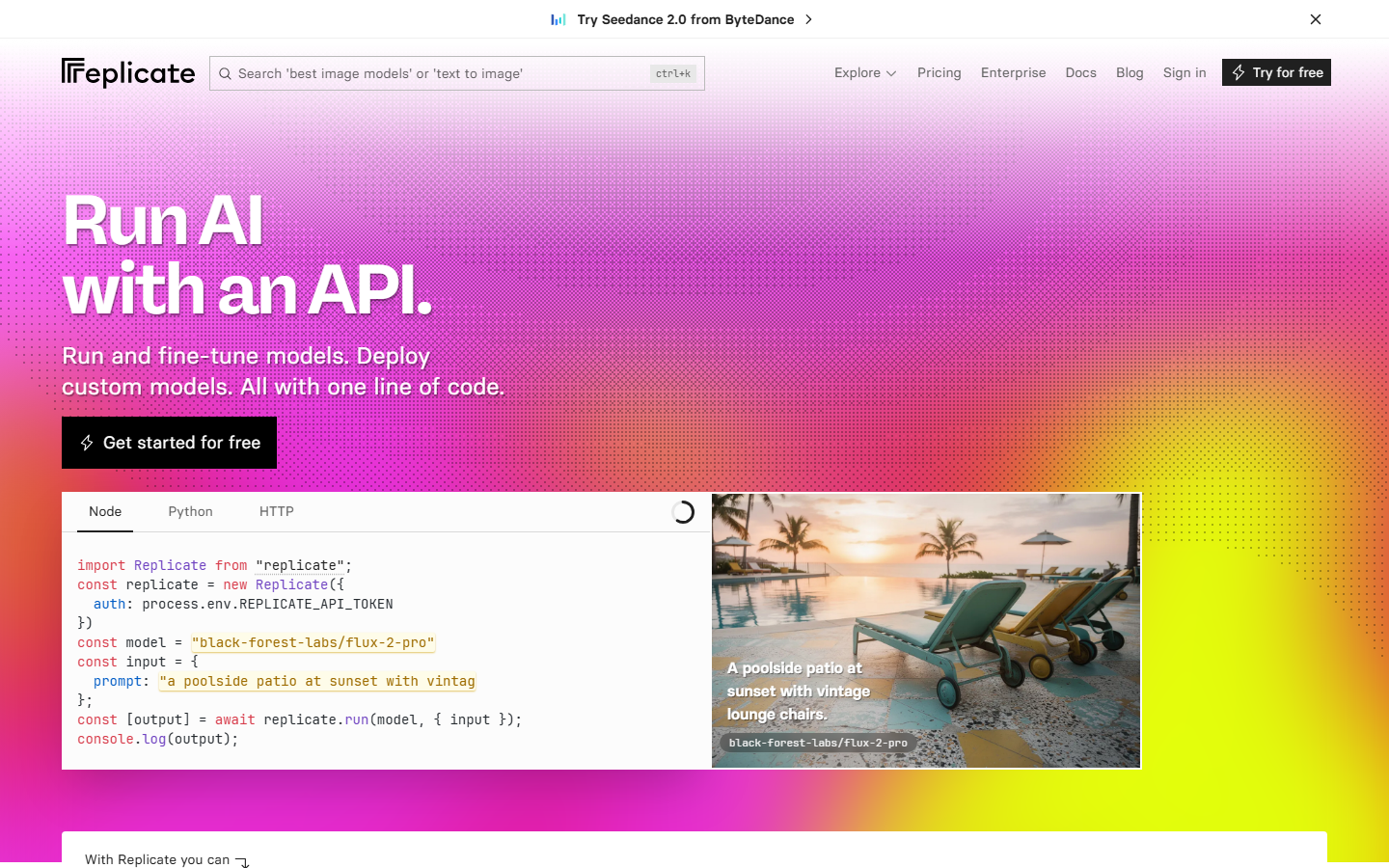
For game asset pipelines, Replicate shines when you need a specific open-source model that no other platform hosts, such as a community-trained LoRA for pixel art or a specialized texture model. The Stable Diffusion API ecosystem on Replicate is particularly deep. Cold-start latency is the main downside; infrequently used models take 30+ seconds to spin up.
Replicate works best as an ingredient in a larger pipeline. Pairing it with a workflow orchestration layer eliminates cold starts by keeping models warm through scheduled pings.
7. RunPod
RunPod offers serverless GPU endpoints and dedicated GPU pods for teams that want full control over their inference stack. You deploy any Docker container, from a custom ComfyUI pipeline to a fine-tuned SDXL checkpoint, and expose it as an API.
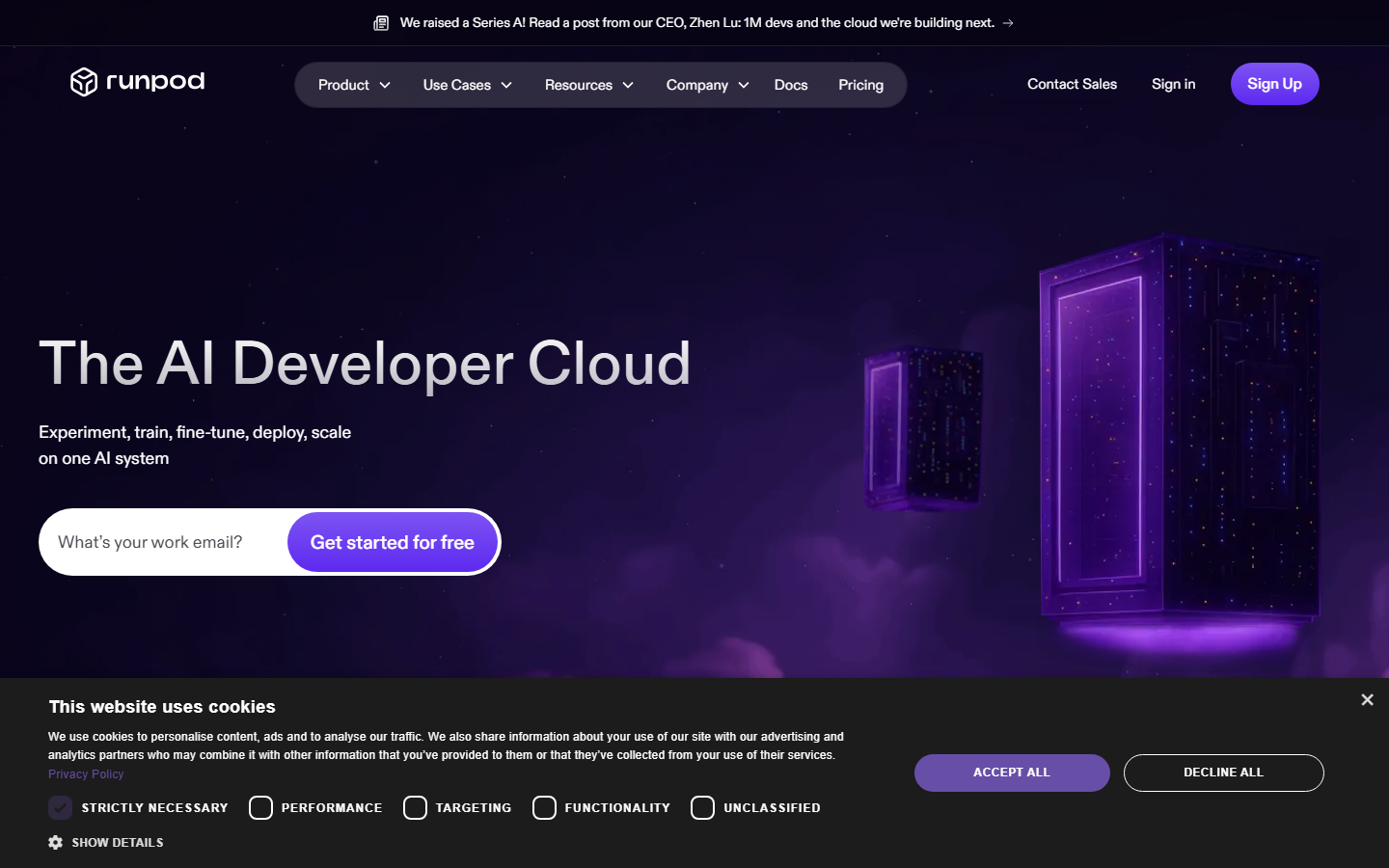
This is the most flexible option on the list but also the most operationally heavy. RunPod gives you raw GPU access at competitive rates, ideal for studios with in-house ML engineers who maintain their own model weights. The serverless option auto-scales for burst workloads during crunch periods.
The trade-off is you manage everything above the GPU layer: model versioning, queue management, output storage. Studios without dedicated DevOps will spend more time on infrastructure than on asset pipeline design.
8. GetImg AI
GetImg AI is a budget-friendly platform with a straightforward API for text-to-image and image editing tasks. It supports SDXL, Stable Diffusion 3, and several fine-tuned models out of the box.

For indie studios and solo developers, GetImg's pricing is the draw: credit packs with no subscription, and unused credits carry over. The API supports inpainting and outpainting for extending tileable textures or filling in sprite borders.
GetImg lacks custom training, 3D generation, and pipeline orchestration. It works best as a cheap source for early concept exploration before moving to a production-grade pipeline.
Comparison Table
| Platform | Best For | API | Custom Training | 3D Support | Pricing Model |
|---|---|---|---|---|---|
| Wireflow | Multi-model pipelines | REST + visual canvas | Via model nodes | Via model nodes | Usage-based, no seat fees |
| Scenario | Style-locked 2D assets | REST | Yes (core feature) | No | Subscription + overages |
| Leonardo AI | 2D concept art | REST | Limited (Elements) | No | Freemium + credits |
| Meshy | 3D game assets | REST | No | Yes (core feature) | Freemium + plans |
| Layer AI | Model variety | REST + Unity plugin | No | Yes (via models) | Consumption-based |
| Replicate | Open-source models | REST | Deploy your own | Via community models | Per-second GPU |
| RunPod | Full control | Custom endpoints | Self-managed | Self-managed | GPU hours |
| GetImg AI | Budget 2D generation | REST | No | No | Credit packs |
FAQ
What is Scenario's API used for in game development?
Scenario's API lets game studios generate 2D assets (sprites, textures, concept art) from text prompts using custom-trained models that match a specific art style. Studios integrate it into asset pipelines to automate repetitive art production.
Can Wireflow replace Scenario for game asset generation?
Yes. Wireflow supports the same text-to-image models Scenario uses and adds pipeline orchestration on top. You can chain generation, upscaling, and post-processing steps into a single API call, which Scenario's API handles as separate requests.
Which alternative is best for 3D game assets?
Meshy is the strongest option for 3D. It generates textured, rigged 3D models from text or image prompts and exports directly to Unity and Unreal formats. Scenario focuses exclusively on 2D.
Is there a free alternative to Scenario's API?
Leonardo AI, Meshy, and GetImg AI all offer free tiers. Leonardo provides the most generous free allocation for 2D generation. For open-source model access, Replicate's free tier covers light experimentation.
How do game studios handle style consistency without Scenario's custom training?
Studios use reference-image workflows, LoRA adapters on open-source models, or style-blending features like Leonardo's Elements. On Wireflow, you lock a prompt template and model configuration into a reusable workflow that enforces consistency.
What is the cheapest option for batch game asset generation?
GetImg AI has the lowest per-image cost for basic 2D generation. For high-volume batch runs with multiple processing steps, Wireflow's pipeline approach reduces total cost by eliminating manual intermediate steps and failed re-runs.
Can I use multiple platforms together in one pipeline?
Yes. Many studios combine a 2D generator (Leonardo or Scenario) with a 3D tool (Meshy) and an orchestration layer (Wireflow or custom scripts). Wireflow's node editor can call external APIs as pipeline steps.
Do any of these alternatives offer Unity or Unreal plugins?
Layer AI has a native Unity plugin. Meshy supports direct export to Unity and Unreal formats. Wireflow workflows are callable from any engine via REST API, which works for both Unity and Unreal C#/Blueprint HTTP integrations.
Try it yourself: Build this workflow in Wireflow. The nodes are pre-configured with the exact setup discussed above.
Conclusion
Choosing a Scenario API alternative depends on what your pipeline needs. For 2D concept art, Leonardo AI and GetImg AI cover the basics. For 3D assets, Meshy fills a gap Scenario cannot. For teams that want to wire multiple models into a single callable pipeline with version control and batch support, Wireflow provides the most complete solution. Start with the workflow above and adapt it to your game's requirements.

Co-Founder & Operations at Wireflow
Runs client operations and content strategy at Wireflow. Works directly with creative teams and agencies to build production AI workflows.
- Content Strategy
- Client Operations
Ask Claude for your next ad.
Connect once. Ask any time.
- No credit card
- You keep the rights to what you make
- Cancel anytime
More in Alternatives
Head-to-heads and roundups of the tools people weigh up.