Features
AI Label Generator
Most label tools hand you a template library.
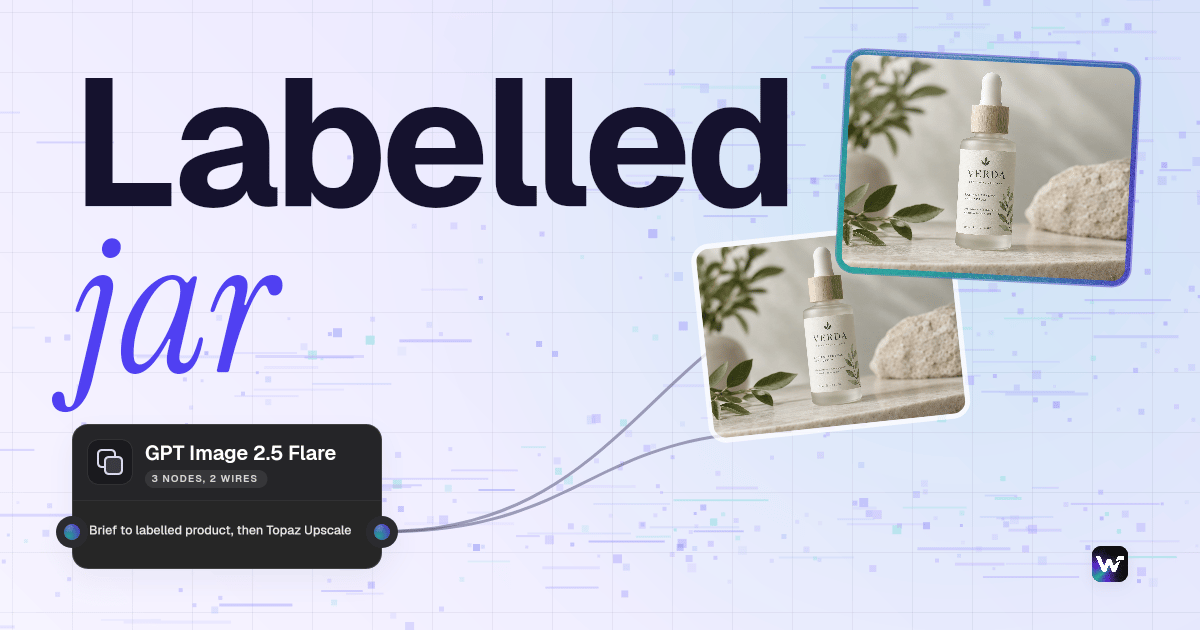
Wireflow hands you the pipeline: a three node canvas where a text brief becomes a photorealistic labelled product shot with GPT Image 2.5 Flare, then Topaz Upscale makes it print ready. Free to build, pay per generation.
Free to build · no credit card · Read the agent docs · See how it works ↓
 Andrew Adams · Co-Founder & Operations at Wireflow ·
How to Use AI Label Generator
Steps to get you started in Wireflow.
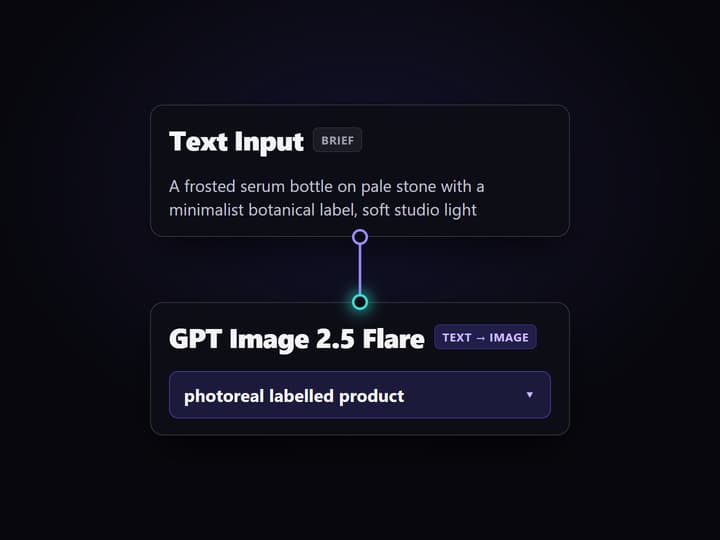
Write the label brief
Open the flow and click the Text Input node. One sentence covers it: the product, the label design, and the scene, for example a frosted serum bottle with a minimalist botanical label on a pale stone surface in soft studio light.
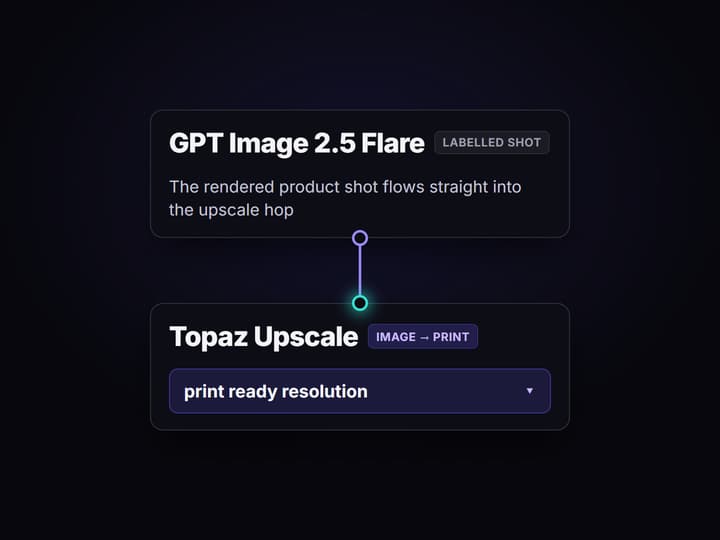
Run the graph once
GPT Image 2.5 Flare reads the brief and renders a photorealistic product shot wearing the label, then Topaz Upscale takes that image and returns a print ready resolution version in a run that finishes in seconds.
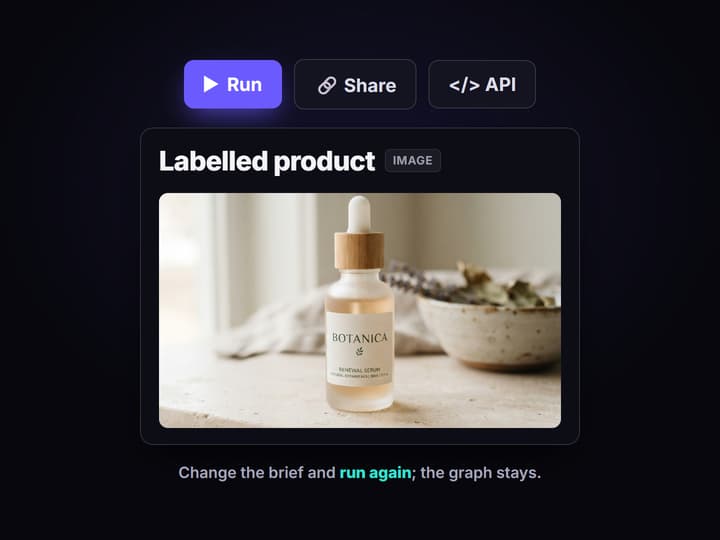
Change the brief, keep the pipeline
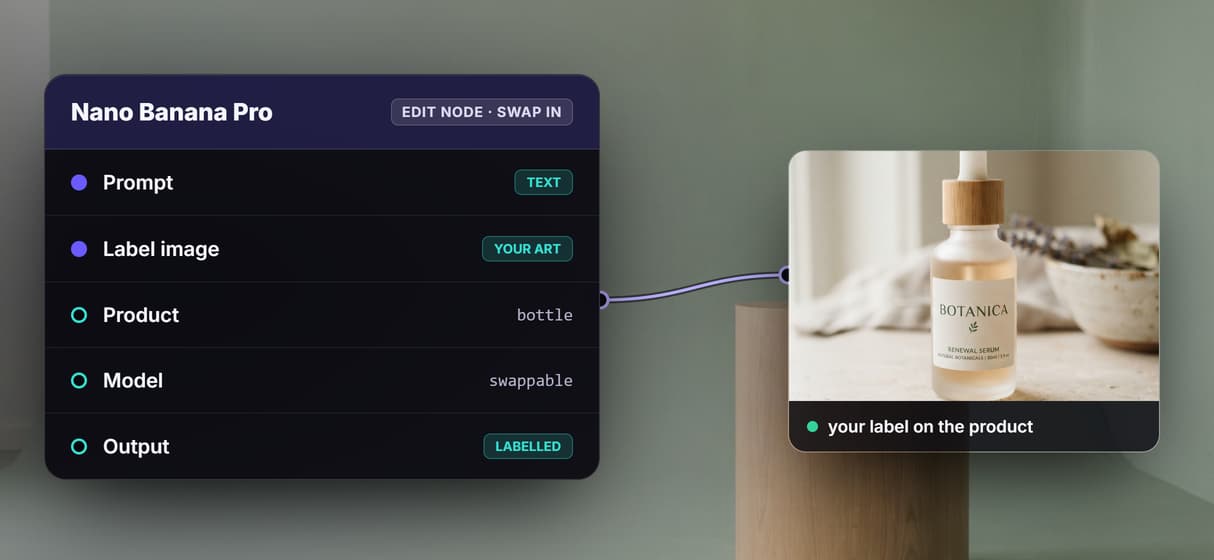
Edit the text and run again for a new product, swap the render node for another hosted image model, or drop in your own label artwork with an edit node. Share the flow link and the whole team runs the same graph.
More Than Just AI Label Generator
A label workflow you own, not a template you rent
Brief in, labelled product shot, print ready upscale out, all on one canvas you rewire like any node based image generation graph.
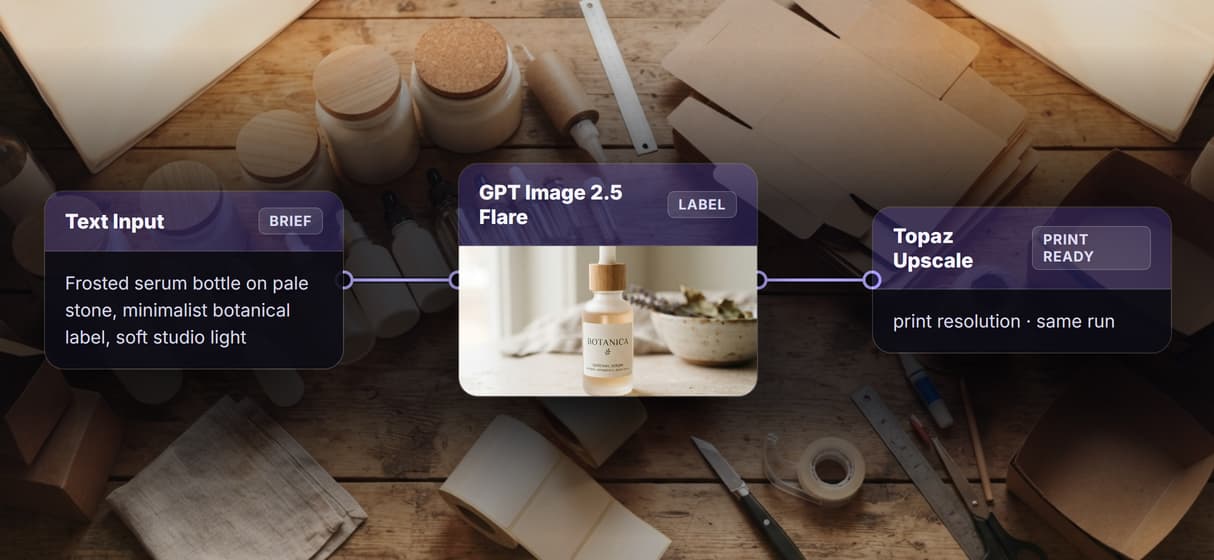
A text brief becomes a label on a real product shot
GPT Image 2.5 Flare renders the product wearing your label on a real shot, so one line of AI product photography brief returns it.
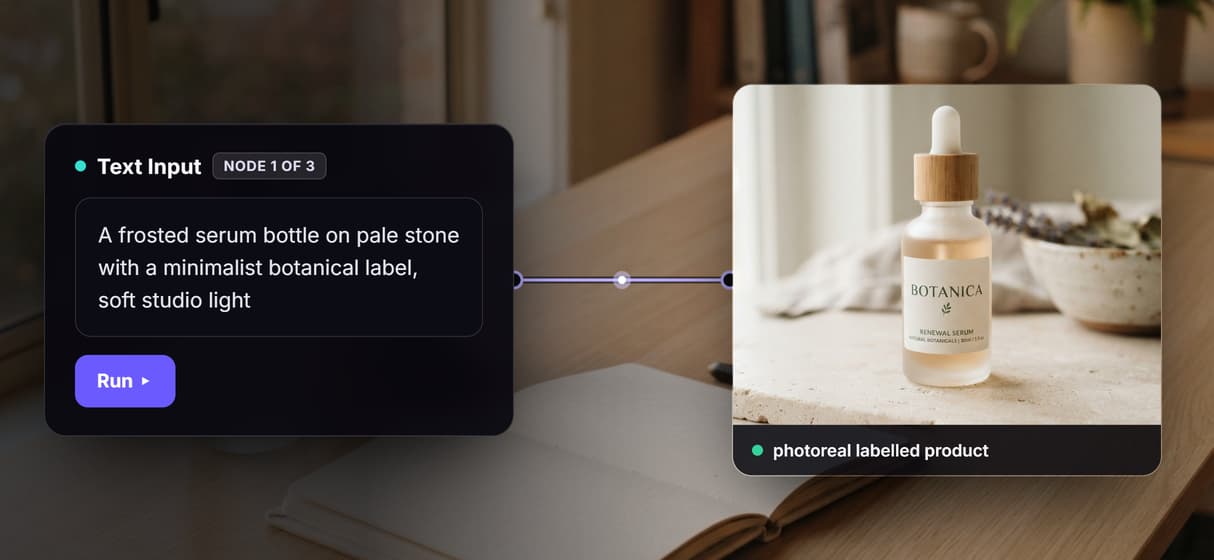
Place your own label art or swap the model
Drop your label into an AI image editor edit node to composite your exact art, or swap the render model for Seedream or Flux. The graph stays.
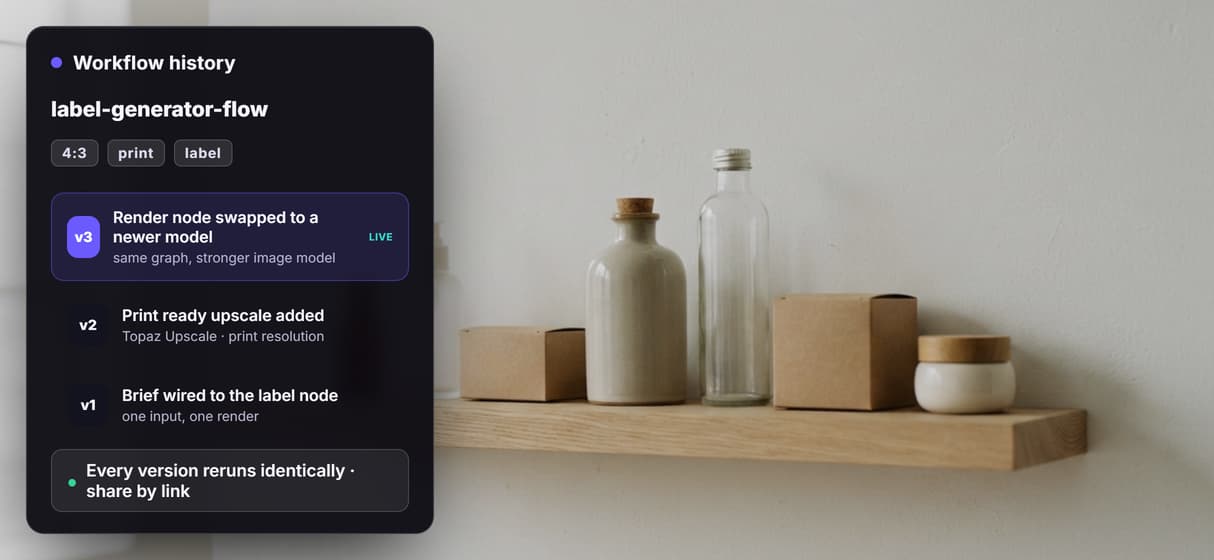
Reruns are identical, upgrades are one node
Flows are versioned and shareable, so your fiftieth label matches your first, and the print ready AI image upscaler hop never moves.
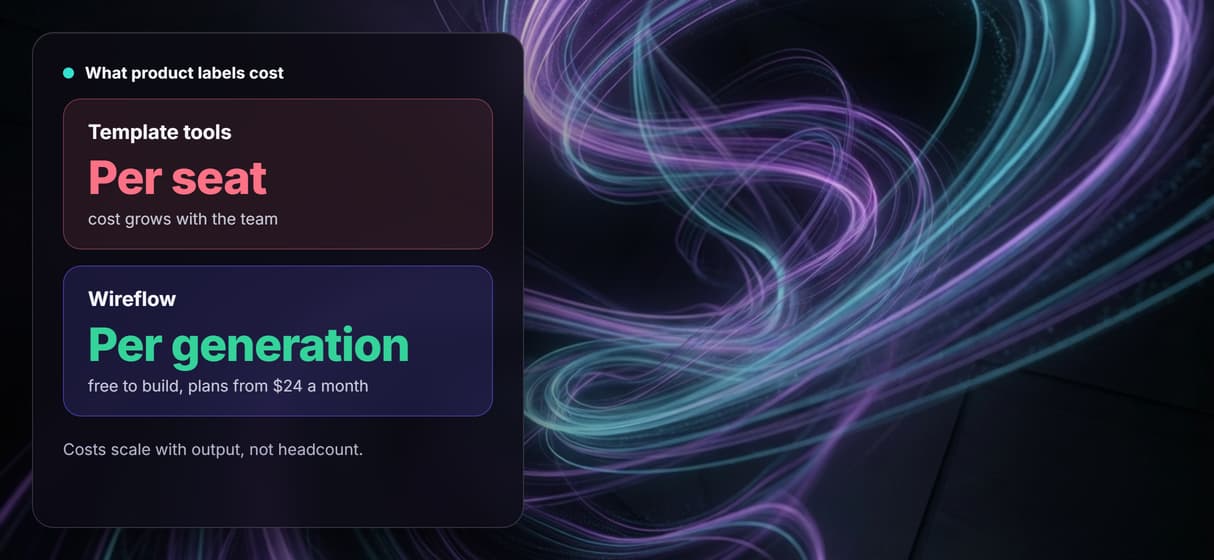
Per generation pricing, not per seat
Building is free and generations are metered, so ten teammates cost no more than one. Start on the free AI image generator side.
Build Any AI Workflow
AI Models Integrated
Full Commercial License
Why teams outgrow template label tools
Template label tools solve the first mile: pick a bottle or jar scene, drop in some text, export. The friction shows up later. The templates are the same ones every other store pulls from, the AI step is a black box you cannot tune, and the moment you need the same label across twenty SKUs or a different product angle, you are back to clicking through a UI one image at a time.
Wireflow answers with a different shape. Instead of a template studio, a product label is a small workflow you own on a node canvas: a Text Input holds the brief, GPT Image 2.5 Flare renders the labelled product shot, and Topaz Upscale makes it print ready. It runs on hosted compute in the browser, nothing to install, and the same canvas drives every other AI ecommerce images job your team has.
What replaces the template studio
Brief intake
A Text Input node holds the product, label design, and scene. Change the words and rerun; the graph never moves.
Labelled render
GPT Image 2.5 Flare turns the brief into a photorealistic product shot wearing the label, with lighting and shadow.
Print ready upscale
Topaz Upscale takes the shot to print resolution in the same run, no export and reimport.
Your own artwork
Add an edit node to composite your exact label or dieline onto the product surface instead of a generated one.
Model choice
Swap the render node for Seedream, Flux, Recraft, or Ideogram when a label look calls for a different model.
Whole catalog runs
The flow is a REST endpoint and an MCP tool, so an agent can loop it over a product list for bulk labels.
How the three node graph actually runs
The workflow behind this page's button is deliberately small: three nodes, two wires.
- Text Input holds the brief. One sentence about the product, the label design, and the scene is enough; a sticky note in the flow walks a first run through it.
- GPT Image 2.5 Flare renders the labelled product. The brief becomes a photorealistic product shot with the label already on it, so you approve the look before paying for a high resolution pass.
- Topaz Upscale makes it print ready. The shot flows straight into the upscale node and comes back at print resolution, no round trip through another app.
That is the detail worth copying: the render and the upscale live in one graph, so every run is reproducible and the same recipe applies to the next product. Because the flow lives among the platform's hosted image models, you can swap the render node or add an edit node to place your own label, and roll the result into a wider batch image generation job without leaving the browser.
When a template library is still the right call
If you want to browse thousands of ready made label templates, tap a jar frame, and export in ten seconds without writing a brief, a dedicated label maker is built around exactly that, and this page will not pretend otherwise. Wireflow starts from a prompt or your own artwork, not a scene picker, so the first label takes a sentence of setup rather than a click.
Wireflow is the generation layer, not a design suite: it will not lay out your packaging dielines, manage a template catalog, check regulatory label compliance, or replace a full editor. What it offers instead is ownership of the pipeline, a roster of hosted image models to swap between, and per generation pricing. If product labels are one step in a bigger content machine, build here, and pair the flow with an AI product photo generator when the job needs a full scene from scratch.
FAQs
It depends on what you want to keep. If you want a scene picker with thousands of templates, a dedicated label maker is the closest match. If you want to own the pipeline, Wireflow replaces the template studio with a three node canvas workflow: brief in, labelled product shot, print ready image out, priced per generation.
Discover related AI tools
- AI Image Upscaler: Upscale to 4K in a Visual Workflow
- AI Background Remover
- AI Image Generator: Flow-Based Canvas, 31 Models
- ComfyUI Alternative
- AI Face Swap Online: Photos and Video in Your Browser
- Virtual Try On
- AI Thumbnail Generator
- AI Photo Generator
- AI Image Editor
- AI Art Generator
- Midjourney Alternative
- AI Headshot Generator
More From Wireflow
Written by
Andrew Adams · Co-Founder & Operations at Wireflow
Runs client operations and content strategy at Wireflow. Works directly with creative teams and agencies to build production AI workflows.
Own the label pipeline, not a template library
Open the flow, write the product and the label design, and run it: labelled product shot and print ready upscale from one graph. Building is free; you pay per generation, not per seat.