 Andrew Adams · Co-Founder & Operations at Wireflow ·
 GPT Image 2.5 on Wireflow
GPT Image 2.5 is OpenAI's image model, and its Flare tier runs as a node on the Wireflow canvas.
Prompt it for an image, wire a photo in to edit while the subject stays put, then swap the node to compare the same shot against Nano Banana and Seedream. Hosted compute, no local GPU, pay per generation.
Free to build · no credit card · See how it works ↓
How to Use GPT Image 2.5 on Wireflow
Steps to get you started in Wireflow.
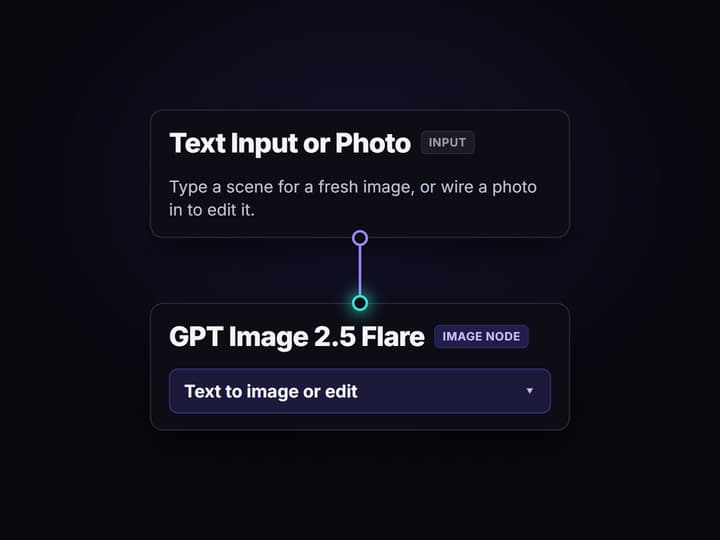
Write a prompt or wire a photo in
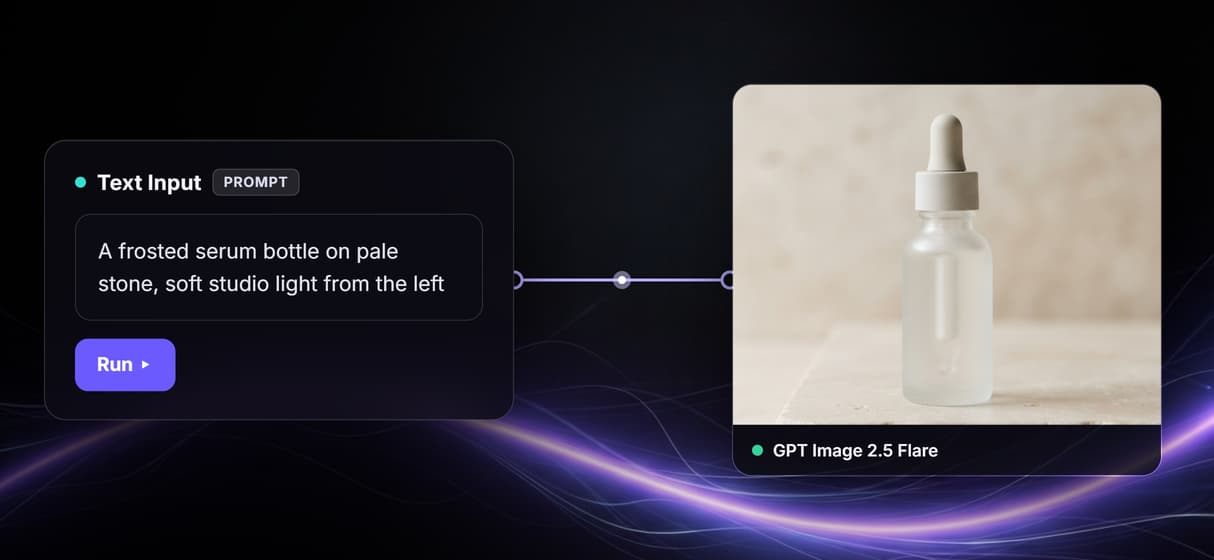
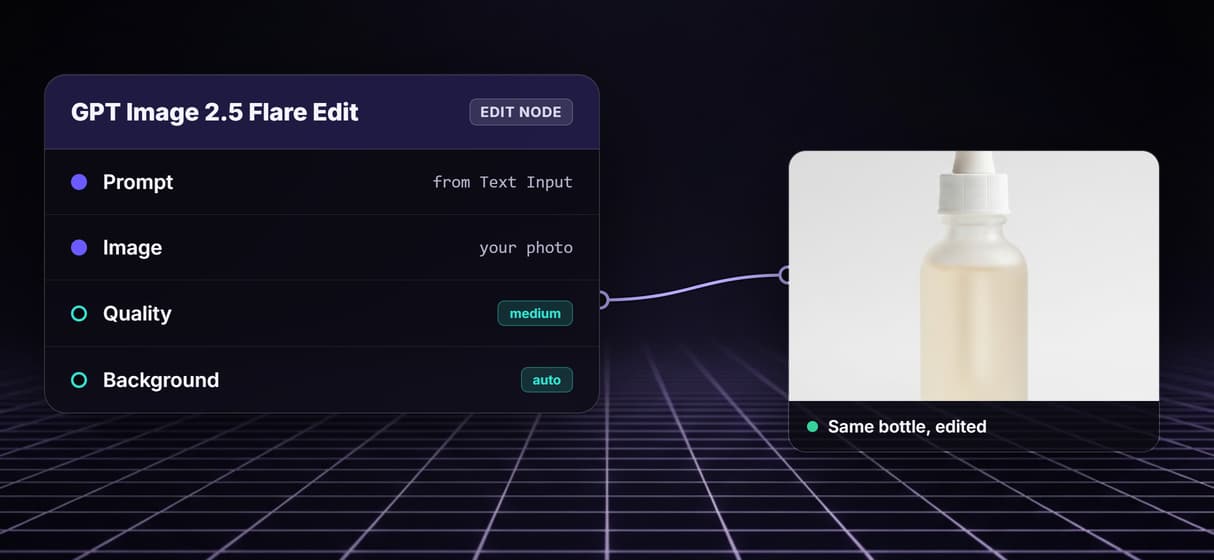
Type a scene in the Text Input node for a fresh image, or wire a photo into the GPT Image 2.5 Flare Edit node to change one while the subject, faces, and layout stay steady.
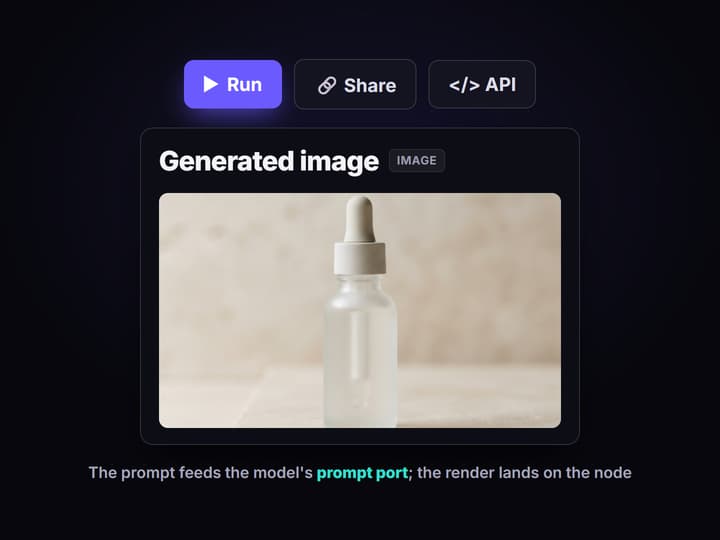
Run the GPT Image 2.5 Flare node
Press run and the image lands on the node. Keep quality and size low while you iterate on the prompt, then raise them only for the final keeper you decide to ship.
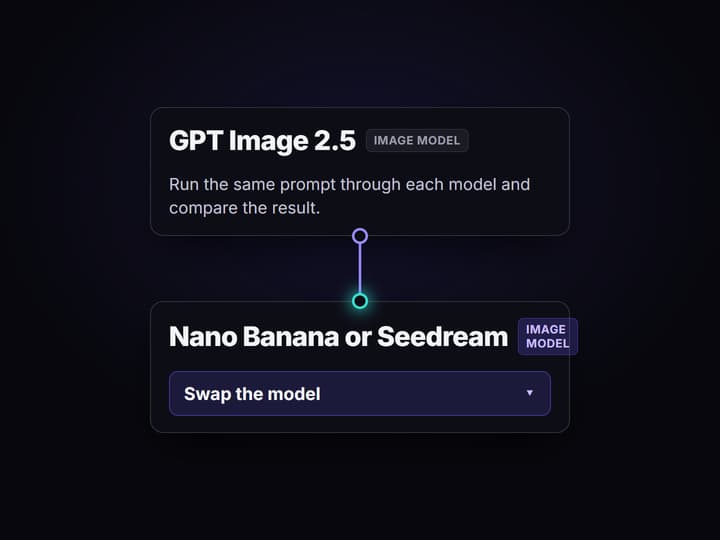
Swap the model and compare
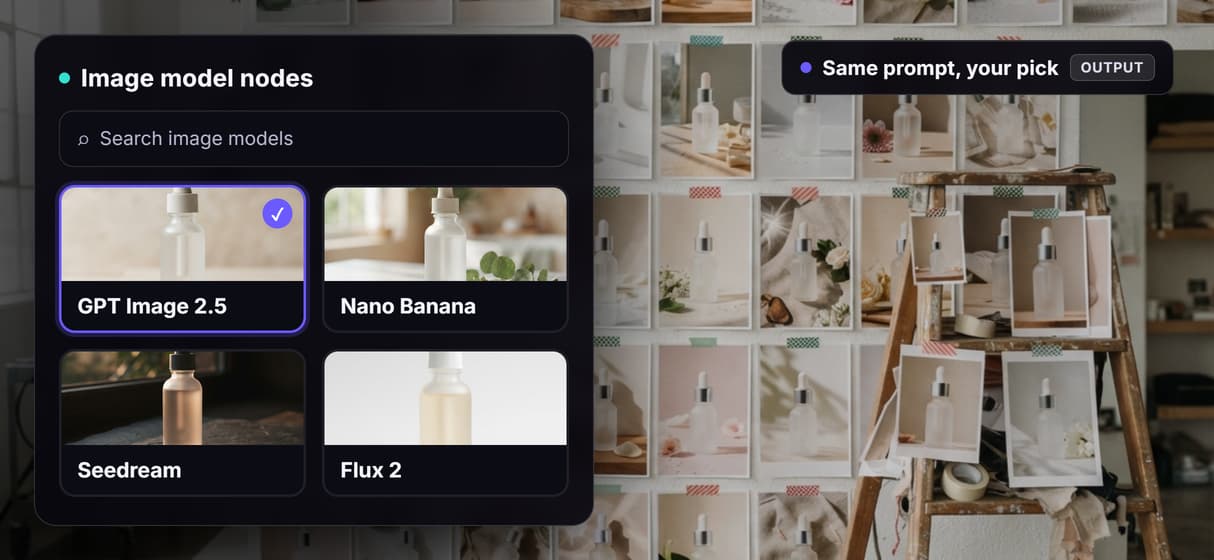
Point the same prompt at Nano Banana or Seedream on the same canvas and compare the shots side by side before you commit credits to a final render.
GPT Image 2.5 on Wireflow: what it does and how it runs
GPT Image 2.5 is OpenAI's September 2026 image model. It ships in two API tiers, Flare for fast, high-volume work and Sunburst for tighter editing control, and its headline change is editing rather than raw generation: it keeps a subject, faces, and layout stable across repeated edits, handles complex layouts, and can render a transparent background.
On Wireflow the Flare tier runs as a node on the canvas rather than a site you log into or an API you glue together yourself. Wire a prompt in and press run, or wire a photo into the edit node to change it, and the result comes back on hosted compute in the browser with no CUDA install and no local GPU. The same canvas drives the step that writes the scene and the step that renders it, so one idea stays in one graph.
What you can do with the GPT Image 2.5 node
Text to image
Describe a scene and GPT Image 2.5 Flare returns an image that matches the prompt.
Edit with consistency
Wire a photo in and change it while the subject, faces, and layout stay stable.
Readable text and layouts
Flare renders clean lettering and complex layouts, not the usual garbled captions.
Transparent backgrounds
Set the background to transparent for product cutouts and overlays with no extra step.
Swap and compare
Run Nano Banana and Seedream on the same prompt, side by side on one canvas.
REST and MCP built in
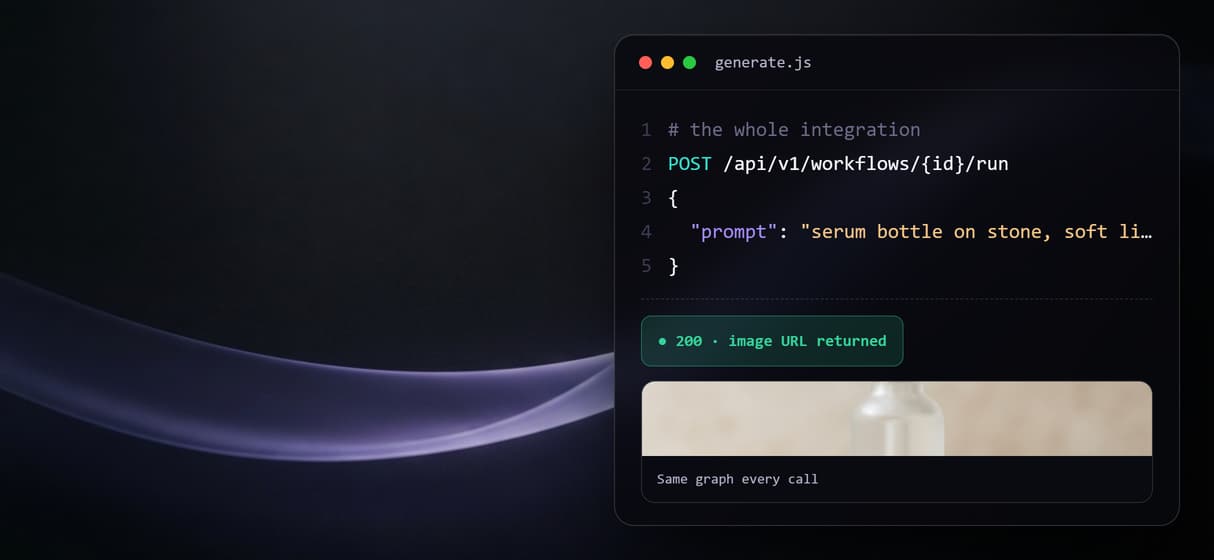
Every published workflow is an endpoint and an MCP tool with typed inputs and asset URLs.
From a prompt to an image in one graph
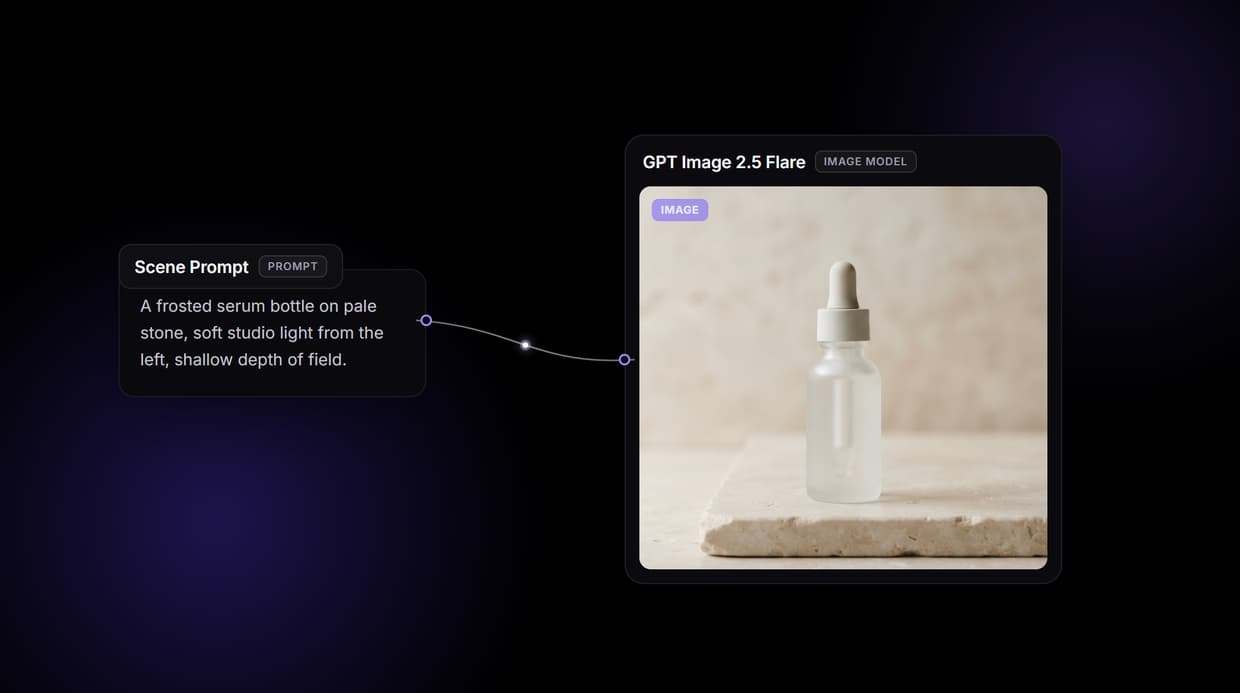
The example behind this page's button is the smallest version of the pattern. One Text Input node holds the scene description and wires into a single GPT Image 2.5 Flare node, and the saved image on that node is the output from a real run, so you can judge the look without spending a credit yourself.
From there the graph grows without changing shape. Swap the Flare node for Nano Banana or Seedream to compare, add a background remover or an upscaler after it, or loop the published endpoint over a product feed to make it a batch image generation API. The idea stays one graph instead of a pile of browser tabs.
GPT Image 2.5 next to Nano Banana and Seedream, same photo
Most pages about GPT Image 2.5 list its specs, or show its edits on a different photo in every example. None of them put it next to Nano Banana and Seedream on the same photo with the same prompt, which is the only test that tells you which model to actually use. On the canvas you wire all three to one prompt, run them, and watch the results come back next to each other, then build a multi-model AI workflow around whichever one wins.
The honest part is that there is no single winner, only a winner per shot, so the page does not rank the models for you. It is also not the place for factual claims about Nano Banana's or Seedream's own pricing or internals; the only claim worth making is that all three run as nodes here, so you compare their outputs and let the credit cost per run guide the final pick.
When another tool is the better call
If the job is pixel-exact manual retouching, a precise mask by hand, or a print layout with locked typography, that work belongs in Photoshop or a design tool, and this page will not pretend otherwise. A generated edit is a fast, strong draft, not a final cut, and you should review faces and fine detail before anything ships.
Wireflow is the generation layer: it runs GPT Image 2.5 next to your other image and video nodes so you can iterate on an idea fast and pay per generation instead of standing up your own GPU box. It does not run offline, host custom Python nodes, or load local checkpoints. Export the renders you keep and finish them in whatever editor you already use.
More Than Just GPT Image 2.5 on Wireflow
Run GPT Image 2.5 Flare as a node
Wire a Text Input into the GPT Image 2.5 Flare node and your prompt renders on the canvas, the smallest useful AI image generator you can build.
Edit a photo and keep the subject
Feed a photo into GPT Image 2.5 Flare Edit and it holds the subject, faces, and layout across repeated passes, the real job of an AI image editor.
Compare it with Nano Banana and Seedream
Swap the model node and run the same prompt through Nano Banana or Seedream, the whole point of node based image generation.
Pay per generation, build for free
No CUDA and no VRAM ceiling: the model runs on hosted compute, and building the graph is free like the rest of a programmatic image generation platform.

Call the keeper as one API
Publish the flow and it becomes a REST endpoint and an MCP tool, the same shape as any text to image API your code or an agent can call.
Build Any AI Workflow
AI Models Integrated
Full Commercial License
FAQs
GPT Image 2.5 is OpenAI's image model, released in September 2026. It generates images from text and edits existing photos, and its headline upgrade is keeping a subject, faces, and layout stable across repeated edits. On Wireflow its Flare tier runs as a node on the canvas.
Discover related AI tools
- AI Image Upscaler: Upscale to 4K in a Visual Workflow
- AI Background Remover
- AI Image Generator: Flow-Based Canvas, 31 Models
- ComfyUI Alternative
- AI Face Swap Online: Photos and Video in Your Browser
- Virtual Try On
- AI Thumbnail Generator
- AI Photo Generator
- AI Image Editor
- AI Art Generator
- Midjourney Alternative
- AI Headshot Generator
More From Wireflow
Written by
Andrew Adams · Co-Founder & Operations at Wireflow
Runs client operations and content strategy at Wireflow. Works directly with creative teams and agencies to build production AI workflows.
Try the GPT Image 2.5 Flare example
Open the example: one Text Input wired into GPT Image 2.5 Flare, with a saved image on the node. Run a prompt, swap the model to compare, then publish your own copy as the endpoint your code calls. Building is free; generations use credits.