 Andrew Adams · Co-Founder & Operations at Wireflow ·
 Pika MCP Alternative: Any Video Model as an MCP Tool
Pika ships its own MCP server with a fixed agent persona and bundled skills.
Wireflow is the hosted alternative: build a video workflow, pick the model, and publish it as an MCP tool your agent calls, across Veo 3.1, Sora 2, Kling, and more.
Free to build · no credit card · See how it works ↓
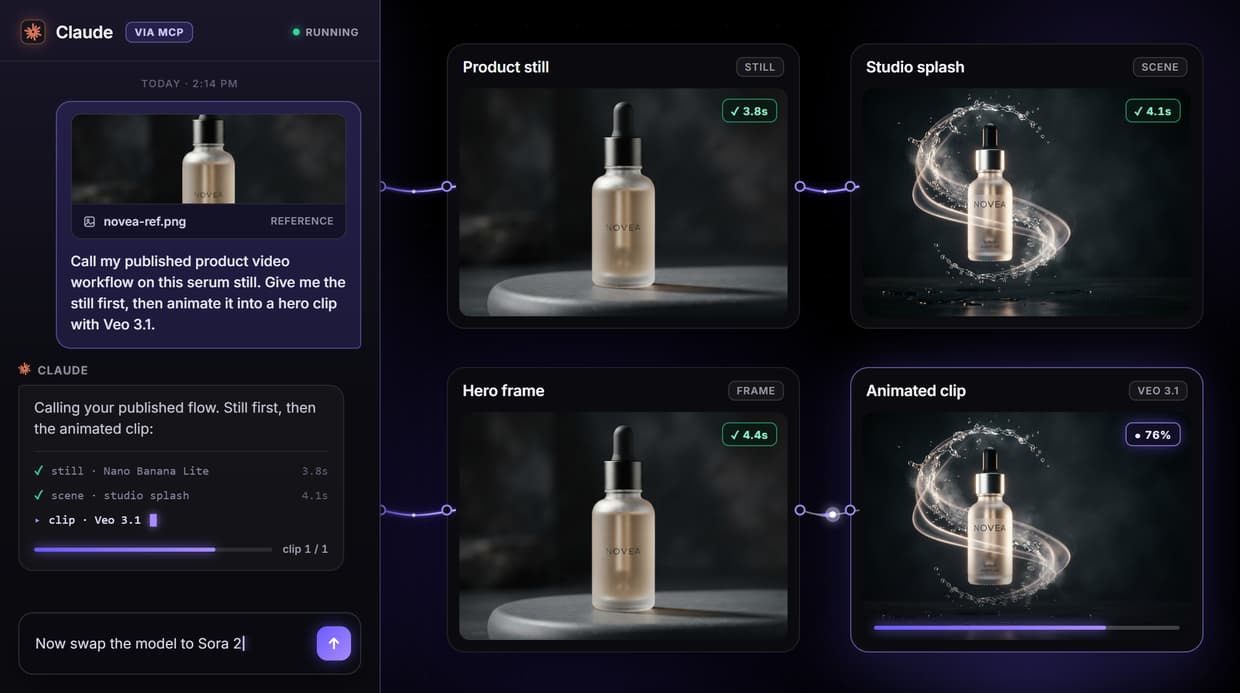
How to Use Pika MCP Alternative: Any Video Model as an MCP Tool
Steps to get you started in Wireflow.
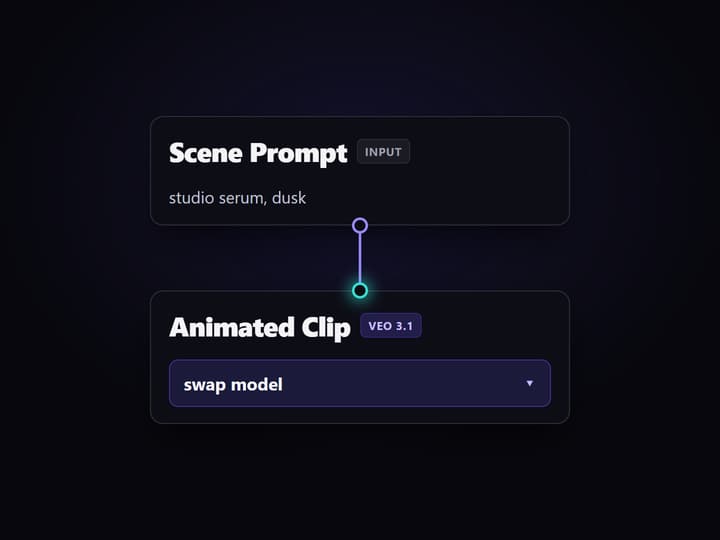
Build the video graph once
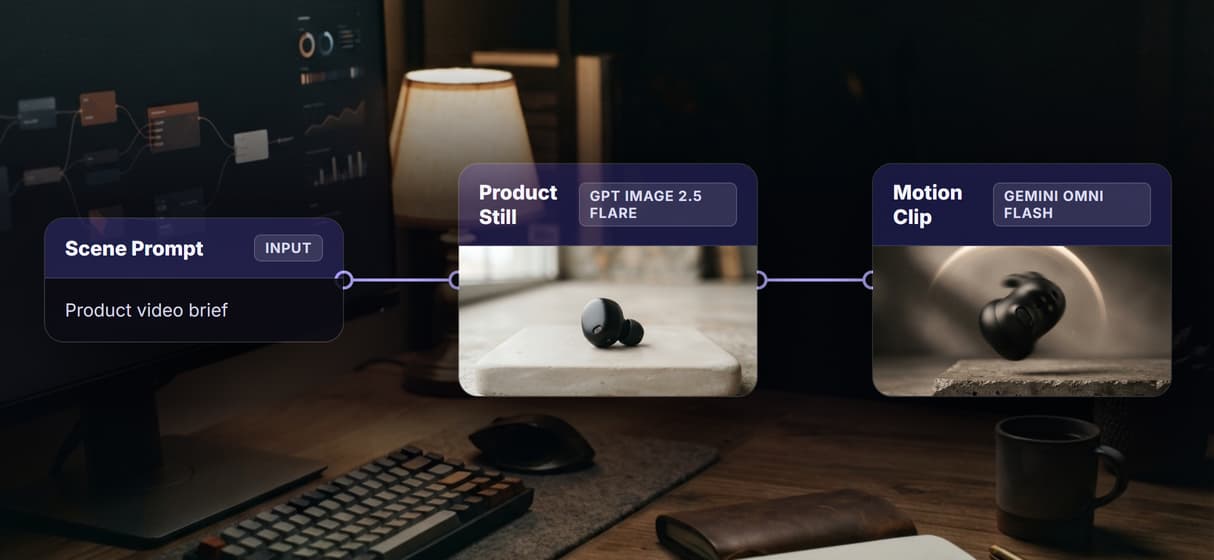
On the canvas, wire a scene prompt into a GPT Image 2.5 Flare still, then feed that still and a motion prompt into a Gemini Omni Flash 1.1 clip. Name each node with its model.
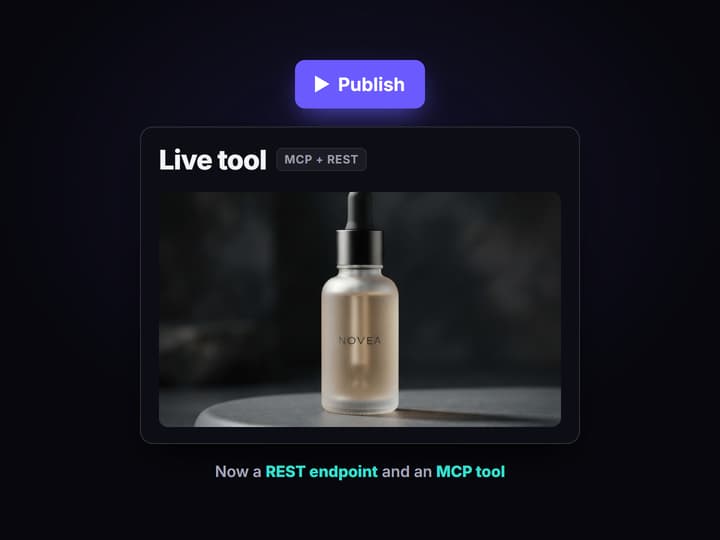
Publish it as an MCP tool
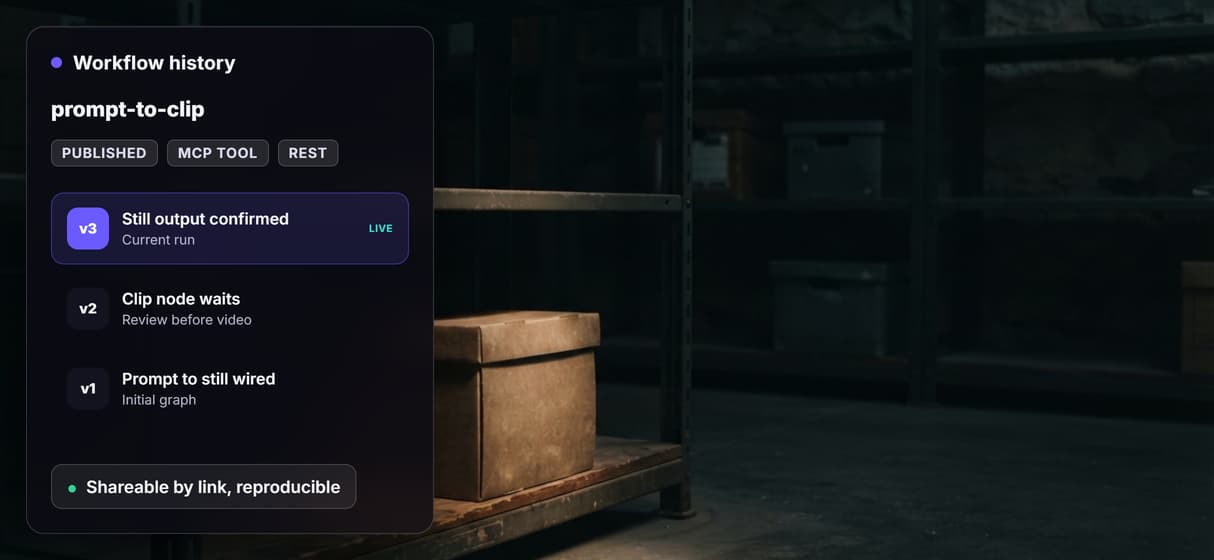
Publish the workflow. Wireflow exposes it on the hosted MCP server and as a REST endpoint at once, with its inputs typed for any caller. There is no server to run yourself.

Call it from Claude or Cursor
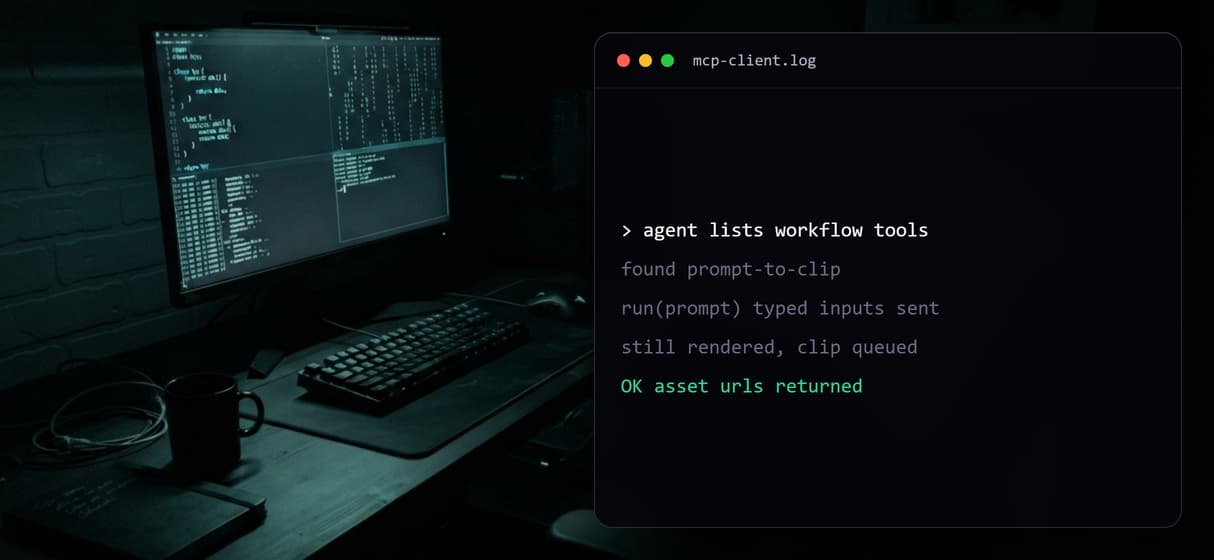
Add the hosted MCP server in your client. The agent lists the workflow as a tool, sends the prompt as typed inputs, runs it, and gets the clip URL back.
What Pika MCP means, and where Wireflow differs
Pika Labs ships its own official MCP server, so an agent like Claude, Cursor, or Codex can point at Pika and call Pika's own video model through a fixed persona with bundled skills. That is a clean path when you want Pika's specific look and a one-click agent, and no canvas layer changes that.
Wireflow takes the opposite shape. It is a hosted node canvas where you assemble a video workflow, then publish it. The flow behind this page is real: a scene prompt feeds a GPT Image 2.5 Flare still, and that still plus a motion prompt feed a Gemini Omni Flash 1.1 clip. Publishing turns that graph into a hosted MCP tool and a video API for coding agents at once, so your agent calls the exact pipeline you built with the model you chose, not one vendor's fixed stack.
What you get when the workflow is the tool
The workflow is the tool
Your agent calls a pipeline you built, not a raw model, so one invocation renders a still and animates it into a clip.
Model choice
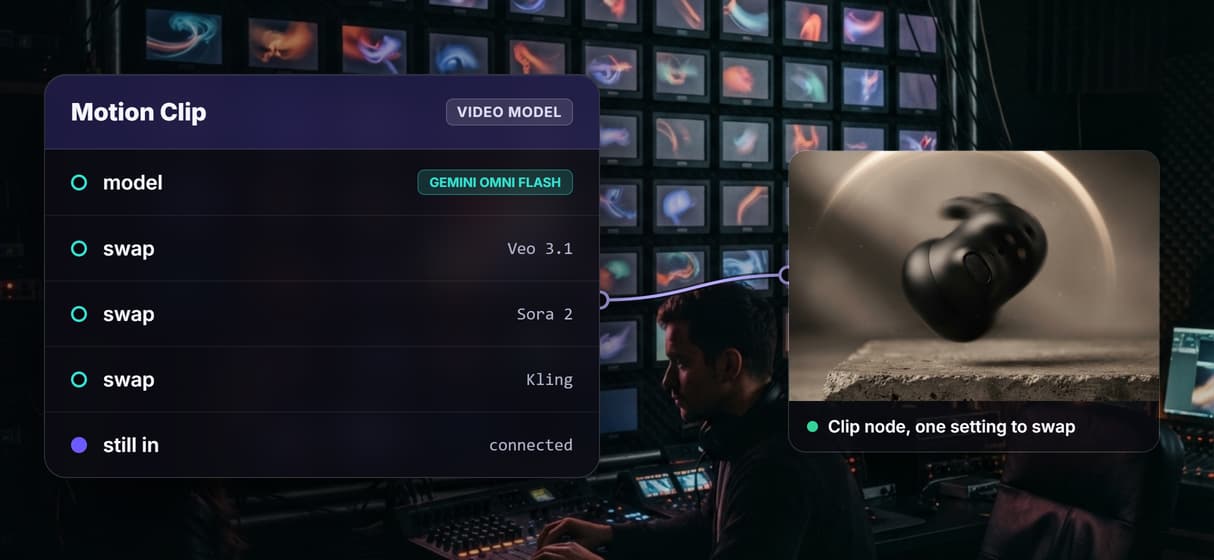
Set the clip node to Veo 3.1, Sora 2, Kling, Seedance, Luma, or Pixverse instead of one bundled vendor model.
MCP and REST
The same published workflow answers an MCP tool call and a REST request, both with typed inputs and asset URLs.
Loop and batch
Point one call at a CSV or feed so an agent renders a batch of clips from a single published workflow.
No persona lock-in
Compose the graph yourself and version it, so the tool your agent calls is yours to change any time.
Typed inputs
Every call takes typed inputs and returns asset URLs, so the agent knows exactly what to pass and what it gets.
Swap the video model without touching your agent
This page's live workflow renders a still with GPT Image 2.5 Flare, then animates it with Gemini Omni Flash 1.1. The clip node is a swap point, not a fixed choice. Change it to Sora 2, Kling, Seedance, Luma Dream Machine, or Pixverse on the canvas and republish, and your agent keeps calling the same MCP tool name with the same typed inputs.
That is the practical difference from a fixed vendor MCP: the model that renders your video is a setting in a workflow you own, so upgrading to a newer model is a canvas edit, not an agent rewrite. It sits between a single MCP server for video editing call and a full multi-step pipeline, enough structure that one tool call does real work.
When Pika's own MCP is the better pick
If you want Pika's specific model look, or a ready-made agent persona with bundled skills you never have to assemble, use Pika's own MCP server instead. Wireflow does not host Pika's model, and no canvas layer changes that. Wireflow is also the generation layer, not the reasoning brain: it does not run offline, it has no local GPU or custom Python nodes, and it will not decide your creative strategy for you.
Wireflow earns its place when the job is bigger than one fixed model: choose the video model, compose a multi-step pipeline, and expose exactly that as a tool your agent calls by REST or MCP. If you want a Sora-style model in the same graph you own, compare the hosted Sora video model alternative and open the flow to read the actual graph.
More Than Just Pika MCP Alternative: Any Video Model as an MCP Tool
Any video model as one MCP tool
Publish one video workflow and any agent calls it as a hosted MCP tool. Swap the clip model without changing the call, the same pattern as an AI video generation MCP.
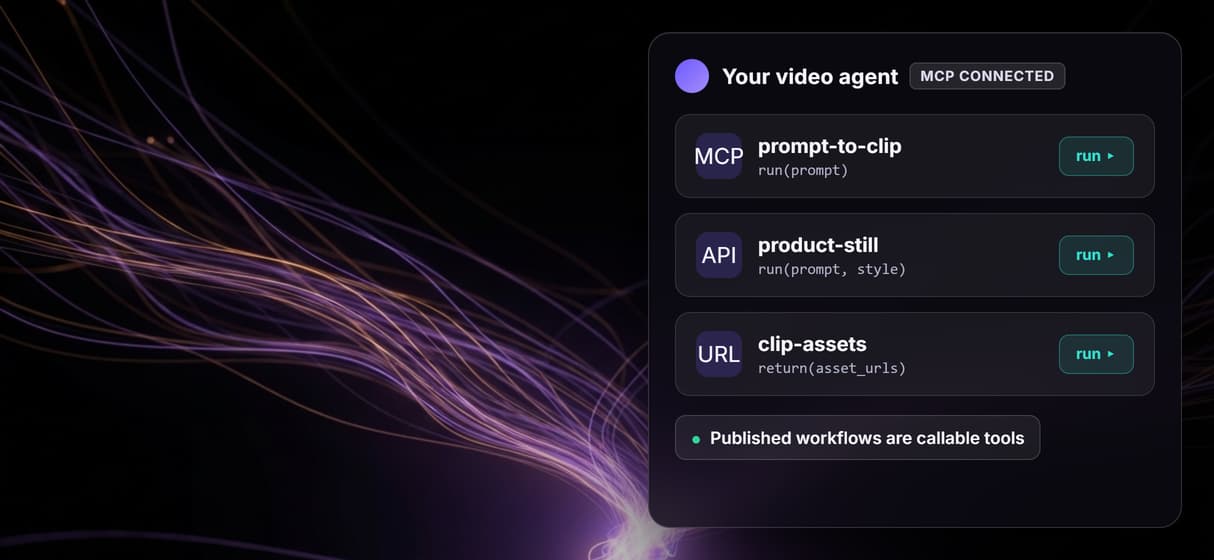
One call, still into clip
A scene prompt becomes a GPT Image 2.5 Flare still, then a Gemini Omni Flash 1.1 clip, so one MCP call can chain models end to end.
Runs from inside your agent
Claude, Cursor, and Codex list the tool, send typed inputs, and get asset URLs back, the pattern behind an AI video agent.
Swap the model, keep the call
Point the clip node at Veo 3.1, Sora 2, or Kling and generate video without rewiring your agent or renaming the tool.
Versioned and reproducible
Workflows are versioned server side and shareable by link, so an agent run repeats the same workflow API graph next week.
Pika mcp alternative: any video model as an mcp Workflows
No Code Required
API & Batch Processing
FAQs
No. Pika Labs runs its own official MCP server for its own model, and this page is not that. Wireflow is a separate, hosted canvas where you build a video workflow with the model you choose and publish it as your own MCP tool and REST endpoint.
Discover related AI tools
- AI Pipeline Automation
- AI Workflow Templates
- AI Video Pipeline: Build One on a Node Canvas
- Batch AI Generation: Many Assets, One Run
- AI Model Chaining
- AI Asset Pipeline
- AI Workflow Builder
- AI Content Generation API
- AI Workflow API
- AI Orchestration API
- Headless AI Workflow Platform
- Krea AI API Alternative: Image and Video From One REST Endpoint
More From Wireflow
Written by
Andrew Adams · Co-Founder & Operations at Wireflow
Runs client operations and content strategy at Wireflow. Works directly with creative teams and agencies to build production AI workflows.
Build a video MCP tool your agent can call
Compose the workflow once, pick your model, and publish it as an MCP tool and REST endpoint. Read how agents call Wireflow workflows as hosted MCP tools, then open the flow to inspect the exact graph.