Best Sora Alternatives After the Sora Shutdown (2026)

In this article▾
- Quick Summary
- Why Everyone Is Looking for Sora Alternatives
- 1. Wireflow - Best Overall
- 2. Google Veo 3.1 - Best Single Model
- 3. Kling 3.0 - Best Value
- 4. Runway Gen-4.5 - Best for Pros
- 5. Luma Dream Machine - Best for Speed
- 6. Pika - Best for Social
- 7. Hailuo (MiniMax) - Best Budget Pick
- Comparison Table
- How to Choose
- Sora API Shut Down on September 24, 2026: Where to Move
- FAQ
- Conclusion
With OpenAI retiring Sora, its app gone since April 2026 and its API since 24 September, here are the best Sora alternatives, all runnable inside Wireflow.
OpenAI is retiring Sora in 2026, which makes choosing a Sora video model alternative urgent for anyone producing AI video. This guide ranks the seven best replacements, starting with Wireflow, a canvas that runs Veo, Kling, Seedance and other frontier video models side by side so you are never locked to a single vendor again.
Quick Summary
- Wireflow - Multi-model canvas, chain any video model - Best Overall
- Google Veo 3.1 - Strongest all-round quality with native audio - Best Single Model
- Kling 3.0 - Cinematic motion at the lowest per-clip price - Best Value
- Runway Gen-4.5 - Granular creative control and editing tools - Best for Pros
- Luma Dream Machine - Fast iteration and a friendly interface - Best for Speed
- Pika - Effects-driven video for short-form content - Best for Social
- Hailuo (MiniMax) - Capable output on a small budget - Best Budget Pick
Why Everyone Is Looking for Sora Alternatives
In March 2026, OpenAI announced it was discontinuing Sora: the web and mobile apps shut down on April 26, 2026, and the API follows on September 24, 2026. The product reportedly cost around $1 million per day to run against modest revenue, and active users had fallen below 500,000. Whatever the internal reasons, the practical outcome is the same; every team that built video production on Sora now needs a new home. If part of that work is animated titles and graphics rather than full scenes, an AI motion graphics tool handles the frame-then-animate step on the same canvas. You can also swap the model per shot inside an AI movie maker that treats each video model as a node. Teams that want a canvas instead of a single studio can also weigh a canvas-first Google Flow alternative. For a hands-on look at how a multi-model setup replaces a single retired model, see the Sora video model alternative feature page.
The bigger lesson is about lock-in. Teams that wired their pipelines to one proprietary model are rebuilding from scratch, while teams on model-agnostic platforms swapped a node and kept shipping. The full model catalog shows how many strong video models exist right now; betting everything on one of them is a risk you do not need to take.
Build this in Wireflow
Make the same kind of asset on a canvas you control, with a free account and no credit card.
1. Wireflow - Best Overall
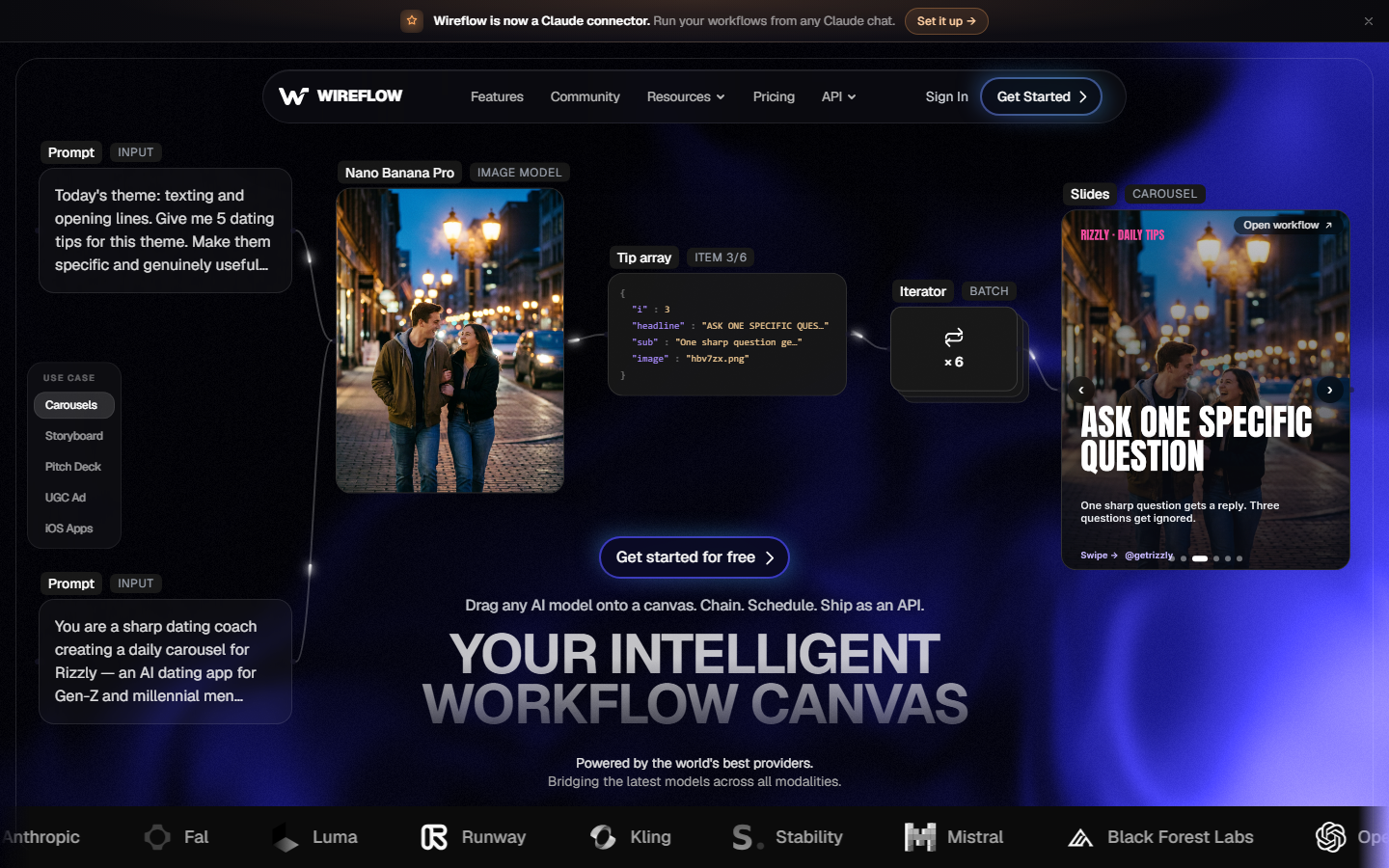
Wireflow is a node-based canvas where you connect frontier video models such as Veo 3.1, Kling 3.0, and Seedance 2.0 into a single workflow, instead of committing to one vendor's app. The point is not that it has a better model than Sora; it is that the AI video generator canvas treats models as interchangeable parts, so when a model is deprecated, you replace a node rather than a pipeline.
In practice that looks like generating a base image with one model, animating it with another, and comparing outputs from two video models on the same prompt before spending credits on the winner. Workflows are reproducible and shareable, which makes an AI video workflow something a team can hand around instead of a prompt buried in someone's chat history. Pricing is usage-based with a free tier, so testing costs nothing upfront.
Best for: teams and creators who want Sora-class output without single-vendor risk.
2. Google Veo 3.1 - Best Single Model
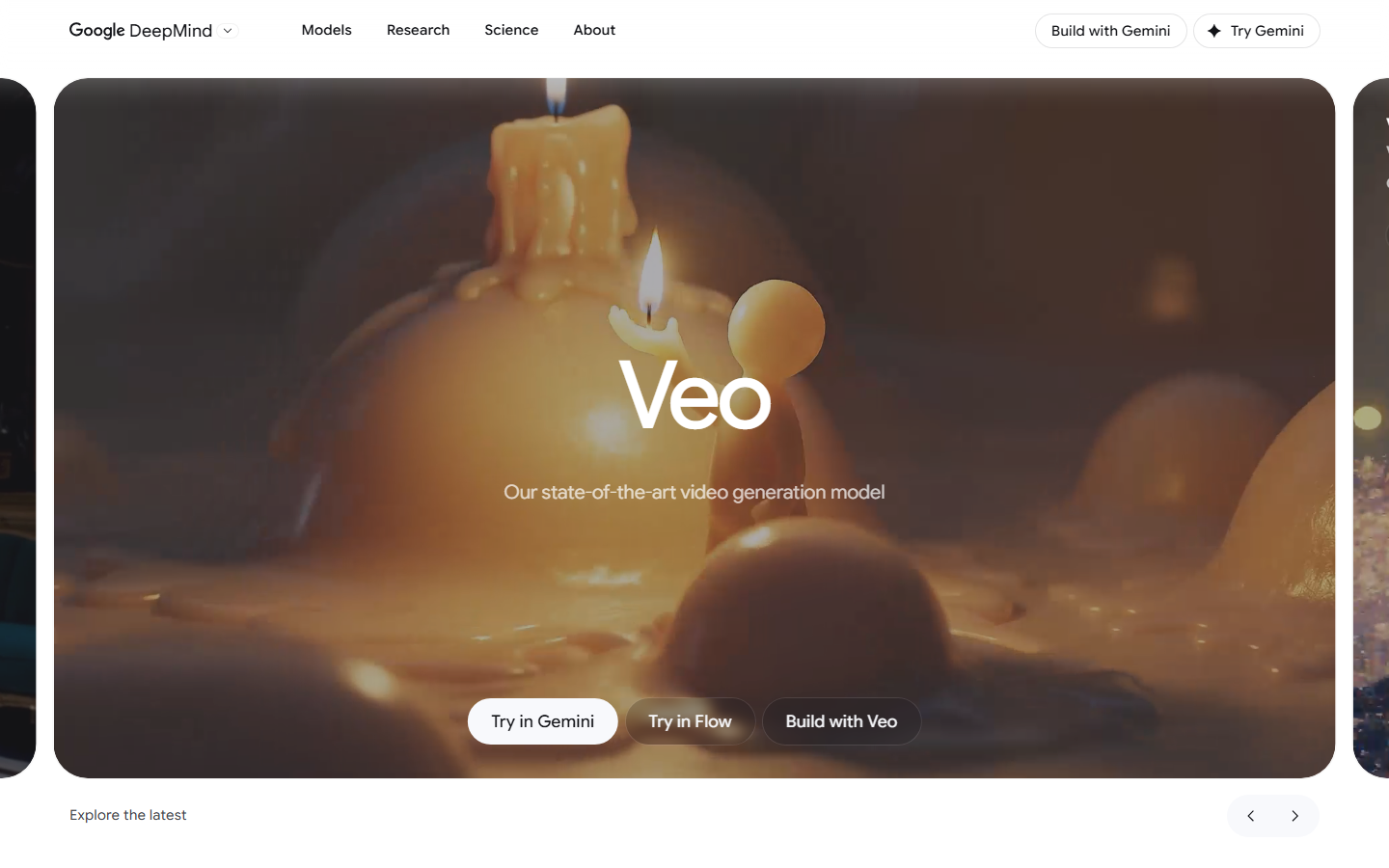
Google Veo 3.1 is the closest thing to a direct Sora successor. It leads on prompt adherence, generates native synchronized audio, and outputs 4K in both landscape and portrait. For narrative scenes and establishing shots it is the strongest all-rounder available in 2026, and the Lite tier makes it the most affordable option among the large Western vendors. You can run it inside a workflow through the Veo 3.1 video API rather than juggling Google's own tooling.
Best for: creators who want the highest all-round quality from a single model.
3. Kling 3.0 - Best Value
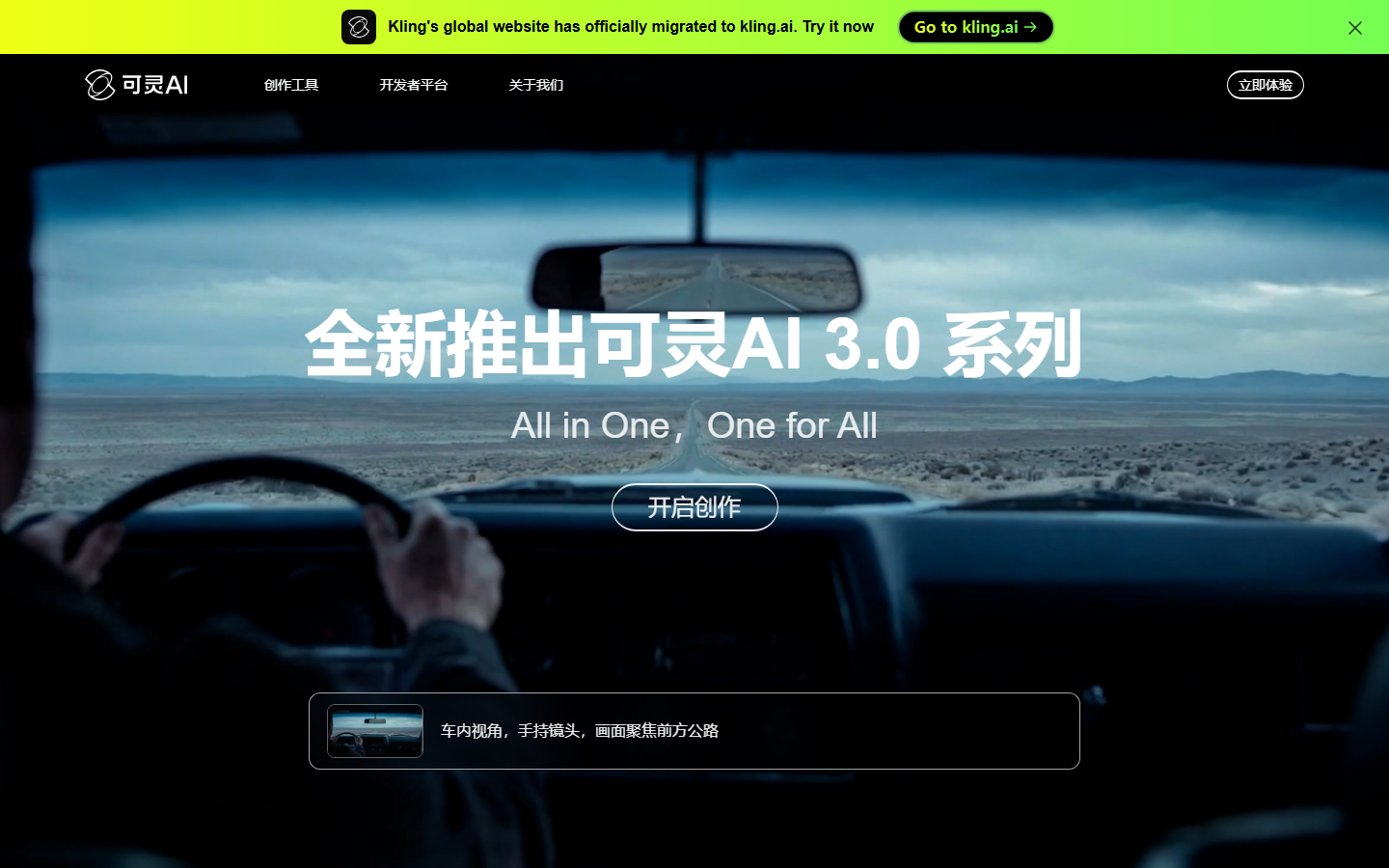
Kling 3.0 matches Veo on cinematic lighting and handles complex motion, such as hair, liquids, and fabric, better than most rivals. It adds a multi-shot storyboard mode with audio sync across cuts, which matters for anything longer than a single clip. At roughly $0.84 for ten seconds with audio on the Standard tier, it is the cheapest credible per-clip price in this list. The Kling AI API makes it easy to slot into automated pipelines.
Best for: cinematic clips and multi-shot sequences on a budget.
4. Runway Gen-4.5 - Best for Pros
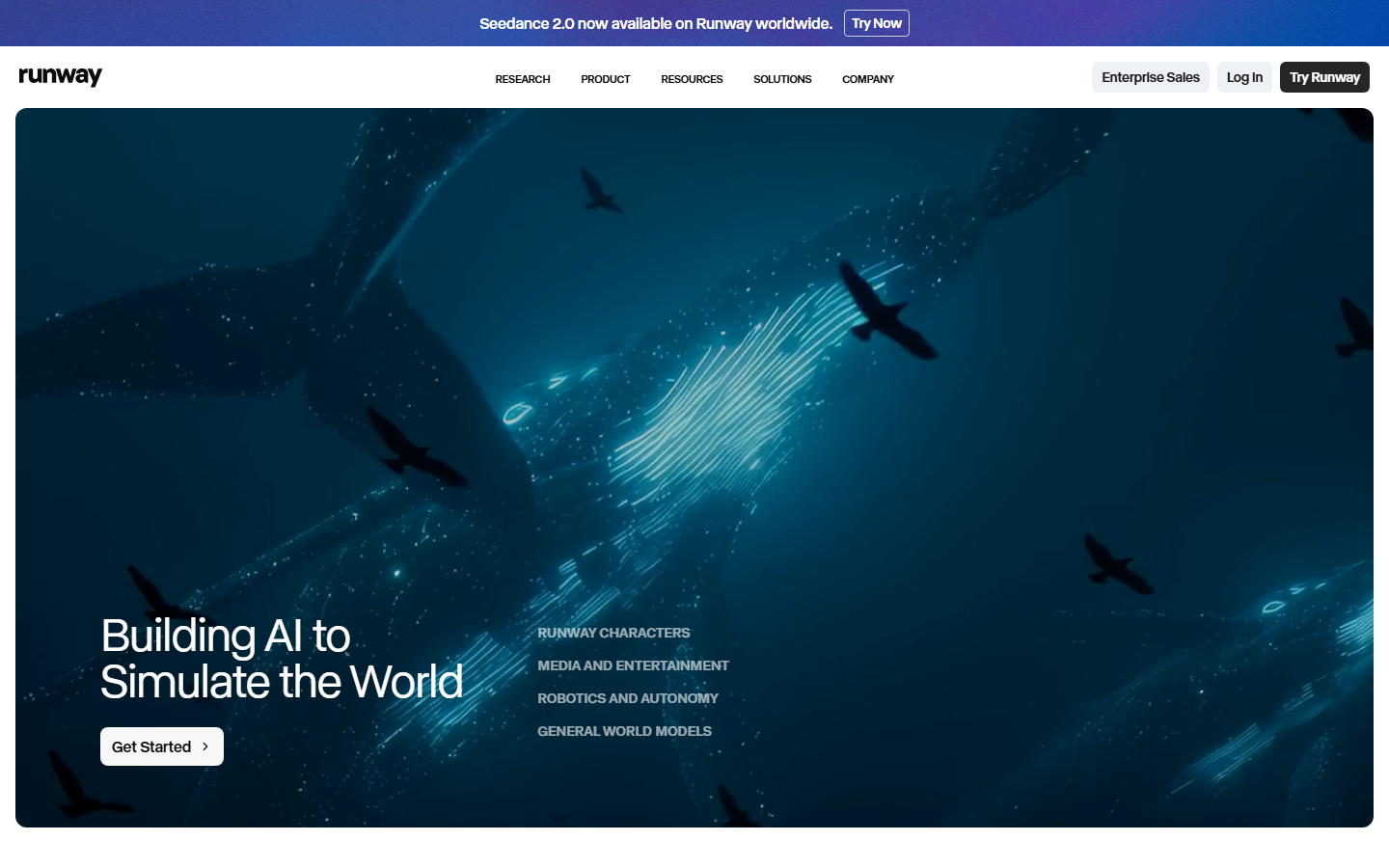
Runway Gen-4 and Gen-4.5 remain the professional favorite when you need granular control: camera moves, motion brush, and reference-driven character consistency that keeps the same face across shots. The built-in editor and fast Gen-4 Turbo generations make it a complete production environment rather than just a model. It is priced above the Chinese competitors, which is why many teams pair it with a cheaper model for drafts; comparing options through a Runway API alternative setup helps keep those costs visible.
Best for: professional work where character consistency and camera control decide the outcome.
5. Luma Dream Machine - Best for Speed
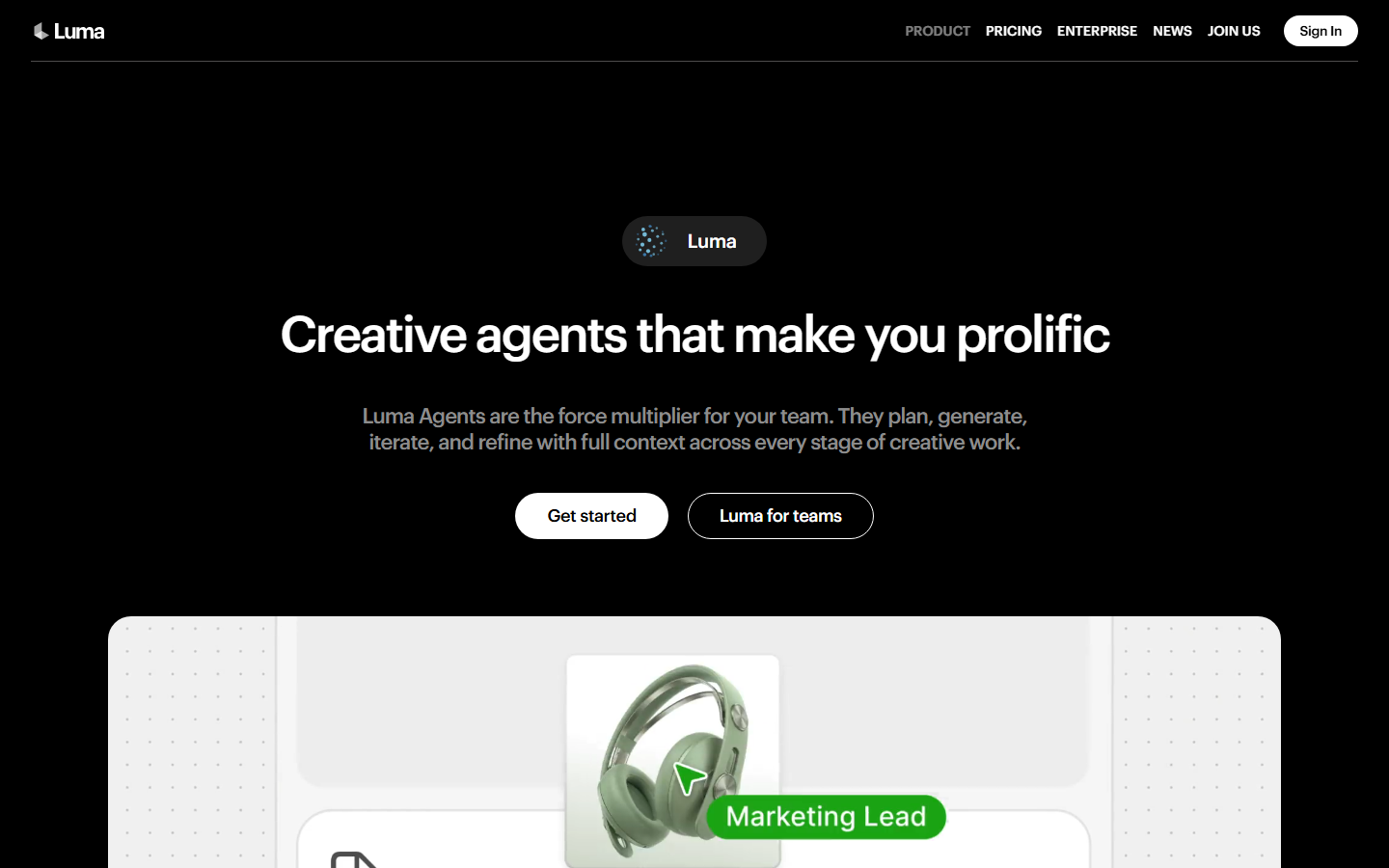
Luma Dream Machine built its reputation on fast iteration: a clean interface, quick generations, and strong image-to-video results with natural camera motion. It is a good fit when you need to explore many ideas quickly and polish the winner elsewhere. Developers can reach the same models programmatically through the Luma Dream Machine API and wire them into larger workflows.
Best for: rapid ideation and image-to-video experiments.
6. Pika - Best for Social
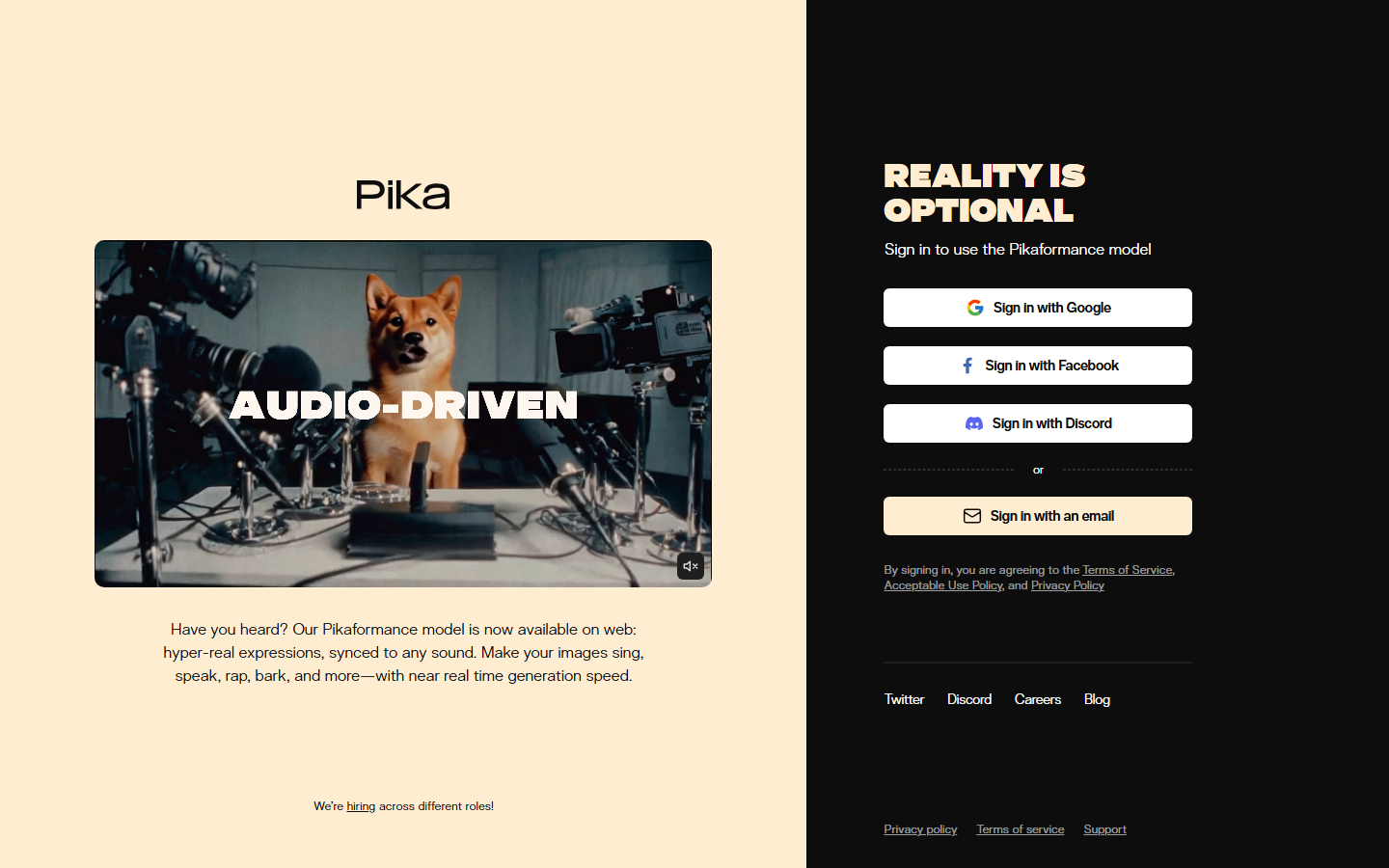
Pika is the strongest pick for social creators. Its feature set, including Pikaffects, Pikaswaps, Pikadditions, and Pikaformance lip-sync, is built for scroll-stopping short-form video rather than cinematic realism. If your output is TikTok, Reels, and Shorts, those effects save more time than raw model quality does. The Pika Labs API route lets you batch that style of content instead of producing clips one at a time.
Best for: short-form social content with effects and lip-sync.
7. Hailuo (MiniMax) - Best Budget Pick
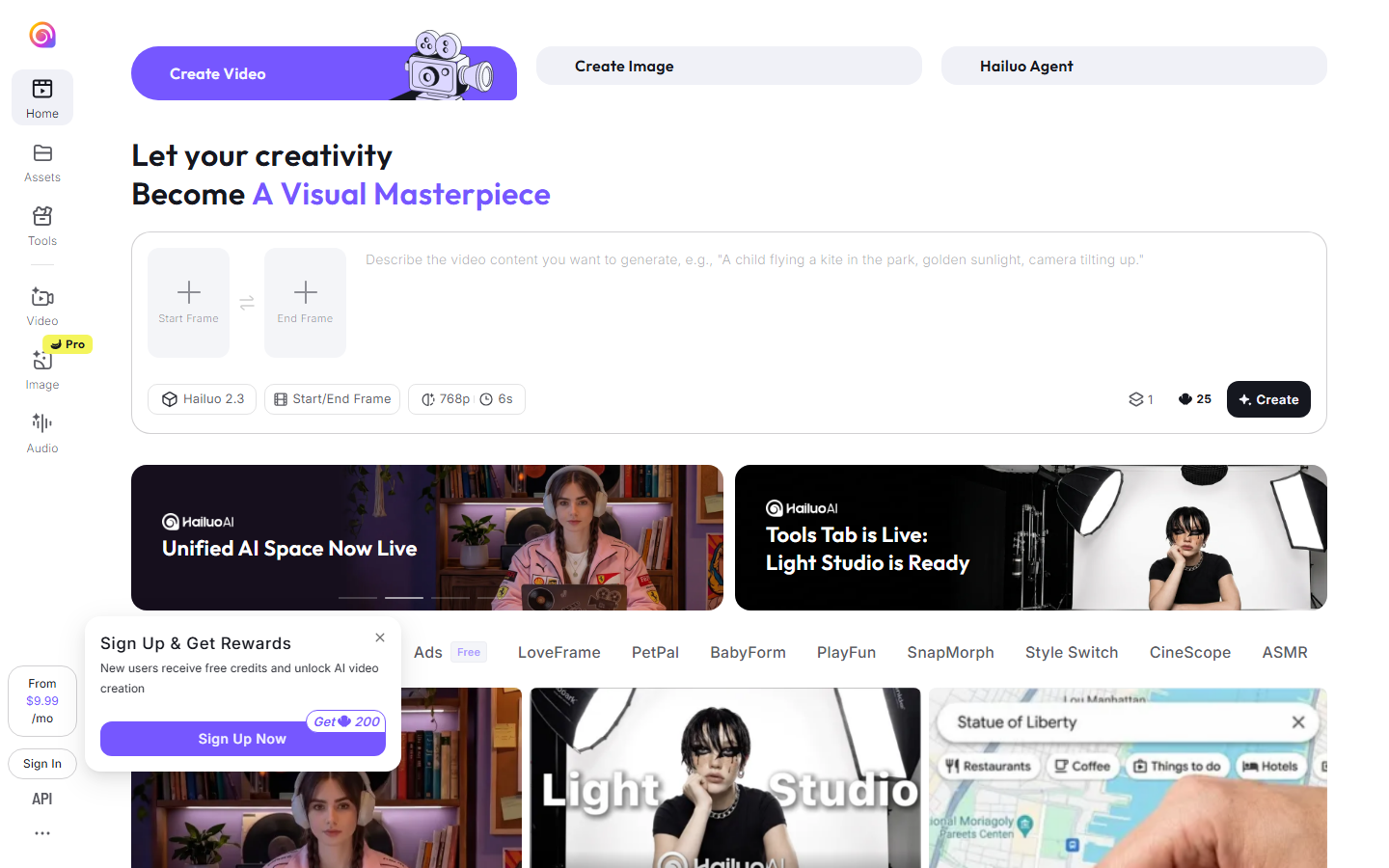
Hailuo, from MiniMax, delivers surprisingly capable text-to-video and image-to-video output at some of the lowest prices in the market. Motion quality trails Kling and Veo on difficult scenes, but for storyboards, drafts, and high-volume content the economics are hard to argue with. It is a common first stage in a video generation API pipeline, roughing out ideas cheaply before a premium model renders the final cut.
Best for: high-volume drafts and budget-conscious creators.
Comparison Table
| Tool | Standout Strength | Native Audio | Pricing Signal | Best For |
|---|---|---|---|---|
| Wireflow | Runs all major models in one canvas | Via model choice | Usage-based, free tier | Avoiding lock-in |
| Google Veo 3.1 | Prompt adherence, 4K output | Yes | Lite tier is cheapest Western option | All-round quality |
| Kling 3.0 | Complex motion, storyboard mode | Yes | ~$0.84 per 10s clip | Value per clip |
| Runway Gen-4.5 | Camera control, character consistency | Partial | Premium credits | Professional control |
| Luma Dream Machine | Fast iteration, image-to-video | Limited | Mid-range subscription | Speed |
| Pika | Social effects, lip-sync | Yes | Creator subscription | Short-form social |
| Hailuo | Low cost per generation | Limited | Lowest in market | Budget volume |
How to Choose
Start from your output, not the model leaderboard. If you publish narrative or brand video, prompt adherence and audio matter most, which points to Veo or Kling; if you live in short-form, Pika's effects outweigh raw fidelity. Test each candidate on the same three prompts you actually use, including at least one image-to-video task, since that is where models differ most.
Then price the real workflow, not the demo clip. A finished video usually takes several generations, an upscale, and sometimes audio, so a cheap headline price can still produce an expensive pipeline. Chaining those steps once and reusing them, the way AI model chaining works, is usually a bigger cost lever than switching models. And after Sora, keep one rule: never build a pipeline that only works with one vendor's model, and check the pricing math before committing volume.
Try it yourself: Build this video workflow in Wireflow, the nodes are pre-configured with the exact multi-model setup discussed above.
Sora API Shut Down on September 24, 2026: Where to Move
The Sora API reached its removal date on September 24, 2026, exactly as OpenAI warned developers in its March deprecation notice. The Videos API endpoint and the sora-2 and sora-2-pro models no longer accept calls, and OpenAI named no successor, so this is a move to a different provider rather than a version bump. The quickest fix is to route your calls through a platform that already hosts several frontier video models behind one interface, so you change the model and keep the rest of your pipeline intact through one video generation API.
Three models are the natural landing spots, and all three run on Wireflow today. Veo 3.1 is the closest match on prompt adherence and native audio; Seedance 2.5 is a strong option for image-to-video and motion; and Kling O3 handles complex, cinematic movement well. Because each one is a node you can pick per shot, you avoid committing your whole stack to a single vendor again, which is the exact risk the Sora shutdown exposed. You can compare them side by side in the model catalog before you move production volume across.
FAQ
Is Sora really shutting down?
Yes. OpenAI announced the discontinuation in March 2026. The Sora web and mobile apps closed on April 26, 2026, and the API is scheduled to shut down on September 24, 2026.
What is the closest single-model replacement for Sora?
Google Veo 3.1 is the closest like-for-like replacement in 2026: strong prompt adherence, native audio, and 4K output across landscape and portrait formats.
What is the cheapest Sora alternative?
Kling 3.0 Standard, at roughly $0.84 for a ten-second clip with audio, is the cheapest credible per-clip price. Hailuo is the strongest pick if budget is the only criterion.
Can I keep my Sora prompts and reuse them?
Mostly yes. Text-to-video prompts transfer reasonably well between models, though each model has its own strengths, so expect to adjust phrasing for motion and camera instructions.
Do any Sora alternatives generate audio too?
Yes. Veo 3.1 and Kling 3.0 both generate native synchronized audio, and Pika supports lip-sync through Pikaformance. Others typically require a separate audio step.
How do I avoid getting locked in again?
Use a model-agnostic platform where video models are interchangeable steps in a workflow. If a model is deprecated, you swap one node instead of rebuilding your production process.
Which alternative is best for character consistency?
Runway Gen-4.5 leads on reference-driven character consistency, keeping the same character recognizable across multiple shots and scenes.
Are Chinese models like Kling and Hailuo safe for commercial work?
Both are widely used commercially and offer paid tiers with standard usage rights. As with any provider, review the current license terms for your specific use case before shipping client work.
Conclusion
Sora's shutdown is a reminder that individual models come and go, but the need to produce video does not. Veo 3.1, Kling 3.0, and Runway each cover a different slice of what Sora did, and picking one of them will serve most creators well. The more durable move is to stop betting on any single model: build your process on a canvas like Wireflow, where a node-based video workflow outlives whichever model happens to be on top this quarter.

Co-Founder & Operations at Wireflow
Runs client operations and content strategy at Wireflow. Works directly with creative teams and agencies to build production AI workflows.
- Content Strategy
- Client Operations
Get unlimited ad creatives today.
One call to see if we are a fit and scope the first ad. If it fits, your first batch lands inside week one.