 Andrew Adams · Co-Founder & Operations at Wireflow ·
 UGC Ads Agency
Running a UGC ads agency means shipping creator-style video for a whole client roster every week.
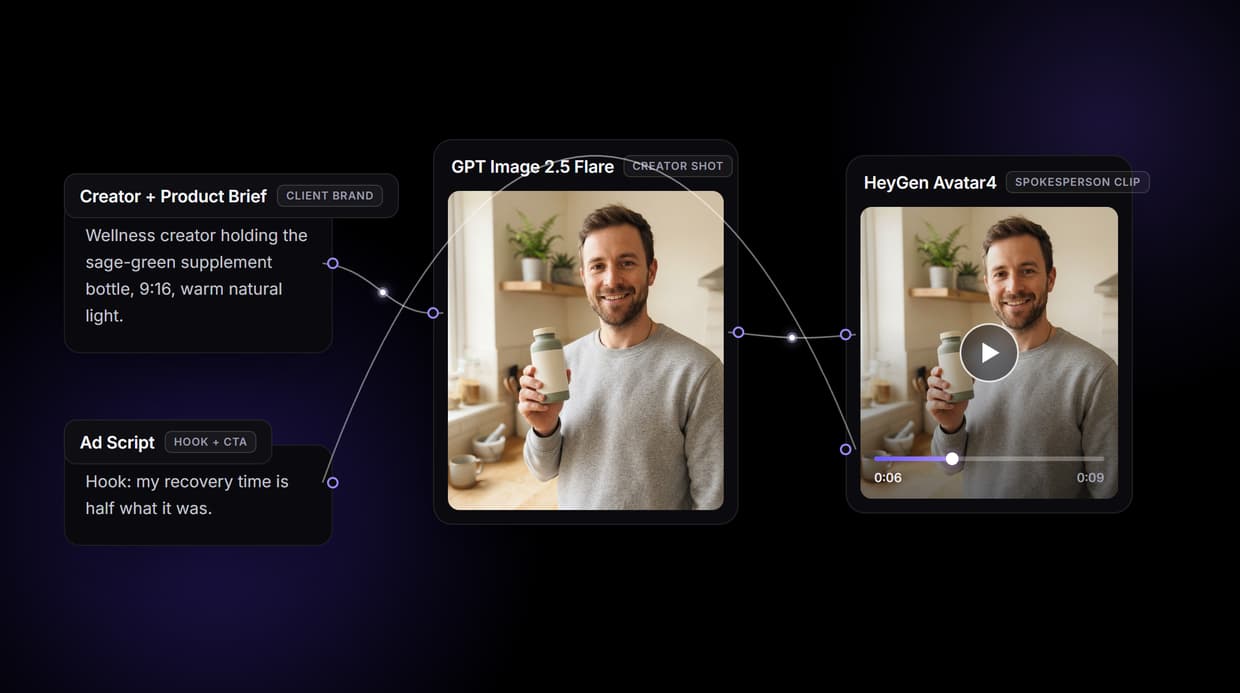
Wireflow turns that into one node graph you build once and rerun per client: a brief becomes a photoreal creator shot, then a talking spokesperson video. Pick the avatar model, trigger it from your own stack, and price it as credits times volume.
Free to build · no credit card · See how it works ↓
How to Use UGC Ads Agency
Steps to get you started in Wireflow.
Build the agency template once
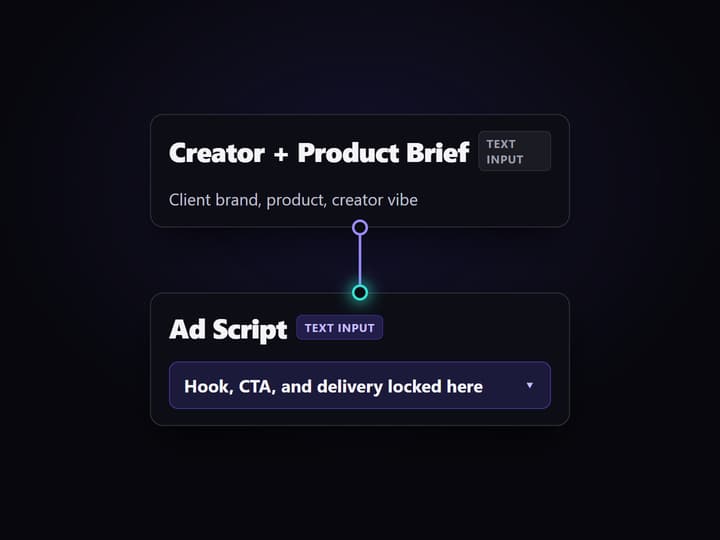
Open the four-node UGC ad graph on Wireflow. Set the Creator Still Prompt text input with the client product and creator vibe, and the Ad Hook & Script text input with the hook and CTA. GPT Image 2.5 Flare renders the creator shot and HeyGen Avatar4 animates the spokesperson clip. Save the flow link for your team.
Swap the brief and run per client
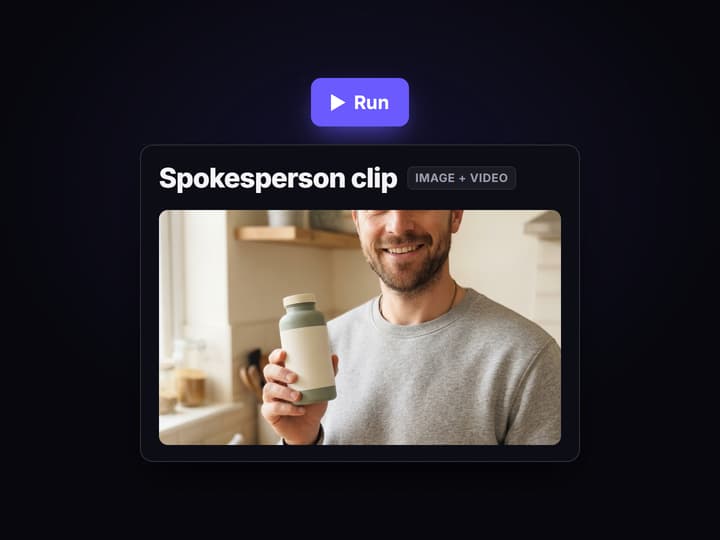
Change the Creator Still Prompt and Ad Hook & Script inputs for the next client account. Same four nodes, same wiring, new brand. GPT Image 2.5 Flare and HeyGen Avatar4 run fresh each time, and the versioned workflow logs every take for the audit trail.
Trigger from your own stack via API
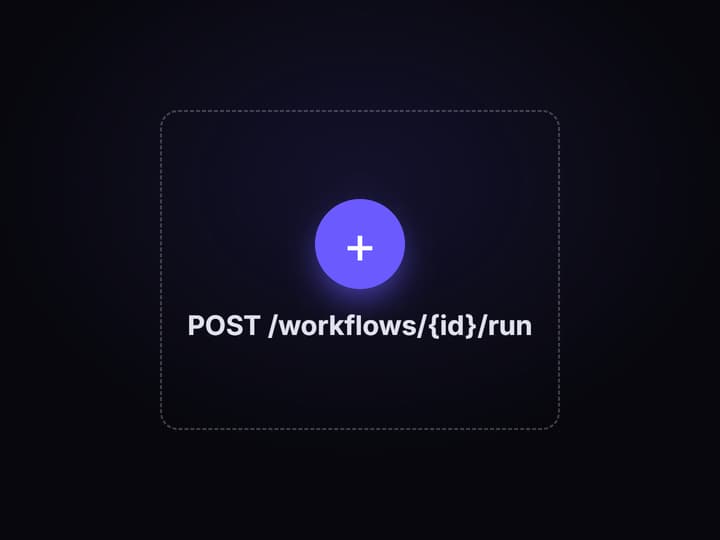
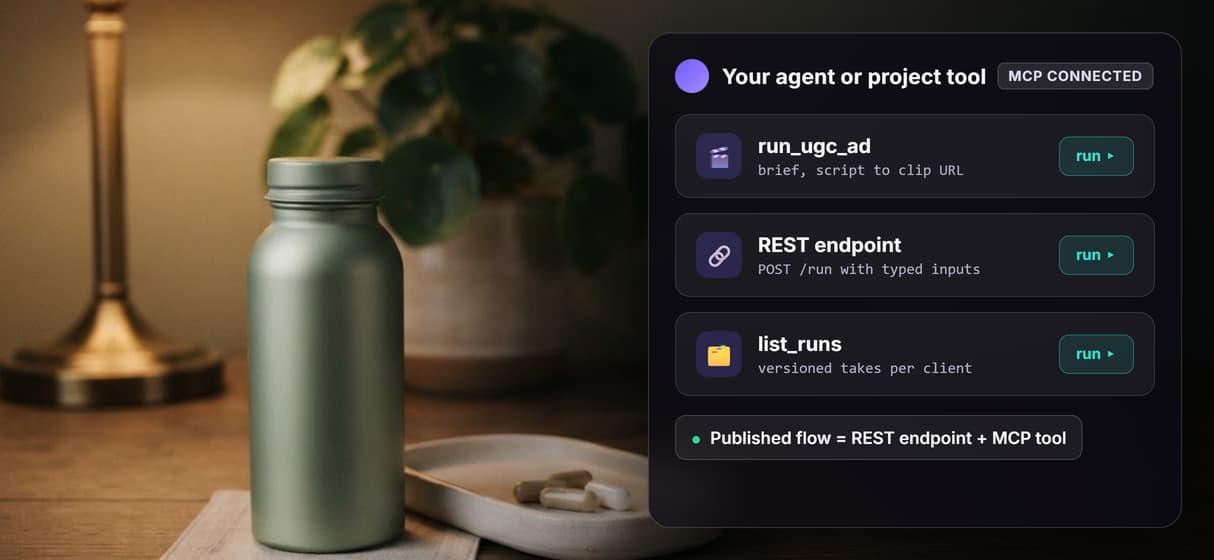
Publish the flow to get a REST endpoint and an MCP tool. Pass the brief and script as typed inputs and get the spokesperson clip URL back, so production runs from your project tooling or an agent without anyone opening the canvas.
What running a UGC ads agency actually requires
Most AI UGC tools hand you an avatar picker and a text box. That is enough for one brand making one ad. A UGC ads agency has a different problem: ten client accounts, each needing a steady stream of creator-style video in the same week, every one on-brand and traceable. A closed one-avatar app cannot do that, because every new client means a fresh manual setup and there is no system to rerun the same creative structure with a different product and hook.
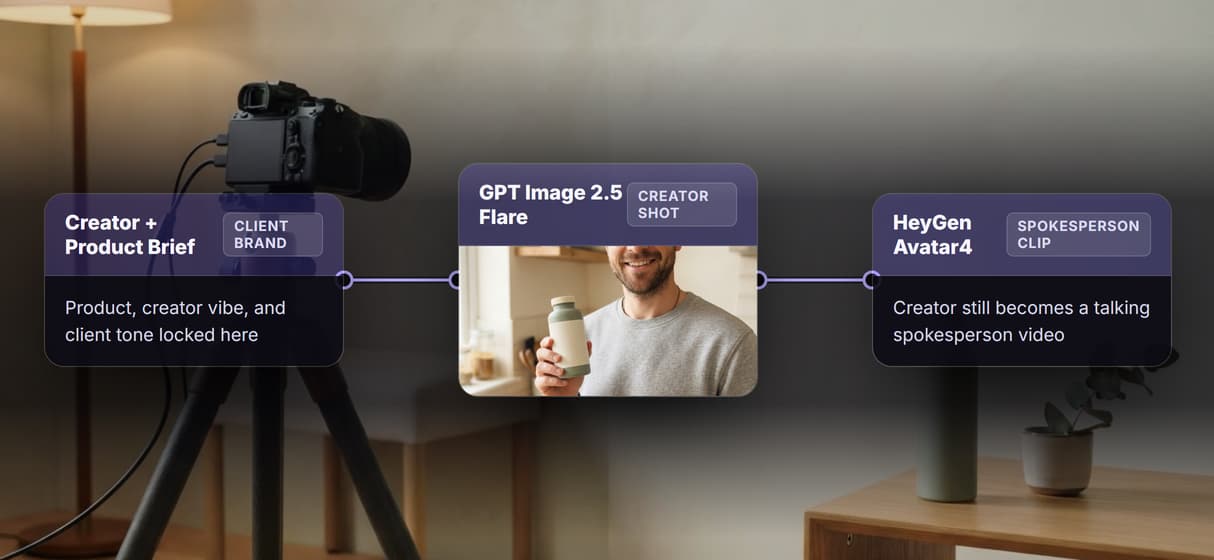
Wireflow treats the pipeline as the deliverable, not the ad. The AI UGC workflow is a four-node graph: a Creator Still Prompt text input feeds GPT Image 2.5 Flare, which renders the photorealistic creator shot, and then HeyGen Avatar4 animates that still into a talking spokesperson clip that speaks the Ad Hook & Script text input. Build the graph once, save the flow link, and every future run is the same nodes with different inputs. The agency owns the recipe.
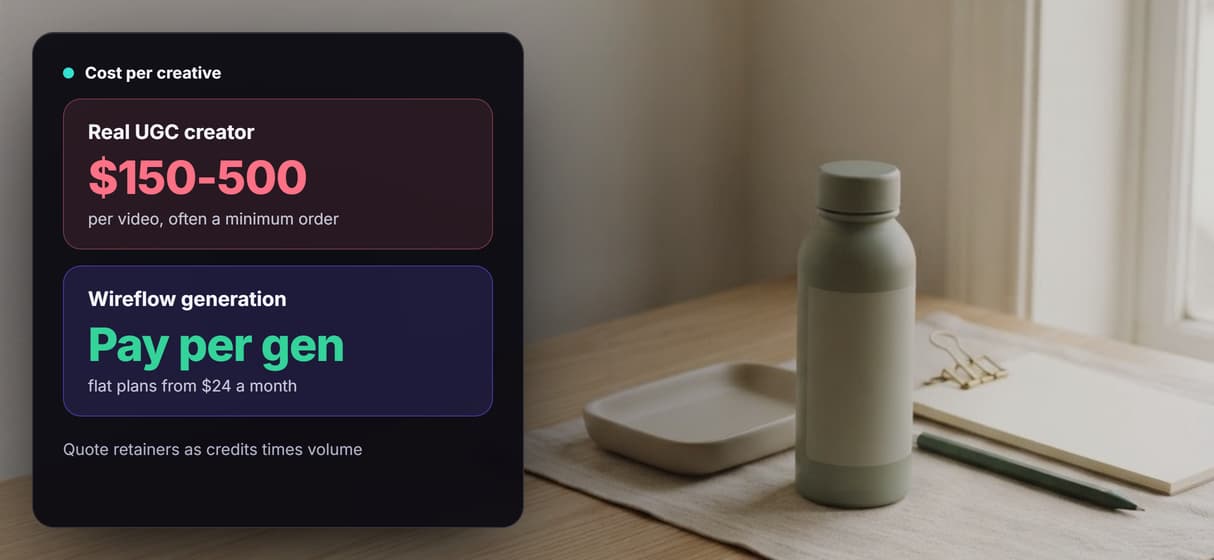
Three things separate this from the closed apps: you choose the avatar engine per client, you trigger production from your own stack through the API, and you pay per generation so the cost math behind a client retainer is credits times volume.
What the graph gives an agency across its client roster
Brief in plain words
The Creator Still Prompt text input describes the creator and the client product in the shot. Swap it per client; the graph stays identical.
Photoreal creator shot
GPT Image 2.5 Flare renders a 9:16 creator-holding-product still. The image node runs before any motion spend.
Talking spokesperson clip
HeyGen Avatar4 takes the creator still and the ad script and returns a talking-head video clip.
Swap the avatar model
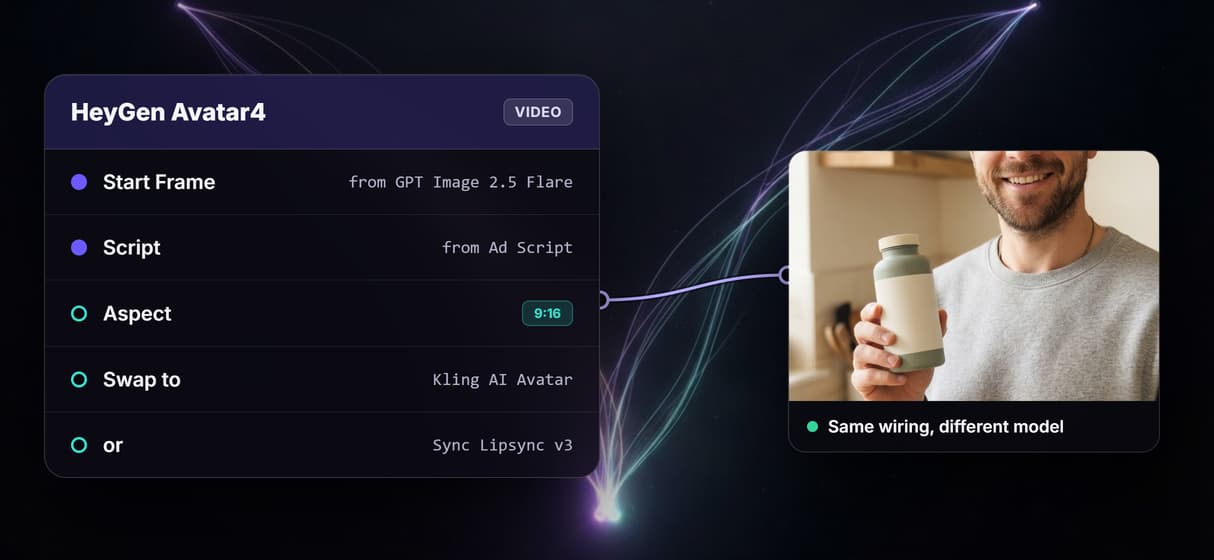
Change the video node from HeyGen Avatar4 to Kling AI Avatar, or route to a lipsynced own-footage take, without rewiring the graph.
Trigger via REST or MCP
Publish the flow and it becomes an endpoint. Pass brief and script as JSON; get the clip URL back. No UI loop between runs.
Versioned per client
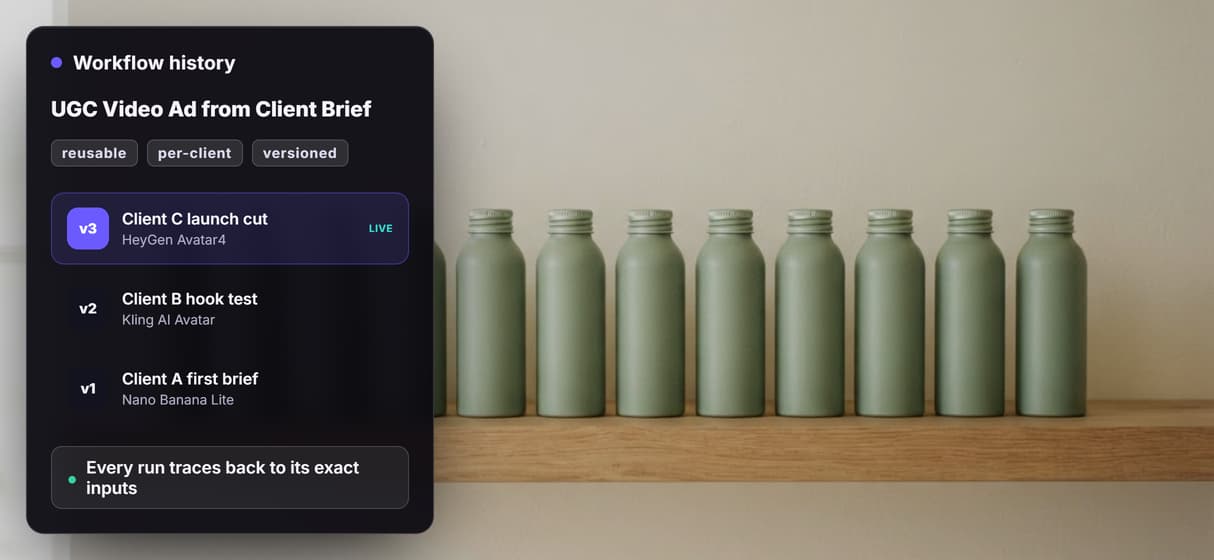
Every run is logged server-side, so the same call produces the same output and each client ad traces back to its exact inputs.
How the four-node graph runs
The workflow behind this page is deliberately transparent. Four nodes, two wiring paths, one reproducible output.
- Creator Still Prompt is a text input node describing the shot: who is on camera, the client product in their hand, the setting, and the light.
- Ad Hook & Script is a second text input node holding the hook and the CTA the creator delivers, so the message is explicit rather than model-guessed.
- GPT Image 2.5 Flare generates the photorealistic 9:16 creator-holding-product still on hosted compute.
- HeyGen Avatar4 receives the creator still as its start frame and the Ad Hook & Script as its text input, and animates a talking spokesperson clip.
The double-wire is the detail that matters: the Ad Hook & Script input connects independently to HeyGen Avatar4, parallel to the image path from GPT Image 2.5 Flare. The hook text directs the speech while the creator still sets the visual frame, so the two stay coherent across takes. Because HeyGen Avatar4 sits in a node with a model port, an agency can swap it for Kling AI Avatar or route to a lipsync take when a client wants a different look, without touching the rest of the graph. Every run is versioned server-side, so that is what makes this a pipeline your AI UGC agent can call reliably rather than a one-off you hope to replicate.
When Wireflow is not the right tool for an agency
Wireflow is the generation layer, not the creative strategy or the media buyer. The graph renders creator shots and spokesperson clips; it does not decide which hook converts, write the client brief, pick the winning variant, or place the ad spend. The output is AI-generated media, not a managed roster of licensed human creators or real customer testimonials, and agencies must disclose AI-generated content per Meta and TikTok policy and applicable local law. An unattended agent loop over a large client feed also needs a deliberate spend cap, because every generation costs credits.
If a client specifically needs a roster of real, licensed human UGC creators with genuine testimonials, a UGC talent platform is the right tool. If the deliverable is a long compliance training video assembled from slide decks, a dedicated avatar-presenter product fits better. Wireflow wins when the agency wants to own the pipeline, rerun it per client, choose or swap the avatar model as better ones ship, and hand the flow to an AI UGC ads for agencies loop without rebuilding from scratch each time.
More Than Just UGC Ads Agency
One graph, every client on your roster
Build the brief to talking-video graph once, then run it per client by swapping the product brief and ad script. No rebuild when you add an account.
Choose the avatar engine per client
HeyGen Avatar4 animates the creator still by default, and you can swap in Kling AI Avatar or a lipsynced own-footage take inside the same graph.
Call the ad factory from your own stack
Publish the flow and it becomes a REST endpoint and an MCP tool, so an agent or your project tooling triggers the same ad recipe without a canvas.
Every client take versioned and reproducible
Each run is versioned server-side, so the fiftieth client ad traces back to the exact nodes and inputs that made it, and reruns identically.
Per-generation cost you can mark up
Building the graph is free and generations cost credits on flat plans, so a client retainer becomes credits times volume with a margin you control.
Ugc ads agency Workflows
No Code Required
API & Batch Processing
FAQs
Build one four-node graph and run it per client. The Creator Still Prompt and Ad Hook & Script text inputs are the only things that change; GPT Image 2.5 Flare renders the creator shot and HeyGen Avatar4 animates the spokesperson clip. Publish the flow to trigger it via REST or MCP. Plans start at $24 a month with per-generation credit pricing.
Discover related AI tools
More From Wireflow
Written by
Andrew Adams · Co-Founder & Operations at Wireflow
Runs client operations and content strategy at Wireflow. Works directly with creative teams and agencies to build production AI workflows.
Build your agency UGC ad factory
One reusable graph. Every client. Model choice, triggered via API.