Features
MakeUGC Alternative
MakeUGC is a template studio for AI UGC ads.
Wireflow hands you the pipeline instead: a node canvas where your ad hook becomes a 9:16 creator still with GPT Image 2.5 Flare, HeyGen Avatar4 turns it into a talking testimonial, and Compose Video assembles the final ad. Free to build, pay per generation.
Free to build · no credit card · Read the agent docs · See how it works ↓
 Andrew Adams · Co-Founder & Operations at Wireflow ·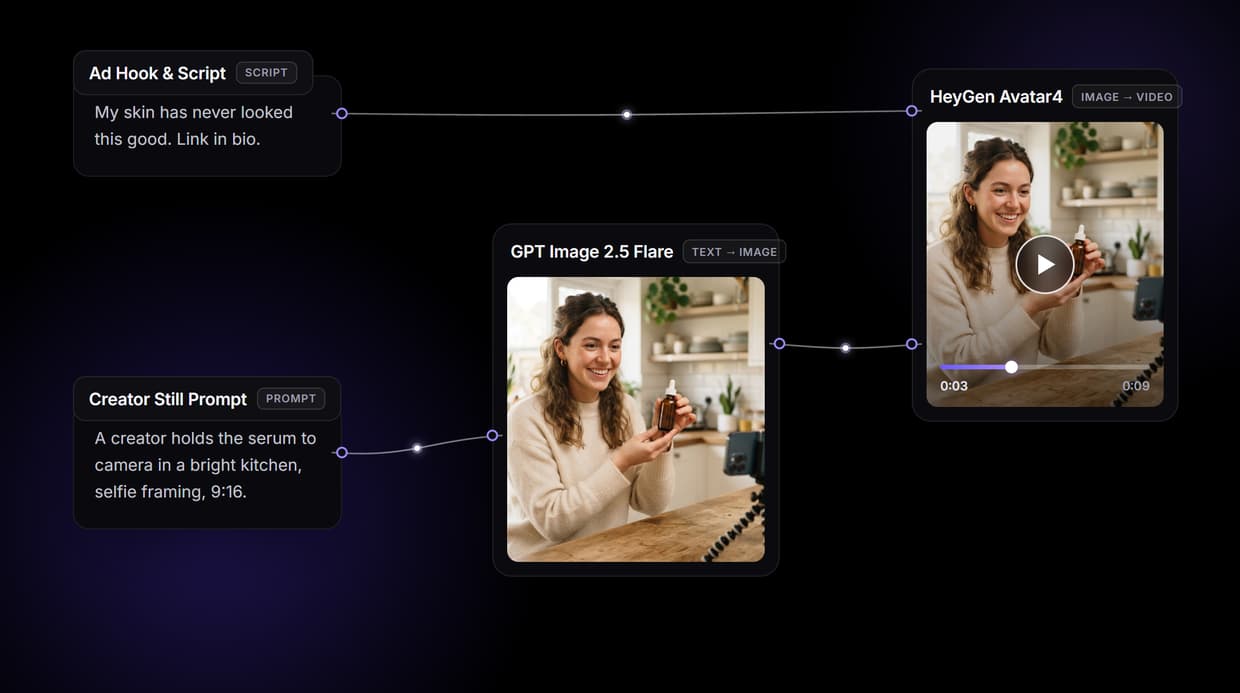
How to Use MakeUGC Alternative
Steps to get you started in Wireflow.
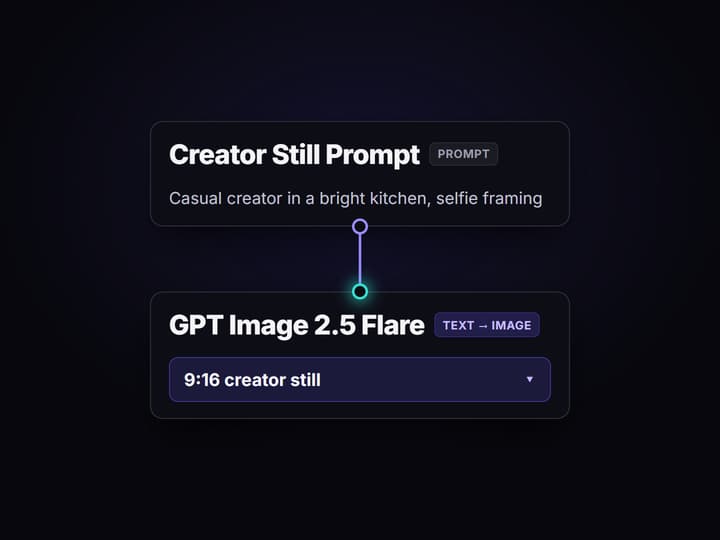
Type the ad hook and script
Open the flow and click the Ad Hook and Script node. Write the hook and the lines your creator should say, for example a skincare testimonial that ends on a link in bio call to action.
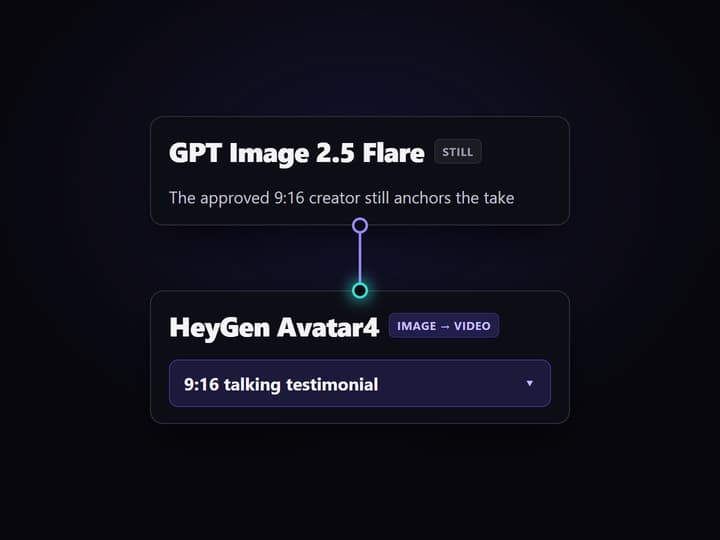
Run the graph once
GPT Image 2.5 Flare renders the 9:16 creator still, HeyGen Avatar4 turns that still into a talking testimonial clip, and Compose Video assembles the finished vertical ad.
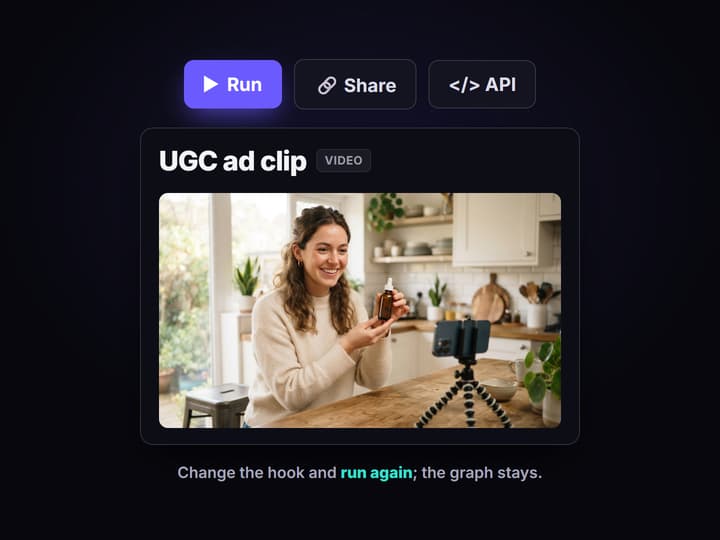
Change the hook, keep the pipeline
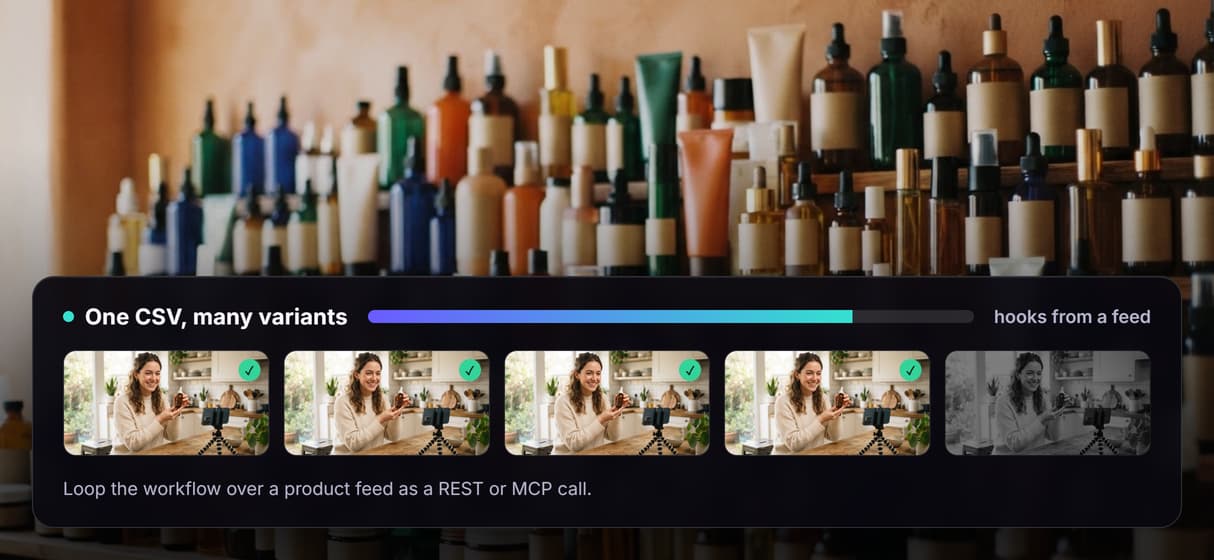
Edit the script and run again for a new variant, or loop the workflow over a CSV of hooks and products to batch a whole test set. Swap any model node without rebuilding the graph.
Why teams look for a MakeUGC alternative
Template UGC tools earned their place: pick an avatar, paste a hook, get an ad-shaped clip in a couple of minutes. The friction shows up later. The avatar library is the same one every other advertiser pulls from, the clip lands as a raw talking head that still needs captions, hooks, and b-roll bolted on in a separate editor, and fixing one word usually means a full re-render. Teams rarely leave because the output is bad; they leave because the ceiling arrives early.
Wireflow answers with a different shape. Instead of a closed studio, a UGC ad is a small workflow you own on a node canvas: an Ad Hook and Script node holds the copy, Nano Banana Lite renders the 9:16 creator still, HeyGen Avatar4 turns it into a talking testimonial, and Compose Video assembles the vertical ad. It runs on hosted compute in the browser, nothing to install, and the same canvas drives every other AI ad generator job your team has, from product clips to social cutdowns.
What replaces the UGC template studio
Hook intake
An Ad Hook and Script node holds the copy. Change the words and rerun; the graph never moves.
Creator stills
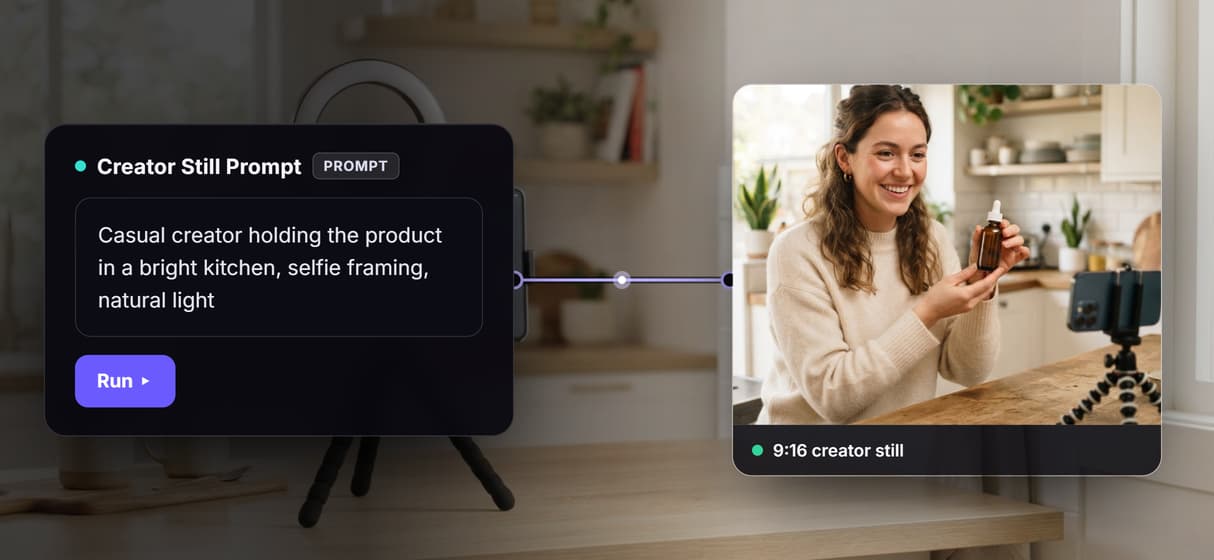
GPT Image 2.5 Flare renders the 9:16 still that sets the creator, the product, and the framing.
Talking testimonial
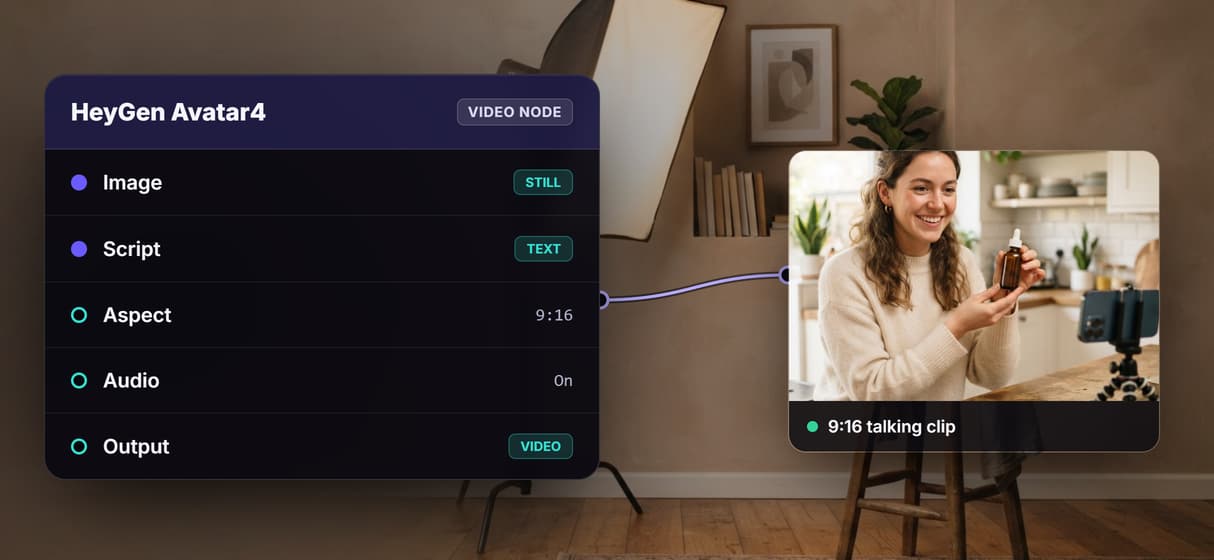
HeyGen Avatar4 turns the still into a vertical talking clip with audio from the script.
Voice and lipsync nodes
Add ElevenLabs TTS for word-for-word narration and Sync Lipsync v3 to match the lips.
Compose the final ad
Compose Video assembles the vertical cut, ready to drop into a longer edit or an ad set.
Rerun and swap
Workflows are versioned and shareable by link; swap Kling AI Avatar or Veo 3.1 in as needed.
How the UGC pipeline actually runs
The workflow behind this page's button is deliberately small: a hook, a still, a talking clip, and a final assemble.
- Ad Hook and Script holds the copy. The hook plus the lines your creator delivers; a sticky note in the flow walks a first run through it.
- GPT Image 2.5 Flare renders the still. The script becomes a 9:16 creator-and-product frame, so you approve the casting before paying for motion.
- HeyGen Avatar4 speaks it. The node animates the still into a talking testimonial with audio, the raw UGC take.
- Compose Video assembles the ad. The clip lands in a vertical cut you can extend or version.
The detail worth copying is that each hop is a swappable node, not a locked step: drop in Kling AI Avatar for a different delivery, or add an ElevenLabs voice track when the script has to be exact. And because the graph lives among 100+ hosted model nodes, the clip can roll straight into a longer AI video pipeline, Topaz upscaling included, without leaving the browser.
When a template UGC tool is still the right call
If you want to open one tab, pick a stock creator, paste a script, and download a finished captioned ad with zero wiring, a dedicated template studio like MakeUGC is built around exactly that job, and this page will not pretend otherwise. Wireflow is not affiliated with MakeUGC and does not resell its avatars; it hands you a canvas you assemble yourself, which is a few more clicks the first time.
Wireflow is the generation layer, not a done-for-you ad service: it will not write your hook, pick the winning angle, or manage your ad account. What it offers instead is ownership of the pipeline, 100+ hosted models to swap between, batch runs over a CSV, and per generation pricing. If UGC clips are an ingredient in a bigger creative machine, build here, and pair the flow with an AI UGC workflow when you want the whole test set from one brief.
More Than Just MakeUGC Alternative
A UGC pipeline you own, not a template you rent
The whole pipeline sits open on a canvas: hook in, creator still, talking clip out. Rewire any hop like any AI video workflow, no vendor template to wait on.
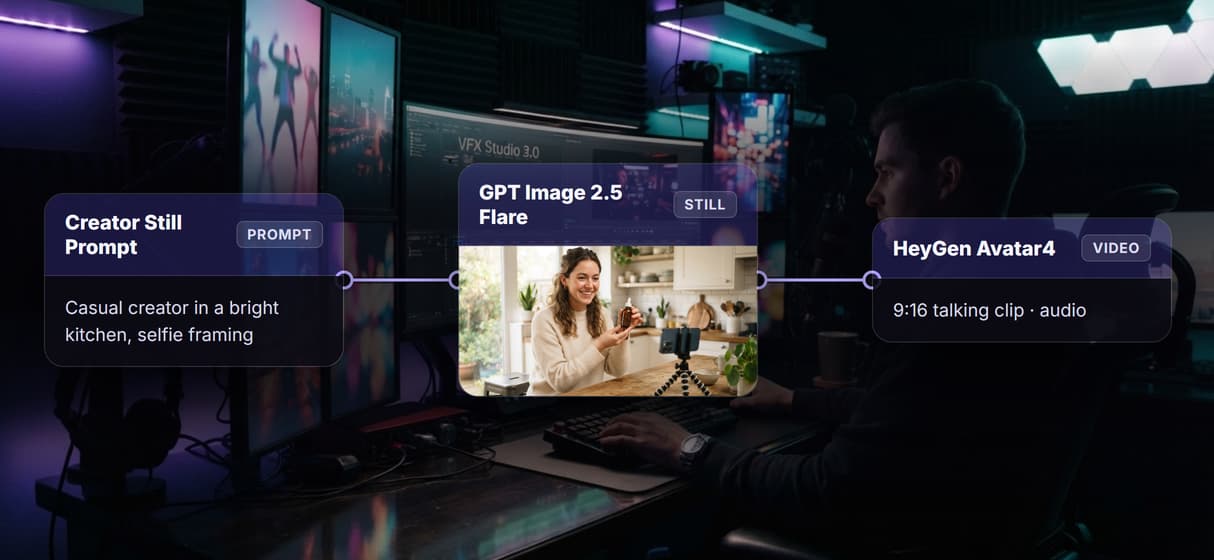
Cast the creator still with GPT Image 2.5 Flare
GPT Image 2.5 Flare renders the 9:16 creator-and-product still first, so you approve the face and framing before paying for motion, the same start as an AI talking photo.
HeyGen Avatar4 speaks the testimonial
HeyGen Avatar4 animates the still into a talking testimonial with audio. Need an exact script? Add an ElevenLabs voice and lipsync node, the AI voiceover generator path.
Batch dozens of variants from one CSV
Every workflow is also a REST endpoint and an MCP tool. Loop one call over a CSV of hooks and products to fan out a whole test batch, the same engine as an AI video ad creator.
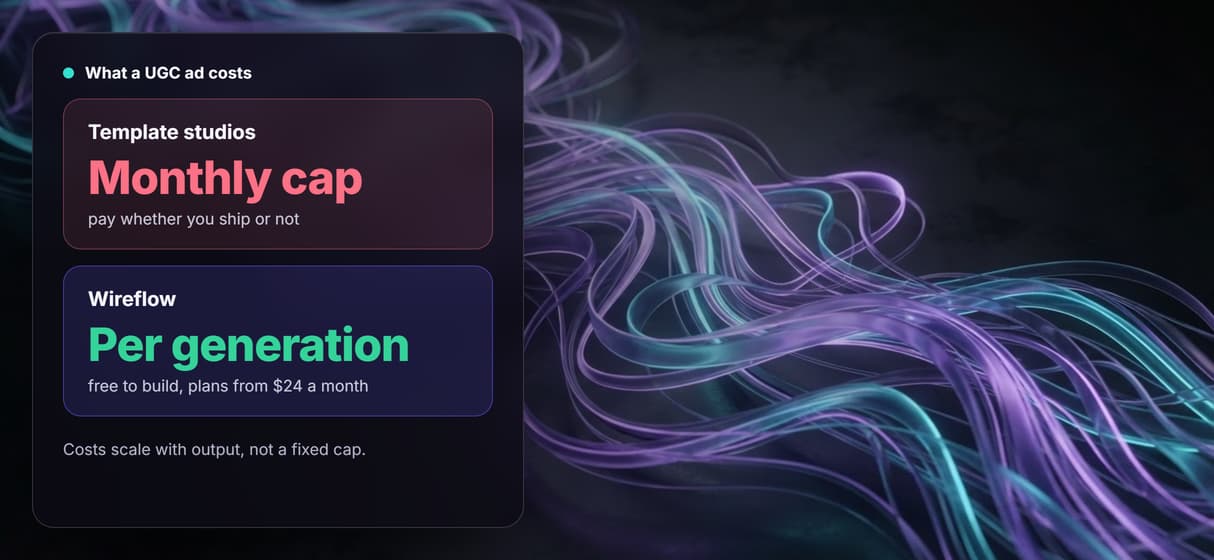
Per generation pricing, not a monthly cap
Building on the canvas is free; you pay per generation, not per video cap. Workflows are versioned and shareable, so take fifty of an AI video generator run matches take one.
Makeugc alternative Workflows
No Code Required
API & Batch Processing
FAQs
It depends on what you want to keep. If you want a closed template studio that hands you a finished clip, other UGC ad tools are the closest match. If you want to own the pipeline, Wireflow replaces the studio with a canvas workflow: hook in, creator still, talking testimonial, final vertical ad out, priced per generation.
Discover related AI tools
More From Wireflow
Written by
Andrew Adams · Co-Founder & Operations at Wireflow
Runs client operations and content strategy at Wireflow. Works directly with creative teams and agencies to build production AI workflows.
Own the UGC pipeline, not a video cap
Open the flow, type your hook, and run it: creator still, talking clip, and a finished vertical ad from one graph. Building is free; you pay per generation, not per cap.