Guide
Freepik Spaces for Developers
Describe an image and this workflow generates it, then call the same flow from your code over a REST API to automate it.
You can open and change it for free, and a new account gets starter credits plus a free video.
Free to build · no credit card · Read the agent docs · See how it works ↓
 Andrew Adams · Co-Founder & Operations at Wireflow ·
How to Use Freepik Spaces for Developers
Steps to get you started in Wireflow.

Design Your Workflow on the Canvas
Open the visual editor and connect AI nodes for your pipeline. Choose from text-to-image, image-to-video, upscaling, and background removal nodes. Test each step directly on the canvas.

Publish and Get Your API Endpoint
Click publish to make your workflow available via REST API. Copy the workflow ID and use it to trigger runs programmatically from any language or framework.

Integrate into Your Application
Call the workflow endpoint from your backend with input parameters. Receive generated assets as URLs in the response. Set up webhooks for async delivery on longer pipelines.
More Than Just Freepik Spaces for Developers
Full API Access from Day One
Every workflow you build is immediately callable via REST API. No waiting for beta access or enterprise plans. Compare with Freepik Spaces API alternatives to see the difference.
Transparent Developer Pricing
Pay per execution with clear per-model costs. No opaque credit systems or hidden overages. Check current rates on the pricing page for exact costs per node type.
Run Batch Jobs at Scale
Submit hundreds of prompts in a single API call and track each result individually. Learn how teams handle volume in this batch image generation via API guide.
Multiple AI Models, One Interface
Switch between Flux, Recraft, Kling, and more without changing your integration. See how model options compare across Freepik Spaces API tools on the market.

Cloud-Hosted, No GPU Setup
All generation runs on managed infrastructure. No CUDA drivers, no Docker images, no GPU provisioning. Explore how this compares to cloud ComfyUI API tools that require self-hosting.

Build Any AI Workflow
AI Models Integrated
Full Commercial License
What Developers Need from Freepik Spaces
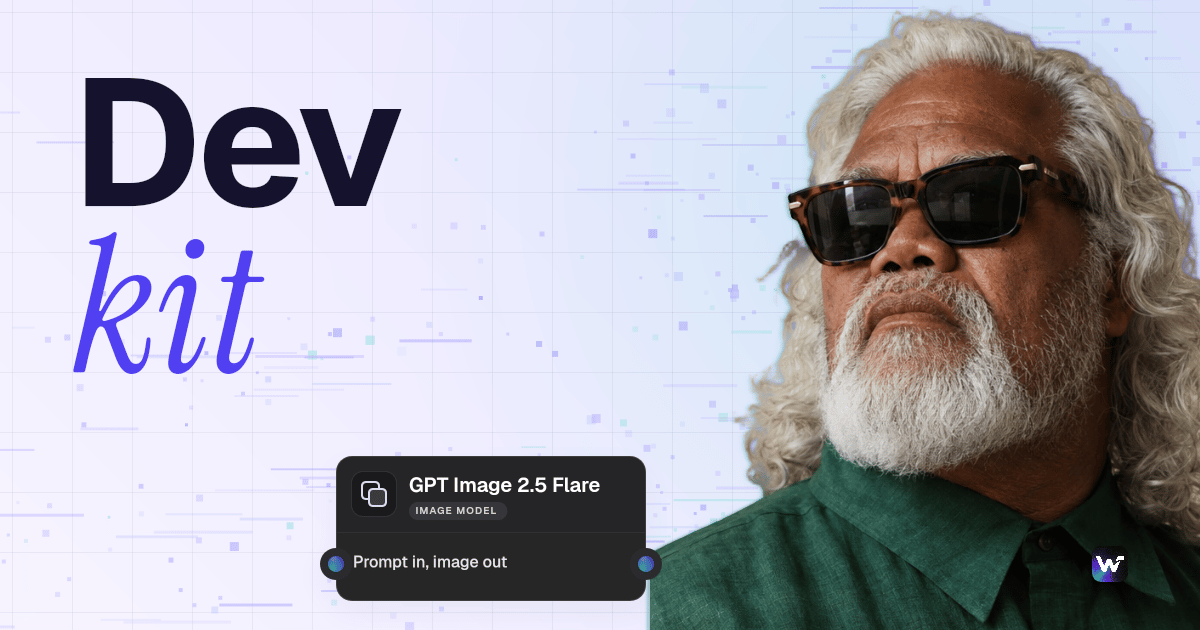
You give this workflow a text prompt and it generates an image with the model set on the canvas. That image comes back as a URL your backend can pull straight into your app, so the result never stays locked inside an editor tab. Developers can change the prompt, swap the model, or resize the output, then run the same flow again from the canvas or over the API.
Developer Capabilities
REST API for Every Workflow
Trigger any published workflow via a single POST endpoint. Pass parameters, receive outputs, and integrate directly into your backend.
Multi-Model Image Generation
Access Flux 2 Pro, Recraft V4, and Nano Banana 2 through the same canvas or API. Switch models without rewriting integration code.
Video Pipeline Support
Chain image generation into Kling 3 Pro or Veo 3.1 video nodes. Create image-to-video pipelines that run end to end automatically.
Webhook and Cron Triggers
Set workflows to fire on incoming webhooks or recurring schedules. No polling required; results push to your callback URL.
Batch Processing via API
Send arrays of prompts or images in a single request. The API queues, processes, and returns all results with status tracking.
Visual Prototyping to Code
Build and test workflows on the canvas, then export the workflow ID and call it programmatically. No context switching needed.
FAQs
Freepik Spaces centres on its visual canvas. This Wireflow workflow gives developers the same node canvas and adds a REST API, so you can build a flow by hand and then call it from any language you already use.
Discover related AI tools
- Weavy AI Alternative (Weavy.ai Is Now Figma Weave)
- Flora AI Alternative
- Freepik Spaces Alternative
- RoboNeo AI Alternative: 79 Models in Your Browser
- Sotatech AI Alternative
- Pletor AI Alternative: 79 Models, No Black Box
- Fuser Studio AI Alternative
- AI Creative Workflows
- Visual Node Editor
- No Code AI Canvas
- Reusable AI Templates
- AI Pipeline API
More From Wireflow
Written by
Andrew Adams · Co-Founder & Operations at Wireflow
Runs client operations and content strategy at Wireflow. Works directly with creative teams and agencies to build production AI workflows.
Build AI Pipelines with Full API Access
Design your creative workflow on a visual canvas, then call it from code. Every node, every model, every output available through a simple REST API.