Freepik Spaces API Tools: What Connects and What Replaces It

In this article▾
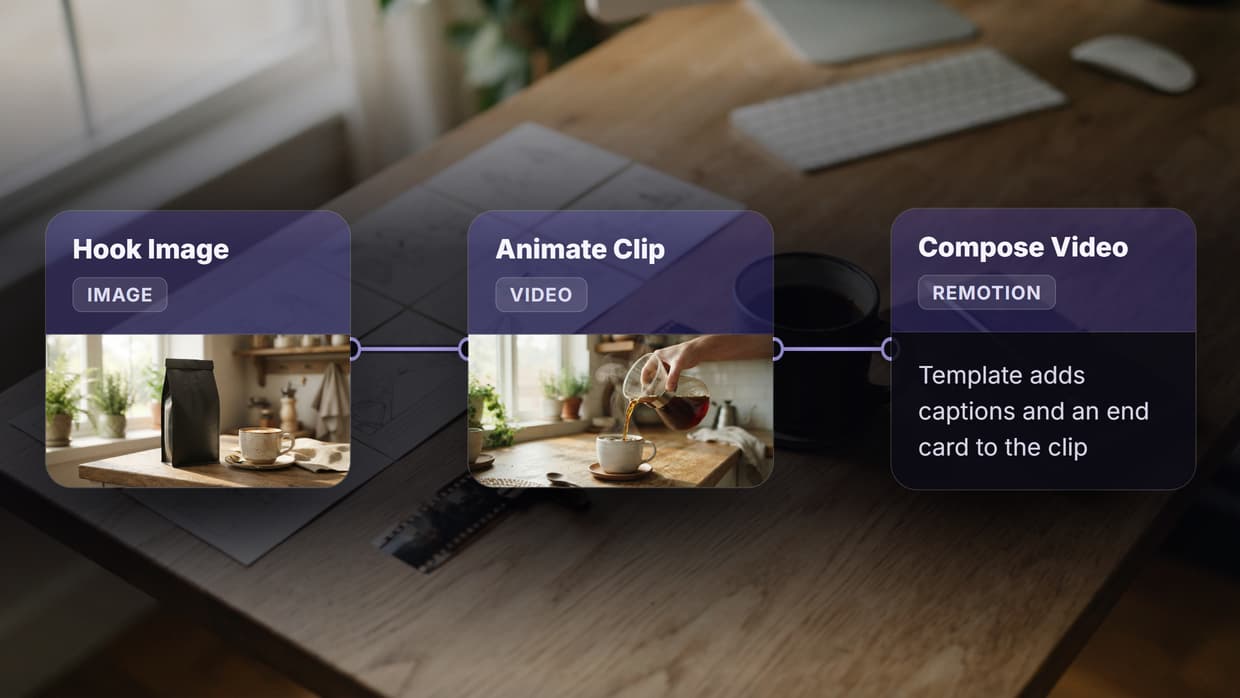
Freepik Spaces gave creative teams an infinite canvas with models built in. What it did not give developers is a full set of endpoints, webhook triggers, and batch control. This page covers the tools that work alongside the Freepik Spaces API and the ones worth moving to if you need programmatic control. Wireflow pairs a visual node editor with a REST API, so the same pipeline you build by hand can be triggered from code.
Quick Summary
- Wireflow (Best Overall): Visual canvas plus full REST API with webhook triggers.
- Freepik Spaces (Best for Creative Teams): Infinite canvas with generous credit bundles.
- ComfyUI (Best Open Source): Node-based image generation with community API wrappers.
- Runway (Best for Video): Professional video generation with a well-documented API.
- n8n (Best for Automation): General-purpose workflow automation with AI integrations.
- Buildship (Best for Backend): Visual backend builder with AI node support.
- Flowise (Best for AI Agents): Drag-and-drop LLM agent builder with API deployment.
1. Wireflow

Wireflow is a headless AI workflow platform that gives you both a visual node editor and a production-grade API. You build workflows by connecting nodes on a canvas, then deploy them as REST endpoints that accept inputs and return outputs. The API supports Bearer token authentication, idempotent execution, and webhook-based triggers that require no API key at all.
For a hands-on look at this in action, check out the Freepik Spaces API tools feature page.
The platform includes 15+ AI models out of the box, from Flux 2 Pro for image generation to Kling 2.5 for video. Every workflow you publish becomes a callable app, which means you can chain multiple AI models into a single API call. Rate limits scale by plan, starting at 10 requests per minute on Free and reaching 200 on Enterprise, with execution polling via exponential backoff.
Pricing: Free tier with 50 daily executions. Starter at $9/month, Pro at $29/month, Enterprise custom.
Best for: Developers who want a visual builder that deploys directly to a REST API without managing infrastructure.
Build this in Wireflow
Make the same kind of asset on a canvas you control, with a free account and no credit card.
2. Freepik Spaces
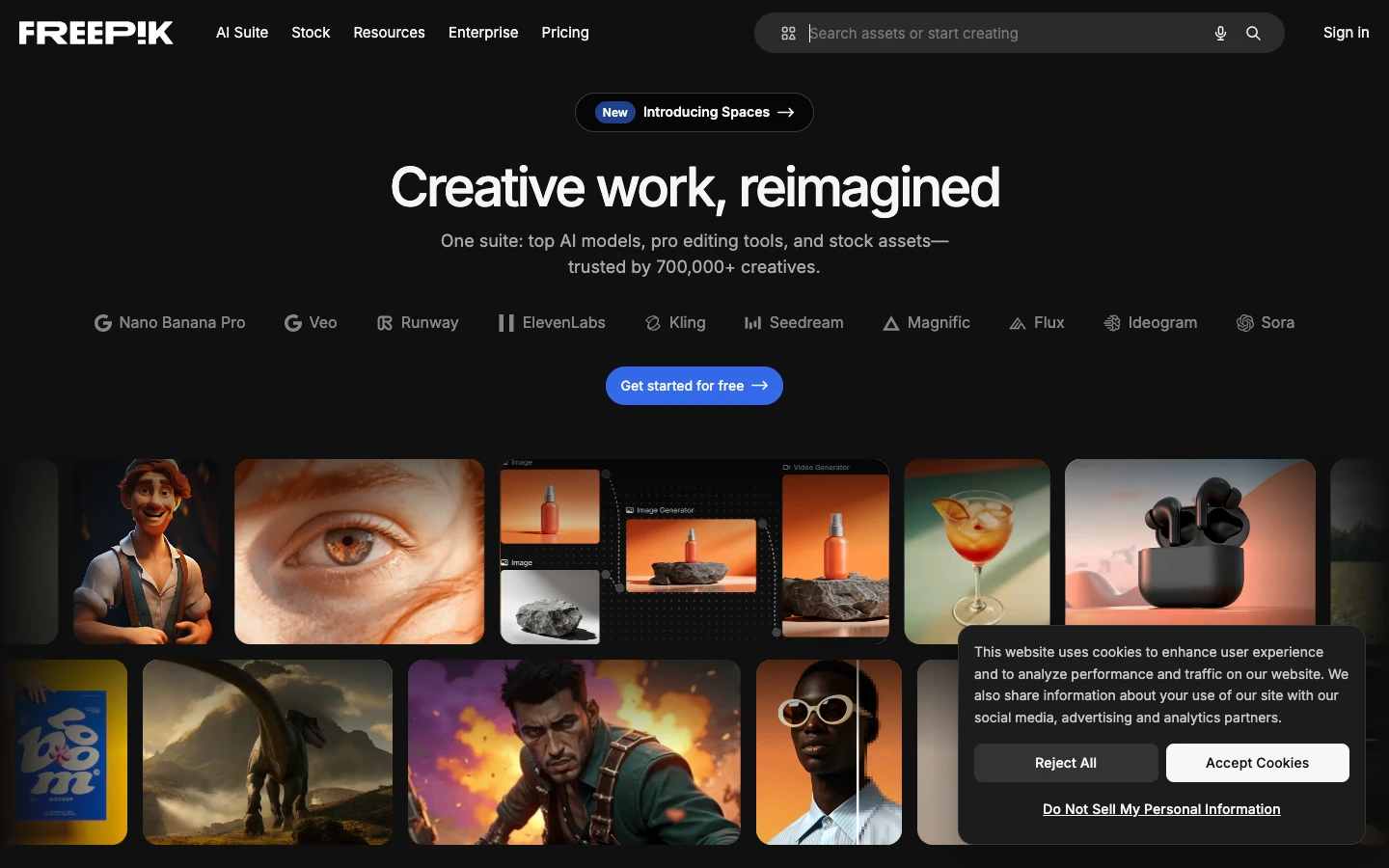
Freepik Spaces offers an infinite canvas workspace where teams collaborate on AI-generated content in real time. The platform bundles image, video, and audio generation models behind a credit system, with plans ranging from 84,000 to 3.6 million annual credits. The newer List node enables batch processing inside node-based workflows, making it easier to run repetitive tasks without manual repetition.
The Freepik API is a separate product that provides access to their stock library of vectors, photos, and icons. It does not currently expose the Spaces canvas or workflow features via API, which limits its usefulness for developers who need programmatic pipeline control. The MCP integration on GitHub shows Freepik is moving toward agent-compatible tooling, but the workflow API gap remains.
Pricing: Free with 3 Spaces. Essential at €5/month, Premium at €12/month.
Best for: Creative teams who prioritize real-time collaboration and built-in stock assets over API-first development.
3. ComfyUI
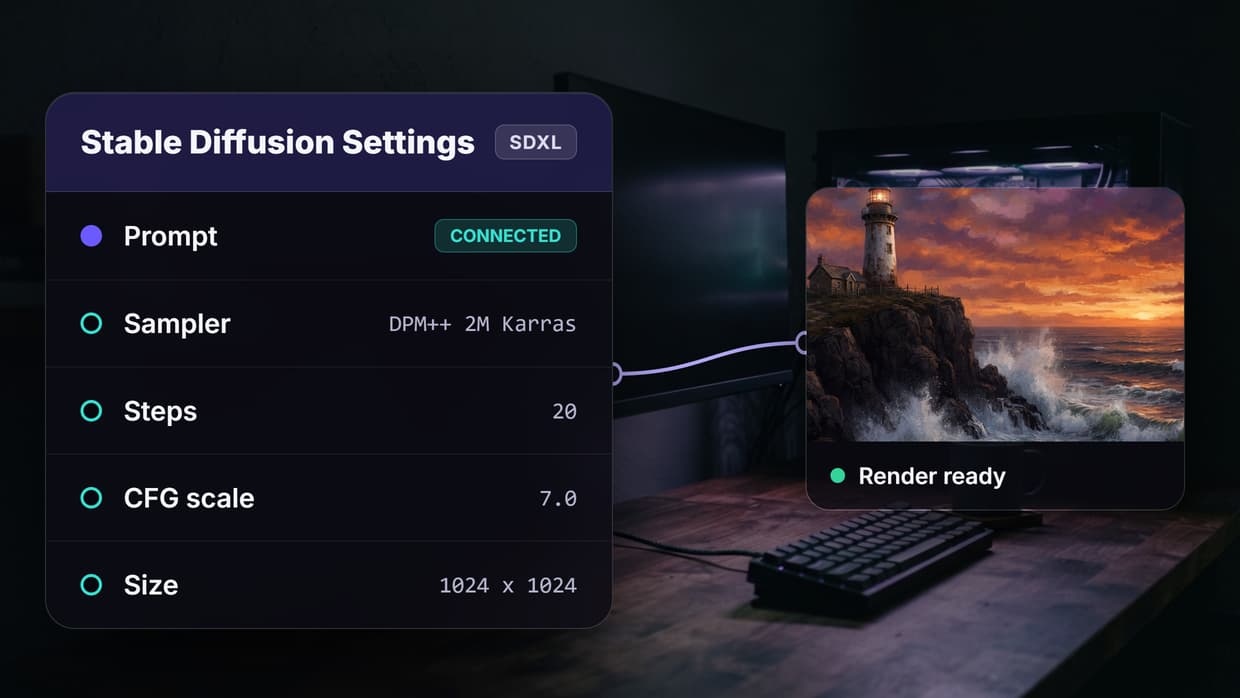
ComfyUI is an open-source node-based interface for Stable Diffusion and related models. Its graph-based workflow system lets you build complex image generation pipelines with fine-grained control over every step. The community has built several API wrappers, including ComfyUI-to-API and the ComfyUI Manager, that expose workflows as HTTP endpoints. If you are comparing canvas tools, the ComfyUI alternative page breaks down how hosted platforms differ from self-managed setups.
The main trade-off is infrastructure. You need a GPU server, dependency management, and custom deployment scripts to run ComfyUI in production. There is no managed hosting or built-in authentication, so teams building content generation APIs typically wrap ComfyUI behind their own gateway.
Pricing: Free and open source. GPU hosting costs vary ($0.50-2/hour on cloud providers).
Best for: Engineers who want maximum control over model weights, sampling parameters, and pipeline architecture.
4. Runway
Runway is primarily known for Gen-3 Alpha video generation, but it also offers image editing, background removal, and motion tracking via a well-documented API. The REST endpoints follow standard patterns with API key authentication, JSON payloads, and async task polling. You can explore alternatives to Runway if video is only one piece of your creative pipeline.
Runway's strength is video quality; its limitation is scope. The API covers Runway's own models exclusively, so there is no way to chain third-party models or build multi-step workflows within the platform. Improving your domain authority as an AI startup often means publishing technical content around tools like these, and Runway's API documentation serves as a good reference for how to structure developer-facing docs.
Pricing: Free tier with limited credits. Standard at $12/month, Pro at $28/month, Enterprise custom.
Best for: Teams that need best-in-class AI video generation with clean API access.
5. n8n
n8n is a general-purpose workflow automation platform with a visual editor and a growing set of AI nodes. It connects to hundreds of services via pre-built integrations, and its AI nodes support OpenAI, Anthropic, and local models through LangChain. If you are evaluating n8n against creative-first platforms, the key difference is that n8n treats AI as one node type among many rather than building the entire experience around generative models.
Self-hosted n8n is free and gives you full API access via its REST endpoints. The cloud version adds managed hosting, team collaboration, and execution history. For teams building AI pipelines with REST APIs, n8n works well as an orchestration layer that connects AI generation to downstream systems like CRMs, databases, and notification services.
Pricing: Free (self-hosted). Cloud starts at $24/month for 2,500 executions.
Best for: Teams that need AI generation as part of a larger automation workflow spanning multiple SaaS tools.
6. Buildship
Buildship is a visual backend builder designed for creating API endpoints without traditional server code. You drag and drop nodes representing AI models, database queries, and API calls, then deploy them as serverless functions. The platform integrates with OpenAI, Stability AI, and other providers through pre-built nodes, making it straightforward to build AI orchestration APIs that combine multiple services.
The visual approach works well for backend logic, though Buildship is not specifically optimized for creative workflows. You will not find specialized nodes for image editing chains or video generation pipelines, which means more manual configuration when building media-heavy workflows compared to dedicated AI workflow platforms.
Pricing: Free tier with 100 daily executions. Pro at $25/month.
Best for: Backend developers who want to build AI-powered API endpoints visually without managing infrastructure.
7. Flowise
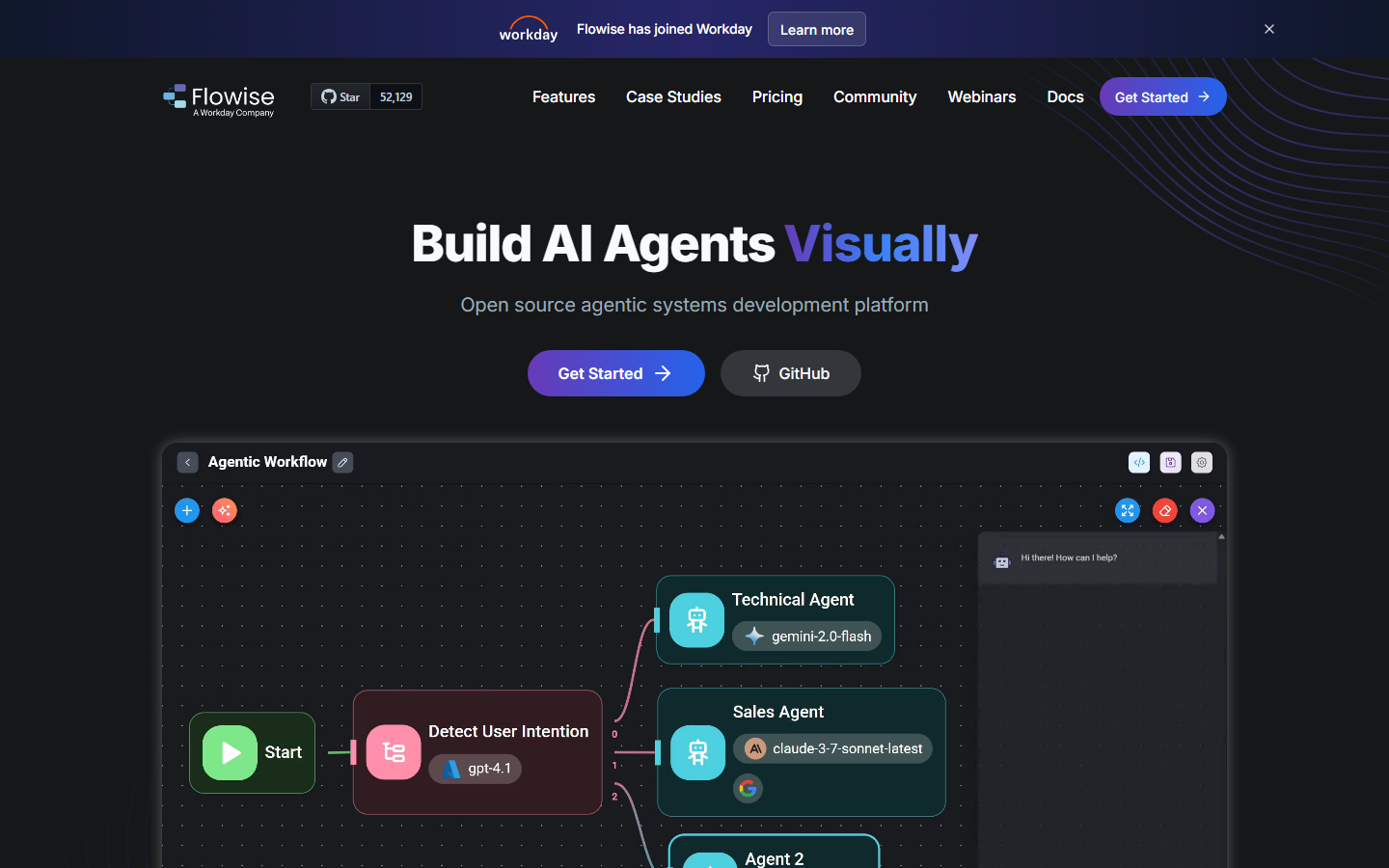
Flowise is an open-source drag-and-drop tool for building LLM applications and AI agents. It focuses on conversational AI, RAG pipelines, and multi-agent systems rather than creative media generation. Every chatflow or agentflow you build in Flowise gets an auto-generated API endpoint, so you can integrate AI agents into your applications via standard HTTP calls. Teams evaluating workflow builder tools will find that Flowise excels at text-based AI tasks but lacks native support for image or video generation nodes.
Self-hosting is free, and the community maintains integrations with most major LLM providers. The trade-off is similar to ComfyUI: you manage your own deployment, scaling, and authentication. For production use, you need to add an API gateway and monitoring layer on top of the base platform.
Pricing: Free and open source. Cloud hosting varies by provider.
Best for: Developers building conversational AI agents and RAG systems who need quick API deployment.
Comparison Table
| Platform | API Access | Visual Editor | AI Models | Self-Hosted | Webhook Triggers | Starting Price |
|---|---|---|---|---|---|---|
| Wireflow | Full REST API | Yes (canvas) | 15+ built-in | No | Yes (no auth needed) | Free |
| Freepik Spaces | Stock API only | Yes (canvas) | Bundled | No | No | Free |
| ComfyUI | Community wrappers | Yes (nodes) | Stable Diffusion ecosystem | Yes | Via extensions | Free |
| Runway | Official REST API | Yes (web) | Runway models only | No | No | Free |
| n8n | Full REST API | Yes (nodes) | Via integrations | Yes | Yes | Free |
| Buildship | Auto-generated | Yes (nodes) | Via integrations | No | Yes | Free |
| Flowise | Auto-generated | Yes (drag-drop) | LLM providers | Yes | Via API | Free |
Try it yourself: Open this workflow in Wireflow and deploy it as an API endpoint. The nodes are pre-configured with the exact setup discussed above, and you can extend the pipeline with any of Wireflow's 15+ built-in models.
Frequently Asked Questions
What is Freepik Spaces and how does it compare to API-first tools?
Freepik Spaces is an infinite canvas platform for collaborative AI content creation. It focuses on visual, team-based workflows rather than API-driven automation. API-first tools like Wireflow let you deploy the same types of workflows as callable REST endpoints.
Can I access Freepik Spaces workflows through an API?
The Freepik API provides access to their stock asset library (vectors, photos, icons) but does not currently expose Spaces canvas or workflow features via API. For API-driven creative workflows, consider platforms that offer native REST endpoints.
Which tool is best for building AI image generation APIs?
Wireflow and ComfyUI both support multi-step image generation pipelines. Wireflow provides managed hosting with built-in API endpoints, while ComfyUI offers more granular control over model parameters but requires self-hosting and custom API wrappers.
Do any of these tools support webhook-based triggers?
Wireflow, n8n, and Buildship all support webhook triggers. Wireflow's webhook endpoints are unique in that they require no API key, making them easy to connect from forms, CI pipelines, or third-party automation tools like Zapier.
What is the cheapest way to get started with AI workflow APIs?
ComfyUI and Flowise are free and open source, though you will need to pay for GPU hosting. Wireflow, Freepik Spaces, and Runway all offer free tiers with usage limits. n8n is free when self-hosted.
Can I chain multiple AI models in a single API call?
Wireflow and n8n both support multi-model chaining. In Wireflow, you connect model nodes on a canvas and the entire chain executes as one API call. In n8n, you wire AI nodes into a sequence within a broader automation workflow.
How do rate limits work on these platforms?
Most platforms enforce per-minute and daily execution limits that scale with your plan. Wireflow, for example, starts at 10 requests per minute on the free tier and scales to 200 on Enterprise, with standard rate-limit headers on every response.
Is there an SDK for any of these platforms?
Runway offers an official Python SDK. Most other platforms, including Wireflow, use plain REST APIs with JSON payloads. This means you can integrate using curl, fetch, axios, or any HTTP client in any language without installing a dedicated library.
Conclusion
The right tool depends on whether you need a collaborative canvas, a production API, or both. Freepik Spaces works well for creative teams who want real-time collaboration with built-in assets. ComfyUI and Flowise are strong choices for developers who prefer open-source flexibility. For teams that need to go from visual prototype to deployed API endpoint without managing servers, Wireflow covers both sides with its canvas-to-API workflow and full REST documentation.

Co-Founder & Operations at Wireflow
Runs client operations and content strategy at Wireflow. Works directly with creative teams and agencies to build production AI workflows.
- Content Strategy
- Client Operations
Get unlimited ad creatives today.
One call to see if we are a fit and scope the first ad. If it fits, your first batch lands inside week one.