Best AI Tools for Social Media Video Creation in 2026


In this article▾
Social media runs on video, and producing enough clips for TikTok, Instagram Reels, YouTube Shorts, and LinkedIn means most teams need help from AI. Wireflow lets you chain multiple AI video and image models in a single visual workflow so you can go from prompt to published clip without switching tabs. Below is a ranked look at eight tools that handle different parts of the social-media video pipeline, from text-to-video generation to avatar presenters and quick edits.
Quick Summary
- Wireflow - Best overall for multi-model video workflows
- HeyGen - Best for AI avatar and presenter videos
- InVideo AI - Best for full video generation from a single prompt
- Runway - Best for cinematic AI-generated footage
- Synthesia - Best for corporate training and talking-head videos
- CapCut - Best free short-form video editor
- Canva - Best for design-first teams adding video
- Descript - Best for podcast and long-form repurposing
1. Wireflow
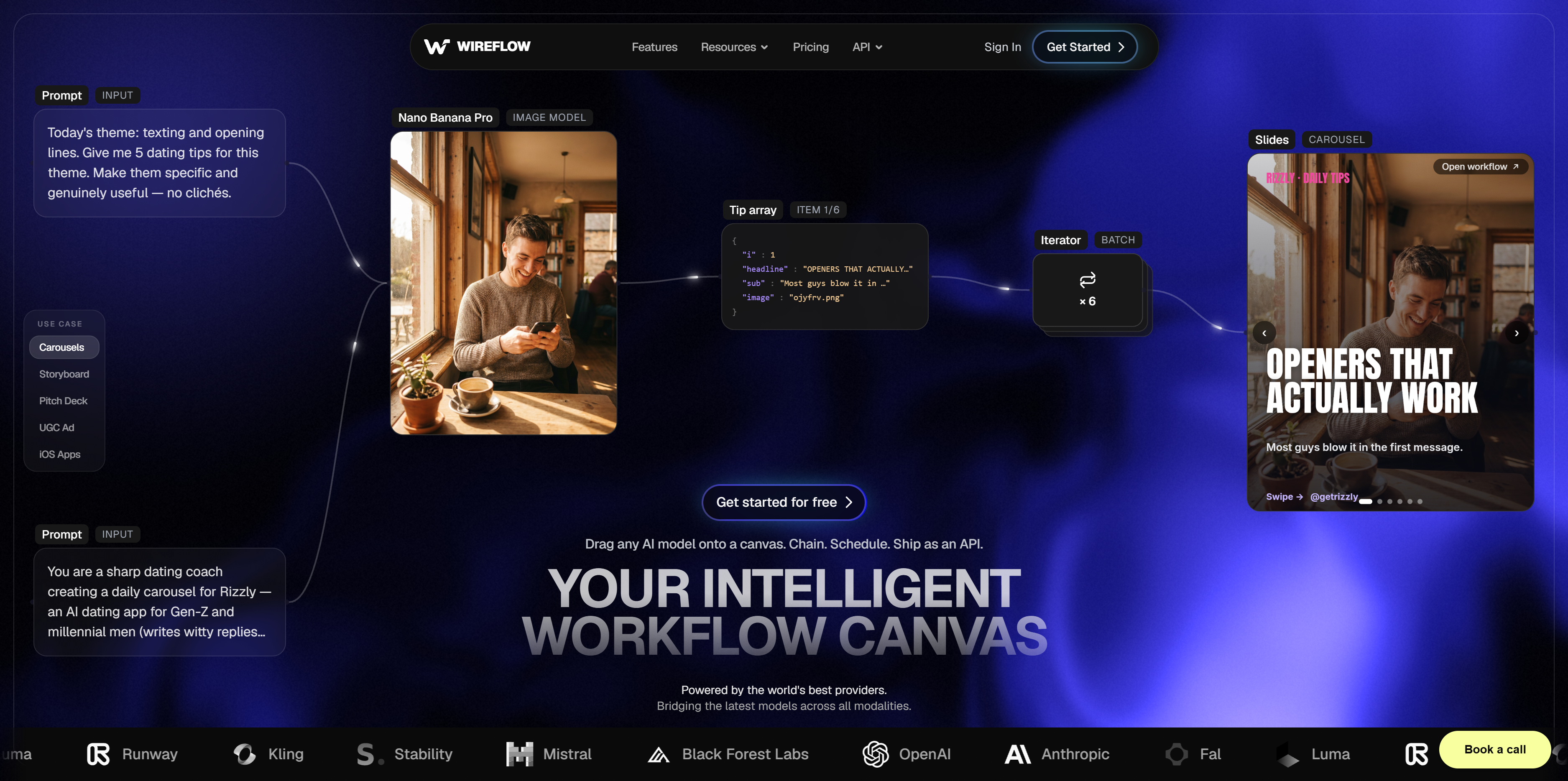
Wireflow is a visual node-based platform that connects text-to-image, image-to-video, voice, and music models into reusable pipelines. Instead of generating one asset at a time, you build a workflow once and run it repeatedly with different inputs. For a hands-on look at this in action, check out the AI tools for social media video creation feature page. The canvas supports Kling, Veo, Flux, Recraft, and dozens of other models, with a full REST API for programmatic access.
To go beyond single clips, Wireflow can automate social media posts by writing the caption, making the visual, and posting each one through a Social Publish node.
Pricing: Free tier with limited runs; paid plans from $36/month. A social media post generator built on the same canvas renders a primary post plus restaged variants in one run.
Build this in Wireflow
Make the same kind of asset on a canvas you control, with a free account and no credit card.
2. HeyGen
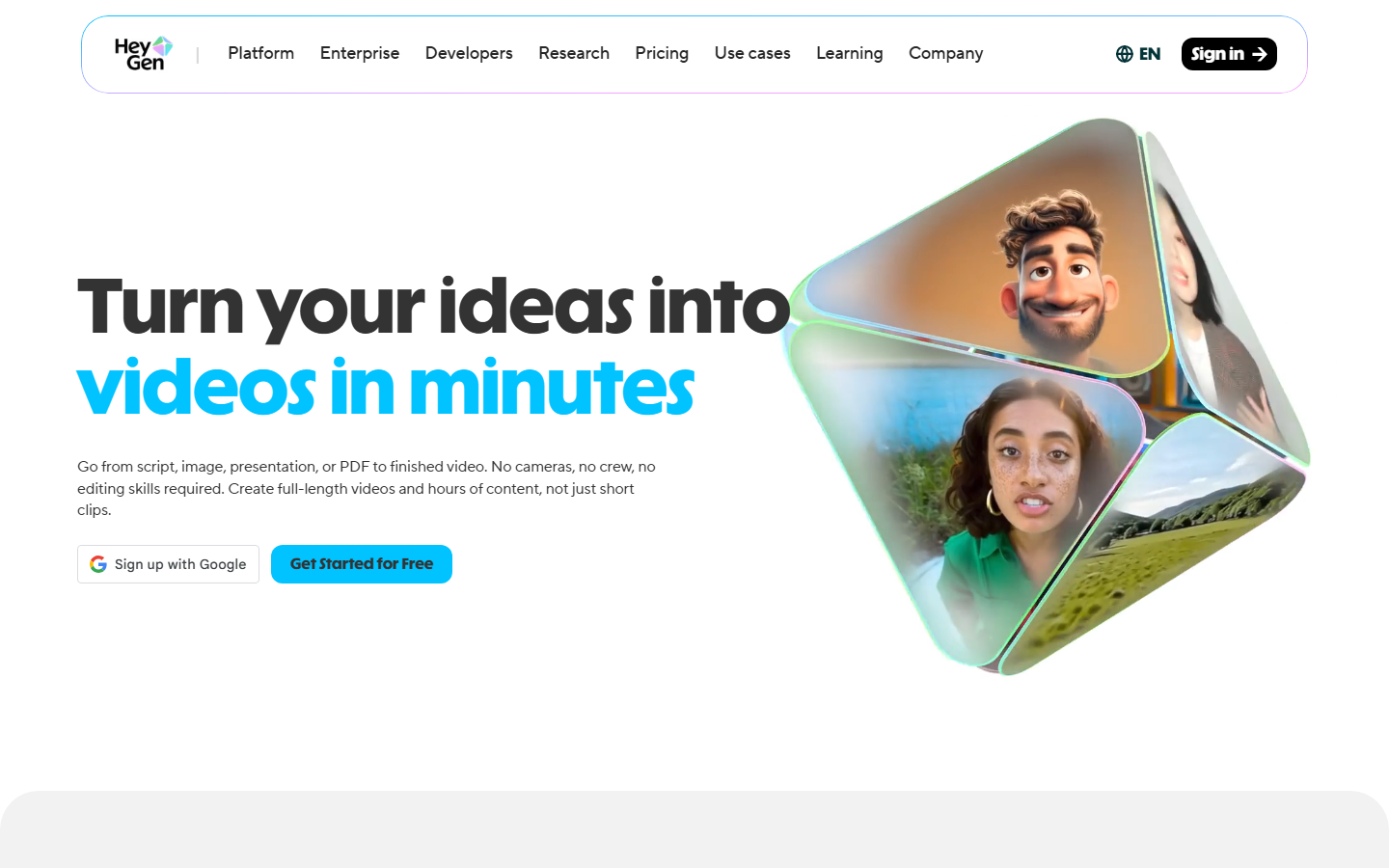
HeyGen turns a script into a presenter-style video using AI avatars that lip-sync in over 40 languages. It works well for product walkthroughs, social ads, and FAQ clips where a human face on screen builds trust. The avatar library is large, and you can train a custom avatar from a short recording. Translation and dubbing features let you repurpose one video across markets without re-filming.
Pricing: Free plan with watermark; Creator plan starts at $24/month.
3. InVideo AI
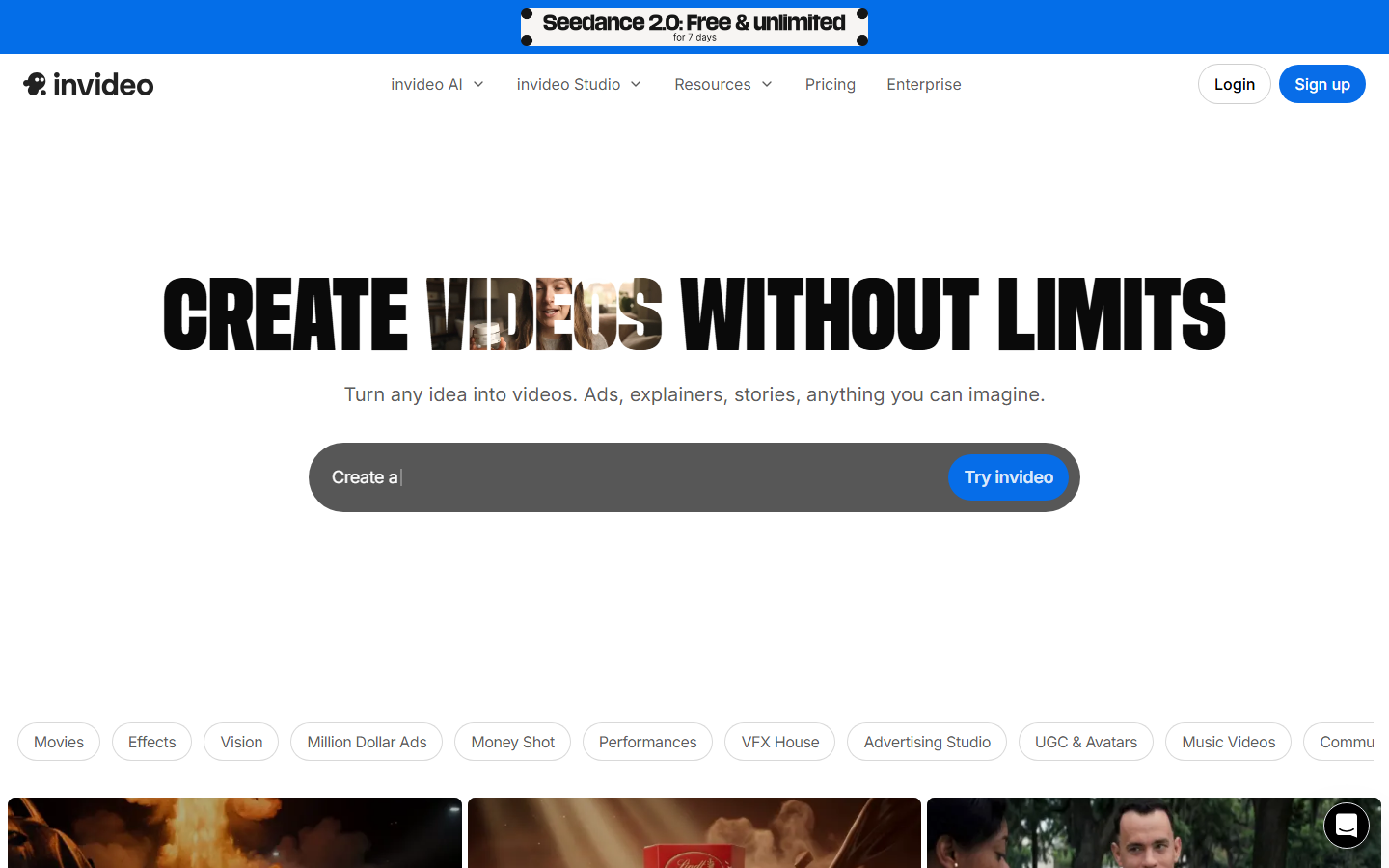
InVideo AI generates complete videos from a single text prompt. Type a topic, choose a platform format (vertical for Reels, square for feeds), and the tool assembles stock footage, voiceover, captions, and background music automatically. You can edit any scene after generation, swap clips, or adjust the script. It fills a gap for marketers who need volume without a production team.
Pricing: Free tier with watermark; Plus at $25/month for HD exports.
4. Runway
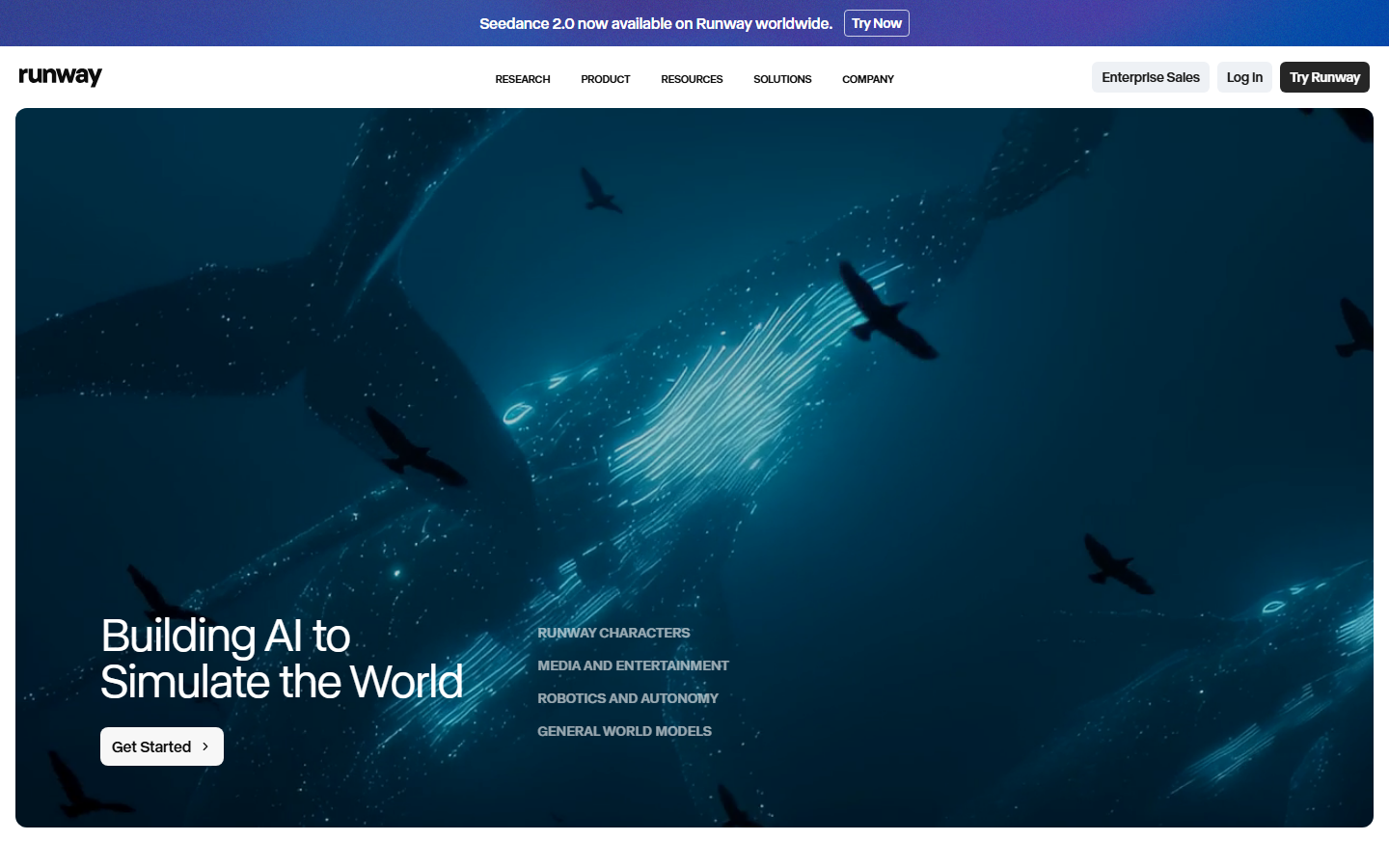
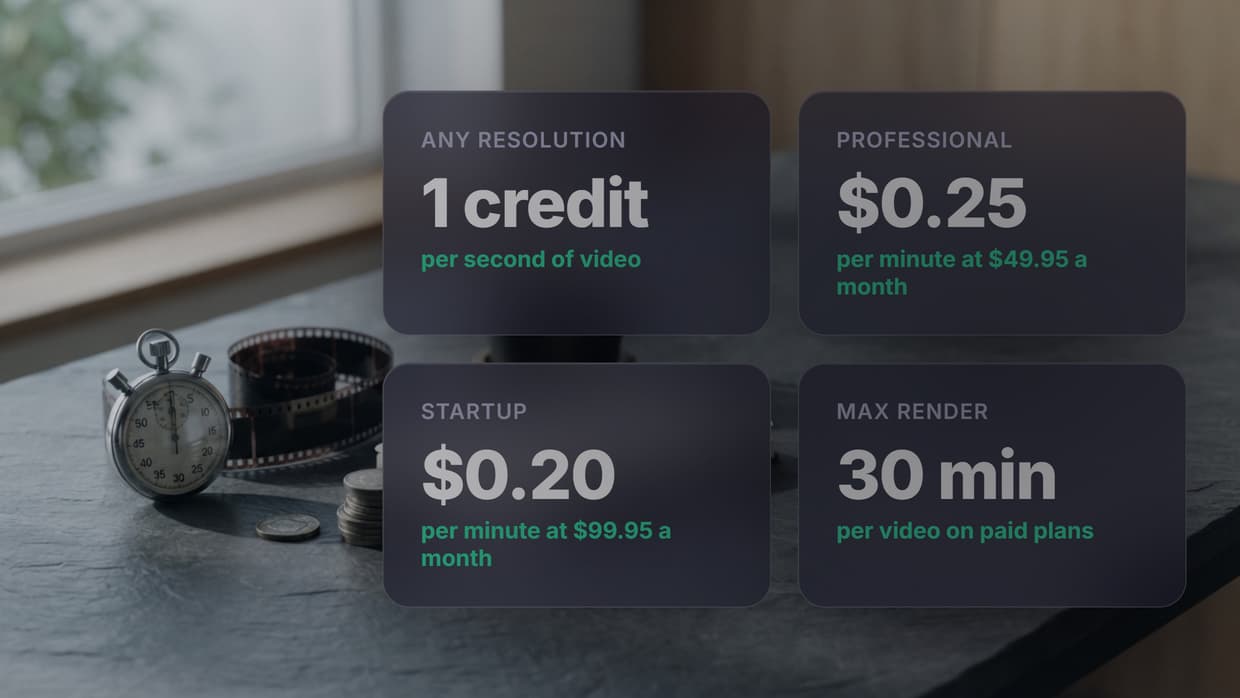
Runway's Gen-4 model produces cinematic footage from text or image prompts with strong motion consistency. It suits creative teams that want hero-quality clips for brand campaigns rather than high-volume content. The tool also includes green screen removal, inpainting, and motion tracking in a single interface. If you need alternatives to Runway's pricing model, several API-first platforms now offer comparable quality at lower per-second costs.
Pricing: Free trial; Standard plan at $15/month for 125 credits.
5. Synthesia

Synthesia focuses on talking-head videos for corporate communication, onboarding, and training. Its avatar quality is polished enough for LinkedIn and company pages, and it supports 140+ languages with automatic lip-sync. The template library speeds up production for teams that post recurring content formats like weekly updates or product releases.
Pricing: Starter at $22/month; Enterprise plans with custom avatars.
6. CapCut
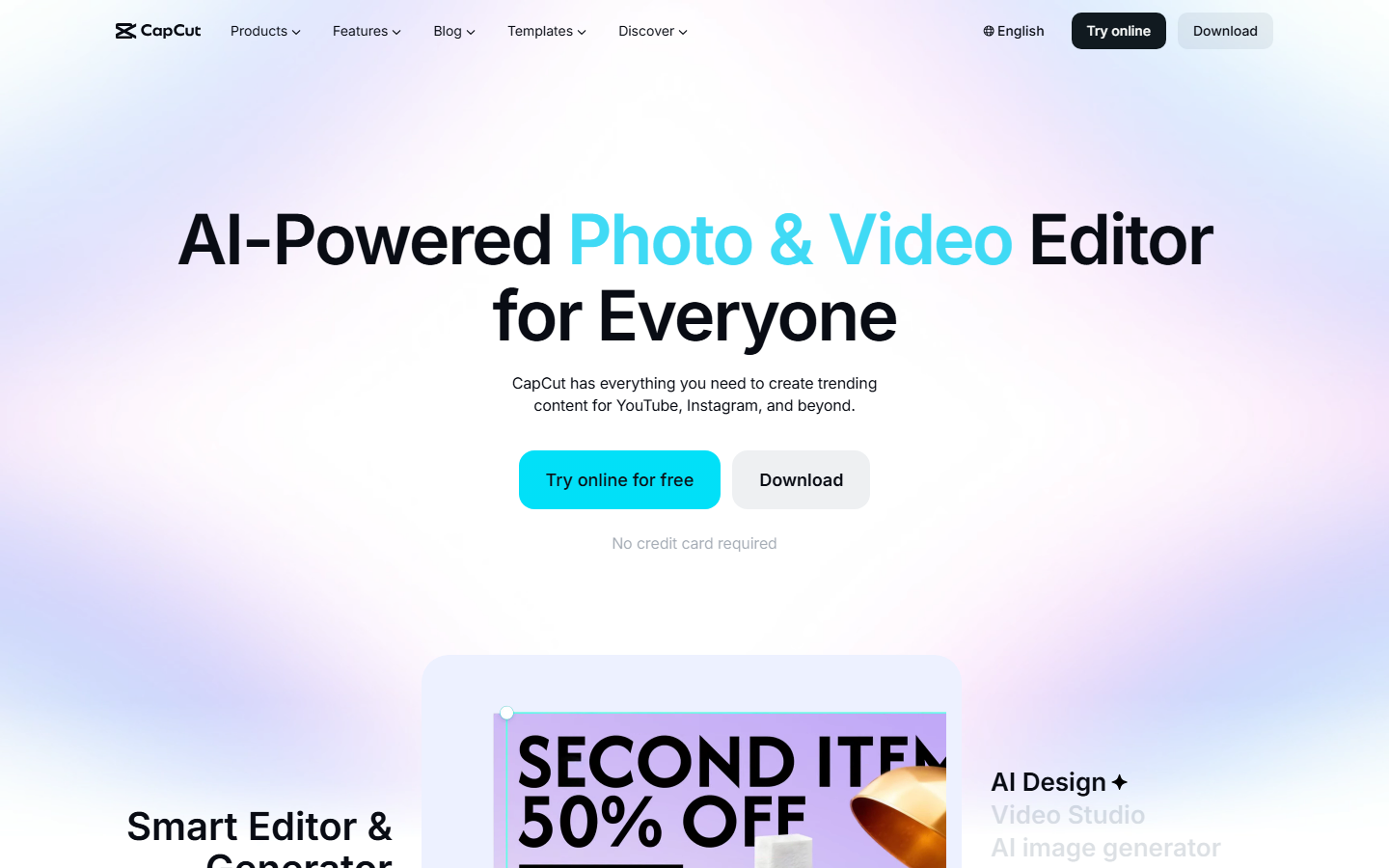
CapCut is the go-to free editor for short-form creators. Auto-captions, AI effects, background removal, and 1080p export at zero cost make it practical for anyone posting daily to TikTok or Reels. The desktop and mobile apps share projects, so you can start an edit on your laptop and finish on your phone. For creators who also need AI-generated source footage, CapCut pairs well with a dedicated text-to-video tool upstream.
Pricing: Free with full features; Pro plan at $9.99/month for extra assets.
7. Canva
Canva's video editor sits inside the same design tool millions already use for graphics. The AI text-to-video feature, powered by Veo 3, generates clips directly in the editor. Its strength is combining generated footage with Canva's template library, brand kits, and scheduling tool so design-first teams can stay in one workspace.
Pricing: Free tier; Pro at $15/month with AI credits.
8. Descript
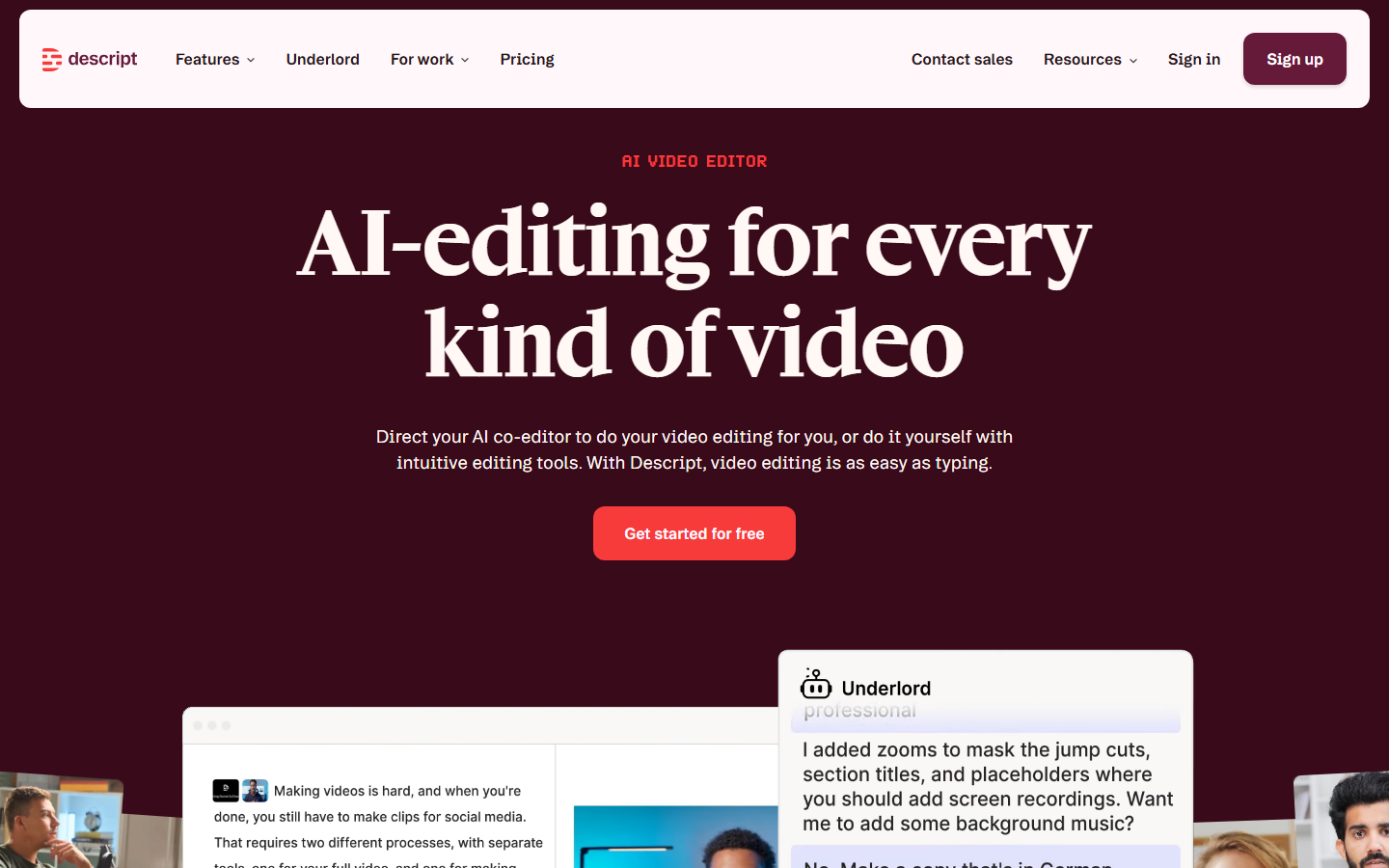
Descript treats video like a document. Edit the transcript and the video follows, which makes it fast for cutting podcasts and long recordings into social clips. AI features include filler-word removal, eye contact correction, and voice cloning for quick voiceover fixes. Teams that repurpose long-form content into short clips save hours compared to timeline-based editors.
Pricing: Free plan with limited exports; Business at $33/month.
Comparison Table
| Tool | Best For | Text-to-Video | Avatars | Editing | API Access | Free Tier |
|---|---|---|---|---|---|---|
| Wireflow | Multi-model workflows | Yes | Via nodes | Canvas | Full REST API | Yes |
| HeyGen | Avatar presenters | No | Yes | Basic | Limited | Yes |
| InVideo AI | Full auto-generation | Yes | No | Yes | No | Yes |
| Runway | Cinematic footage | Yes | No | Yes | Yes | Trial |
| Synthesia | Corporate videos | No | Yes | Template | Enterprise | No |
| CapCut | Short-form editing | No | No | Full suite | No | Yes |
| Canva | Design + video | Yes (Veo 3) | No | Yes | No | Yes |
| Descript | Repurposing | No | No | Transcript | Yes | Yes |
How to Choose the Right Tool
Picking the right AI video tool depends on your content format and team size. Solo creators posting daily to TikTok often need CapCut's speed more than Runway's quality. Marketing teams running ad campaigns across platforms benefit from InVideo AI's batch generation or Wireflow's reusable pipelines. Enterprise teams that need consistent presenter videos in multiple languages should start with HeyGen or Synthesia.
Consider these factors when deciding:
- Volume vs. quality: High-volume posting favors automation (InVideo AI, Wireflow); occasional hero content favors Runway.
- Avatar needs: If your brand uses a face, HeyGen and Synthesia lead. If not, skip avatar tools.
- Existing stack: Canva users should try its built-in video before adding another tool. Podcast teams should start with Descript.
- API requirements: Only Wireflow and Runway offer full programmatic video generation APIs suitable for integration into production apps.
Building a Social Video Workflow
Most teams get the best results by combining two or three tools. A common setup: use a text-to-video generator for raw footage, then edit in CapCut or Canva for captions and formatting, then schedule through your social media manager. Wireflow simplifies this by chaining models in a single canvas so the raw generation, upscaling, and formatting happen in one automated run.
For teams with batch content needs, building a reusable workflow that accepts a topic prompt and outputs a formatted vertical video saves significant time over manual tool-switching.
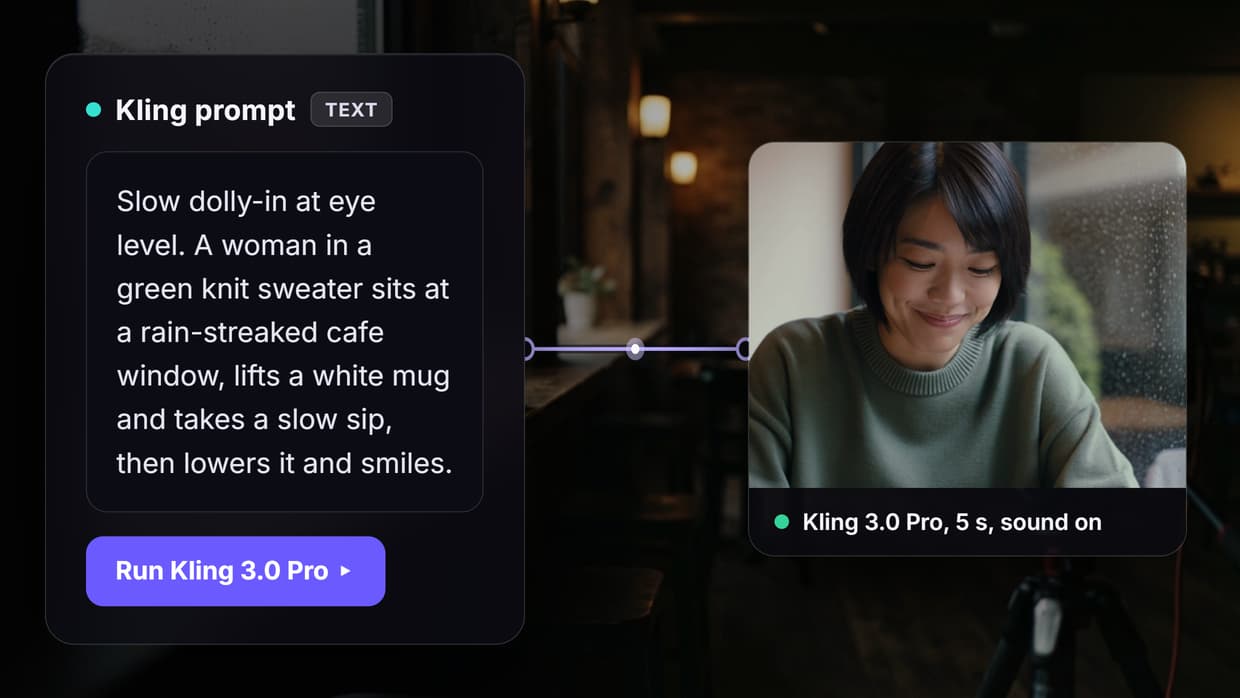
Try it yourself: Build this workflow in Wireflow, the nodes are pre-configured with a text-to-video pipeline using Kling for social media clip generation.
Frequently Asked Questions
What is the best free AI tool for making social media videos?
CapCut offers the most complete free editing experience with AI captions, effects, and 1080p export. For free AI-generated footage, InVideo AI and Canva both offer limited free tiers with watermarks.
Can AI generate entire social media videos from text?
Yes. InVideo AI and Wireflow both produce complete videos from a text prompt. InVideo assembles stock footage with voiceover, while Wireflow generates original footage through chained AI models.
Which AI video tool is best for TikTok and Reels?
CapCut is the most popular choice for editing, and InVideo AI handles generation well. Wireflow supports 9:16 output natively, which works directly for vertical platforms.
Do AI video generators add watermarks?
Most free tiers include watermarks. CapCut's free plan is an exception with watermark-free 1080p exports. Paid plans on HeyGen, InVideo AI, Runway, and Wireflow all remove watermarks.
Compare AI video generators without watermarks before choosing an export plan.
Is AI video good enough for professional social media marketing?
For short-form content, yes. Tools like Runway and Wireflow produce footage that performs well in feeds. Avatar tools like HeyGen and Synthesia create polished presenter videos suitable for LinkedIn and corporate channels.
How much does AI video creation cost per month?
Prices range from free (CapCut) to $15-$33/month for individual creator plans. Enterprise plans with custom avatars or high API volumes can run $100+/month depending on the platform.
Can I use AI to make videos in multiple languages?
HeyGen and Synthesia both offer automatic translation and lip-sync in 40+ languages. This makes them practical for brands that post to regional accounts without re-filming.
What AI models do these tools use for video generation?
Runway uses its proprietary Gen-4 model. Canva uses Google Veo 3. Wireflow supports multiple models including Kling, Veo, and others through its node system, letting you swap models without rebuilding your workflow.

Co-Founder & Operations at Wireflow
Runs client operations and content strategy at Wireflow. Works directly with creative teams and agencies to build production AI workflows.
- Content Strategy
- Client Operations
Make AI videos and ads.
Start free, no card needed.