Best AI Aging Filter Tools in 2026

In this article▾
- Quick summary: the 8 best AI aging filter tools
- How we ranked these tools
- 1. Wireflow: Best Overall
- 2. FaceApp: Best Mobile App
- 3. YouCam Perfect: Best Free App
- 4. Fotor: Best No-Signup Web Tool
- 5. Media.io: Most Realistic Output
- 6. AILabTools: Best Age Range Control
- 7. Aragon AI: Best for Professional Photos
- 8. GoStudio: Best for Commercial Use
- Comparison table
- What most aging filters still get wrong
- FAQ
- Conclusion
An AI aging filter takes one face photo and returns a plausible older or younger version of the same person, usually in under 30 seconds and usually for free. We tested eight of the most-used options in 2026 across four things that actually differ between them: how far the age range stretches, whether identity survives the transformation, whether you can process more than one photo at a time, and what happens to your uploaded photo afterward. Most tools here are single-photo web apps; Wireflow is the outlier, because it runs aging as a saved node graph you can re-run on a folder of images and chain into an upscale or background swap in the same pass.
Quick summary: the 8 best AI aging filter tools
- Wireflow: reusable aging workflow, batch and chaining. Best Overall
- FaceApp: the mobile app that started the trend. Best Mobile App
- YouCam Perfect: polished consumer aging with skin detail. Best Free App
- Fotor: browser aging with no download. Best No-Signup Web Tool
- Media.io: most realistic wrinkle and grey-hair detail. Most Realistic Output
- AILabTools: ages 1 to 85 with a numeric target. Best Age Range Control
- Aragon AI: aging inside a professional headshot product. Best for Professional Photos
- GoStudio: 5 to 90 range with clear commercial rights. Best for Commercial Use
How we ranked these tools
Aging filters all do the same surface trick, so the ranking criteria have to sit underneath it. We scored each tool on age range (how young and how old it will go), identity preservation (does the output still look like the person, or like a generic old face), throughput (one photo at a time versus many), privacy (whether uploads are retained), and cost at the free tier. Tools that only produce a single fixed "old" preset scored lower than tools that let you pick a target age, because a fixed preset is useless for the two common real jobs: previewing a character at three ages, or de-aging a subject slightly for a campaign shot. For a hands-on look at the workflow version of this, see the AI aging filter feature page.
Testing method: the same three source portraits (one 20s, one 40s, one 60s, mixed lighting) went through every tool, aged up and where supported aged down. We judged the outputs at 100 percent zoom rather than at thumbnail size, which is where most of these tools separate. Cheap aging is easy to spot up close: it paints wrinkles as texture but leaves the jawline, hairline, and eye sockets untouched, so the face reads as a young face wearing old skin. The better tools move bone structure and hair volume too, the same way good AI portrait generation handles a face rather than a filter layer.
Build this in Wireflow
Make the same kind of asset on a canvas you control, with a free account and no credit card.
1. Wireflow: Best Overall
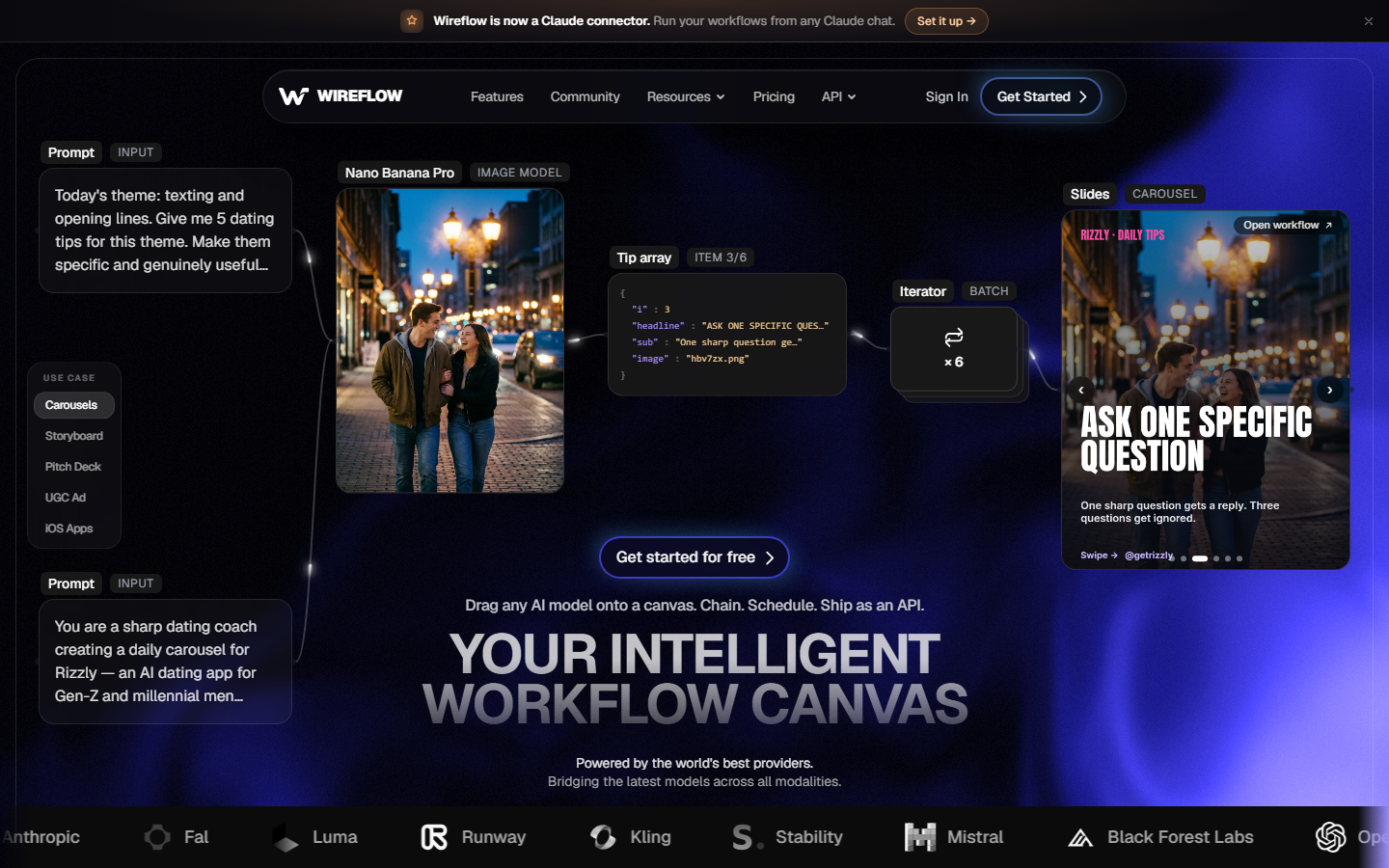
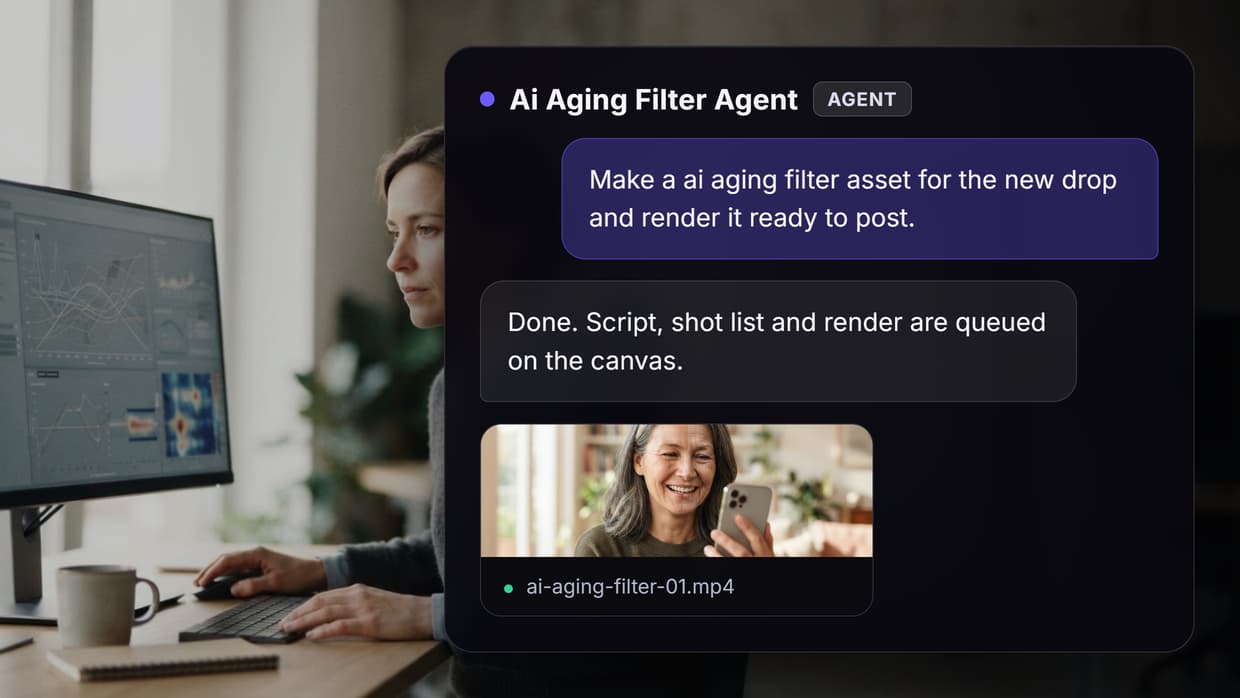
The difference here is not the aging model, it is the container around it. Instead of an upload box that forgets what you did, aging runs as a node on a canvas: image input, aging node with a target age, then optional nodes after it. That means the same setup can be re-run tomorrow on a different photo without rebuilding anything, and it can feed straight into an upscale or a background change rather than forcing you to download and re-upload into a second tool. The canvas also makes multi-age output cheap, since three aging nodes at 40, 60, and 80 run off one input and produce a strip you can compare side by side.
Batch is the other reason it sits at the top. Every other tool on this list is built around one photo at a time, which is fine for curiosity and painful for anyone with a folder. Pointing a saved graph at a set of images and getting consistent aged versions back is closer to batch AI generation than to a selfie filter, and it is the only entry here that treats aging as a repeatable job rather than a one-off novelty. The tradeoff is honest: setting up a graph takes a few minutes longer than dropping a photo into a web uploader, so for a single curiosity shot the simpler tools below are faster.
Verdict: the right pick if you need aging more than once, at more than one target age, or as one step inside a larger image pipeline.
2. FaceApp: Best Mobile App
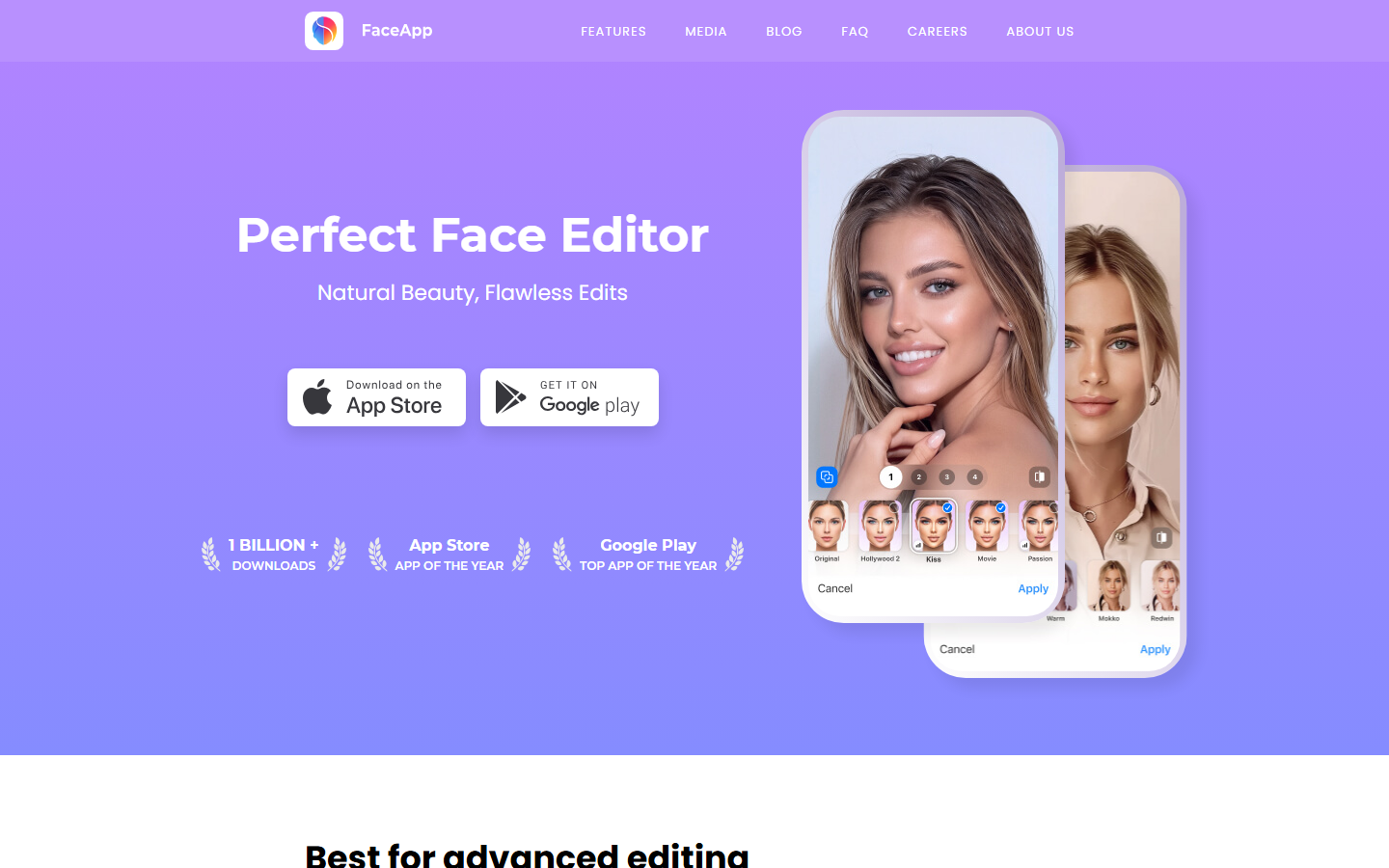
FaceApp is the tool most people mean when they say aging filter, and its old-age preset is still one of the most convincing single-tap results available. It handles hair thinning and greying better than almost anything else, and the young preset is genuinely useful rather than just a smoothing pass. It is mobile only, with no browser version, and the strongest presets sit behind the Pro subscription.
Its weakness is control. You get presets, not a target age, so you cannot ask for 55 specifically. Results are also tuned for a flattering look, which is great for social posts and wrong for anything documentary. If you want a face changed in a specific, directed way rather than a preset way, a general AI face editor gives you more say over the result.
Verdict: best single-tap aging on a phone, weakest at precise age targeting.
3. YouCam Perfect: Best Free App
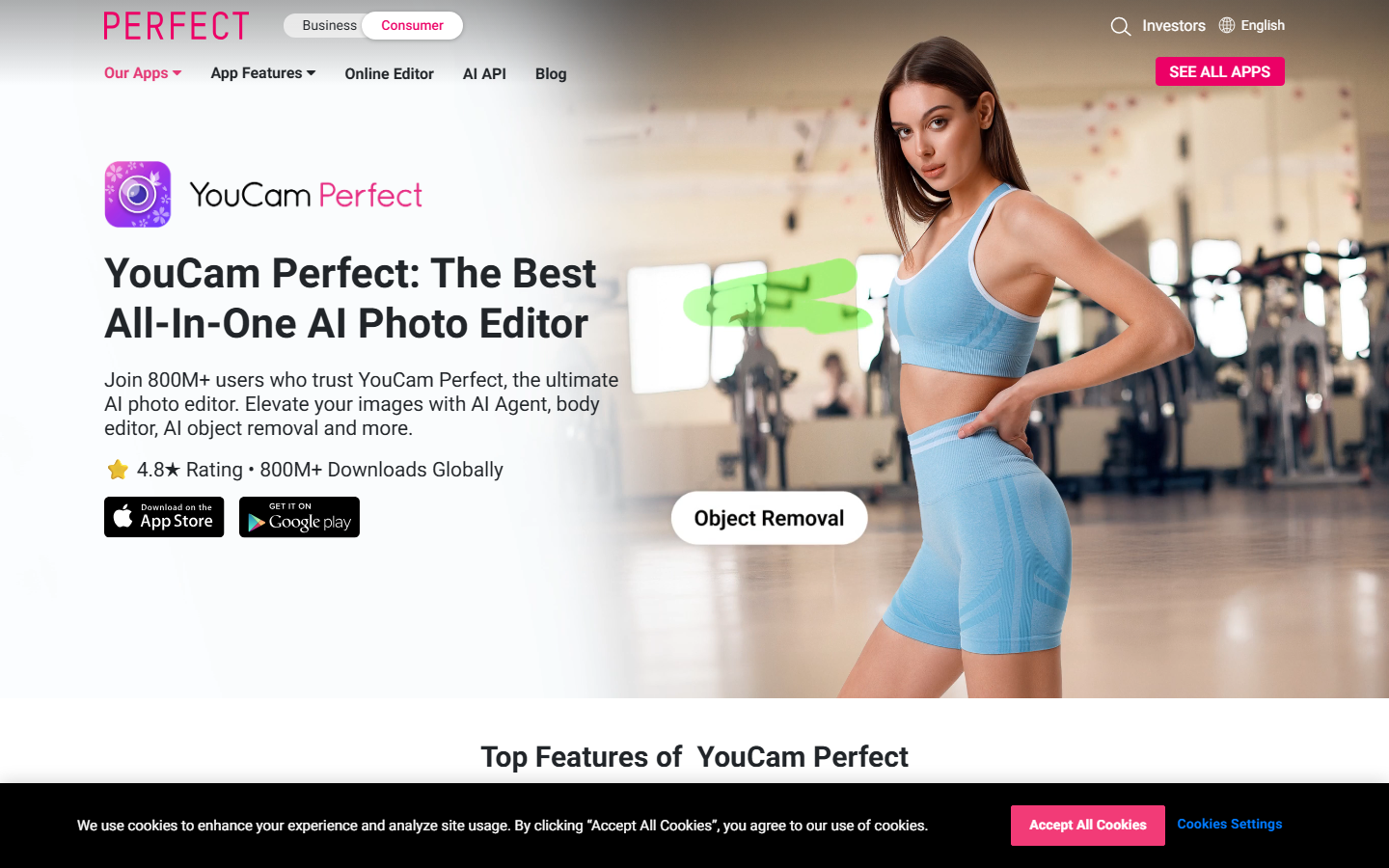
YouCam Perfect from Perfect Corp offers aging from roughly 20 to 70 inside a broader beauty and retouching app, and its free tier is more generous than FaceApp's. Skin detail is its strength: pores, sun spots, and fine lines land in believable places rather than as a uniform texture overlay, which is the usual giveaway.
The app packs a lot of unrelated tools around the filter, so the aging feature takes a few taps to reach and is surrounded by upsells. Output resolution on the free tier is capped, so anything destined for print needs a pass through an AI image upscaler afterward.
Verdict: the most generous free tier, buried inside a busy consumer app.
4. Fotor: Best No-Signup Web Tool

Fotor runs age progression in the browser with no download and no account for basic use, which makes it the fastest path from "I am curious" to a result. It sits inside Fotor's wider editor, so you can crop, adjust, and export without leaving the page.
Quality is mid-pack. The aging is convincing at social-media size and thins out at full resolution, where the transformation reads more as texture than as structure. Watermarks appear on the free tier for some export sizes, and there is no target-age input, only direction. As a quick companion to broader AI image editing it is fine; as the primary tool for a client deliverable it is not.
Verdict: fastest zero-friction option, average at full resolution.
5. Media.io: Most Realistic Output
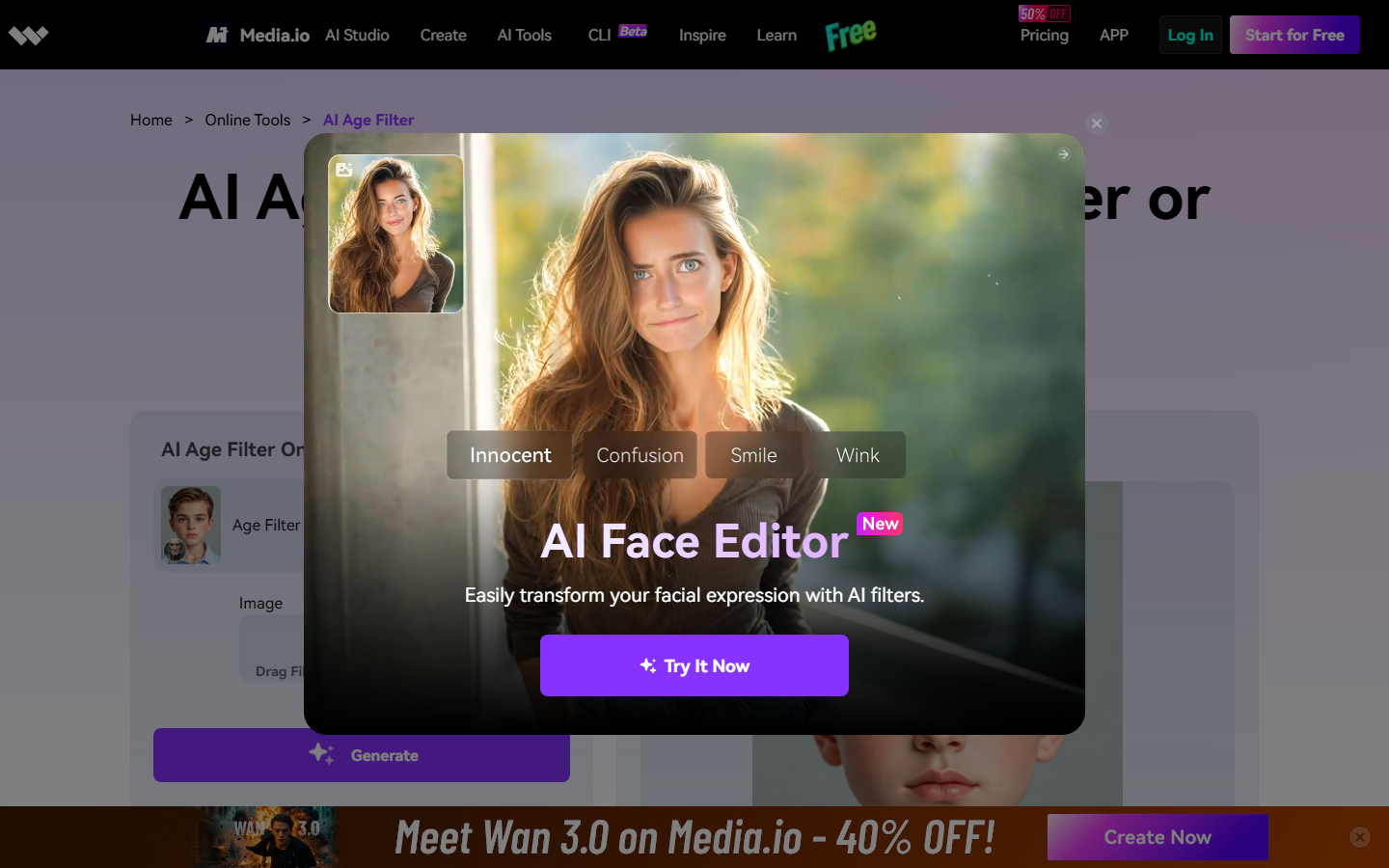
Media.io produced the most believable aged results in our three-portrait test. Fine lines, dark spots, and grey hair land where a real face would show them, and it is one of the few tools that also handles age transformation on video rather than stills only. It is also refreshingly honest in its own copy that outputs are creative visualizations, not predictions.
The page is content-heavy and the tool itself sits behind several sections of marketing, which slows things down. Free exports are limited, and there is no batch path: each photo is its own upload. If you are restoring rather than aging, the same realism problem shows up in reverse, which is where a dedicated approach to restoring damaged old photos is the better fit.
Verdict: the best-looking output of the single-photo web tools, slowest to reach.
6. AILabTools: Best Age Range Control
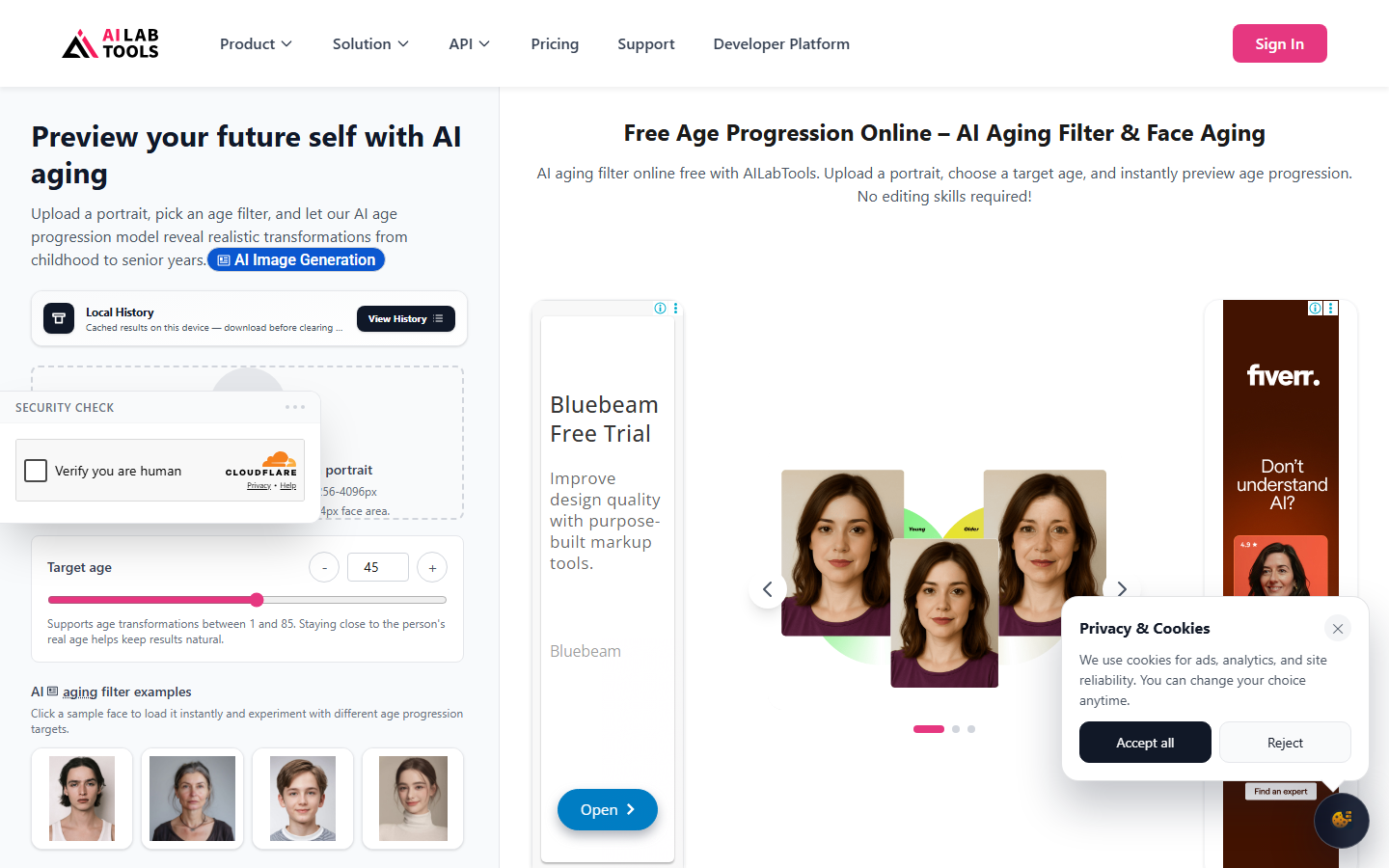
AILabTools is the only tool in this set that exposes a real numeric target, advertising a 1 to 85 range in both directions with no login required. It also states its technical limits plainly: 256 to 4096 pixels, under 4MB per file. That combination of a numeric dial and published constraints makes it the most predictable option when you need a specific age rather than "older".
Identity preservation at the extremes is where it strains. Below about 10 and above about 75 the output drifts toward a generic face, so the usable band is narrower than the advertised one. Its FAQ mentions batch processing, but there is no real batch interface on the page, so in practice it is still one upload at a time.
Verdict: pick this when the exact target age matters more than polish.
7. Aragon AI: Best for Professional Photos
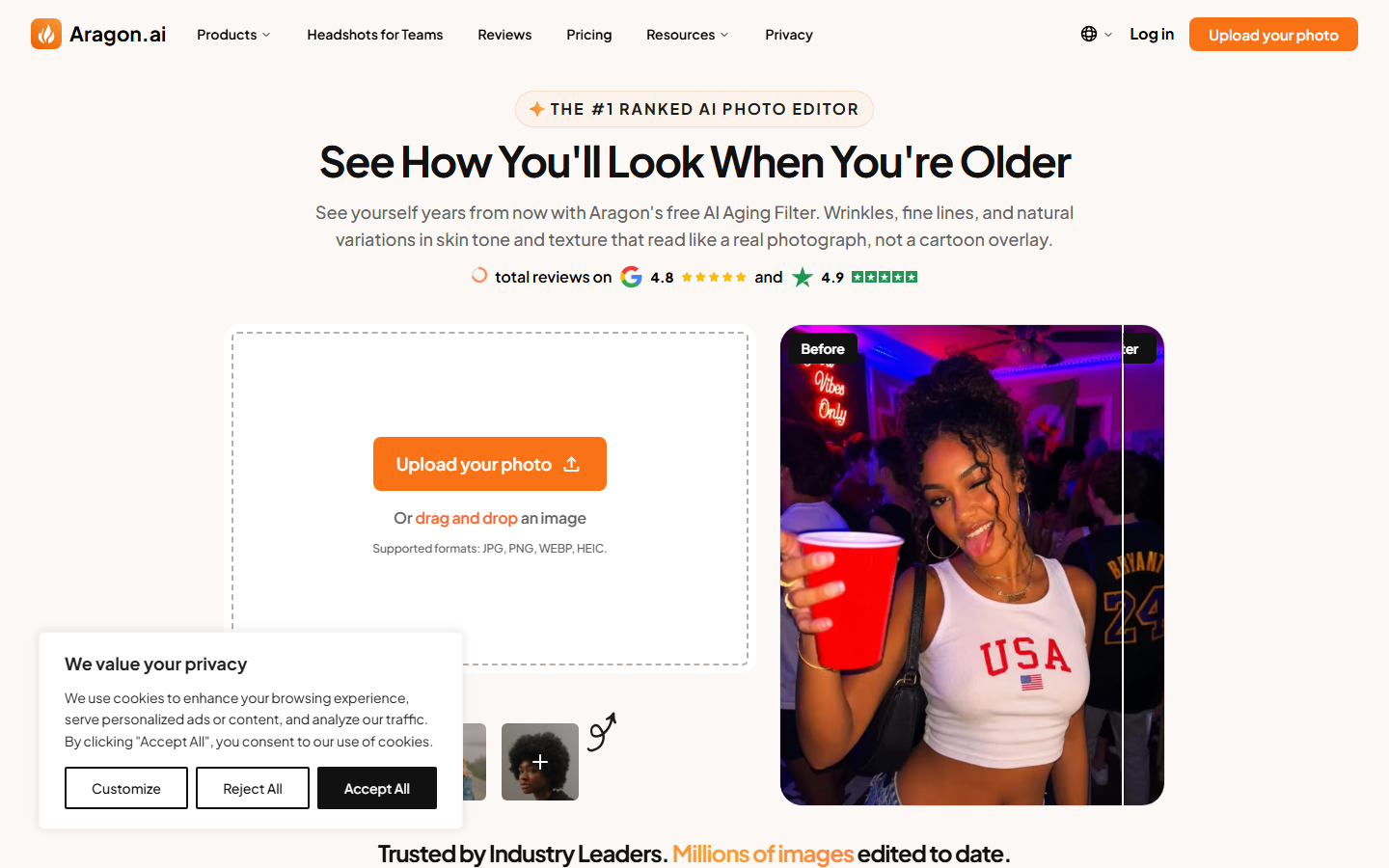
Aragon AI bolts an aged filter onto a professional headshot product, and it inherits that product's strengths: clean uploads, JPG, PNG, WEBP and HEIC support, and a clear statement that uploaded photos stay private. The output is tuned for a business-portrait look, which means an aged result that still looks employable rather than caricatured.
That tuning is also the limitation. It ages conservatively, so the 70-plus end reads more like a well-preserved 55, and there is no target-age control at all. It is a feature of a headshot tool rather than a dedicated aging tool, which shows if you push it. For that primary use case the AI headshot generator category is where its real value sits.
Verdict: best when the aged photo has to stay professional, weakest at dramatic aging.
8. GoStudio: Best for Commercial Use
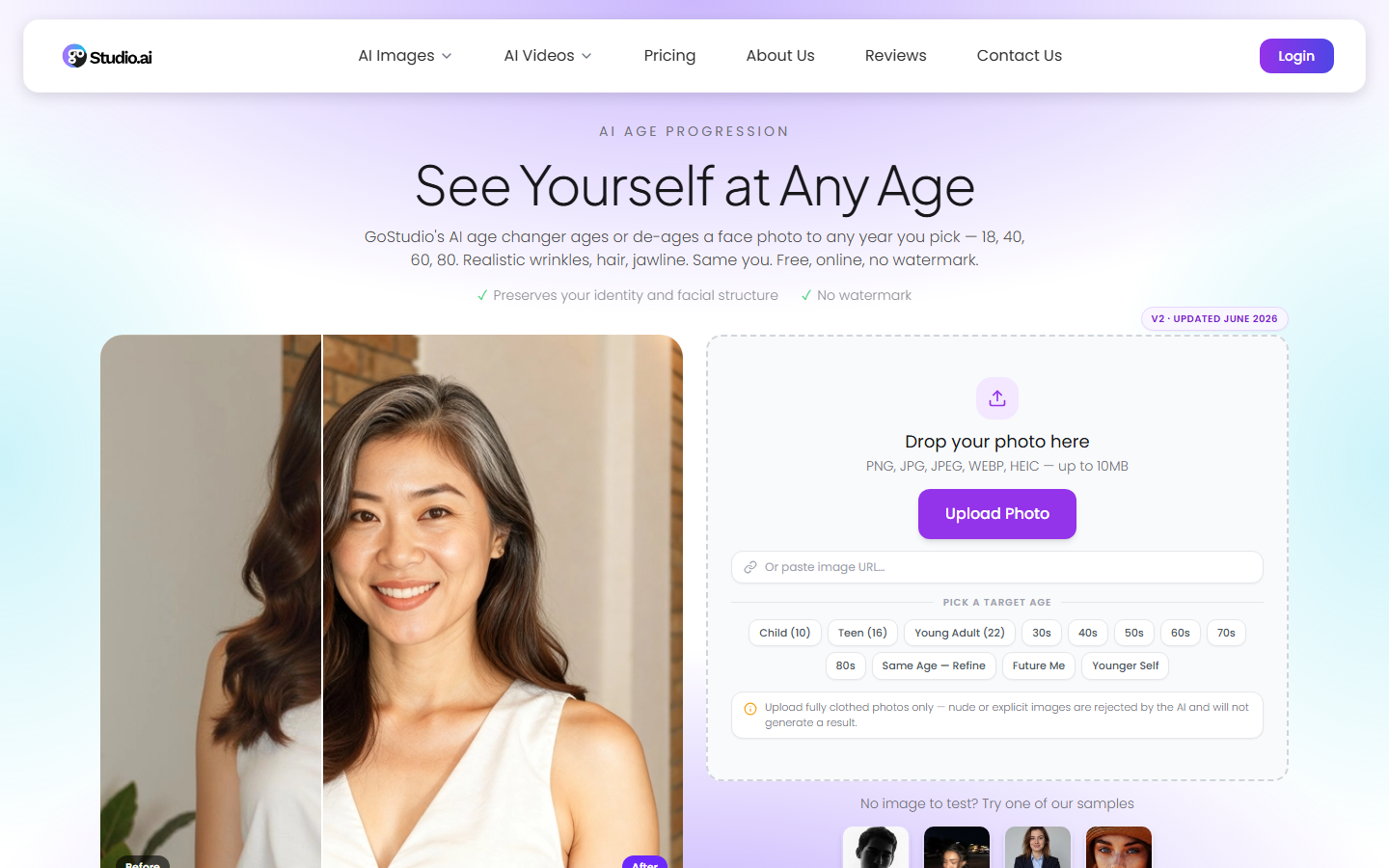
GoStudio advertises the widest range of the group, 5 to 90, with processing claimed under 10 seconds, and it answers the questions that matter for work use in its own FAQ: commercial usage rights, photo retention, skin tone and gender coverage, and whether child photos are supported. That documentation is the reason it ranks here.
Pricing is tiered rather than free, so the actual cost depends on which plan you land on, and there is no bulk path across many photos. Results are solid without being the sharpest in the set. If aging is part of a campaign rather than a one-off, chaining it with something like AI product photography output planning is the more realistic setup.
Verdict: the clearest terms for commercial work, mid-tier output quality.
Comparison table
| Tool | Age range | Target age control | Batch | Free tier | Best for |
|---|---|---|---|---|---|
| Wireflow | Model dependent | Yes, per node | Yes | Yes | Repeatable and chained aging |
| FaceApp | Presets only | No | No | Limited | One-tap mobile aging |
| YouCam Perfect | ~20 to 70 | No | No | Generous | Free consumer aging |
| Fotor | Direction only | No | No | Watermarked | Instant browser use |
| Media.io | Direction only | No | No | Limited | Most realistic stills |
| AILabTools | 1 to 85 | Yes, numeric | Claimed only | Yes | Exact age targets |
| Aragon AI | Conservative | No | No | Limited | Professional portraits |
| GoStudio | 5 to 90 | Partial | No | Tiered | Documented commercial rights |
What most aging filters still get wrong
Three failure modes showed up repeatedly. The first is texture-only aging, where wrinkles are painted on but the underlying face geometry never changes, which falls apart above thumbnail size. The second is identity drift at the extremes, where past roughly 75 the output stops being a specific person and becomes a generic elderly face. The third is the single-photo ceiling: nearly every tool assumes you want one result, once, which is a bad fit for character work, family projects, or campaign previews that need several ages of the same face rendered consistently. Consistency across runs is the underrated part, and it is the same problem generating realistic AI faces runs into when each generation is independent.
Privacy is the fourth issue and the least discussed. Aging tools take the most identifiable data a person has, and retention policies range from explicit no-storage claims to nothing at all. Read the FAQ before uploading a photo of someone who did not consent, especially a child's.
Try it yourself: Build this workflow in Wireflow, the nodes are pre-configured with the exact aging setup discussed above.
FAQ
What is an AI aging filter and how does it work? It is a face-editing model that predicts how a face changes with age and re-renders the photo at a different age. Good implementations change bone structure, hairline, hair volume, and skin together; weaker ones only add skin texture, which is why cheap results look like a young face with wrinkles drawn on.
Are AI aging filters accurate predictions of how I will look? No. They are statistical visualizations based on how faces in the training data aged, not forecasts. Lifestyle, sun exposure, health, and genetics all change the real outcome. Treat the output as a plausible illustration, not a prediction.
Can I age multiple photos at once? Only with a workflow-based tool. Every single-photo web app in this list processes one upload at a time, and AILabTools mentions batch in its FAQ without offering a real batch interface. Running a saved graph across a folder is the only reliable batch path today.
Which AI aging filter is free? Fotor and AILabTools work without an account for basic use, and YouCam Perfect has the most generous free app tier. All three apply limits: watermarks, resolution caps, or a daily quota. Fully unlimited free aging at full resolution does not exist in this set.
Can these tools make you look younger as well as older? Most can. FaceApp, AILabTools, Media.io, and GoStudio all support de-aging. De-aging is generally the harder direction, because removing age information is more ambiguous than adding it, so expect softer, smoother results that lose some facial detail.
Do aging filters work on group photos? Poorly. Nearly all of them are built for a single clearly-lit face and either process only the largest face or blend features across faces. Crop each person out separately and process them individually for usable results.
Is it safe to upload my face photo to these tools? It depends on the tool. Aragon AI and GoStudio publish retention policies; several others do not say what happens to uploads. If the photo is of a client, a minor, or anyone who did not agree to it, use a tool that states its retention terms, or run the transformation somewhere you control the pipeline.
What resolution do I need for a good result? A front-facing photo at 1000 pixels or wider on the short edge, evenly lit, with the whole head in frame. Sunglasses, heavy shadow, extreme angles, and motion blur all degrade the result more than low resolution does.
Conclusion
For a single curious result on a phone, FaceApp is still the fastest good answer, and Fotor is the fastest good answer in a browser. For output that holds up at full resolution, Media.io wins on realism and AILabTools wins on control. The moment aging stops being a one-off and becomes a job with several photos, several target ages, or a second edit stacked on top, the single-upload tools all hit the same wall, and a canvas-based setup that saves the recipe and re-runs it is the more sensible place to put the work. Start from whichever of these matches how often you actually need it, and check the AI image editing tools comparison if aging is only one step in a bigger edit.

Co-Founder & Operations at Wireflow
Runs client operations and content strategy at Wireflow. Works directly with creative teams and agencies to build production AI workflows.
- Content Strategy
- Client Operations
Make AI videos and ads.
Start free, no card needed.