 Andrew Adams · Co-Founder & Operations at Wireflow ·
 AI Portrait Generator
Most AI portrait generators hand you a filter and a locked style list.
Wireflow hands you the graph: upload a reference selfie, type the portrait style you want, and GPT Image 2.5 Flare renders a polished 2K portrait that keeps your likeness. Free to build, pay per generation.
Free to build · no credit card · See how it works ↓
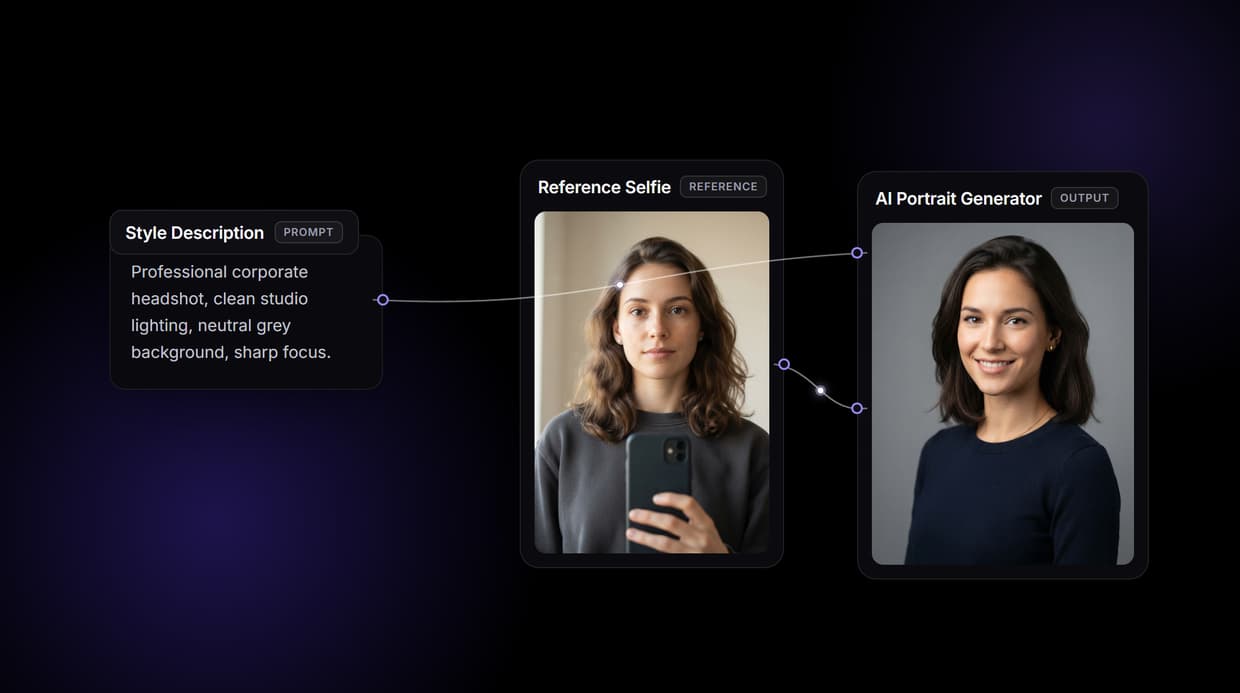
How to Use AI Portrait Generator
Steps to get you started in Wireflow.
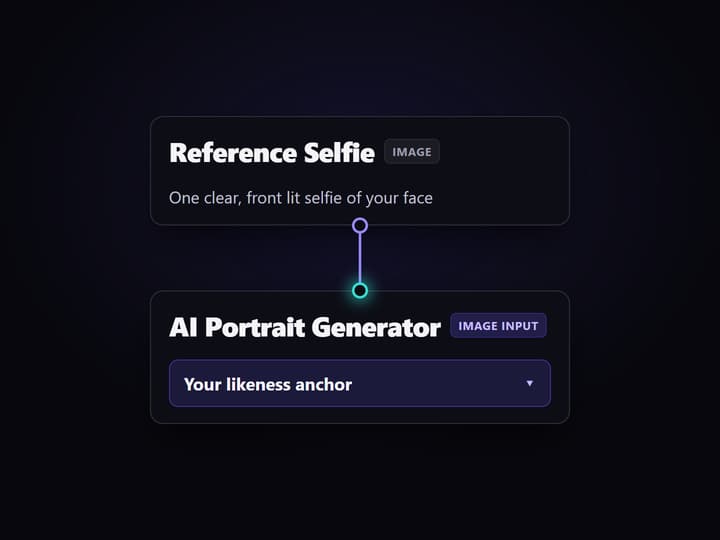
Upload your reference selfie
Open the flow and click the Reference Selfie node, then upload one clear, front lit photo of your face. It becomes the likeness the portrait is built around.
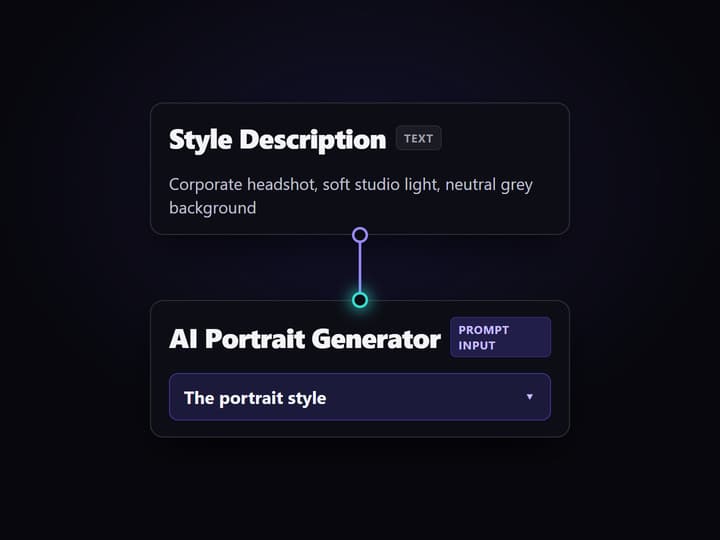
Describe the portrait style
Click the Style Description node and type the look in one line, for example a corporate headshot with soft studio lighting on a neutral grey background.
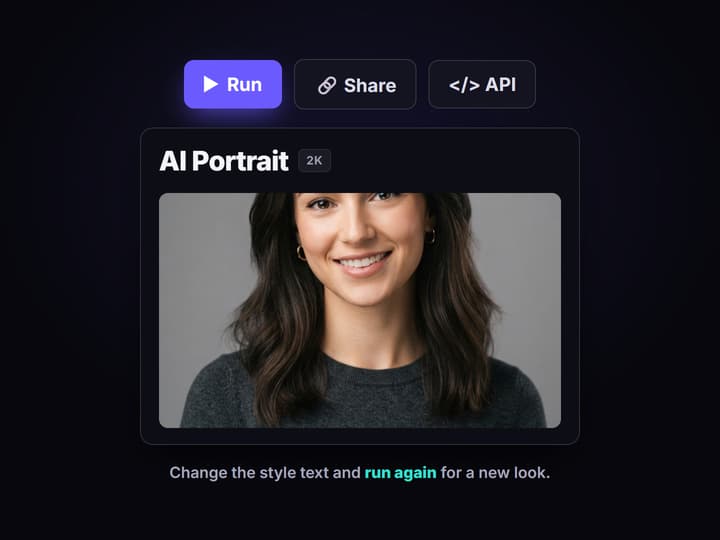
Run the graph and restyle
Run once and the AI Portrait Generator node blends your selfie with the style into a 2K portrait. Edit the text and rerun for a new look, or swap the model node.
Why an AI portrait generator on a canvas
Most AI portrait tools are a one way door: upload a face, pick from a fixed list of styles, and accept whatever the model returns. When the look is close but not right, there is nowhere to turn, no way to see how the portrait was made, and no way to reuse the recipe on the next face. The style list is the ceiling, and it arrives fast.
Wireflow takes a different shape. A portrait is a small workflow you own on a node canvas: a Reference Selfie node holds your photo, a Style Description node holds the look, and both wire into the AI Portrait Generator node that renders the result. It runs on hosted compute in the browser with nothing to install, and the same canvas drives the rest of your image work, from a quick AI photo enhancer pass to full studio portraits.
What the portrait flow gives you
Reference selfie
The Reference Selfie node holds one clear photo, and the portrait is built around that face.
Style description
A text node sets the look in one line: headshot, oil painting, watercolor, or cinematic.
Portrait render
The AI Portrait Generator node runs GPT Image 2.5 Flare to return a polished 2K portrait.
Rerun and restyle
Change the style text and run again; the graph and your reference photo stay put.
Swappable models
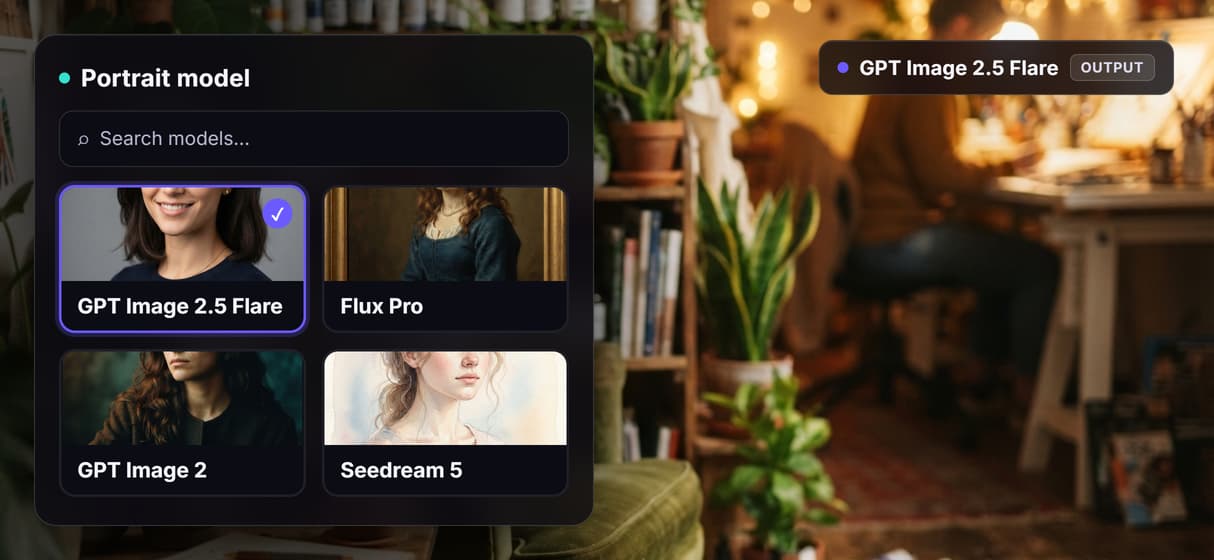
Drop Flux Pro, GPT Image 2, or Seedream 5 into the same generate node when a job needs it.
Share by link
The workflow is versioned and shareable, so a teammate runs the exact same portrait graph.
How the portrait graph runs
The workflow behind this page's button is deliberately small: three working nodes and two wires, plus a sticky note that walks a first run through it.
- Reference Selfie holds your photo. One clear, front lit shot is enough; it wires into the image input of the generator so your likeness carries through.
- Style Description holds the look. One line of text, for example a corporate headshot on a neutral grey background, wires into the prompt input.
- AI Portrait Generator renders it. GPT Image 2.5 Flare reads both the selfie and the style and returns a 2K portrait, square by default.
Because both inputs meet at one node, the face and the style stay consistent instead of drifting. And because the graph lives among the platform's hosted models, the portrait can roll straight into more work, like an AI image upscaler pass, without leaving the browser.
When a one click portrait app is the better call
If you want a single button, a phone app, and a pack of pre made avatars with no canvas to touch, a consumer portrait app is built for exactly that, and this page will not pretend otherwise. Wireflow gives you the graph instead, which is more control than a casual one off portrait needs.
Wireflow is the generation layer, not a face swap or deepfake service: it renders a stylized portrait from a photo you own, it does not impersonate real people without consent, and it does not run offline or write your creative brief. If a portrait is one ingredient in a larger content flow, build it here, and pair it with an AI photo to cartoon step when the job wants a stylized face.
More Than Just AI Portrait Generator
Own the portrait pipeline
The whole flow sits in the open on a canvas: selfie in, style in, portrait out. Rewire any hop like any node based image generation graph.
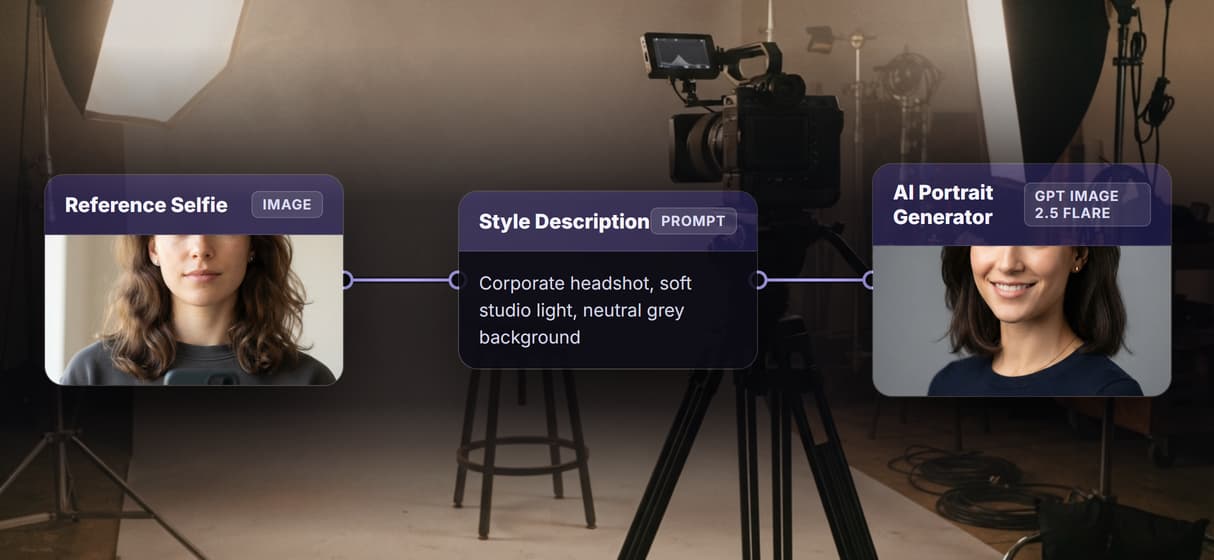
Your selfie anchors the likeness
The Reference Selfie node feeds the image input, so the portrait keeps your face instead of inventing one. Build a profile picture that is still you.
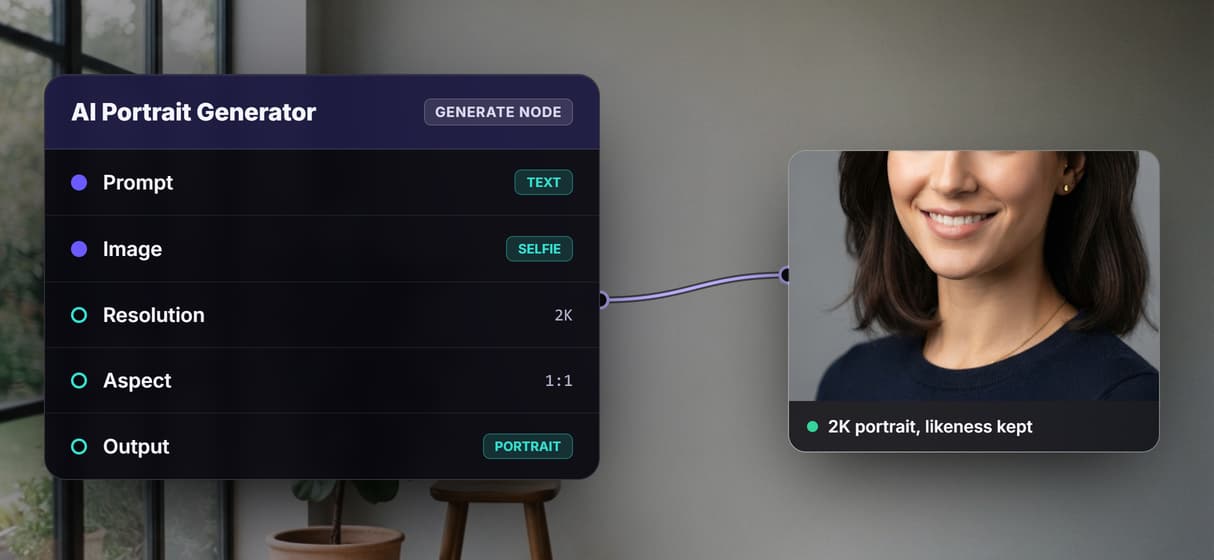
Any style from one text line
The Style Description node sets the look: corporate headshot, oil painting, cinematic. Edit the text and rerun, the way an AI face generator should feel.
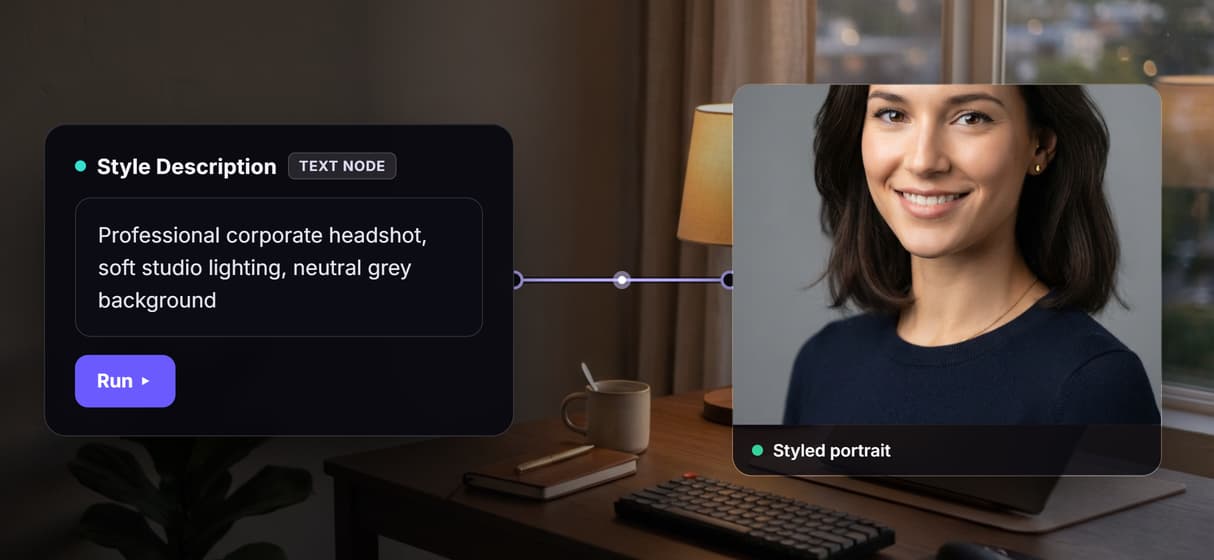
Swap the model, keep the graph
GPT Image 2.5 Flare renders by default; drop in Flux Pro, GPT Image 2, or Seedream 5 on the same node. Reuse it inside an AI character creator flow.
Pay per generation, build free
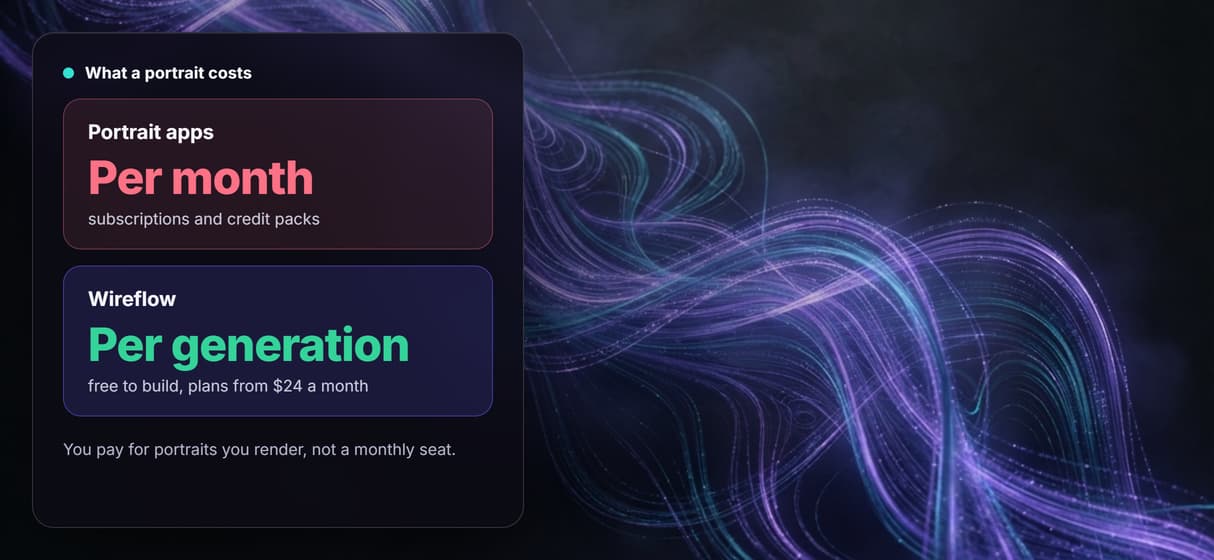
Building on the canvas costs nothing; you pay only when the portrait renders. Iterate like an AI image editor with no subscription wall.
AI Models Available
Automate Any Workflow
Included in Every Plan
FAQs
It is a tool that turns a reference photo and a style prompt into a polished portrait. On Wireflow it is a node workflow: a selfie node and a style node feed one generator node that renders the result.
Discover related AI tools
- AI Image Upscaler: Upscale to 4K in a Visual Workflow
- AI Background Remover
- AI Image Generator: Flow-Based Canvas, 31 Models
- ComfyUI Alternative
- AI Face Swap Online: Photos and Video in Your Browser
- Virtual Try On
- AI Thumbnail Generator
- AI Photo Generator
- AI Image Editor
- AI Art Generator
- Midjourney Alternative
- AI Headshot Generator
More From Wireflow
Written by
Andrew Adams · Co-Founder & Operations at Wireflow
Runs client operations and content strategy at Wireflow. Works directly with creative teams and agencies to build production AI workflows.
Make a portrait you own the recipe for
Open the flow, upload a selfie, type the style you want, and run it: a polished portrait from a graph you can rerun and reshape. Building is free; you pay per generation, not per month.